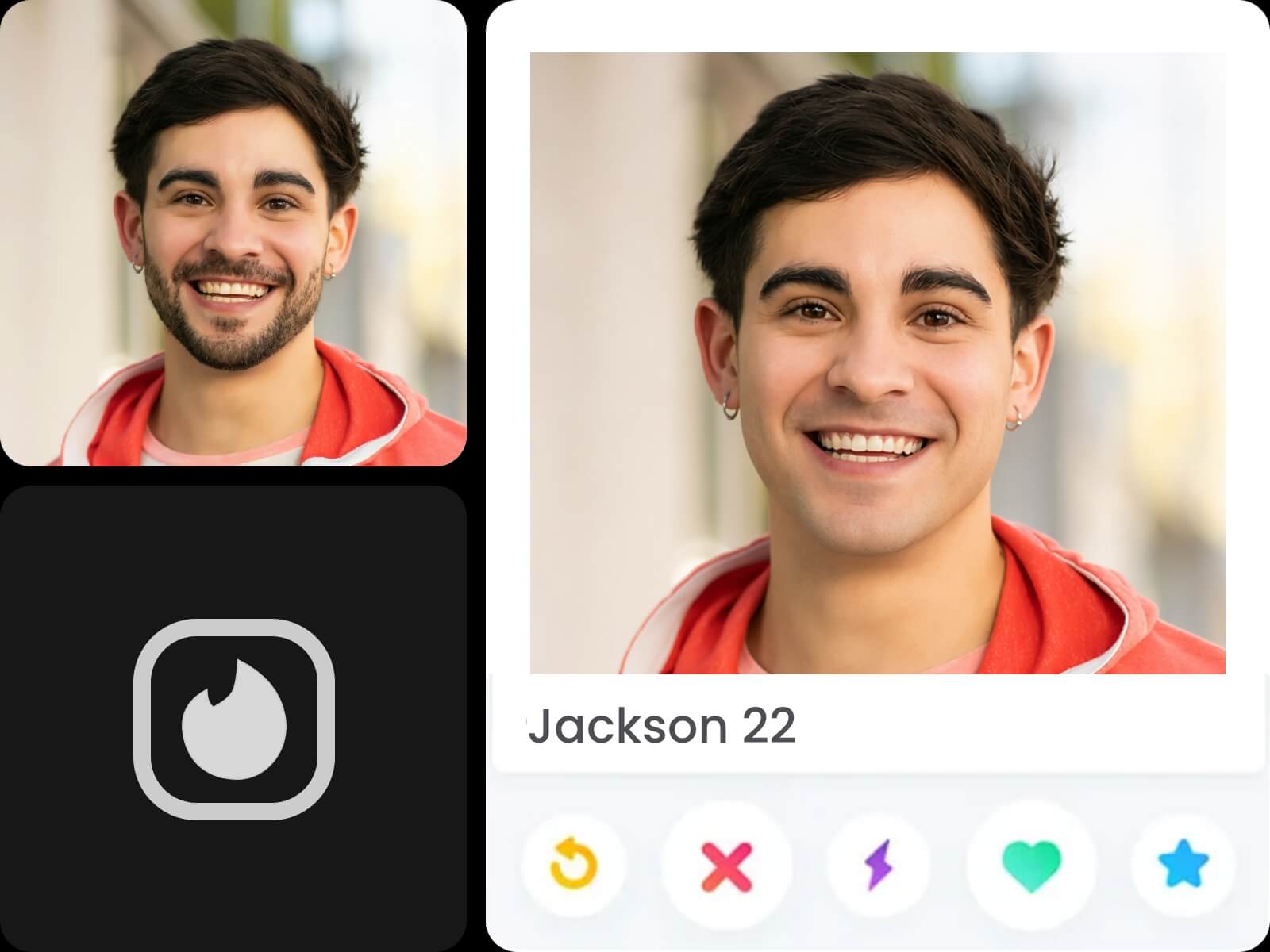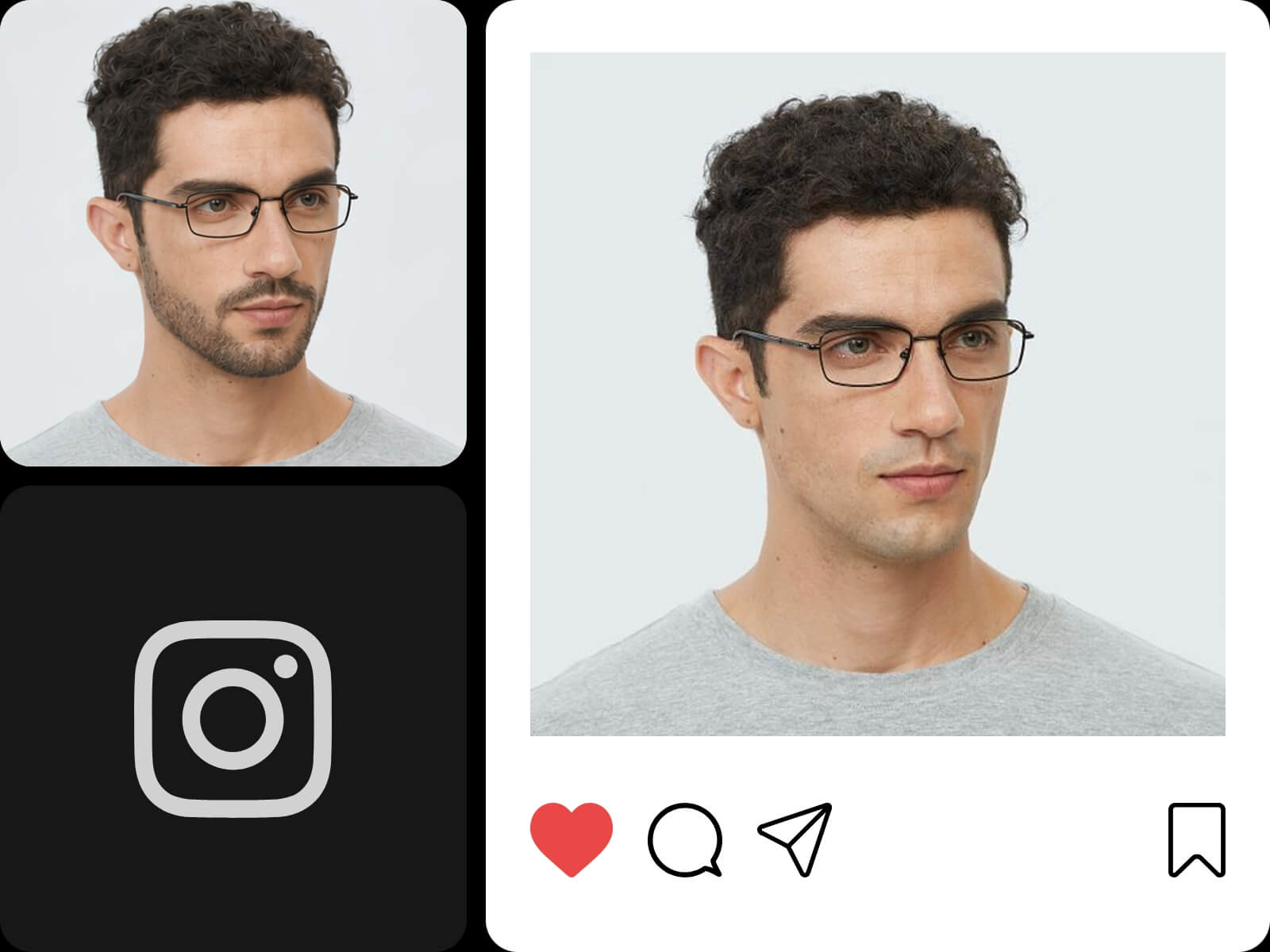

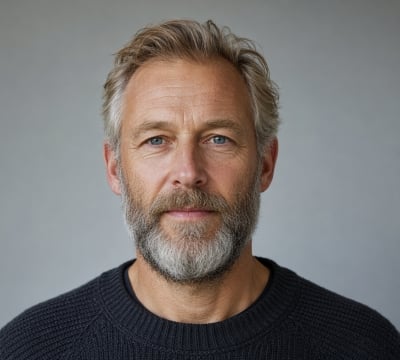

One-Click Beard Removal
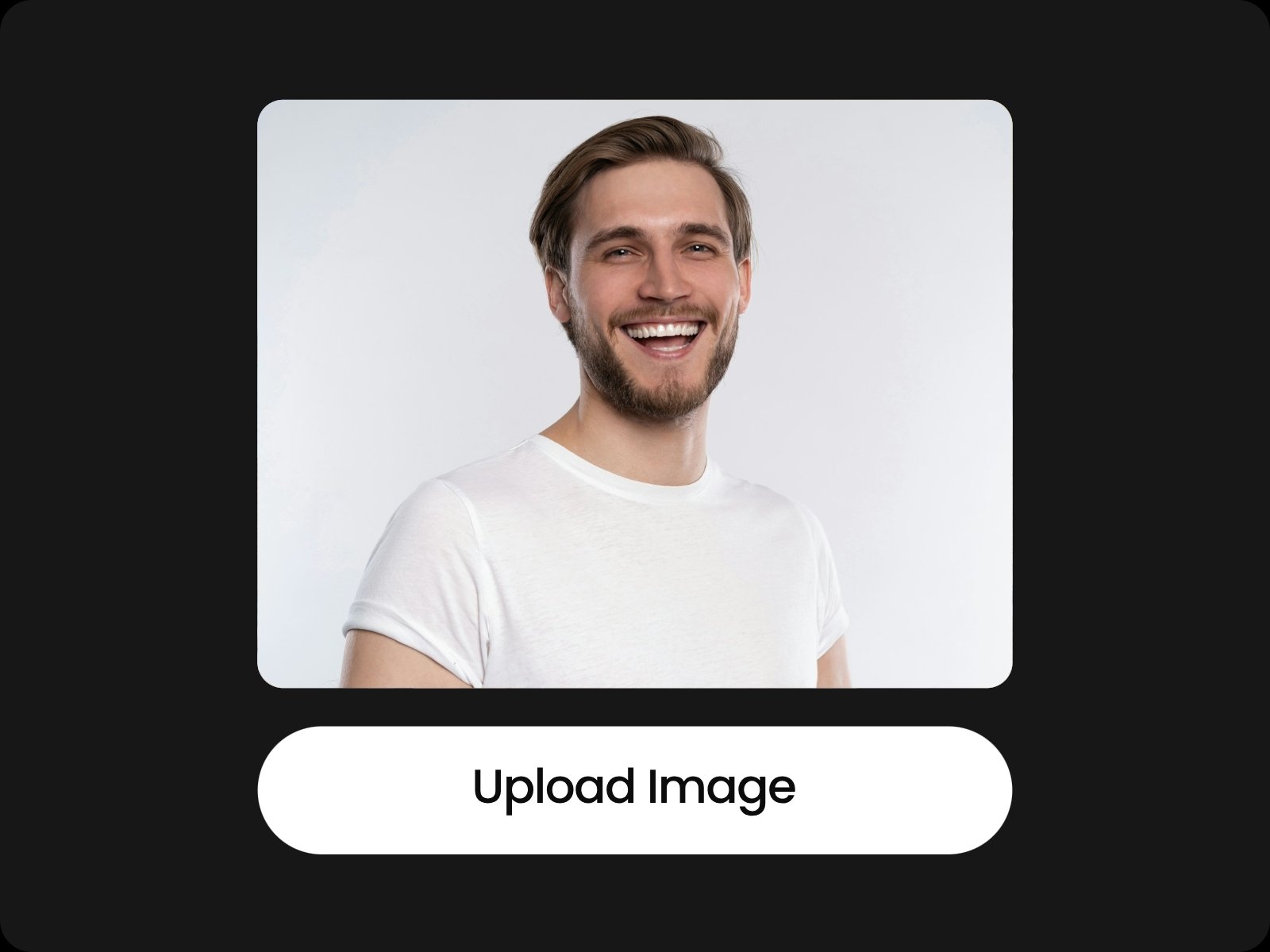
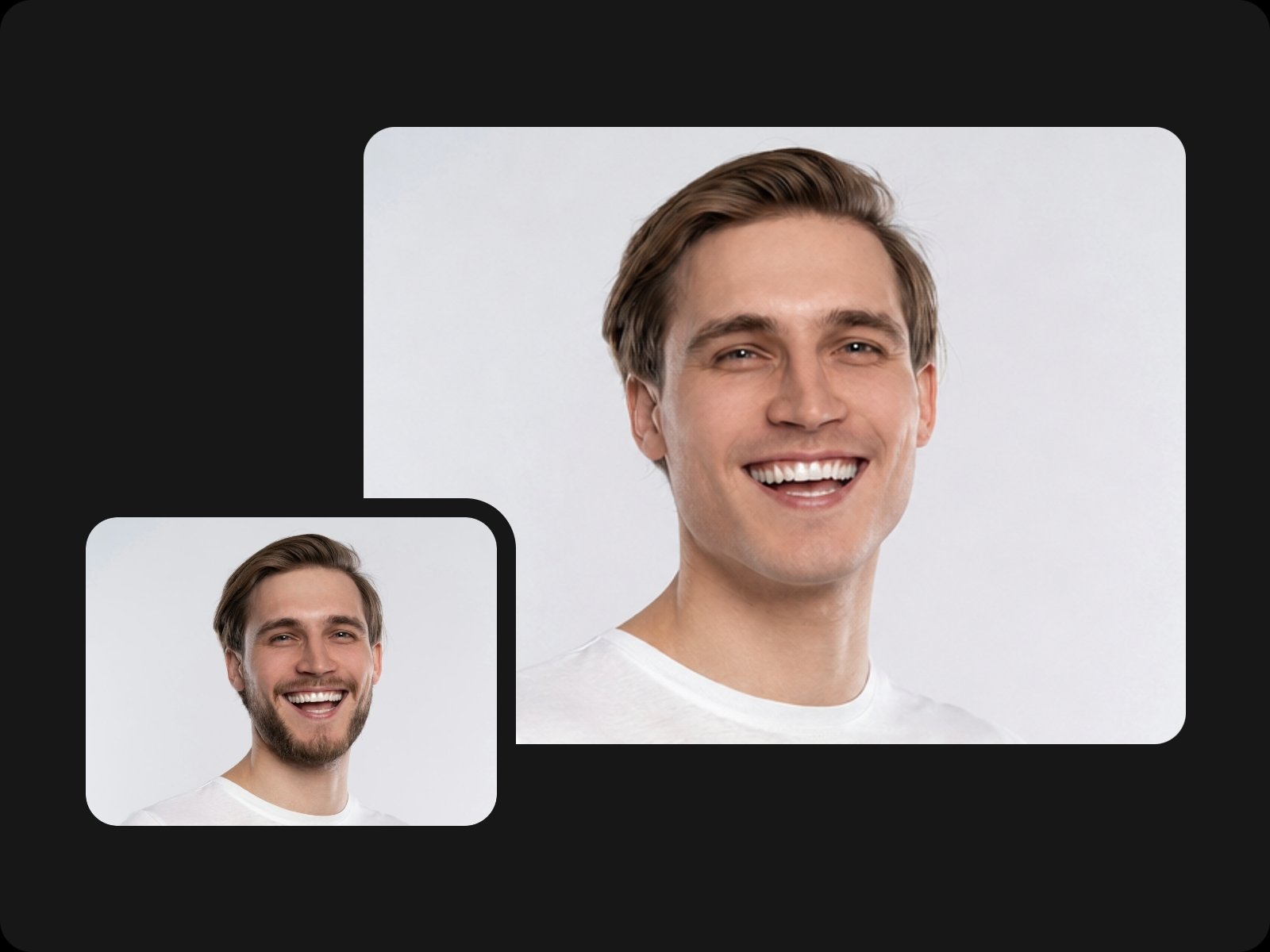
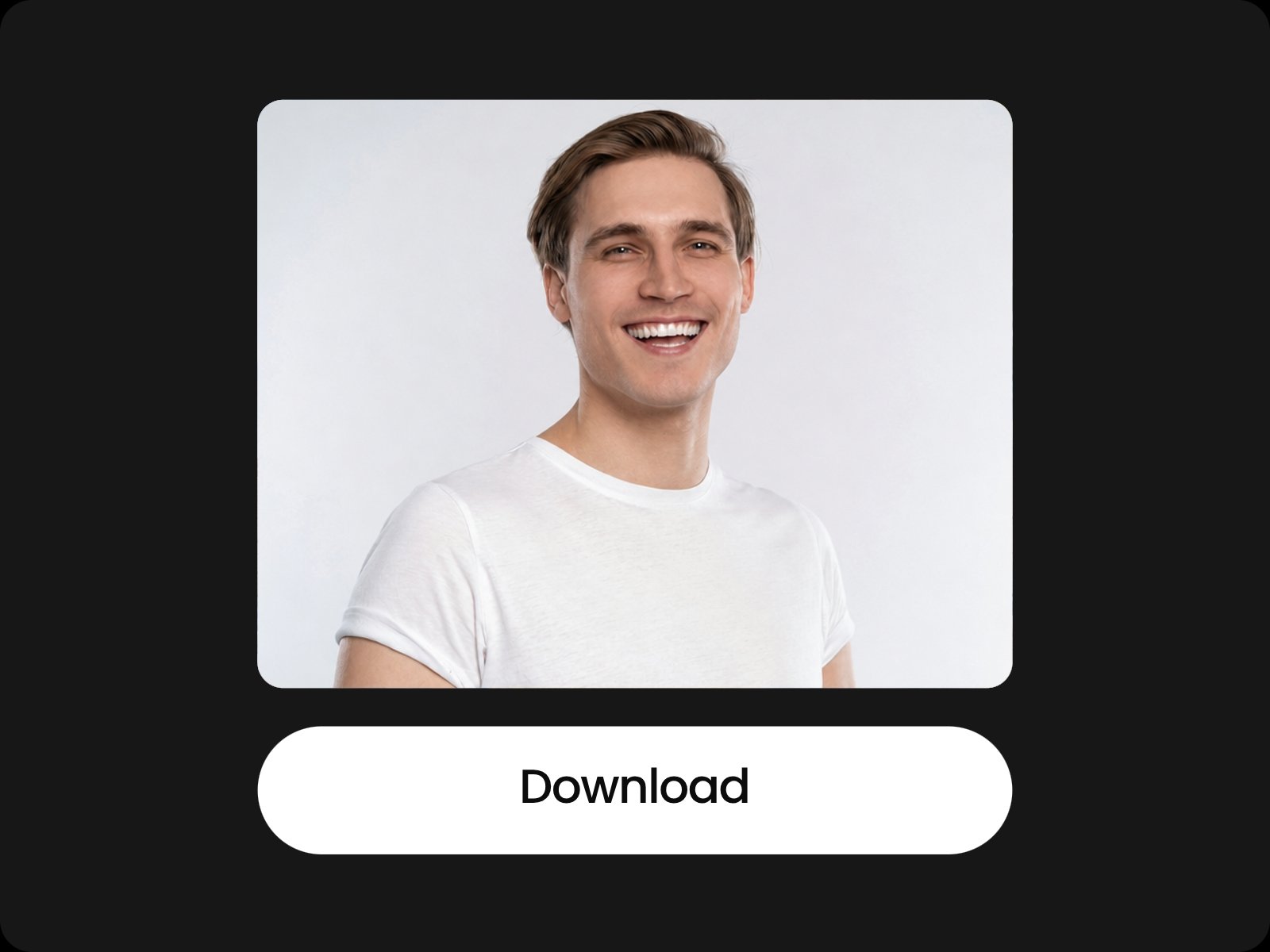
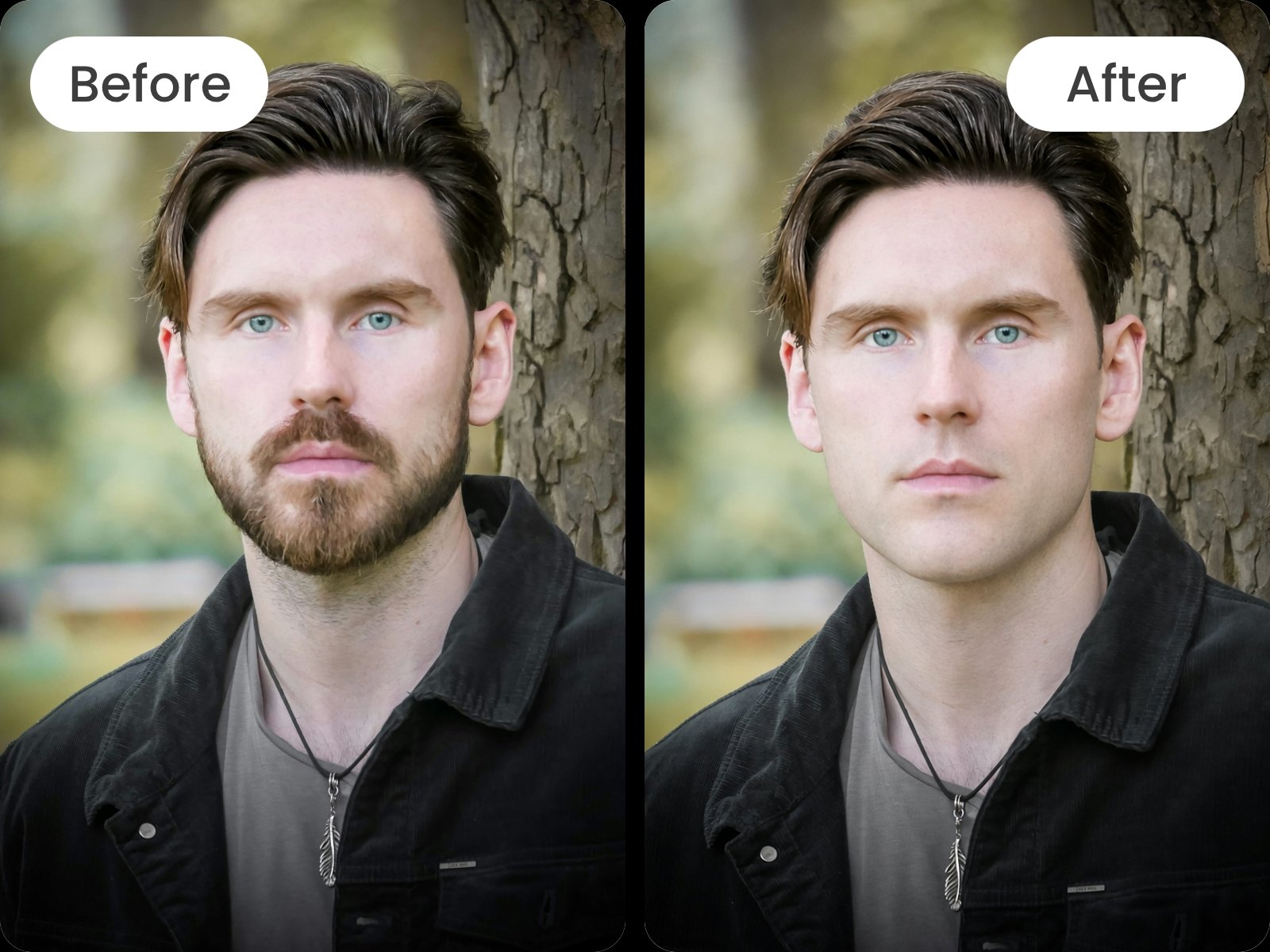
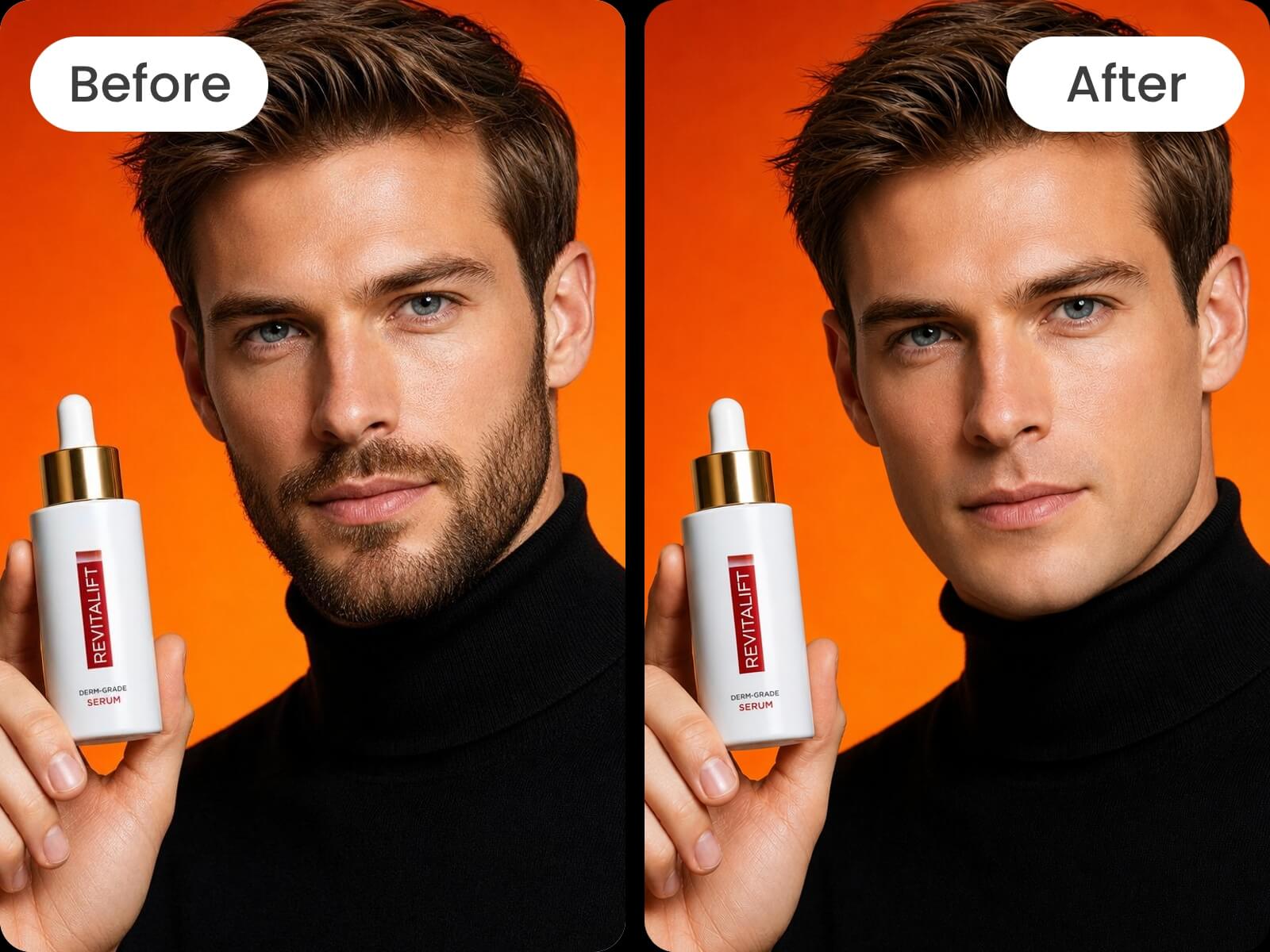
Our AI beardless filter is quite simple, allowing you to see the beard instantly removed from your portrait with just one click. Save time and energy to get a no-beard look.


Remove beard from photo in seconds with Fotor’s AI no beard filter app. Upload your photo and get rid of all types of beards, mustaches or facial hair with Photoshop skills. Expect natural, beardless visuals without shaving and apply them to your personal or business projects.
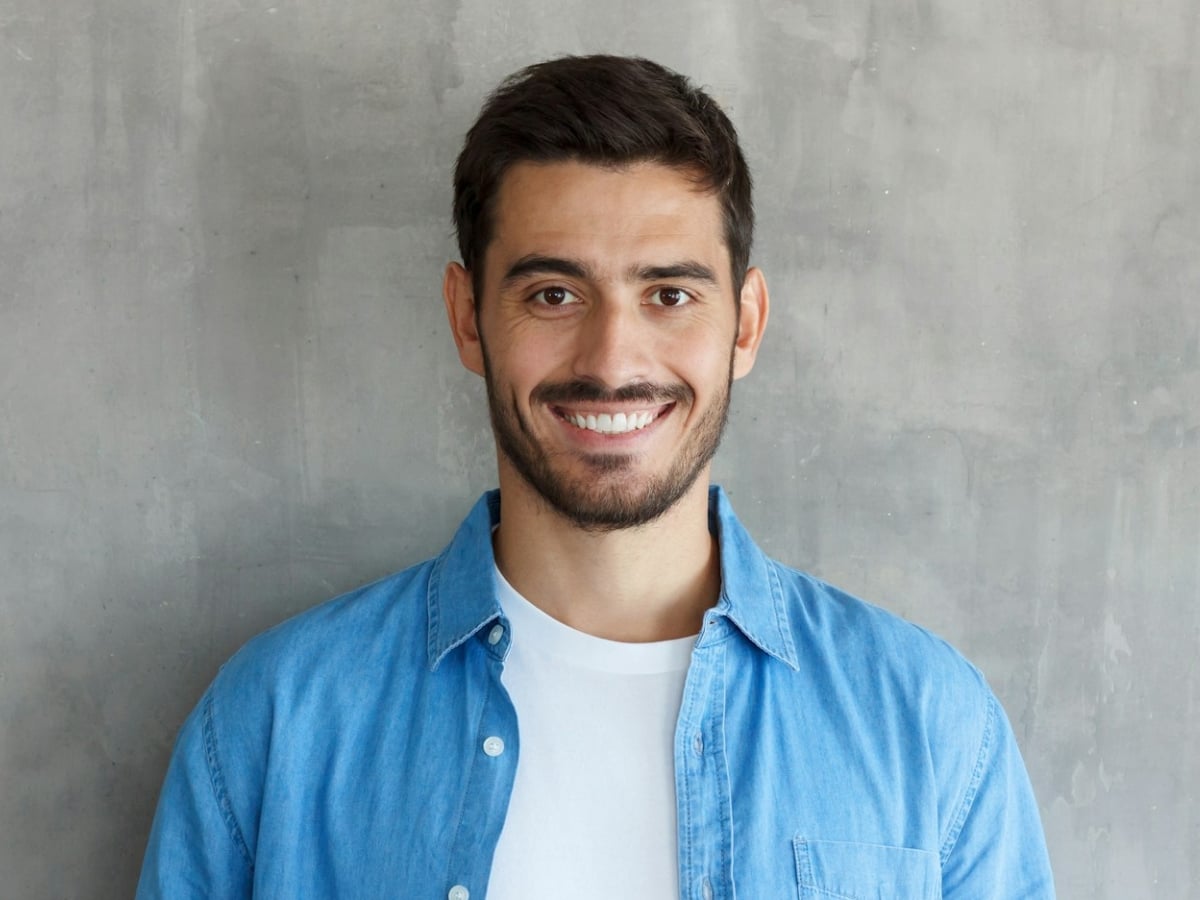
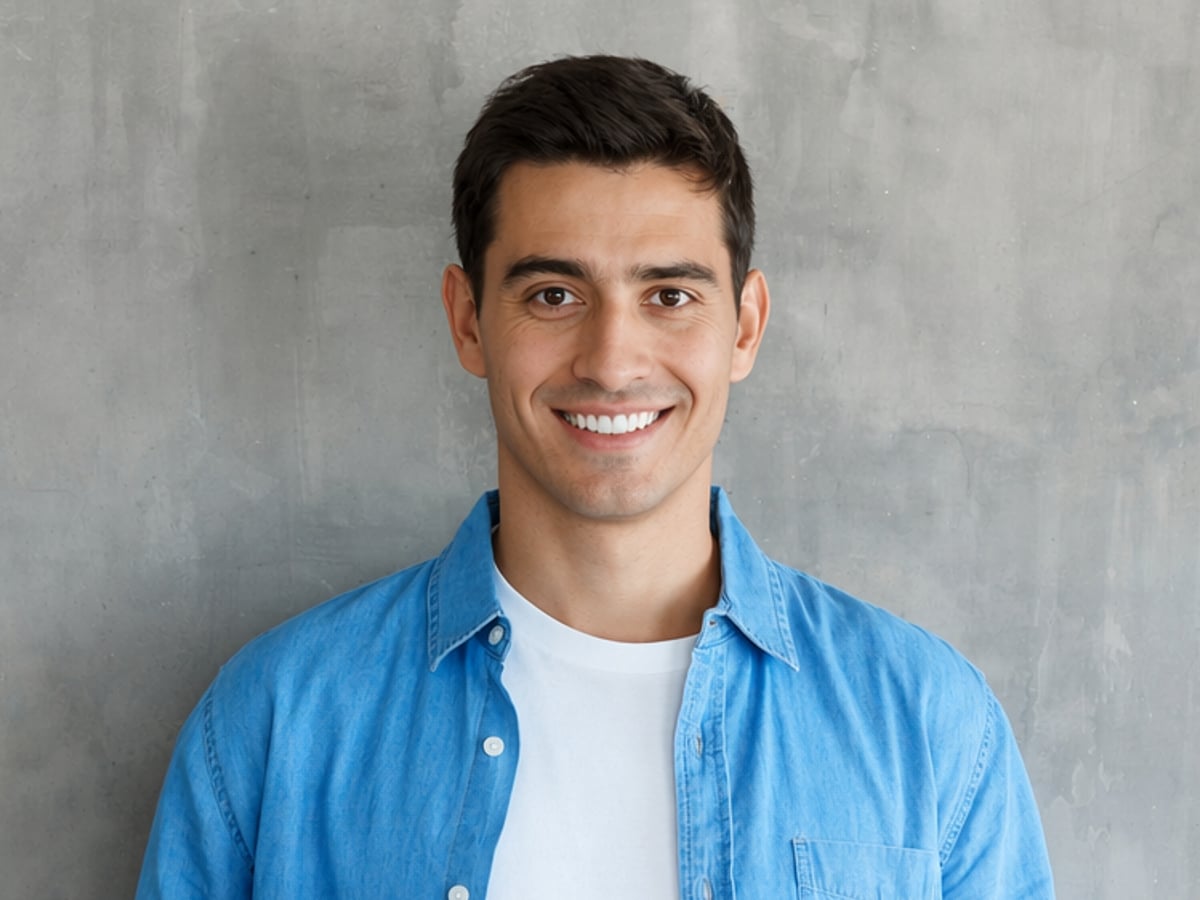
Upload or drop your image here

Upload or drop your image here
Our AI beardless filter is quite simple, allowing you to see the beard instantly removed from your portrait with just one click. Save time and energy to get a no-beard look.
Our AI beard remover is powered by advanced AI technology to intelligently detect your facial hair and automatically erase it from your photo to give you a natural and realistic beardless look.
Try our no beard filter to delete your beard or mustache without quality loss and download your clean-shaven result in a high-res JPG or PNG.
Our AI beard removal tool can handle different beard types, from light stubble and mustaches to full beards, and adapt results for various face shapes and appearances of different ages.








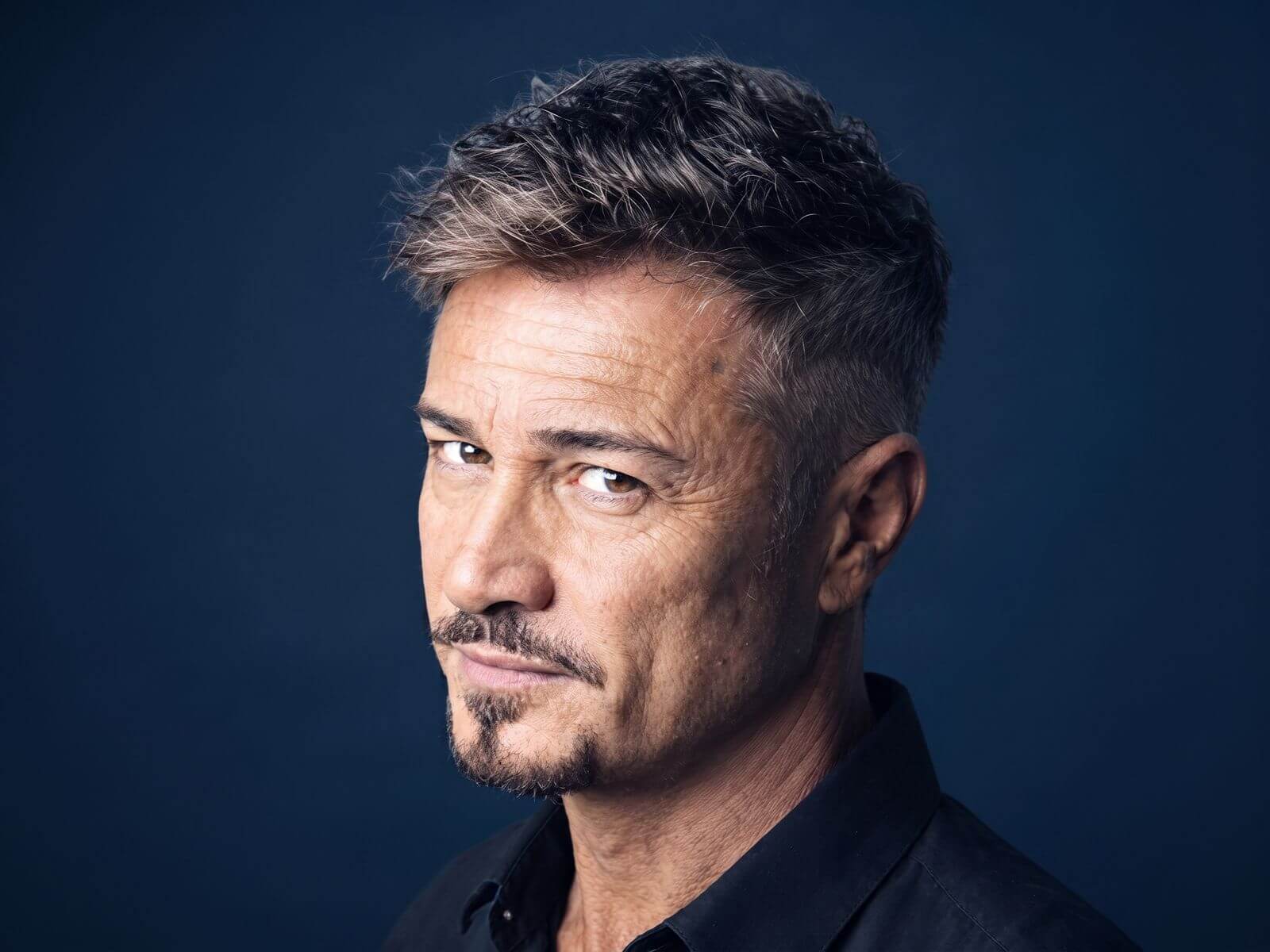
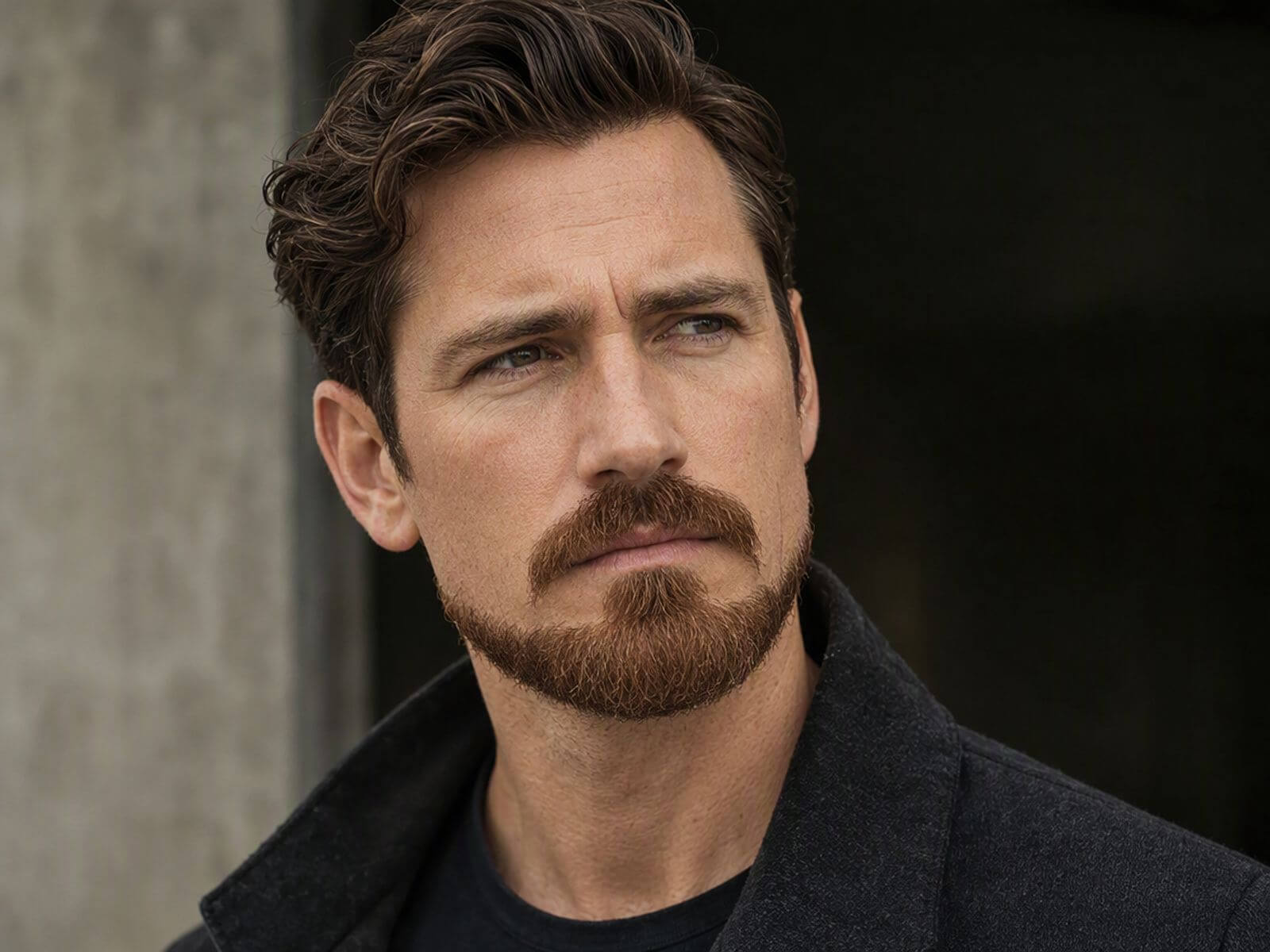
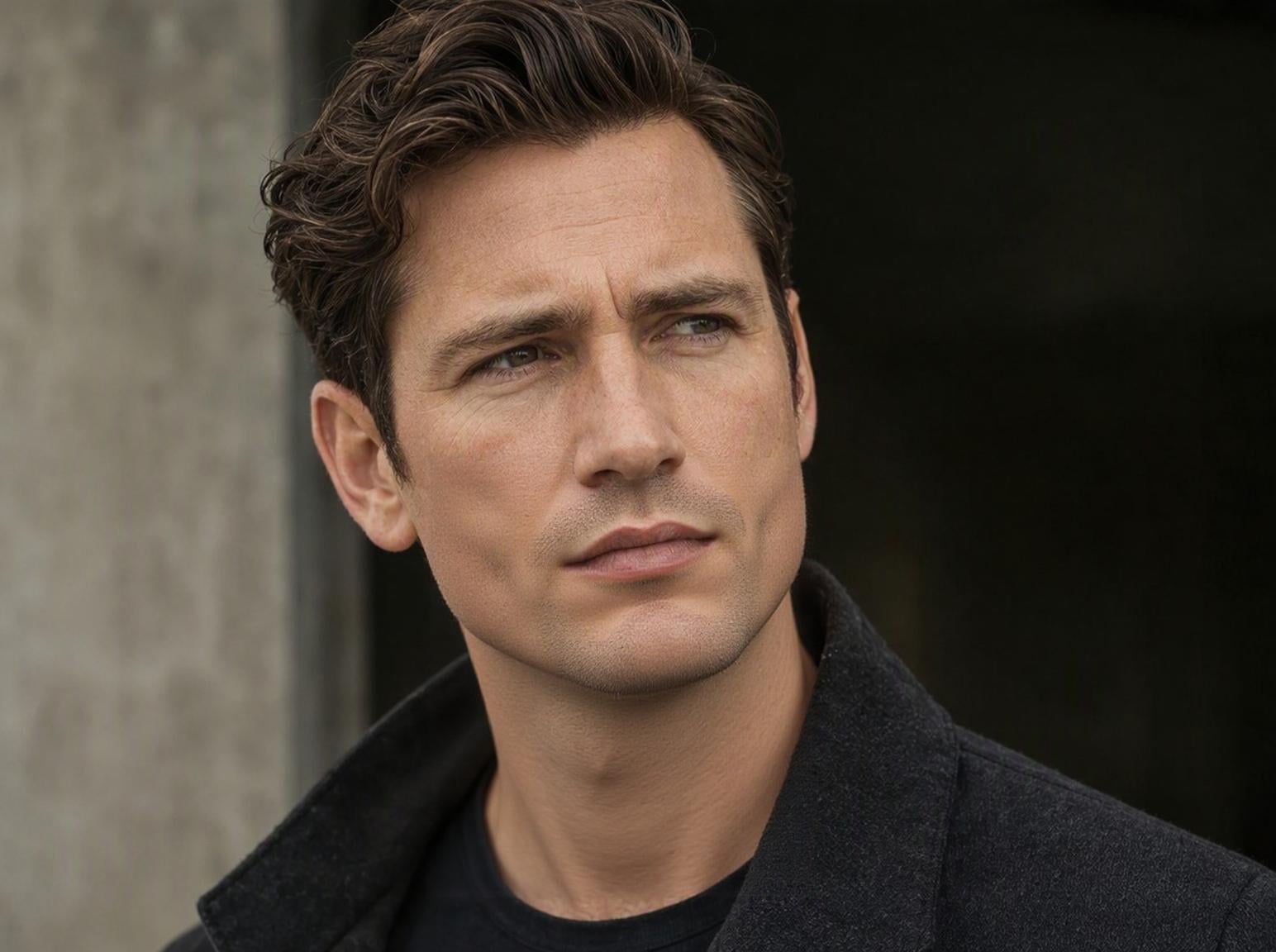
Access our no facial hair filter tool and then upload your portrait photo with a beard.
What would I look like without a beard? With Fotor’s no beard filter, you don’t need to pick up a razor to know the result. Simply upload your portrait photo and our tool can intelligently detect all kinds of facial hair, such as a beard, mustache or stubble, and can automatically erase it in seconds without losing the original quality. Get a realistic clean-shaven preview without manual editing and without physical grooming.
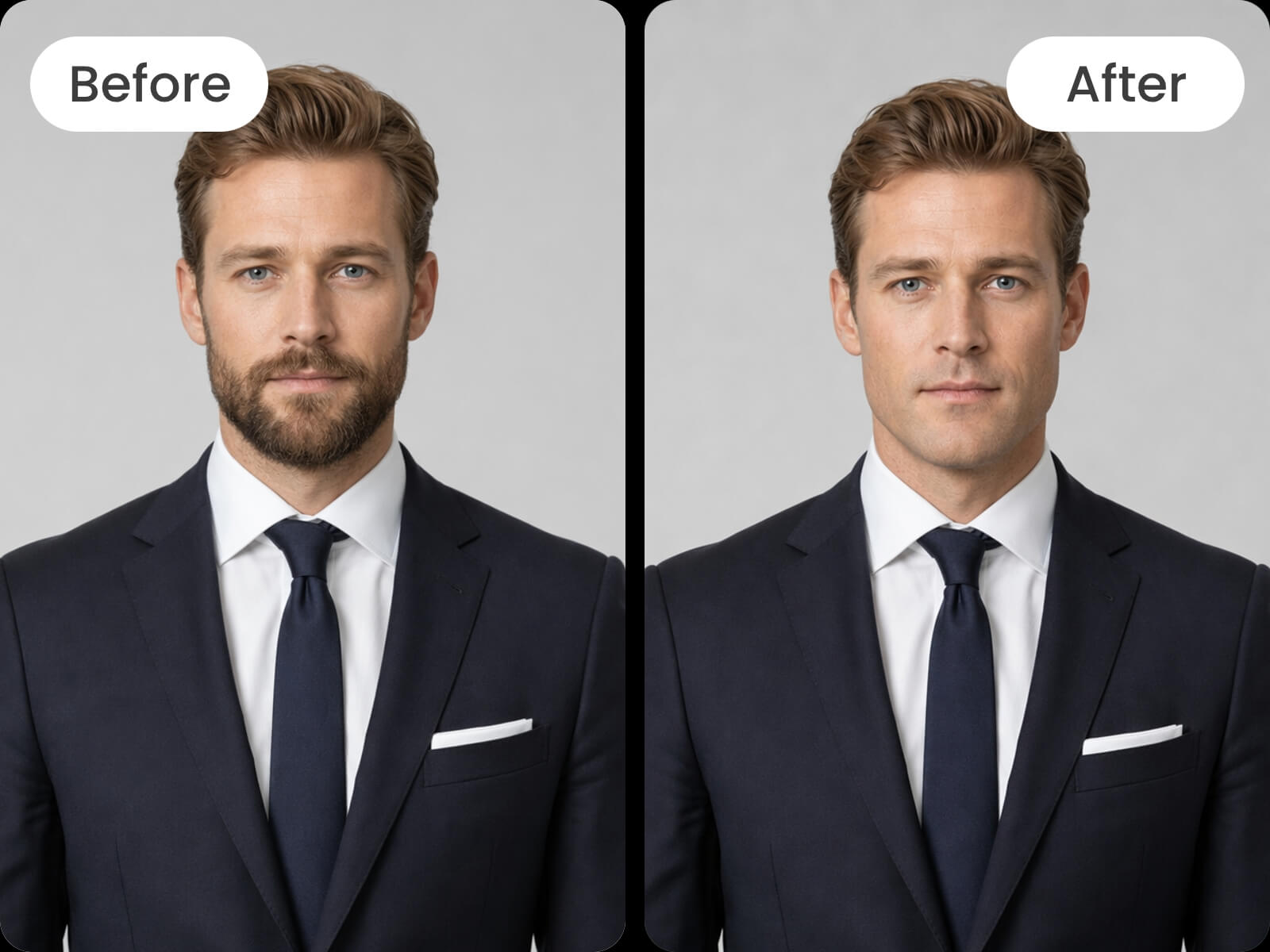
Our no facial hair filter, powered by progressive AI technology, can intelligently recognize the facial hair in your portrait and can seamlessly remove it while preserving your facial details, such as facial structure, skin tone and original expressions. Besides, our powerful generative AI can naturally restore the skin beneath the facial hair, like the chin and jawline structure, based on its understanding of your own facial geometry. So, more than just beard removal, Fotor also delivers a photorealistic, beardless result without changing your identity.
Preparing for an ID, job interview or a special event? Use our clean shave filter to prepare a polished headshot suitable for these formal occasions. Effortlessly and instantly remove beard from photo without damaging your identity and facial features. Expect an HD, natural no-beard professional look or upload this clean, ordinary image to our AI headshot generator to get a highly professional portrait for your passport photo, LinkedIn profile, resume, business use and more.
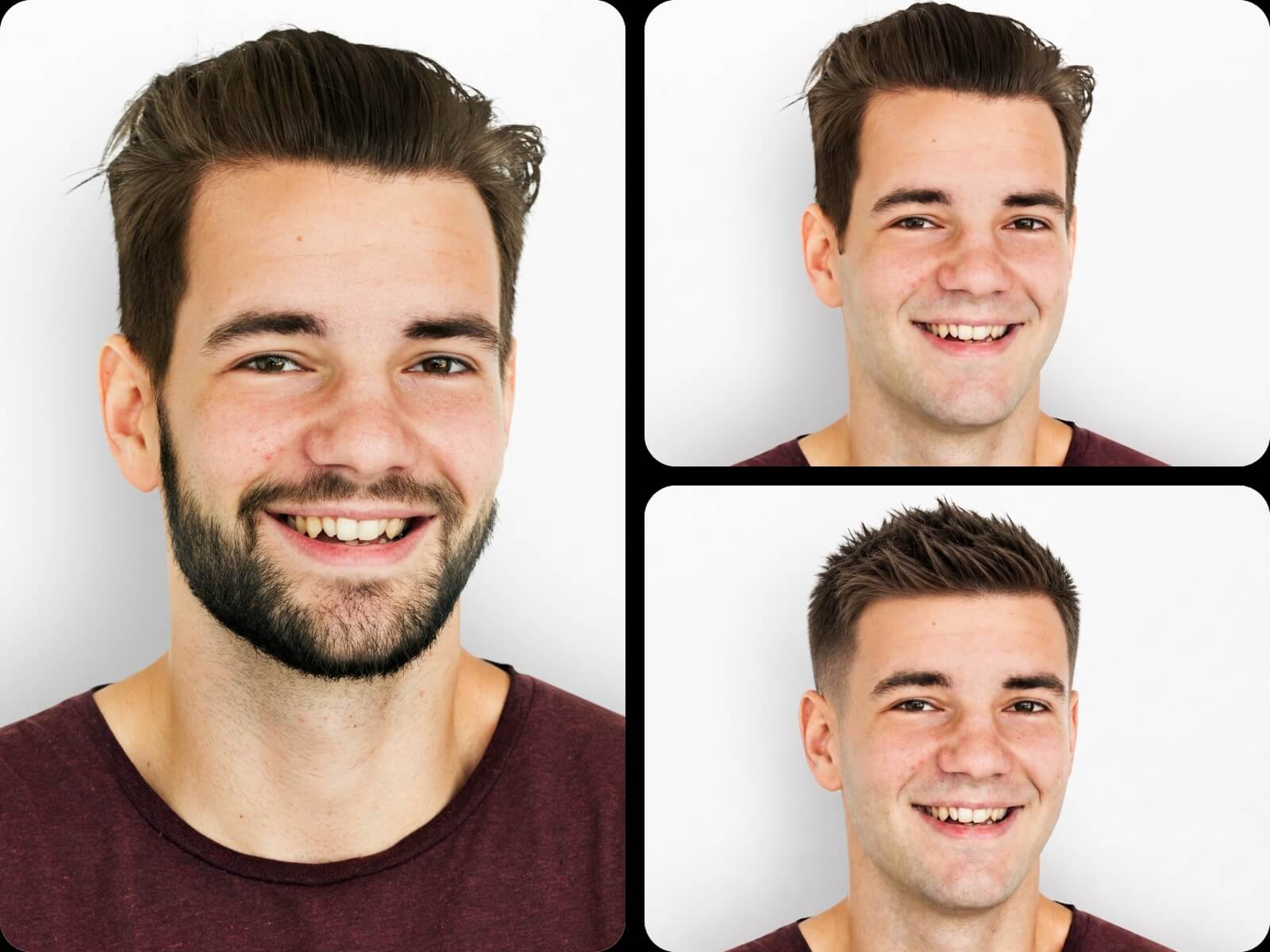
More than a simple no beard filter, Fotor offers various AI portrait editing tools that help you create your best-looking photos. When getting your clean-shaven portrait, you can conveniently retouch it (skin brightening, teeth whitening, blemish removal, etc.), change hairstyle, change clothes, enhance image quality and more. Meanwhile, you can even add a beard to a clean portrait image with our AI beard filter. With Fotor, how your portrait looks is totally your call.
Our AI beard remover works across different facial hair styles and helps you quickly preview a beard-free appearance without doing real shaving. Try Fotor to explore a fresh look before making a decision and for fun.
Our no beard filter is equipped with advanced AI technology to smartly detect any facial hair, like a beard, mustache and more, and automatically remove it. Besides, it can reconstruct facial details in the removed area based on its understanding of your facial features and create a clean-shaven version of yourself without manual editing.
Yes. Fotor’s remove beard filter can digitally get rid of facial hair while keeping your face realistic.
Yes. You can rely on Fotor’s beardless filter to see how you look without a beard.
Simply upload your photo and choose our no beard filter to let our tool automatically erase the beard. With its help, you can preview your clean-shaven appearance instantly.
In most cases, no. If you upload a clear, front-facing portrait image, our AI beard remover can digitally shave you while keeping your facial structure, identity, and natural skin texture. However, the result may be disappointing if you upload an unclear, side-facing portrait picture.
Yes. Our no beard filter can remove facial hair from old photos or historical images. All you need is to upload your old photo and see our tool automatically create a realistic, shaved version.
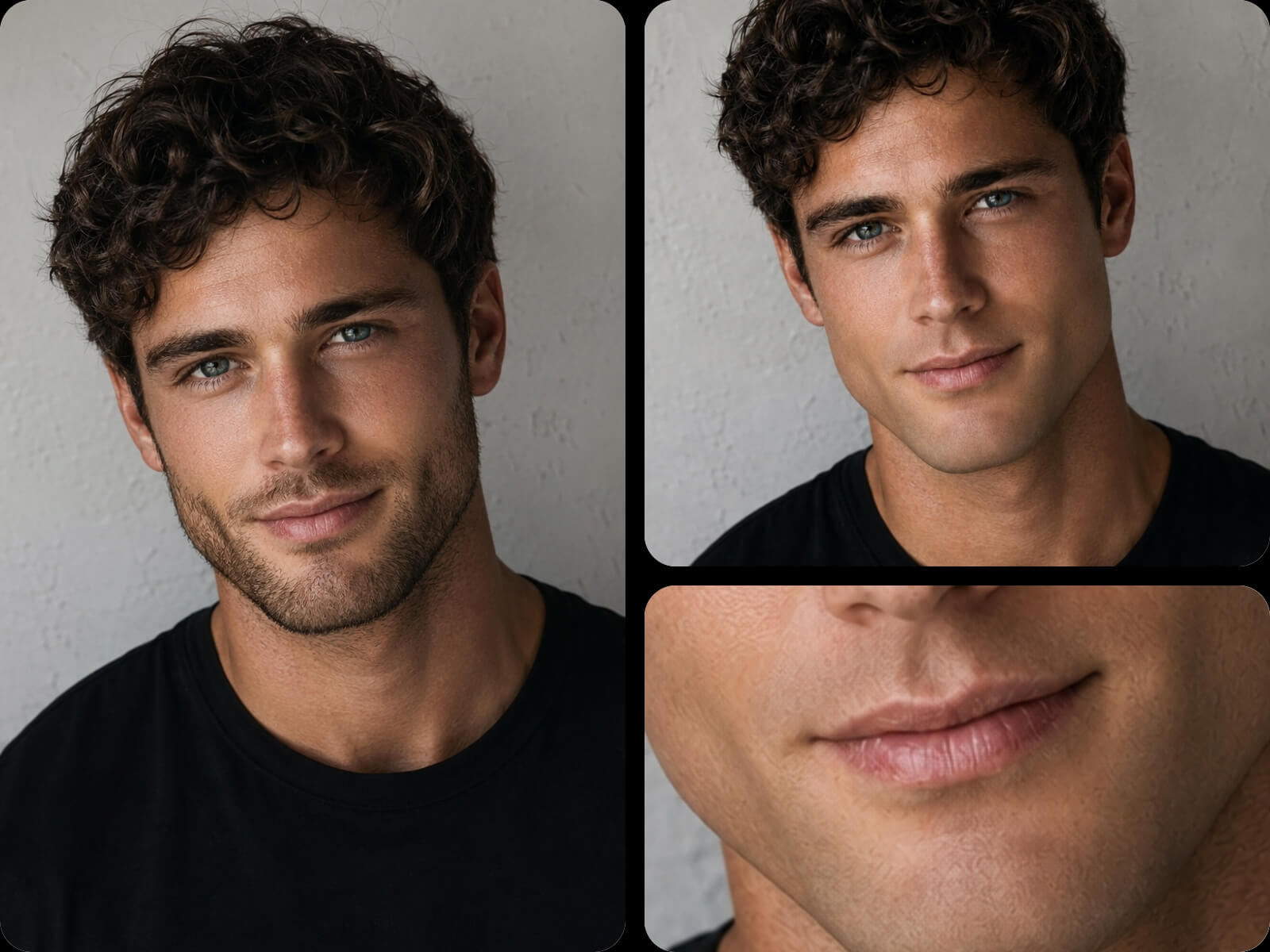
Yes. Our clean shave filter can reconstruct facial details, including skin texture, jawline structure, and natural expressions, and create consistent shadows and lighting to present a natural, clean-shaven effect.
Yes. You can use Fotor’s no beard filter to make profile pictures or comparison posts for social media. However, please ensure that the portrait images are either yourself or those you have permission to use.
Yes. You can remove beard from photo for free with Fotor’s no facial hair filter. Every new user will receive free credits to try this tool at no cost. However, when they run out, you can become a paid subscriber or complete daily tasks on our “Credit Reward” page to earn more credits.
Yes. Fotor adopts avant-garde encryption technology to safeguard your data privacy. Nobody but you will gain full access to your files. Besides, they won’t be used for AI training.
Fotor supports JPG, JPEG, PNG, WebP, HEIC and HEIF as input formats, while exporting your no-beard result in high-quality JPG and PNG.
It depends. You can use your beardless images for commercial use if the subject is yourself or the person who gives you permission to use his portrait.
Otherwise, you may face legal consequences if you use other people’s beardless portraits without their consent.