


AI-Powered Restoration
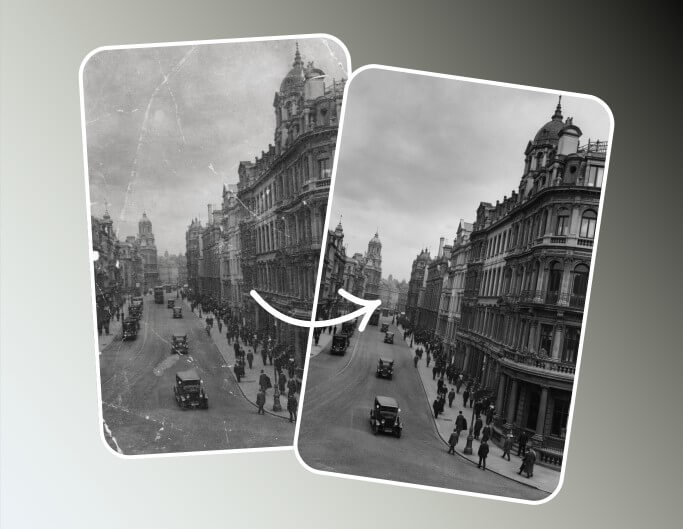
Fotor automatically detects and repairs scratches, tears, and blurs, eliminating the need for manual editing.


Easily remove scratches, recover colors, and enhance overall quality with Fotor's AI photo restorer. Restore old photos to bring your precious memories back to life.
Private & secure. Files auto-deleted within 24 hours.

Private & secure. Files auto-deleted within 24 hours.
Fotor automatically detects and repairs scratches, tears, and blurs, eliminating the need for manual editing.
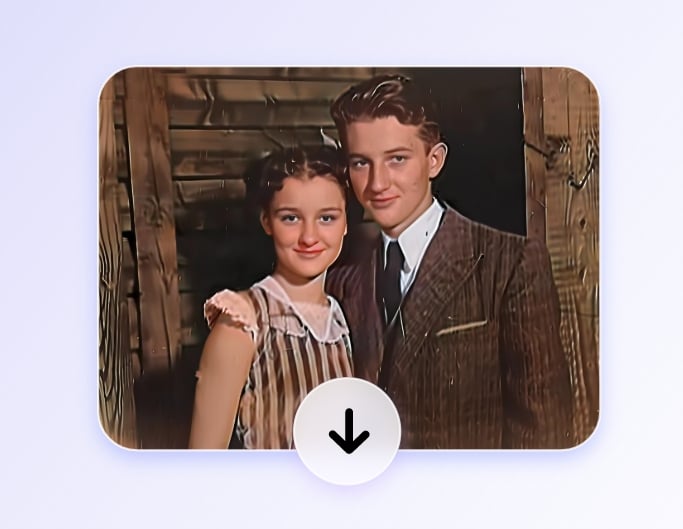
Process and download your restored images in just a few seconds after uploading your photos.
Fotor’s batch photo editor allows you to restore up to 50 old photos simultaneously, streamlining your workflow.
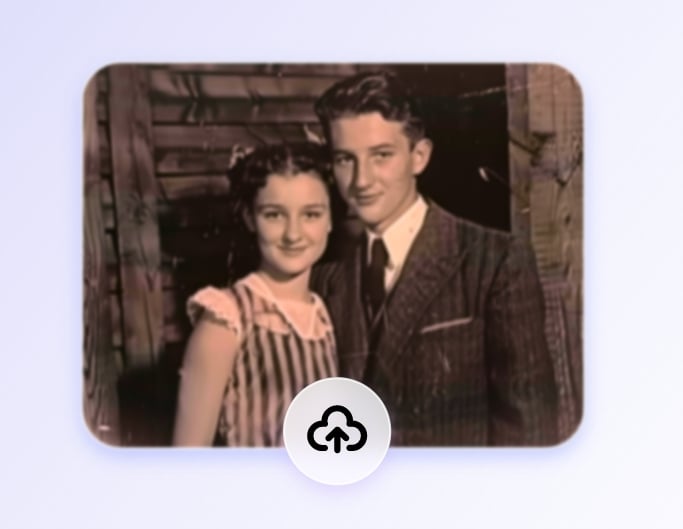
Drag and drop your faded, scratched, or damaged images here. You can easily upload from your phone, tablet, or PC to get started.
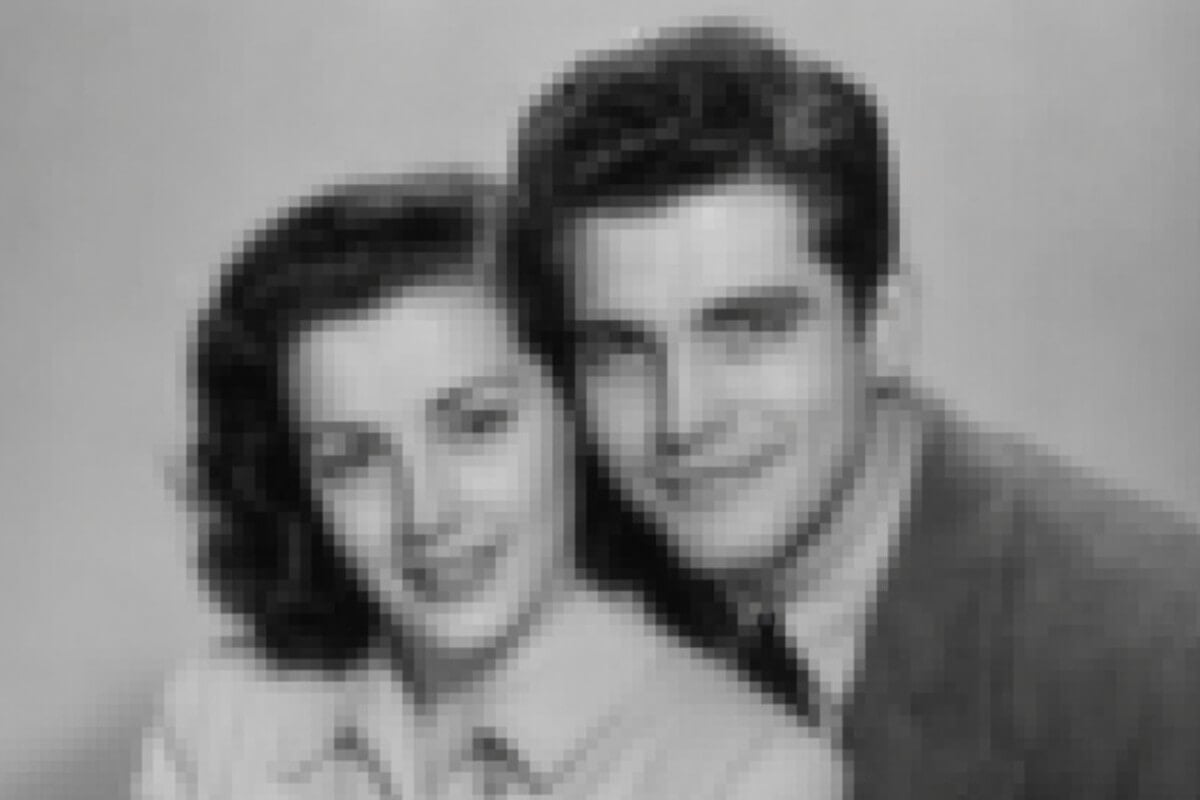
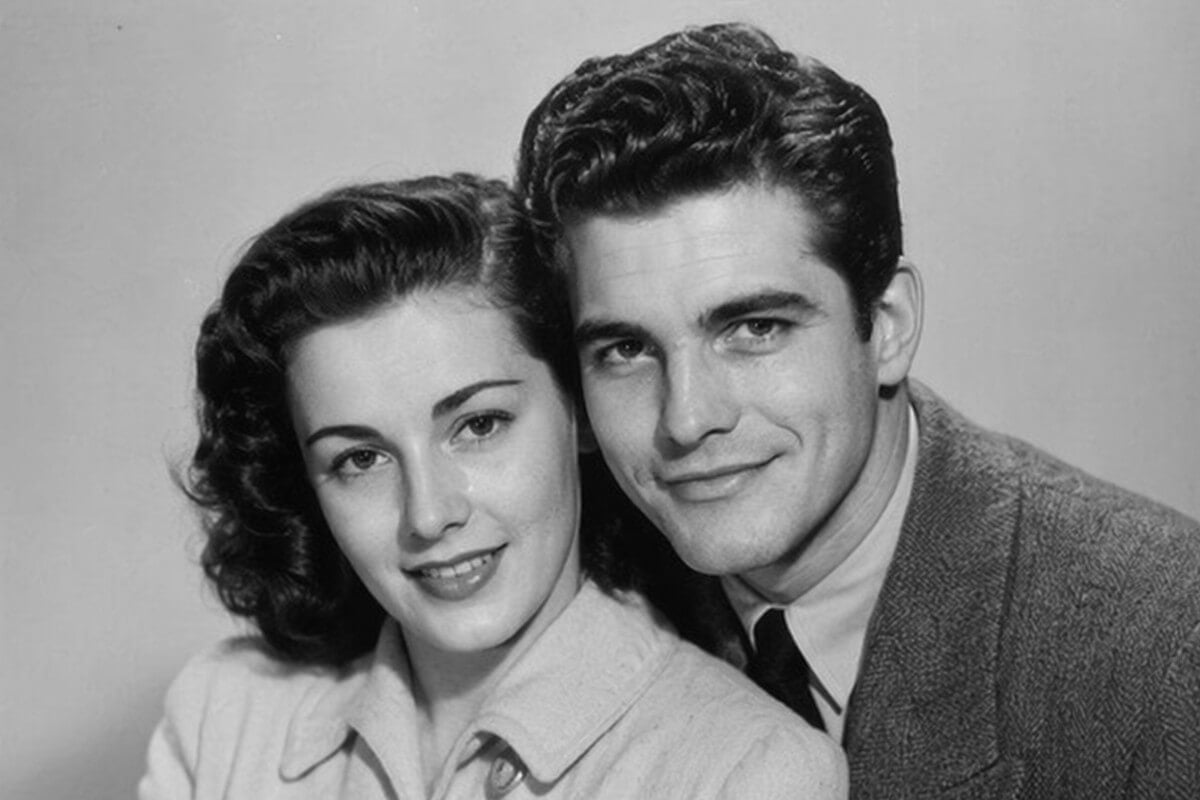
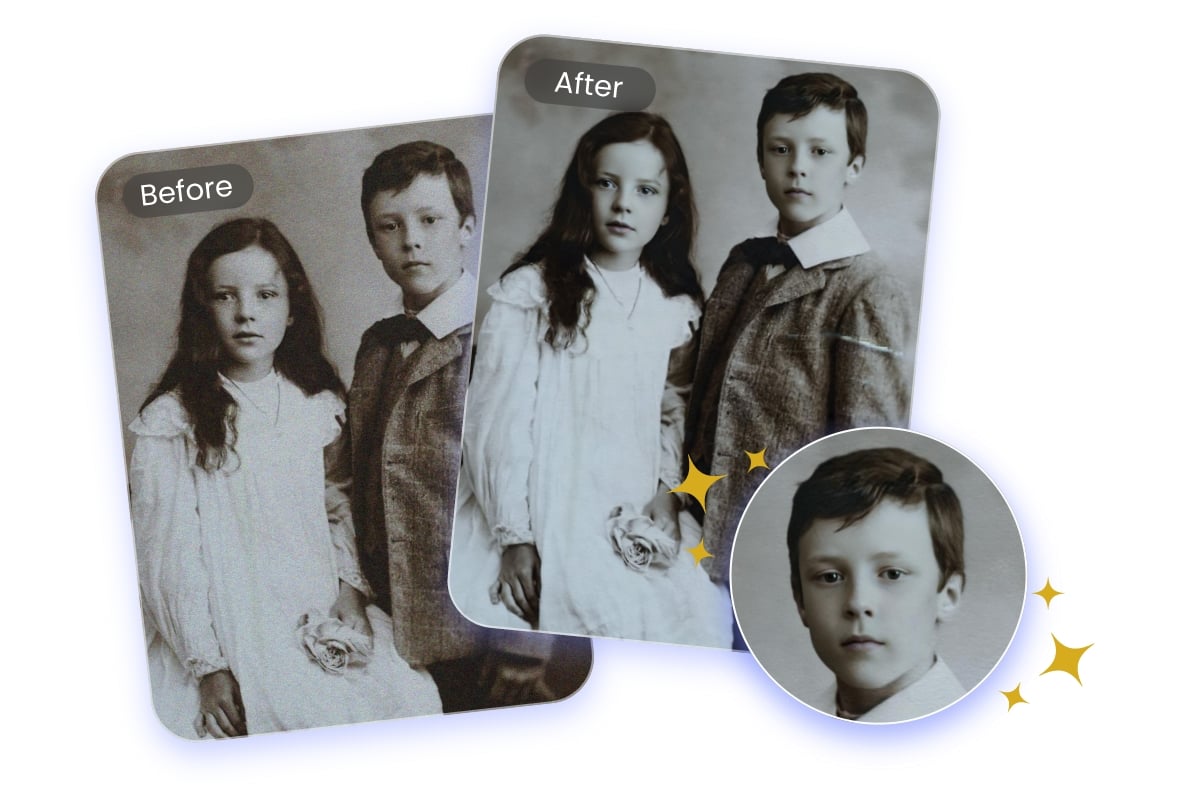
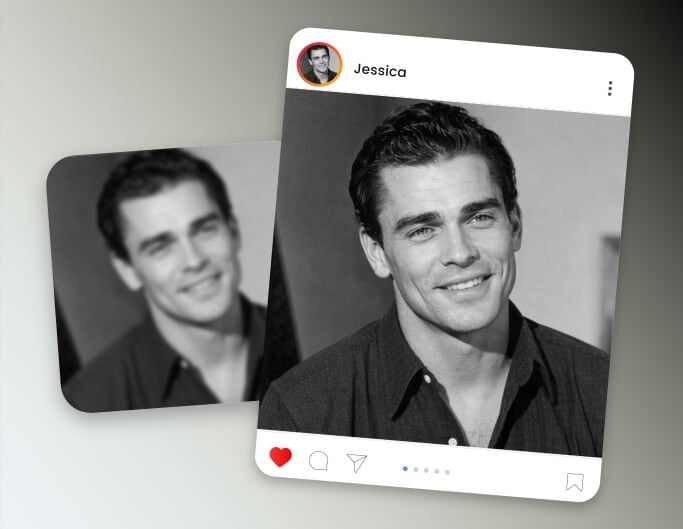
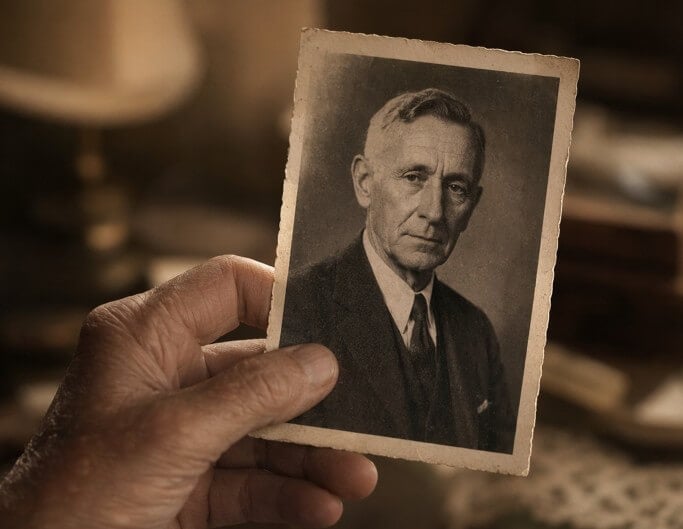
Don't let low quality ruin your precious memories. Our AI old photo restoration tool can sharpen out-of-focus images, enhance overall photo quality, and increase the resolution of your vintage photos, turning pixelated snapshots into crystal-clear, high-definition masterpieces.
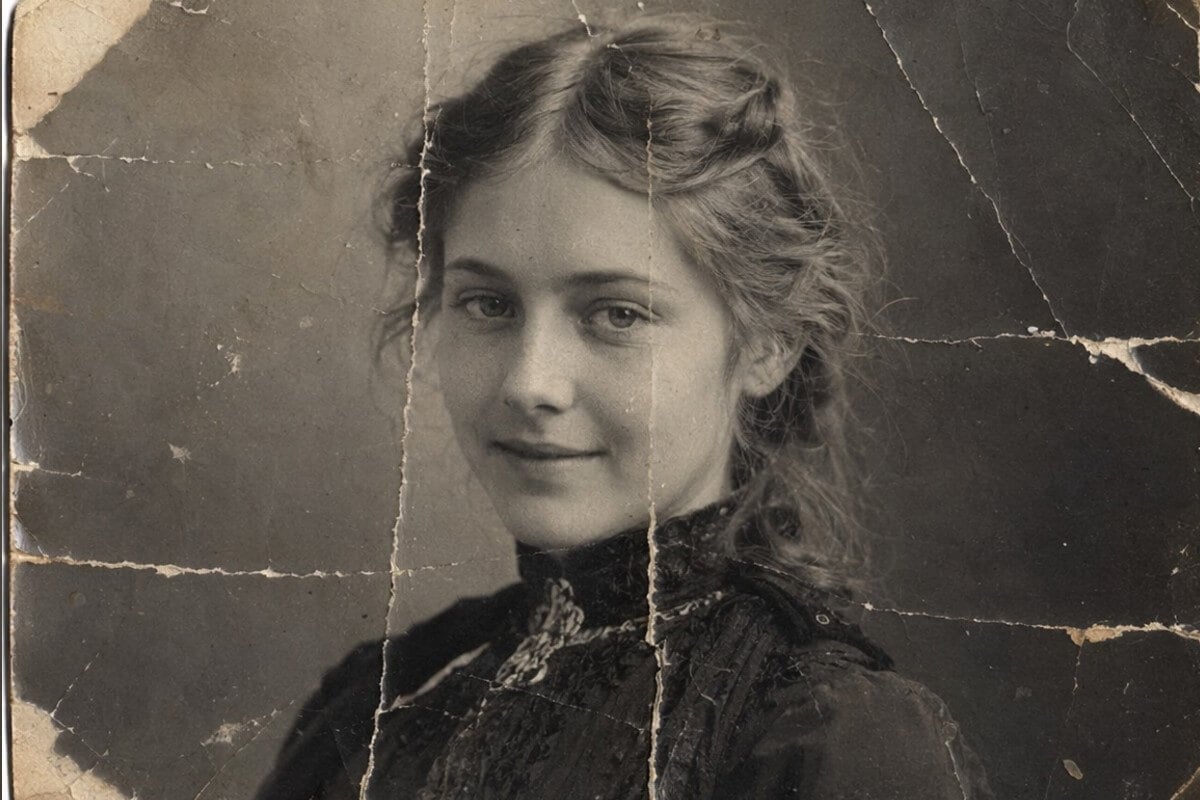
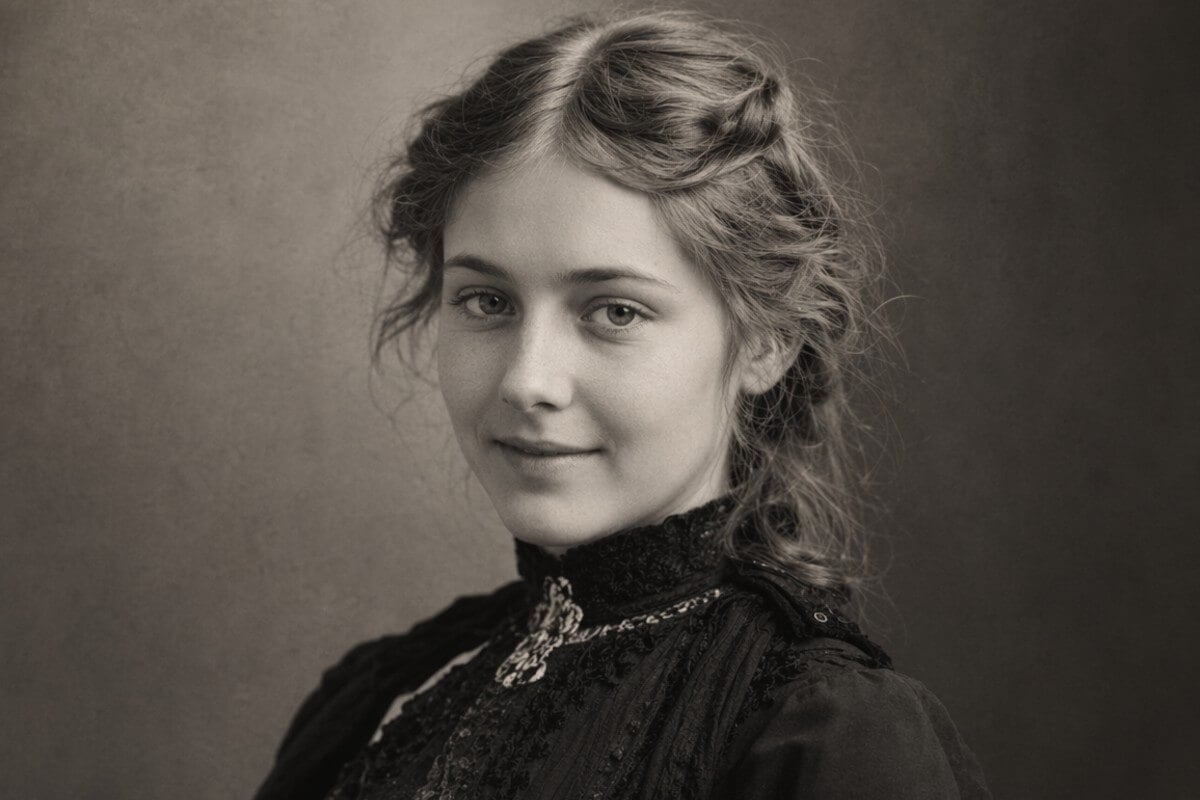
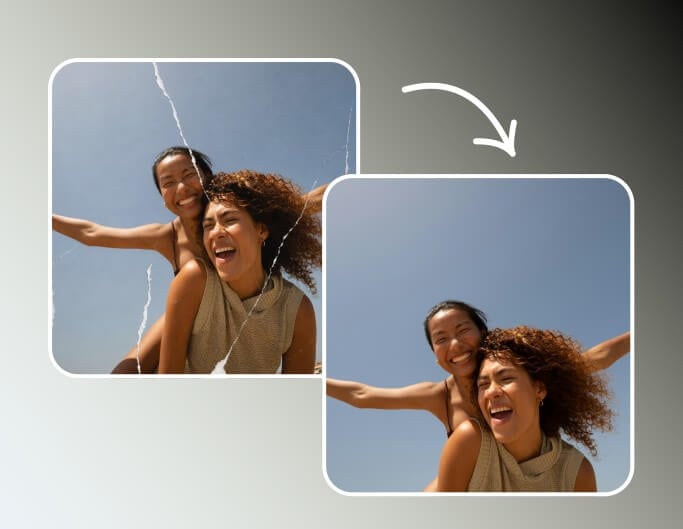
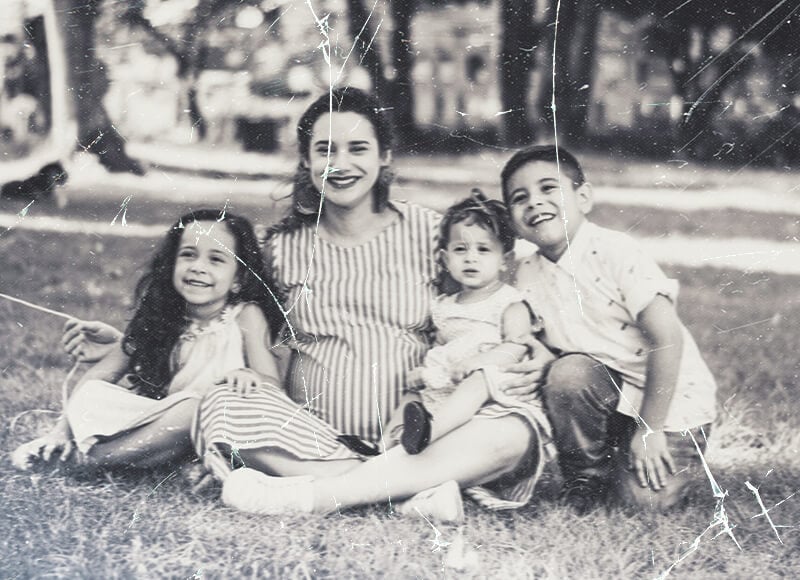
Time can be harsh on paper photos, but our AI photo restorer is here to reverse the damage. Whether your precious pictures suffer from surface scratches, deep folds, ripped tears, or even liquid stains, our AI automatically detects the missing details and heals them seamlessly, giving your damaged prints a second chance.
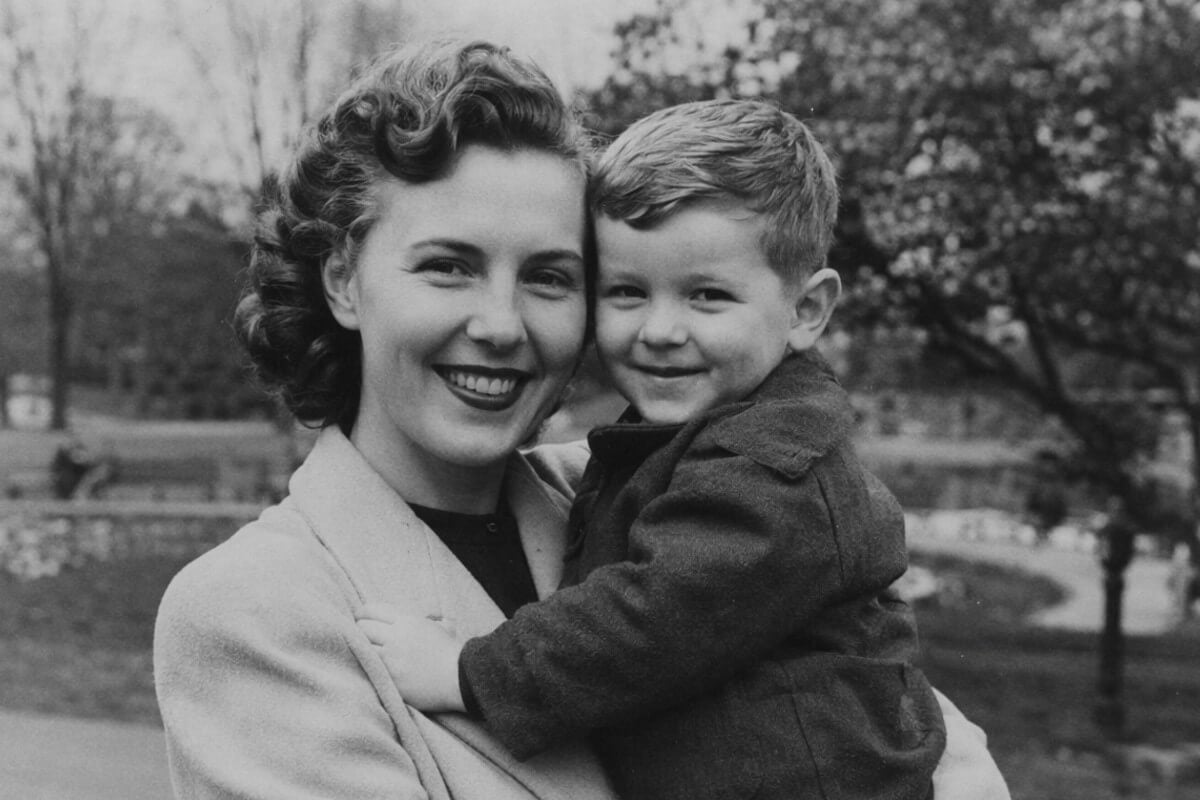
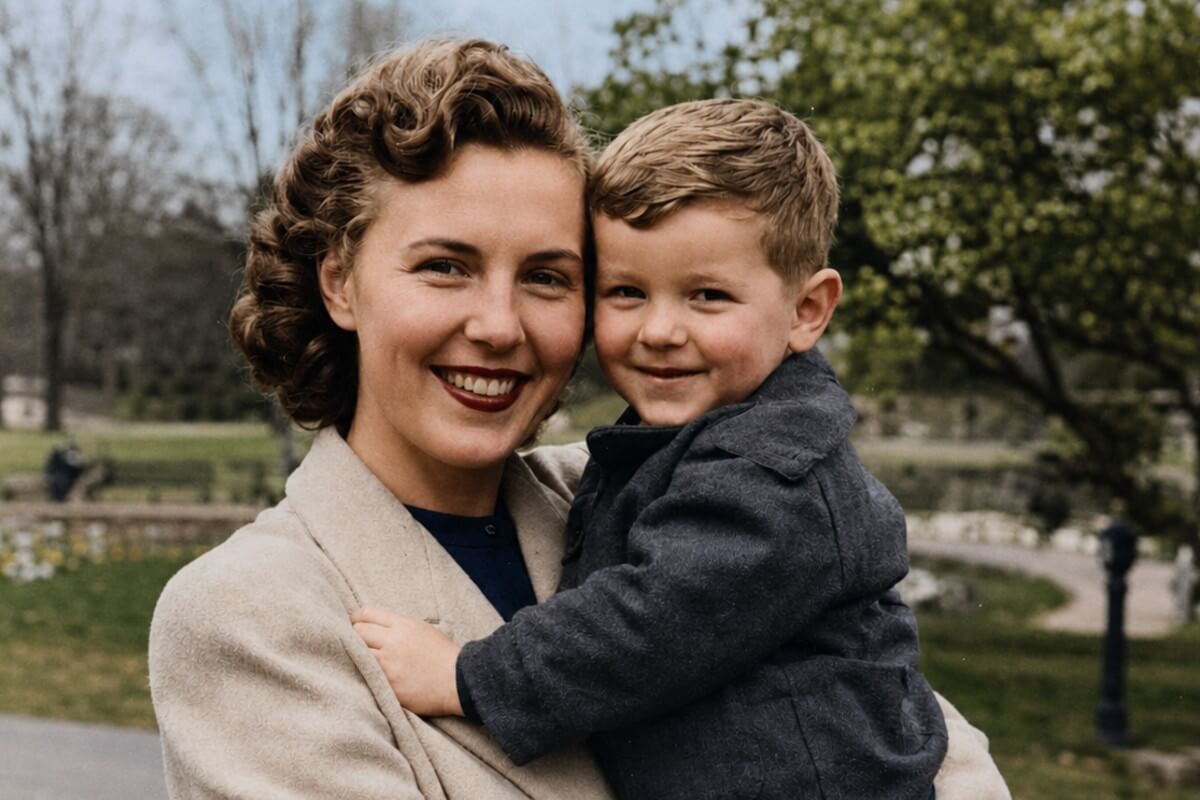
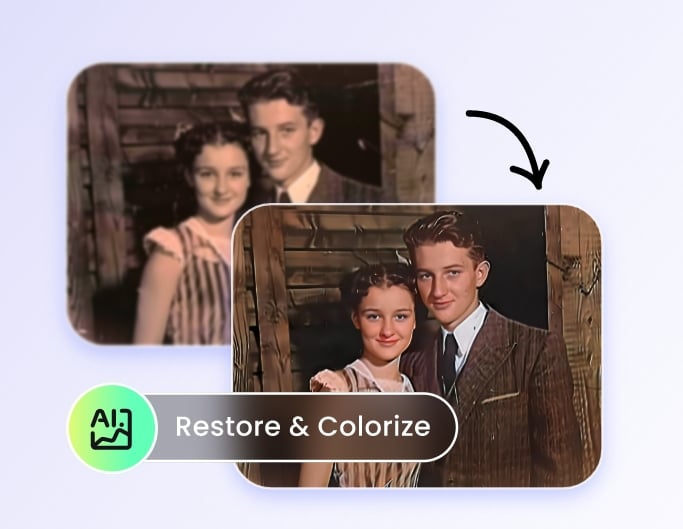
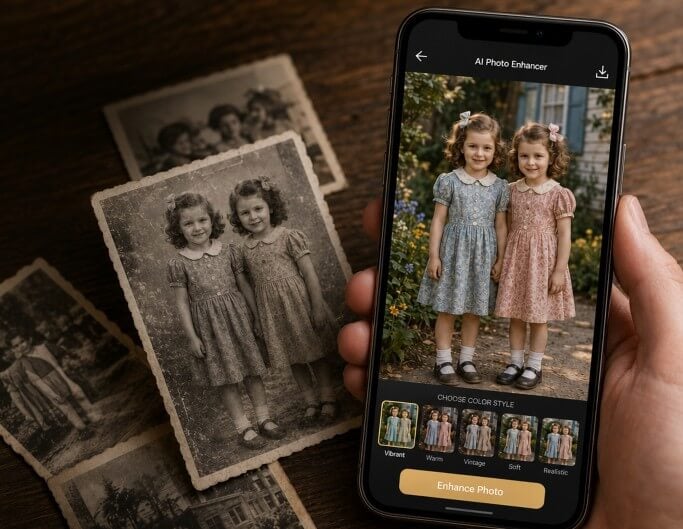
Travel back in time and experience your history in full color. Fotor’s AI image restoration tool transforms black-and-white photos into vibrant masterpieces. It also automatically corrects faded tones, yellowed tints, and poor exposure in vintage pictures, restoring true-to-life colors that feel as fresh as yesterday.
When restoring old photos, fixing blurry or damaged faces is the biggest challenge. Fotor's AI picture restoration tool features specialized face enhancement technology to unblur faces, optimize low-resolution features, and reconstruct fine skin textures. Even in crowded group photos, it precisely restores every individual face to its original clarity.
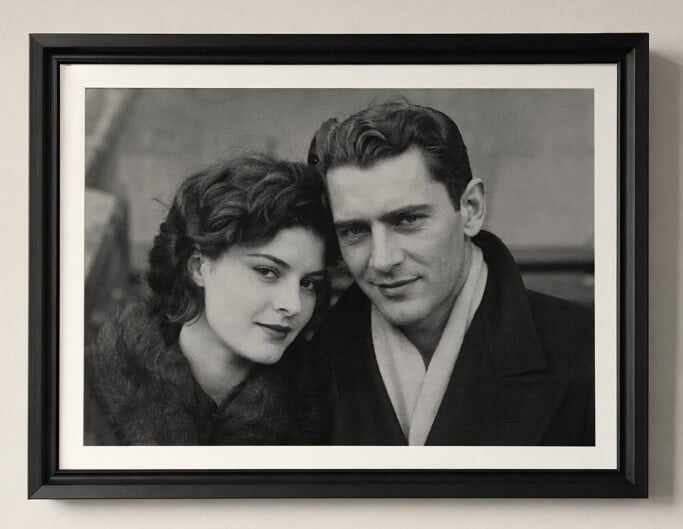
Fotor's photo restoration tool can recover any type of old image, including vintage film photos, faded polaroids, scanned prints, or low-quality digital snapshots, and apply them to a wide range of purposes.
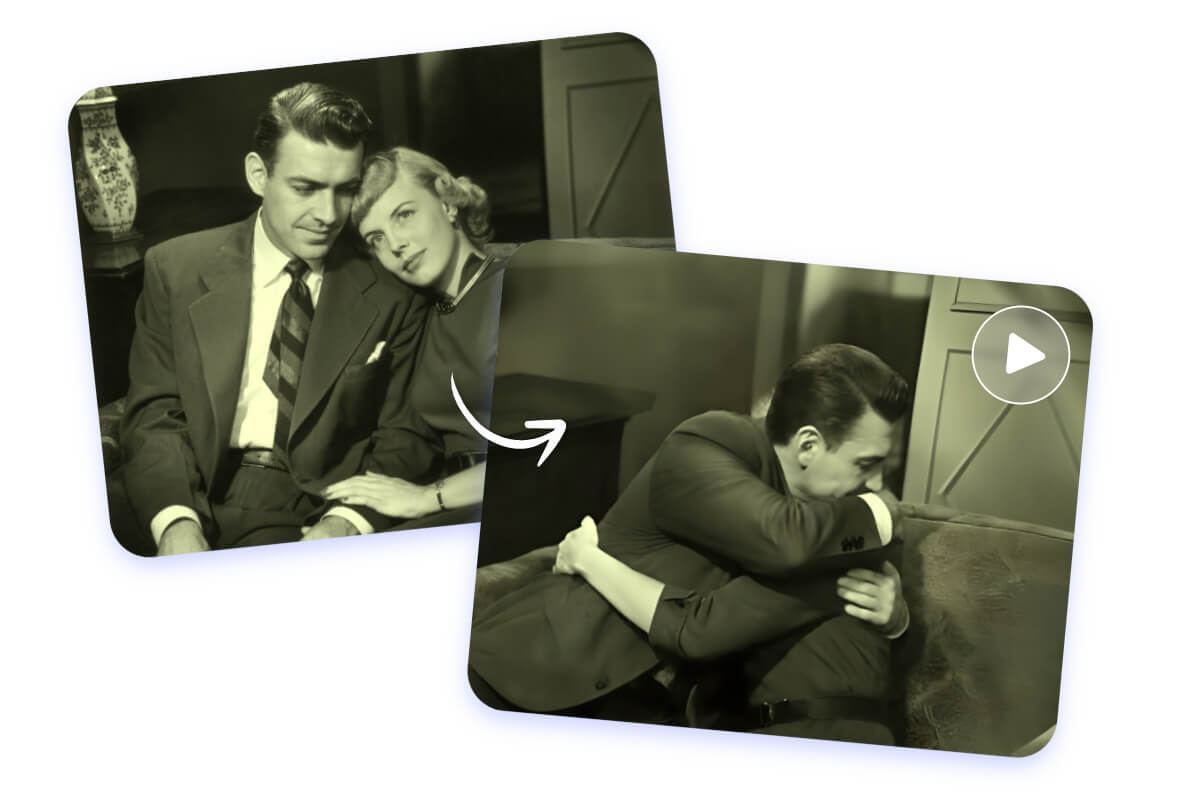
Go beyond static restoration and bring old photos to life with natural movement. Fotor allows you to animate old photos, adding subtle facial expressions, blinks, and smiles to your vintage portraits, converting still memories into short, emotional videos.
Fix old photos anytime, anywhere, on your computer, phone, or tablet, with availability across both desktop and mobile.
Export your restored images in high resolution without any distracting watermarks. Your files remain clean and ready to share.
Your uploaded photos are fully encrypted and never shared with third parties.

Fotor is almost as powerful as other much more expensive photo editing software, but since it's web-based, it's a lot simpler to use. I've found myself defaulting to it over my downloadable programs since it's much more user-friendly.

Overall, I like using the watercolor and monet style enhancements. There are other enhancements that I enjoy as well such as the clay modeling AI style features and others. It's fun to experiment with different style variations of which FOTOR has a wide range. I feel that for the monthly fee I pay, I should get more credits however.

The AI Upscaler is by far the best tool to use for taking tiny jpegs and making them look like the original, the image to video feature is a great feature - I'm looking forward to it's AI perception evolving to a point where it understands simple prompts
Fotor AI old photo restoration is an online image processing tool powered by deep learning technology. It automatically analyzes defects in vintage photos to provide one-click noise reduction, scratch removal, clarity enhancement, and colorization. It aims to provide expert-level restoration solutions to users worldwide without requiring any professional editing skills.
Large missing areas, heavy water/fire damage, strong glare/silvering, or complex pen marks over faces often need manual retouching. We’ll still improve the file, but results vary.
Yes. It can clean damage and optionally colorize B&W images. You can keep B&W or apply subtle color with skin-tone protection.
The speed depends on the complexity of the photo. In most cases, photos are restored within seconds.
Yes. Files are processed over an encrypted connection and aren’t used to train public models. Uploaded images are automatically deleted from our servers within 24 hours.
Yes, after restoring your photos with Fotor's advanced AI restoration tool, you can use the AI image upscaler to enlarge them and boost their resolution without losing any detail. Easily prepare your restored photos for printing.
Yes. Fotor’s AI photo restoration tool uses deep learning technology to automatically identify and repair cracks, scratches, and stains. For areas with significant tears or missing parts, the AI intelligently fills them based on surrounding textures.
However, please note that if key facial features are completely missing, the restoration quality may be affected.
Restoring historical images like silver gelatin prints is simple:
1. First, scan or re-photograph your photo in high resolution.
2. Then upload it to Fotor’s "AI Photo Restoration" tool.
3. The AI will automatically handle the unique grain of silver gelatin prints, eliminate scratches, and enhance contrast, bringing century-old details back to clarity.
Yes. To improve efficiency, you can use Fotor’s batch photo restoration feature to upload and restore up to 50 photos simultaneously. This saves a significant amount of time for users looking to organize entire family albums.
Fotor provides a flexible experience for all users. New users can use free complimentary credits to preview and download high-quality, watermark-free restored photos. In the "Standard" mode, a Pro+ subscription is required to preview and download. In "Advanced" mode, you can use credits for full access, including premium AI processing.
To get the best digital copy of your old photos, follow these expert tips:
1. Natural Lighting: Place your photo near a window for soft, indirect sunlight. Avoid direct flash or harsh overhead lights to prevent glare and hot spots on glossy paper.
2. Keep it Flat: Use a clean, flat surface. If the photo is curled, gently weigh down the corners with small objects (you can crop them out later in Fotor).
3. Lens Cleanliness: Wipe your phone lens with a microfiber cloth to ensure maximum clarity.
4. The "Scan" Perspective: Hold your phone parallel to the photo to avoid perspective distortion. Use a tripod or steady your elbows on the table for a sharp, blur-free shot.
5. Use Dedicated Scanning Apps: Consider Fotor glare remover tool which automatically removes glare and corrects perspective.