

Free Grayscale Image Converter
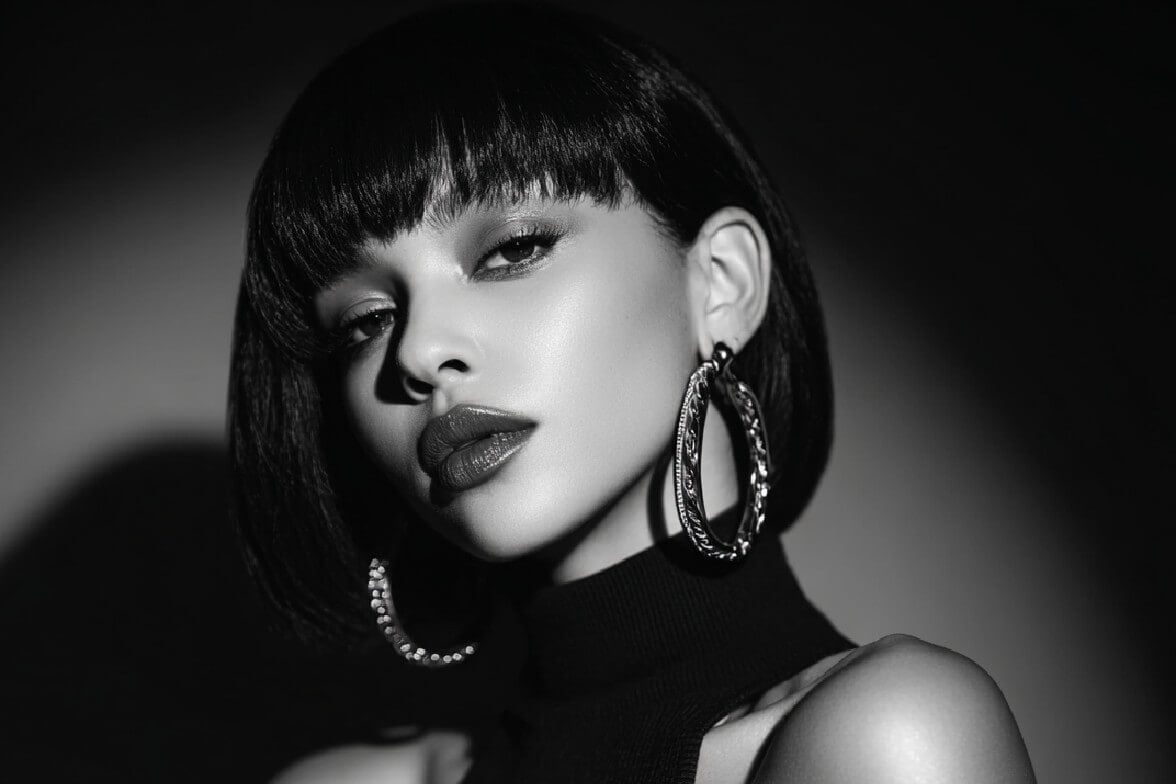
Turn color images into grayscale with Fotor’s free grayscale image converter. Choose from multiple filters to create high-quality black and white photos in seconds.

Drag image here or click to upload
Drag image here or click to upload


Why Fotor Grayscale Converter Stands Out
![easy to use icon]()
Easy to Use
Upload your image and apply grayscale filters with one click—no complicated steps required.
![Customize icon]()
Adjustable Intensity
Adjust grayscale intensity as you like and control the effect freely.
![studio quality icon]()
Lossless Quality
Preserve original image details, with high-quality, lossless results after conversion.
![No watermarks icon]()
No Watermarks
Get clean grayscale images without watermarks, ready to use or share.
![Secure icon]()
Secure & Private
Your uploads are safe and private—images are only used for conversion and never shared.
![Crossplatform]()
Cross-Platform
Create grayscale images across multiple platforms—online, desktop, and mobile.






How to Grayscale an Image in 3 Easy Steps

1. Upload an Image
Upload the color image you want to turn into grayscale, supporting multiple image formats.
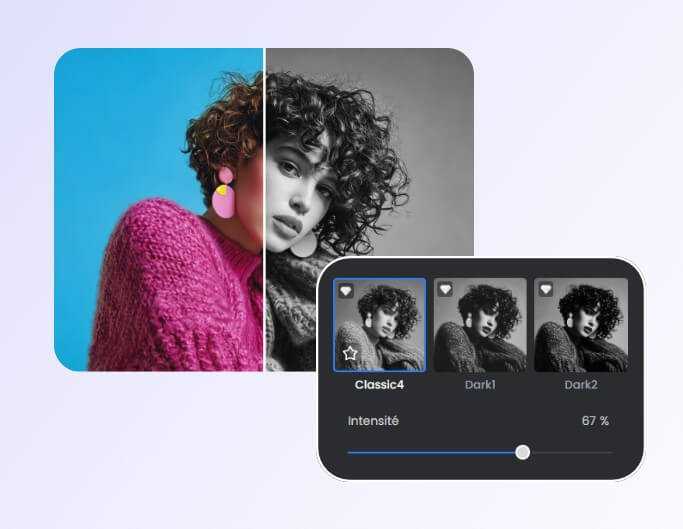
2. Apply a Grayscale Filter
Choose your preferred grayscale filter and easily apply it to your image.
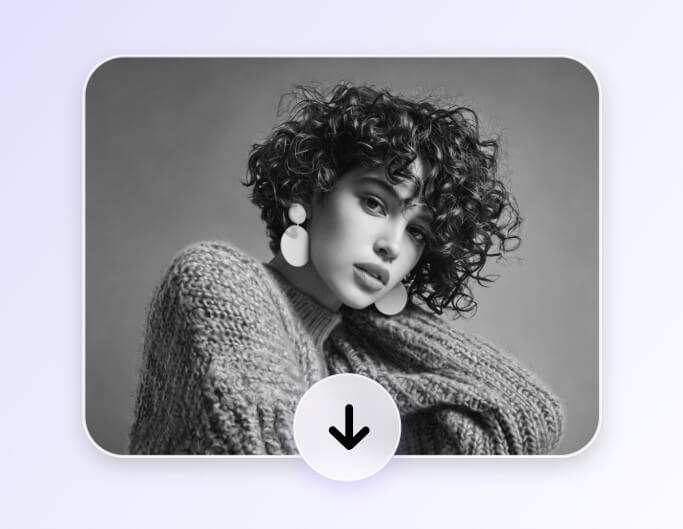
3. Download the Grayscale Image
Preview and save your high-quality grayscale image for free.
What You Can Do with Fotor’s Grayscale Filters

Instant Grayscale Conversion
Apply a grayscale filter to your image instantly and turn color photos into grayscale in just one click. Simply upload your image and get a clean, natural grayscale result without complicated steps.
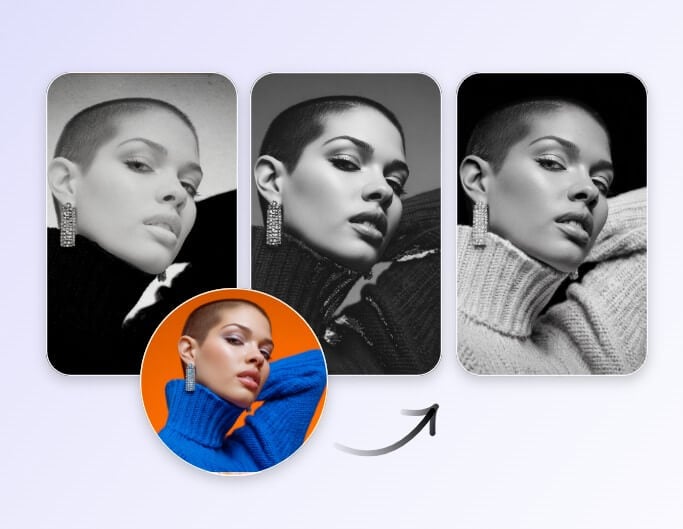
Multiple Grayscale Filter Styles
Choose from multiple grayscale filters to create different black-and-white styles for your photos. Whether you prefer classic, faded, natural, old-school tones or a stronger high-contrast black-and-white effect, you can pick the filter that best fits your image.