

Brace Yourself with Braces Filter Online
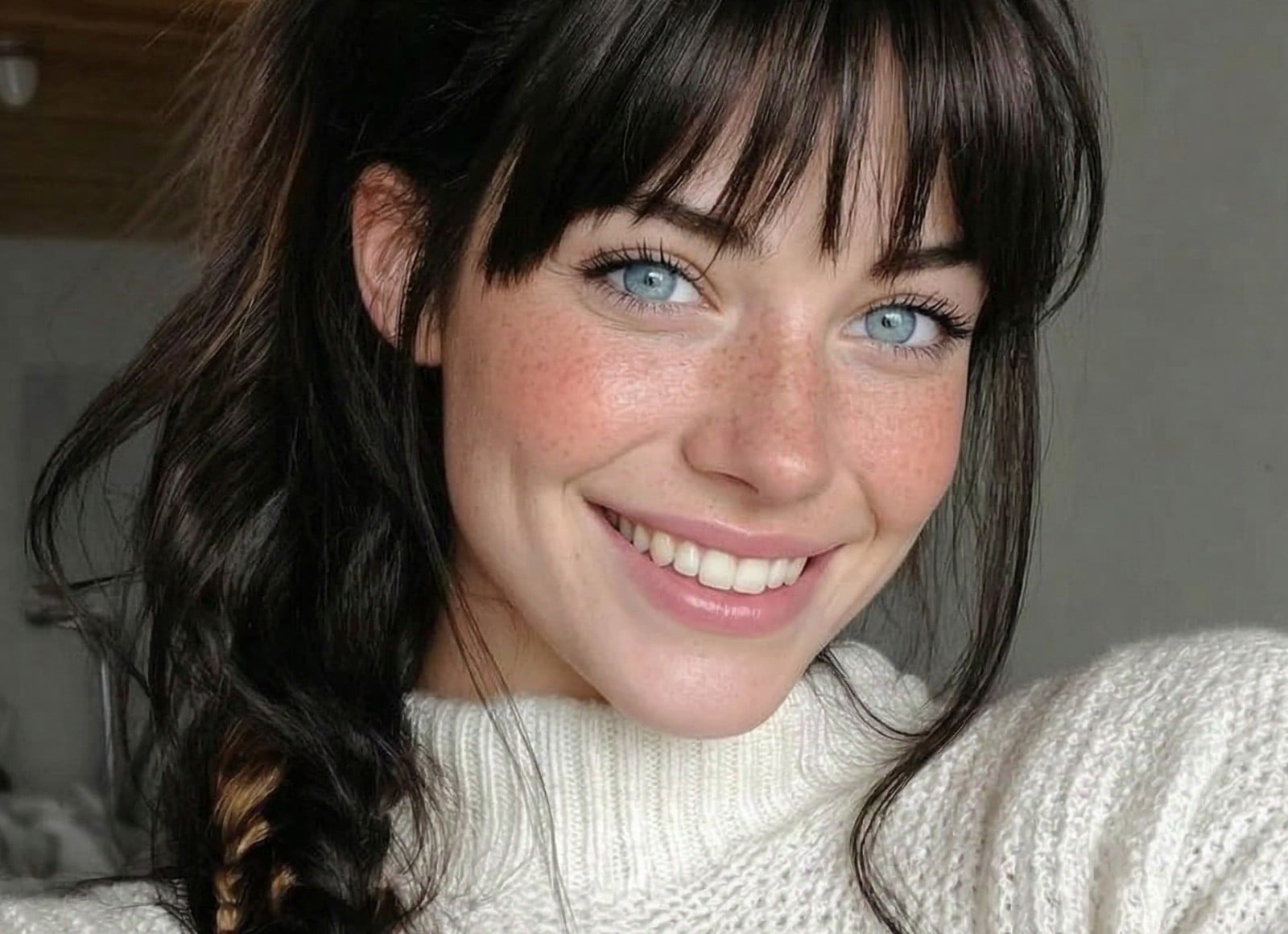
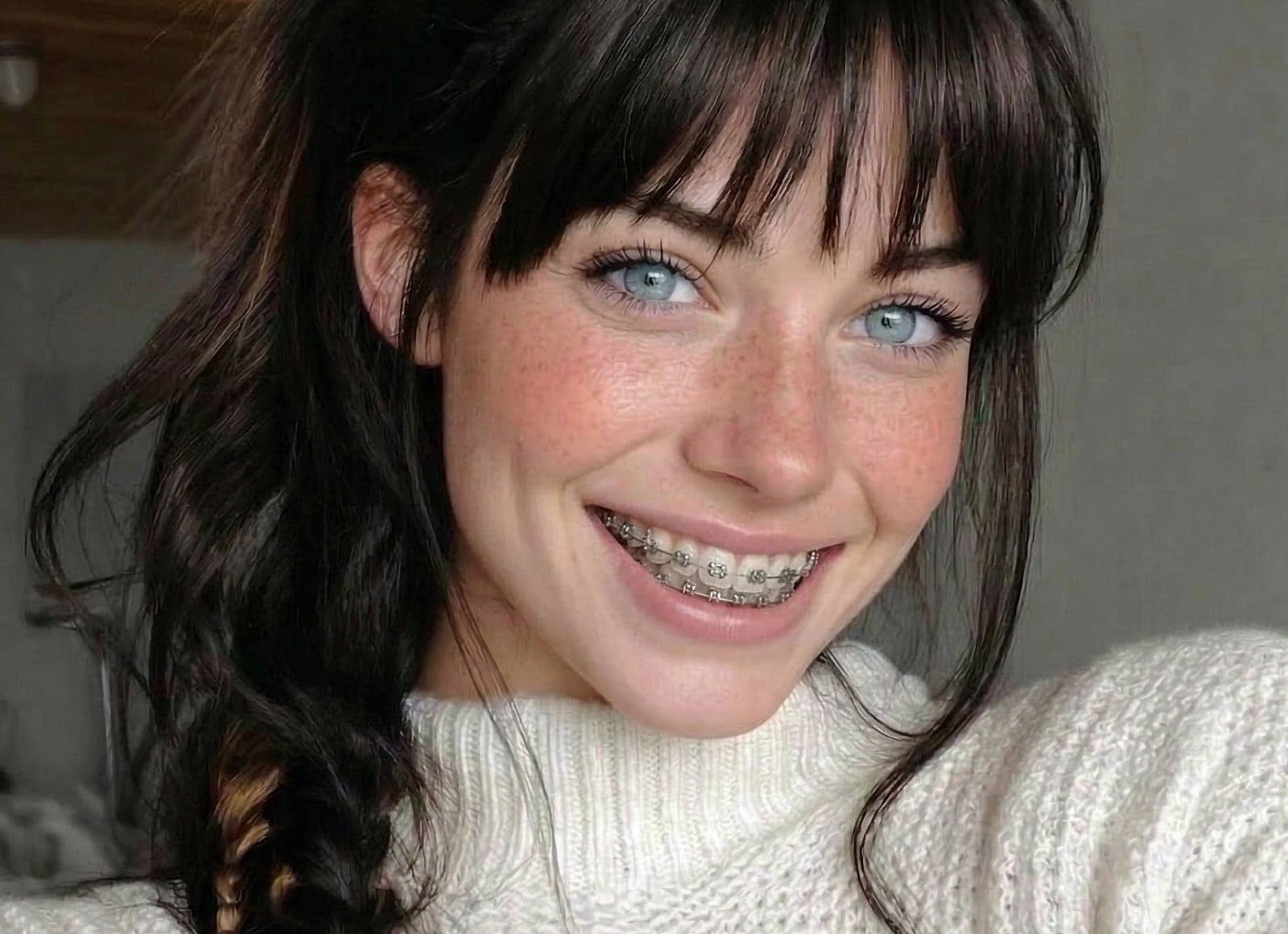
Effortlessly add realistic fake braces to your teeth with our online braces filter. Preview your braces look, making wise and correct decisions on braces purchase. For a better braces filter effect, try photos with:
✅Proper Lighting ✅Front Angle ✅Open Mouth
Private & secure. Files auto-deleted within 24 hours.
Private & secure. Files auto-deleted within 24 hours.

800M+
Users Worldwide
4.5★
on Capterra
200+
Countries & Regions
See How Our AI Braces Filter Performs
Curious what you would look like with braces? Our AI braces filter gives you a realistic preview under different conditions. It works perfectly with clear, front-facing photos, handles slight misalignment in dim lighting, and shows where results may fail.
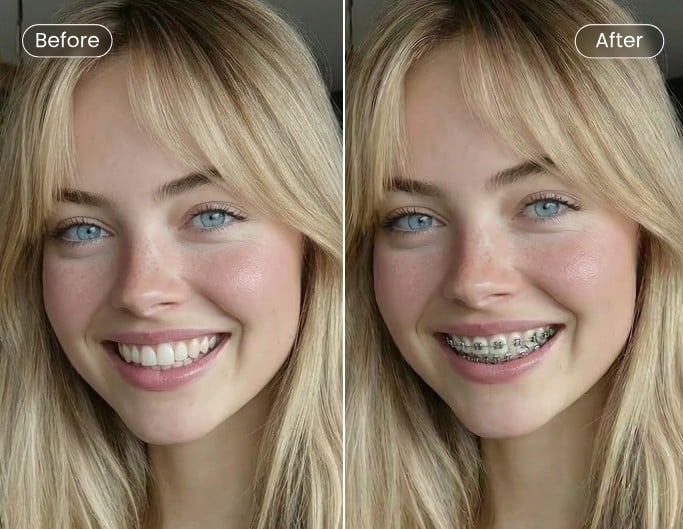
✅Success✅
AI works perfectly under good lighting. Suitable for most users.
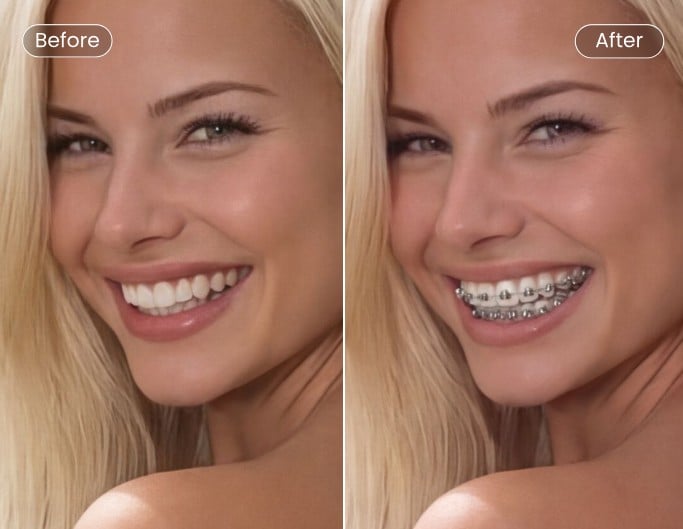
⚠️Challenge⚠️
Slightly off alignment in dim lighting or angled photos.
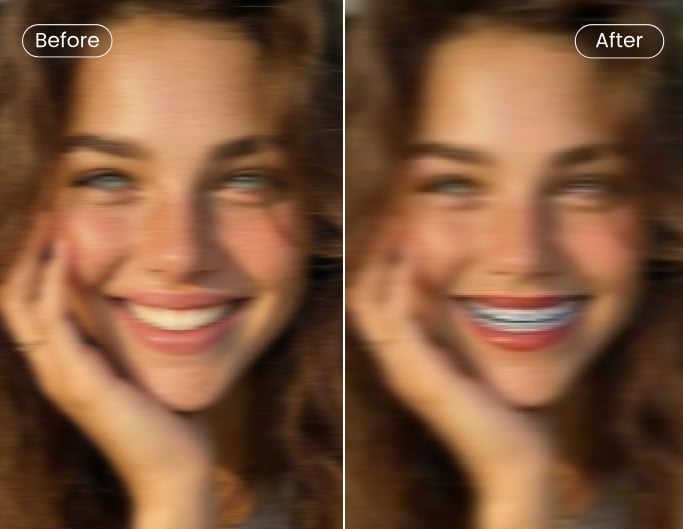
❌Fail❌
Closed mouth or blurry photos lead to distorted braces.
This Is Why You Trust Our Braces Filter
![Smart typography and layer icon]()
Try Different Braces Easily
Quickly compare metal, ceramic, and invisible braces on your own photo.
![High quality icon]()
Realistic & High-Re Previews
See exactly how real braces fit your smile in 4K quality, no stickers.
![100% data privacy]()
Safe & Private
All processing is secure, and results are for visual guidance only.



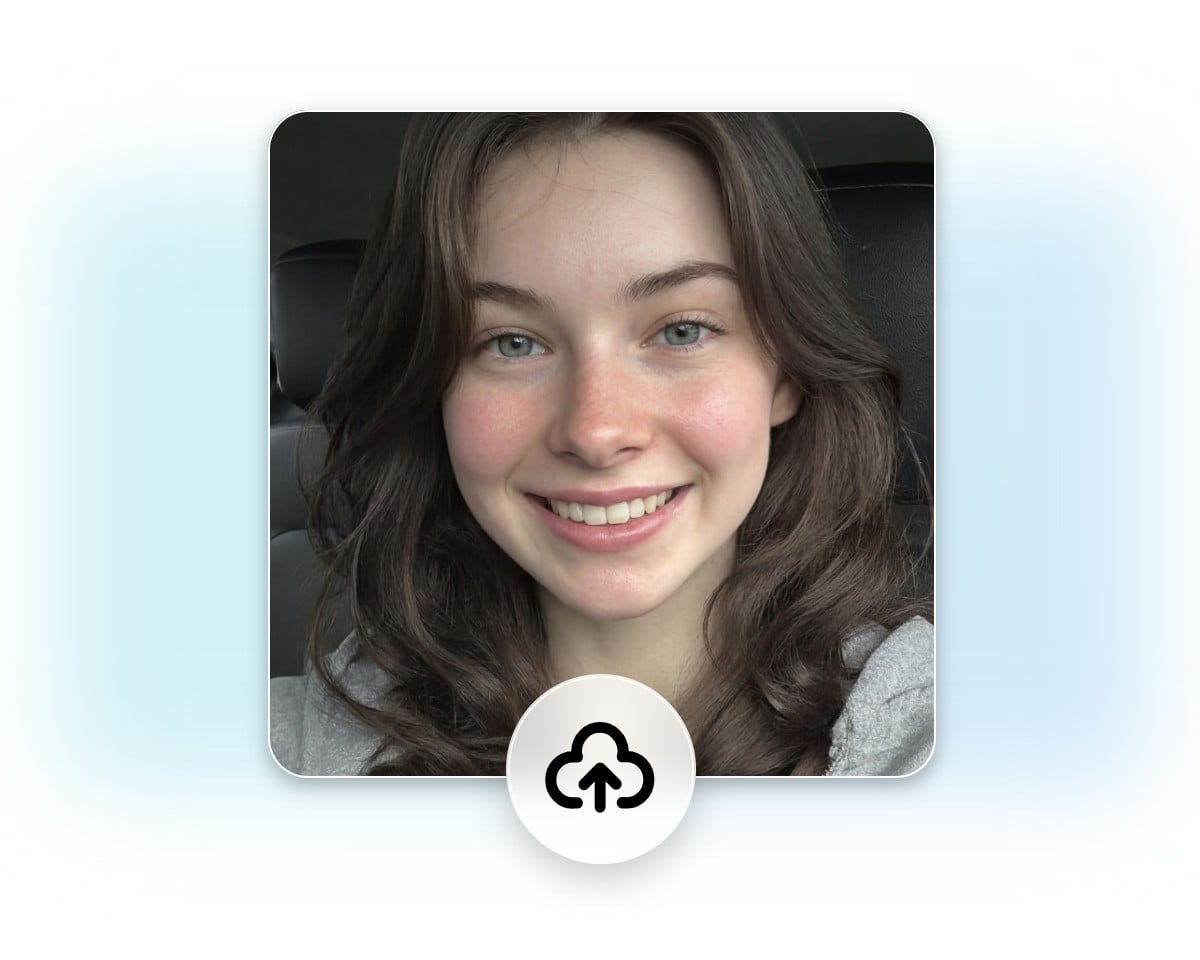
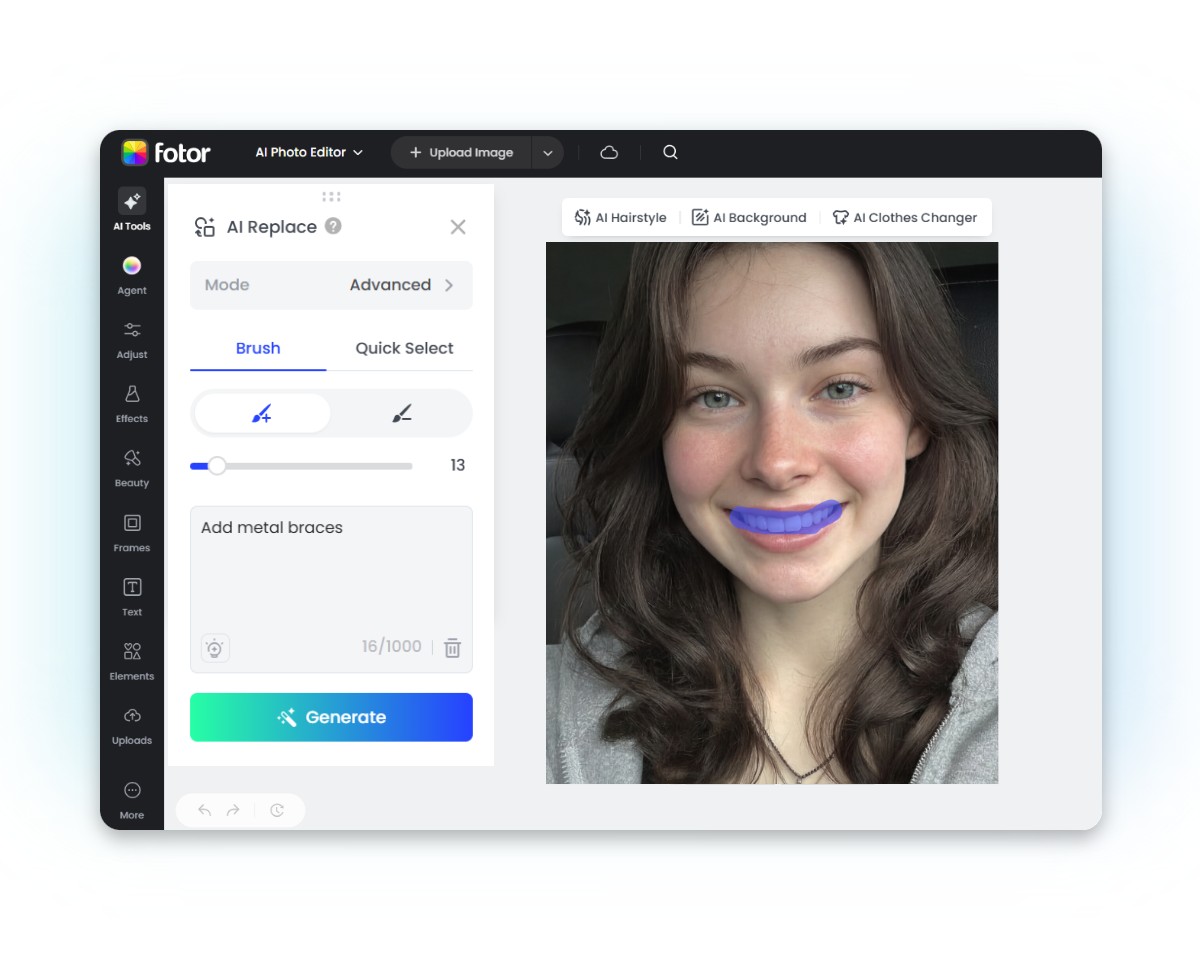
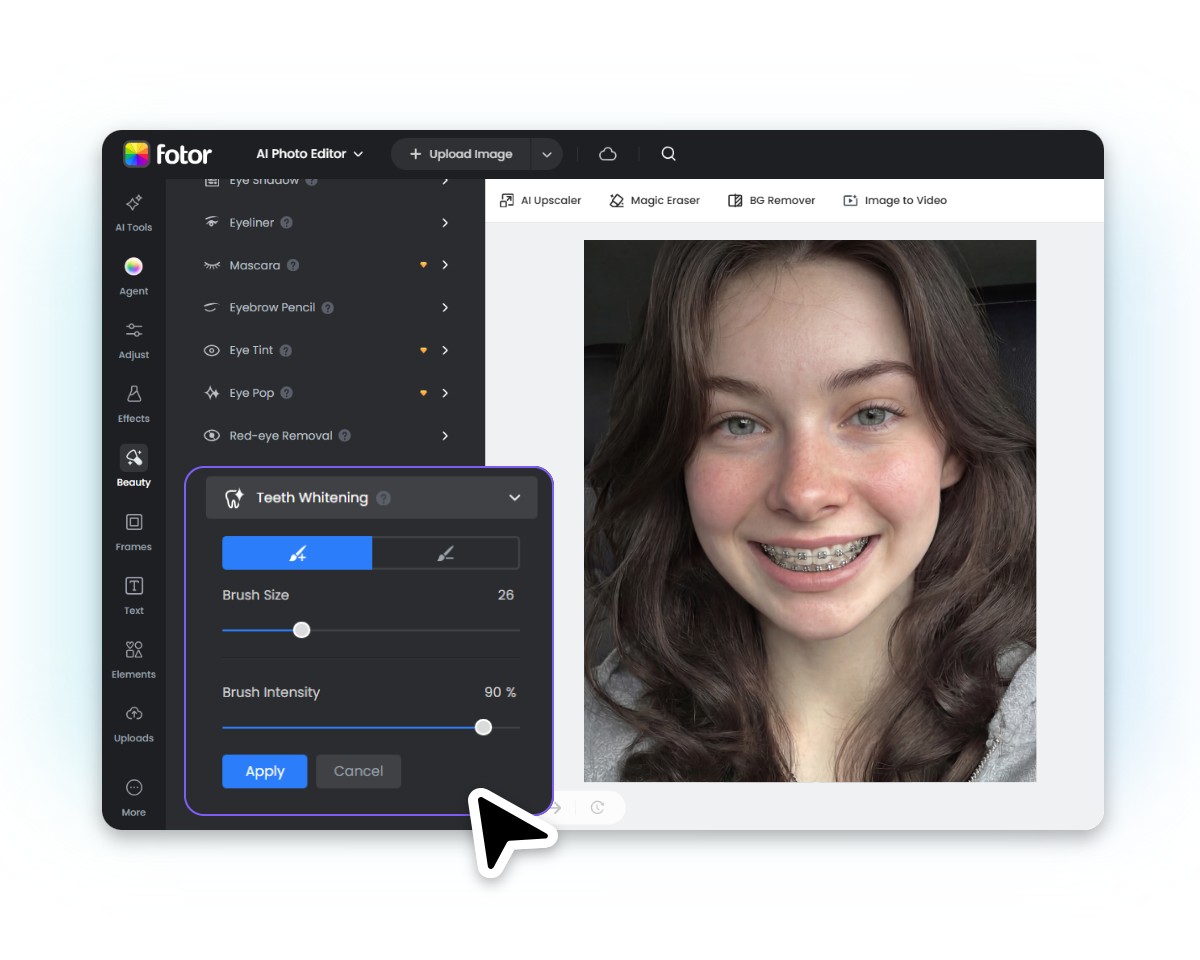
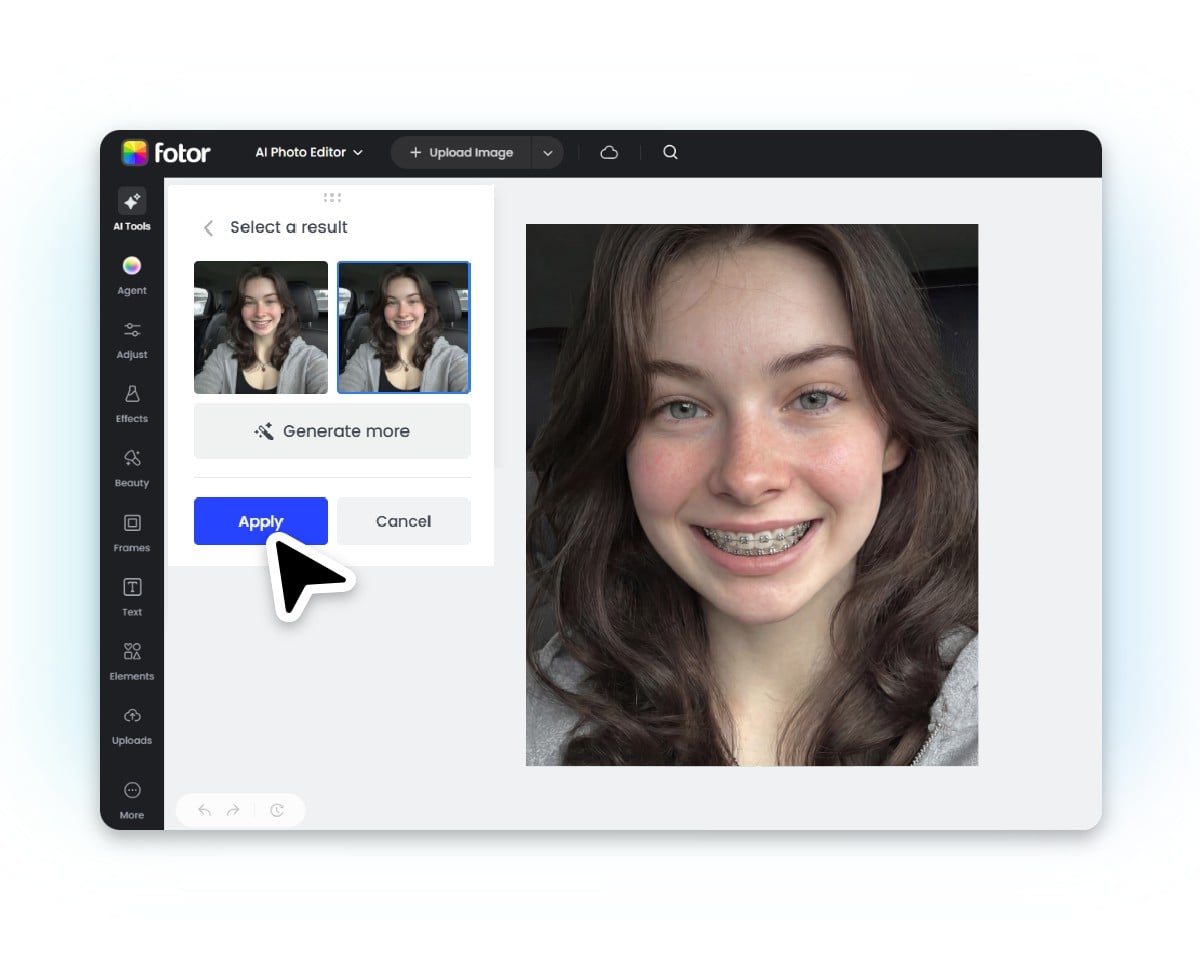
How to Add AI Virtual Braces to Your Photos Online
Upload Your Photo
Upload your selfie or portrait to our AI replacer.
Brush the Teeth for Braces
Add Braces Text Prompts
Further Teeth Options
Preview and Download
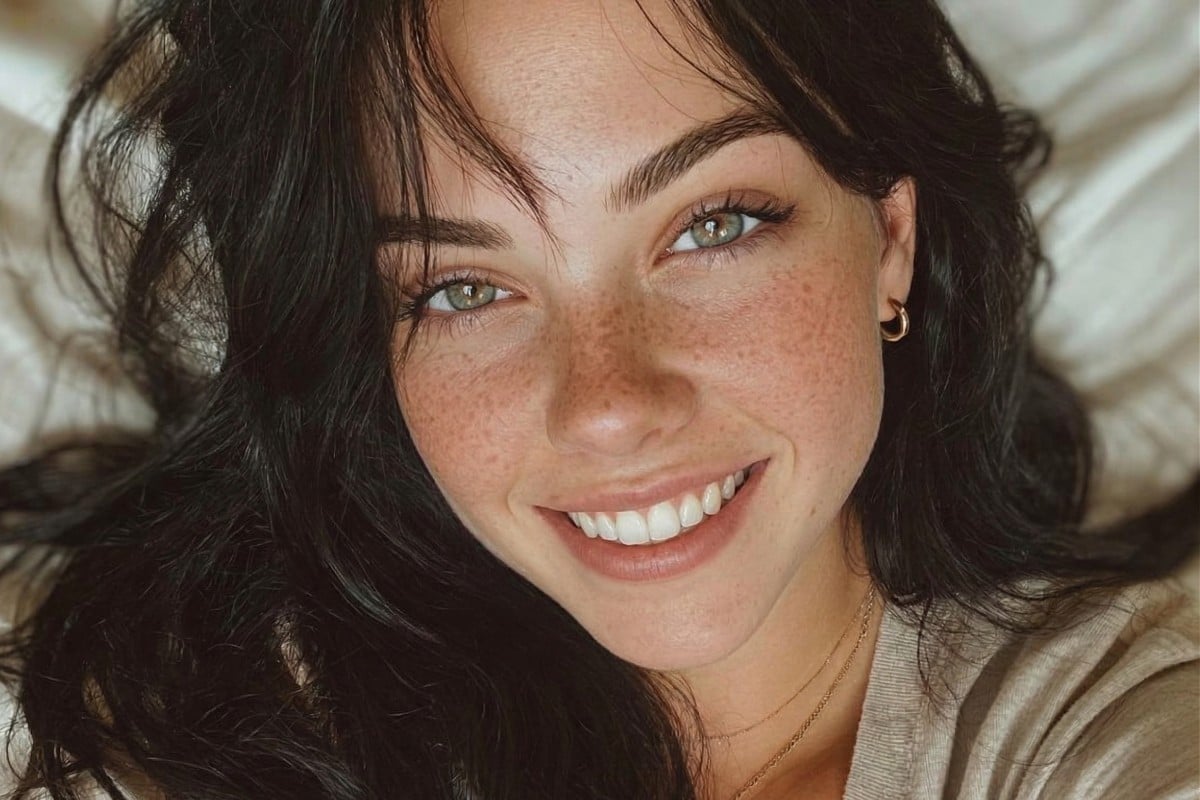
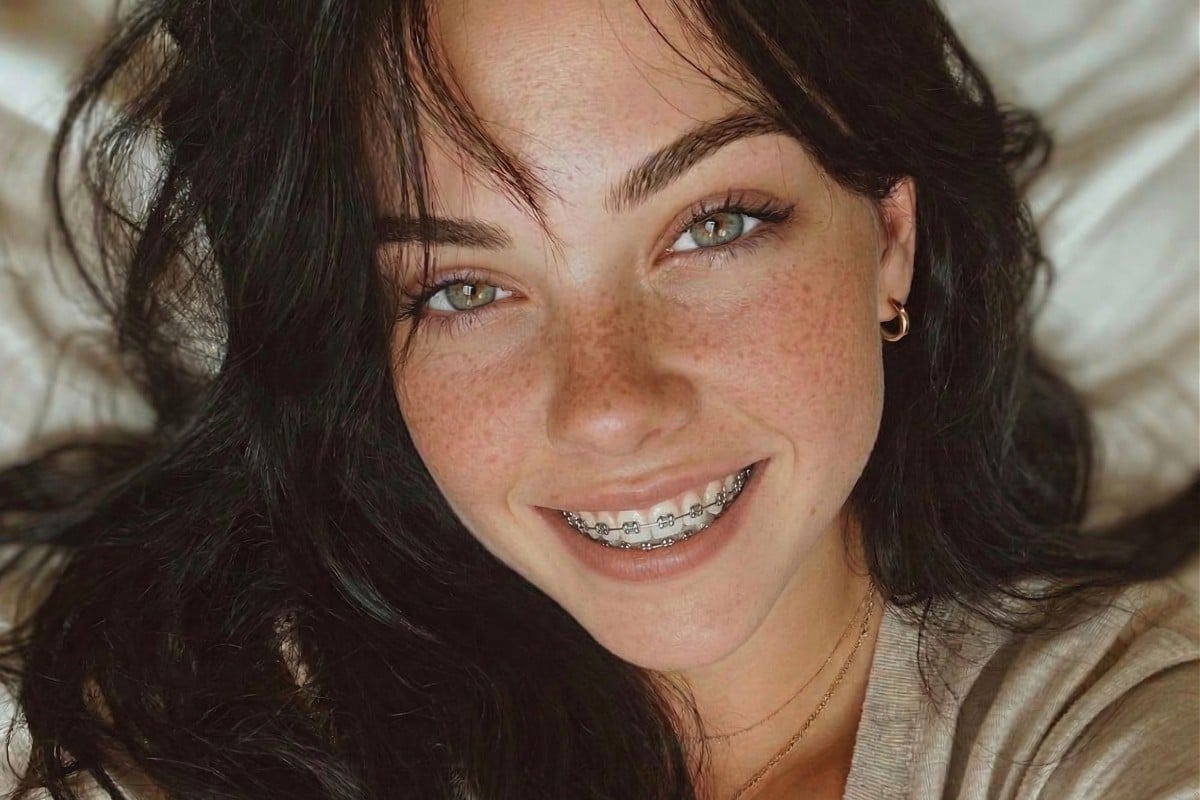
Add Realistic Braces to Your Own Photo Online
Use our AI braces filter to add realistic braces to your photo in seconds. This online braces simulator maps braces onto your teeth, helping you see what you would look like with braces. Try it as a free braces filter online tool to preview results quickly and explore different looks with ease.
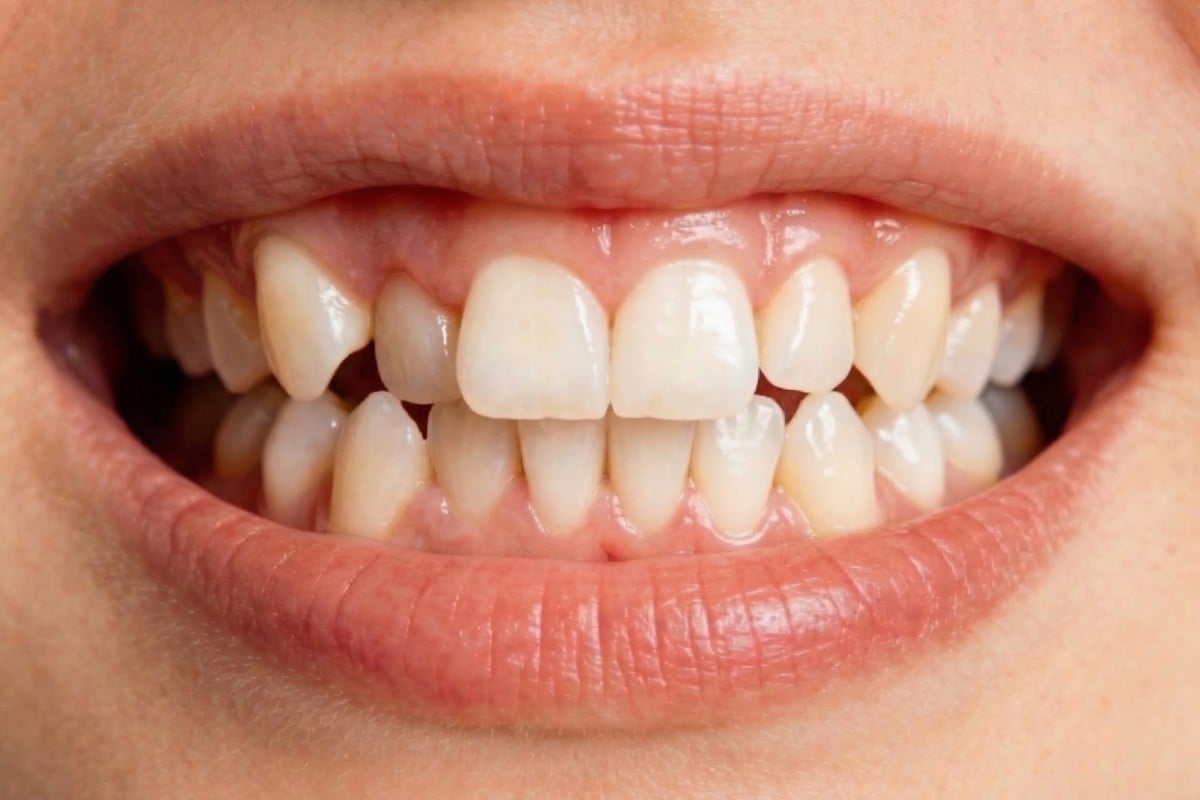
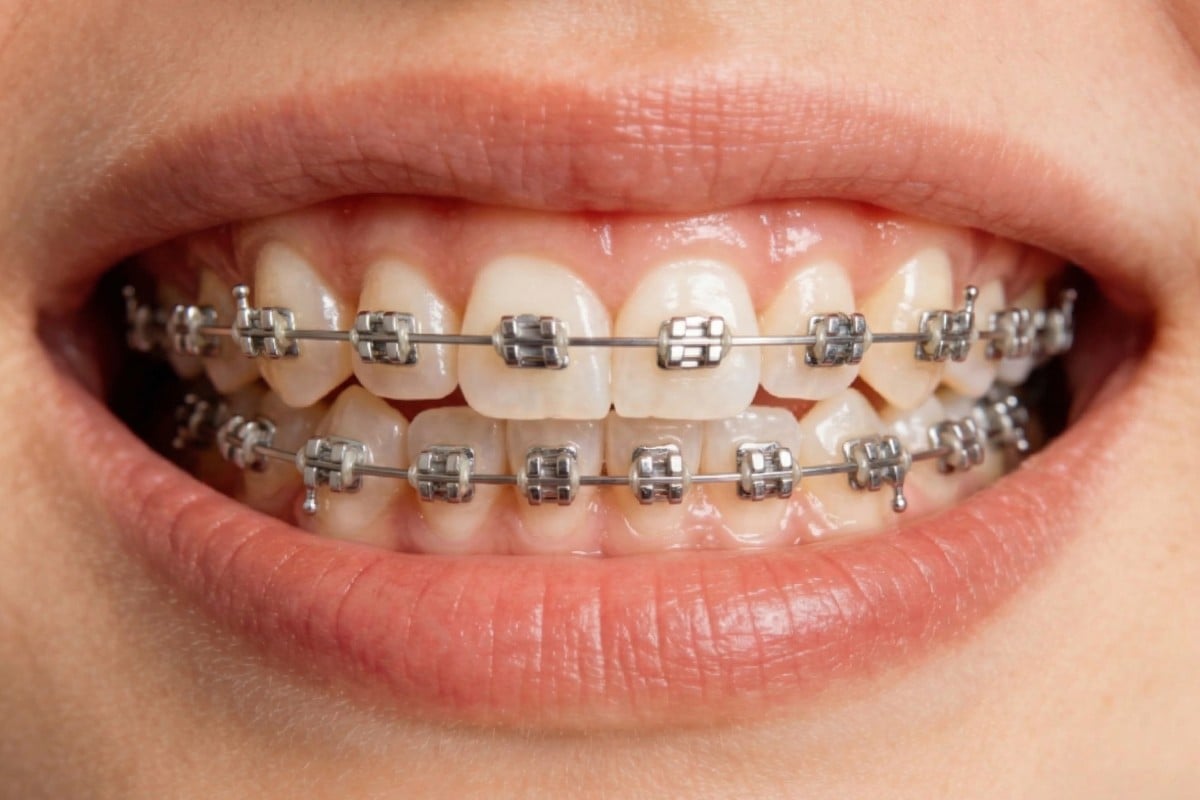
Preview Your Future Smile Before Dental Visit
Quickly see what you would look like with braces using our AI braces filter online. This realistic braces simulator helps you understand how your smile may change before any dental visit. Upload a clear photo and explore how different conditions affect results, so you can better manage expectations and feel more confident about your next step.
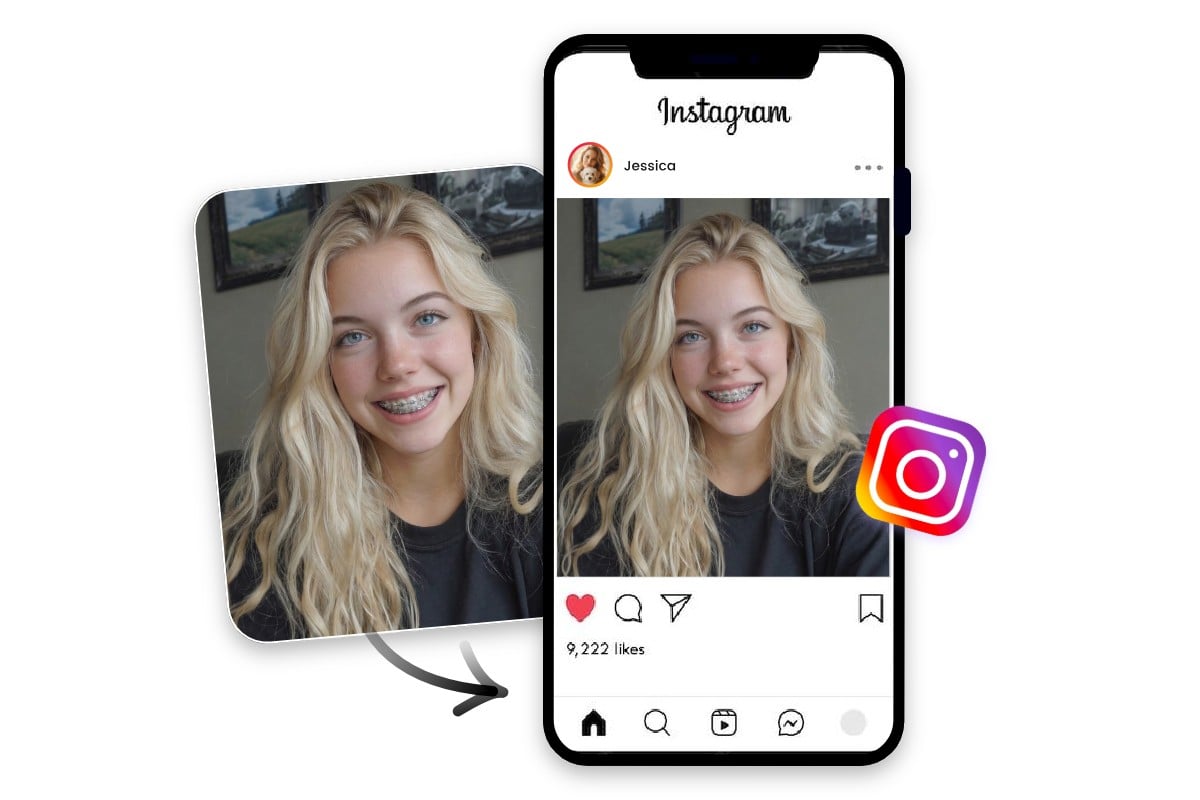
Make Social Media Fun with AI Virtual Braces
Turn ordinary selfies into fun, shareable images with our braces filter online for free. Add playful edits using this braces filter camera or try on braces filter to create unique looks for social media posts or cosplay. It’s an easy way to experiment with a fake braces filter while keeping your photos natural and high quality.
Compare Braces Styles for Personal Choice
Not sure how different braces styles look on you? Use our braces try on and virtual braces try on tool to compare metal, ceramic, and clear options. This braces generator lets you explore visibility and style differences, helping you decide what would braces look like on you without guesswork or commitment.
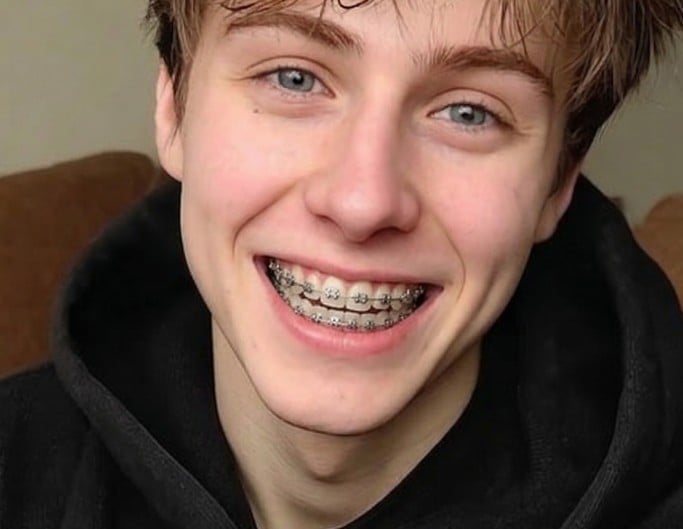
Metal Braces
More visible, classic look. Often used for a bold or realistic effect
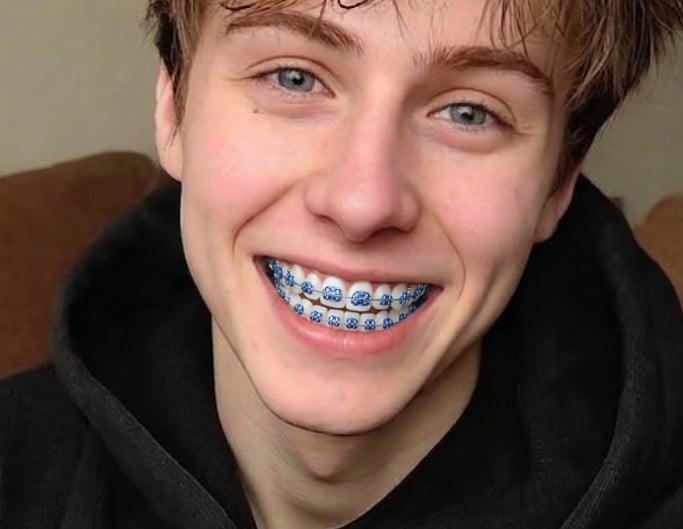
Ceramic Braces
Less noticeable than metal. Blends more naturally with teeth
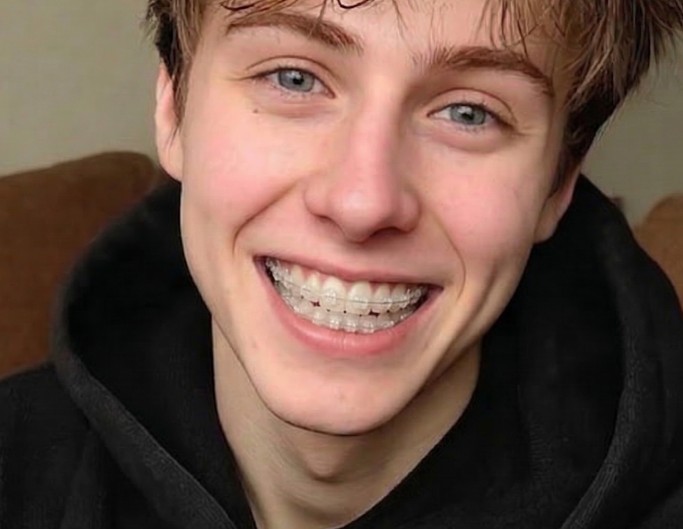
Invisible Braces
Subtle and minimal. Good for a cleaner visual style
Fotor Braces Filter User Reviewed by


The platform emphasizes speed and ease of use, making it perfect for users who want quick artistic transformations without complex editing processes.
Fotor’s Picture to Painting tool lets you transform your images with over 50 filter options you can choose from. This includes sketches, pop art, watercolor, oil paintings, van Gogh-style art, and many more.

GoArt is simple to use, requiring no design skills, making it ideal for course creators who want to add a creative, artistic element to their visuals.
Trusted and Loved by Millions of Global Creators





Learn more about Fotor's upload formats and requirements. See how we protect your content in our Privacy Policy.