Free AI Avatar Generator Online
Turn your photos into AI avatars for social media, games, or videos. Choose from multiple styles, including anime, realistic, and even animate your avatar for dynamic expression. Customize facial features, outfits, and accessories to reflect your personal style, making your avatars unique for every platform.
✅ Photo to AI Avatar ✅ Multiple AI Avatar Styles ✅ Flexible Customization
Fotor Trusted and Loved by





Our AI avatar generator uses advanced AI models to transform photos into unique avatars in various styles. Simply upload an image or choose a style, and generate personalized AI avatars with realistic details or creative effects in seconds.
Why Choose Our AI Avatar Maker?
![High quality]()
Photos into Realistic Avatars
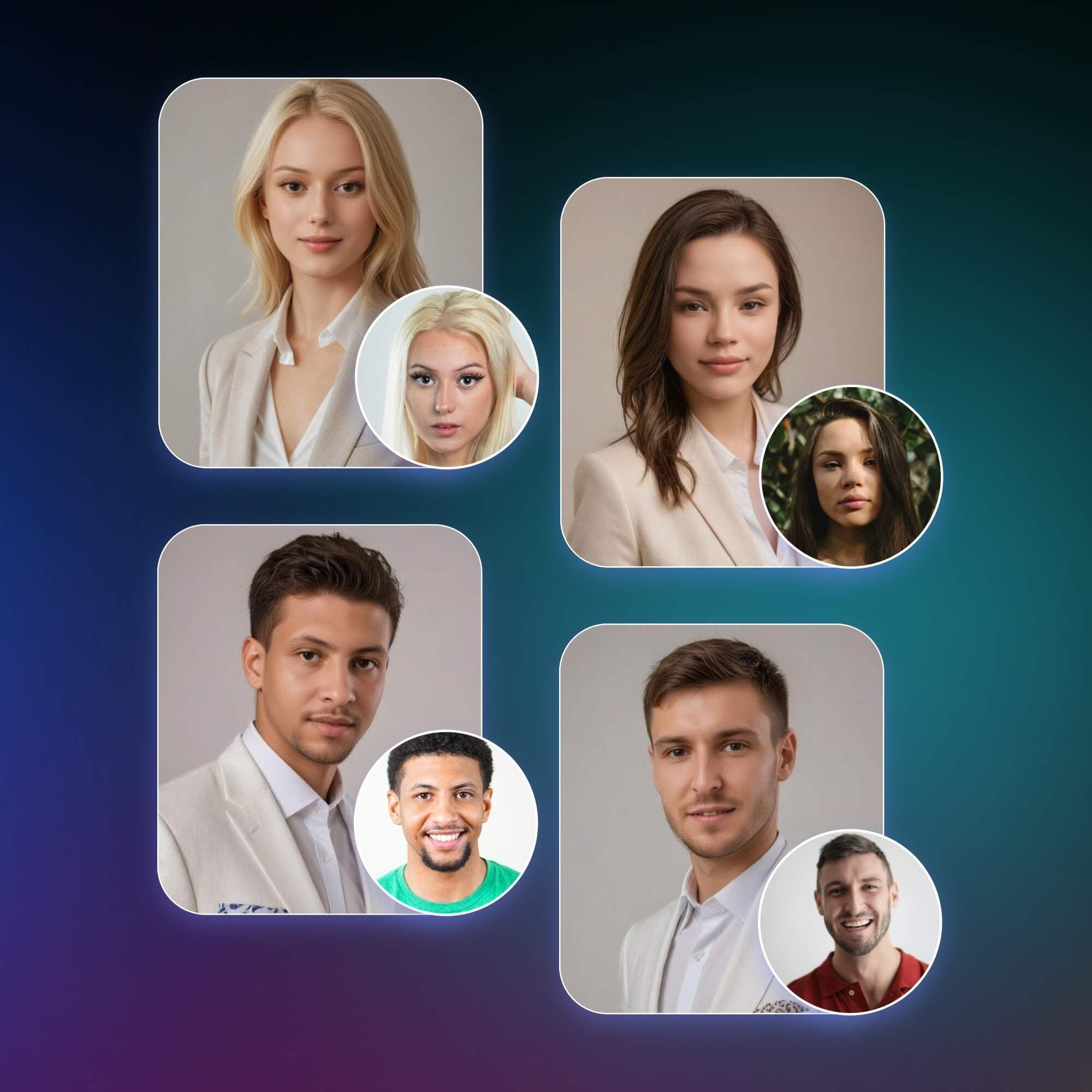
Generate avatars that preserve facial features and identity, reducing distortion common in low-quality AI outputs.
![fast generation icon]()
Fast Results Without Complex Setup
Upload a photo and get usable avatar results in minutes without design skills or manual editing.
![Various generation methods icon]()
Multiple Styles for Different Platforms
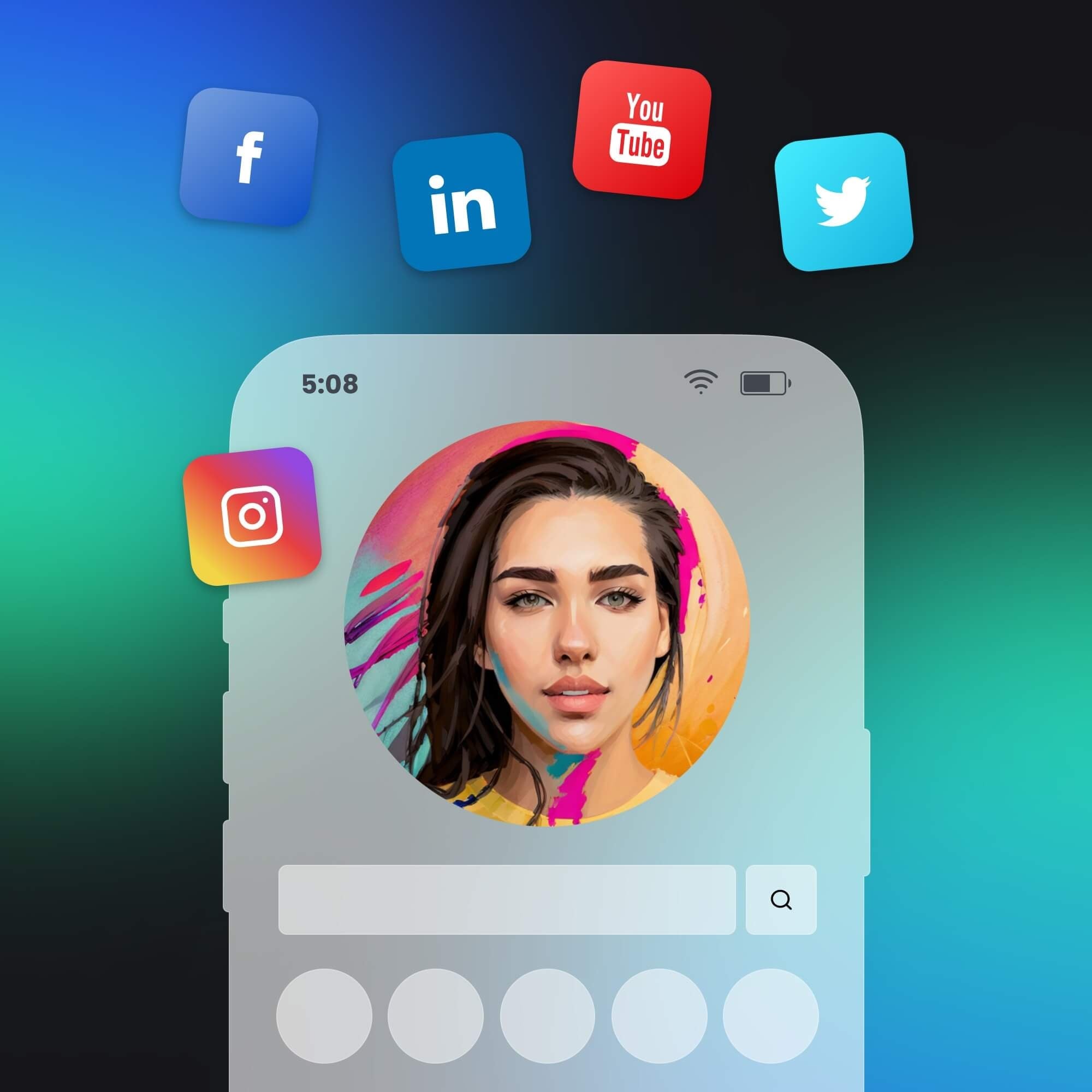
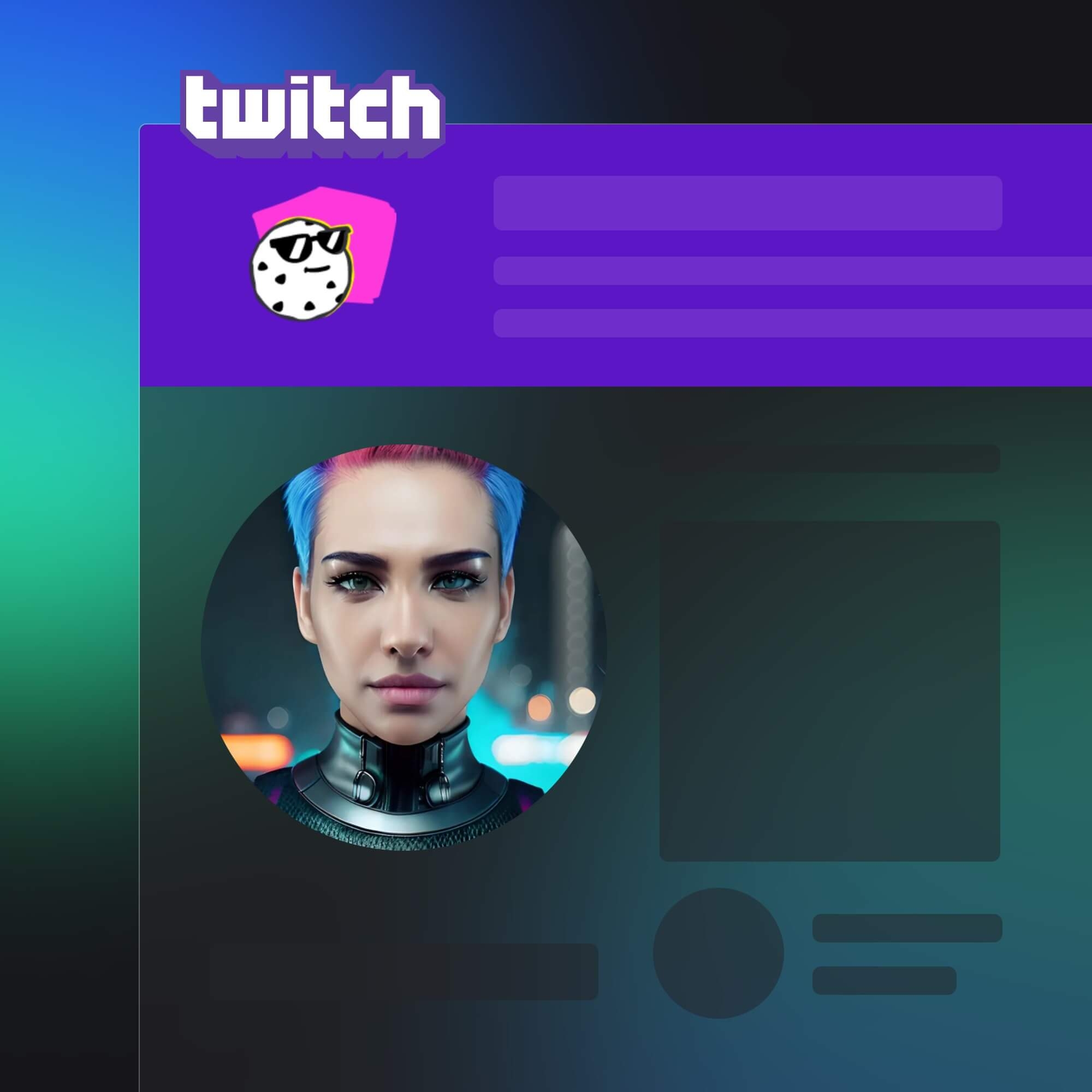
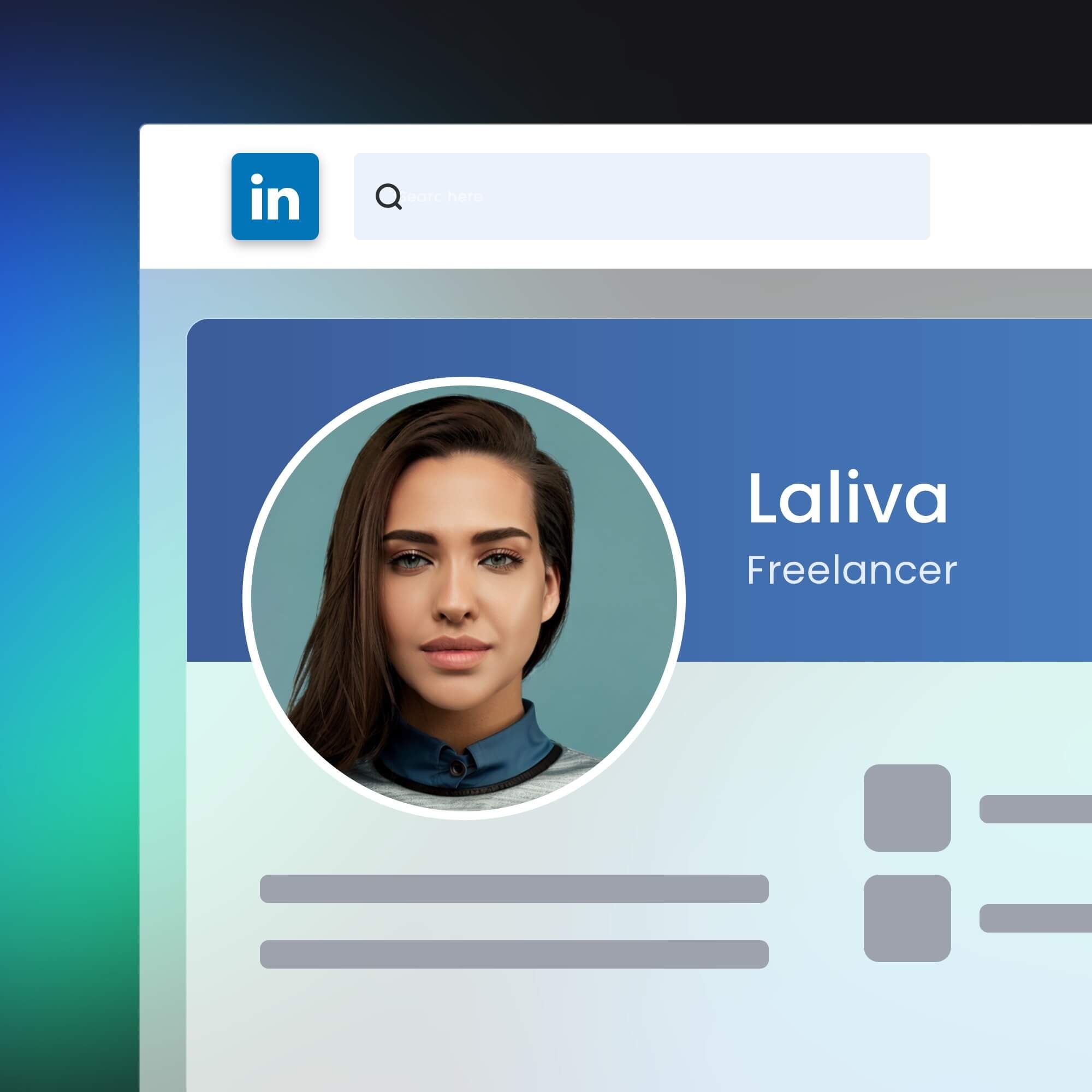
Create avatars for social media, gaming, or content creation with styles like anime, realistic, and 3D.
![Cross device icon]()
Cross-Platform Compatible Access
Supports online browsers, PC software (Windows & Mac), and mobile apps (iOS & Android).

Convert Images into AI Avatars in Multiple Styles
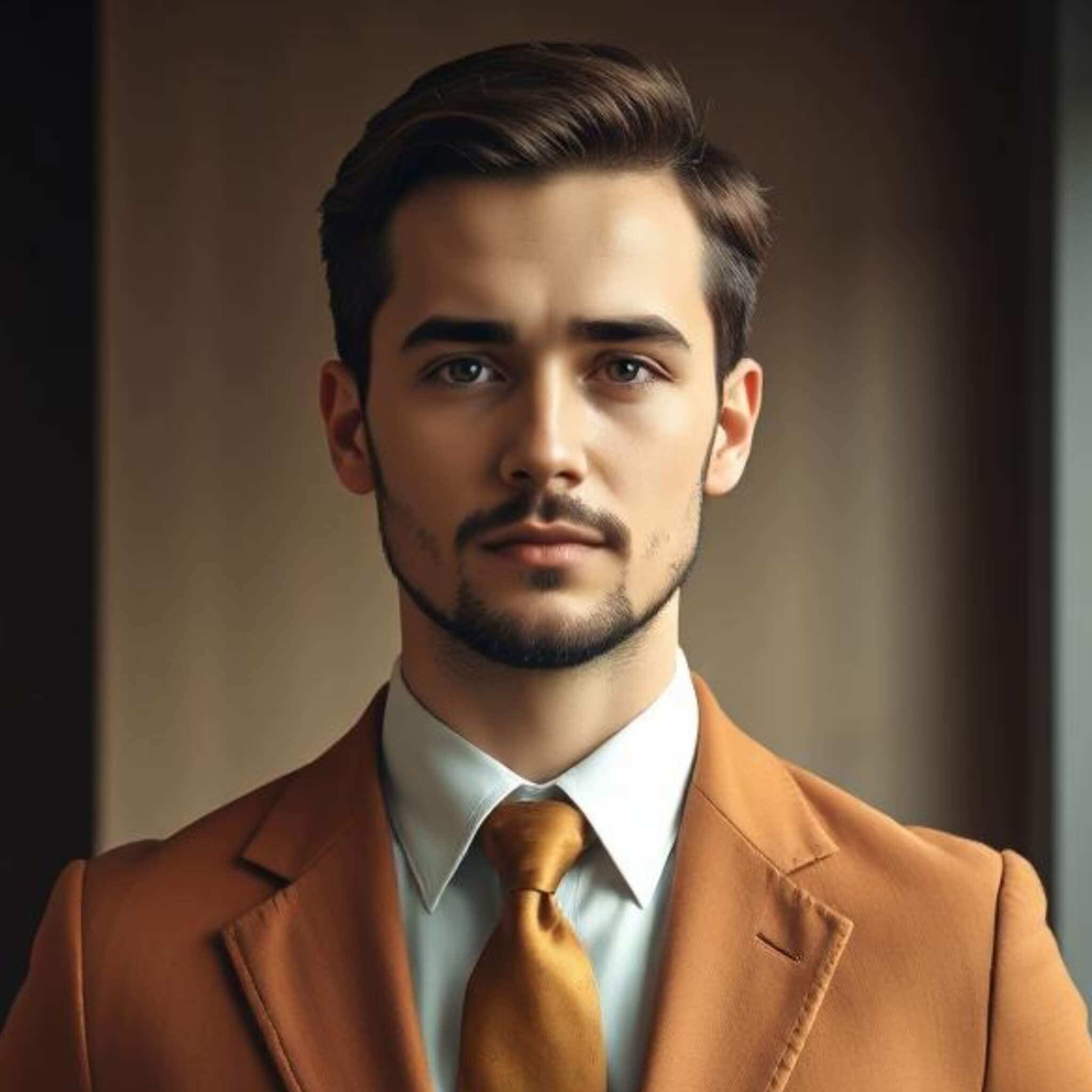
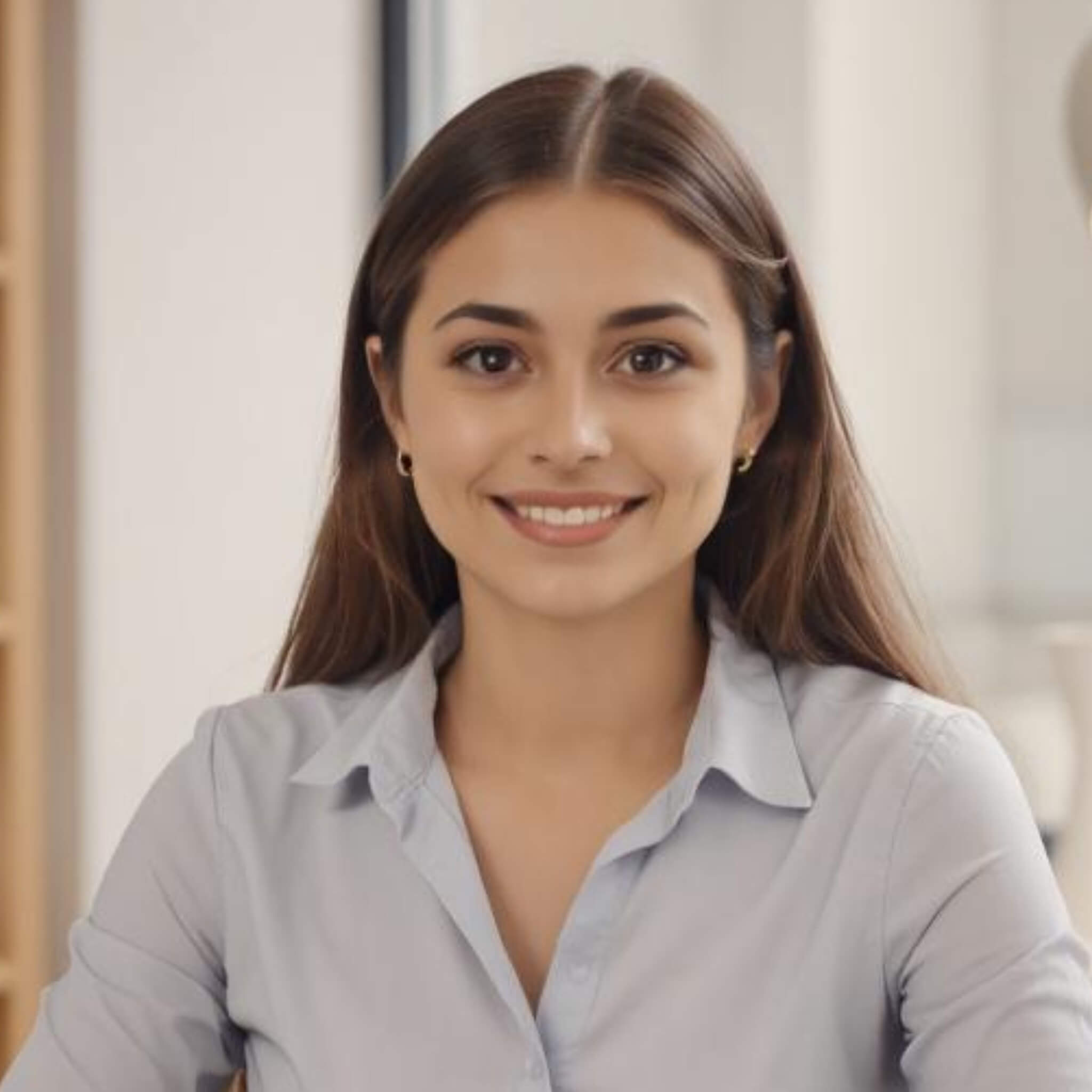
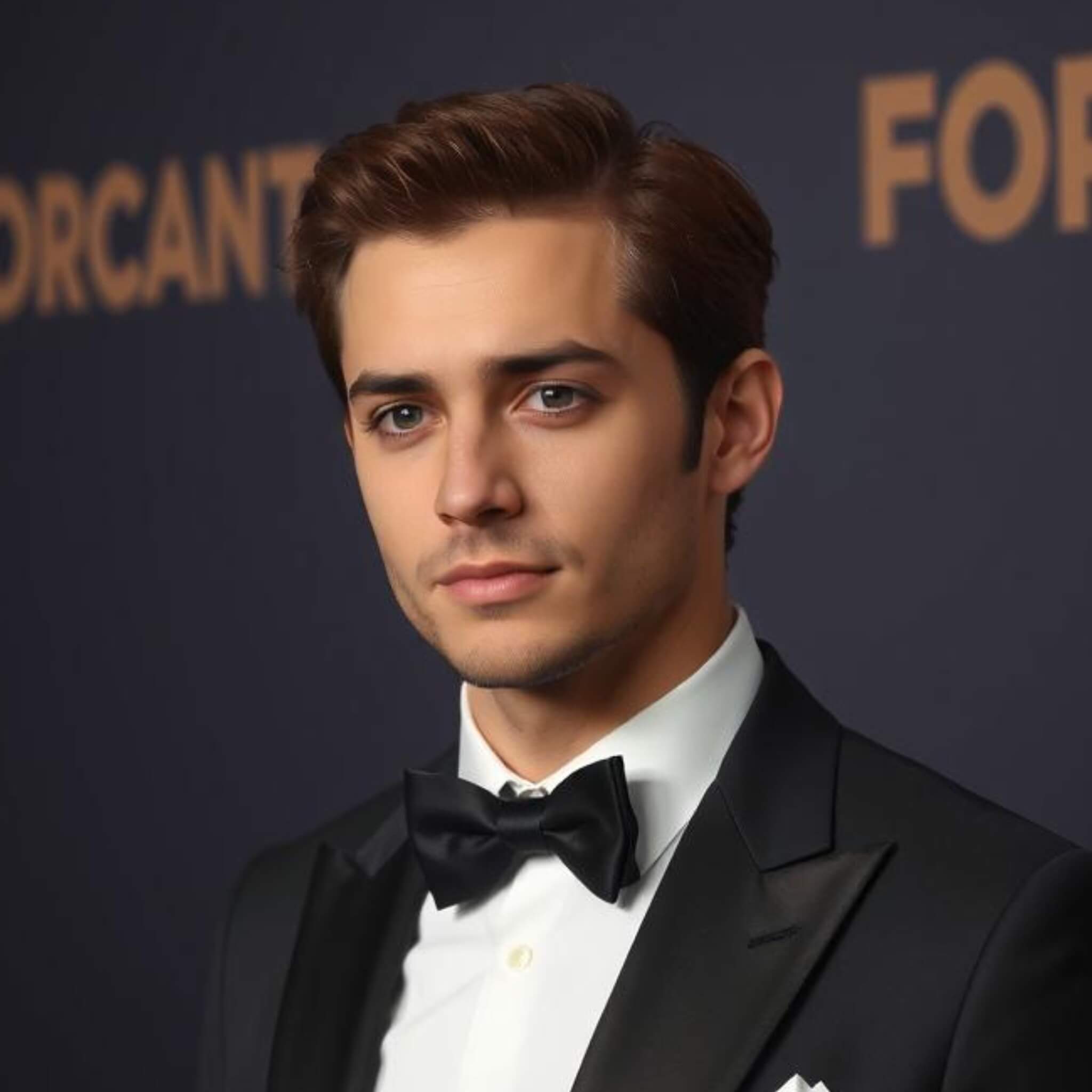
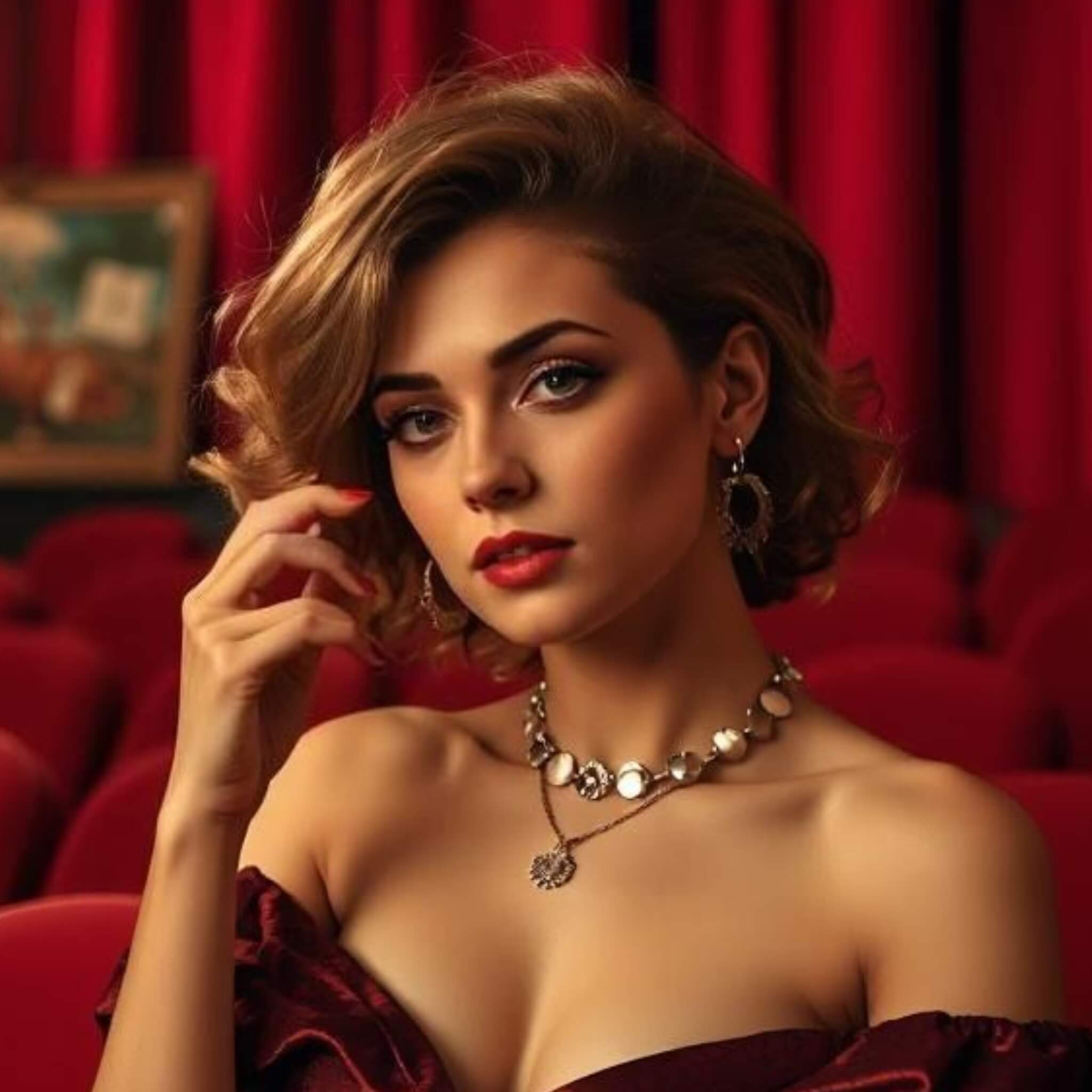
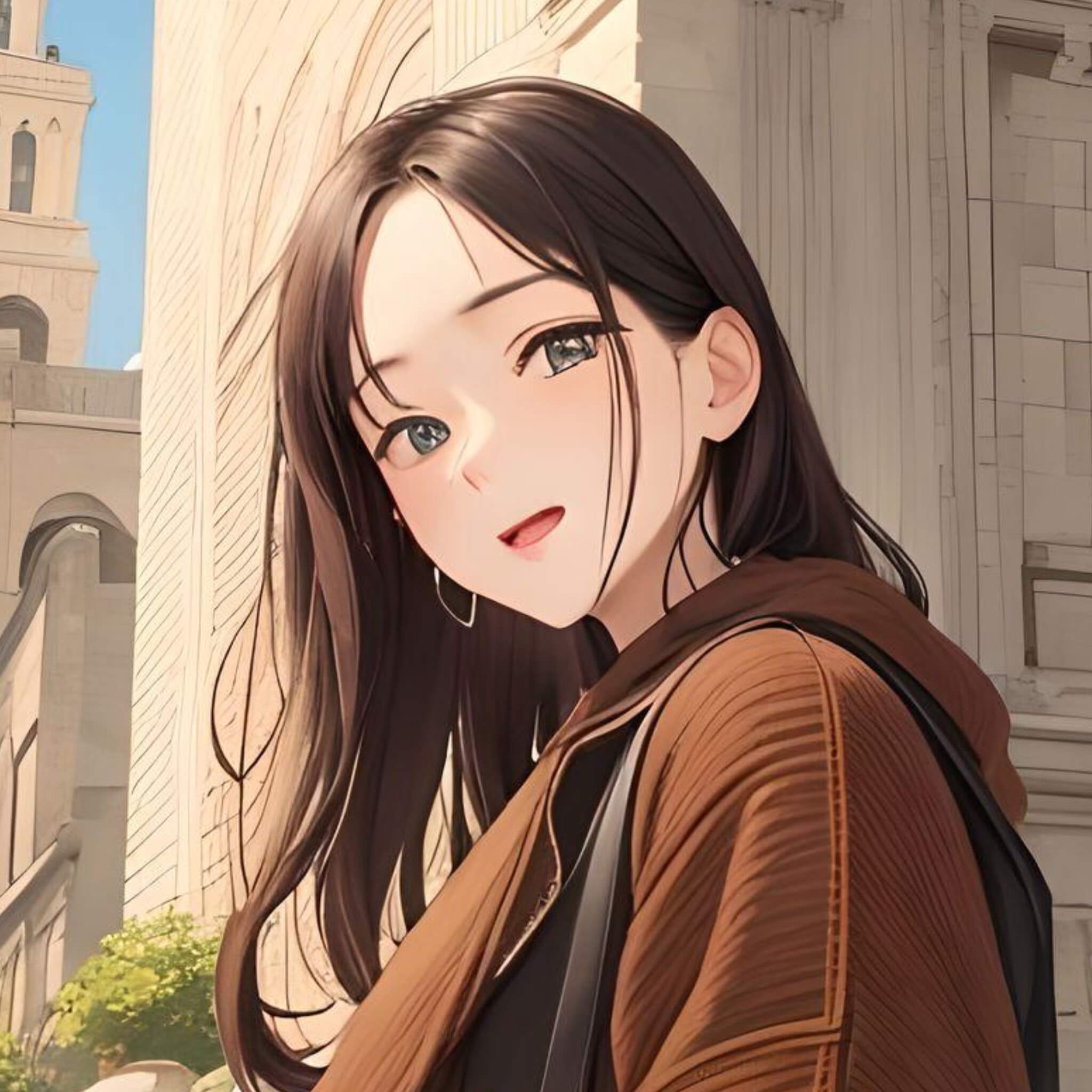
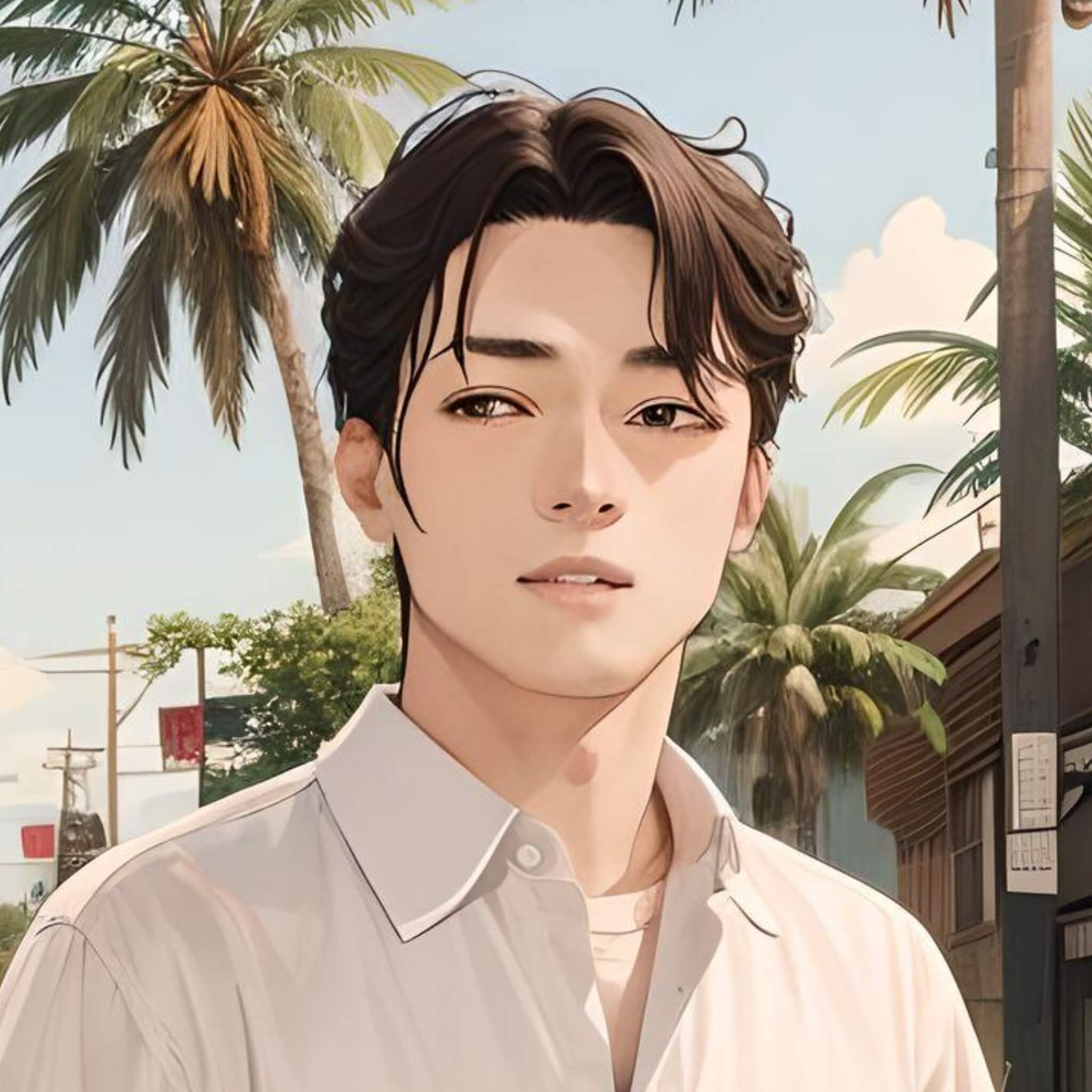
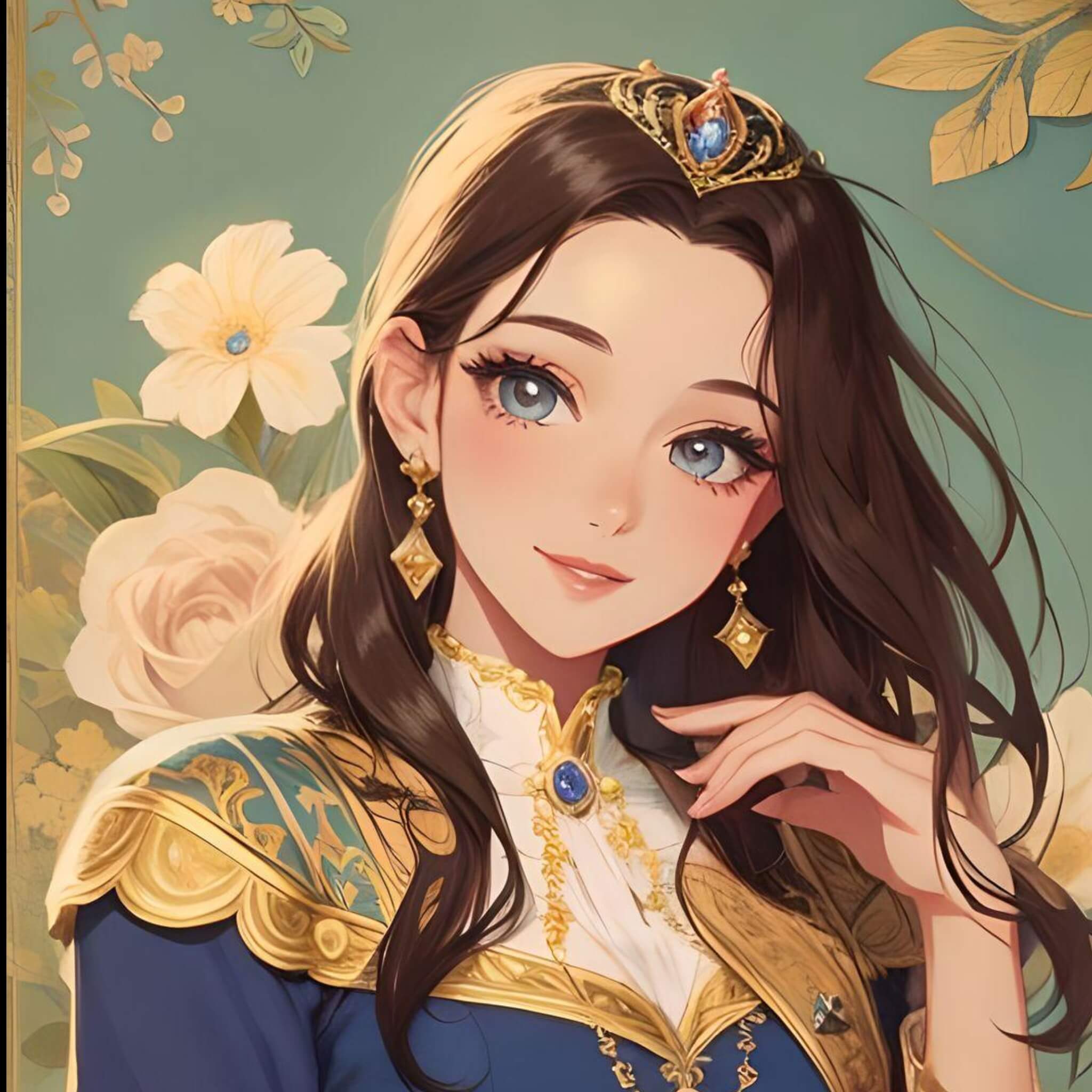
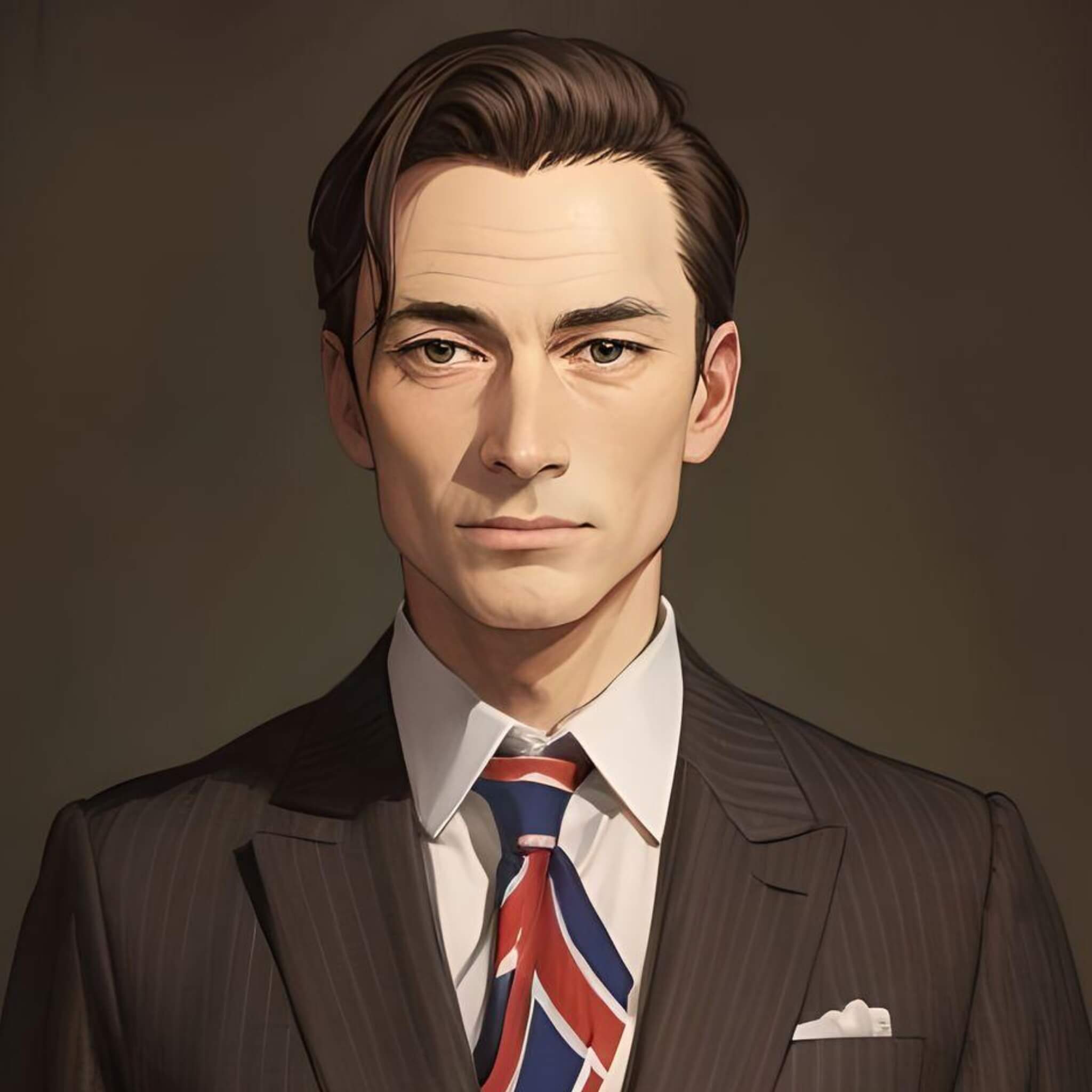
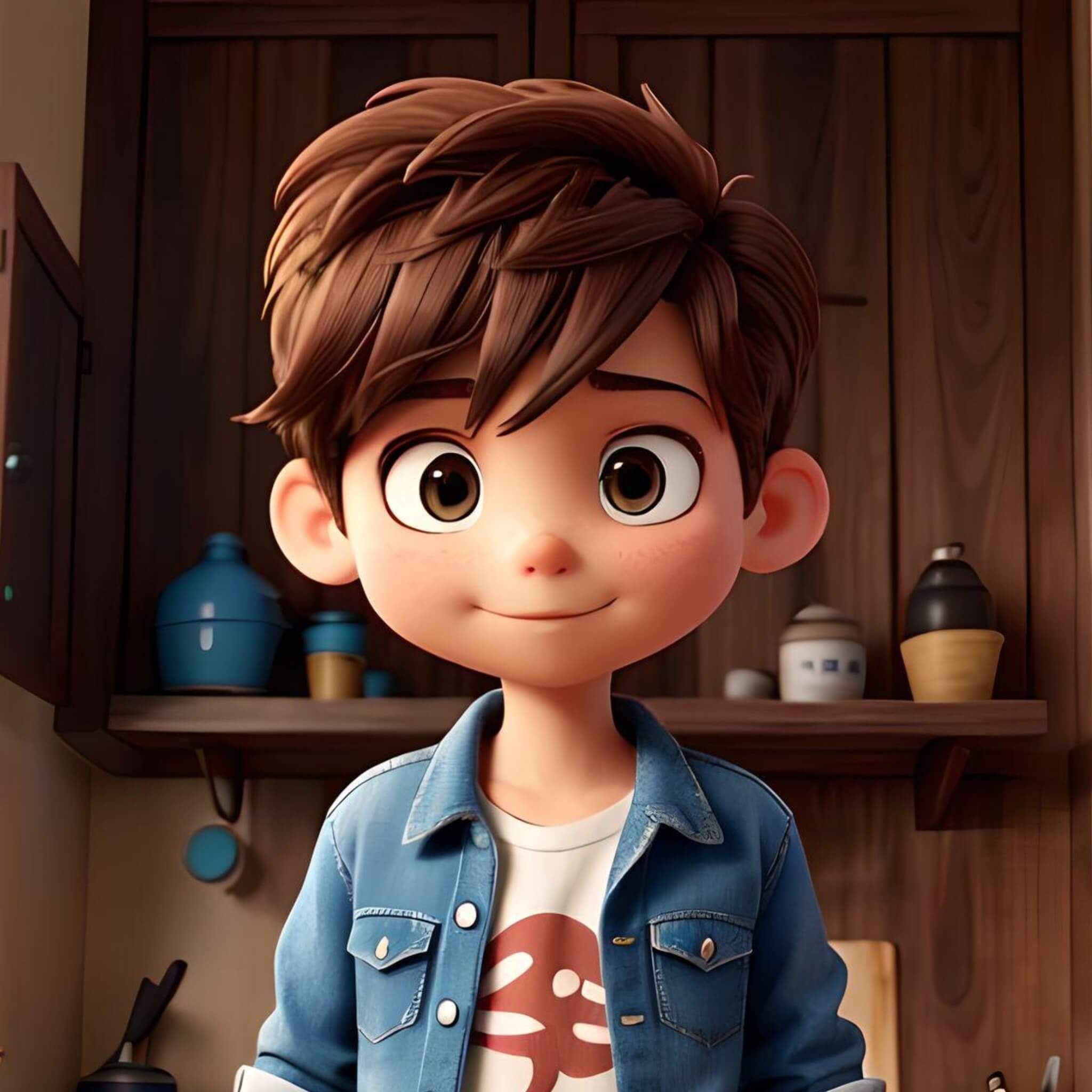
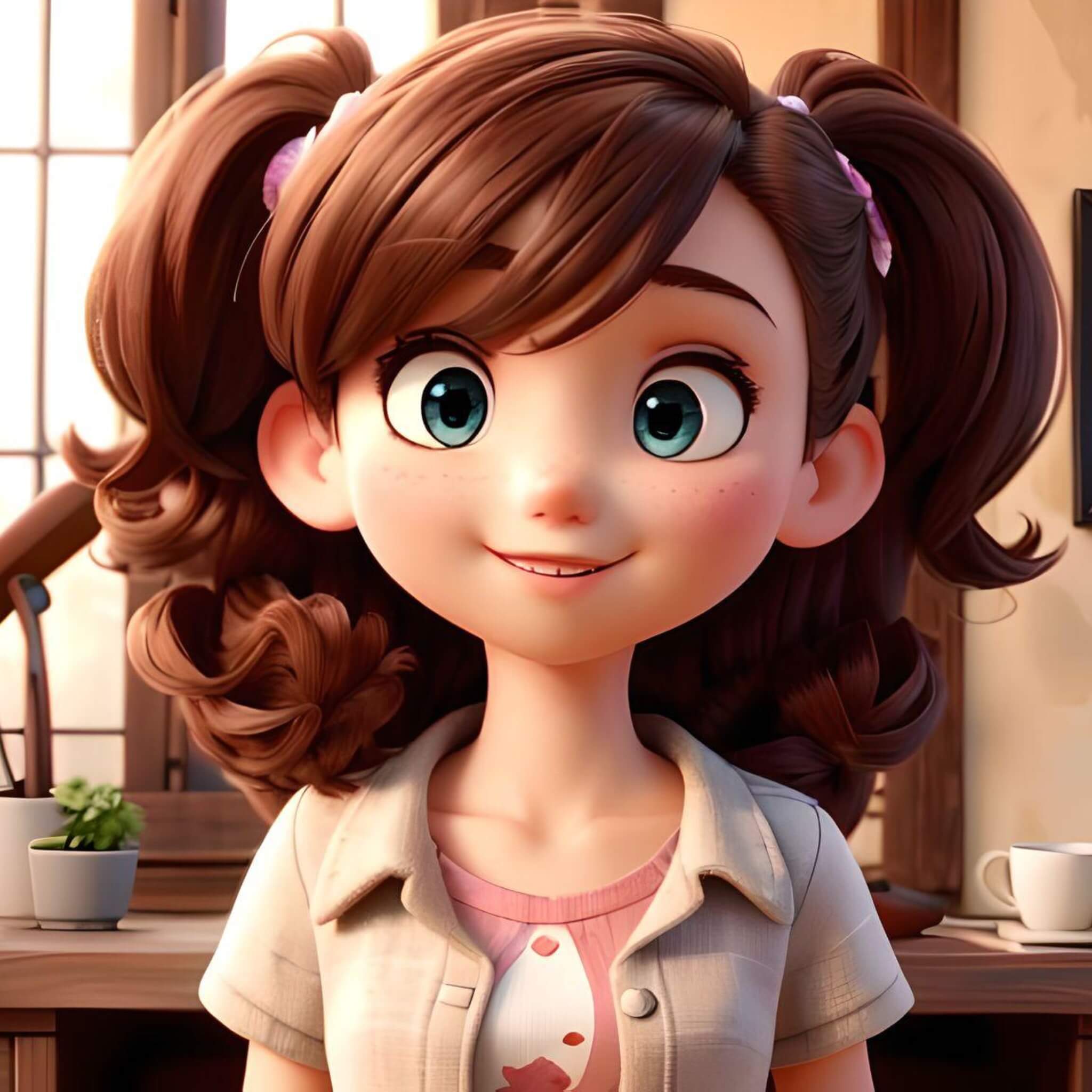
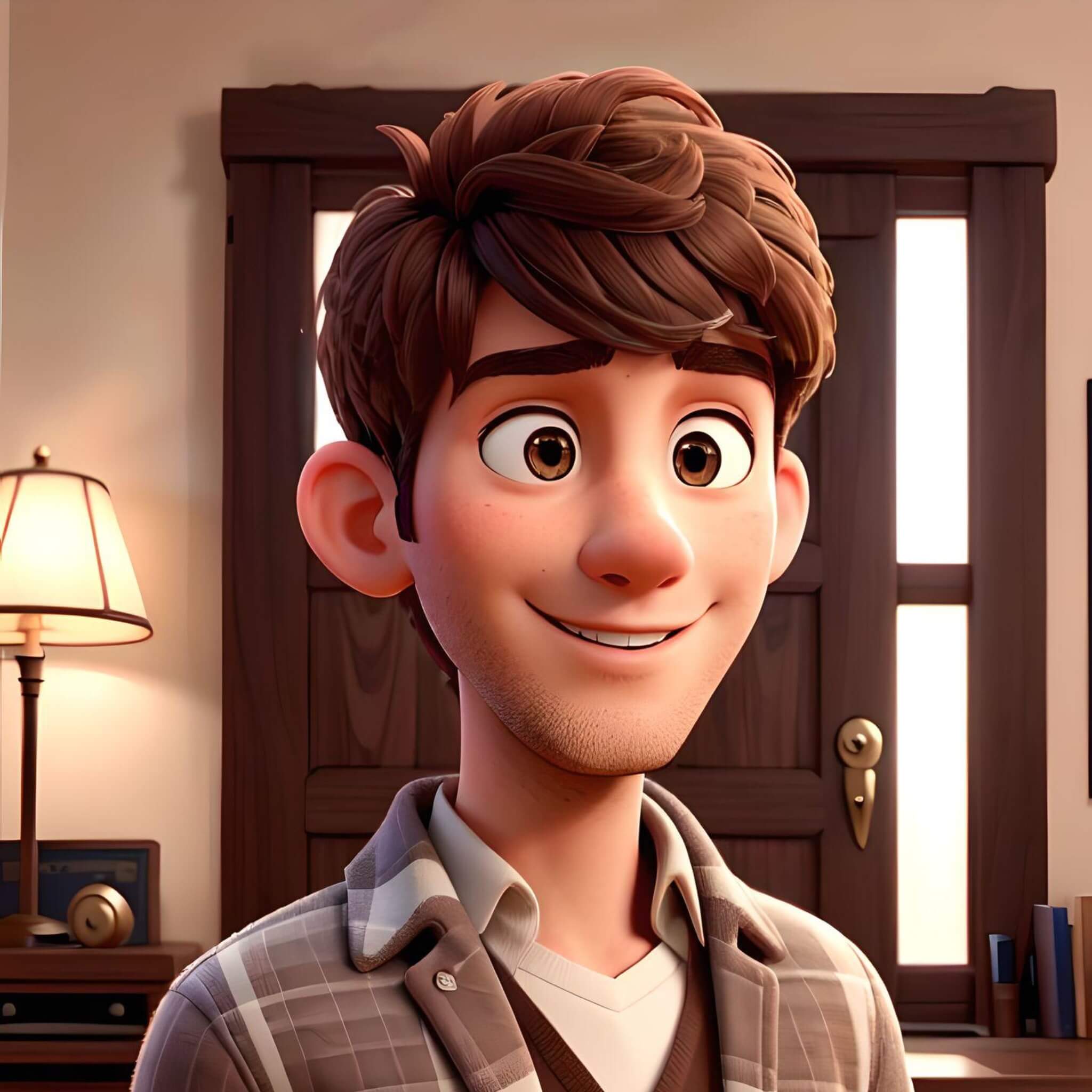
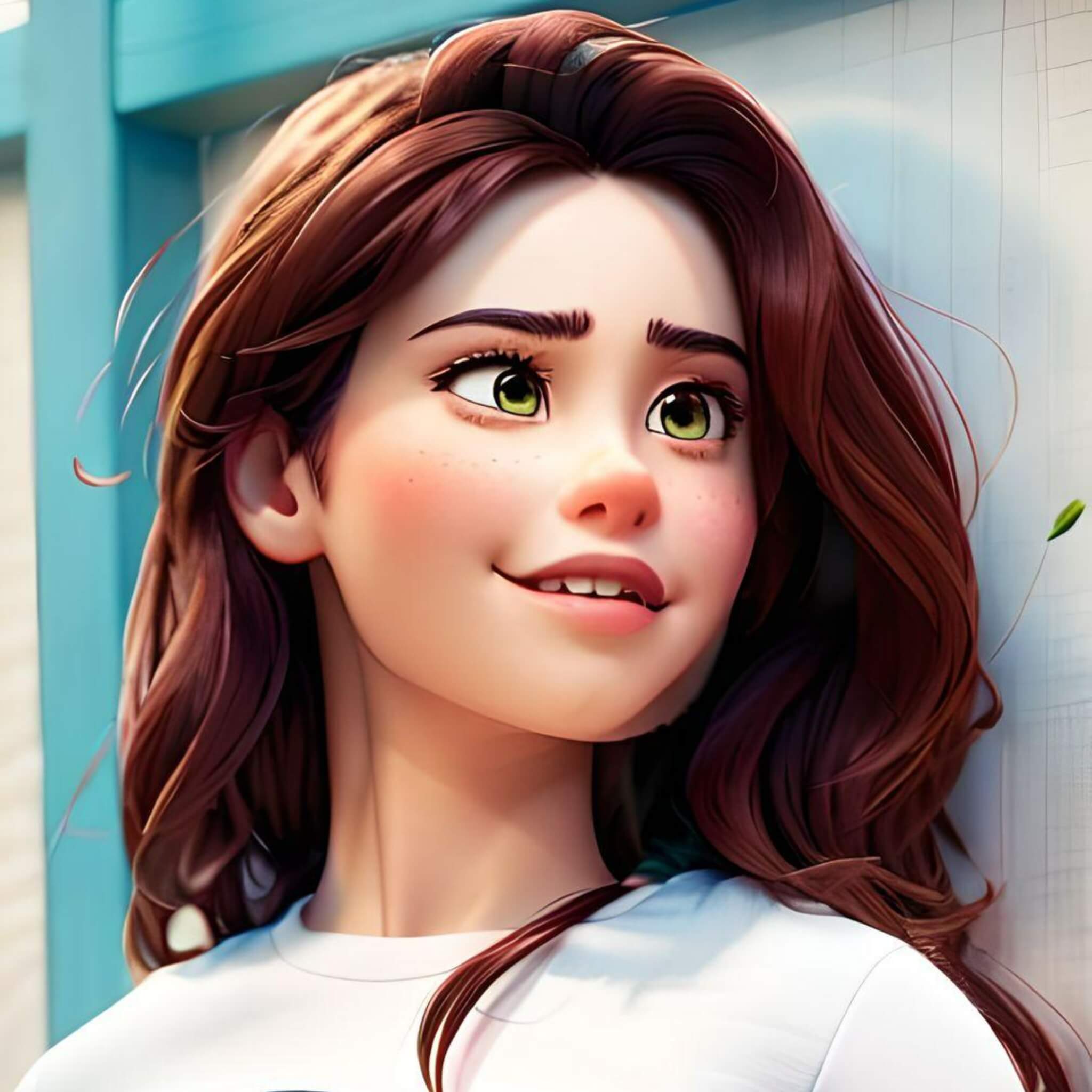
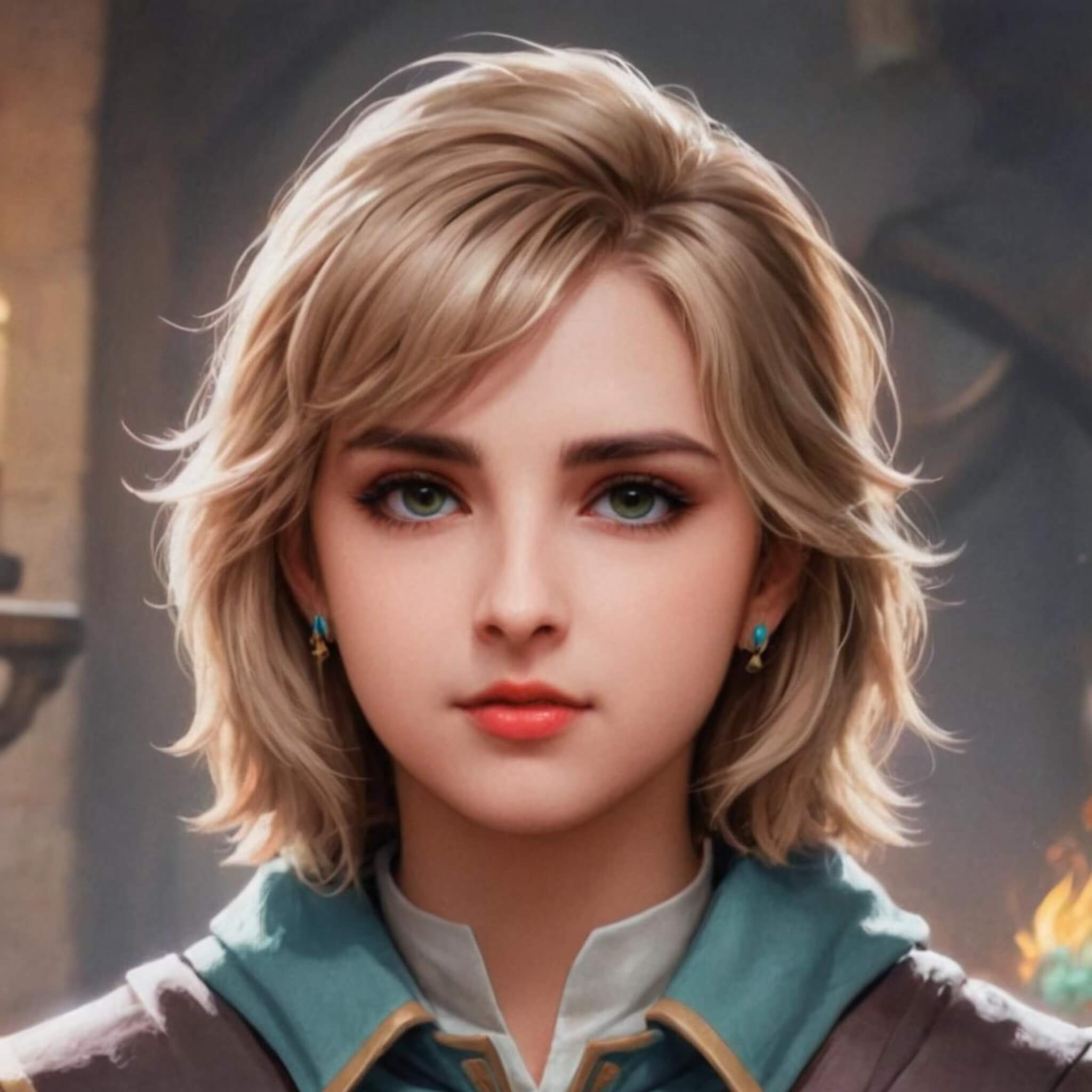
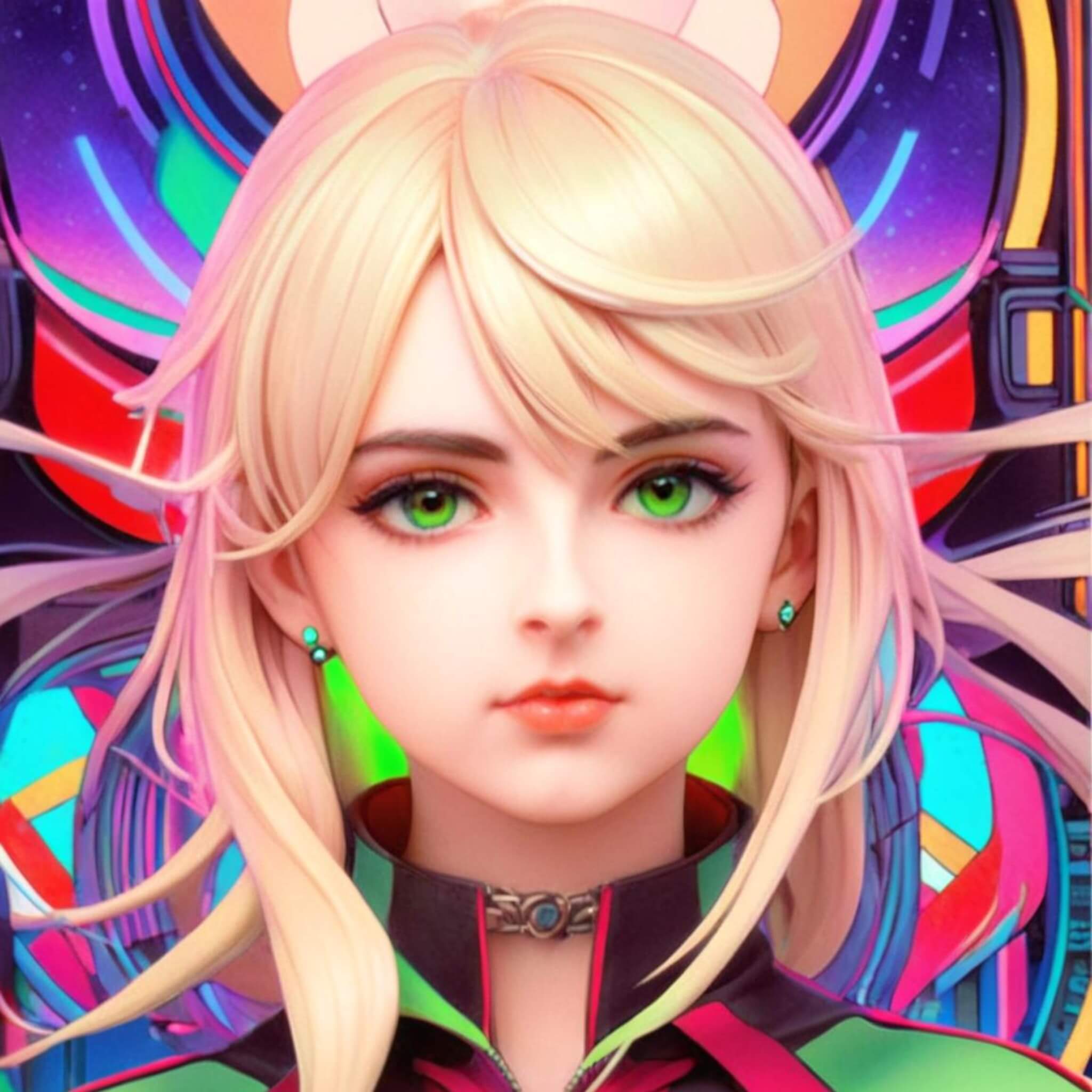
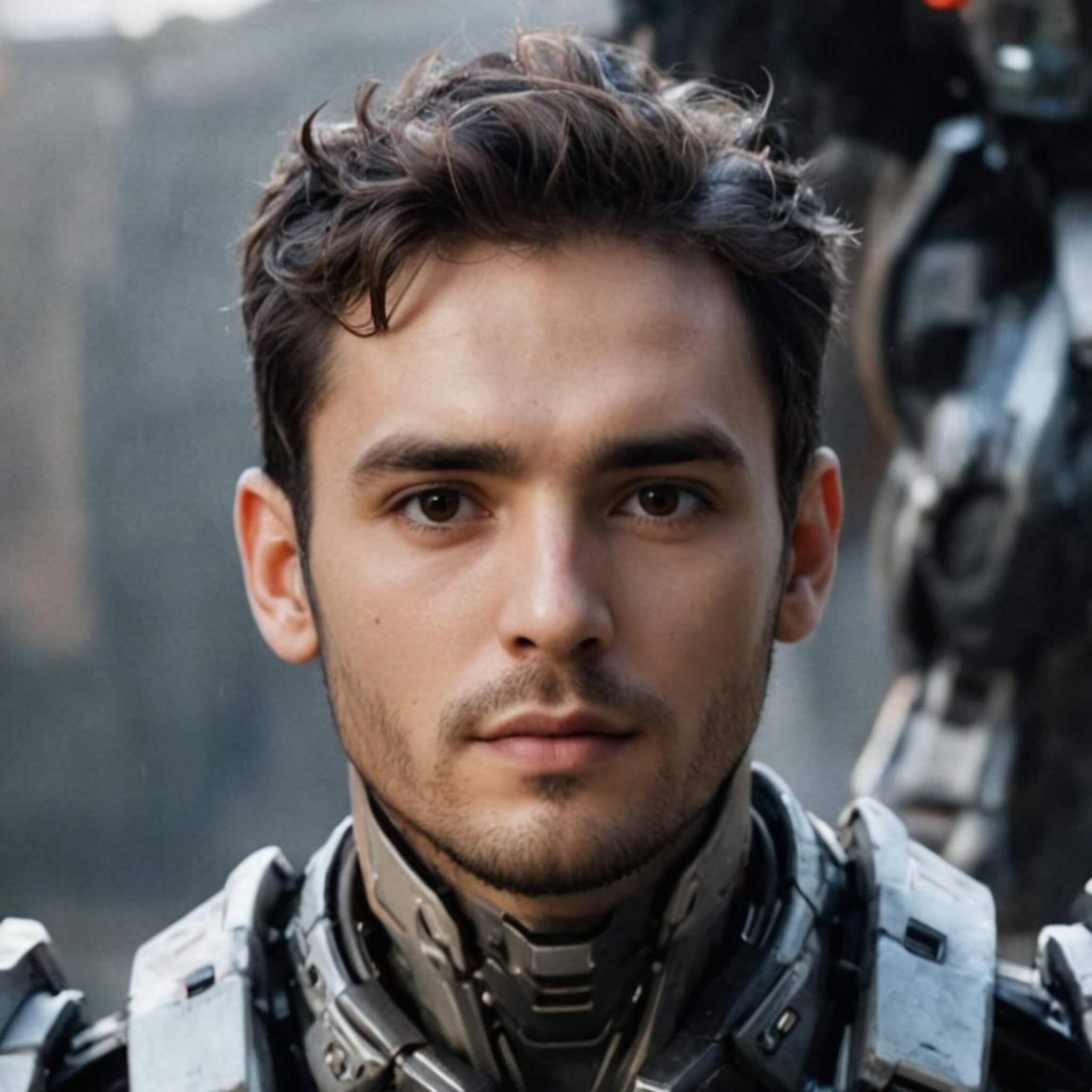
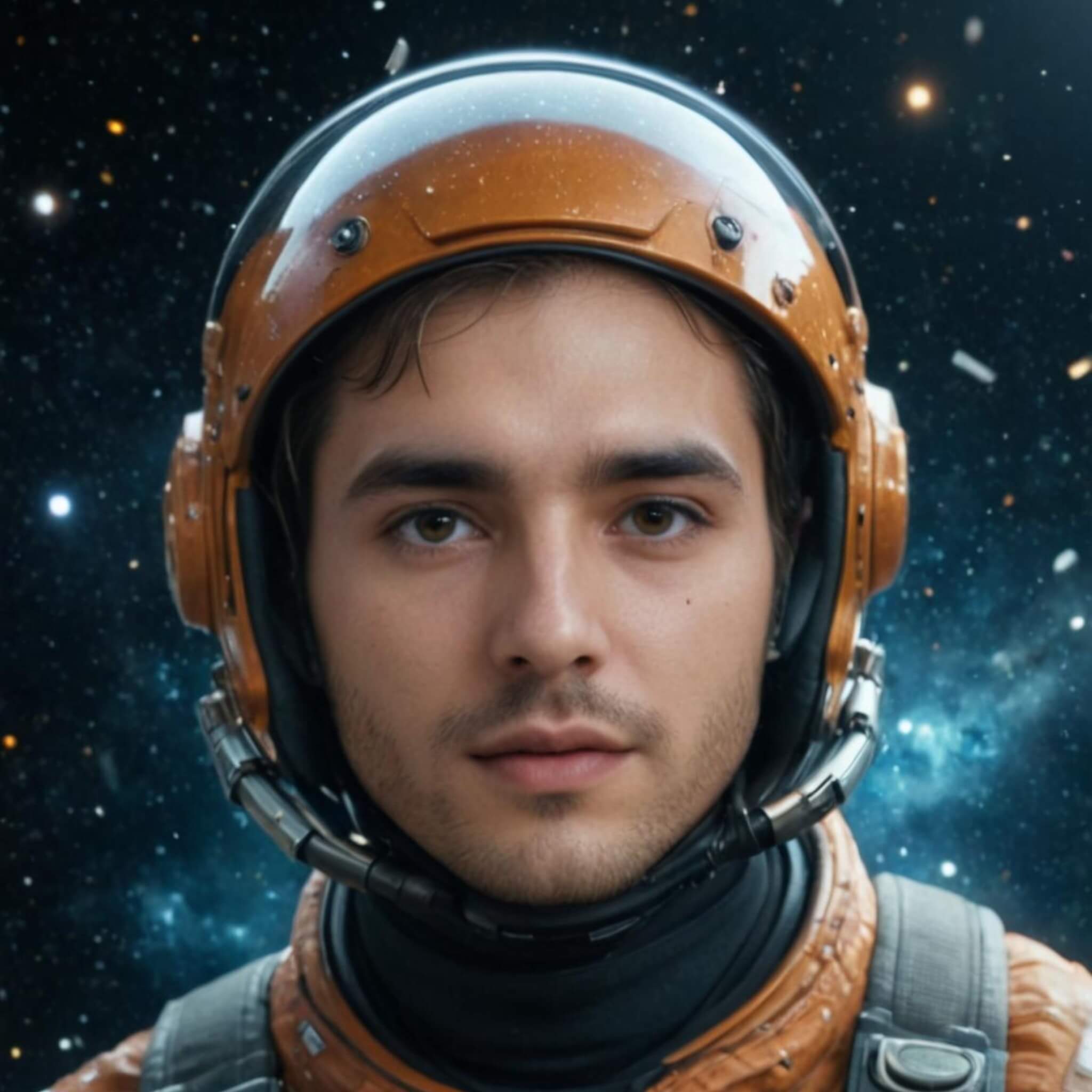
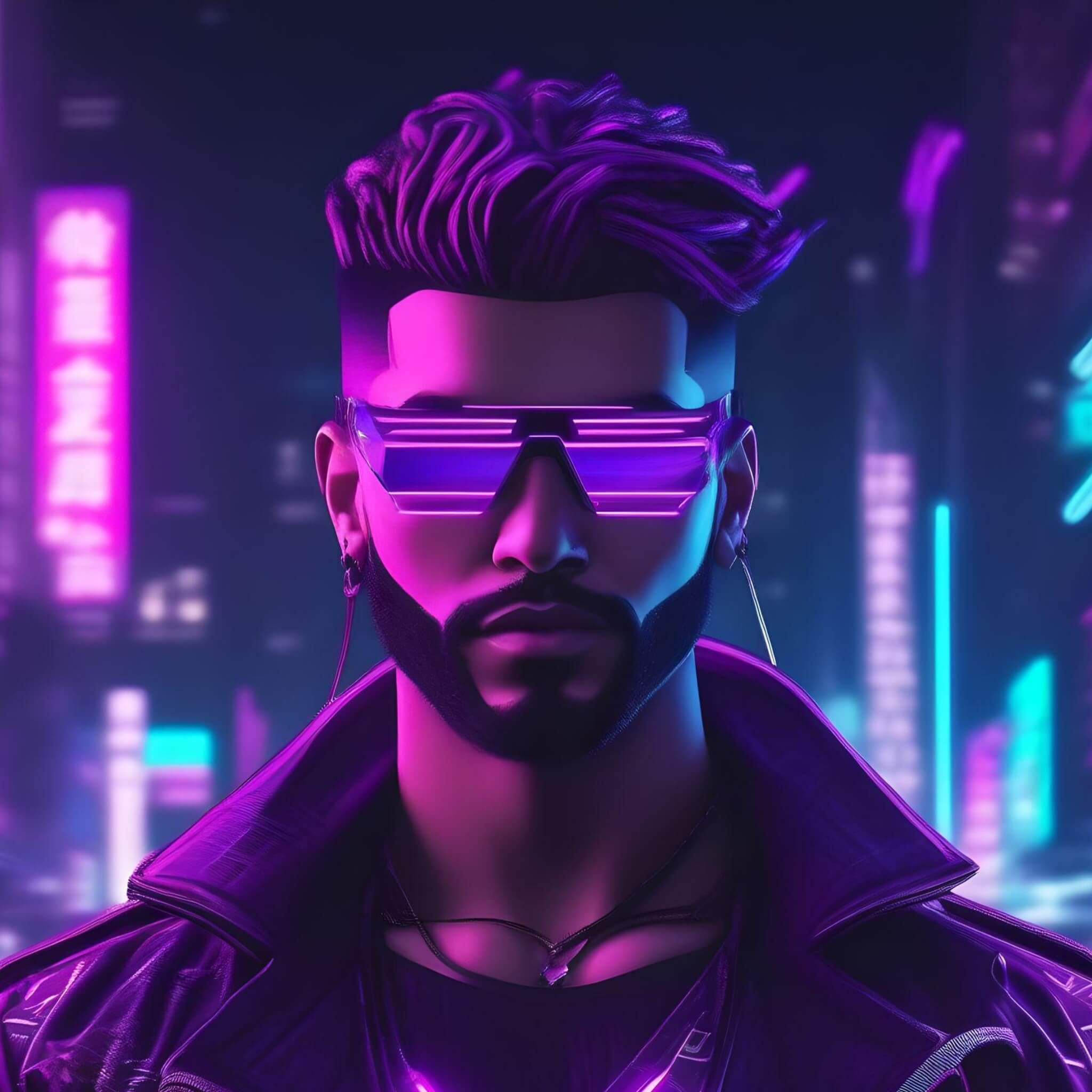
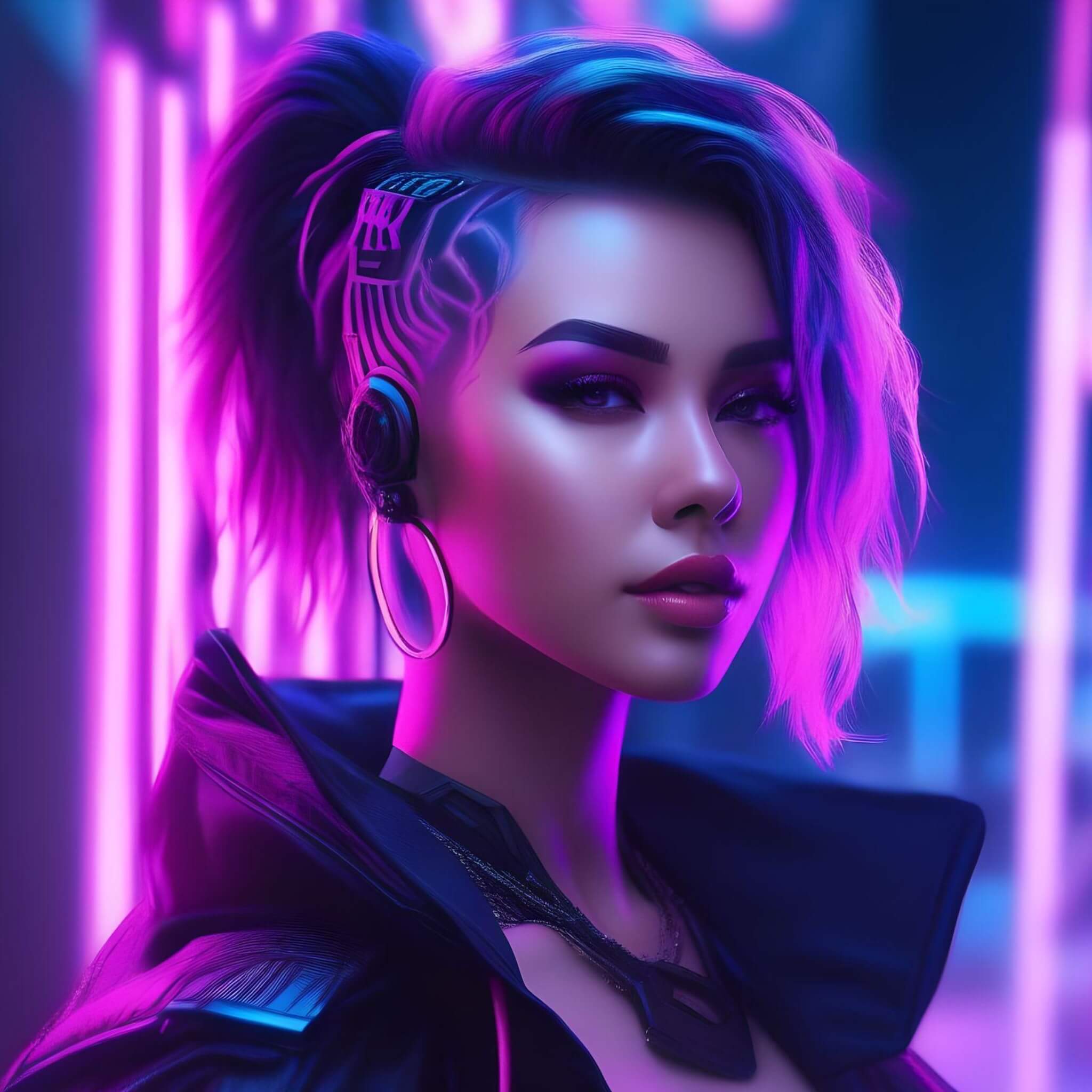
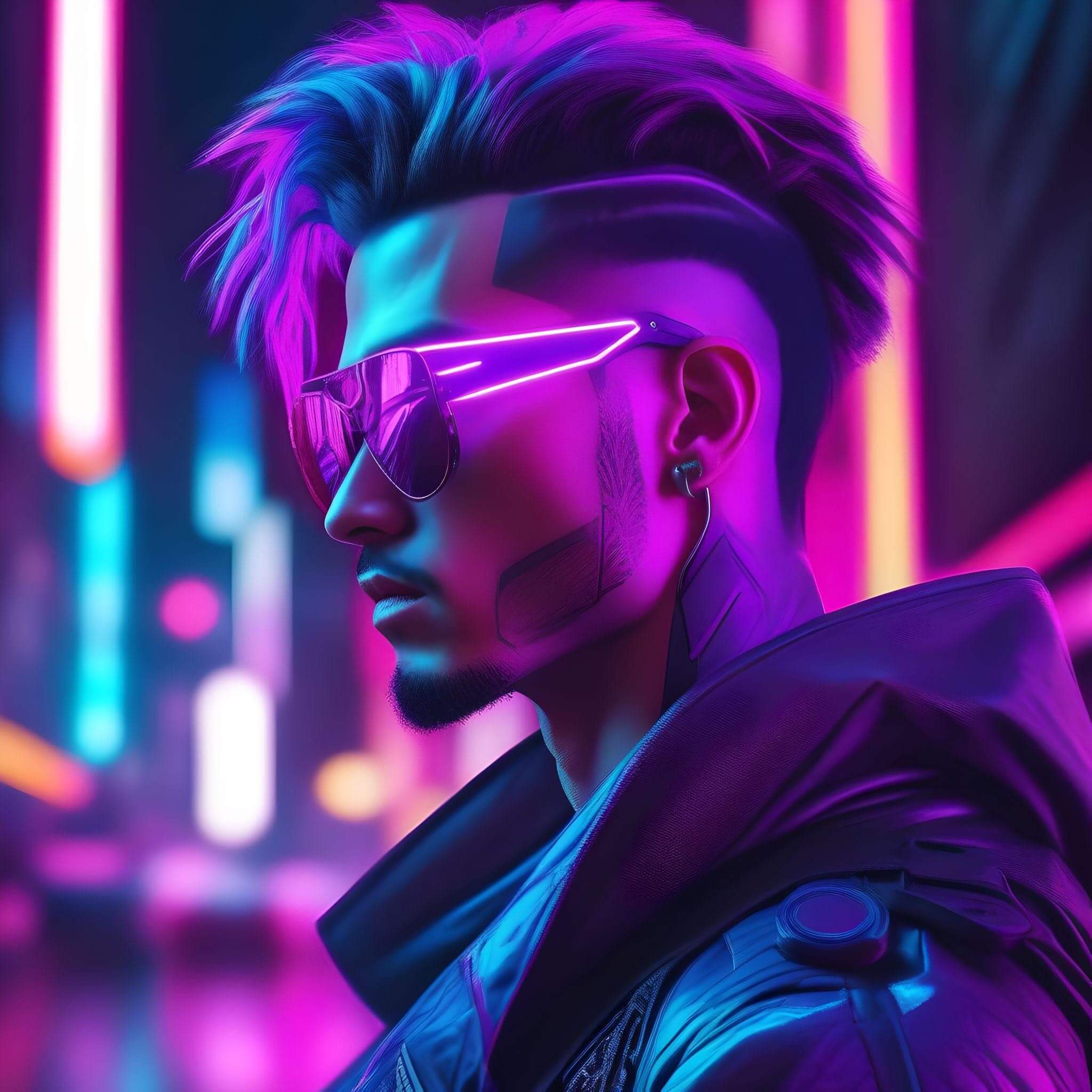
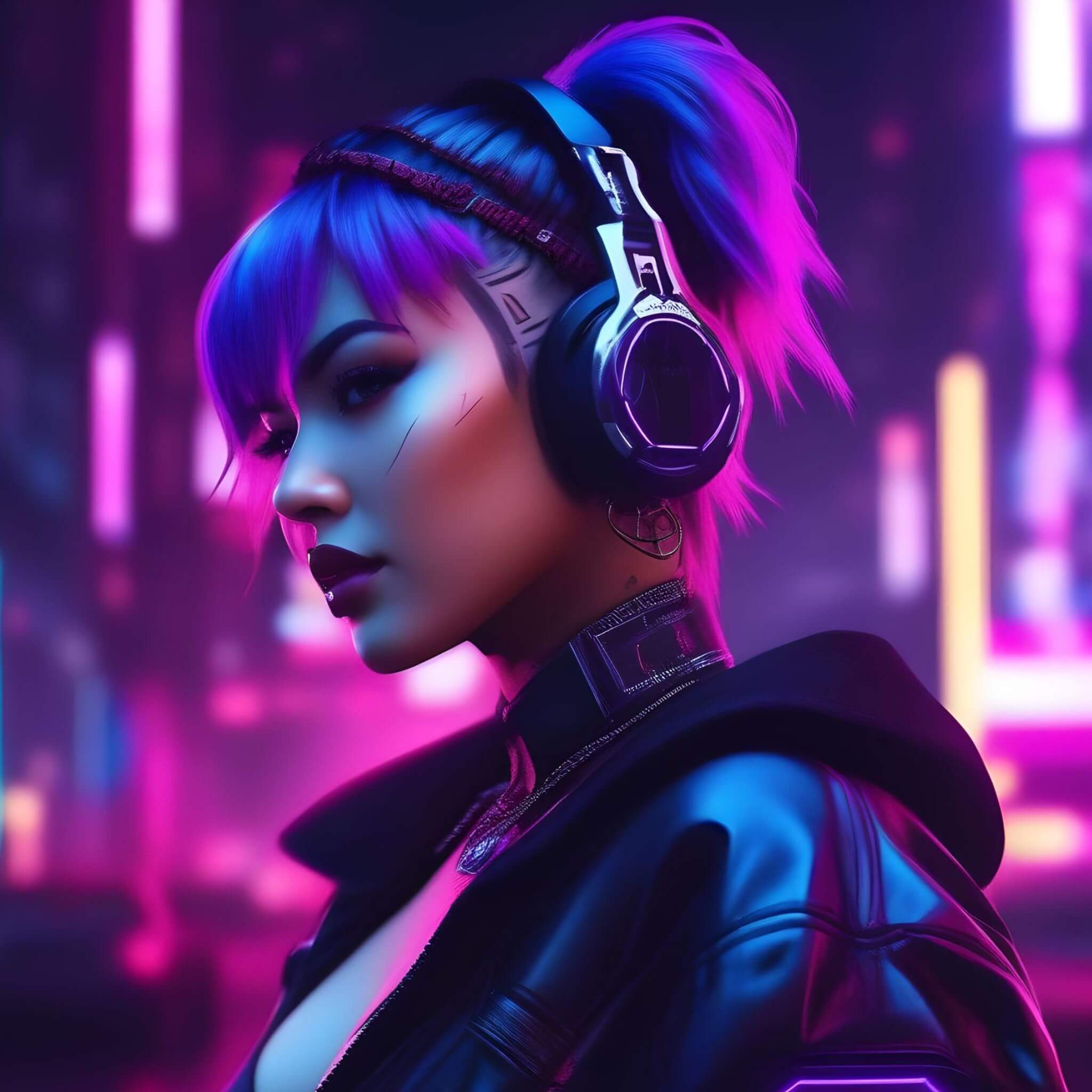
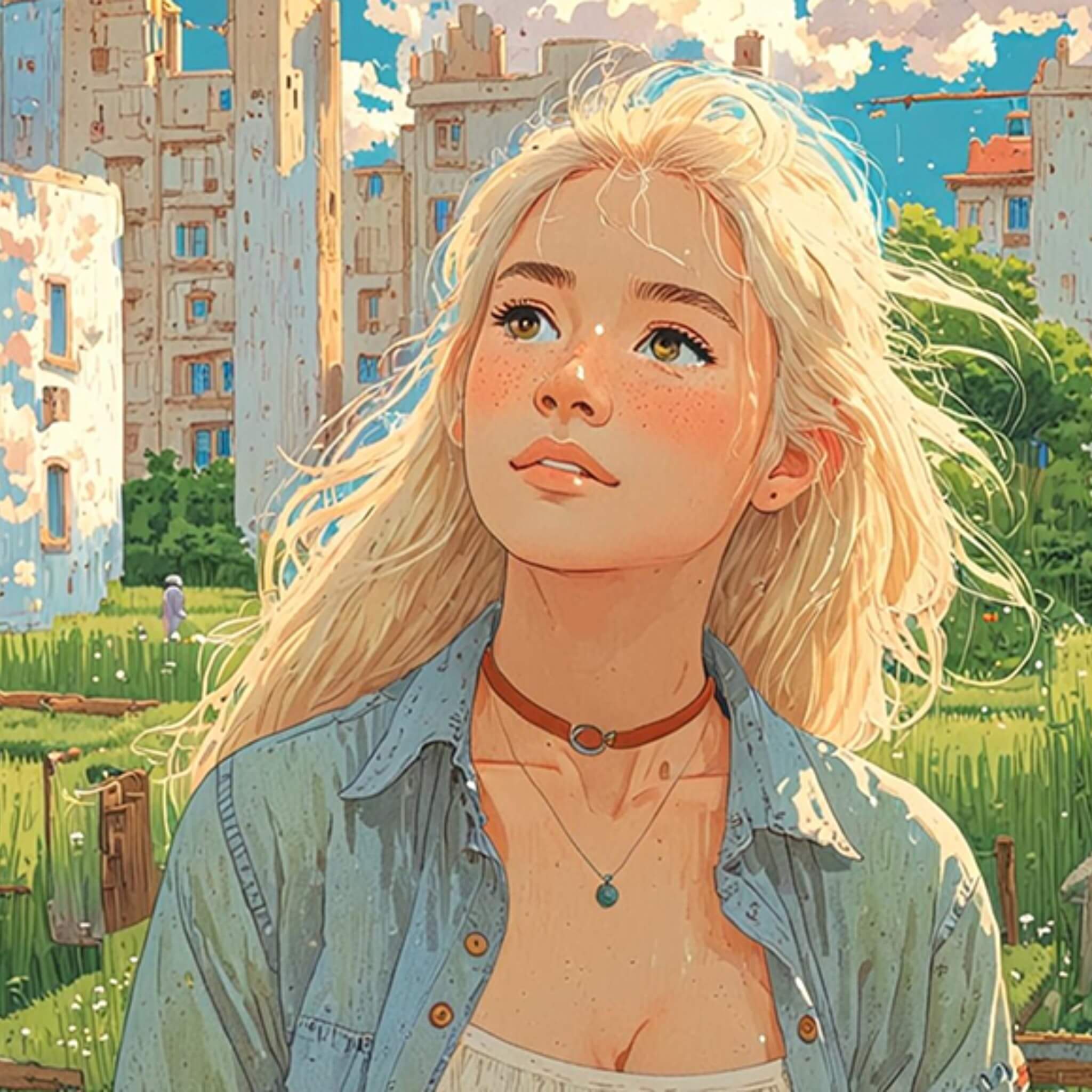
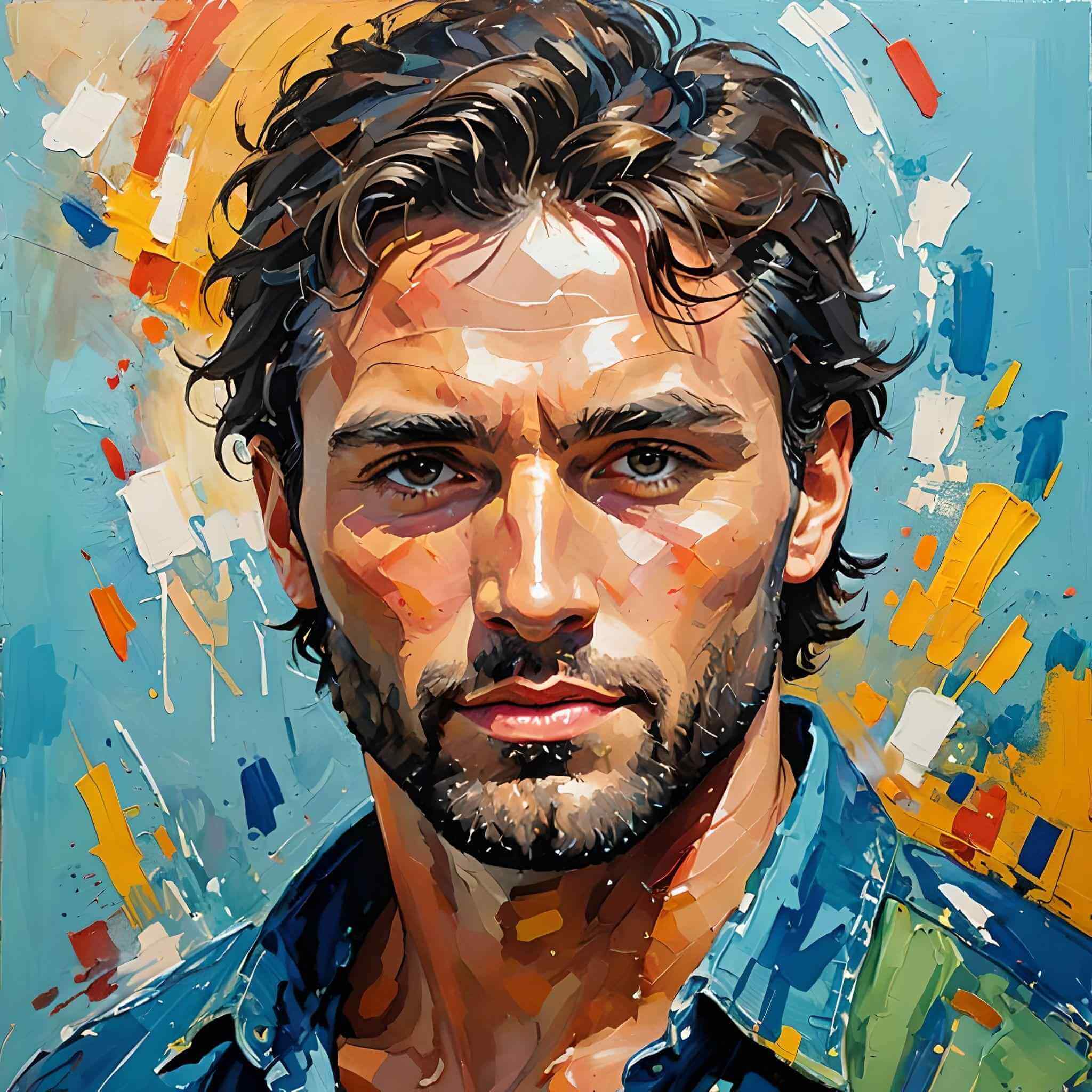
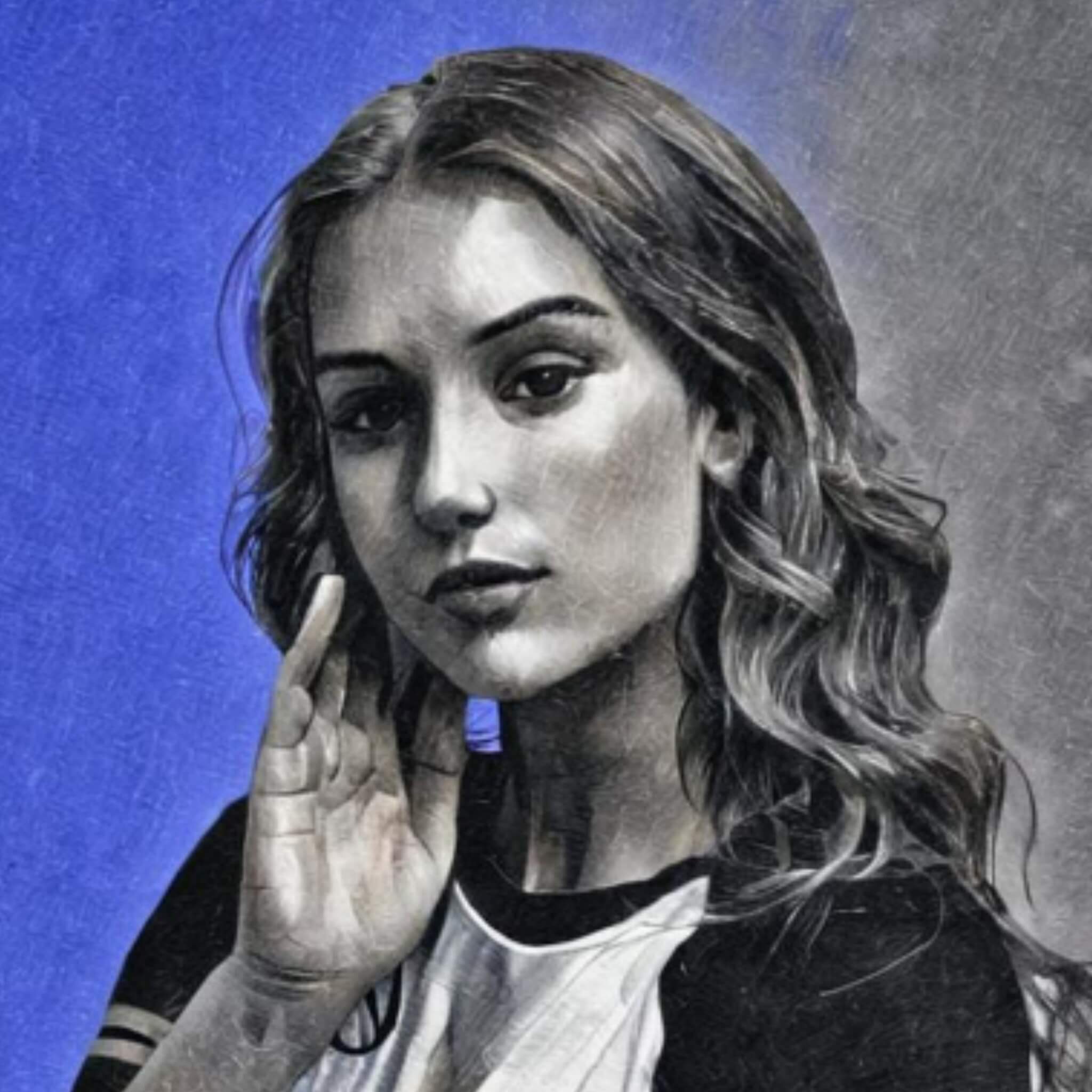
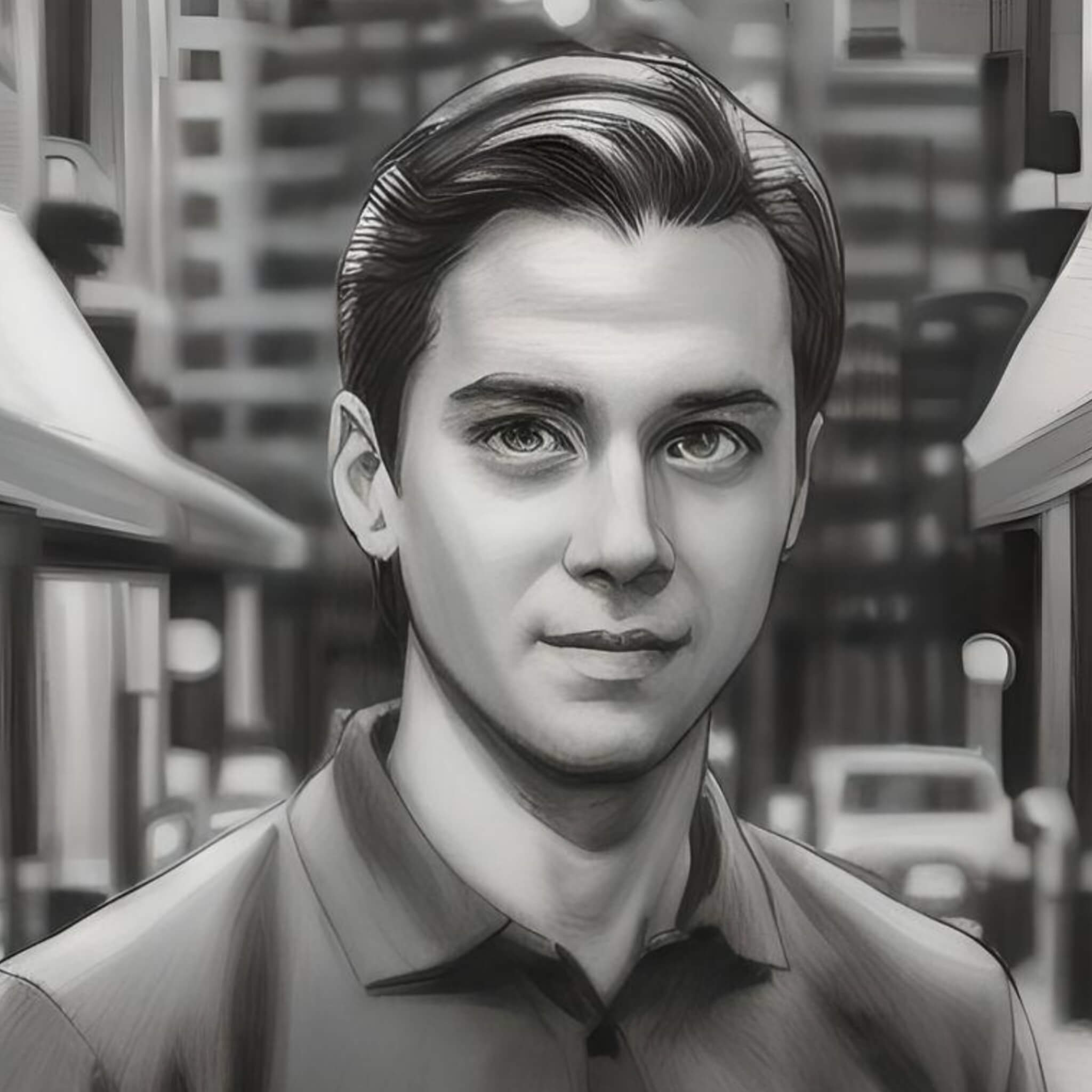
Turn your photos into AI avatars across styles like realistic, anime, cyberpunk, watercolor, and sketch. Each avatar preserves key facial details while adapting to different visual styles, making it suitable for social profiles, gaming, and digital content.
Simple AI Avatar Generator from Photos
Use our AI avatar generator from photos to easily create your own virtual persona. Simply choose your desired style and upload a photo—preferably a single-person, front-facing portrait with a clean background—so our AI can intelligently recognize your facial features and photo details to transform your photo into an avatar. No professional skills needed—anyone can make their own avatar!
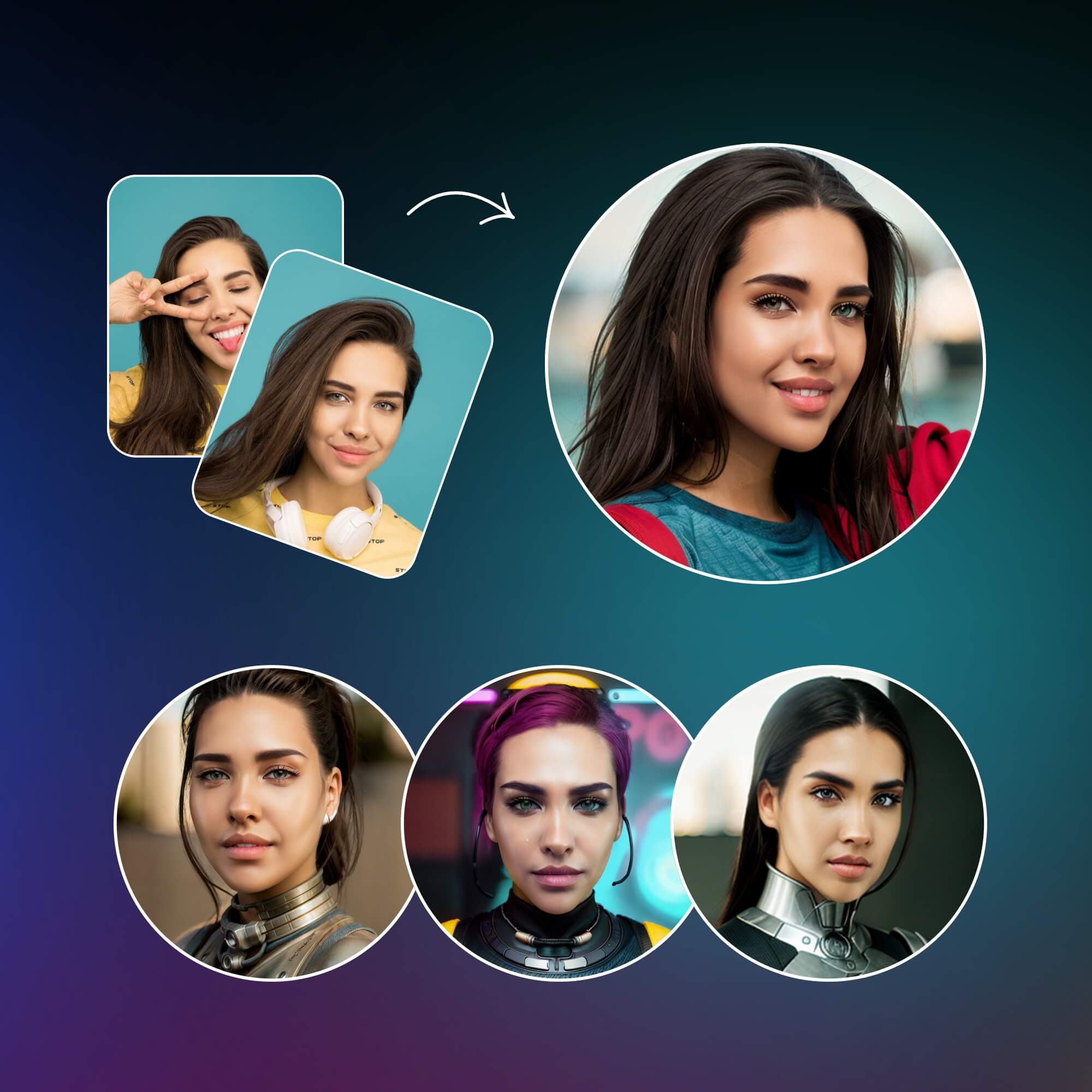
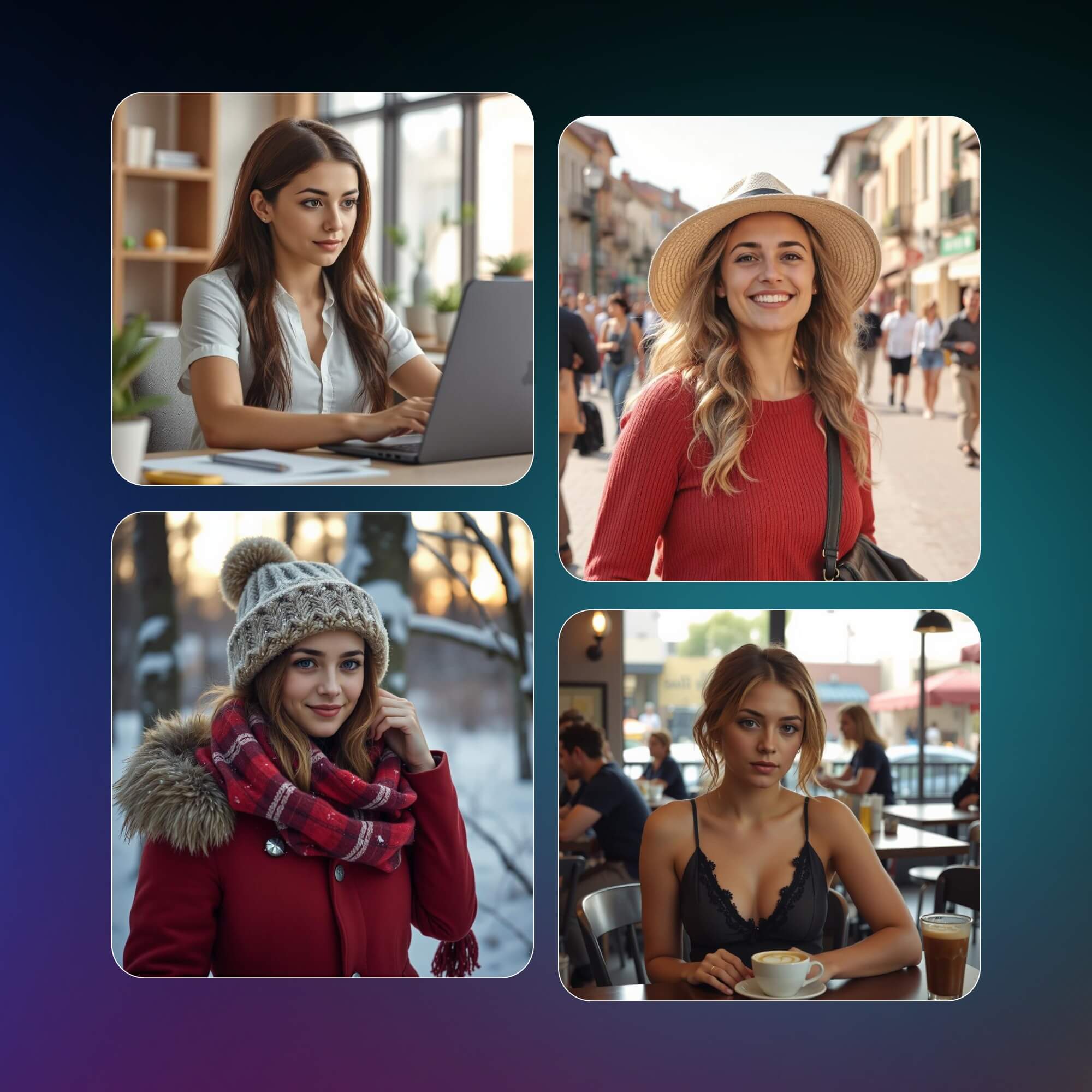
Accurate Face Recognition for Consistent Avatars
Our AI analyzes facial structure, proportions, and key visual details from your photo to generate avatars that remain consistent across different styles. By preserving identity features like face shape, eyes, and expression, it minimizes distortion during style transformation. This ensures your avatar stays recognizable while adapting naturally to various visual styles, making it suitable for both personal branding and multi-scene content use.
How to Generate Avatar with Fotor AI Avatar Generator?
Generate Your Unique AI Avatar Instantly
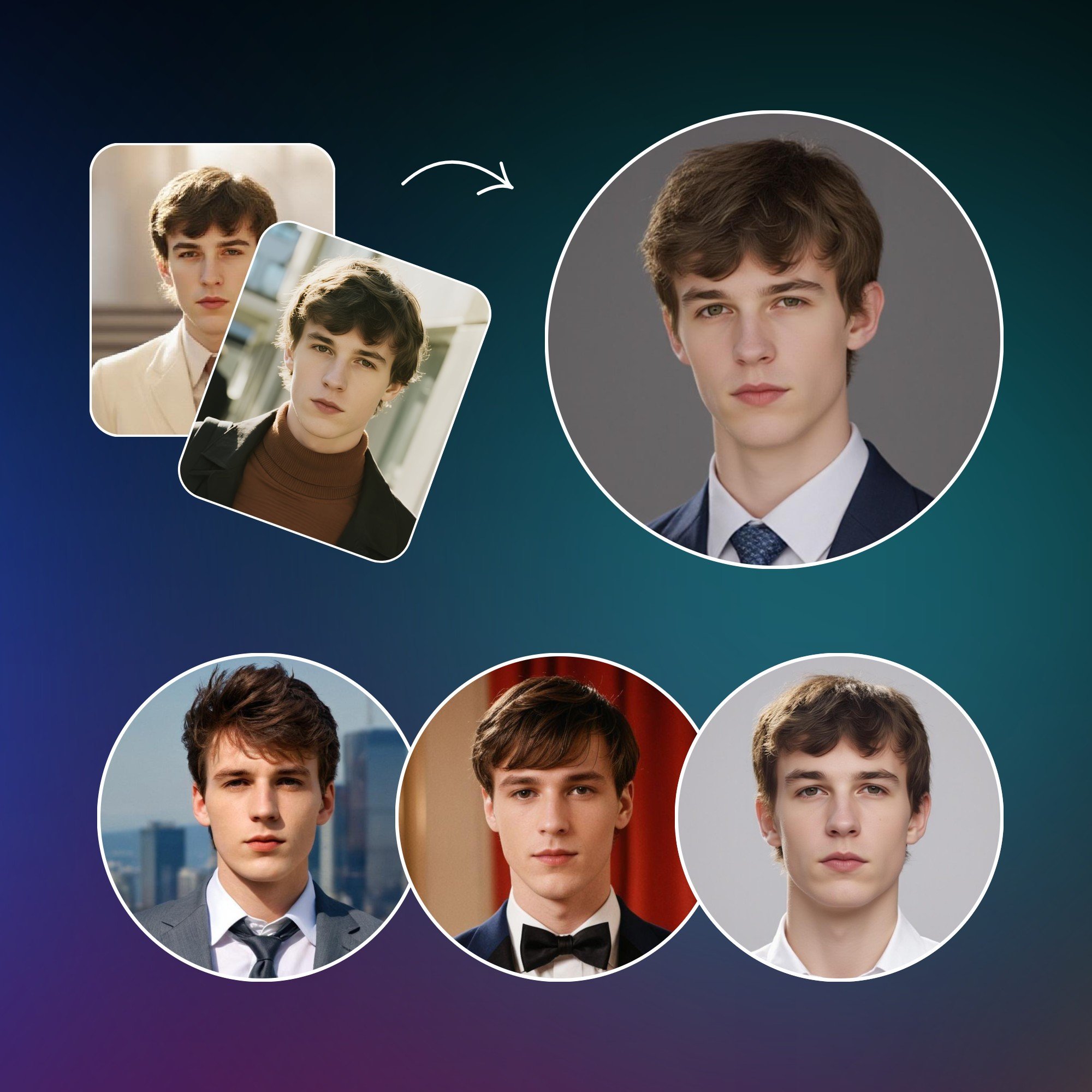
Convert Casual Photo to Avatar Images in Style
Turn any casual selfie or snapshot into a unique avatar with our AI avatar maker. This tool instantly upgrades ordinary photos into creative avatar images, ready for any use. With customizable styles, you can make a photo avatar that reflects your personality, while keeping the quality sharp and clear. No need for you to design anything, just upload and create stylish avatars in seconds.
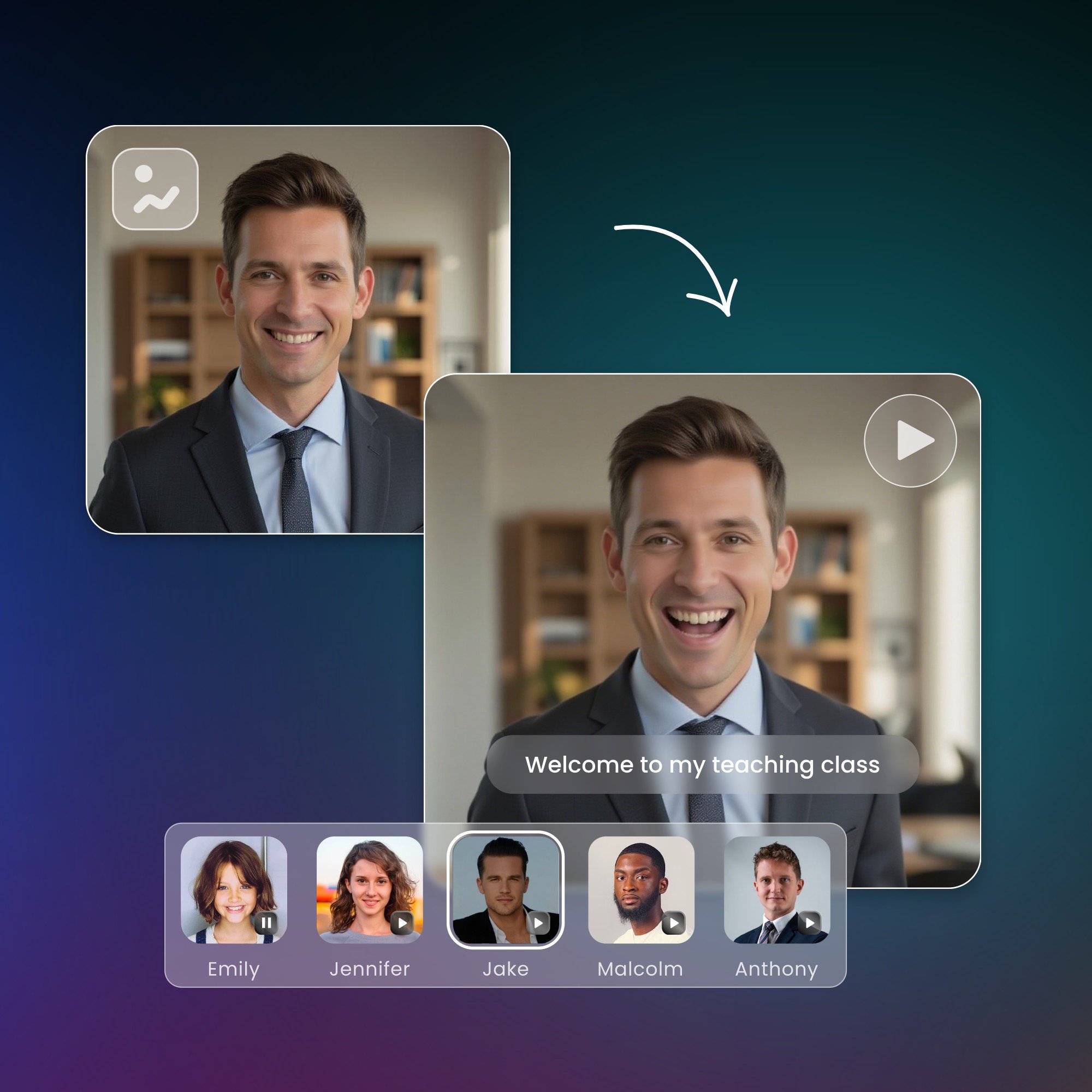
Make a Talking Avatar from Your Photo Right Away
Convert your photo into a talking avatar with our AI-powered avatar generator. Upload your picture, and the tool immediately animates it into a talking avatar for videos, social media, or presentations. You can make avatars speak in seconds with smart background removal and smooth lip-sync. All you have to do is upload, create, customize, and share engaging talking avatars online.
What You Can Do with Created AI Avatars
Fotor AI Avatar Maker App on the Go
Download our AI avatar maker app to make avatars from photos, and share your artwork from any time, anywhere, on any device.