

Kling 3.0 Omni AI Generator Online Free
Rely on our Kling 3.0 Omni AI generator, powered by Kuaishou’s advanced AI technology, to effortlessly and instantly create ultra HD, cinematic videos and various stylish clips or images from text prompts or photos. Also, enjoy convenient, prompt-based video and image editing to fine-tune or polish your existing videos or pictures without professional editing skills. Experience the next-generation image and video creation and editing today.
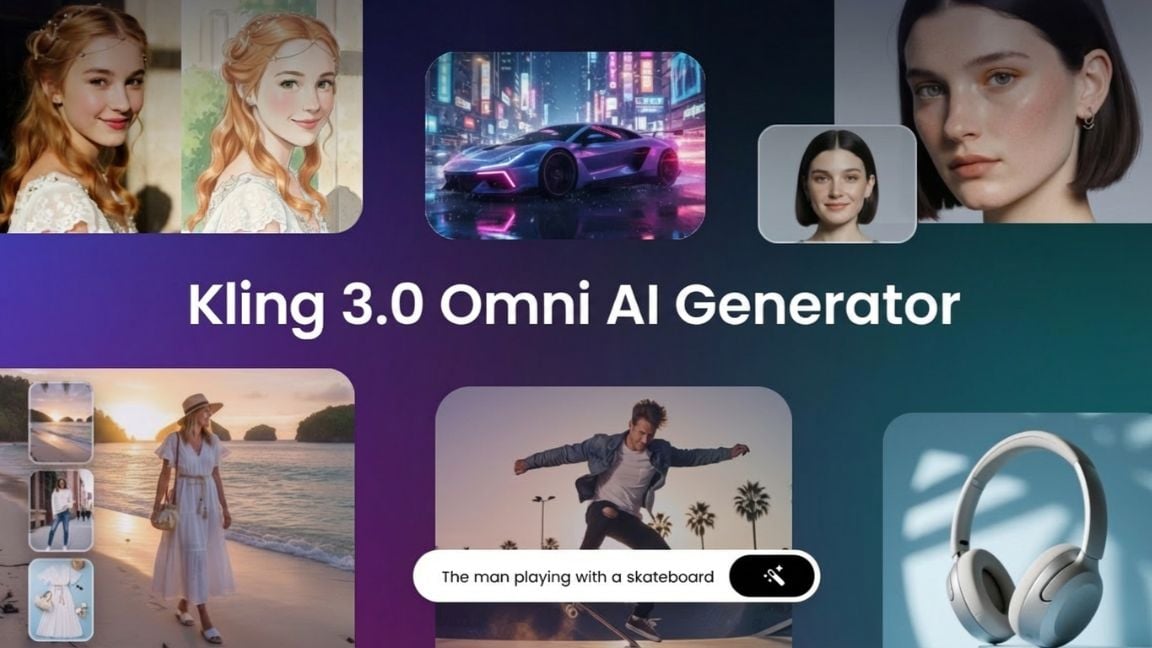
Powerful Multi-Modal AI Image & Video Generator





Powered by Kuaishou's Kling 3.0 Omni model, our AI image and video generator enables quick and easy text-to-image/video and image-to-image/video generation. Enter a text prompt, or upload an image, and let AI handle the rest!
Revolutionary Multimodal AI Video Generation for Everyone
Experience the next-level creativity with Kling 3.0 Omni AI video generator that boasts multimodal AI video creation. It is an all-in-one platform that turns your ideas into high-quality videos effortlessly. Everything can be a prompt to facilitate your AI video creation, such as text, images, reference subject and even video clips.
This AI video creator can blend multiple modalities to produce cinematic, studio-grade video results without professional video production skills. So, enjoy unmatched flexibility, intuitive controls and reliable performance to make professional video production without hassle.
Improved AI Text-to-Video Generation
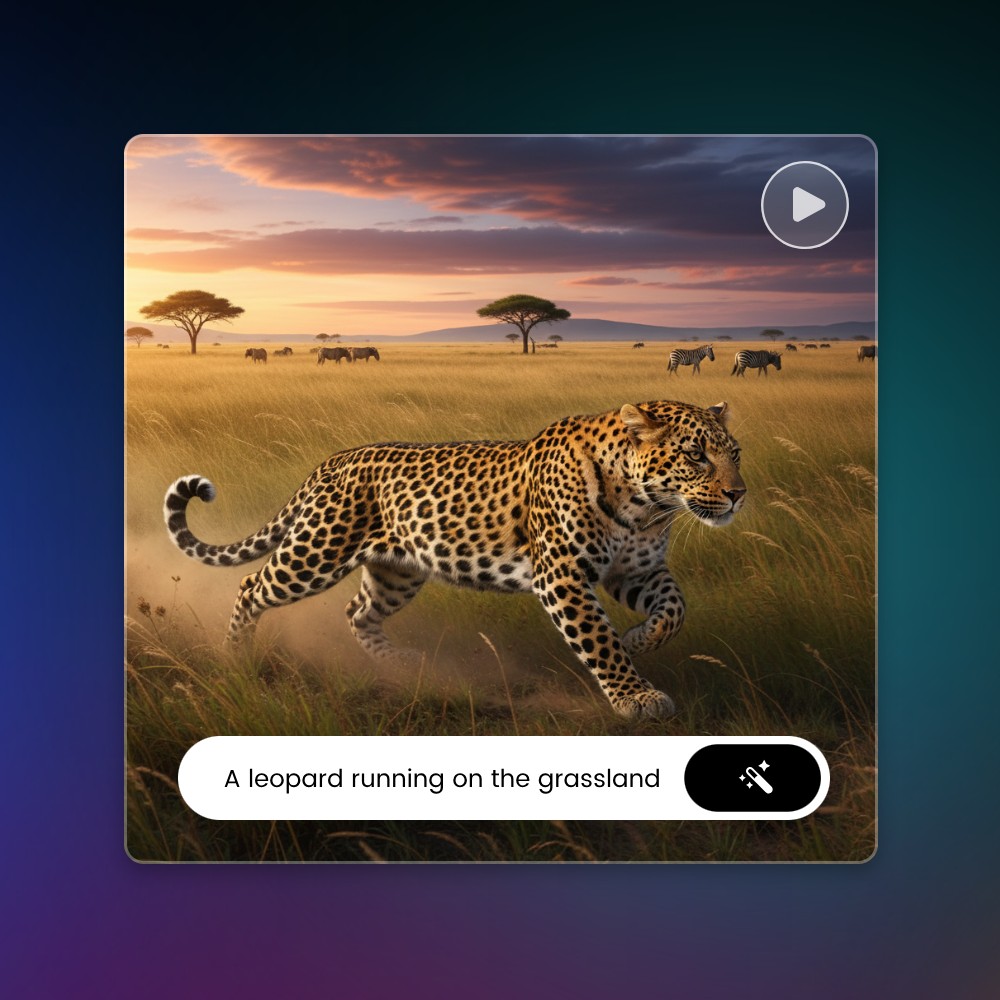
Our Kling AI video generator, equipped with its impressive Kling 3.0 Omni video model, offers an enhanced AI text-to-video creation, featuring a more accurate understanding and analysis of your prompt, a more realistic video effect and a more natural video result with real-world logic.
Simply enter your natural-language prompt and our KingAI O3 will provide studio-quality AI videos with cinematic depth, smoother transitions and richer visual details. So, enjoy the convenient and powerful way to bring your concepts to life, no filming, no equipment and just easy video visualization.
Generate Fantastic Cinematic Scenes from Reference Photos
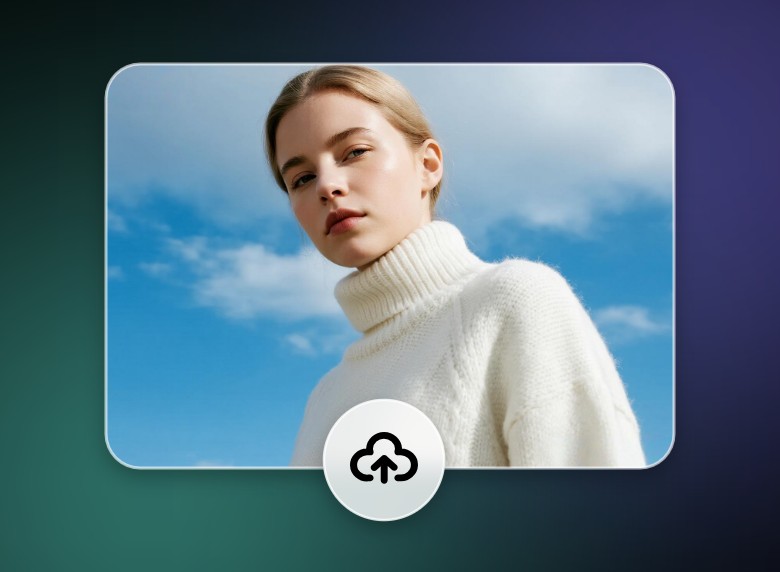
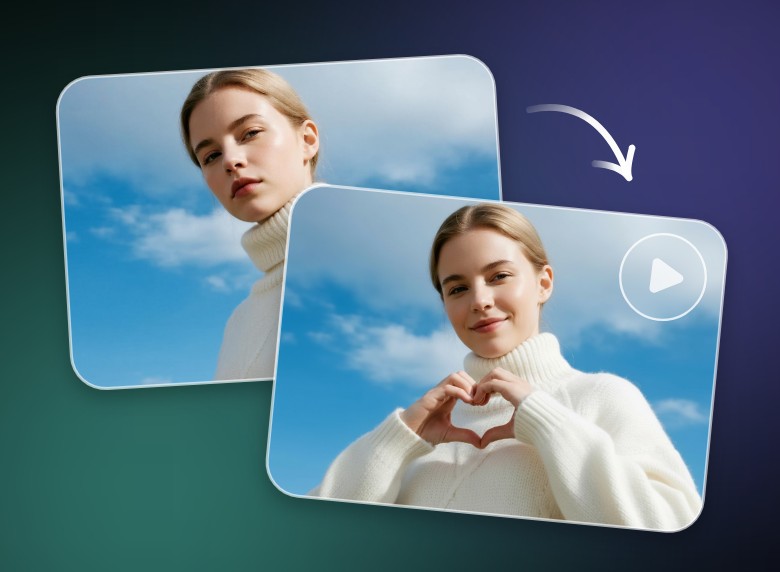
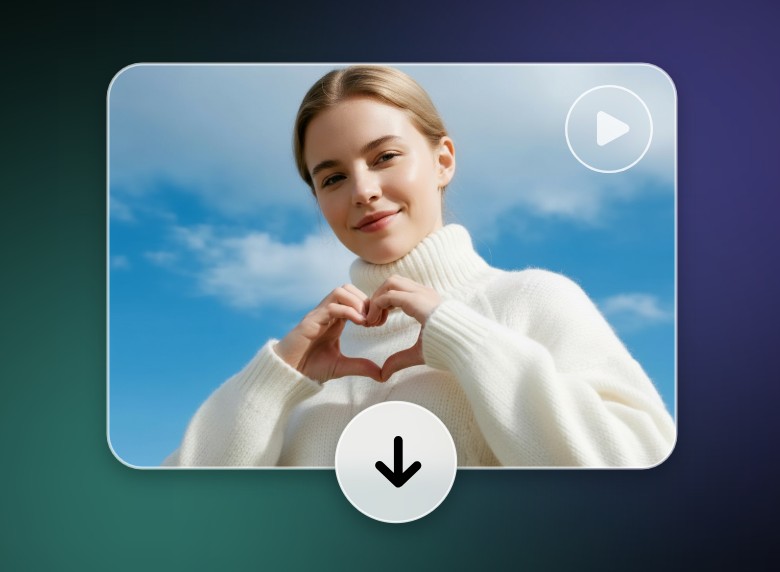
Our Kling 3.0 Omni AI video maker, with progressive image-to-video technology, can elevate ordinary images into dramatic, film-grade visuals with minimal effort. Just upload a photo, enter your text to describe the scene or movement and then click “Generate” to convert your still picture to a dynamic video.
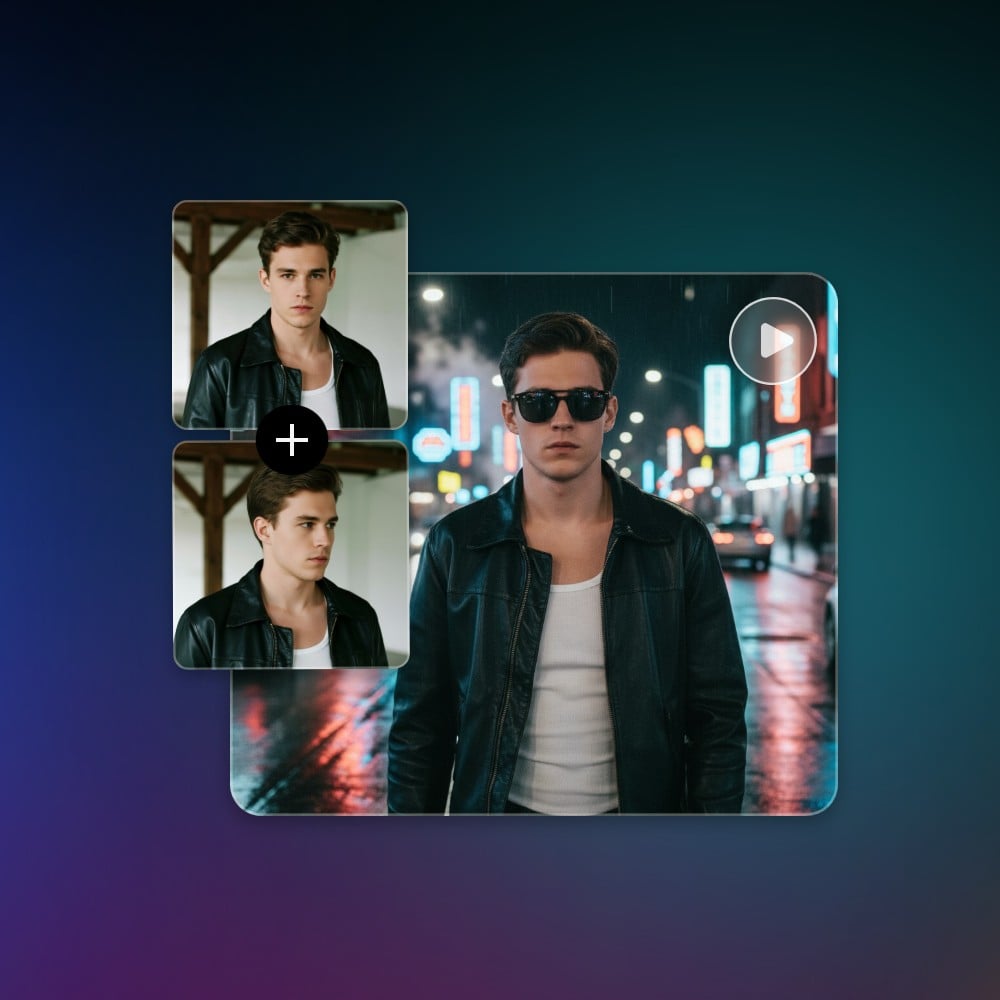
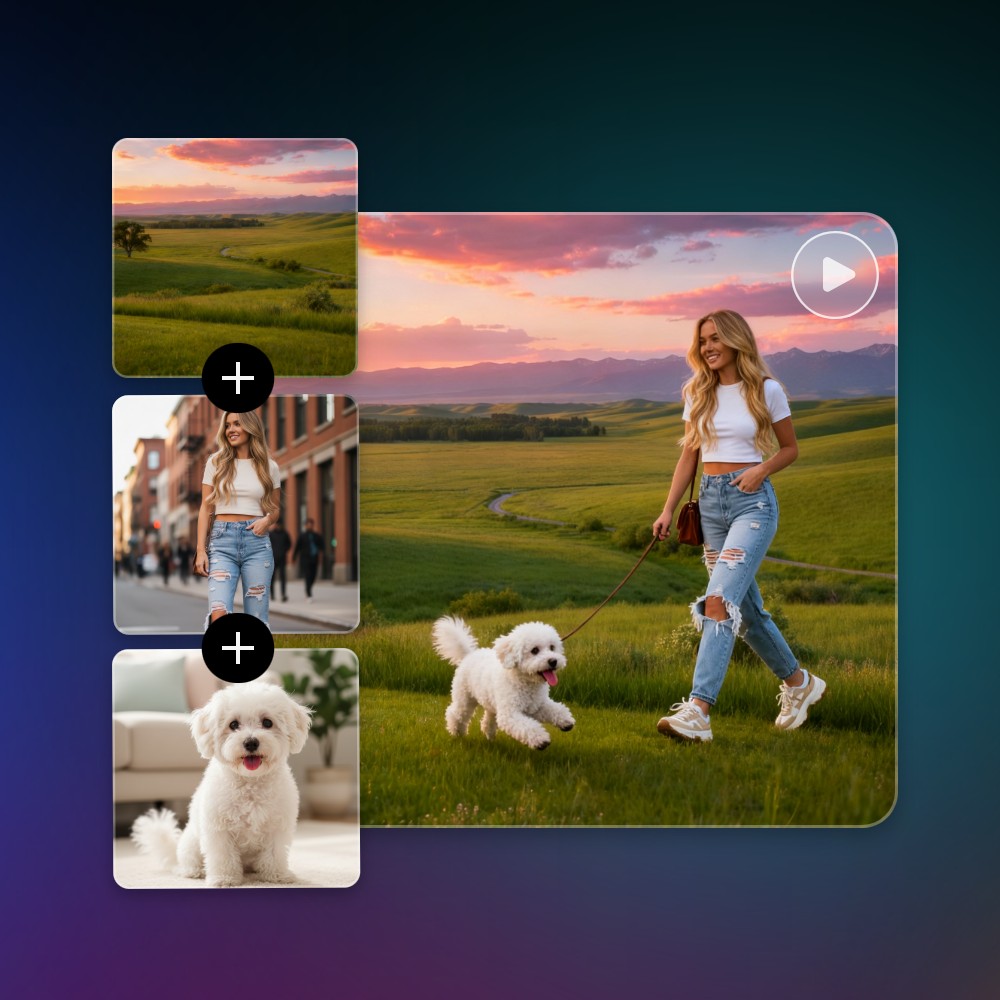
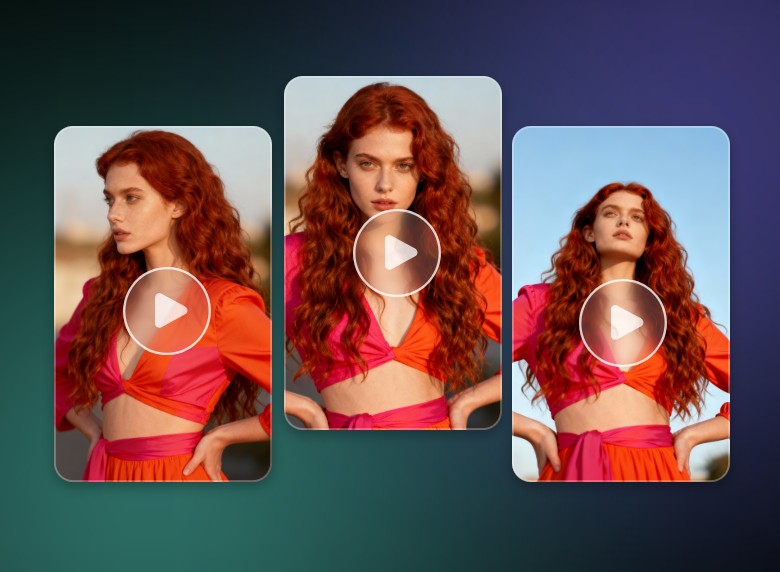
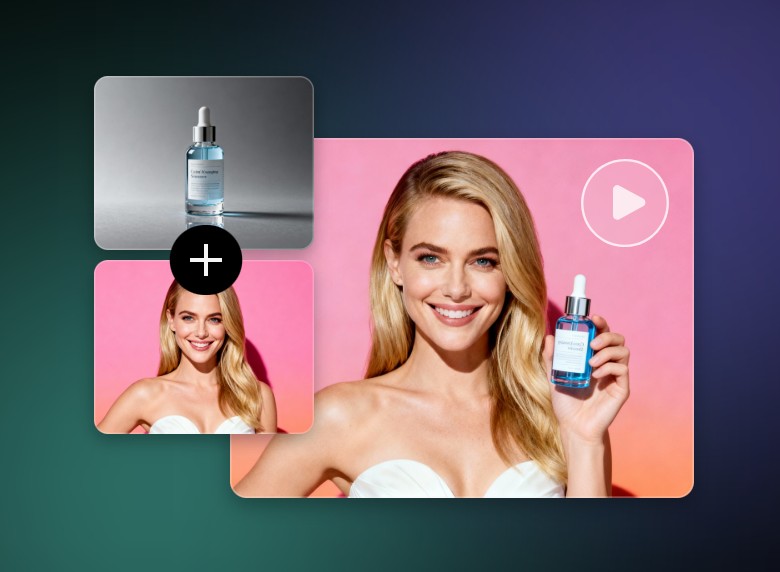
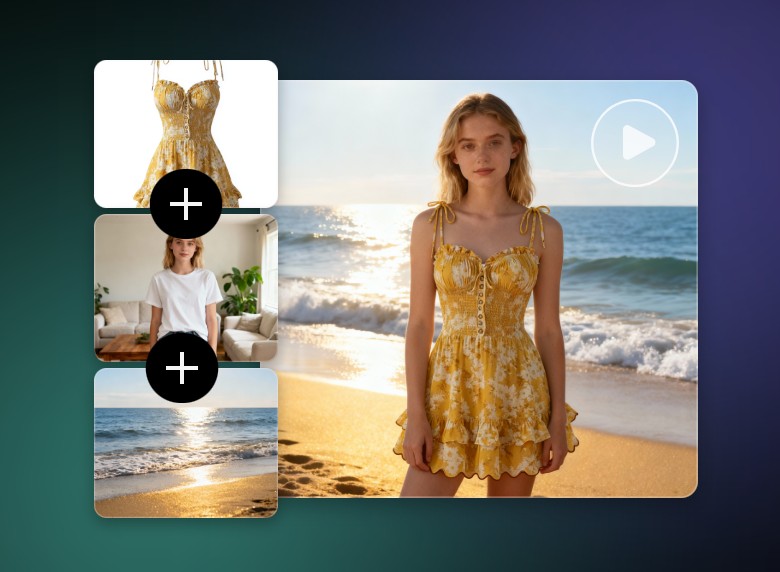
Additionally, our tool lets you upload multiple reference photos, such as different photos featuring the same subject displayed in different angles (distant view, close-up, etc.), and turn all of them into a recreated scene with rich cinematic depth and perfect character consistency, powered by its ability to intelligently analyze lighting, perspective, textures, and subject details.
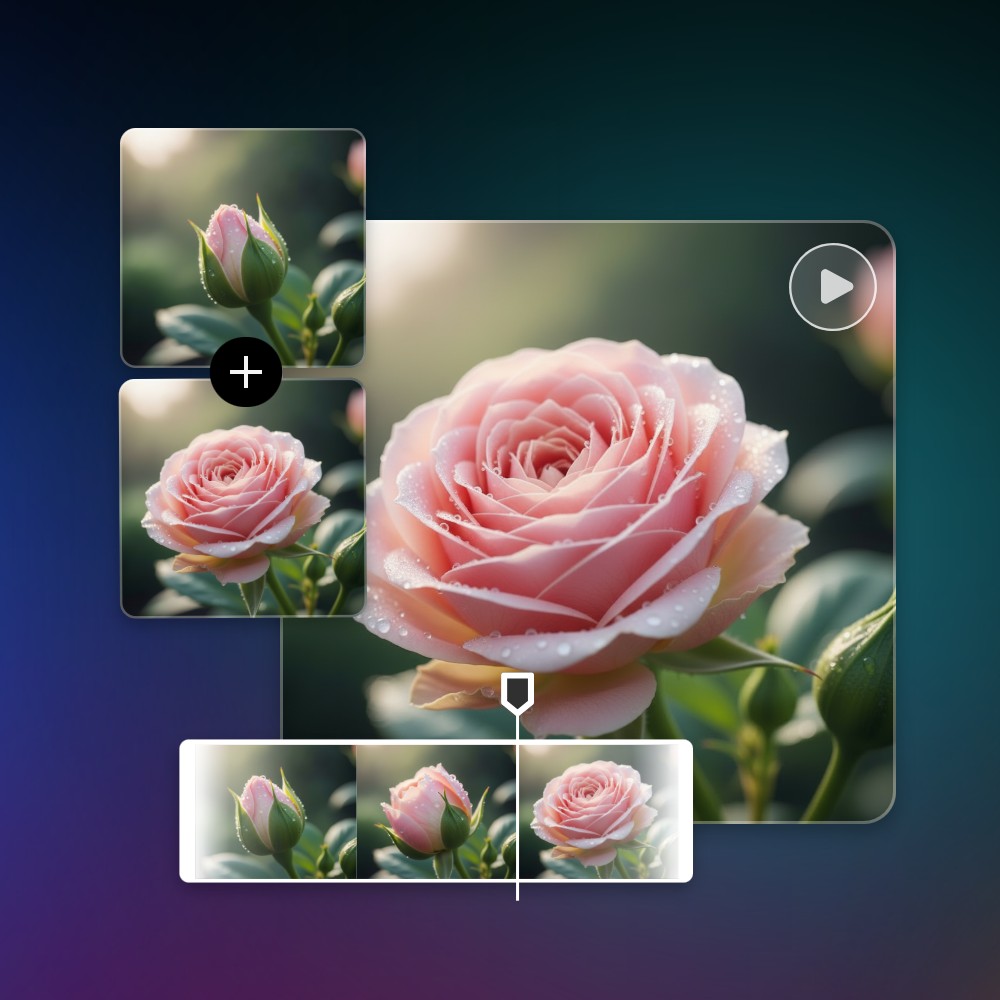
Context-Aware AI Video Creation Through First & End Frames
One of the breakthrough features of Kling 3.0 Omni is its ability to generate a coherent video through a starting and an end frame. When these photos are uploaded, our tool can smartly interpret scene context, motion cues and visual storytelling needs to create seamless transitions that feel natural and purposeful. So, simply define the beginning and the end, and our tool will handle the rest to present an HD video with stable subject continuity, smooth motion flow and visually consistent scenes.
Next-Gen Multi-Shot Switching and Custom Storyboard Generation
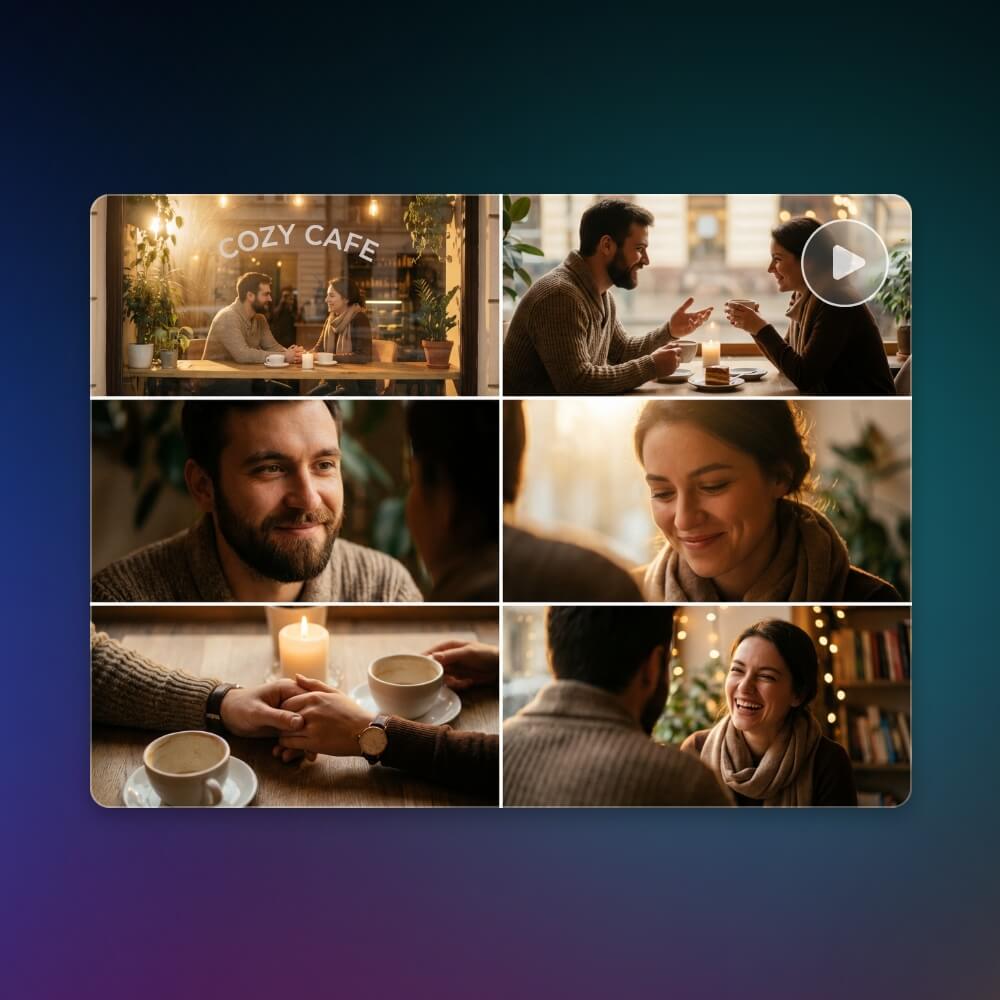
Instead of generating just one continuous video clip, our Kling 3.0 Omni AI video maker lets you plan and create multiple shots in sequence using simple prompts. You can build a true storyboard, where each shot has its own camera angle, framing and action. With this feature, you can create up to six distinct shots, which gives you stronger creative control, improved visual consistency and more professional storytelling that feels intentional, polished and cinematic.
Smart AI Analysis to Create AI Videos with Real-World Logic
Our KlingAI O3 video generator is intelligent enough to generate a video based on real-world logic through its precise analysis of your prompts and reference photos. Just upload your photo and use your words to describe the ideas of the previous or next scene. Then, our tool will automatically produce a vivid video that features every frame following natural movement, lighting consistency, and real-world cause-and-effect. Its logical continuity will be maintained to let characters behave realistically, transitions feel smooth, and scenes remain dependable.
Enhanced Character Consistency Across Every Frame
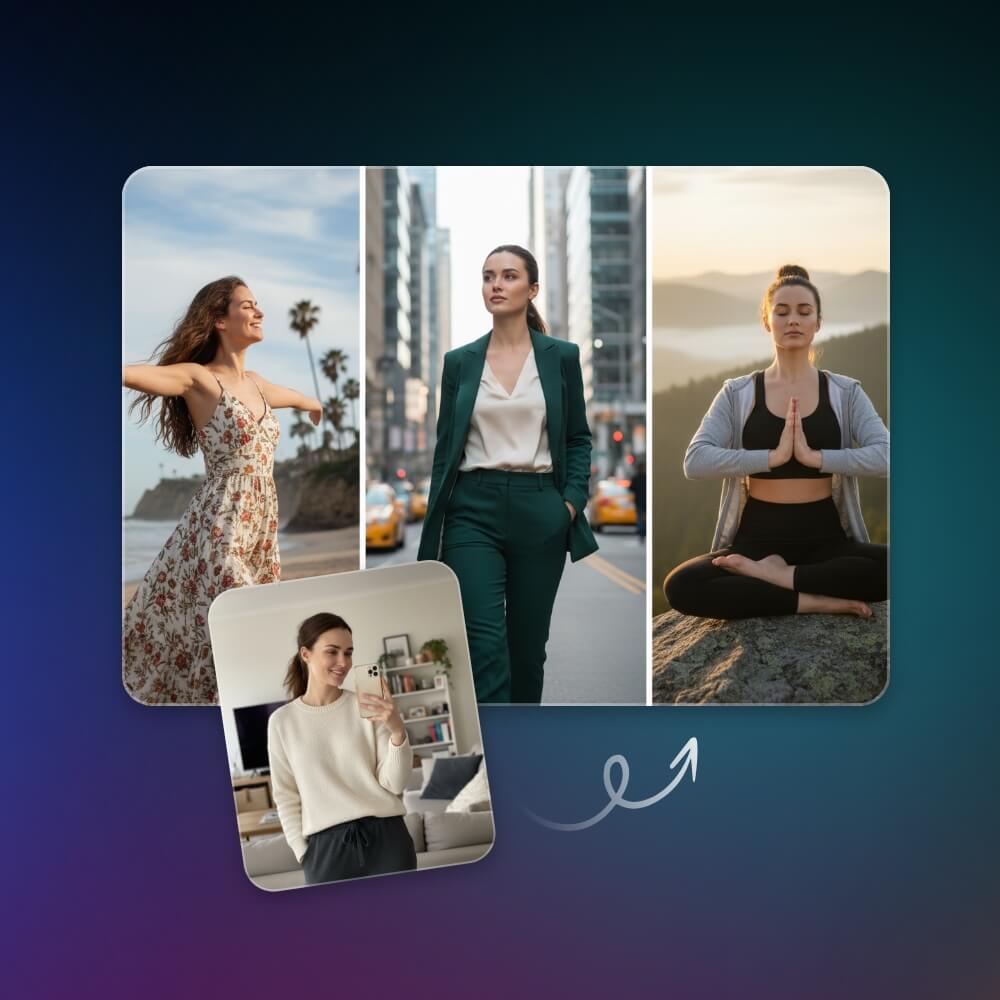
Our Kling 3.0 Omni AI is designed to maintain stable character identities, including facial details, outfits and proportions, throughout the entire video. It can intelligently track your subject’s appearance in every scene, ensuring smooth continuity even during fast movements.
Also, feel free to upload a reference image as your video subject and our tool can perfectly preserve all its details in every scene. No more flickering features, inconsistent expressions or shifting body shapes. Just recognizable and coherent characters from beginning to end.
Convenient Video Content Editing Through Prompt or Image
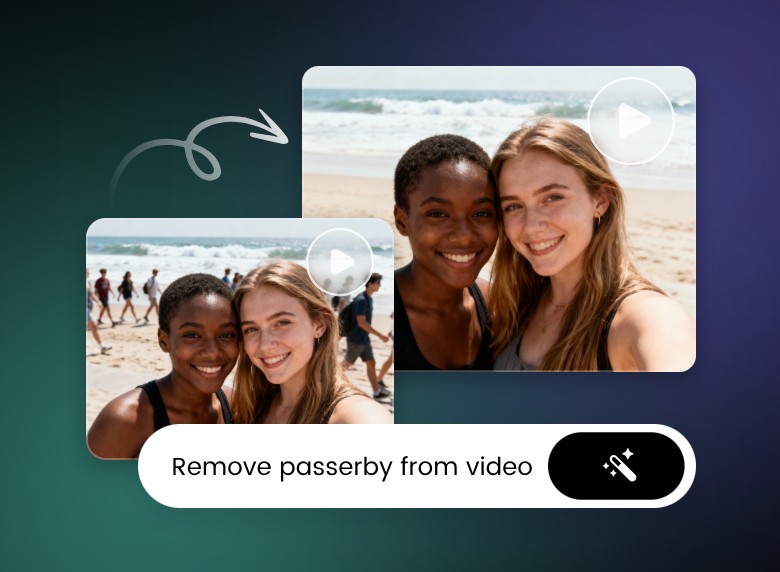
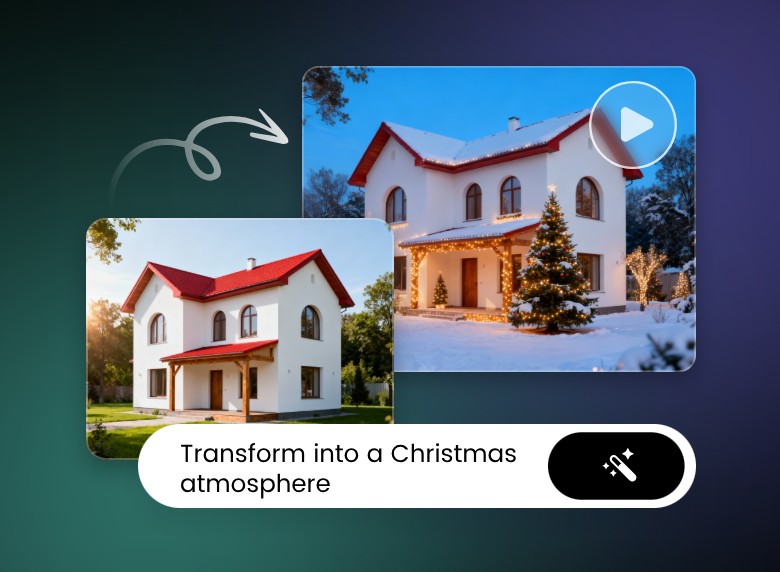
Say goodbye to the cumbersome manual editing process. Now, you can conveniently edit your videos via your natural-language prompt and image. Whether you want to change scenes, adjust characters, add effects, or swap backgrounds, simply describe your desired edits in text or provide reference images, and our tool will handle the rest. Save time, enhance creativity and produce professional-quality videos in a fraction of the time.
Change Content of Video
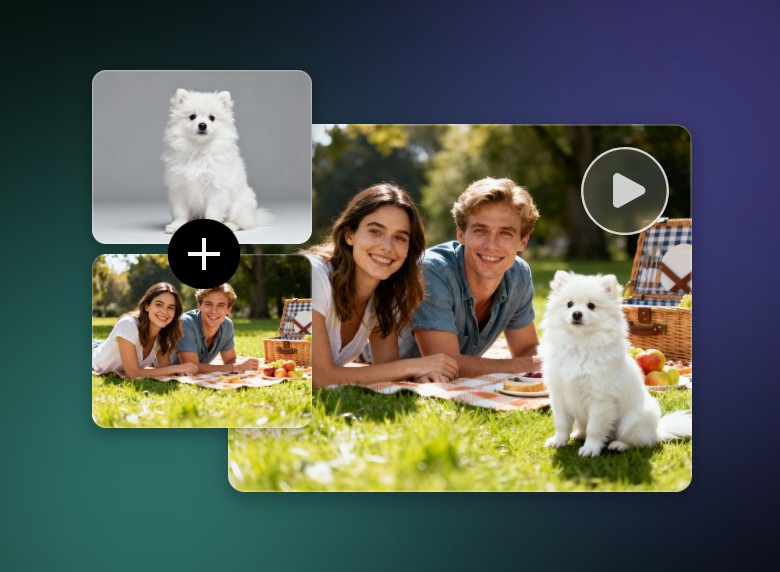
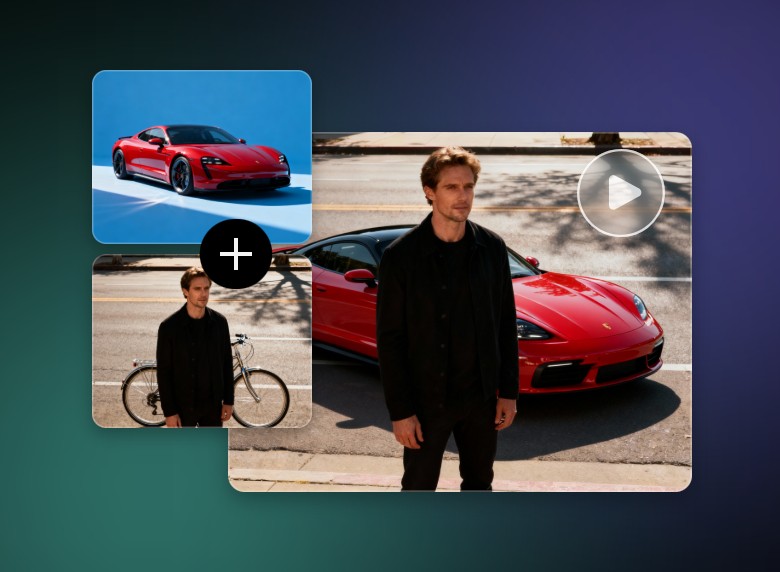
Use our Kling O1 AI as an AI replace tool to change or replace the existing content of your video via your text prompt or add a reference image, such as changing background, detailed element, object or a character’s face, hairstyle, outfit and more.
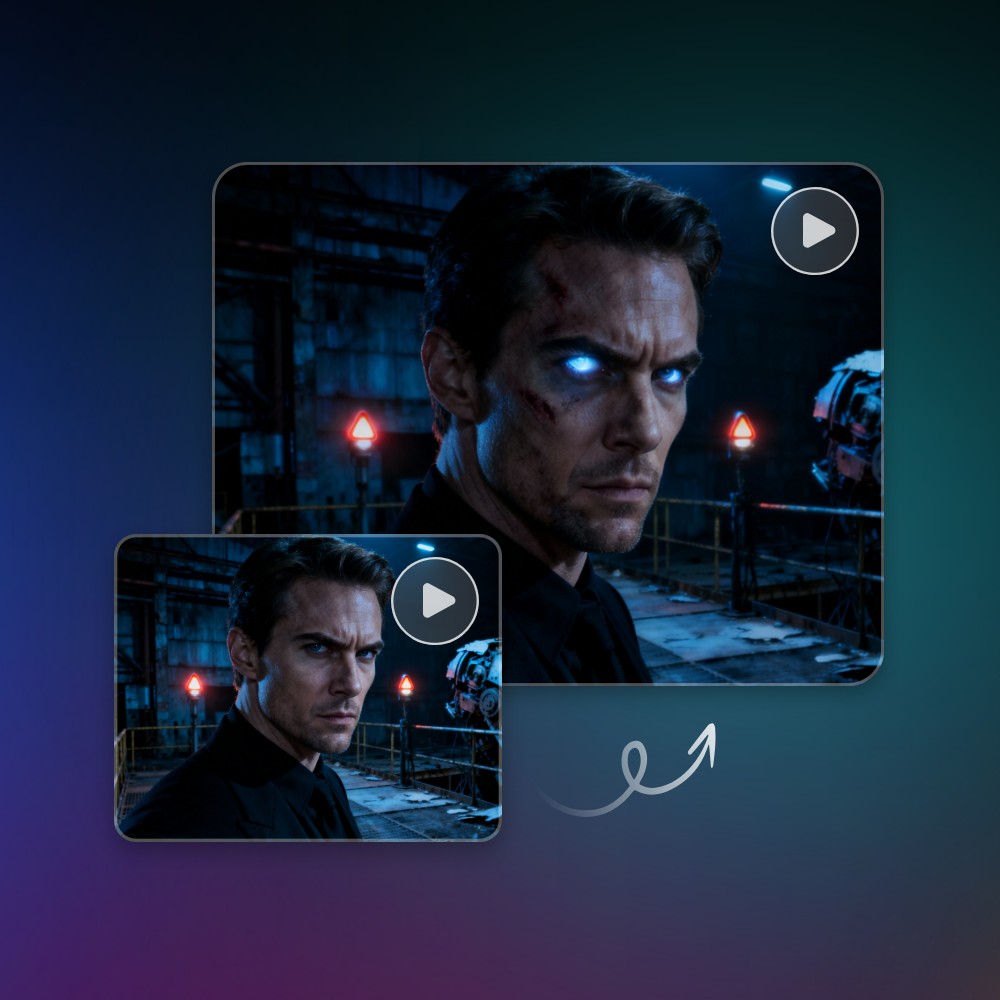
Easily Add Stunning Special Effects to Your Video
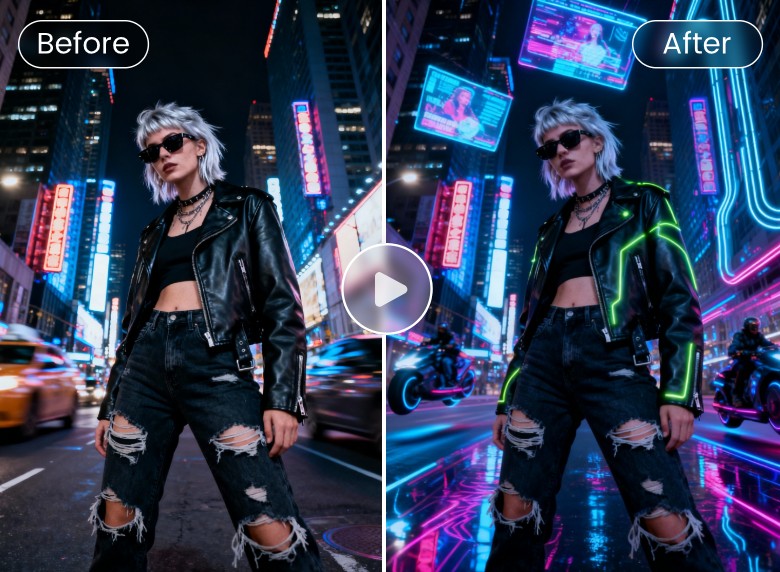
Now, you don’t need a professional video editor to put a cool special effect in your video. Our Kling 3.0 Omni AI video generator enables you to insert the desired special effect into your video through your natural-language prompt.
Simply describe the preferred effect, from flame or frost effect to red eyes or texture transformation, and our tool will seamlessly integrate it into the exact place of your footage while preserving smooth motion, natural colors and HD quality. No special skills are needed to turn ordinary videos into eye-catching, visually engaging masterpieces.
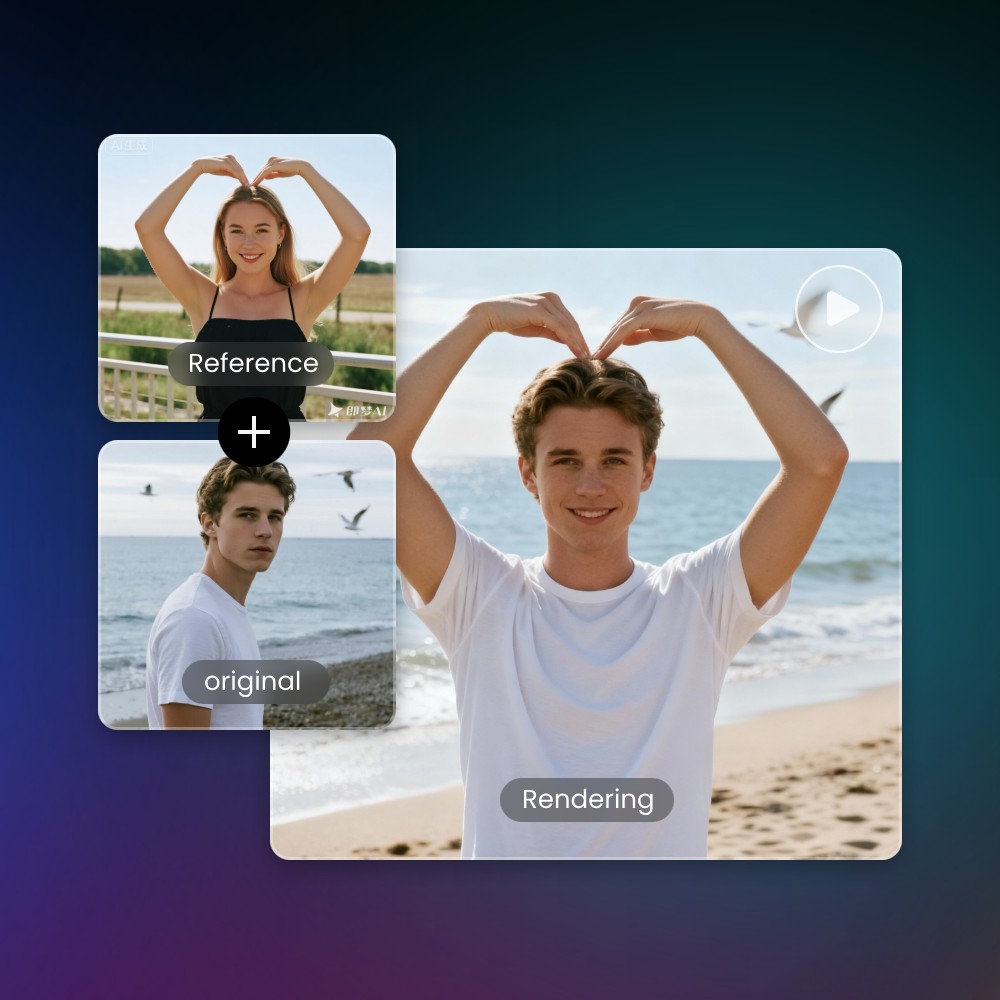
Precise Motion Effect Capture for Image Based on a Reference Video
Want to see your photo move in the same way as a subject does in your video? This issue can be easily resolved with Fotor. Simply upload your still image and provide a video that mimics the motion you want to replicate. Then, our tool, armed with the powerful Kling motion control feature, will intelligently map the movement, flow and other dynamic features onto your image, creating a smooth, realistic animated result.
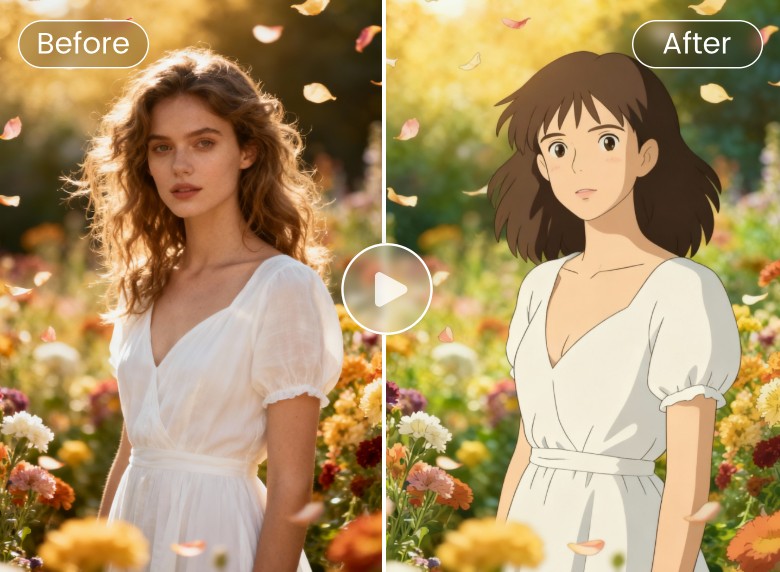
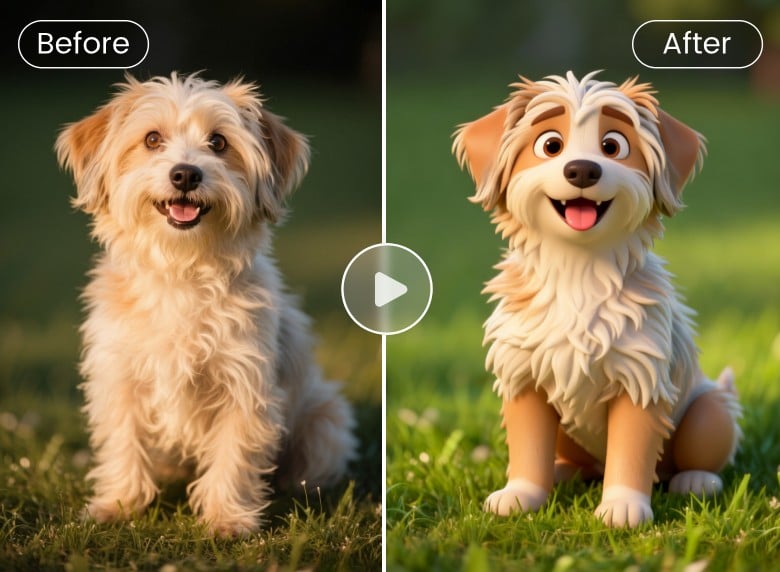
Achieve Simple Video Style Transfer with One Prompt or Image
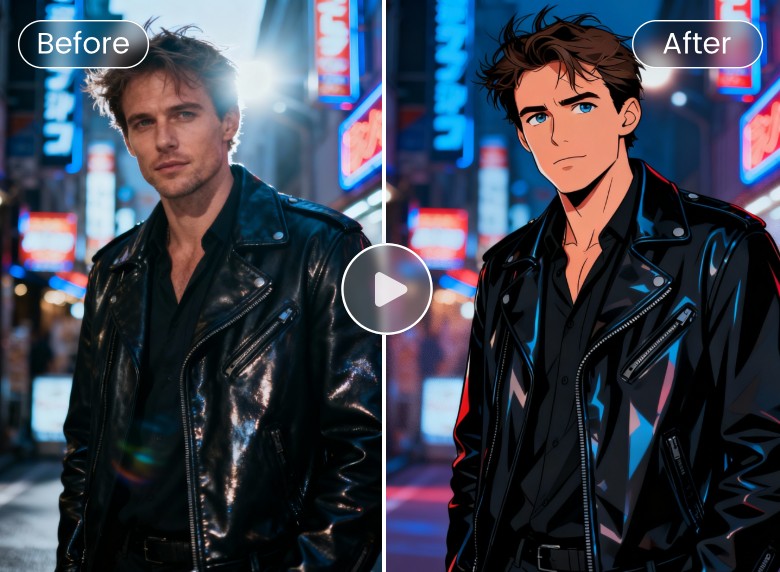
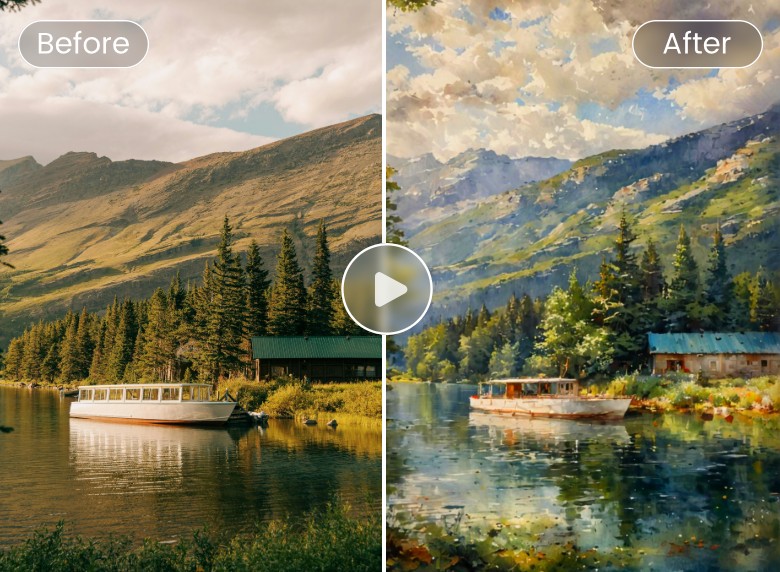
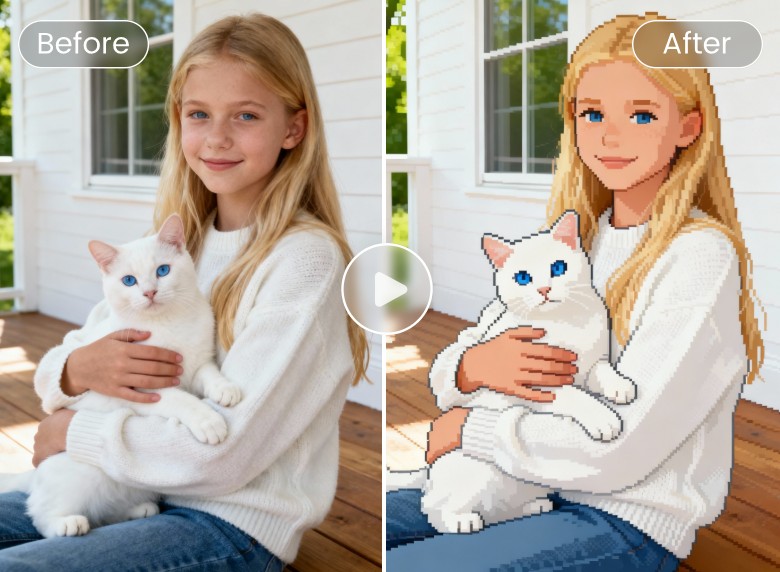
Our Kling O3 AI can apply various AI video filter options to stylize your videos with ease through a simple prompt or reference image. Just provide a prompt or reference image and watch your video automatically and naturally transformed into a stylish clip in seconds, from popular cartoon, anime and 3D to exquisite painting-inspired, futuristic, vintage or any creative aesthetic.
Ultra HD Video Results with Custom Dimensions and Lengths
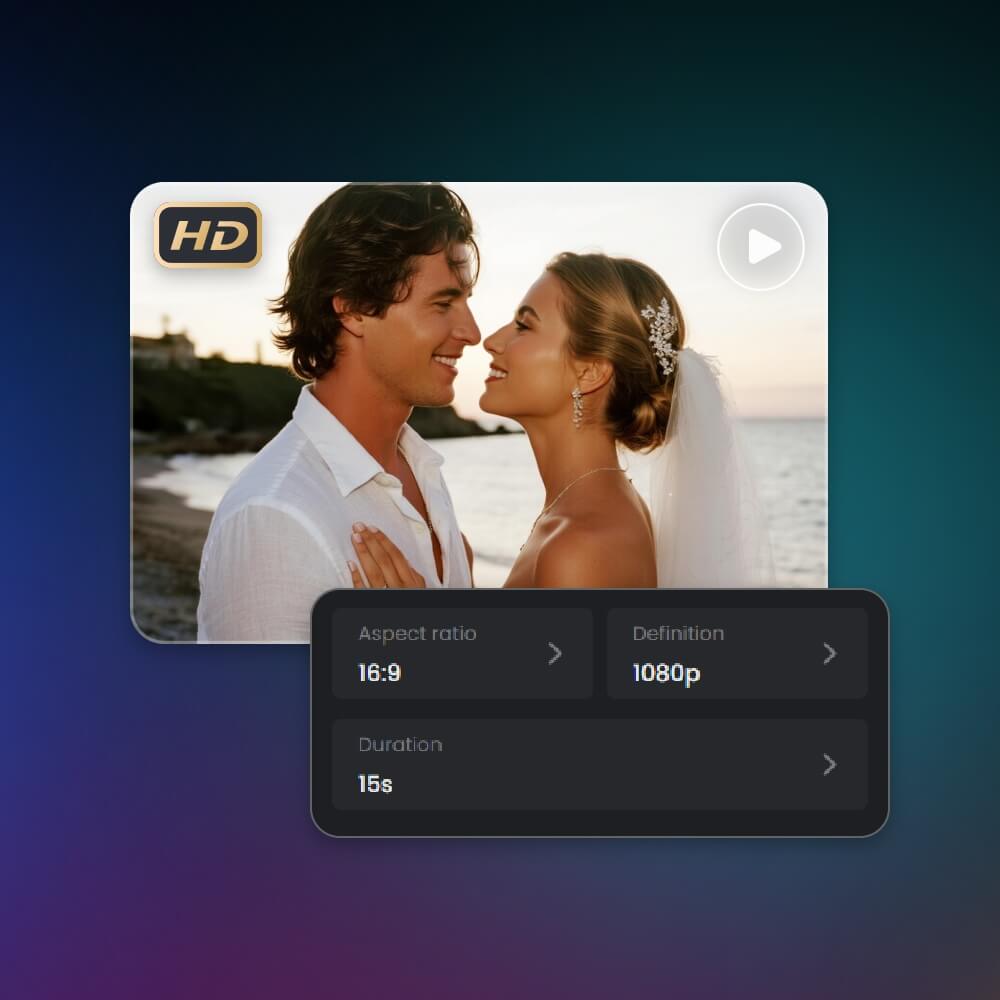
Whether you want to create cinematic clips, social media videos, marketing visuals or storytelling projects, our Kling O3 AI tool lets you set the exact resolution, aspect ratio, and duration to perfectly match your needs. Now, you can export an AI clip with the original resolution and up to 15 seconds. Hence, you can effortlessly get satisfactory AI videos tailored precisely to the specifications of your creative projects or social media platforms (YouTube, TikTok, Instagram or X) or professional presentations.
Unleash Your Creativity with AI-Generated Videos
Expect captivating AI videos from your prompt or image in seconds and make them your one-of-a-kind dynamic visual projects.
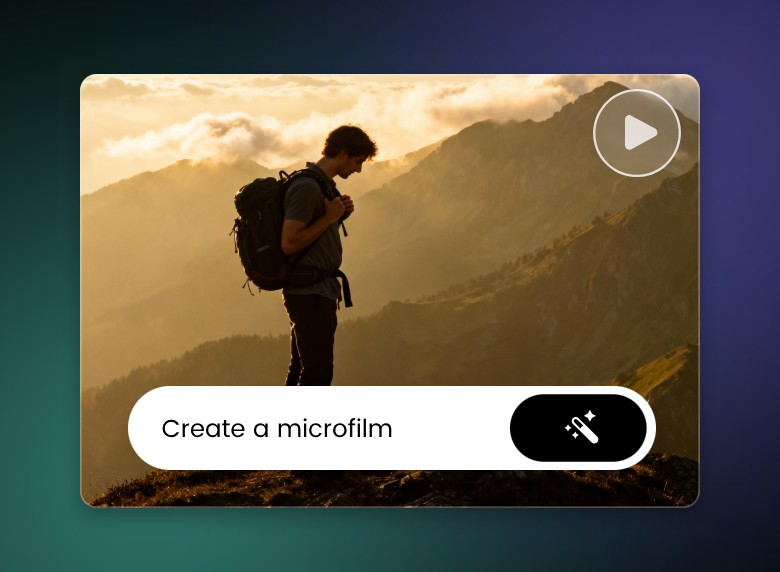
How to Make AI Videos With Fotor’s KlingAI O3?
Also a Powerful AI Image Generator from Text and Photo
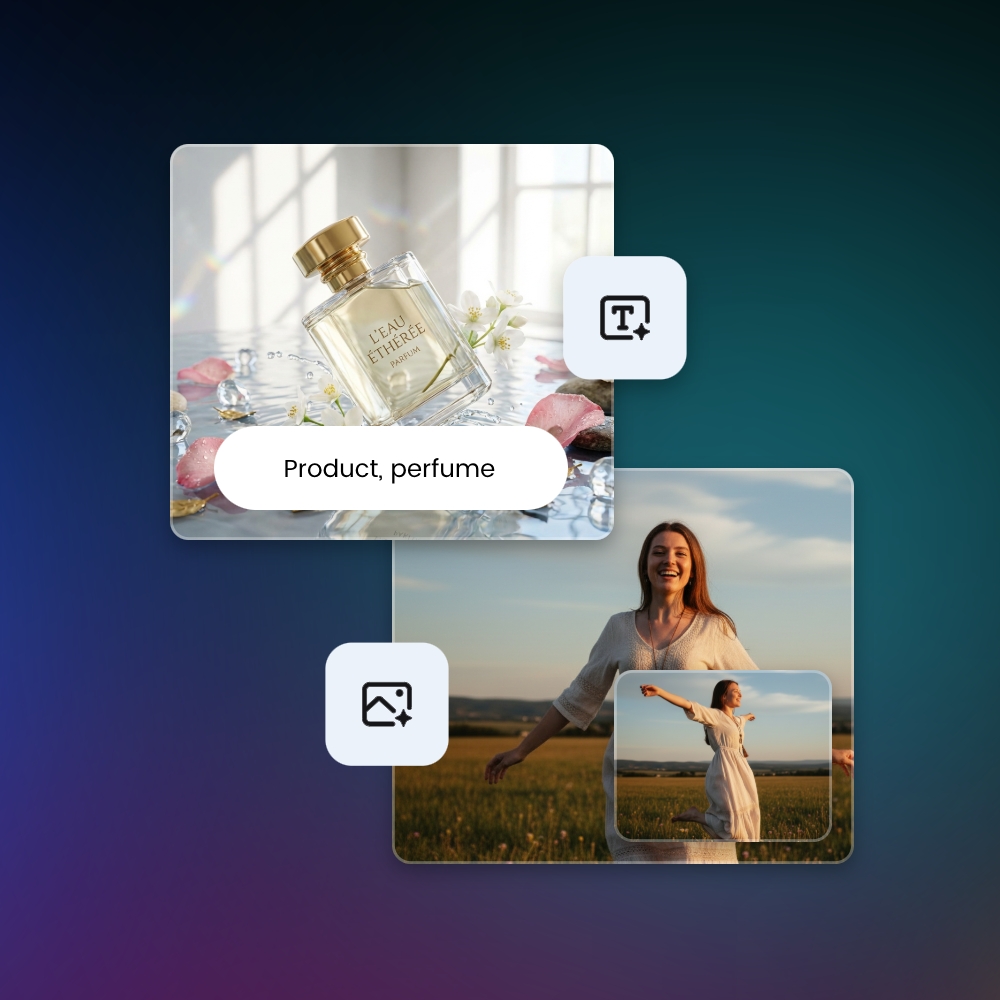
More than a strong AI video generator, Kling AI O3 also appears as a practical AI image generator that works from both text prompts and photos. Whether you plan to design characters, scenic landscapes, product visuals or concept art, simply describe your idea or upload an image, and our tool will generate HD AI visuals that match your vision.
With full control over style, color, lighting and composition, you can now create AI images with perfect real-world logic, adding special storytelling touches to them and making them more cinematic scenes than simple emotionless pictures.
Get Stunning 4K AI Visuals for Any Project
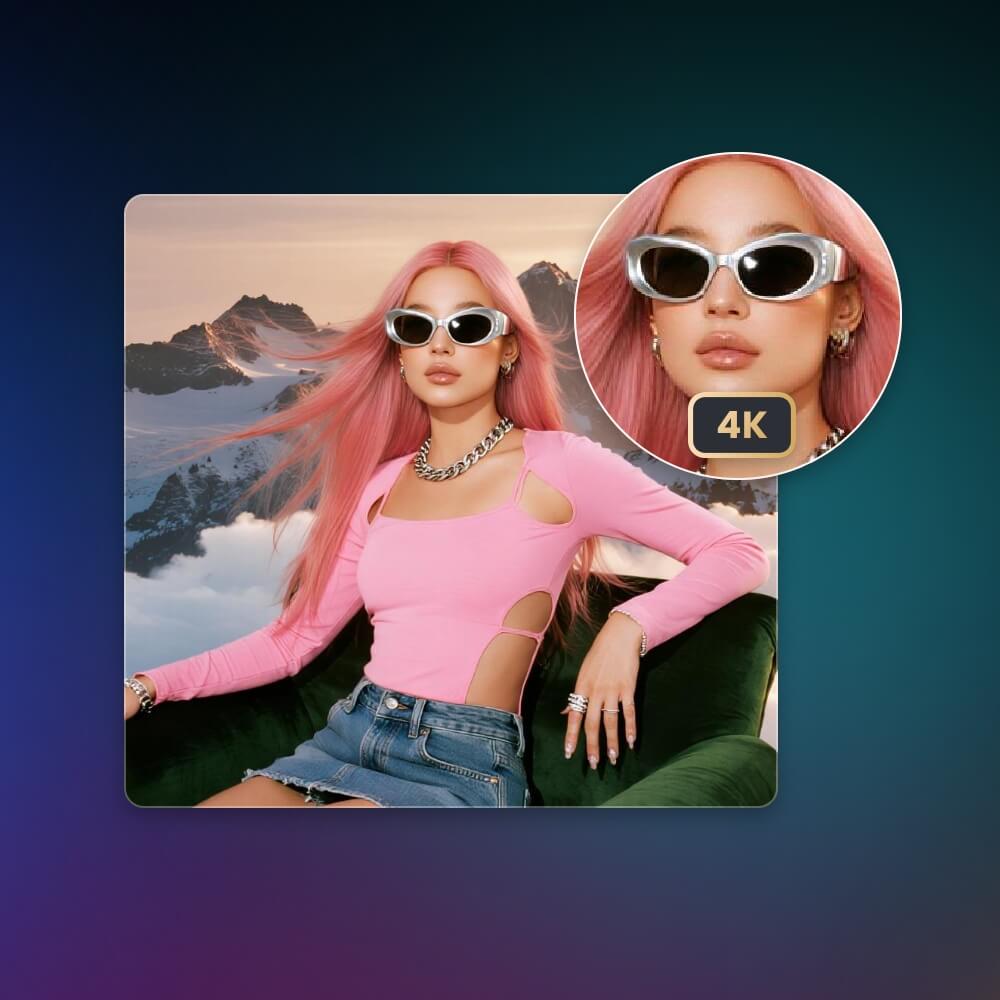
Elevate your content with ultra-sharp clarity and professional-grade detail. With up to 4K output, every texture, lighting effect and color nuance appears crisp, making your visuals look premium across ads, websites, social media and presentations. Quickly get your polished, platform-ready imagery that boosts credibility, enhances storytelling and delivers a high-end look without costly production.
Convenient Image Editing with Natural Language Prompts
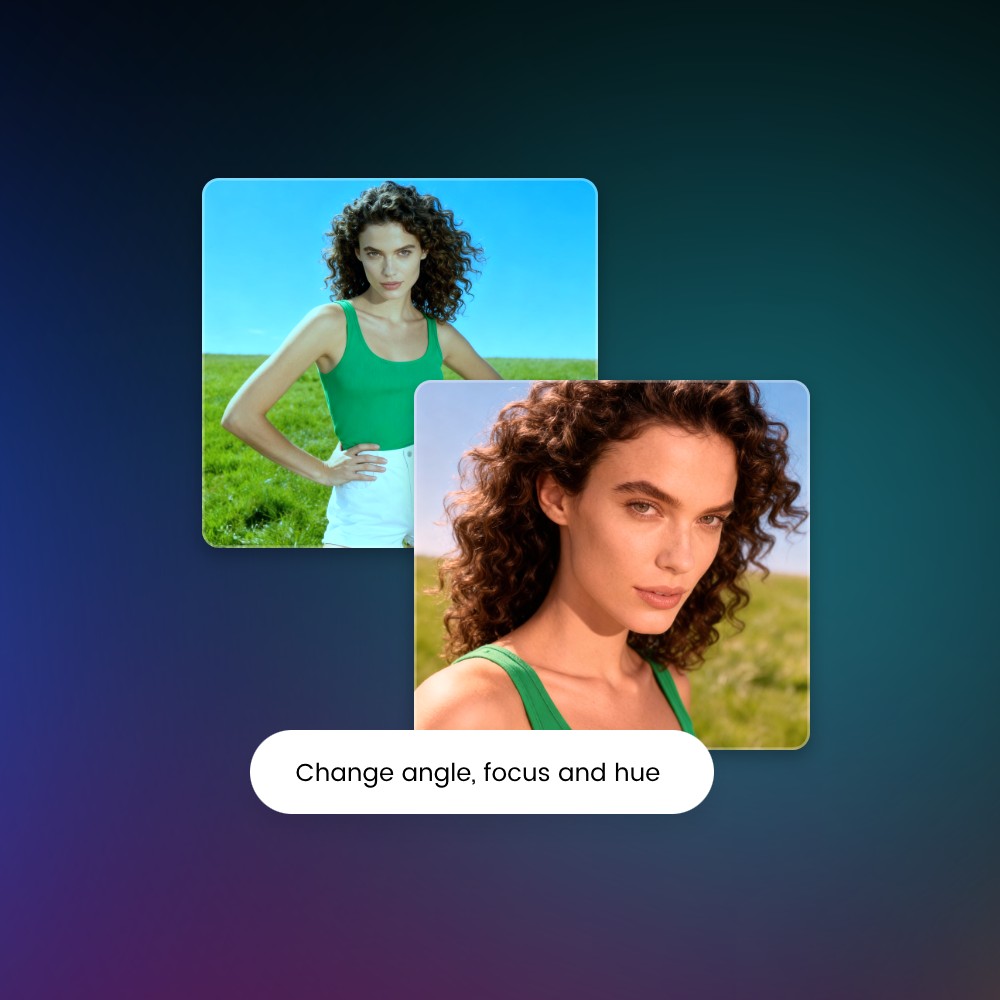
With our KlingAI O3 tool, photo editing can be extremely easy for every user, especially those without editing skills. Simply enter your natural words to specify what you intend to edit in your image and our tool can automatically complete the task for you. Also, no damage to the original quality or editing trace will be found on your edited picture.
Change Image Focus
Rely on your text prompt to easily and quickly adjust the focus of your image, from a distant view to a close-up one.
Change Image Angle
Fine-tune the angle of your picture, from an upward view to a downward one, through your prompts.
Change Image Hue
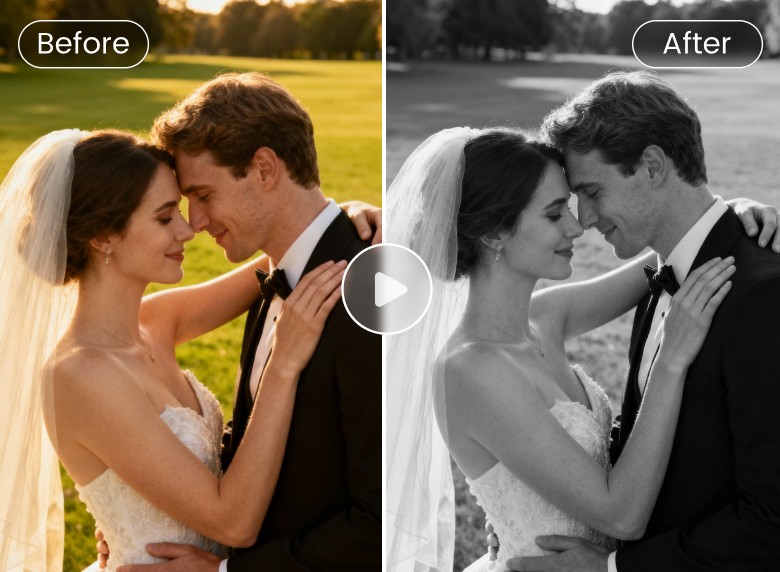
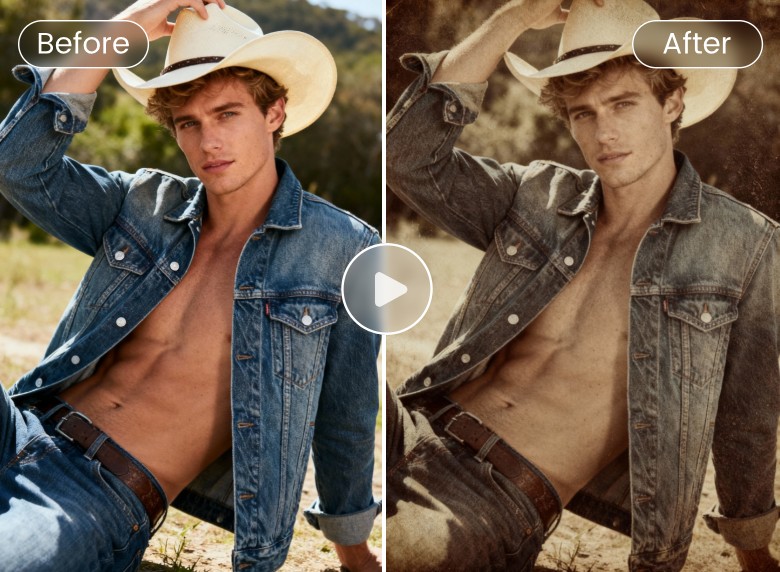
Get the desired hue for your image, from vintage to black and white, with the help of your natural words.
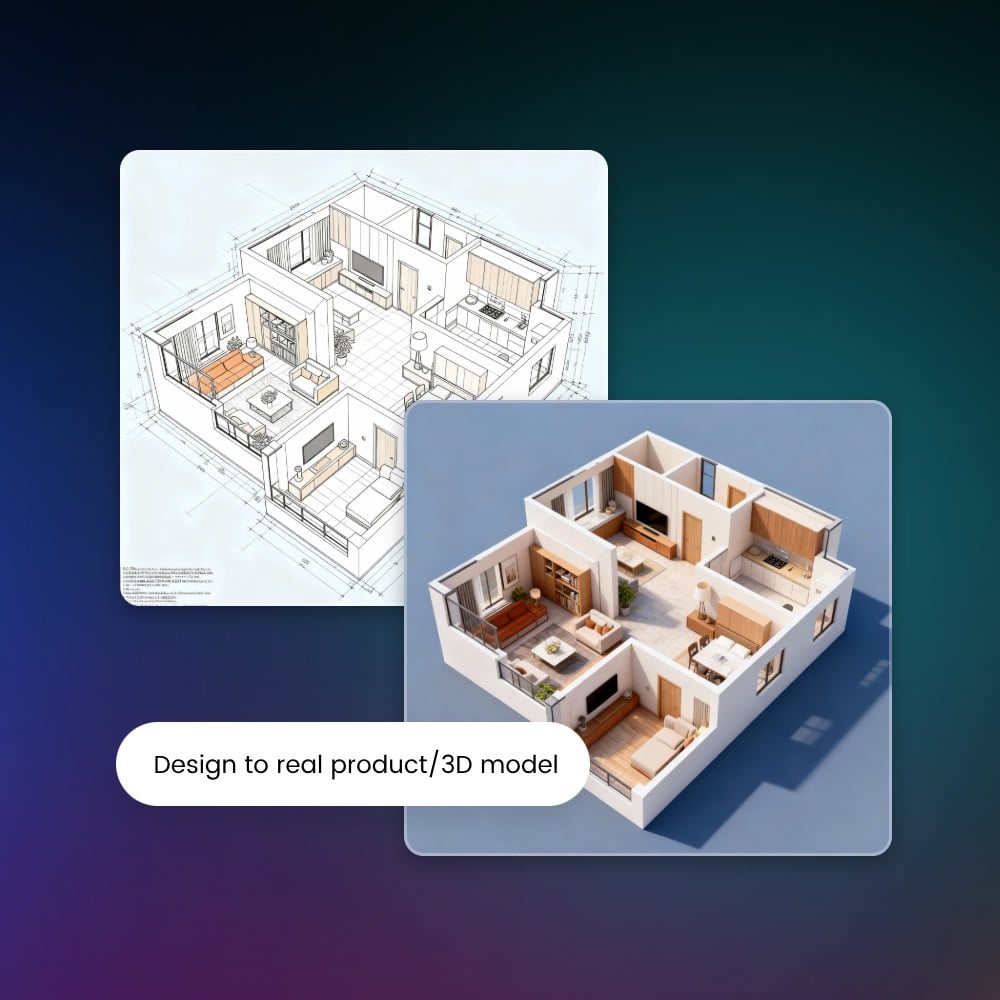
Magically Convert Design to 3D Models or Product Images
Our Kling 3.0 Omni AI image creator can help you transform sketches or flat designs into polished 3D rendering models or realistic product images without touching complex modeling software. Once your prompt is given, it will instantly interpret shapes, textures, and materials, giving you production-ready renders or complete product visuals that look crisp, consistent and true to the real world.
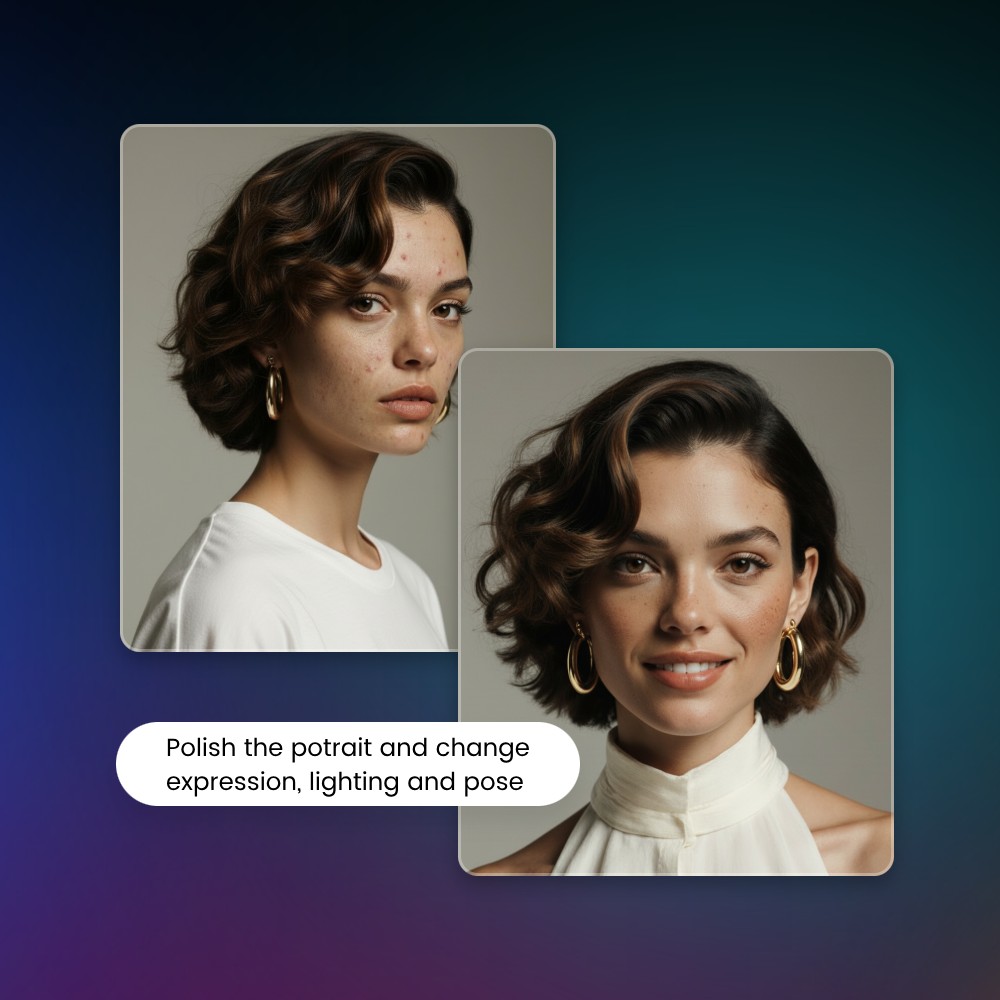
Powerful Portrait Creation & Retouching for Perfect Avatars
No need to spend hours polishing your portrait in Photoshop. Try our Kling O3 AI image maker to create an eye-catching portrait in any style or retouch the existing one with great ease. All you need is your natural-language prompts. For example, quickly convert your ordinary photo to a polished, professional-looking headshot for your LinkedIn profile picture. Easily adjust the expression, change the pose and fine-tune the lighting of your portrait image to match your brand or personal aesthetic and use it as your unique social media avatar.
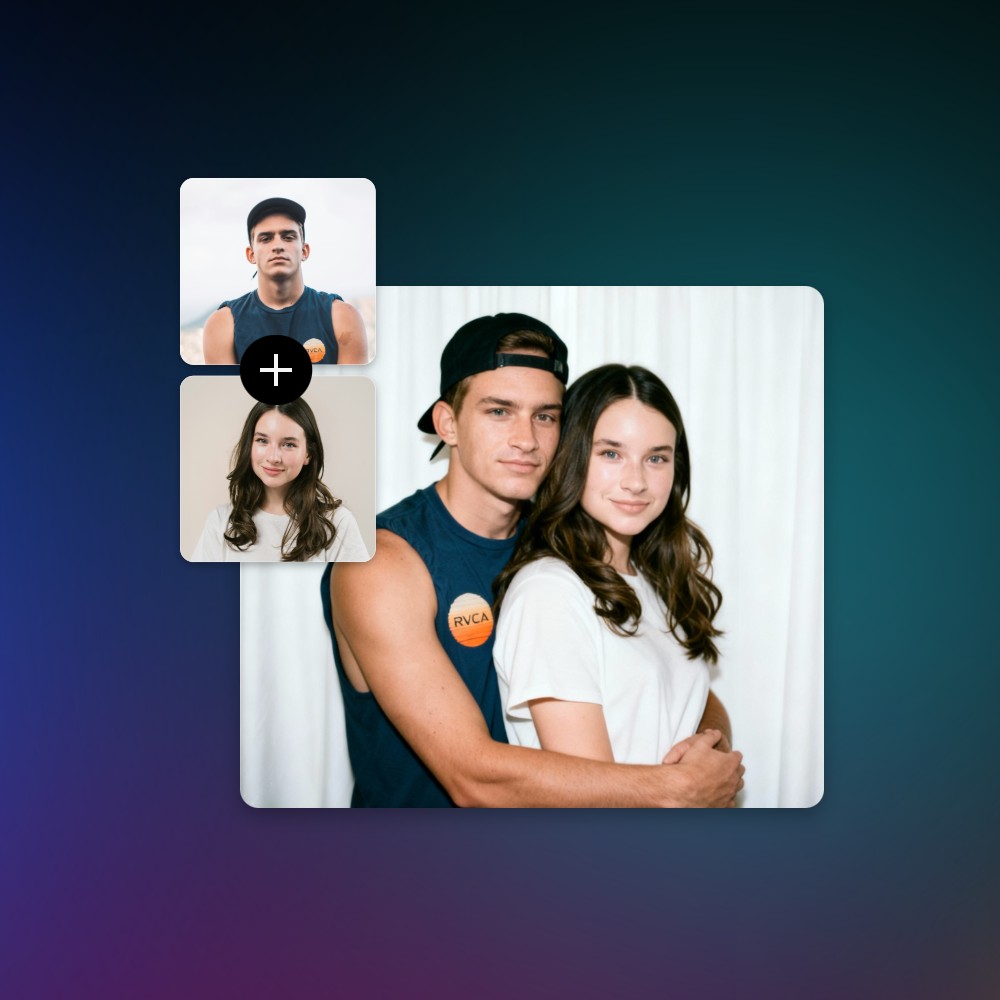
Blend Multiple Pictures into One Photo for Various Usage
Combine several images into one clean, seamless photo without needing advanced editing skills. Our KlingAI O3 tool, a wonderful AI image combiner, handles lighting, perspective, style and color matching automatically, so every element looks like it truly belongs in the scene.
Style Fusion
Upload two photos and let our tool fuse the style of one photo into another to give you an amazing result.
Element Merge
Merge the key elements of multiple pictures into one brand-new, cohesive photo without any editing techniques.
Group Photo Creation
Seamlessly combine two individual portrait images into one group picture, which is perfect for making an AI couple photo or joining the AI trend of AI Polaroid Photo.
Highlights of Fotor’s Kling 3.0 Omni AI
![Fast generation icon]()
Easy and Fast
Our Kling O3 AI video creator boasts an intuitive interface without complex settings. You need zero professional video production skills to make a visually stunning AI video in seconds.
![Create videos from text and images with Fotor]()
Text/Image to Video
Our Kling 3.0 Omni AI supports convenient AI video generation from both text prompts and images. You can quickly create eye-catching videos in various styles tailored to your taste.
![Gradient ai icon]()
Powerful AI Analysis
Our tool, armed with progressive AI technology, excels in better prompt and image understanding and analysis. Therefore, you can get hyper-realistic AI videos featuring perfect cinematic depth and real-world logic.
![Diverse ai video styles icon]()
First & End Frame to Video
Our tool can revolutionarily convert two images, one of which can be used as a starting frame while the other as an ending frame, to a complete, coherent video with reasonable logic.
![Customization icon]()
Video Editing via Prompts
Manual video editing is now in the past. With our tool, you need a simple natural-language prompt only to edit and polish your videos conveniently.
![High quality footage output icon]()
HD Video Results
Expect super high-quality AI video results without watermarks and download them in high-res MP4s, which can be directly applied to your personal or professional projects.





Fotor AI Video Generator Reviewed By


Video creation is often a complex and professional process, but Fotor simplifies the steps. You simply need to describe your creative ideas in written form and select your preferred style. AI will automatically analyze and generate a video you’ll be satisfied with.

Fotor’s AI video generator is a tool designed to transform users’ text descriptions or imported photos into short video clips. This tool gives users an intuitive interface with easy-to-spot settings. With its help, you don’t need to be tech-savvy to create your own short videos. You can effortlessly expect a high-quality video with lifelike movements based on your text prompts.

Fotor AI video generator is a powerful tool to create high-quality videos without any skills. All you have to do is select whether you want to make a video from the command prompt or an image. It will take only a few minutes, and your video will be ready to download. You can redefine the video with Fotor’s built-in video editing feature.
Fotor Kling 3.0 Omni AI: Enjoy Revolutionary AI Video Creation
See your imagination come to life with our Kling O3 AI video generator. Easily turn your prompt or image into crisp, cinematic-quality results that look realistic, natural and logical. Gain precise control over shots, motion, and characters, while keeping consistency across every scene. Start creating your best videos with just a few clicks away.