Free AI Book Illustration Generator Online
Create studio-level book illustrations from text prompts with Fotor's AI book illustration generator. Perfect for children's picture book creators, illustrators, writers, cartoonists, etc. Turn your story into vivid picture illustrations today!
![Data security guaranteed]()
100% Secure
Your uploaded images and data are encrypted and automatically deleted within 24 hours to ensure security.
![Free to use icon]()
3 Free Trials
Fotor gives every user three free trials to create book illustrations, allowing you to experience it at no cost.
![Blue icon refine color and lighting of photos]()
Premade Prompts
Access preset prompt templates designed for different book genres and illustration styles.
![AI enhancement icon]()
No Signup
Start creating instantly without mandatory registration, making the process fast and hassle-free.




Browse Diverse AI-Generated Book Illustration Examples and Prompts
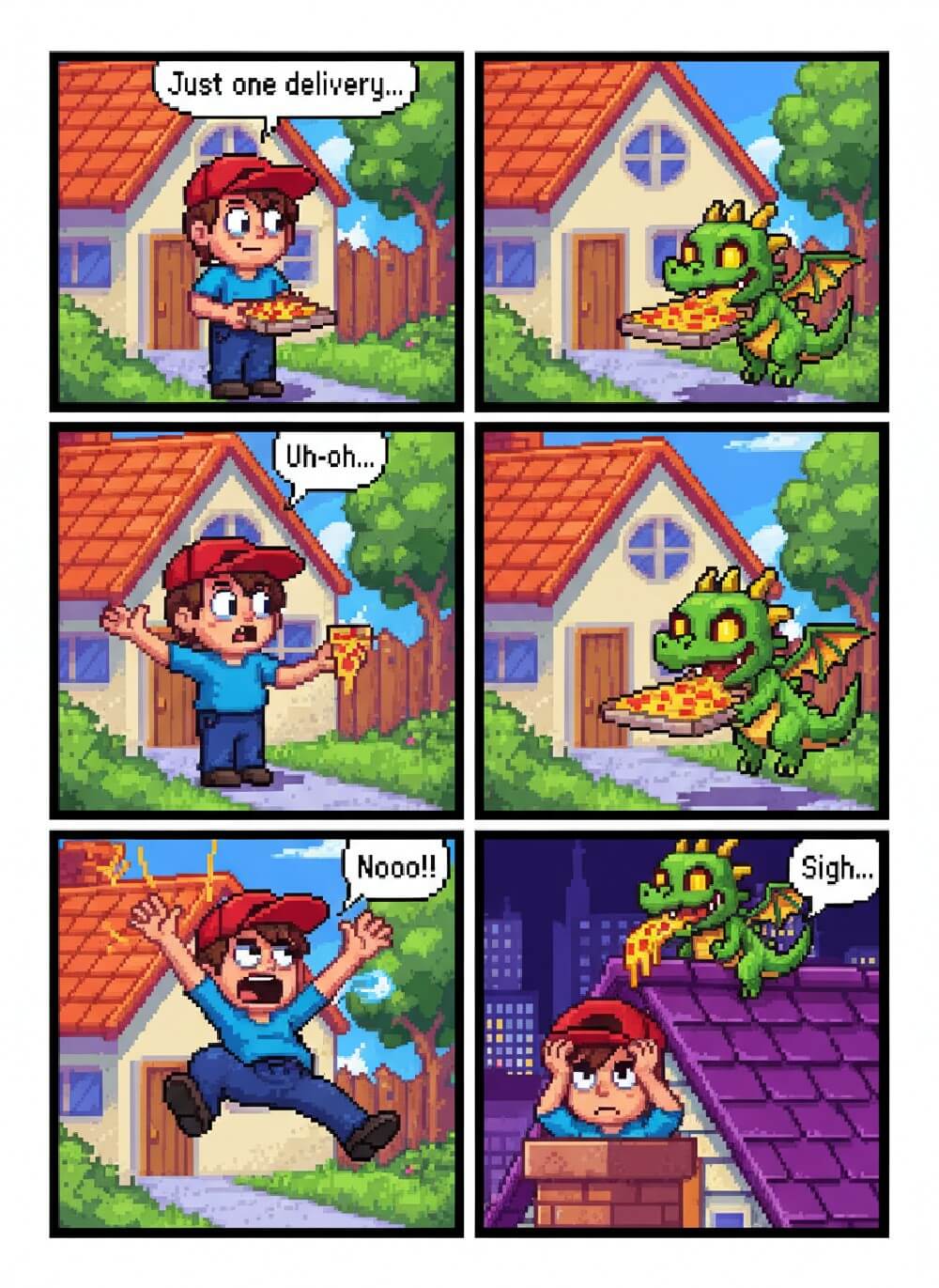
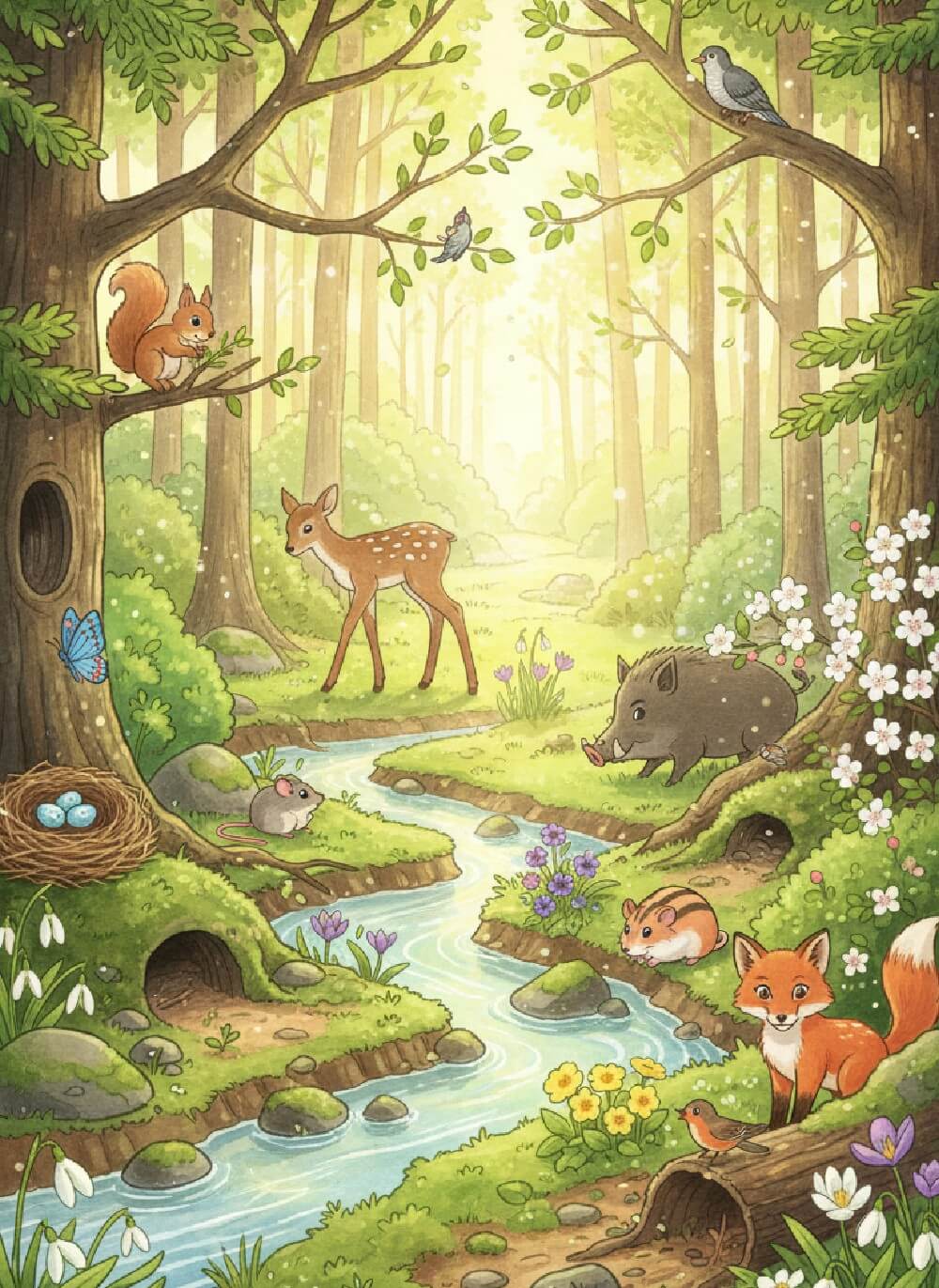
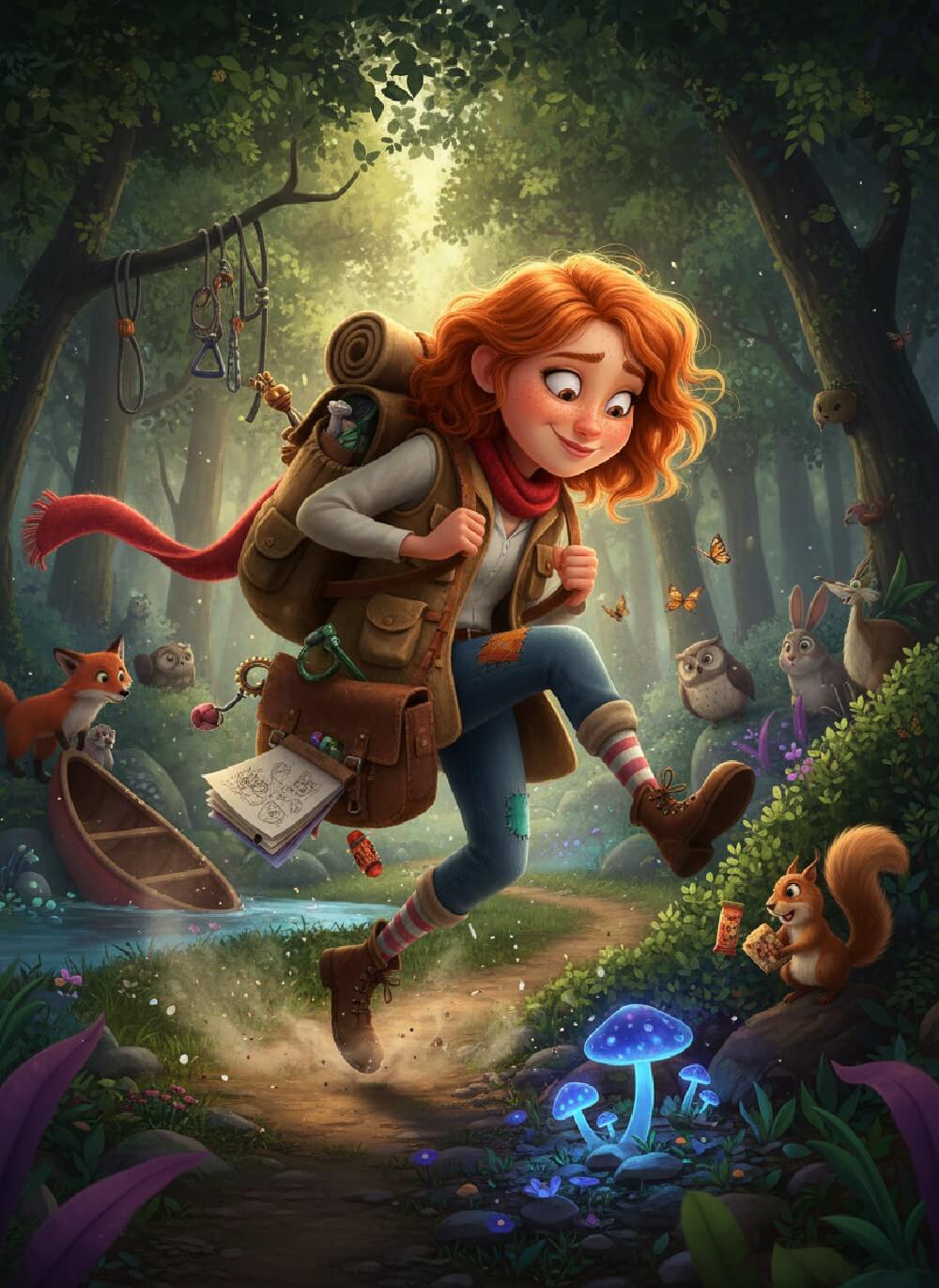
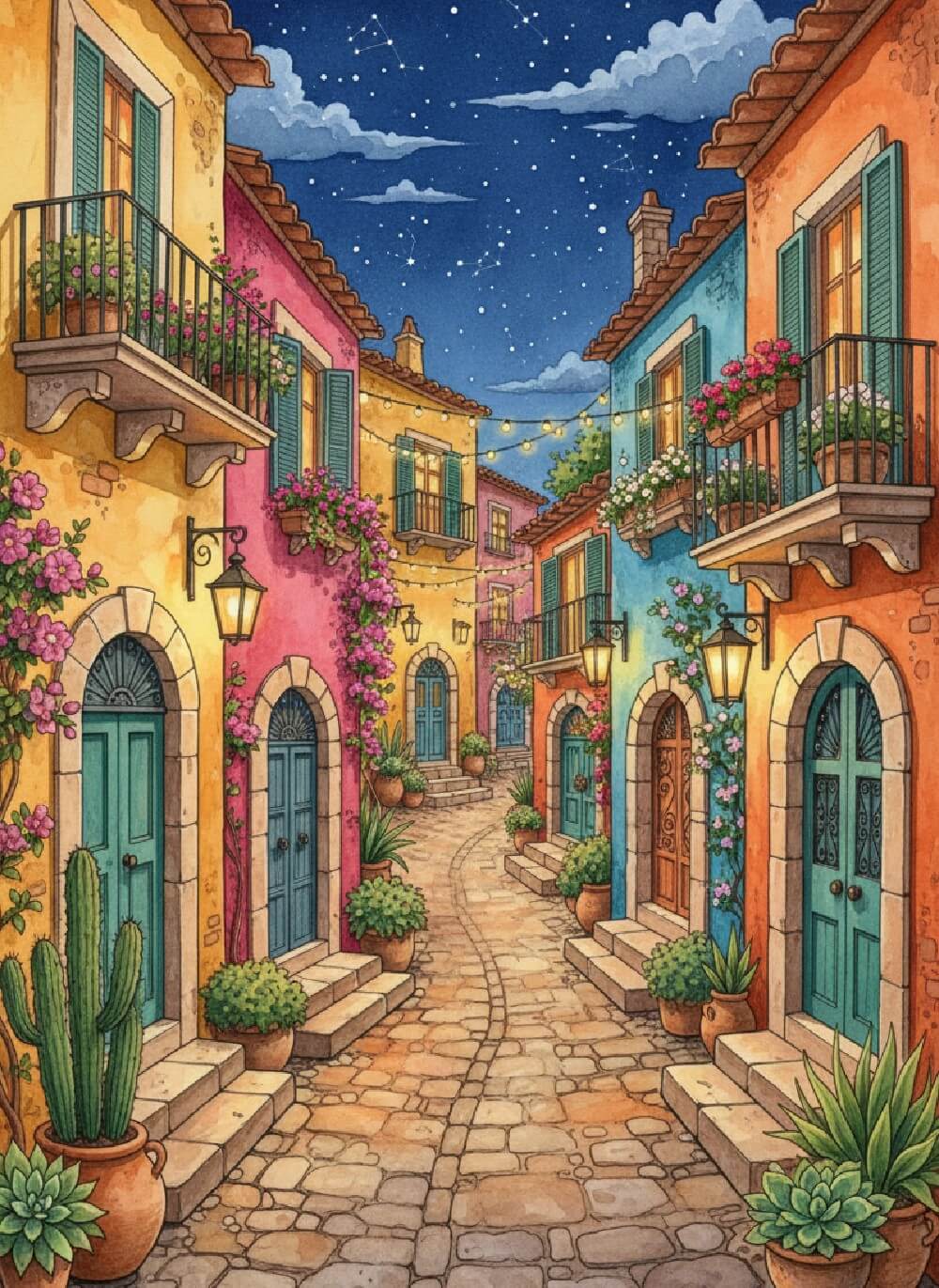
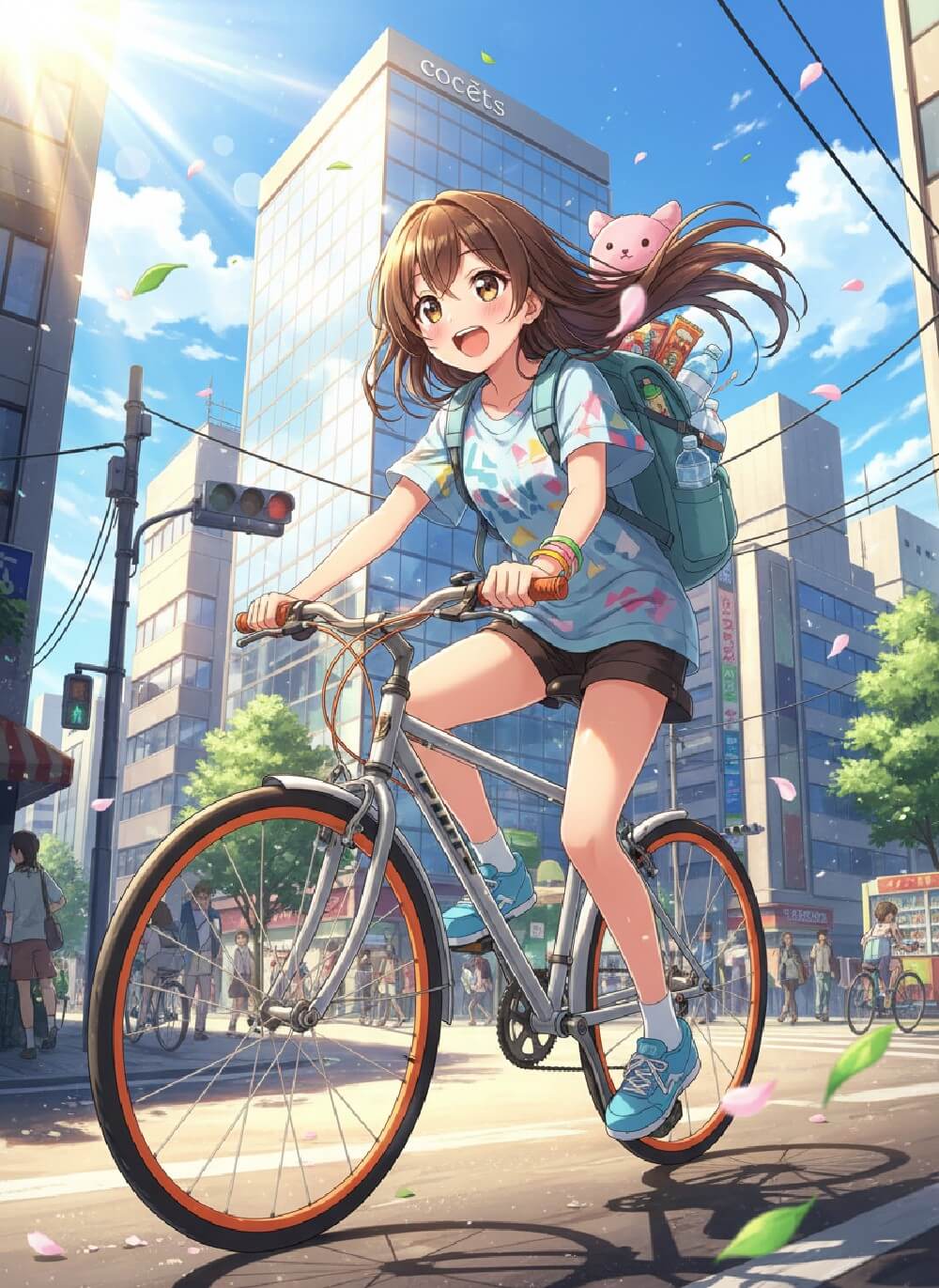
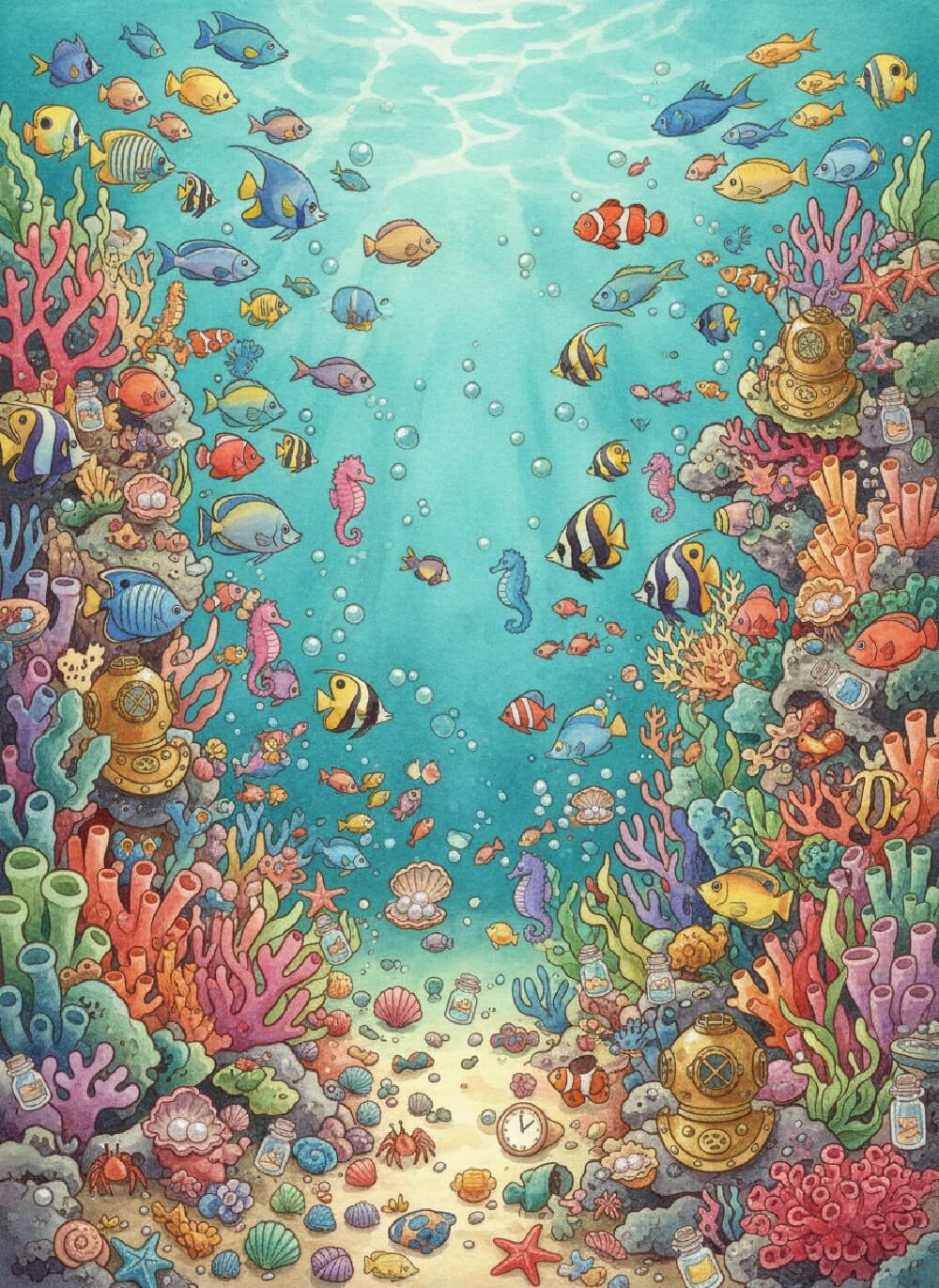
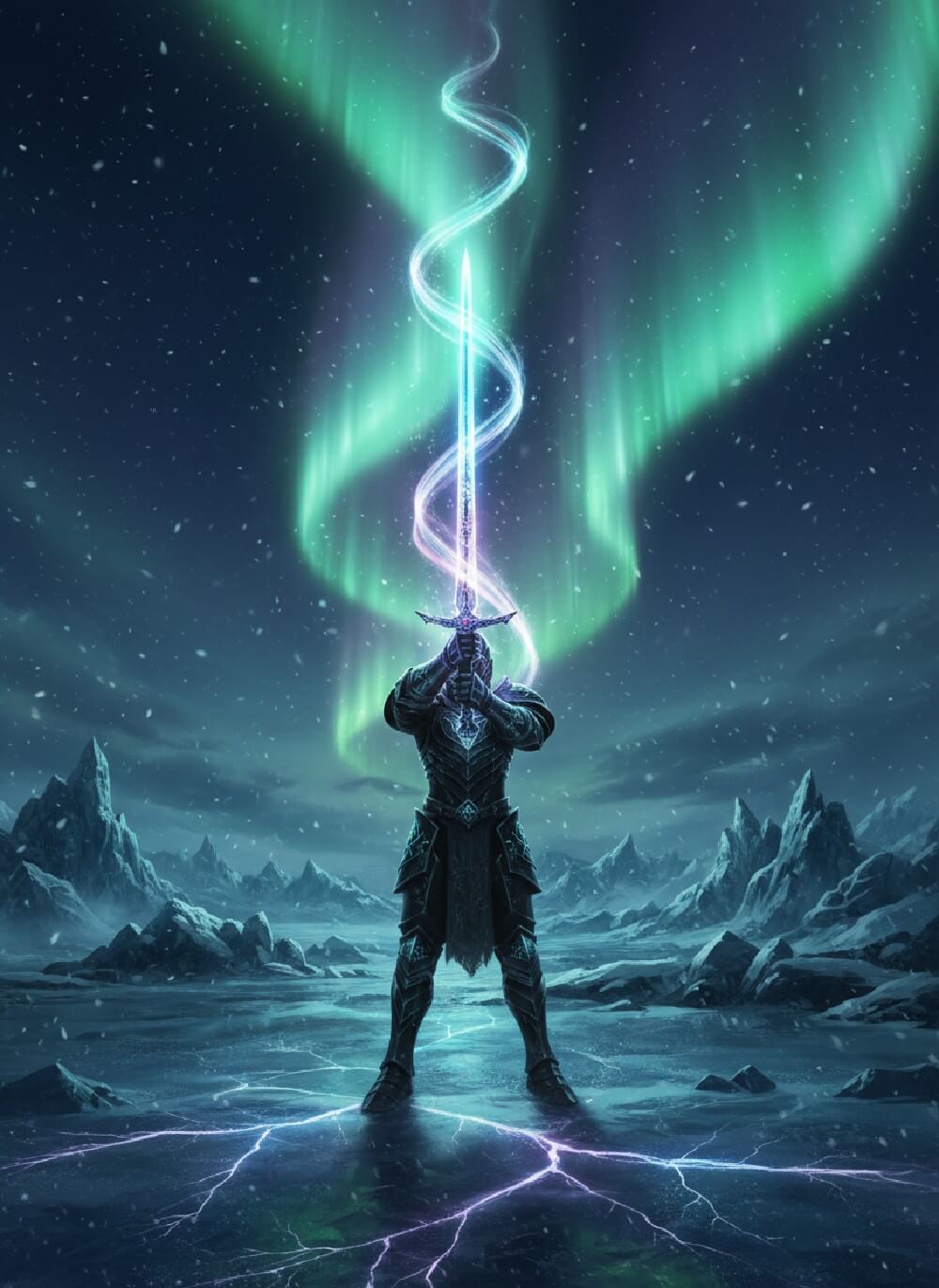
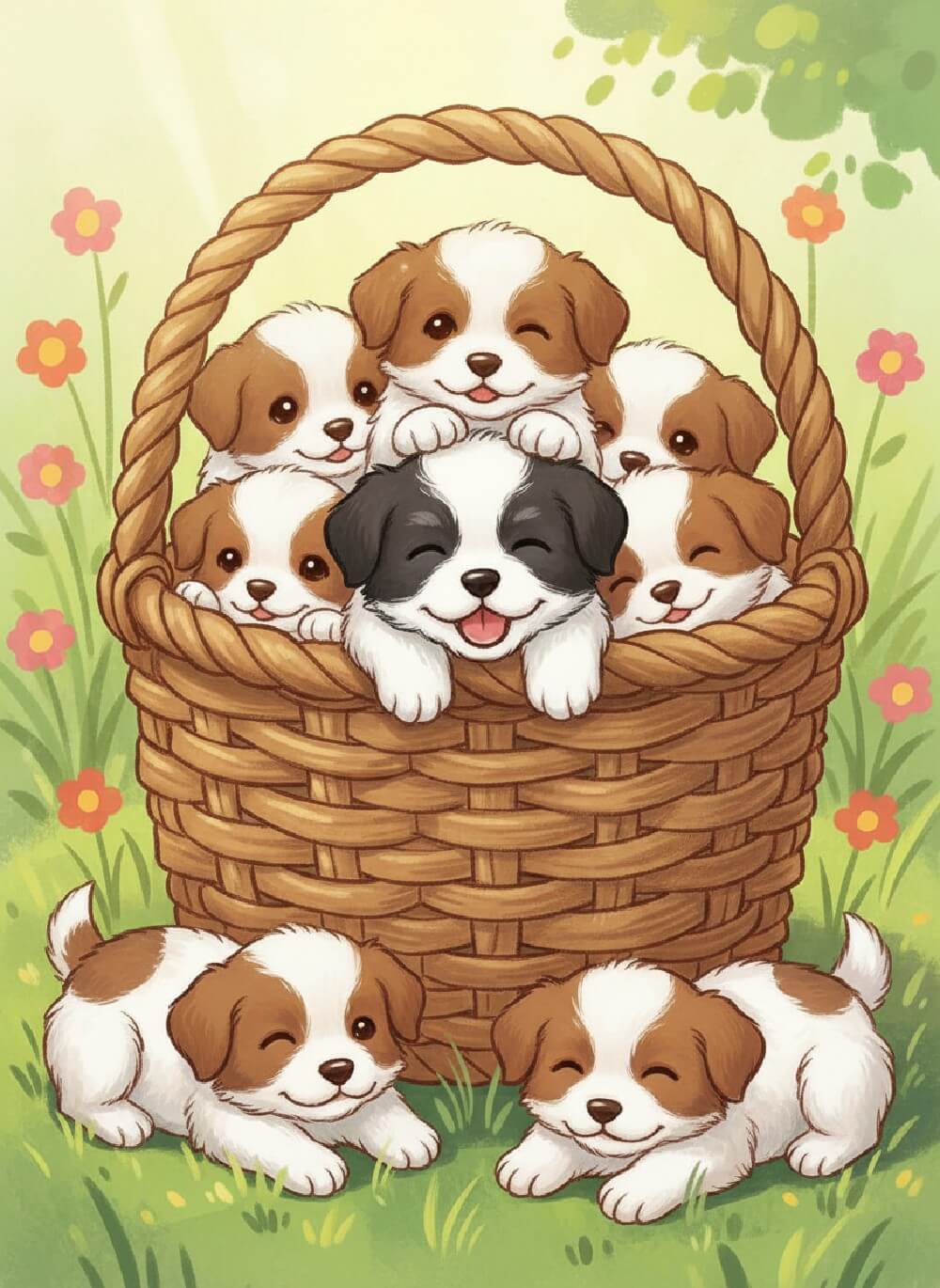
Fotor's book illustrator offers ready-to-use prompts and illustration examples across multiple genres and styles. Even if you’re a beginner, simply copy and refine our prompt templates to create captivating illustrations in seconds. Explore creative inspirations and bring your story to life in Fotor.
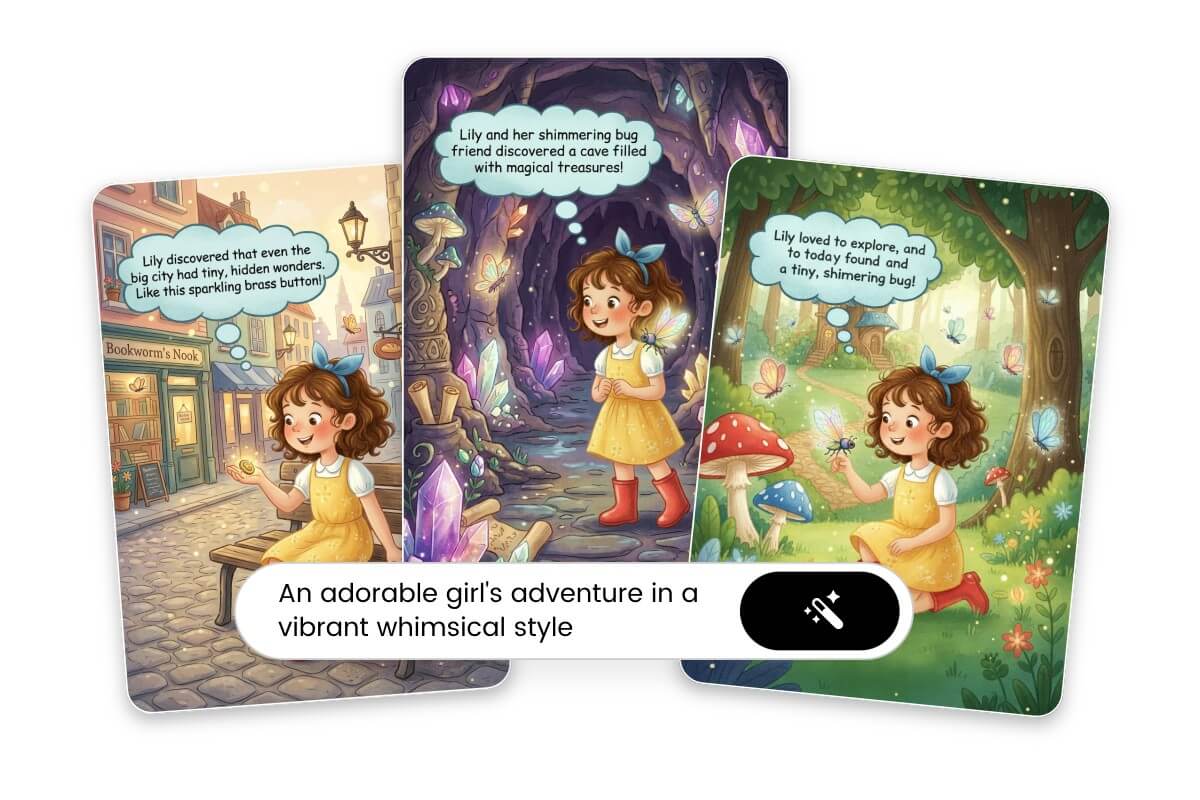
What Is an AI Book Illustration Generator?
Fotor's AI book illustration generator, powered by advanced multimodal diffusion models like Nano Banana Pro, accurately interprets complex text prompts and transforms narrative descriptions into high-resolution illustrations. Trained on large-scale visual-language datasets, it ensures semantic accuracy, scene coherence, and stylistic consistency.
Core features of our book illustration creator:
⭐Turn text prompts into studio-quality illustrations.
⭐Generate consistent characters across scenes.
⭐Enjoy multiple illustration styles for every book genre.
How to Illustrate a Book with Fotor?
Fotor AI book illustration generator makes it easy and fast to visualize your story.
Just follow these simple steps:
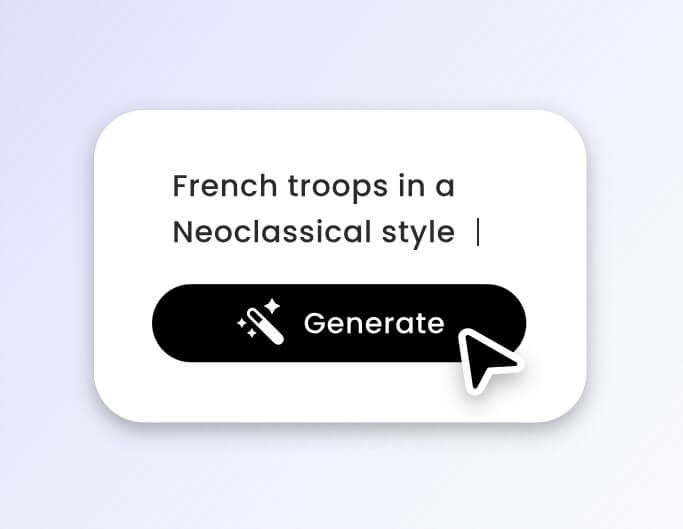
1. Input Detailed Prompts
Enter a detailed text description for your story, including main subject, settings, art style, mood, and more. The more specific your prompt, the better the illustration.
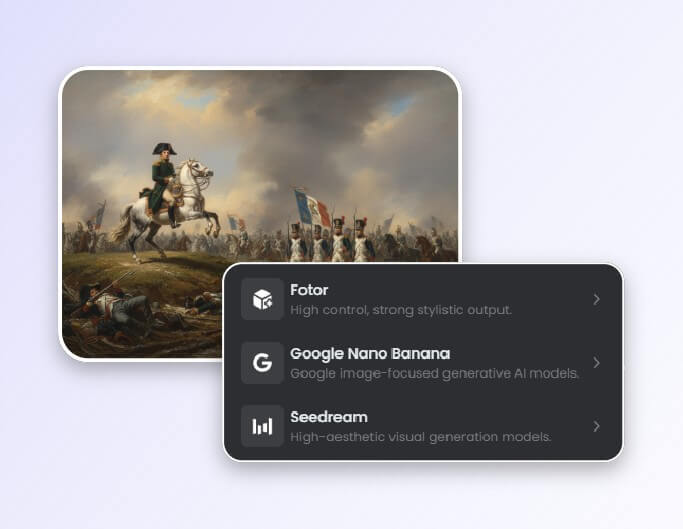
2. Pick a Model and Generate
Fotor embraces over 15 AI image models, such as Nano Banana Pro. Pick one that suits you best, and press "Generate" to create your book illustration.
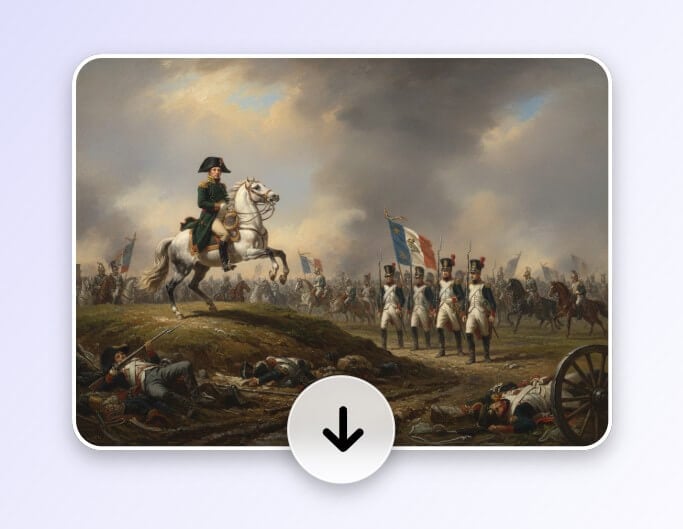
3. Refine & Download
When the illustration is ready, you can keep editing it with AI photo editor until you're happy with it. Then save it in a high-quality, watermark-free format.
Use Cases: Best Book Genres for AI-Generated Illustrations
Fotor's book illustration creator supports diverse styles suitable for genres like children's books, comics, fantasy, sci-fi, historical, and mythology.
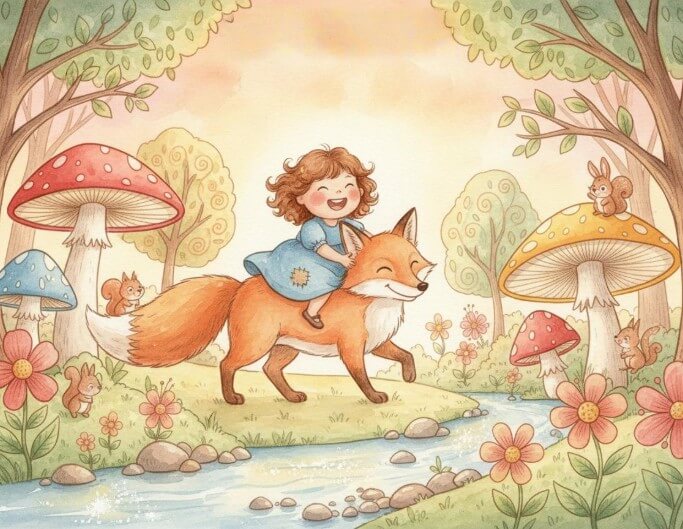
Children's Picture Books
Create colorful, playful scenes that capture kids’ attention. Perfect for cute characters and imaginative worlds.
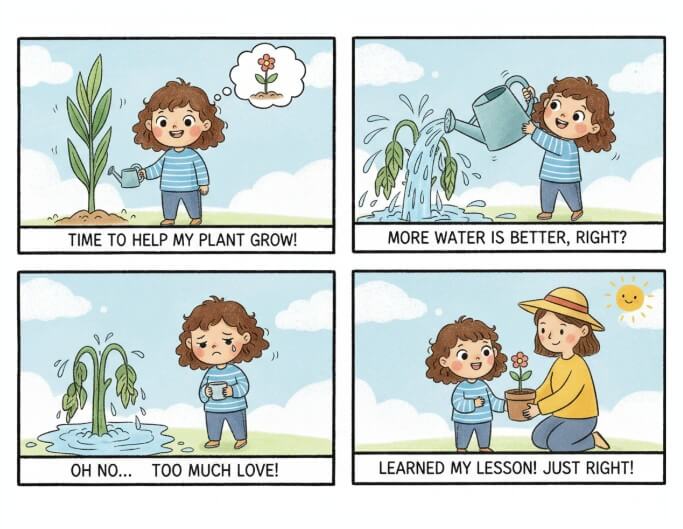
Graphic Novels & Comics
Design dynamic characters and action scenes with consistent style across pages.
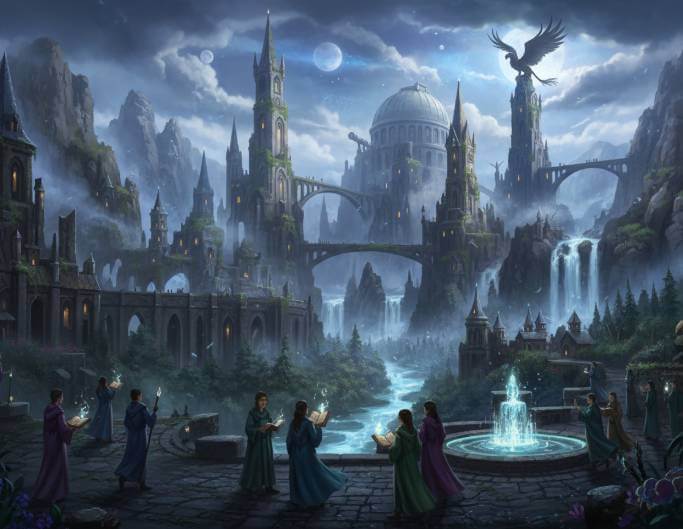
Fantasy Novels
Bring magical lands, mythical creatures, and epic adventures to life with rich, detailed illustrations.
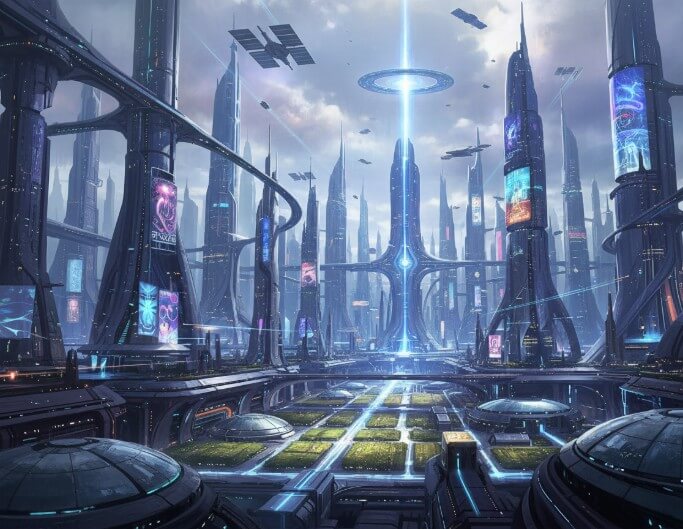
Sci-Fi Novels
Visualize futuristic cities, advanced tech, and alien worlds with cinematic depth.
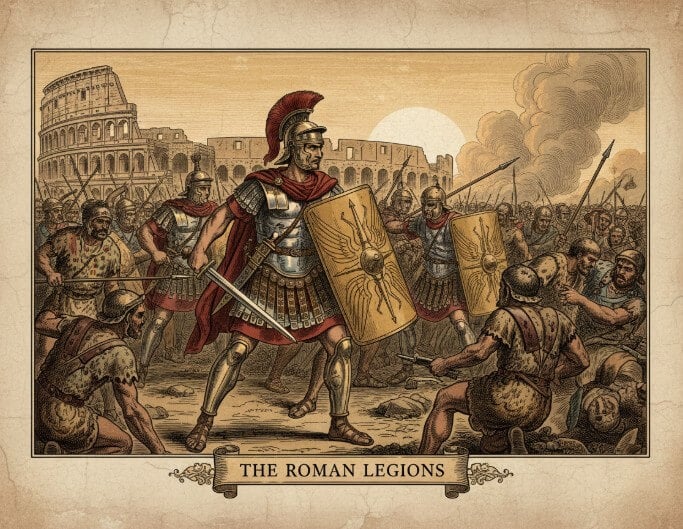
Historical Books
Recreate historical settings, costumes, and important moments in a visually engaging way.
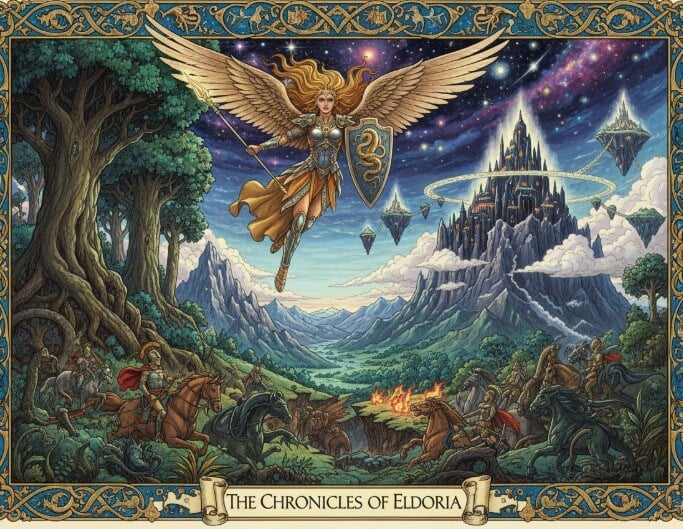
Mythology Books
Illustrate gods, heroes, and legendary tales with dramatic and epic visuals.
What Users Say About Fotor’s AI Book Illustration Generator


I love that Fotor has multiple AI image generators, including both text-to-image and image-to-image generators with styles such as photography, tattoos, icons, and logos.

It’s fun to create totally unique custom images for your blog posts based on text prompts using AI. I also use it to occasionally give me fun things to share on Instagram.

With a user-friendly interface that is a much easier way for users to generate images. This can greatly help users save time and have fun at the same time.
Why Choose Fotor's AI Book Illustration Generator?
![no watermark icon]()
No Watermarks
Fotor's AI book illustration creator allows you to save clean and watermark-free illustrations ready for publishing, sharing, or printing without additional restrictions.
![without watermark]()
Diverse Illustration Style
We offer a wide range of art styles, like watercolor, sketch, anime, cartoon, and more. There's always a style that fits your story's tone and genre.
![Accurate AI people remover]()
Multiple AI Models
Fotor features 16 AI image models for different artistic results. Choose the model that fits your style and needs.
![Any device supported icon]()
Cross-platform Acess
Our free book illustration maker is available on mobile, desktop, and the web. You can create book illustrations anywhere, anytime.