Add Santa to Photo Online for Free
Add Santa to photo online for free with Fotor without any download. Use AI to create pictures of Santa in your house. Take a selfie with him, have him hold your pet or children, let him send you gift, or even ride in Santa's sleigh with him. Make your childhood dream come true with our Santa filter today.
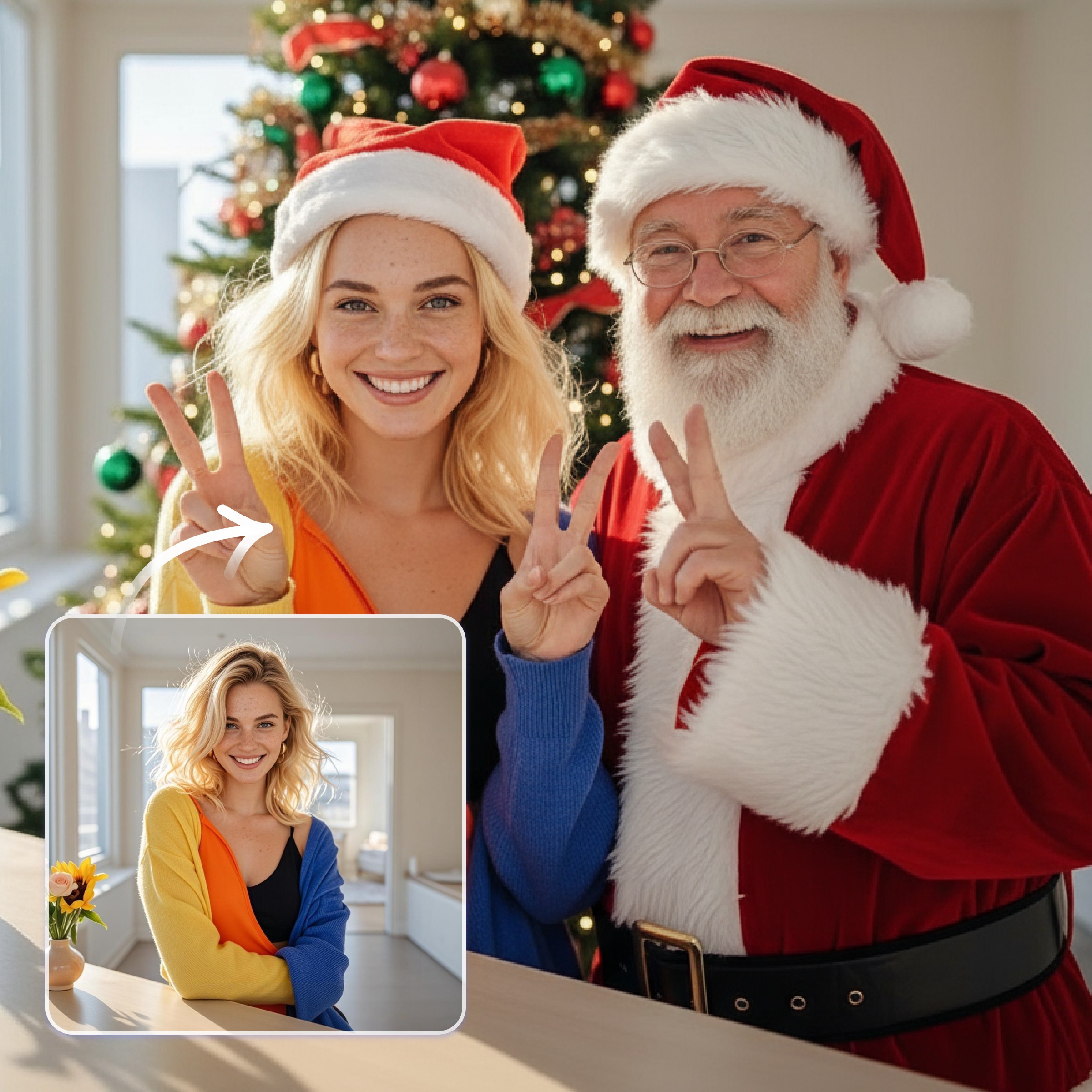
Catch Santa in My House & Endless Fun Ideas
Gear up for Christmas by inserting Santa in your picture. Try various interaction poses with our Santa filter. Click any image below to get started.
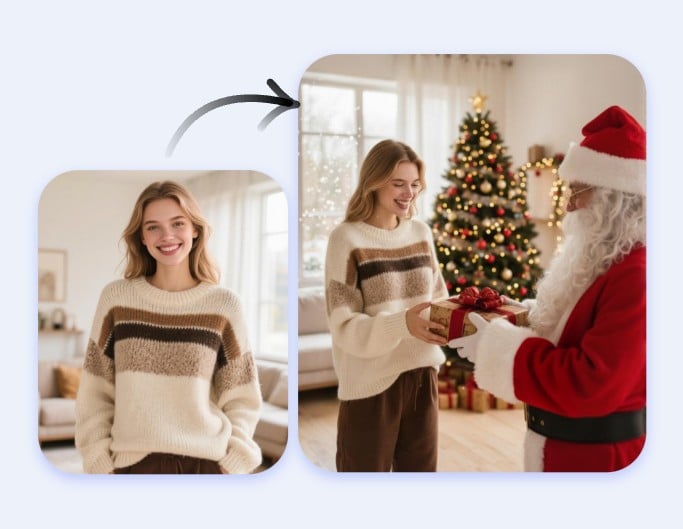
Get Gifts from Santa [Click to Try 👈]
Santa stands in the living room right beside you, handing over a gift with a warm smile.
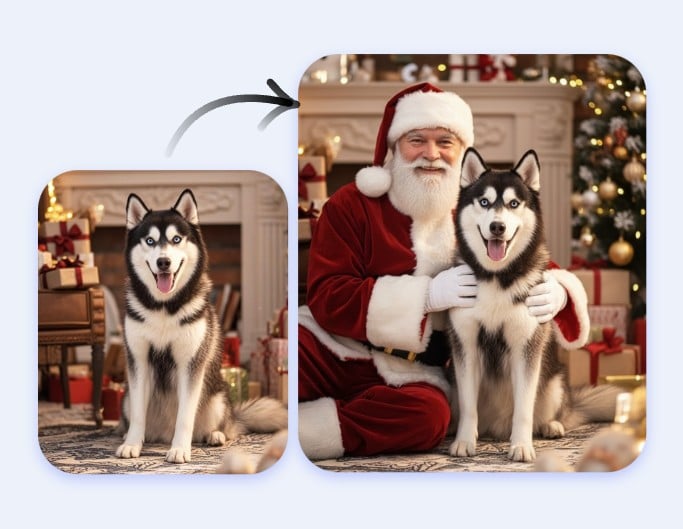
Santa Holds Your Pet [Click to Try 👈]
Have Santa at home holding your pet. Let him bring good luck to your furry friend too.
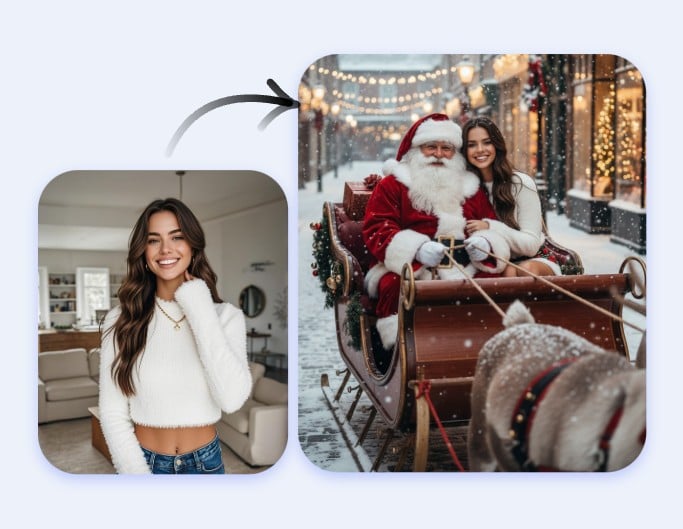
Ride in Santa's Sleigh [Click to Try 👈]
Hop into Santa’s sleigh for a fun and festive ride. Join him to send happiness to everywhere.
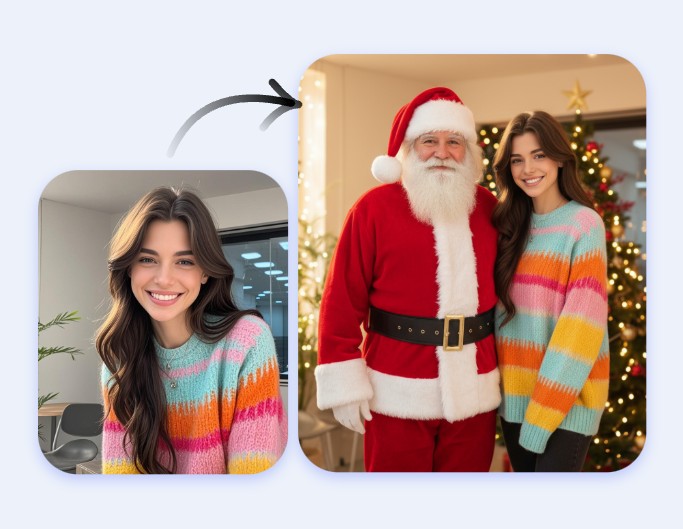
Take Festive Pictures [Click to Try 👈]
Catch Santa in your home and take a picture with him. Have him send you good luck face to face.
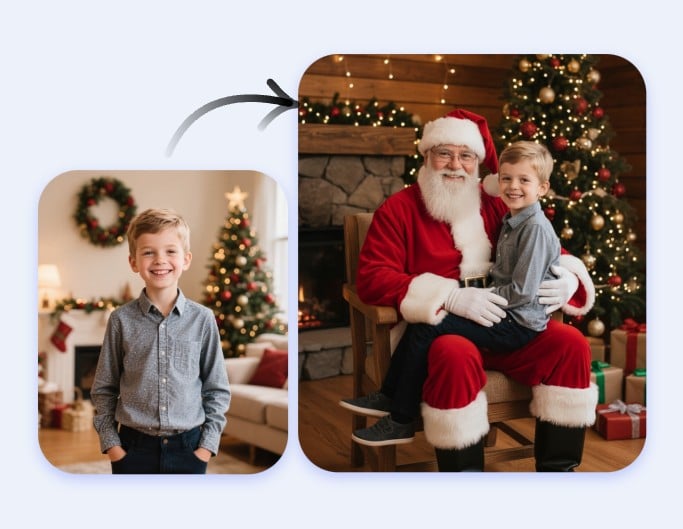
Visit Santa's Home [Click to Try 👈]
Make your childhood dream come true. Step into Santa’s warm, festive cabin and sit on his lap.
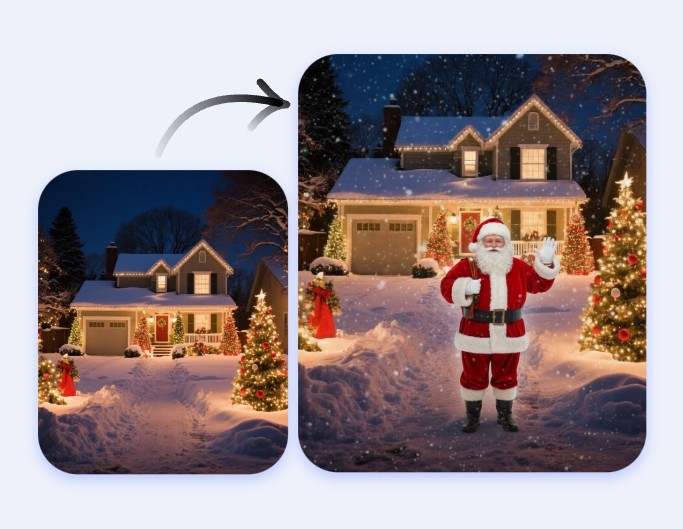
Santa Knocks on Door [Click to Try 👈]
Hide Santa in your photo and play the "I caught Santa" game with friends.
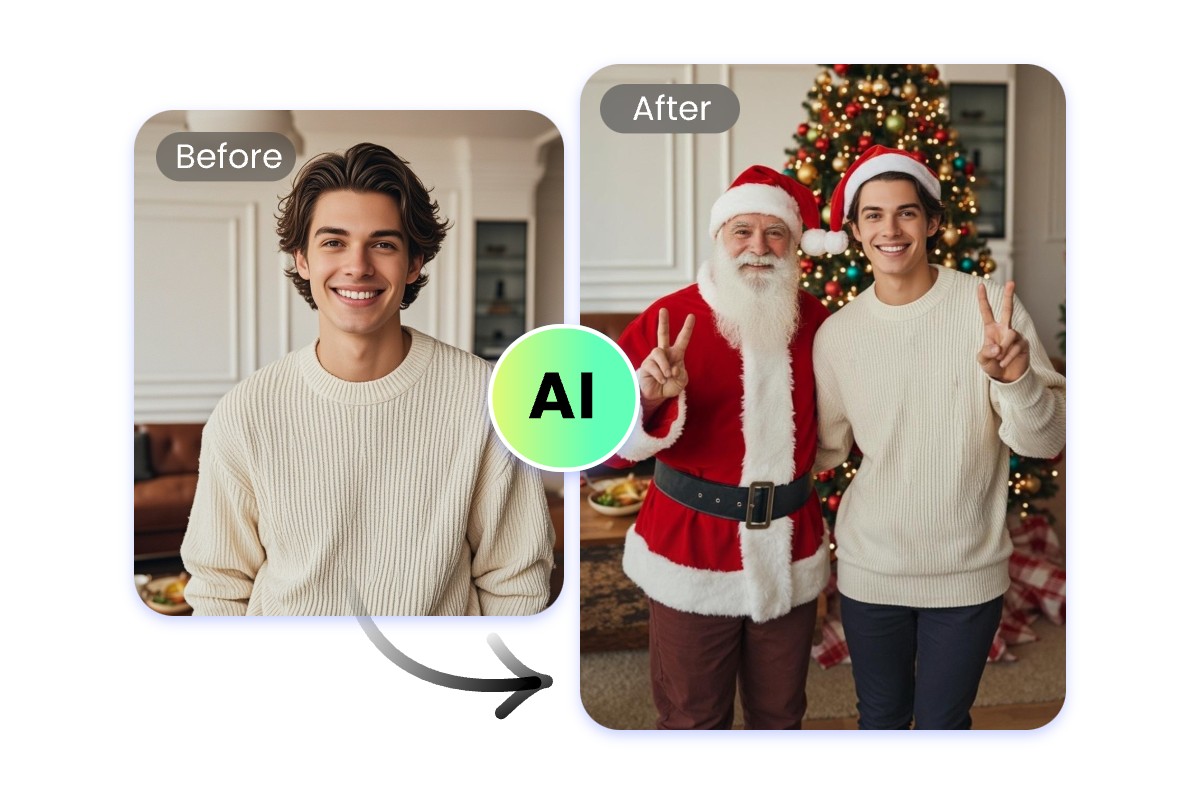
The Easiest Way to Add Santa to Photo Online Free
One-Click Generation
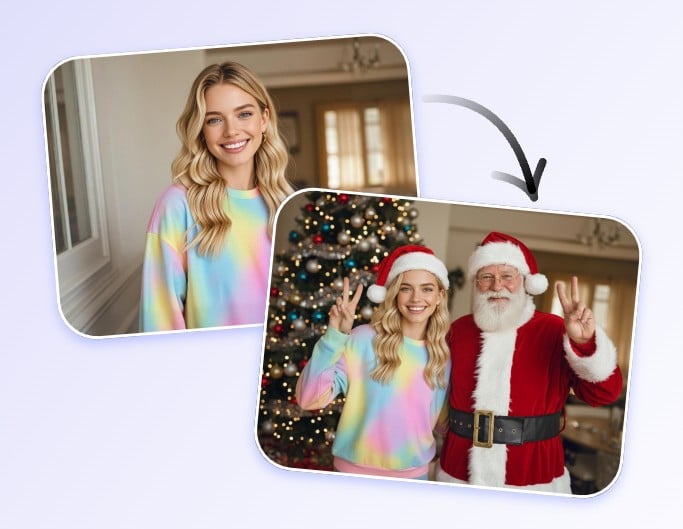
Use Fotor to add Santa to photo online for free in one click. Our advanced AI can automatically detect and analyze your face and body. Then it seamlessly puts Santa in your photo. Fotor's AI handles everything, so all you need is one click.
No Editing Skills Needed
Fotor's Santa filter requires zero skills. No cropping, no removing backgrounds, and no hassle. Save time, save effort, and enjoy the holiday fun without the stress.
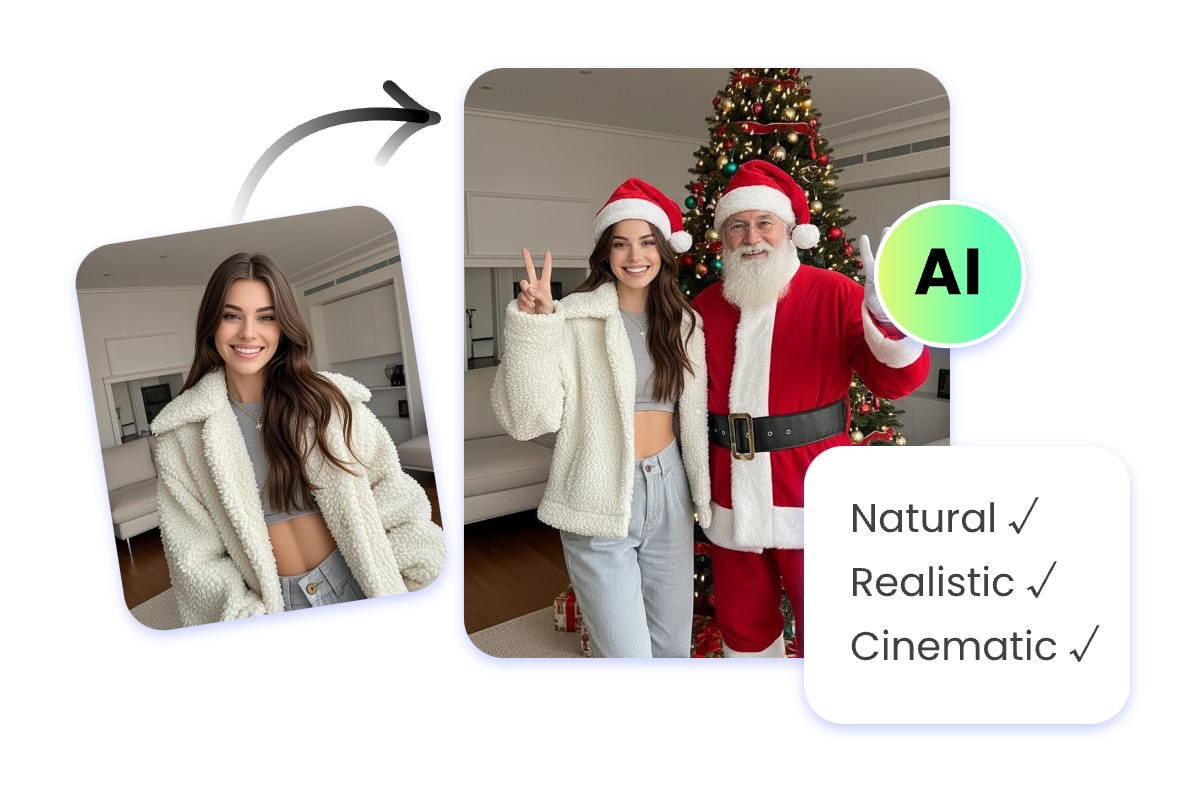
Put Santa in Your Photo Naturally & Seamlessly
Santa Blends in Perfectly
The AI-generated pictures of Santa in your house are realistic. Santa appears in your living room and fits into the background naturally, with no awkward gaps or mismatched elements, whether he's standing beside you or holding your pet.
Realistic Details, No AI Marks
Fotor can add Santa to photo naturally through its advanced AI model. From the texture of Santa's beard to the twinkle in his eyes, you won’t find any visible signs of AI. You can also use our tool to add Santa hat to photo to bring more holiday cheer.
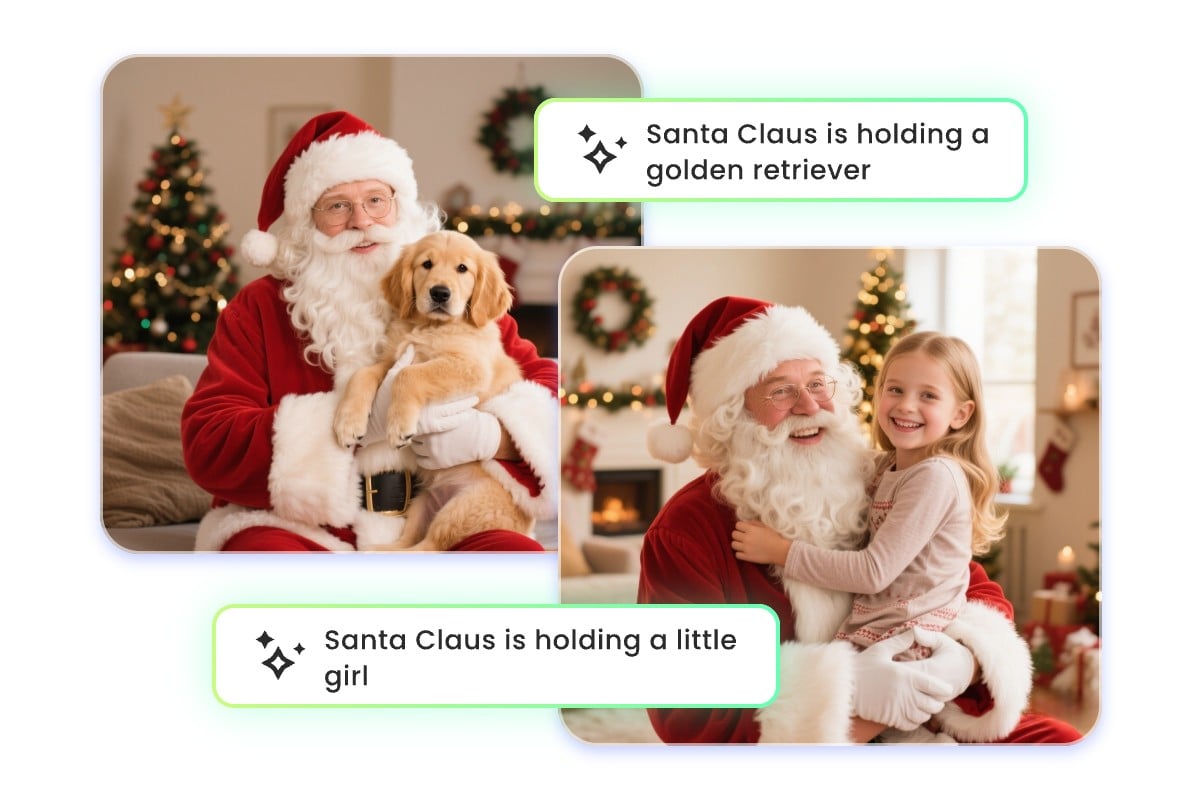
Customize Pictures of Santa in Your House through Prompts
Edit through Conversation
Fotor lets you add Santa to your photo in any way you want. No editing or code-crafting skills needed. Simply tell our AI what you want through a quick conversation. Our Santa photo editor understands everyday language and automatically adjusts to your wishes.
Santa’s Poses, Your Choice
Use Fotor to customize every detail when adding Santa to photo, like poses, facial expression, clothing, background, and more. Try prompts like "Santa in the living room" or "Santa holding my dog". You can further add person to photo if you want your friend to join your pictures of Santa in your house.
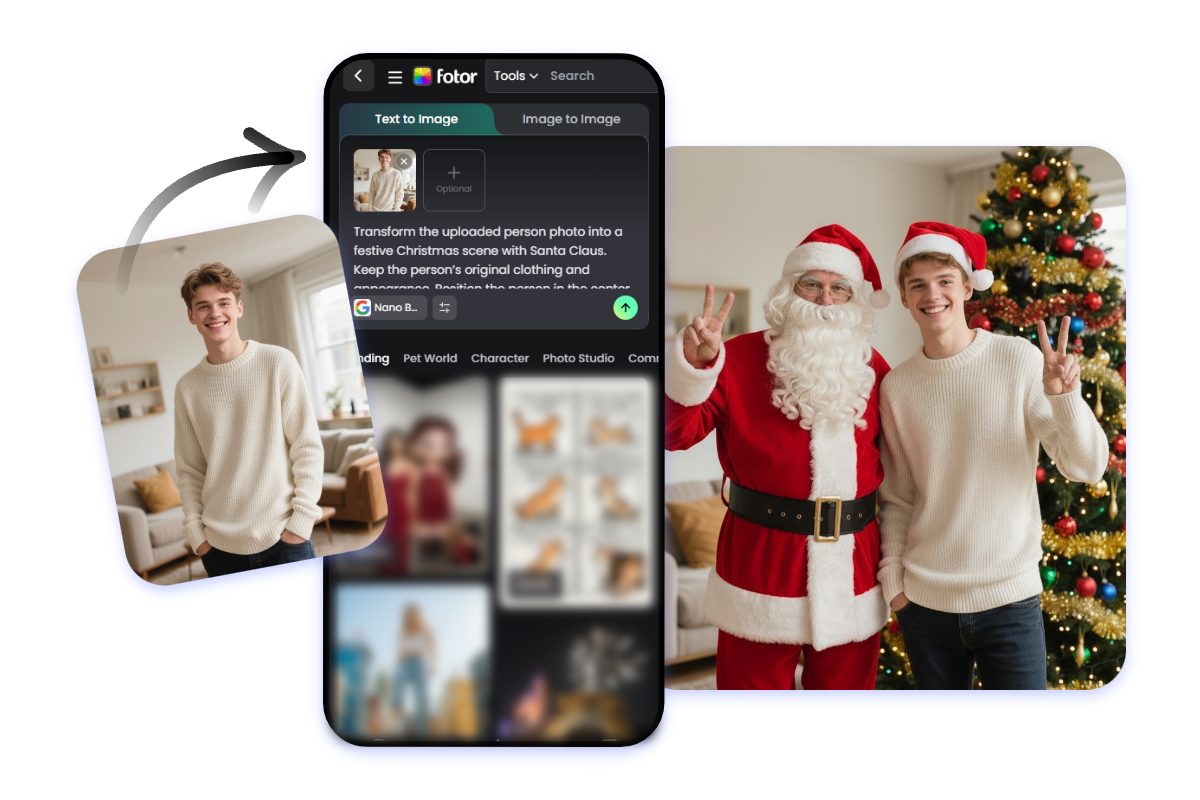
Create with Santa Picture App Anytime, Anywhere
Create and Share on the Go
With Fotor's Santa picture App, you can add Santa to photo anytime, anywhere. Edit your festive photo with AI magic right at your fingertips. Hide Santa in your photo and send it to friends to play the "I caught Santa" game with them.
Flawless Quality on Any Device
Don't worry about sacrificing quality on your mobile. Whether you’re using the web or the app, your AI Santa images will look clear, crisp, and realistic. Enjoy seamless, high-quality results every time with our Santa picture App.
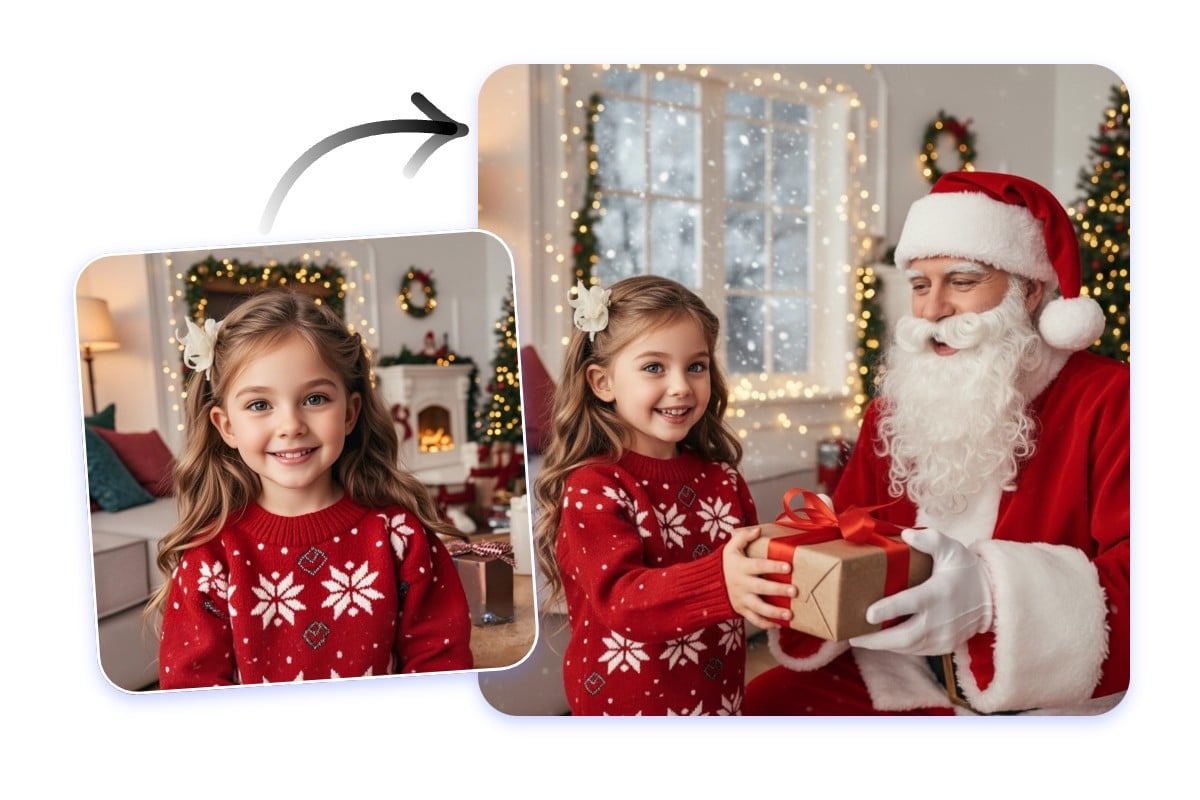
Turn Pictures into AI Santa Gift Delivery Videos
Watch Santa Bring Your Gift
Create a personalized video of Santa delivering a gift to you with Fotor. Once you add Santa to photo, use our image to video generator to transform your picture with Santa into an animated clip. This is a perfect suprise for kids who want to catch Santa in the house the most.
Realize Your Childhood Dream
We've all dreamed of Santa delivering a special gift right to our doorstep. Now you can use Fotor to bring your childhood Christmas wishes to life, allowing you to see Santa in action, delivering a gift just for you.
How to Add Santa to a Photo?
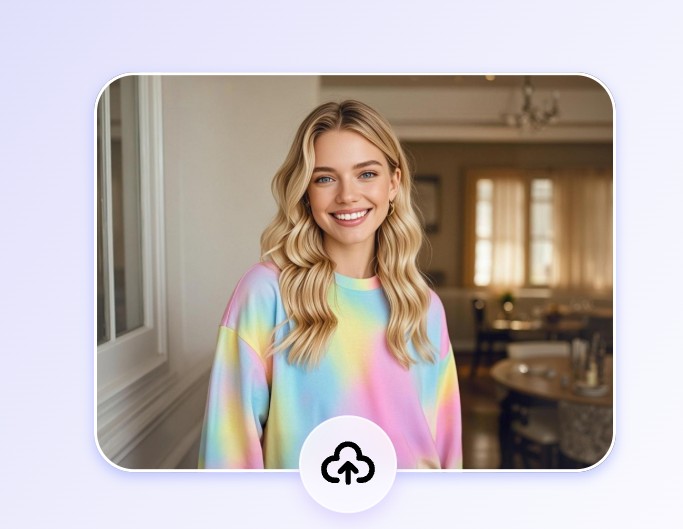
Upload a picture
Access Fotor on the website or on its mobile App. Upload a picture from your device or Fotor's cloud storage. It could be a photo of people, pets, or a random scenery.
Click "Generate" to let the AI work its magic
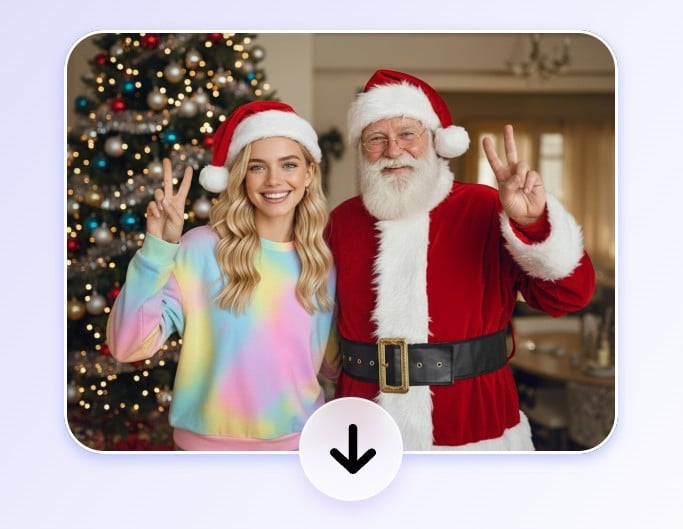
Download the AI-generated picture with Santa
Why Choose Fotor to Edit Santa into Picture?
![Easy to use ai skinny filter for everyone]()
One-Click Generation
Fotor's powerful AI lets you edit Santa into picture in one click. No complex Photoshop skills or editing steps are needed. Just click once, and our AI will insert Santa into your picture seamlessly.
![Realistic icon]()
Realistic Result
Fotor's Santa filter delivers authentic results. Our Santa photo filter automatically adjusts the lighting, restores the background, and sharpens the edges. So every detail is natural and clear, with no marks of AI-editing.
![Authentic icon]()
Endless Possibilities
Fotor lets you put Santa in your photo in any way you like by editing text prompts. You can change the background, color tone, and the way you interact with Santa Claus. We will generate any AI Santa you want.