Remove Dark Circles from Photo Online for Free
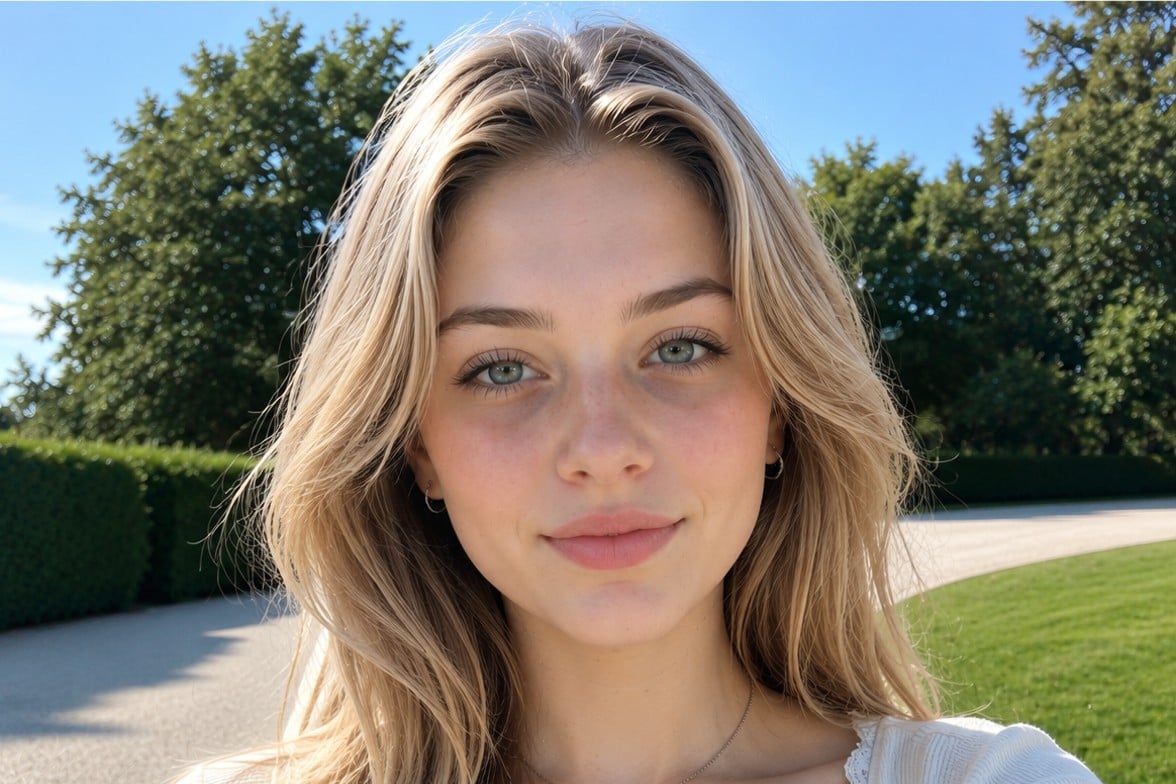
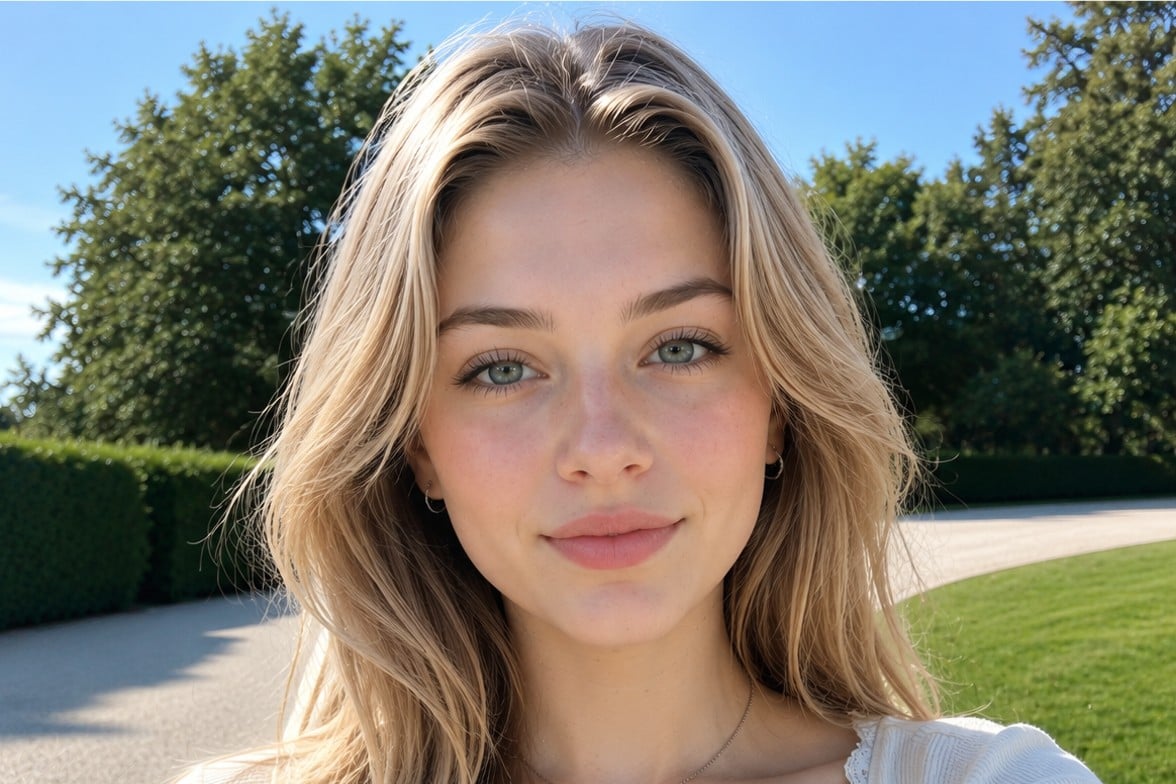
Try Fotor to remove dark circles from photo online for free. Get rid of dark circles and eye bags with AI in a natural, precise, and effortless way.
✨No Quality Loss ✅️Natural & Precise 🛡️ Safe

Drag image here or click to upload
Drag image here or click to upload



3 Secs
Processing
4.7 ★
On Apple Store
98%
Satisfaction Rate
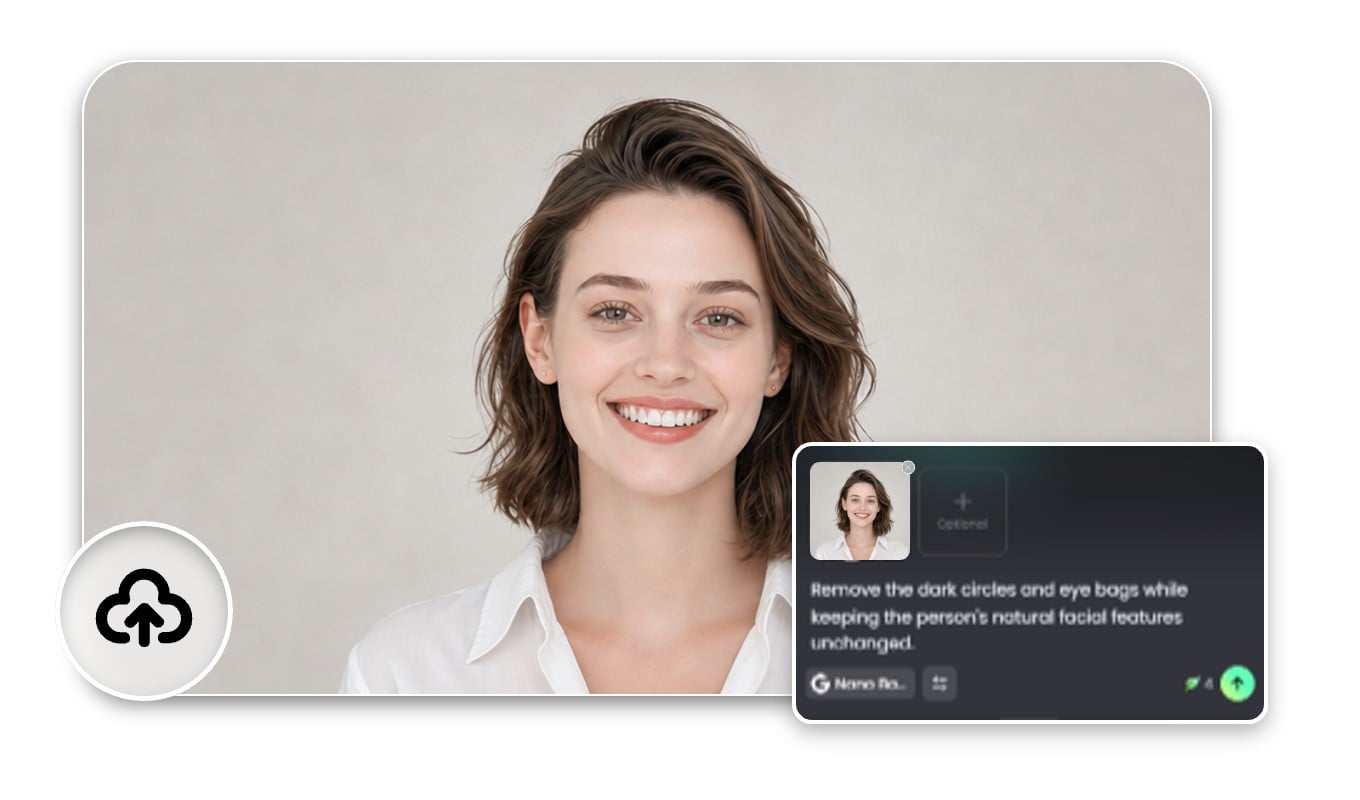
How to Remove Dark Circles from Photo Online for Free?
Upload Your Photo
Upload a clear, front-facing photo to our AI dark circle remover.
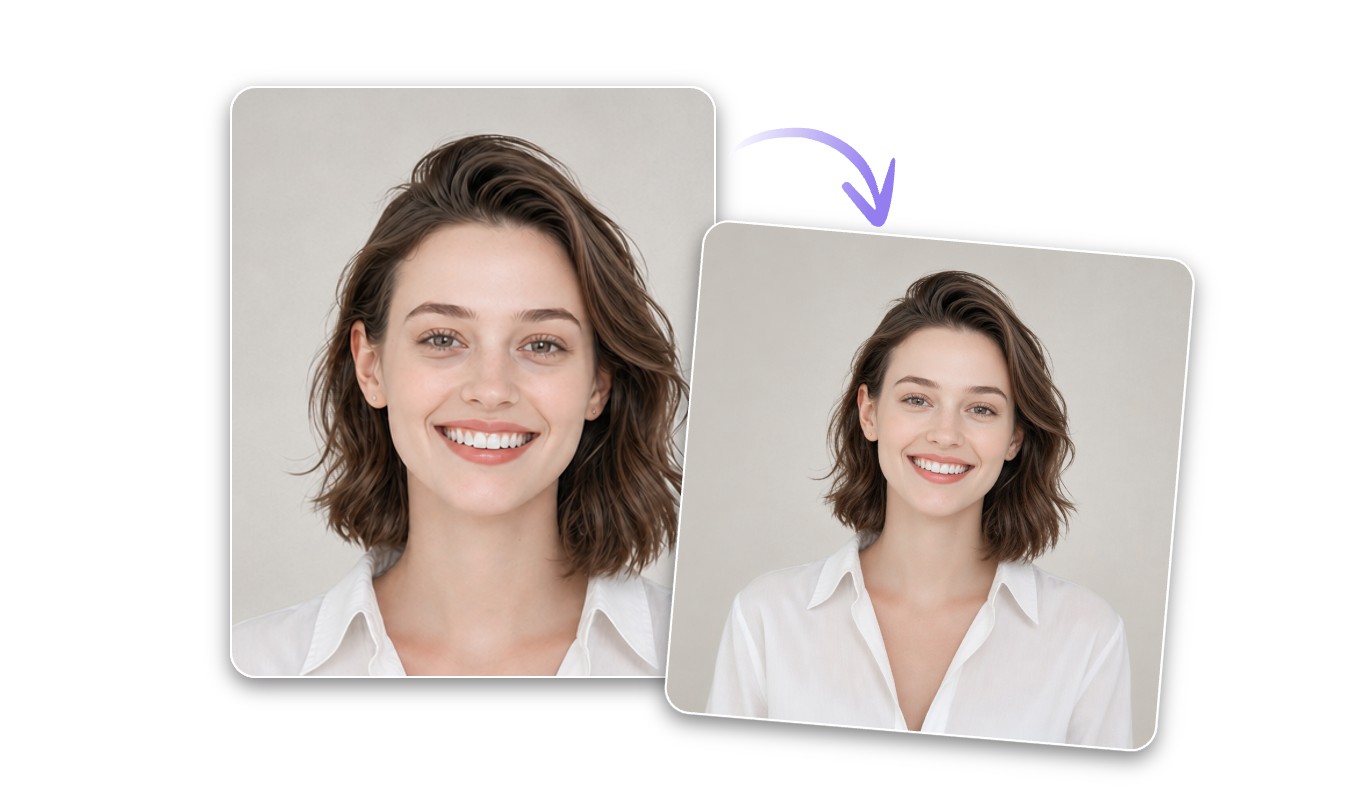
Remove Dark Circles with AI
Fine-tune & Download
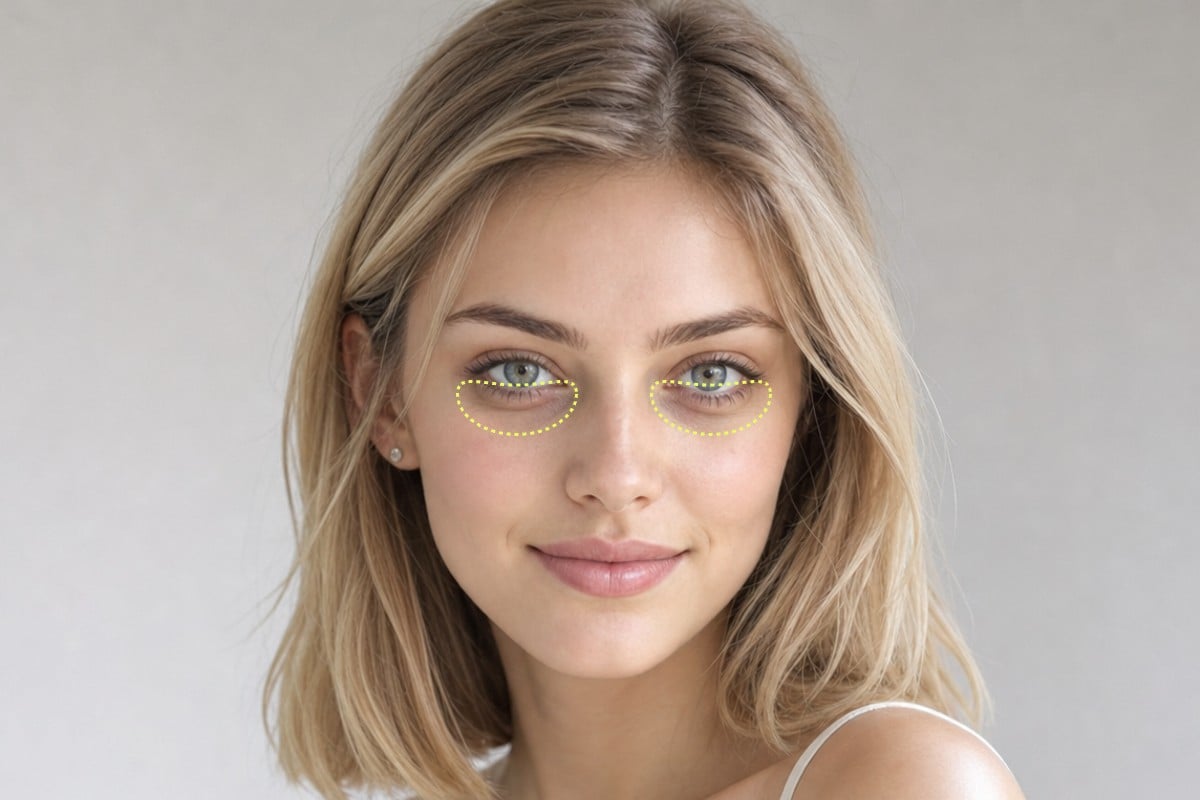

Natural and Precise Dark Circles Remover
Powered by advanced AI technology, Fotor's dark circle remover can automatically detect under-eye shadows and remove dark circles and eye bags from photos with natural-looking results in seconds.
The smart AI image generator carefully smooths and brightens the under-eye area while preserving your original facial features, skin texture, and makeup details.
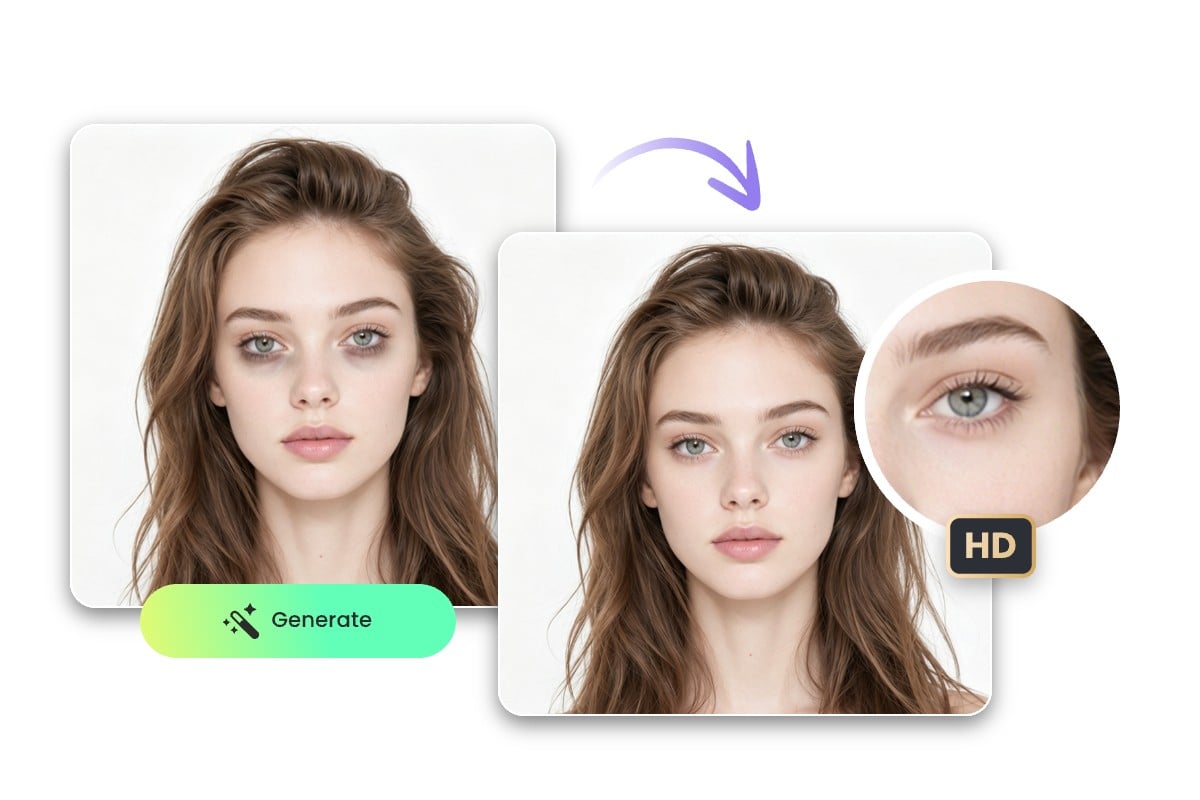
Remove Double Circles from Photo No Quality Loss
Fotor's AI dark circle remover enhances your selfies without reducing image quality. The tool intelligently removes tired-looking under-eye circles and eye bags while keeping your photos sharp, clear, and realistic.
You can download your edited images in high resolution and without watermarks, making it perfect for social media posts, profile pictures, professional headshots, and personal photos.
Real-Life Use Cases of AI Dark Circles Remover
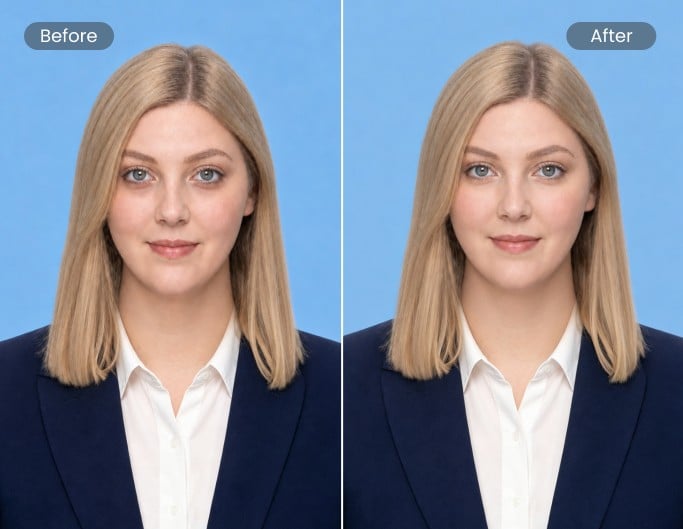
Profile Pictures
Edit out tired-looking under-eye circles and eye bags from LinkedIn profiles, resumes, or business headshots. Instantly achieve a more energetic appearance that leaves a stronger first impression.

Social Media Posts
Quickly remove dark circles from selfies before posting on Instagram, TikTok, or Facebook. Create brighter, fresher-looking photos that help you look more confident and camera-ready online.
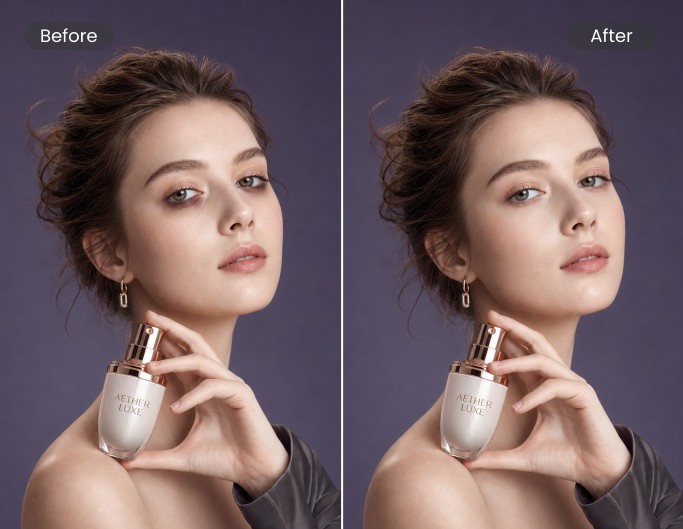
Makeup Product Shots
Enhance beauty and skincare photos by removing dark circles and eye bags while keeping skin texture natural. Create more professional-looking makeup product images for ads, portfolios, or online stores.
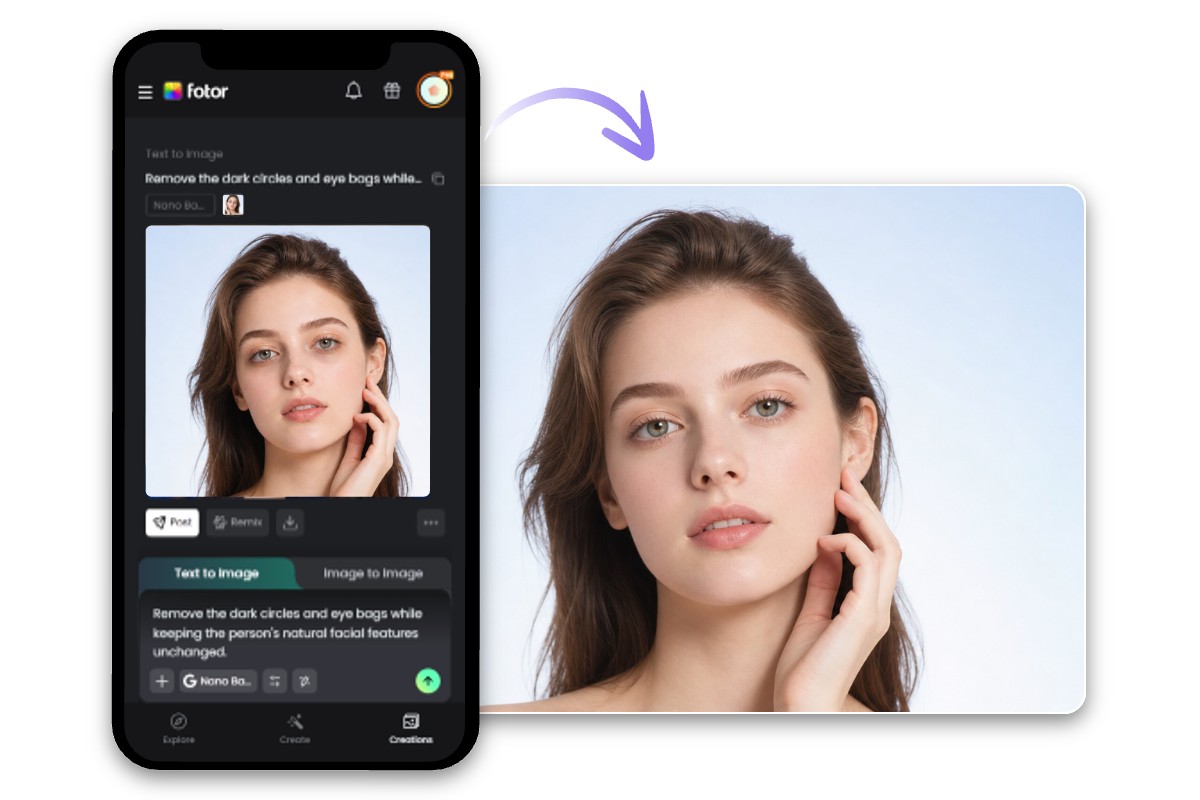
Free Dark Circles Remover App for Easy Editing Anywhere
Looking for a convenient no dark circle filter on mobile? Fotor's free dark circle remover app lets you retouch selfies anytime, anywhere.
Whether you're commuting, relaxing at home, or quickly editing before posting on social media, you can remove dark circles from photos directly from your phone in just a few taps. No complicated software or advanced editing experience required.
Trusted by creators and loved by millions