AI Fat Filter Online for Free
Fotor's free AI fat filter lets you easily make anyone or anything fatter in your photos online. Create weight gain photos for social media sharing, pranks, and entertainment.
✨Fotor is a platform that respects all body types and shapes. This tool is designed just for having fun and expressing creativity through humor.✨
Drag image here or click to upload
Drag image here or click to upload


Fotor Fat AI Generator at a Glance
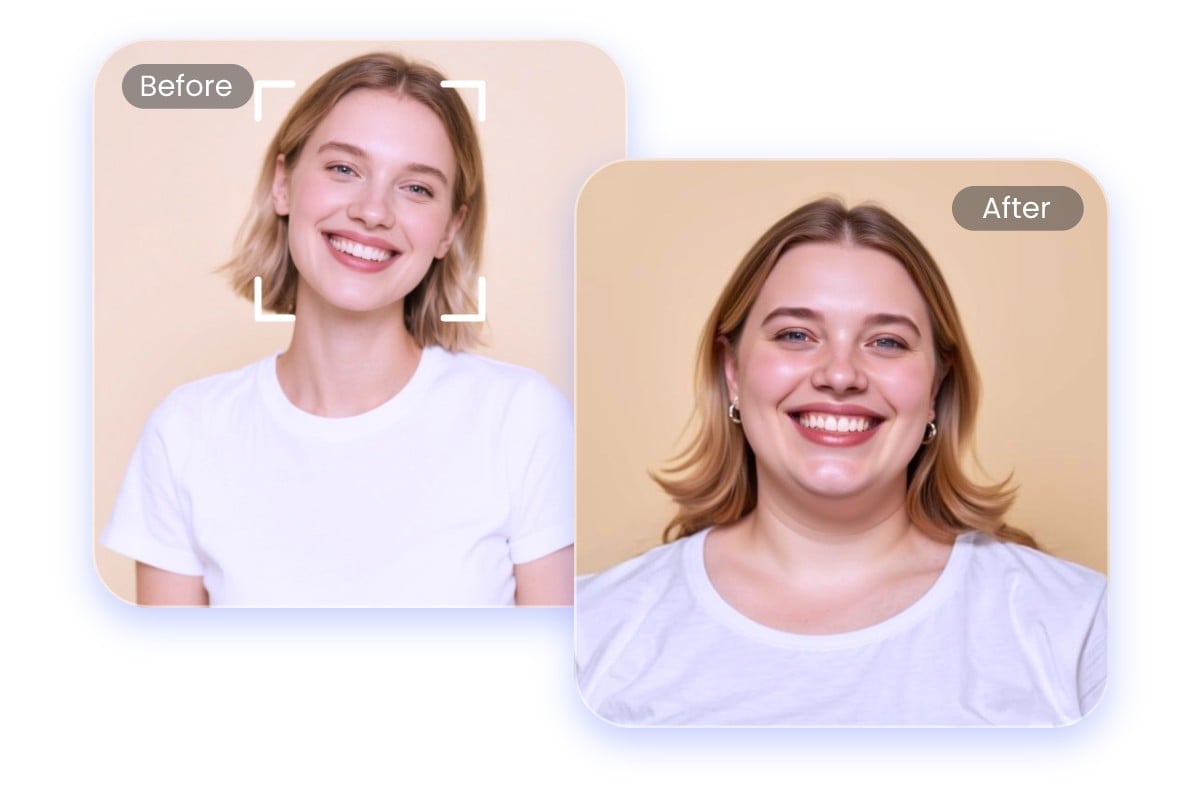
Fatify Faces and Bodies in Photos with AI
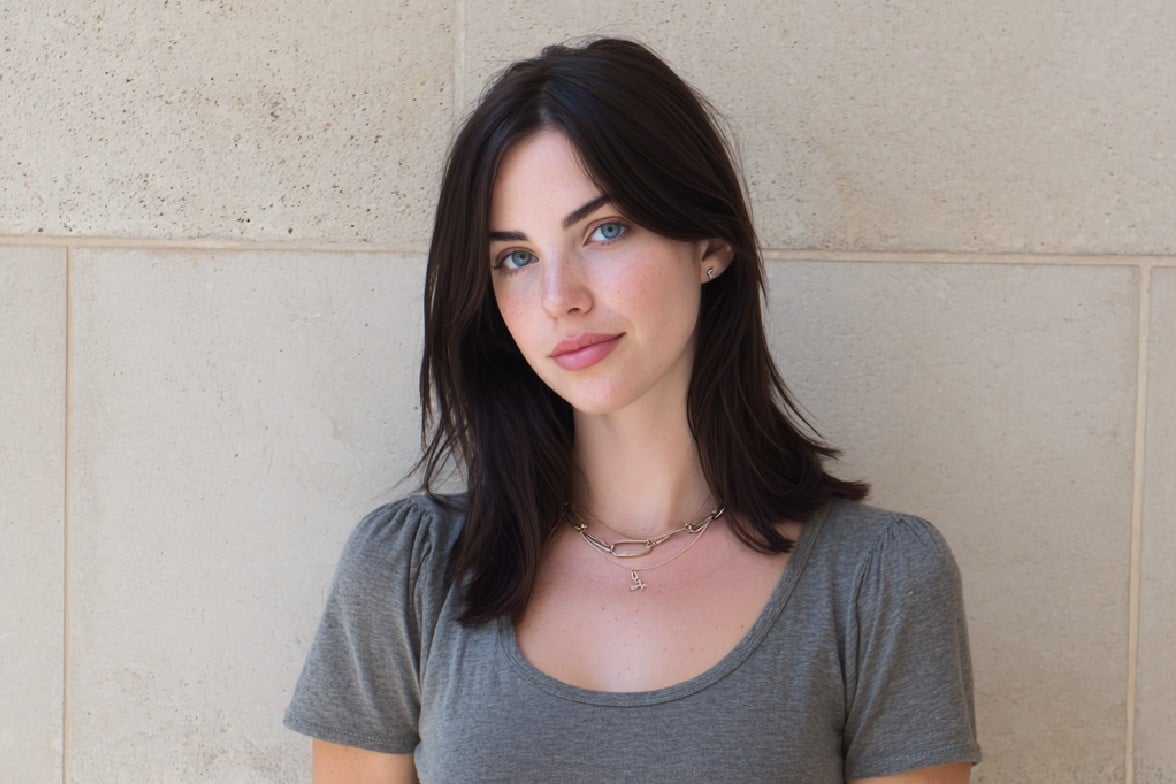
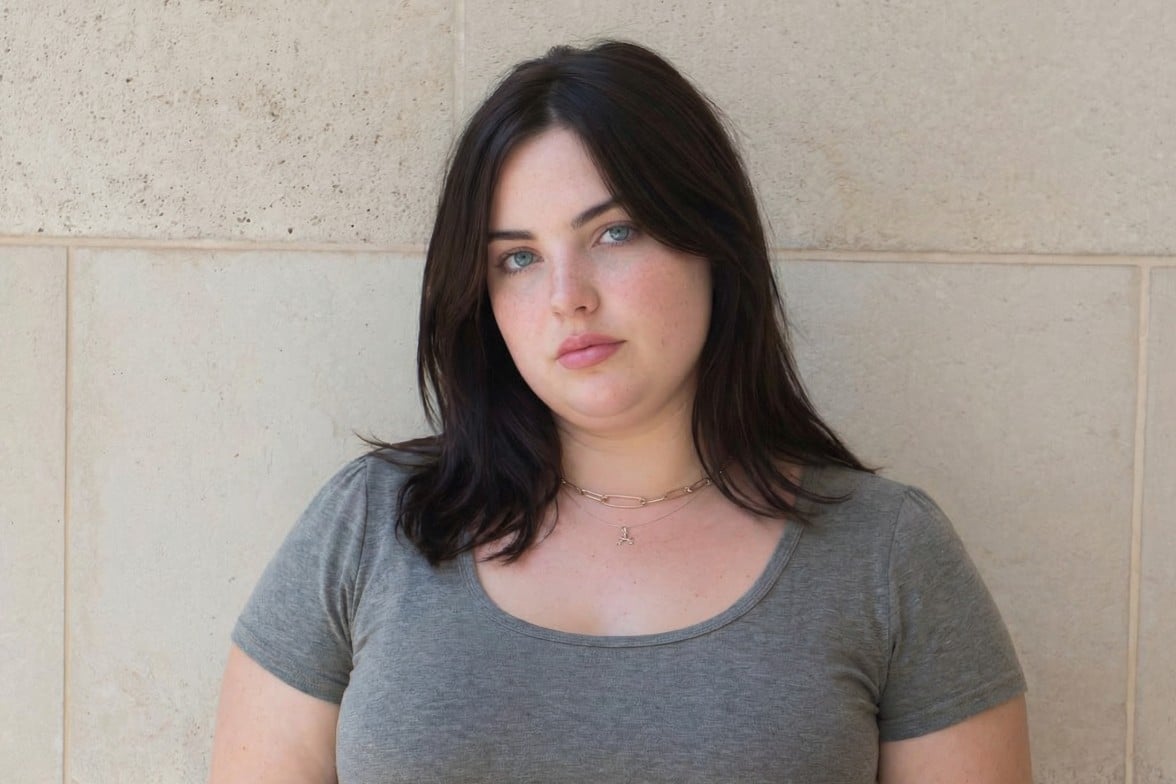
Want to see what you or someone else would look like when they get fatter? Our AI fat filter can bring your imagination to life—just upload a photo, and our smart AI will instantly make the people in your picture fatter for a fun and playful transformation.
Weight Gain AI for Any Image Type
Not sure what kind of image to try with Fotor’s fat AI generator? Check out the examples below for inspiration and see how you can give any photo a fun AI weight gain transformation.
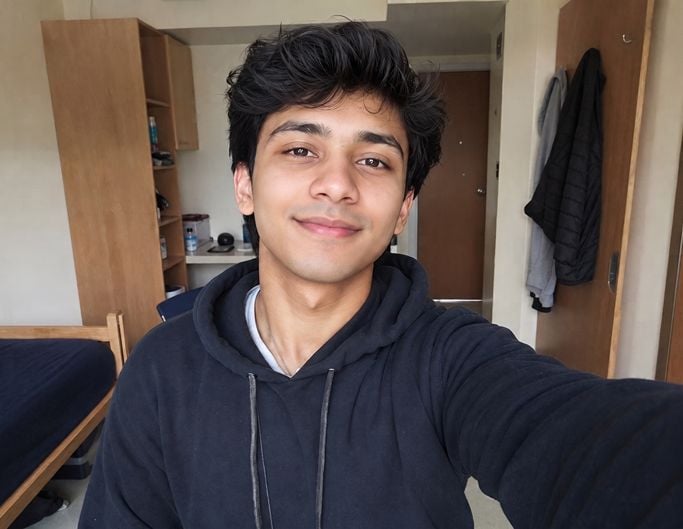
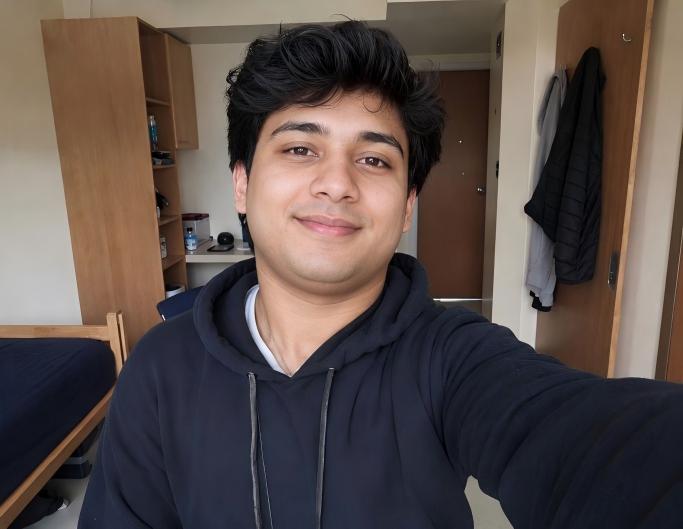
Fat Face Filter for Selfies
Give your selfie a fuller, rounder facial appearance while preserving your natural identity, expressions and key facial features.
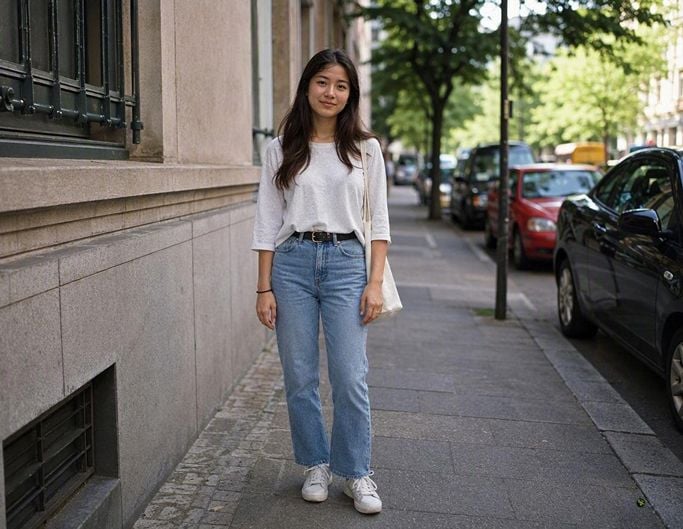
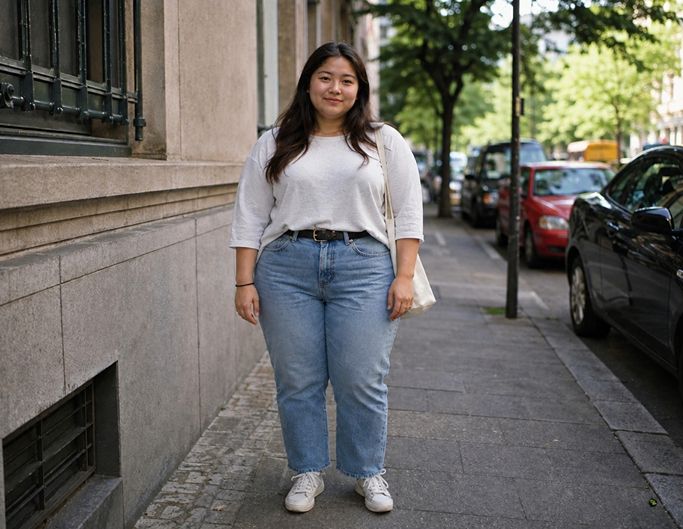
Fat Body Filter for Full-Body Portraits
Upload your full-body photo and let our tool create a playful fat filter effect while keeping your original look recognizable. See how you would look with a little more fluffy.
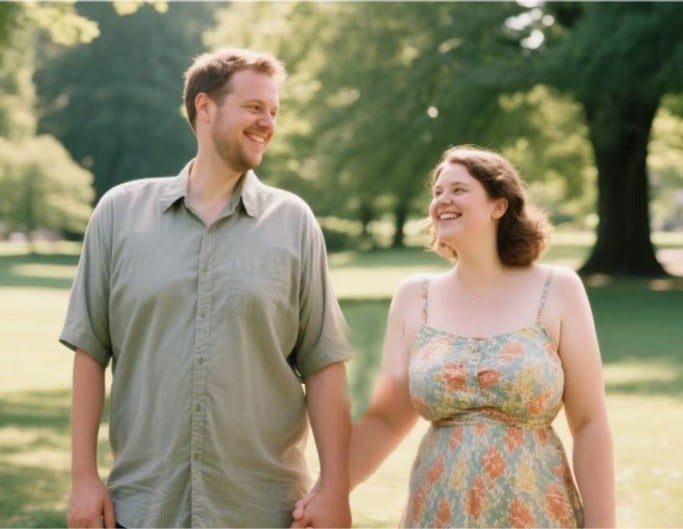
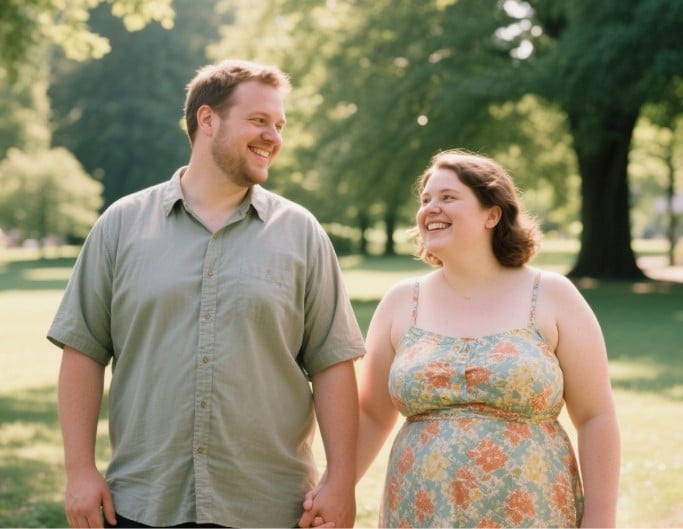
Fatify People in Group Photos
Fotor’s fat AI can make everyone in a group photo fatter at once. Whether it’s a couple, a family, or friends, you can enjoy the fun of seeing everyone gain weight together.
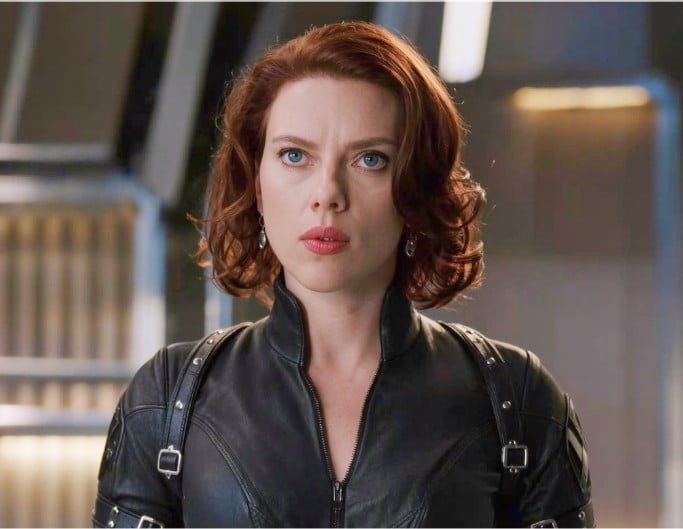
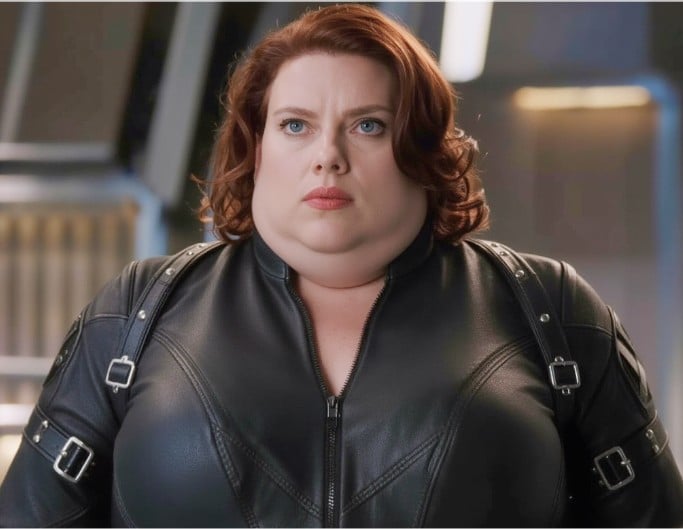
Movie & TV Character Weight Gain
Give your favorite movie and TV characters a magical weight gain twist and see how they would look with a fuller figure, sparking your creative imagination and playful ideas.
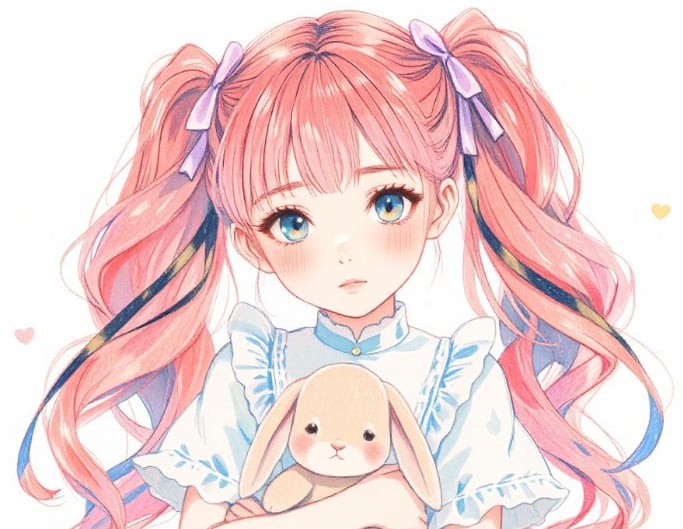
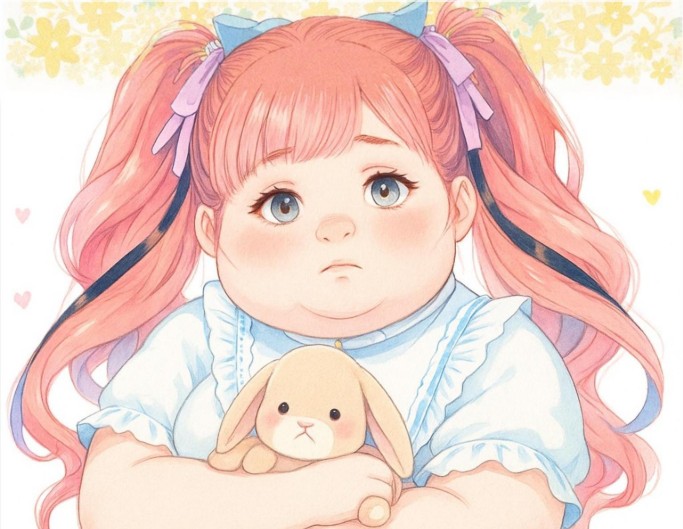
Make Anime Characters Chubby
Make your favorite anime characters chubbier and create a cuter, rounder version of them. Let your imagination run wild.
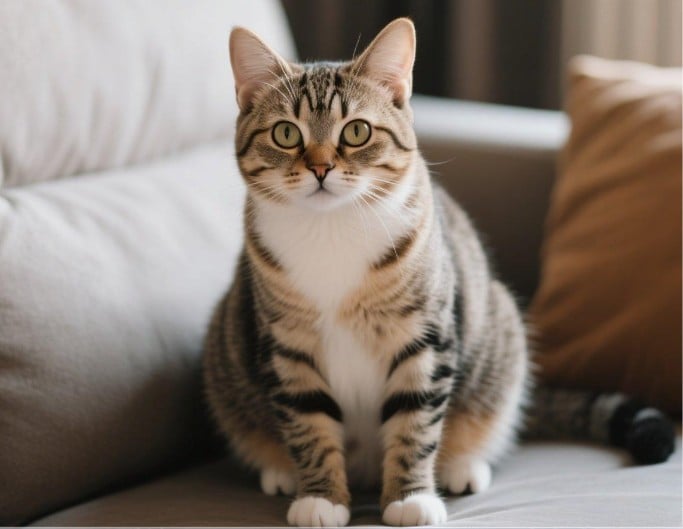
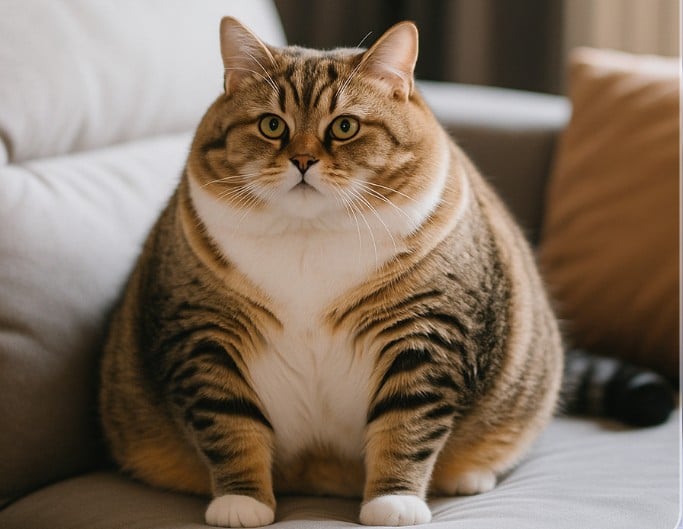
Add Some Pounds to Animals
Give pets and other animals a humorous makeover by adding some pounds. From cats and dogs to other animals, watch them get fatter in a funny and entertaining way.
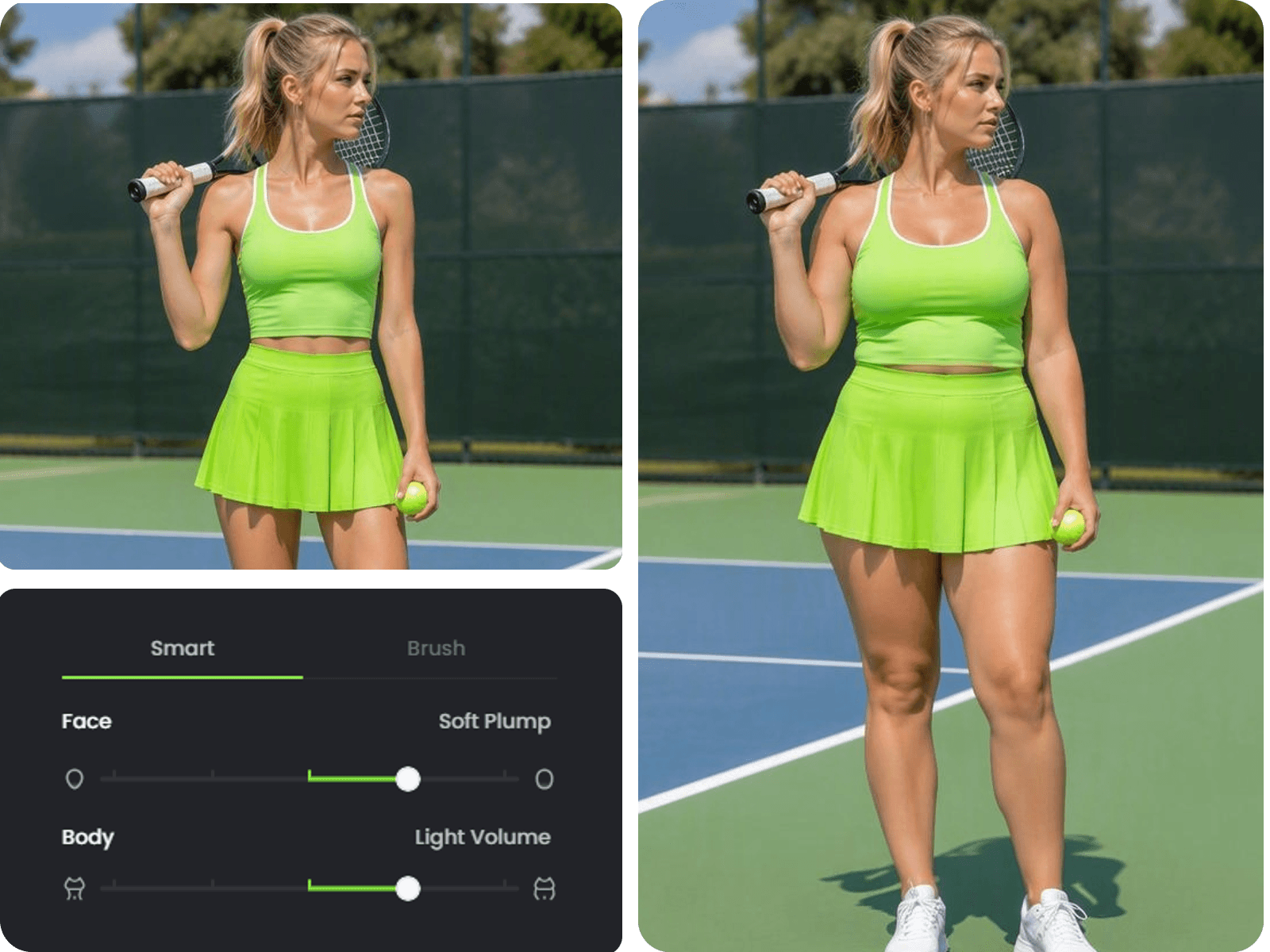
Custom Chubby Filter to Visualize Different Weight Gain Looks
Fotor’s fat AI generator comes with preset fat filter parameters that you can apply to your photos with one click. Adjust the slider to decide how fat you want to look. You can also use our weight gain filter brush to manually fatify a certain part of your face and body only, so the fattening effect matches your ideas.
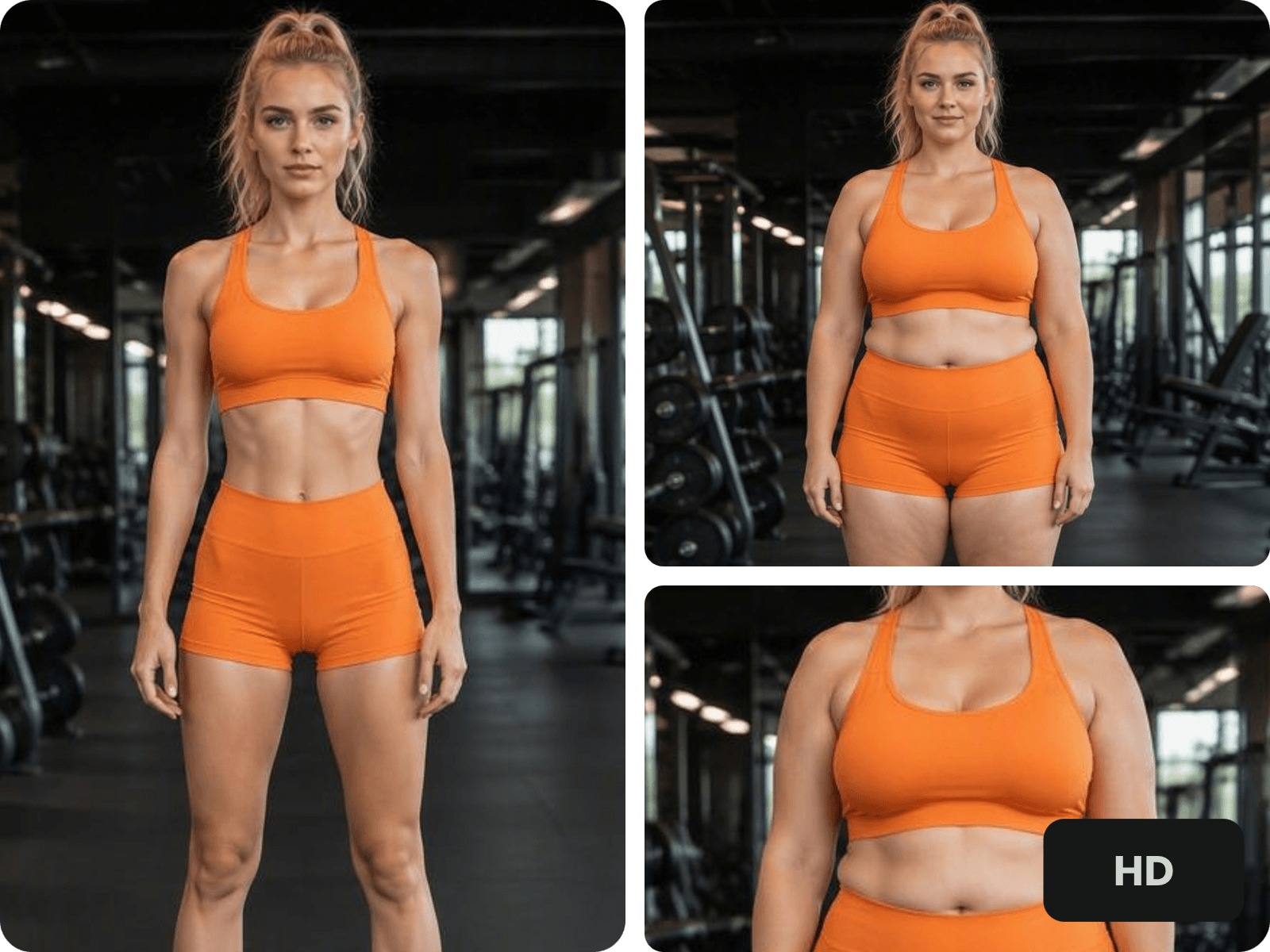
Fat AI Filter for Realistic, Natural Body Transformation Without Quality Loss
Our weight gain stimulator gives your selfies or portraits realistic, natural-looking body transformations while preserving facial features, skin texture, clothing, lighting and more. Besides, no image quality will be compromised in the transformation process. So, you will truly see how you might look with a fuller, softer figure without losing the details that make your photo feel like you.
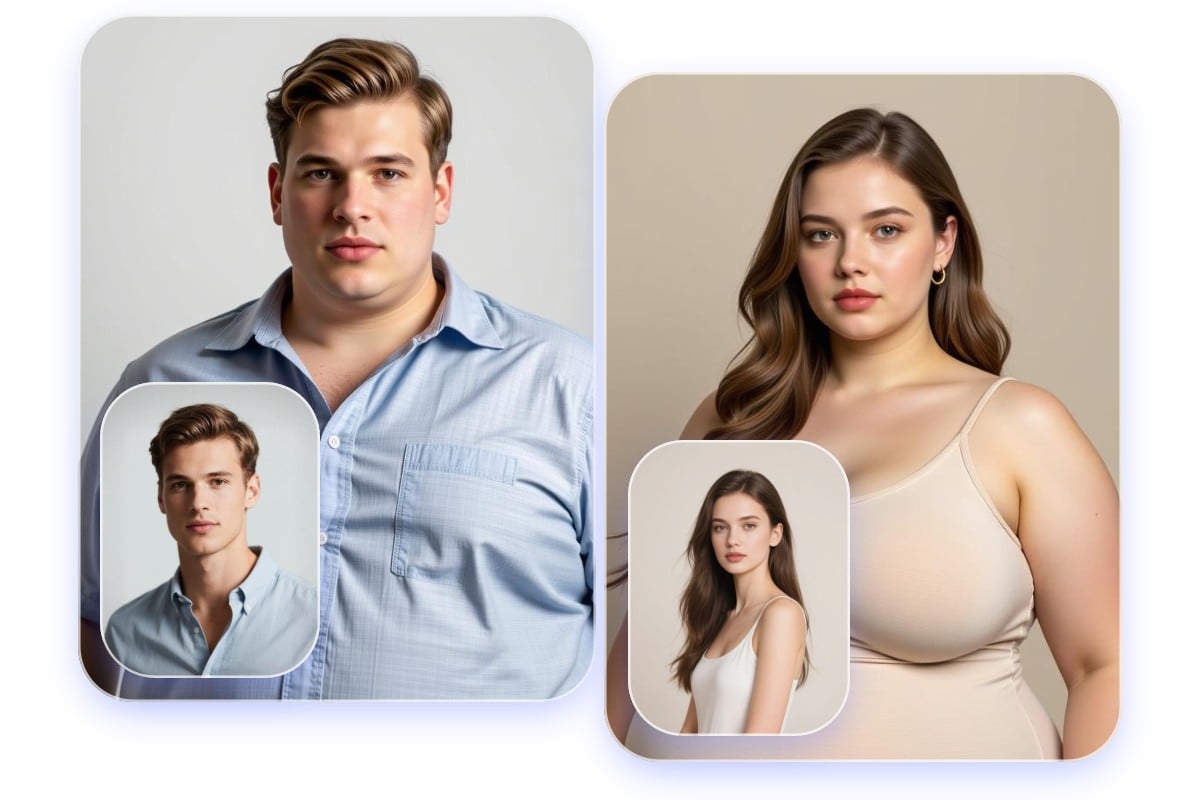
AI Weight Gain Filter to Fatten up Men or Women in Photos
Curious to see how someone would look if they got fatter? Whether male or female, of any age or appearance, Fotor’s AI fat maker can make anyone in your photos fatter, letting you enjoy the fun of amusing fat transformations.
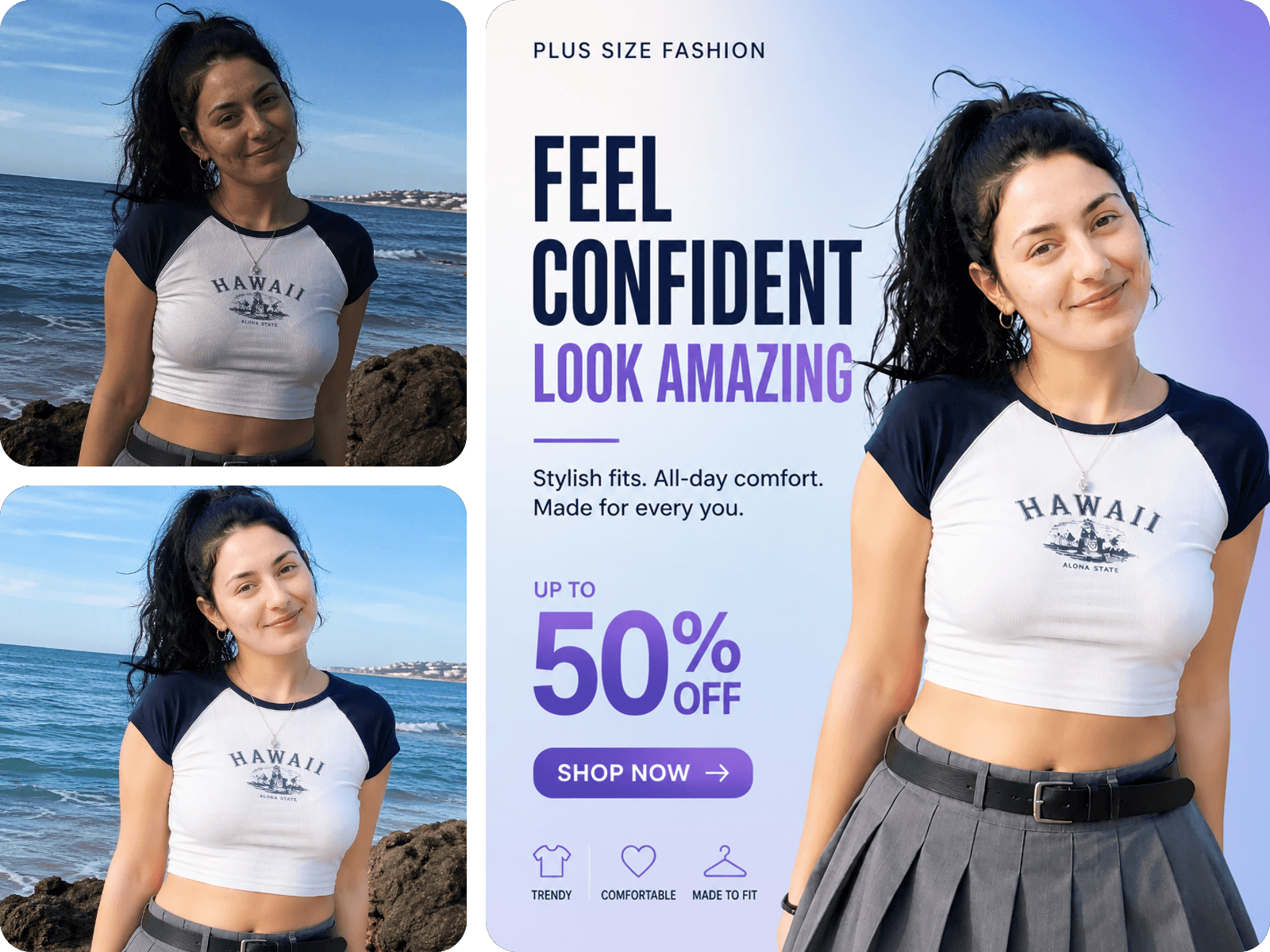
All-Around Fat Photo Editor to Retouch Weight-Gain Images
Take your weight-gain photos a step further with Fotor's AI photo editor. Designed for realistic, natural-looking retouching, it gives you flexible controls over how your AI fat image looks. Feel free to change the hairstyle or clothes, retouch your photo (blemish removal, teeth whitening and wrinkle deletion), replace the background, add stylish text to make your fat memes and more, without damaging your original features and complicated Photoshop skills.
What You Can Do with AI Fat Images
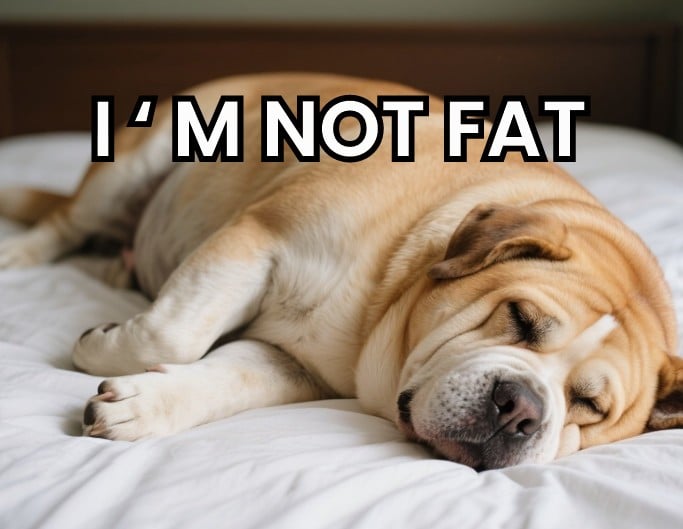
Fat Meme
Turn any image into a funny fat meme that is perfect for viral jokes, chat stickers, and humorous pictures.
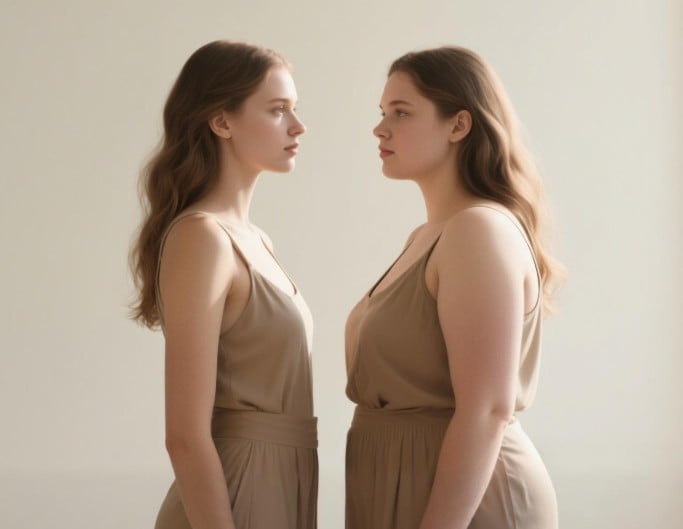
Simulate Weight Gain
With Fotor’s fat filter AI, you can simulate weight gain in your photos, satisfy your curiosity, and imagine yourself with a different body shape.
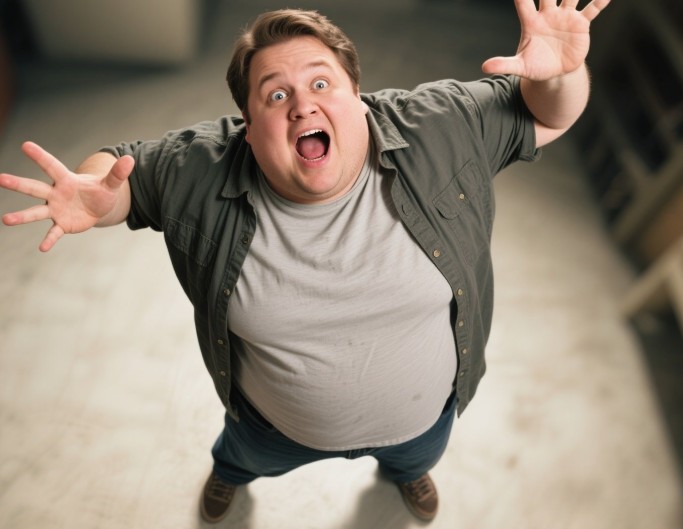
Pranks & Fun
Adding fat effects to images is a great resource for pranks, entertainment, parties, and other fun occasions.
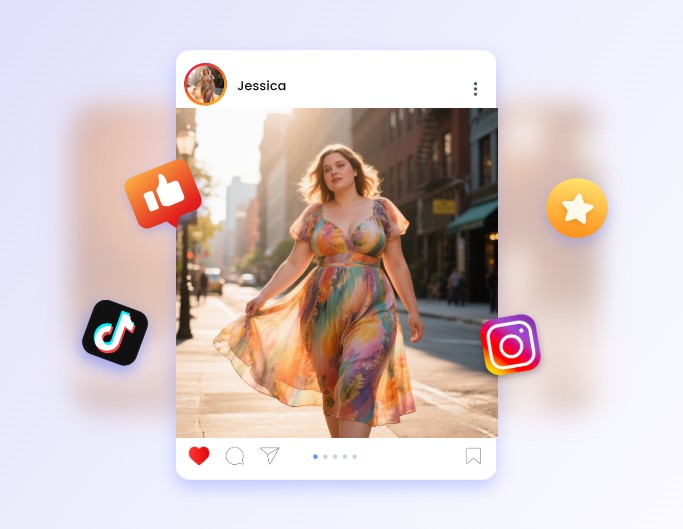
Social Media Share
Create fattened photos and join the trend of fat transformations. Make your images go viral on social media, perfect for Instagram posts, TikTok videos, and more.
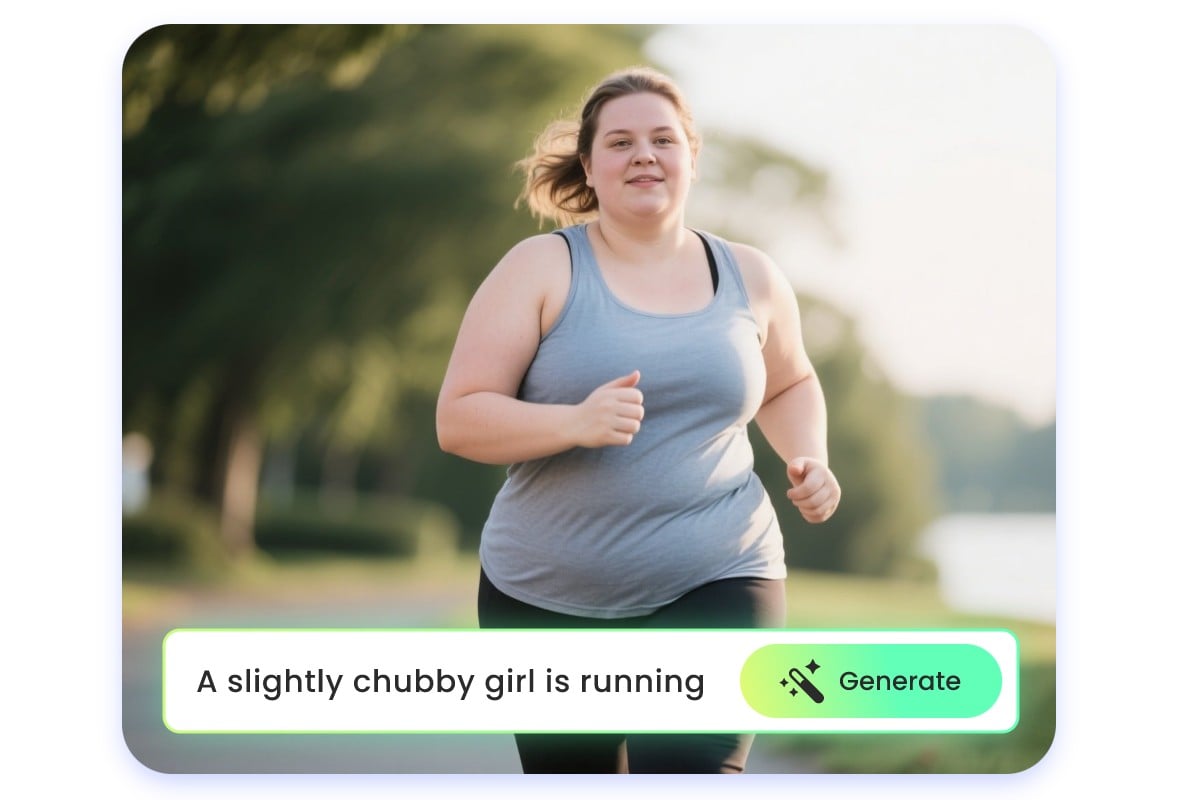
Create Cute Chubby Images with AI
Our AI fat generator not only allows you to reshape your body and face to make a fat version of yourself in a photo, but you can also go to Fotor’s AI image generator and, with simple prompts, create chubby characters and cute, plump versions of anyone.
How to Apply a Fat Filter to Your Photo in 3 Steps
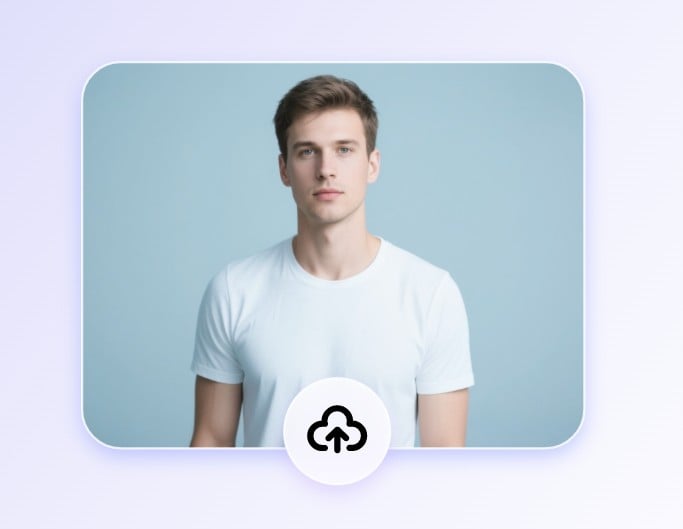
1. Upload Your Photo
Click “Upload Image” to upload your photo to Fotor's AI fat generator. A clear portrait works best, but you can also try other images with a visible subject.
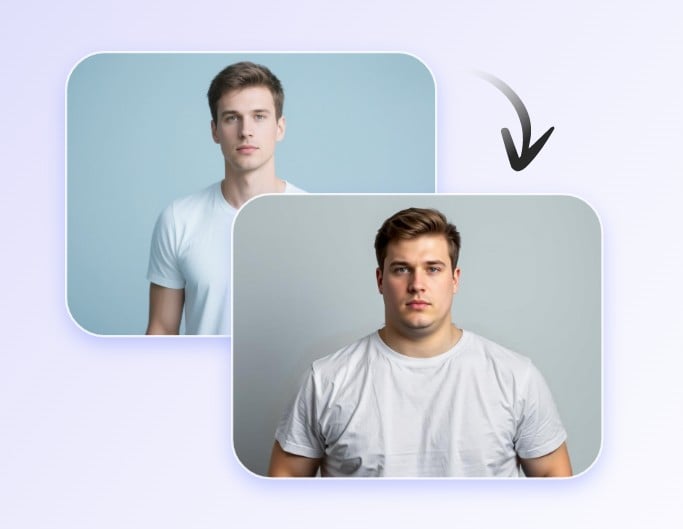
2. Fatify Your Photo
Move the slider forward in the "Face" and/or "Body" section and click “Generate” to make yourself fat. Also, you can choose our fat filter brush to manually customize the chubby effects for your portrait.
3. Save Your Fat Photo
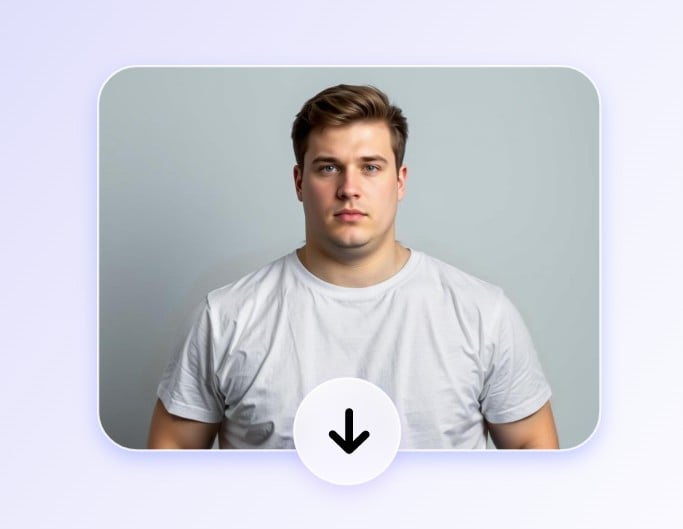
Once you’re happy with your AI-generated fat photo, click the Download icon to save it in high quality without a watermark.
Why Choose Fotor’s Fat AI Generator
![Easy to use]()
Easy to Use
Anyone can simulate weight-gain looks with AI in photos instantly without any professional skills.
![high-quality result icon]()
High-Quality Results
Our chubby photo editor can preserve details and features of the original photo, producing realistic, high-resolution fat images.
![Cross devices icon]()
Weight Gain Stimulator App
Works on web, desktop, and mobile apps, letting you create fun fat photos anytime, anywhere.
![No watermark icon]()
No Watermark
The entire process does not produce any watermarks, ensuring a clean and uninterrupted creation experience.