Free AI Image Extender
Expand your image easily with Fotor's free AI image extender. Use AI outpainting to control composition, adapt ratio, and uncrop images for any posting, design, and printing needs.
✅Free to Try ✅No Sign-up ✅No Watermarks

98%
Seamless Integration
4.6★
on Capterra
89%
Faster Workflow
Expand Product Photos to Fit Any Platforms
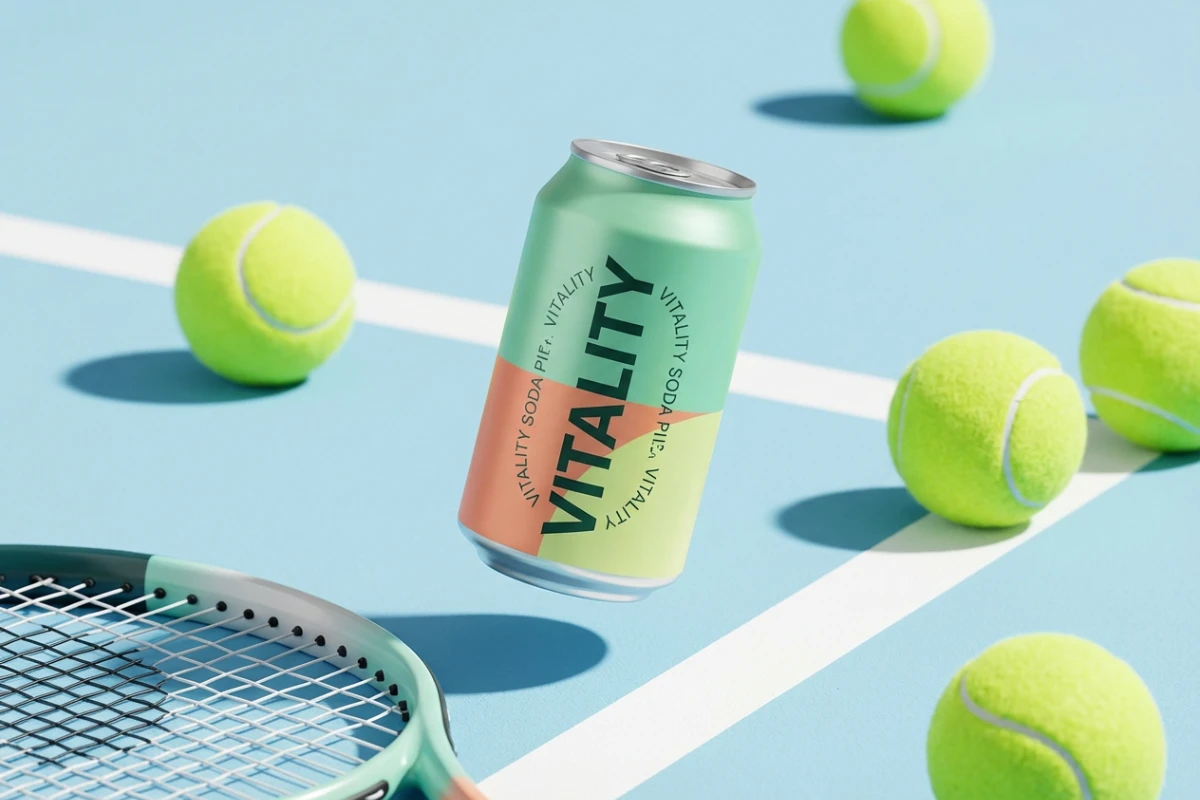
Enhance your product visuals with precision using our AI image enlarger. You can seamlessly uncrop and expand product backgrounds to fit Shopify banners, Amazon product listings, or Etsy store headers. Easily adjust aspect ratios, add white space for text overlays, or reframe to keep your products as the focal point without re-shooting.
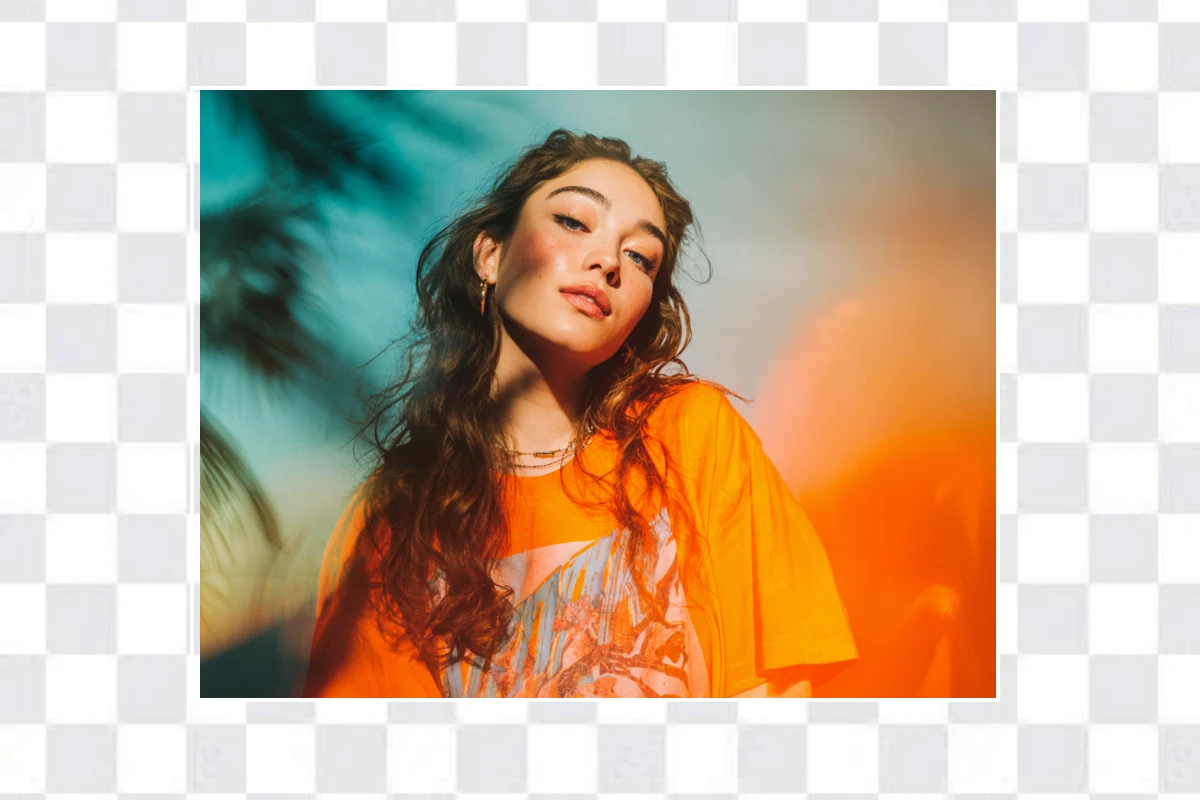
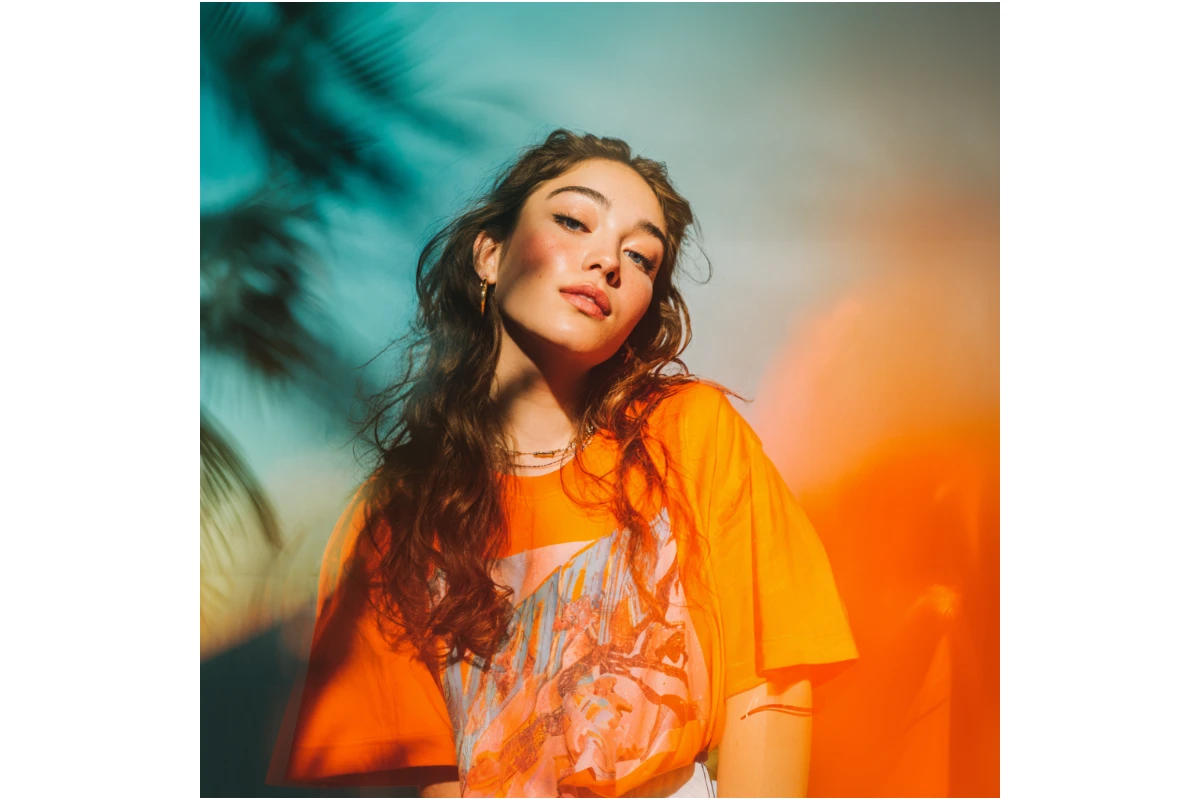
Extend Social Media Reach with AI Outpainting
Don't let a tight crop ruin your best shots. Seamlessly outpaint your photos into 9:16 vertical masterpieces for TikTok and Instagram Reels, 16:9 for YouTube thumbnails, or 1:1 LinkedIn profiles.
Let the AI intelligently imagine the rest of the photo to fill your screen perfectly. Repurpose high-impact content without re-shooting.
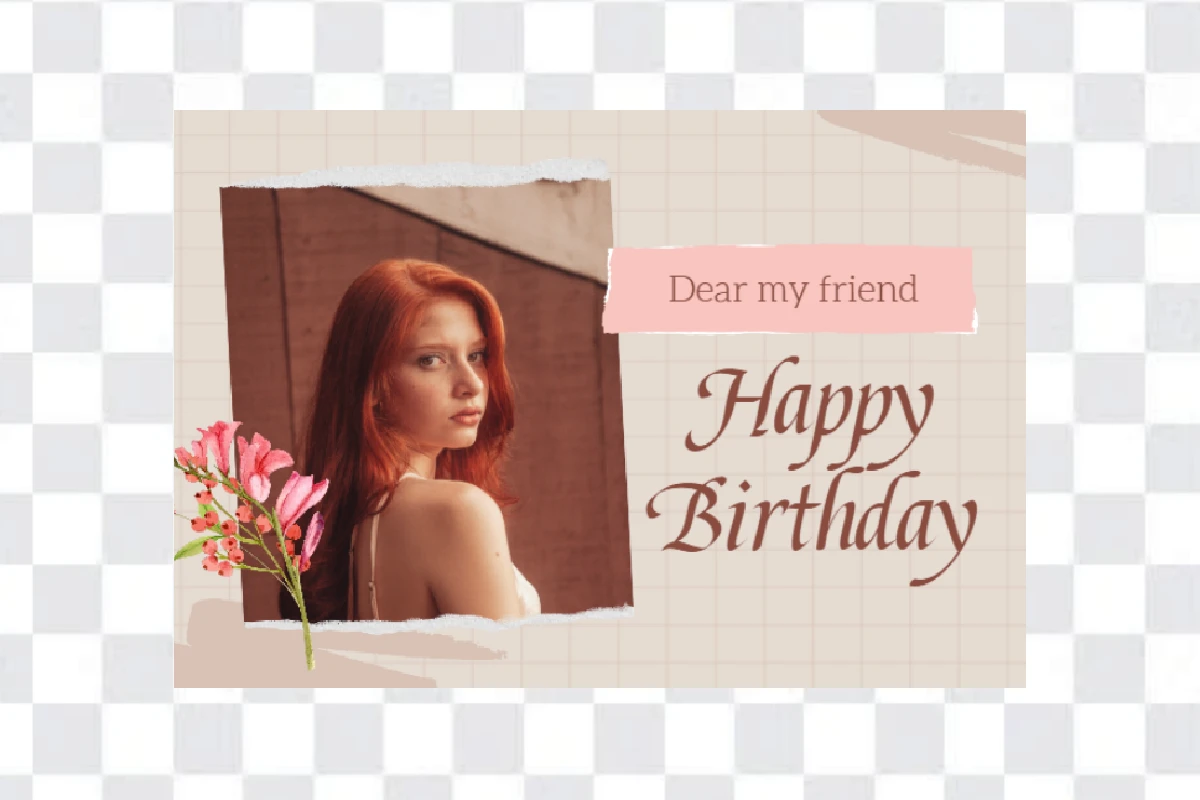
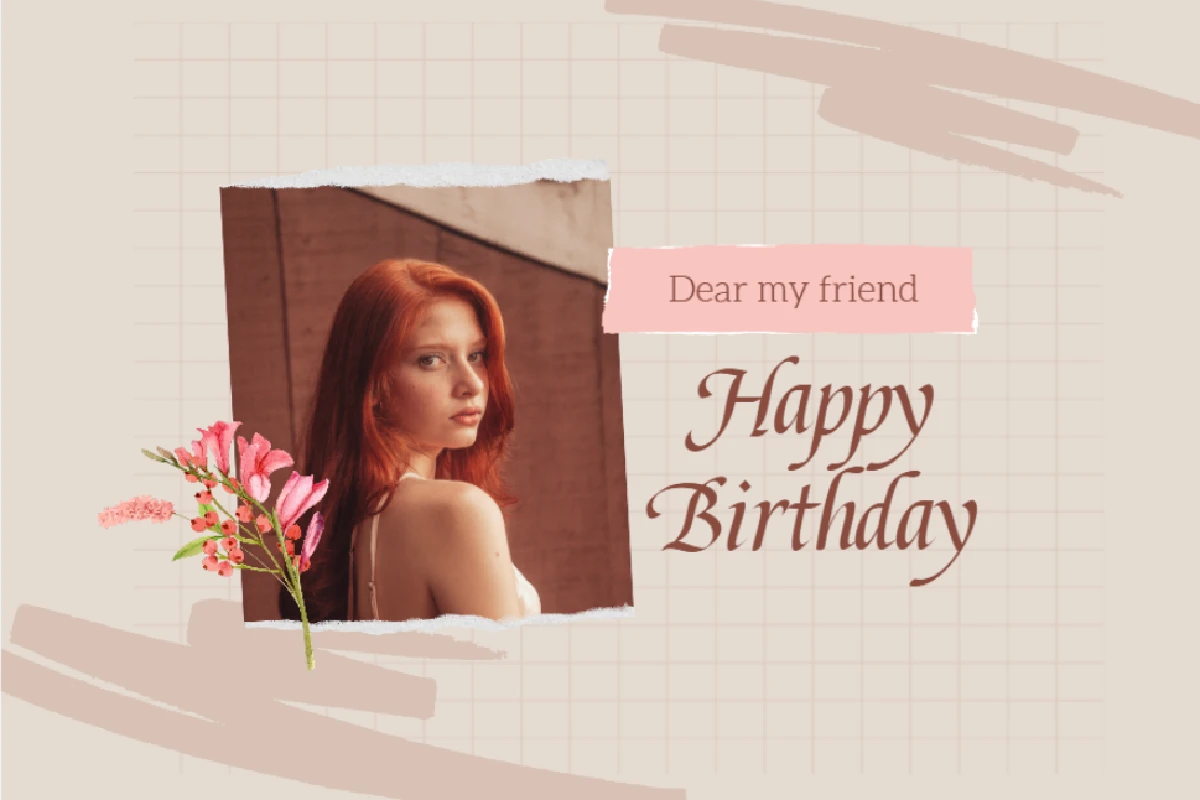
Maximize Design Assets with AI Generative Fill
Give your projects the breathing room they need. Use this AI background extender to generate matching background pixels for billboard advertising, poster headings, website banners, and Facebook ads. Instantly expand your canvas to create clean space any design without losing quality. It ensures every texture blends perfectly for a cohesive, professional result.
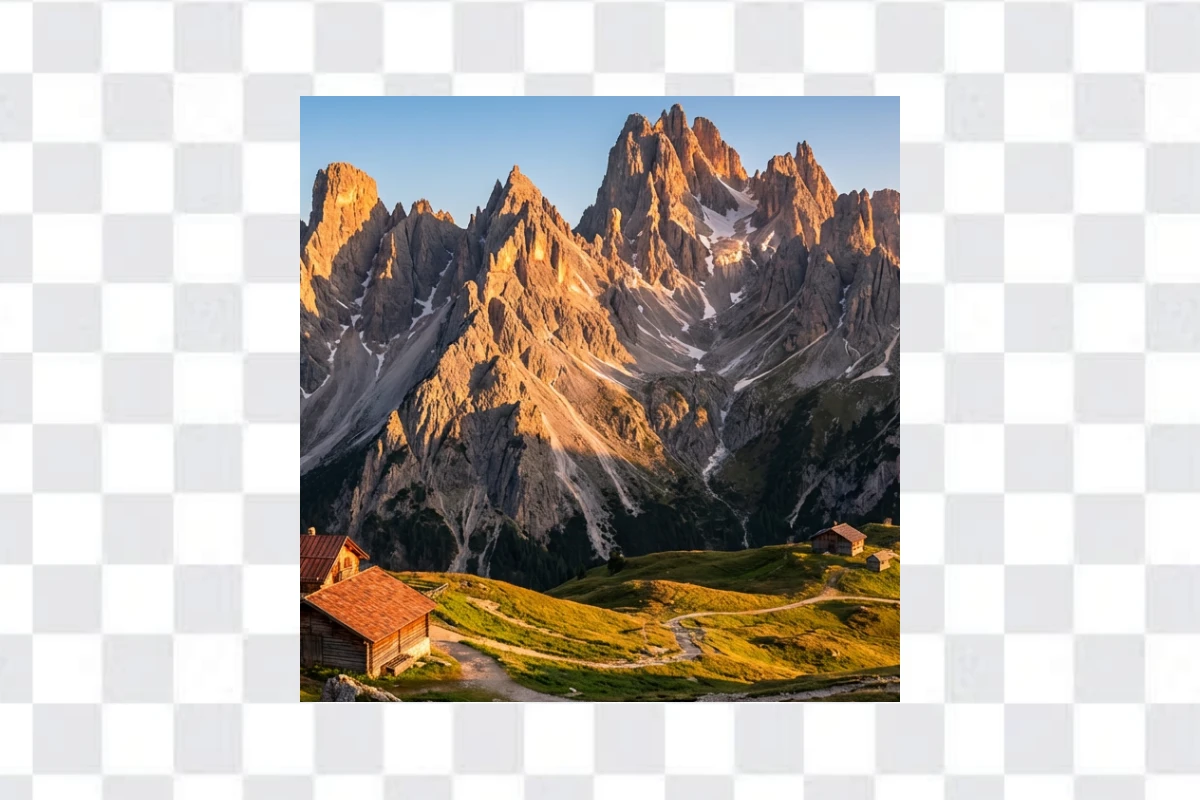
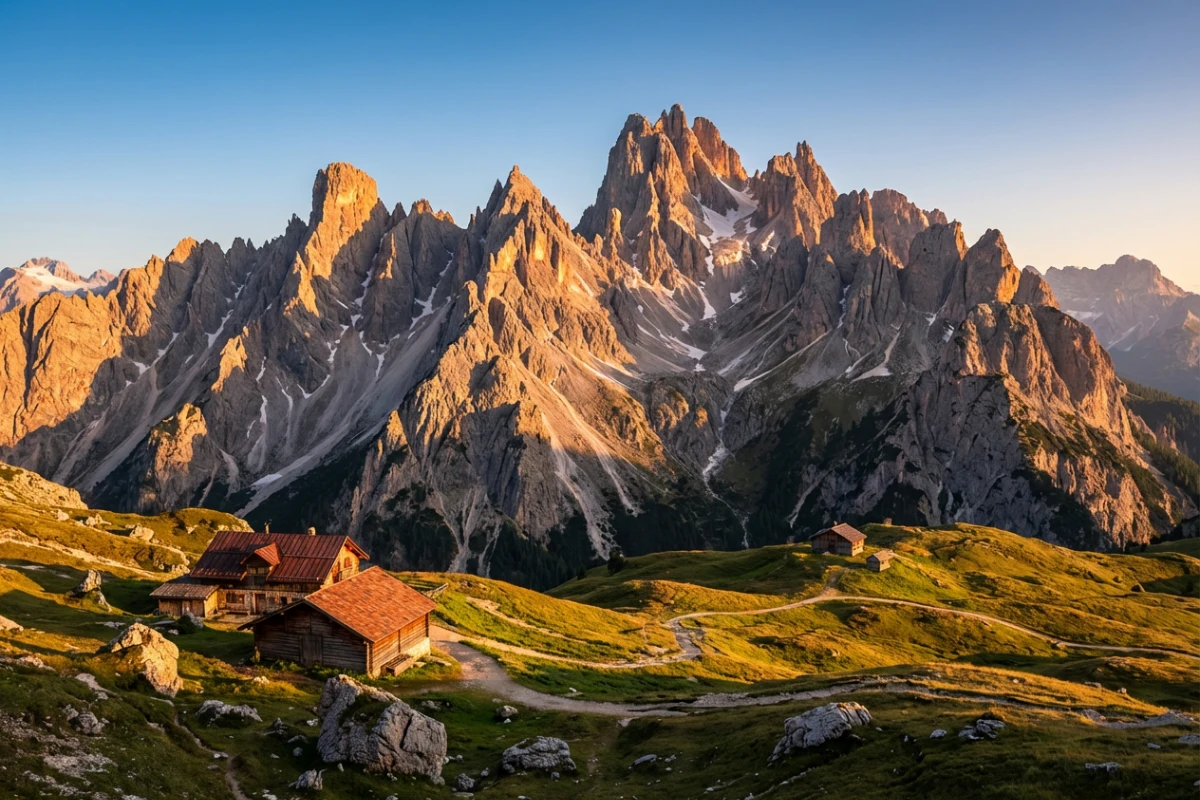
Refine Portrait and Landscape Compositions
Fixing tight crops or awkward framing is now easier than ever. You can uncrop and restore your favorite moments while maintaining realistic lighting and details. Extend your borders seamlessly with Fotor. It’s a simple way to add cinematic depth to your landscapes and portraits and perfect framings without the need for a re-shoot.
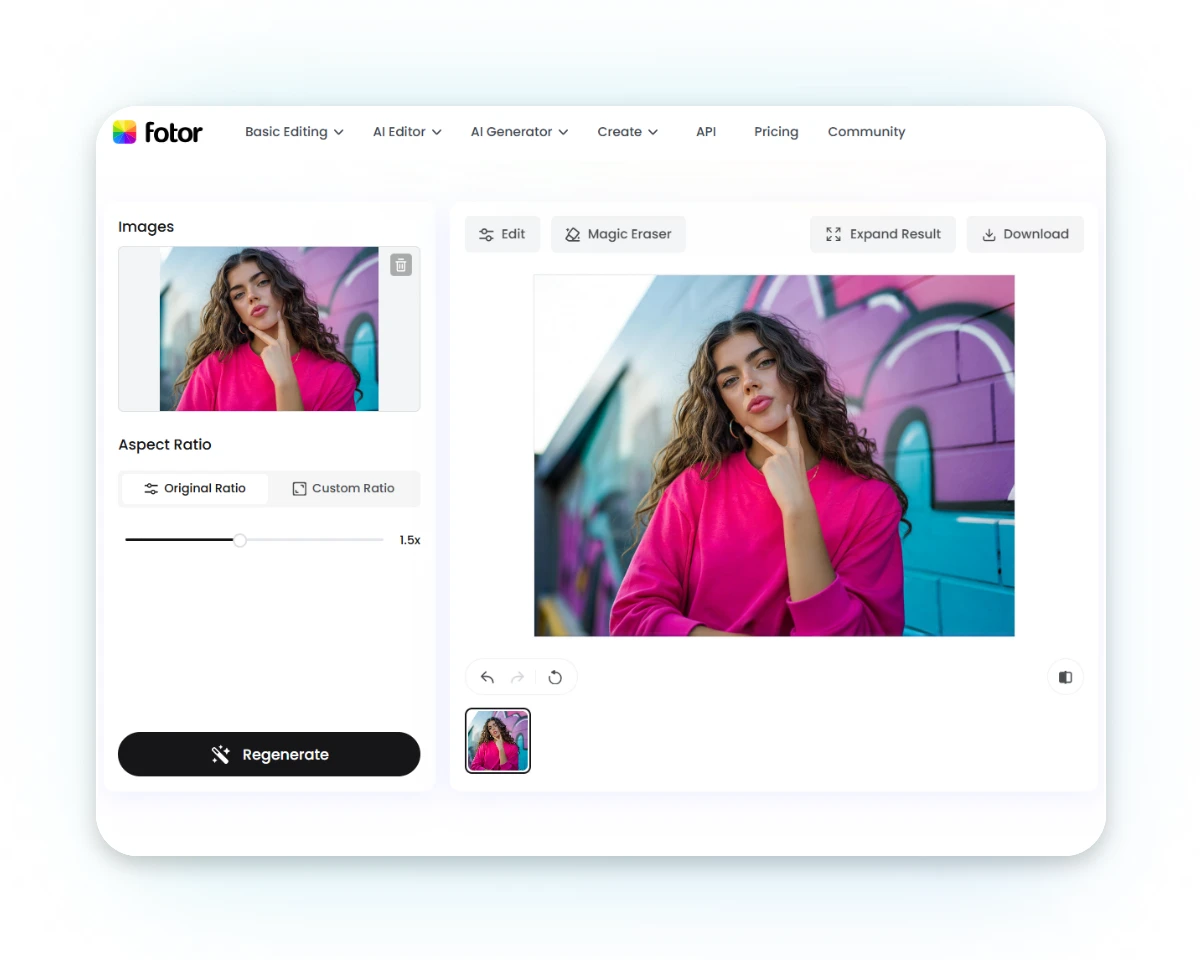
How to Expand an Image with Fotor AI?
Upload Your Photo to the AI Outpainting Tool
Upload your product shot, portrait, scenic landscape, or any casual snapshot to the Fotor AI image expander. Our tool handles it all with ease.
Customize Aspect Ratio
Uncrop Image with AI
Export the AI-Extended Image
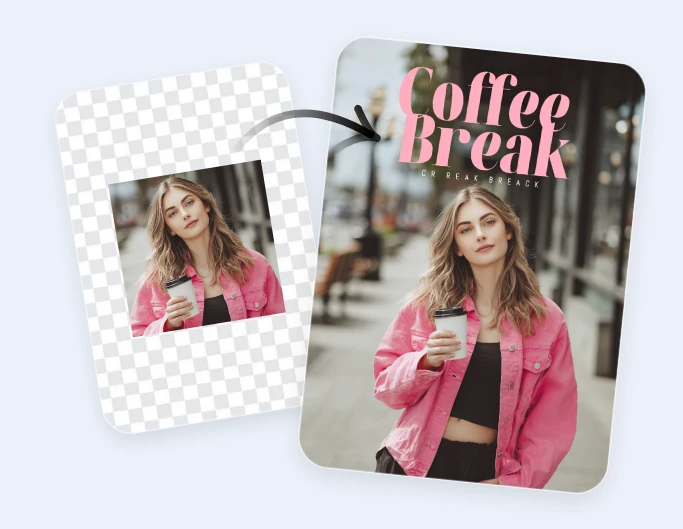
Imagine and Create New Pixels for Any Usage
Aspect Ratio Adaptation
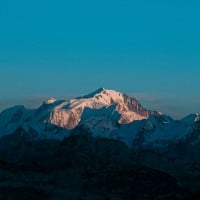
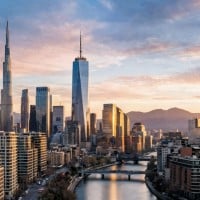
Extend photo backgrounds to 16:9, 1:1, 9:16, or any ratio without cropping out important details to adapt different platforms. Achieve landscape to vertical, square to banner, and zero-loss resizing.
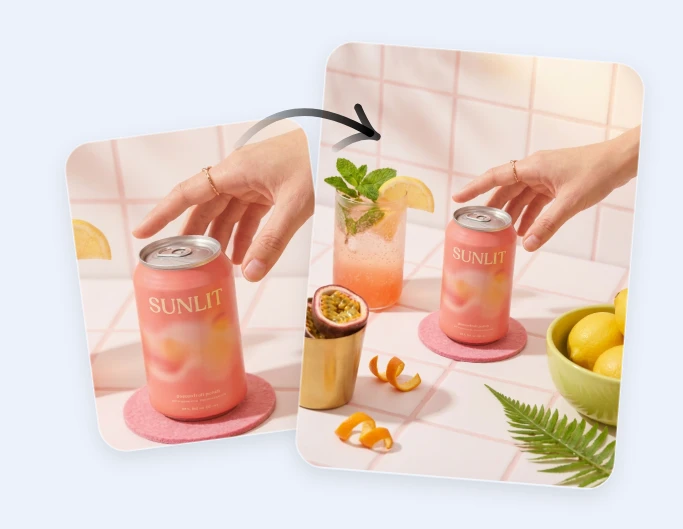
Creative Composition
Reframe your shot to create a more professional layout with breathing room. Add margins or negative space for headlines, CTAs, or logos to ensure your subject isn't cramped against the edge.
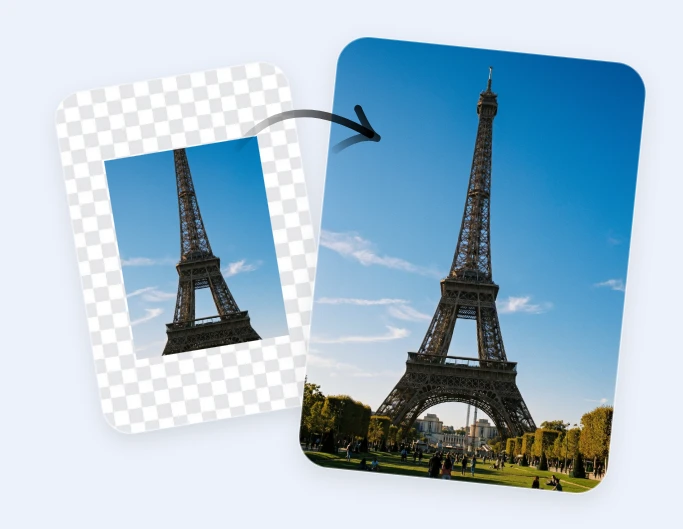
Element Restoring and Completing
Restore key details such as a limb, a piece of clothing, or a product edge that was accidentally cropped out of the frame with lighting and textures blended invisibly with your primary subject.
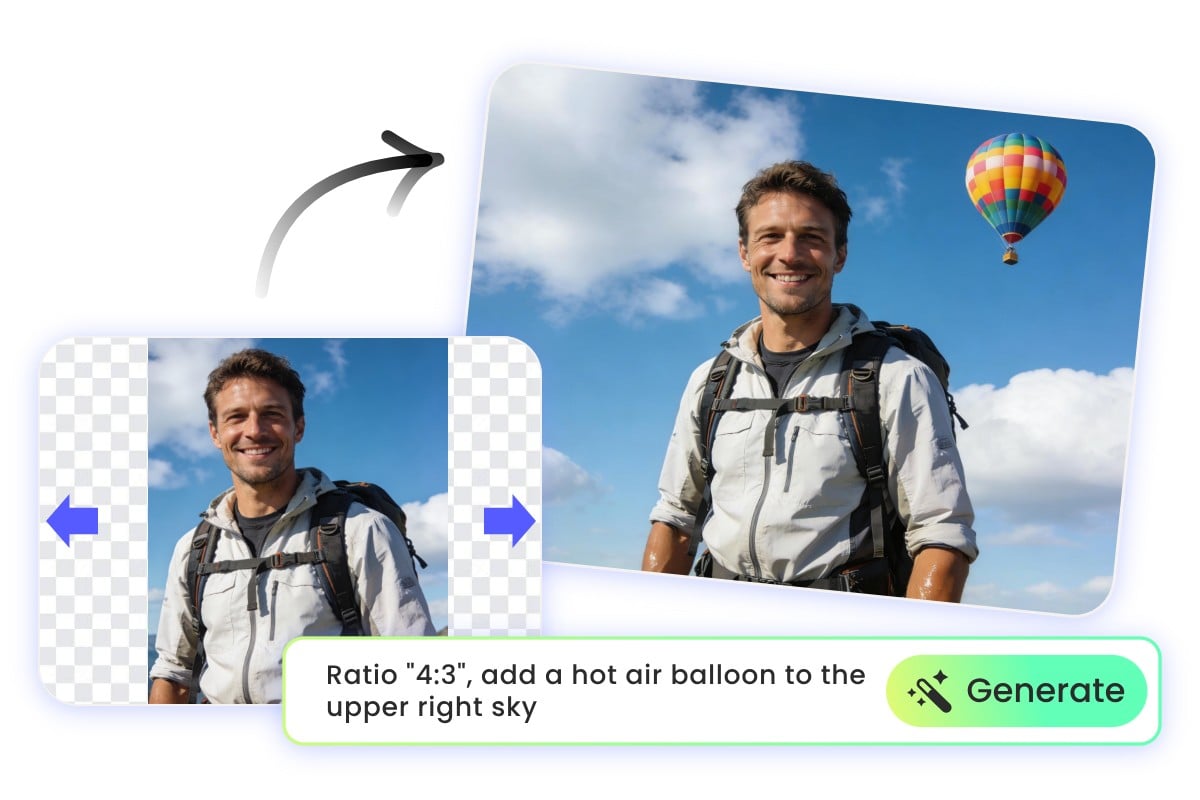
Creative AI Outpainting: Uncrop Images with Custom Prompts
Want to bring your creative vision to life? Upload your photo to Fotor‘s AI image generator, and enter specific prompts—like “zoom out and add dramatic clouds”—to see magic happen in seconds.
Whether you need to insert specific elements, expand custom backgrounds, or extend visuals into surreal scenes, our AI image extender from prompt seamlessly visualizes your ideas.
Why Choose Fotor AI Photo Expander?
![No Signup Required]()
No Sign-Up
Start extending your images instantly. We value your time—simply upload your photo and begin creating without the hassle of registration.
![Multiple ratio supported icon]()
Multiple Ratios Supported
From 1:1 to 16:9, choose from various vertical and horizontal ratios or customize your own to fit any digital platform perfectly.
![Suitable for any photo icon]()
Transform Any Photos
Whether it’s a landscape, portrait, or product shot, our AI intelligently adapts to any genre to deliver stunning, expanded results.
![Secure icon]()
Security Ensured
Your privacy is our priority. All uploaded images are processed securely and automatically deleted from our servers within 24 hours for your data safety.
![studio quality icon]()
Original Resolution Export
Fotor keeps your original resolution intact with zero distortion or stretching. Your images remain crystal clear, perfect for high-quality printing or large-scale digital displays.
![Consistent visual accuracy icon]()
Seamless Visual Consistency
Fotor AI outpainting perfectly matches the original texture, color, and lighting of your photo to ensure every expansion looks authentic. No random new elements will pop up.