

Fotor trusted and loved by





What is Wan 2.7?
Wan 2.7 is the latest generative AI model developed by Alibaba. Its revolutionary upgrade focuses on its AI video generation feature, positioning it as a “Director’s Suite” that highlights professional multi-scene videos rather than random single-shot clips. It helps you convert prompts, images or a mix of inputs to 1080p, cinematic AI scenes up to 15 seconds long.
90%
Reduction in Creation Budget
4.6★
on Capterra
4x
Faster for Video Production
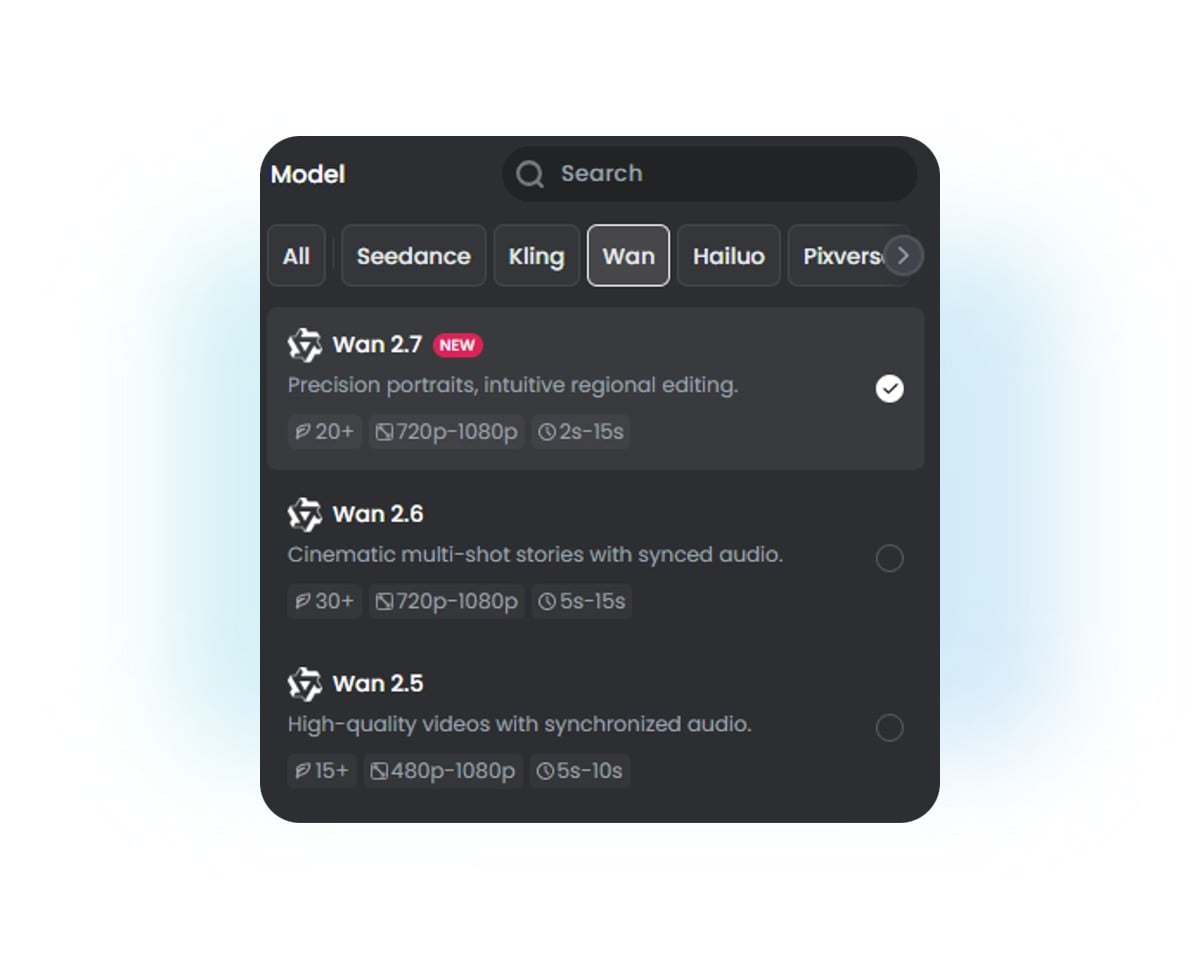
Find The Suitable Wan AI Mode for You
Select the most suitable Wan AI model according to your workflow.
Wan 2.7
Precision cinematic control
Best for: Longer, realistic, multi-shot videos from multiple inputs like prompts, images, storyboard sequences, first and last frames and even videos.
Wan 2.6
Cinematic storytelling with synced audio
Best for: Multi-shot videos with good character consistency, diverse camera movement and audio sync.
Wan 2.5
HD Videos with good audio synchronization
Best for: Short single-shot video in high quality and great realism.
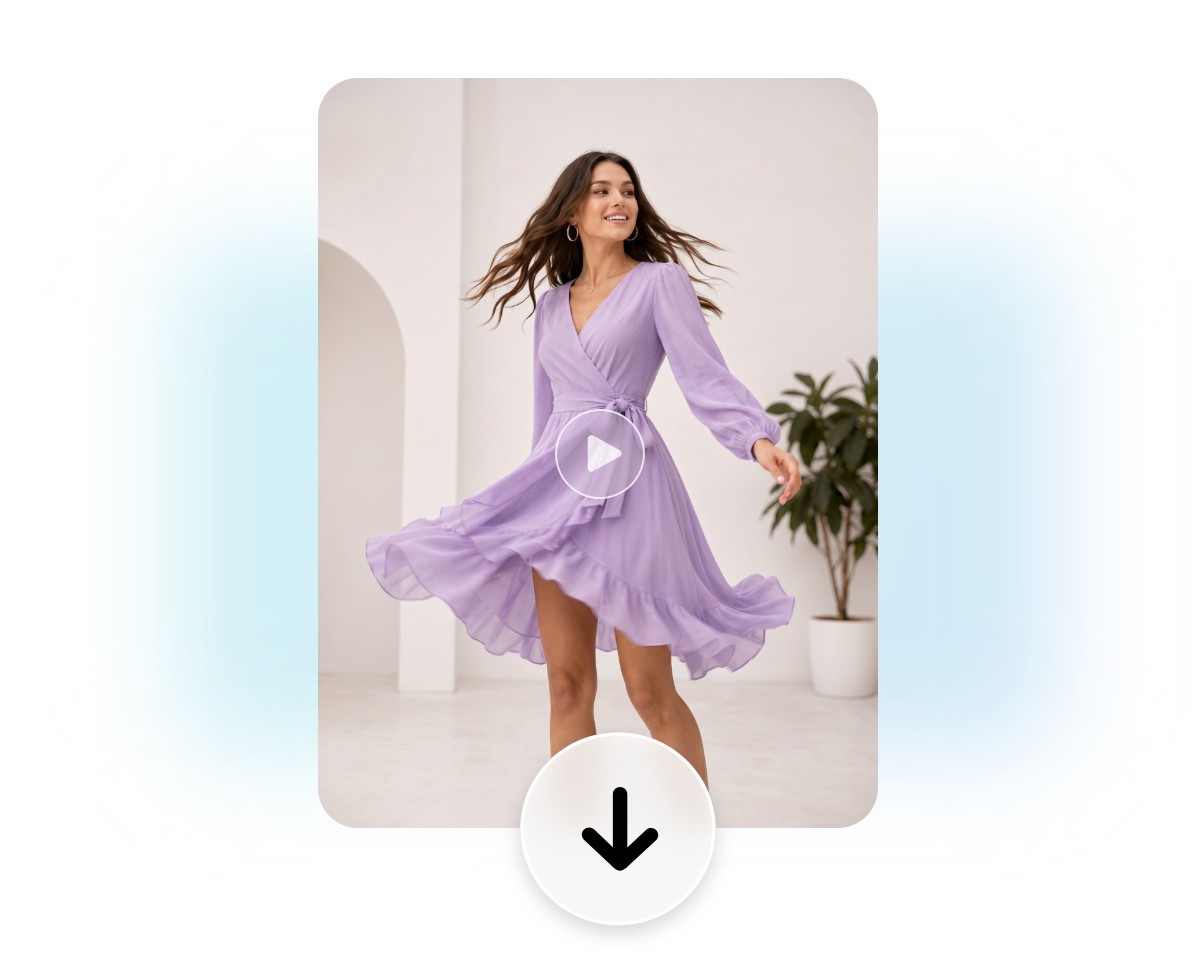
How to Use Fotor’s Wan 2.7 AI Video Generator?
Select the Wan 2.7 Model
Access our AI video generator and then choose our Wan 2.7 AI model.
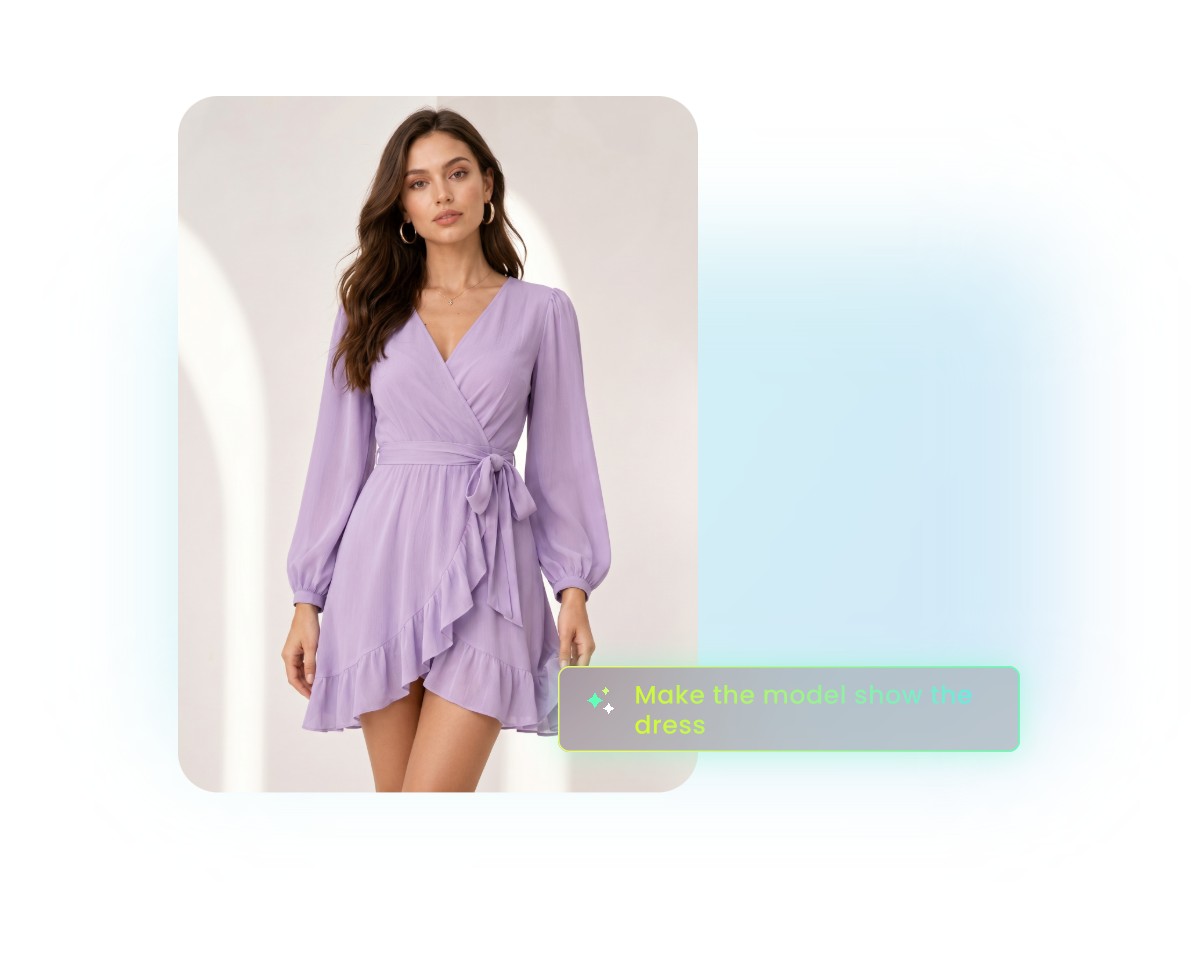
Input Prompts or Upload Images
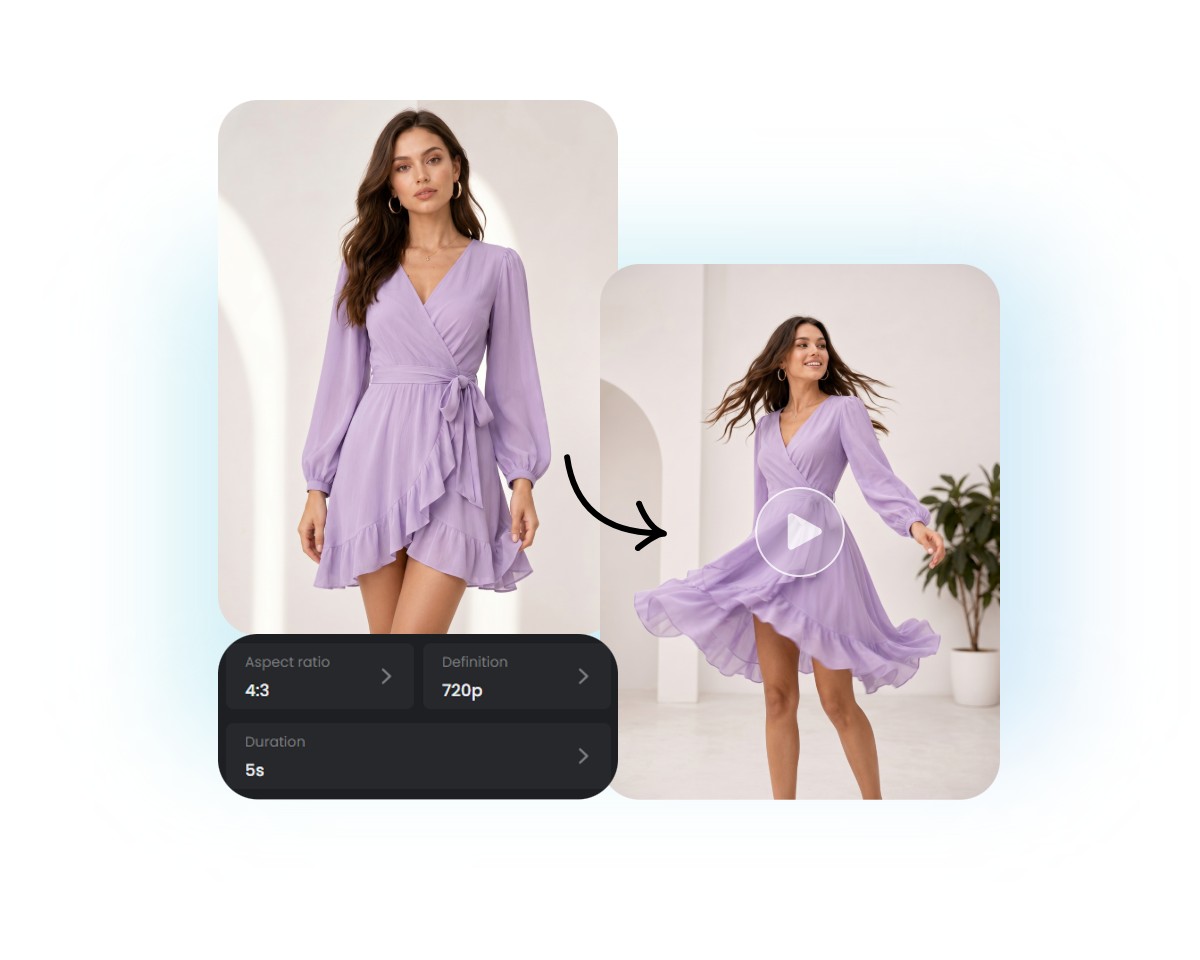
Adjust Settings and Generate
Preview and Download
Explore Fotor Wan 2.7 AI Video Maker
Explore the key features of our Wan 2.7 AI video creator and see why you should not miss it.
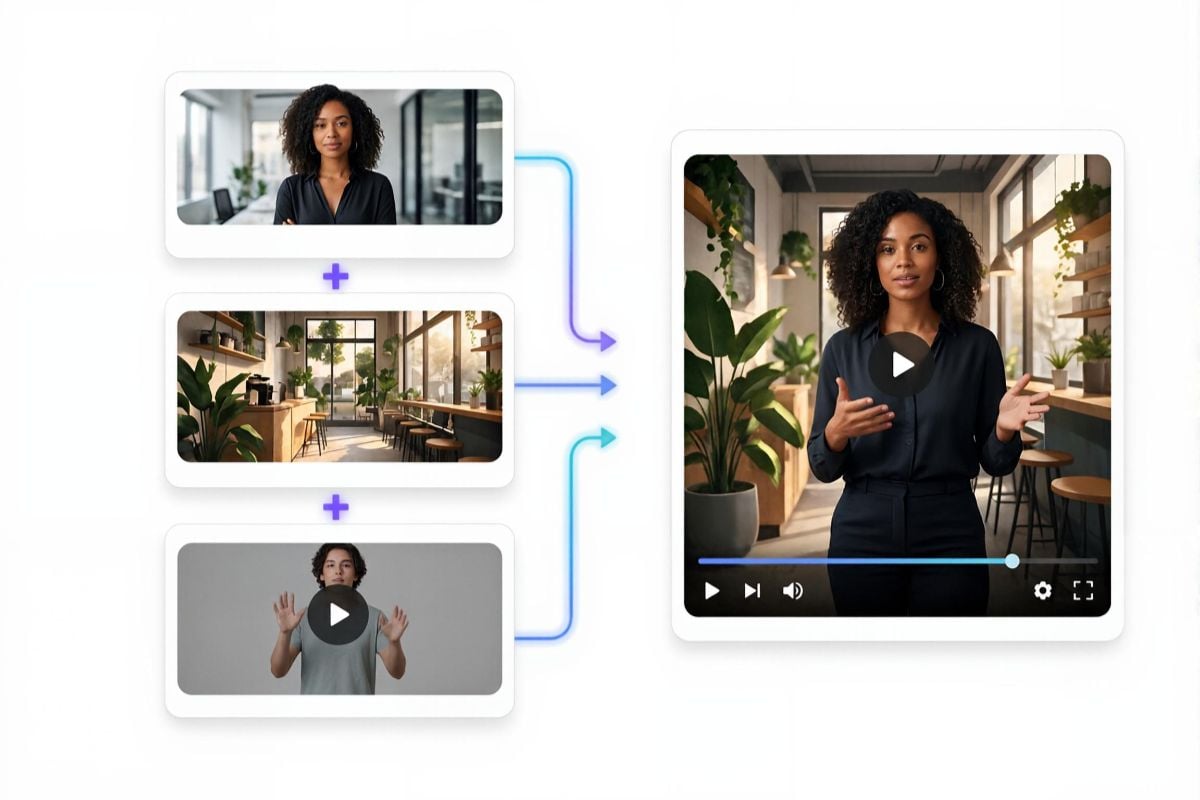
Convenient AI Video Creation from Multi-Modal References
Gain greater creative control, consistency and accuracy throughout the generation process with our Wan 2.7 AI model. Instead of relying on text prompts alone, you can combine multiple inputs, including images, video clips, storyboards, first-and-last frames or 9-grid references, to guide scene composition, character appearance, motion and overall visual style.
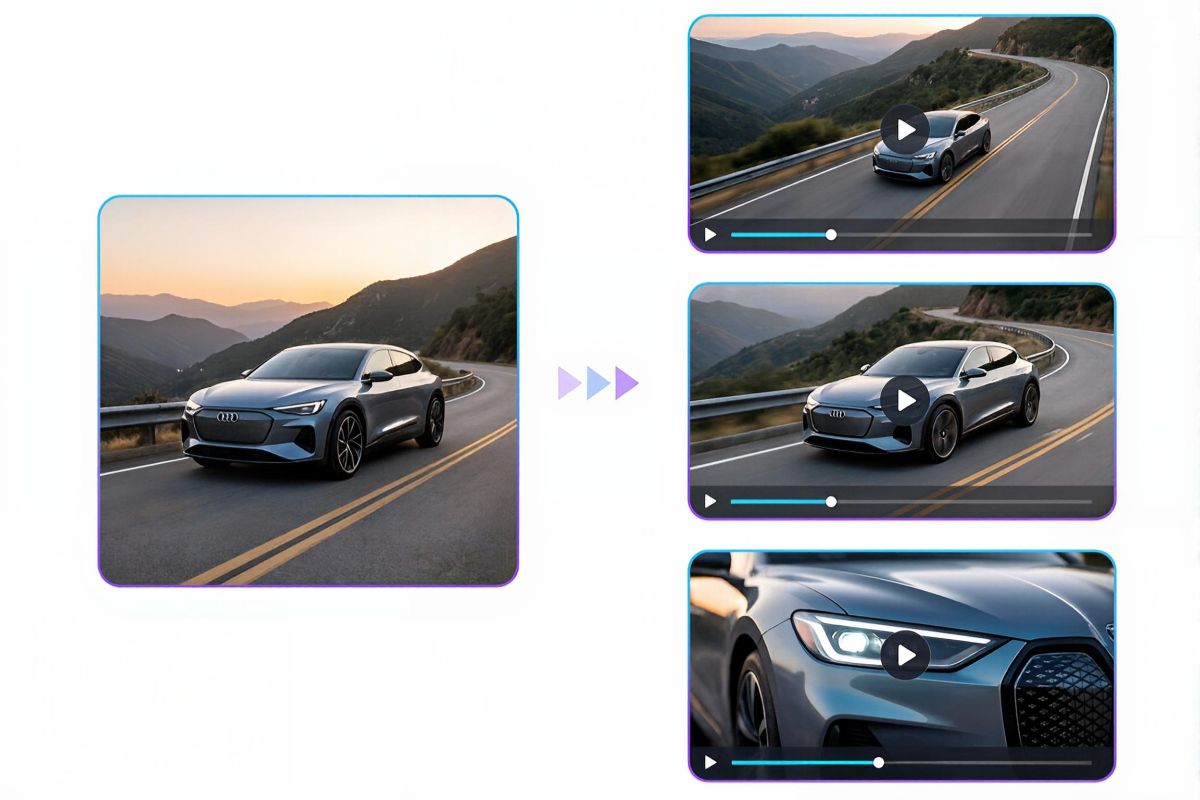
Advanced Scene Synthesis with Smart Thinking Mode
Our Wan 2.7 AI video maker boasts a super smart thinking mode, enabling you to create complex, coherent videos that follow real-world logic and narrative intent from complex prompts or multiple reference images. Instead of generating isolated frames, our tool analyzes context, such as objects, spatial relationships, lighting and motion, to create scenes that feel content-aware, purposeful, and believable.
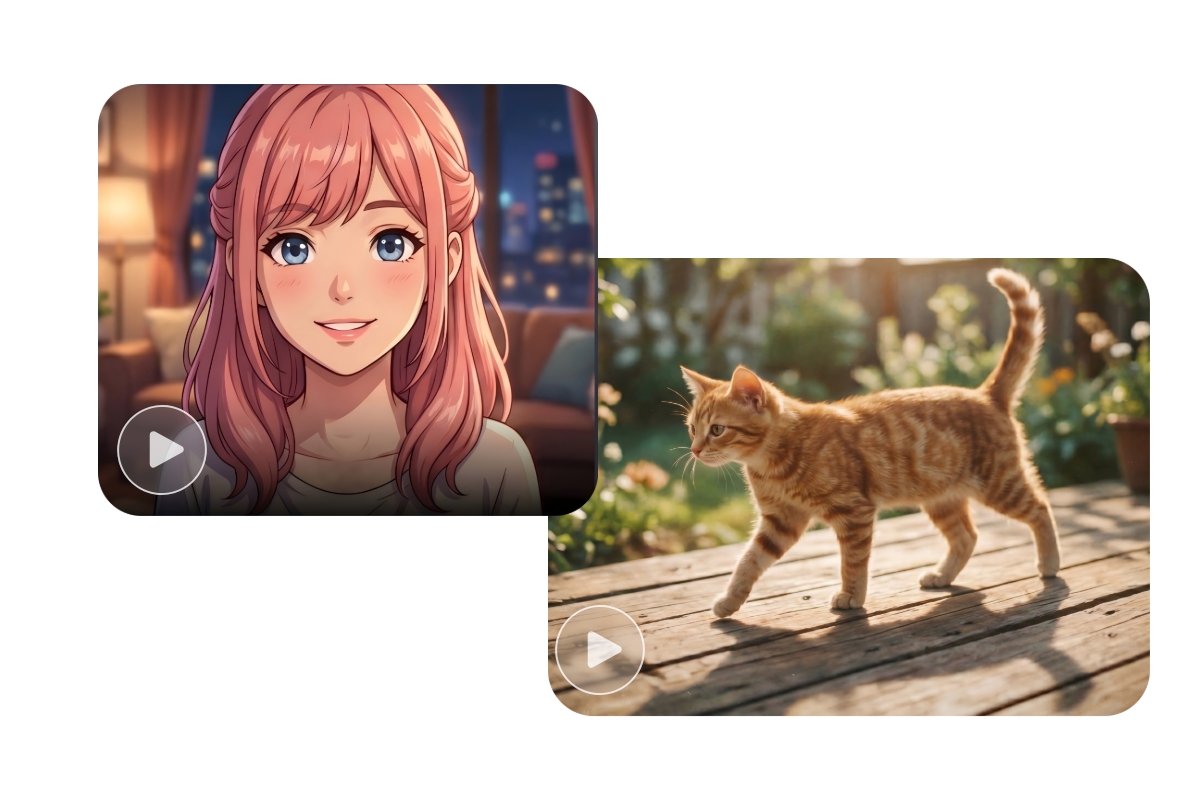
Flexible Stylization and Camera Motion Control
Flexibly shape both the visual identity and cinematic feel of your AI videos. With Fotor’s Wan 2.7 model, you can apply different artistic styles, such as realistic, cinematic, anime, cartoon, vintage, celebrity-inspired art or illustrative looks. Additionally, feel free to independently control camera movements, like pans, zooms, tilts, tracking shots, rotations, and more, to conveniently fine-tune the visual storytelling of each shot.
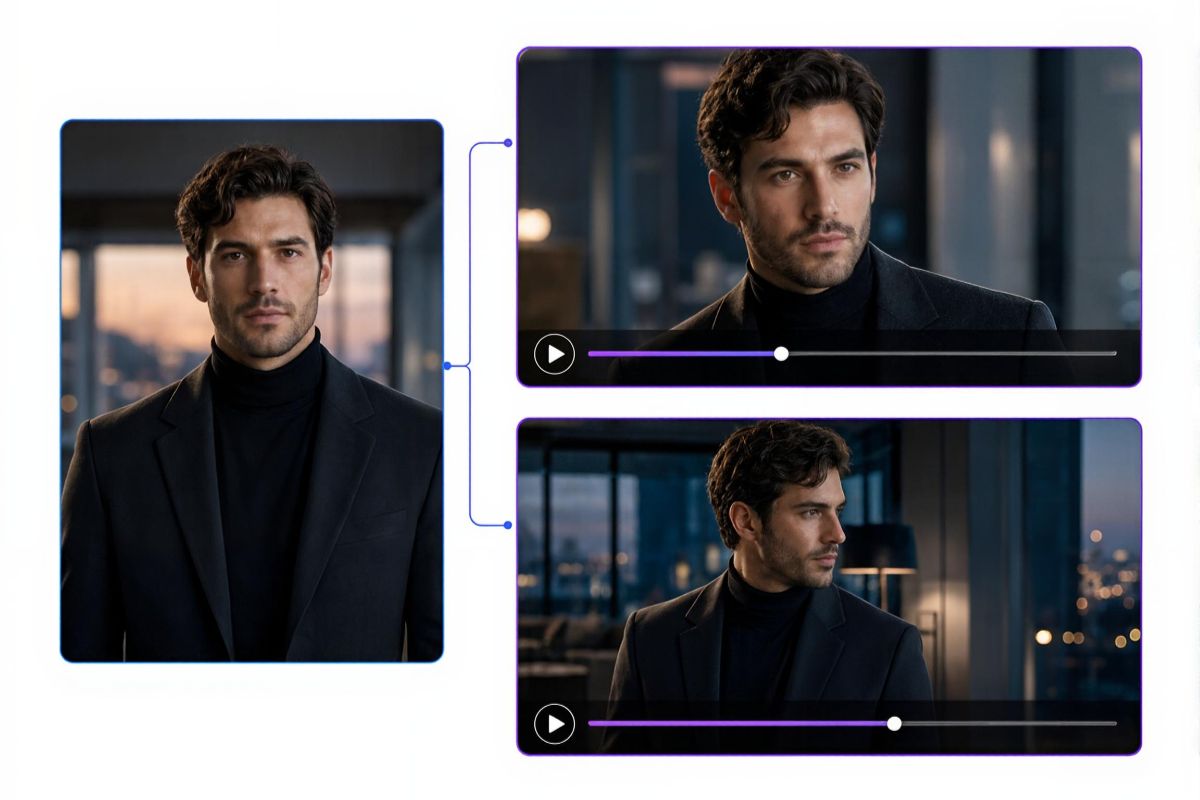
Keep Good Character Consistency Across Frames
Our tool can preserve essential identity features, including facial structure, hairstyle, clothing, proportions, colors and artistic style, even as your characters move, change expressions or appear from different camera angles. Whether creating animated scenes, cinematic stories or branded content, you can get one where characters remain recognizable and stable across every frame.
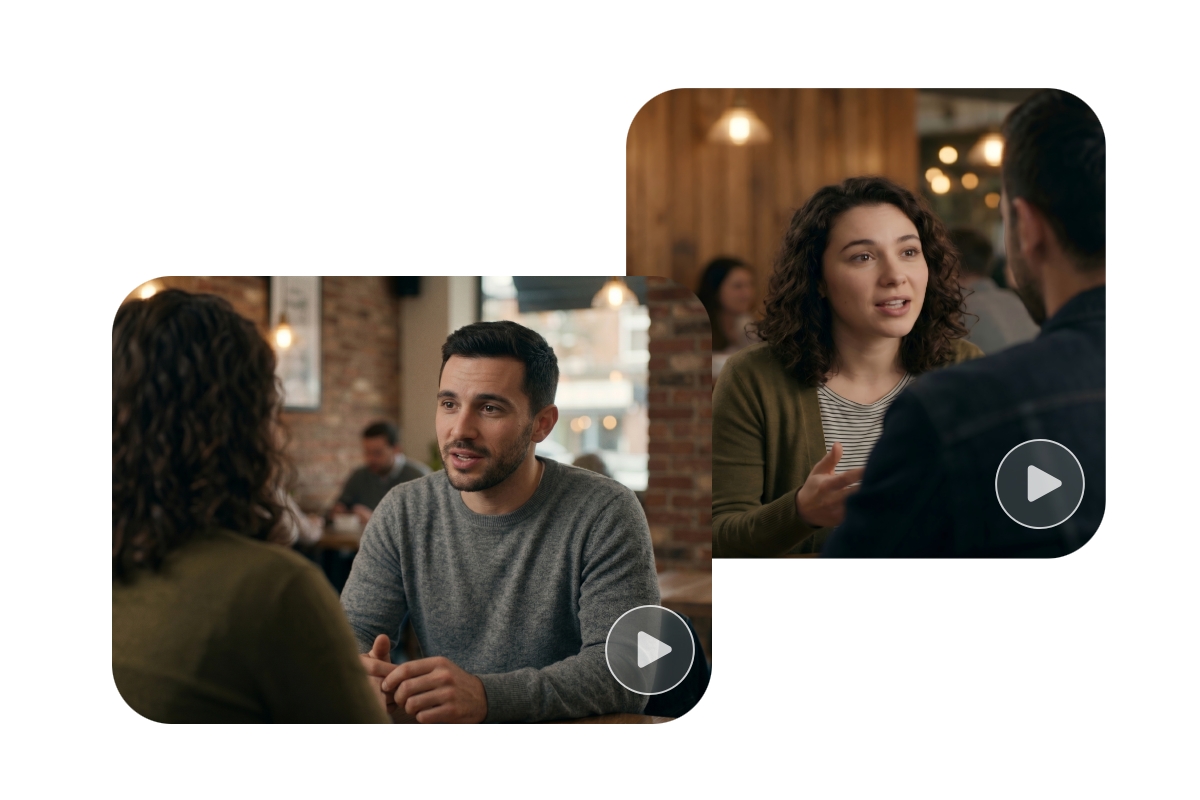
Auto Native Audio-Video Sync for Multiple Characters
Our Wan 2.7 model intelligently detects dialogue timing, speaker transitions and character positioning to generate natural synchronization across conversations, even in multi-person interactions. It will ensure that every character’s voice, lip movement, and facial expression stay accurately aligned throughout your scene, so every conversation will feel realistic and coordinated on screen.
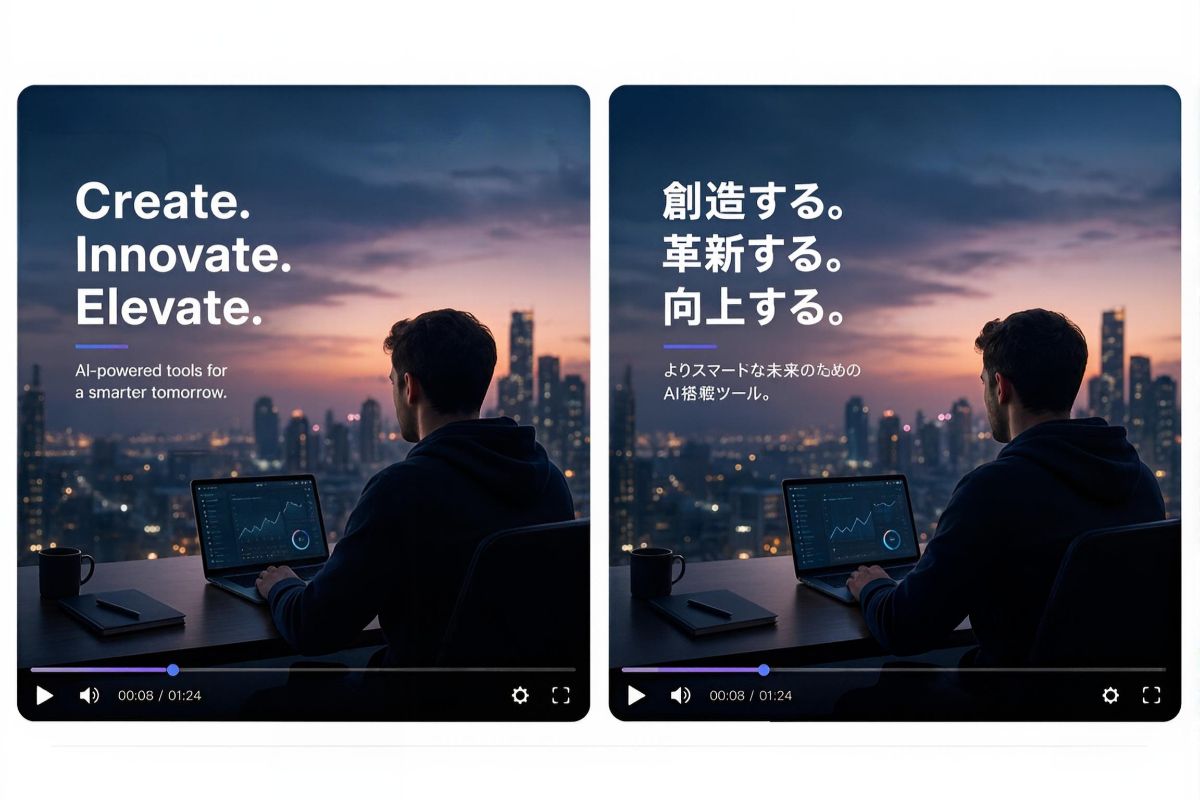
Improved Text Rendering that Supports Multiple Languages
With enhanced text rendering ability, our Wan 2.7 AI video generator makes on-screen captions or words appear clear, accurate and visually consistent. Now, our tool can handle 12 language systems, including Chinese, Japanese, Korean, German and more, while making multilingual text integrate naturally into the visual scene with great readability and proper alignment.
Why Pick Fotor’s Wan 2.7 AI Video Generator?
![Easy to use icon]()
Easy to Use
Our Wan 2.7 AI video creator provides a user-friendly interface without complex settings. Everyone can generate a cinematic AI video with their natural-language prompts. No professional video production skills required.
![AI-driven enhancement icon]()
Advanced AI Model
Our Wan 2.7 model is armed with advanced AI technology that enables smart thinking mode. So, multiple inputs can be intelligently turned into realistic AI videos with smooth transitions, consistent characters and logical physics.
![Instant AI smile addition]()
Fast Generation
You can create cinematic, ready-to-use AI scenes within minutes, which will be time-saving and efficiency-boosting.
![HD photo editor]()
HD, Realistic Results
You will expect an ultra-realistic video with a resolution of up to 1080p, which can be directly applied to your creative projects.
![cross-device support icon]()
Mobile Friendly
More than an online tool, Fotor offers a mobile app compatible with both Android and iOS. So, you can enjoy swift AI video generation on the go and conveniently share your scenes.
![100% data privacy]()
Guaranteed Security
Our tool is equipped with the latest encryption technology that can effectively safeguard your data and information privacy. Your uploads will be automatically removed in 24 hours and won’t be used for AI training.






Acclaims from Our Partners and Customers


The second one I tried was Fotor, mainly because I already had it for photo editing. Honestly surprised me. Their Wan 2.6 model does this cinematic multi-shot thing with synced audio that actually works well.

After testing Fotor, I found it to be a solid AI video tool for beginners and quick content creation. It’s especially useful for turning simple text or images into short videos without editing skills.

Fotor AI video generator is a powerful tool to create high-quality videos without any skills. All you have to do is select whether you want to make a video from the command prompt or an image. It will take only a few minutes, and your video will be ready to download. You can redefine the video with Fotor’s built-in video editing feature.