Grain Filter: Add Grain to Photo
Add film grain to photos online for free with Fotor’s grain filter. Instantly create cinematic, textured images with realistic details.


Drag image here or click to upload
Drag image here or click to upload


Brands That Trust Fotor





How to Add Grain to Photos in 3 Easy Steps
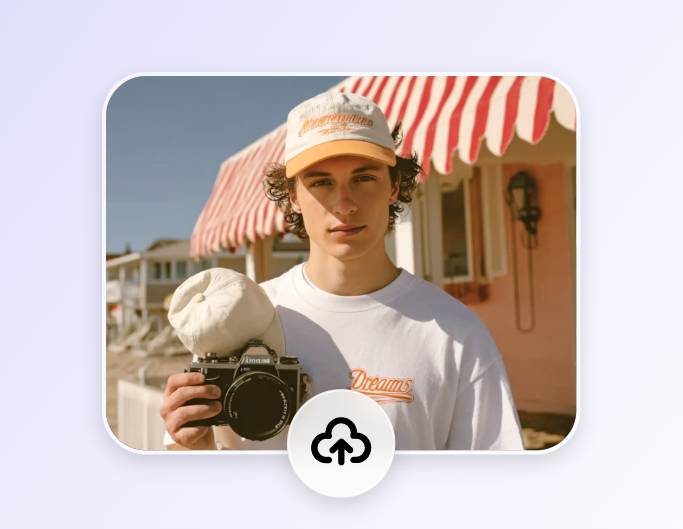
1. Upload Your Photo
Drag and drop your photo, or click “Upload Image” to upload it. Supports JPG, JPEG, PNG, , WEBP, and more.
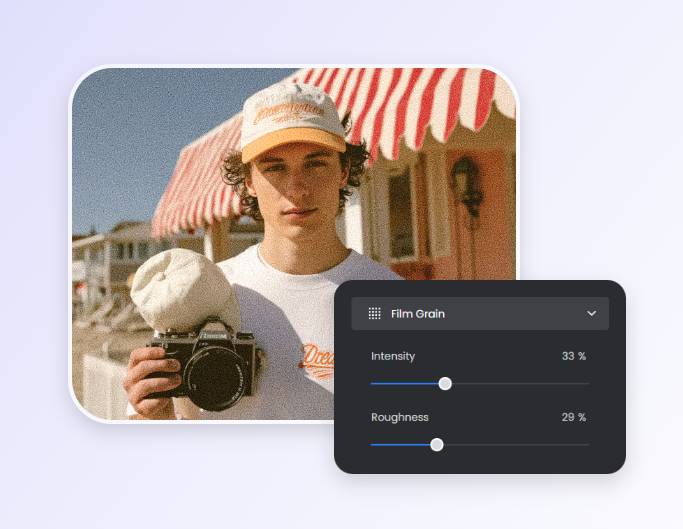
2. Apply the Grain Filter
Find “Film Grain” in Fotor. Adjust the “Intensity” and “Roughness” sliders, then click “Apply” to add grain to your photo.
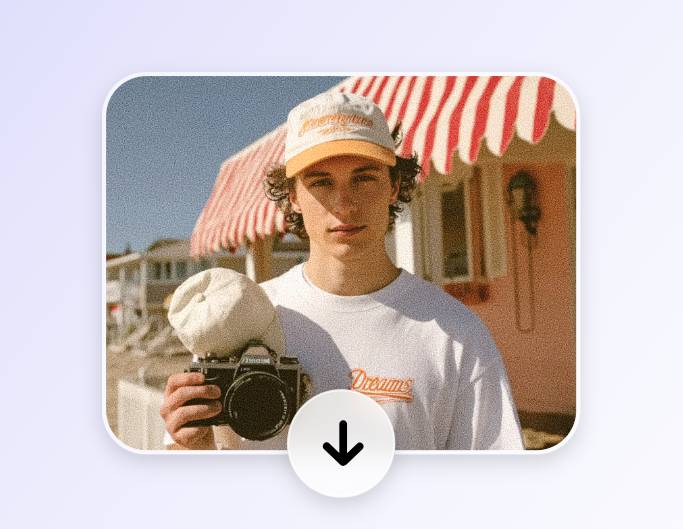
3. Download Your Photo
After applying the grain filter, click the “Download” button at the top right to save your photo in JPG & PNG.


Enhance Photo Details with Grain Effect
Want to make every detail in your photo stand out? Enhance your photo details with Fotor’s grain effect and bring out texture, depth, and subtle nuances that make your images more striking and professional.
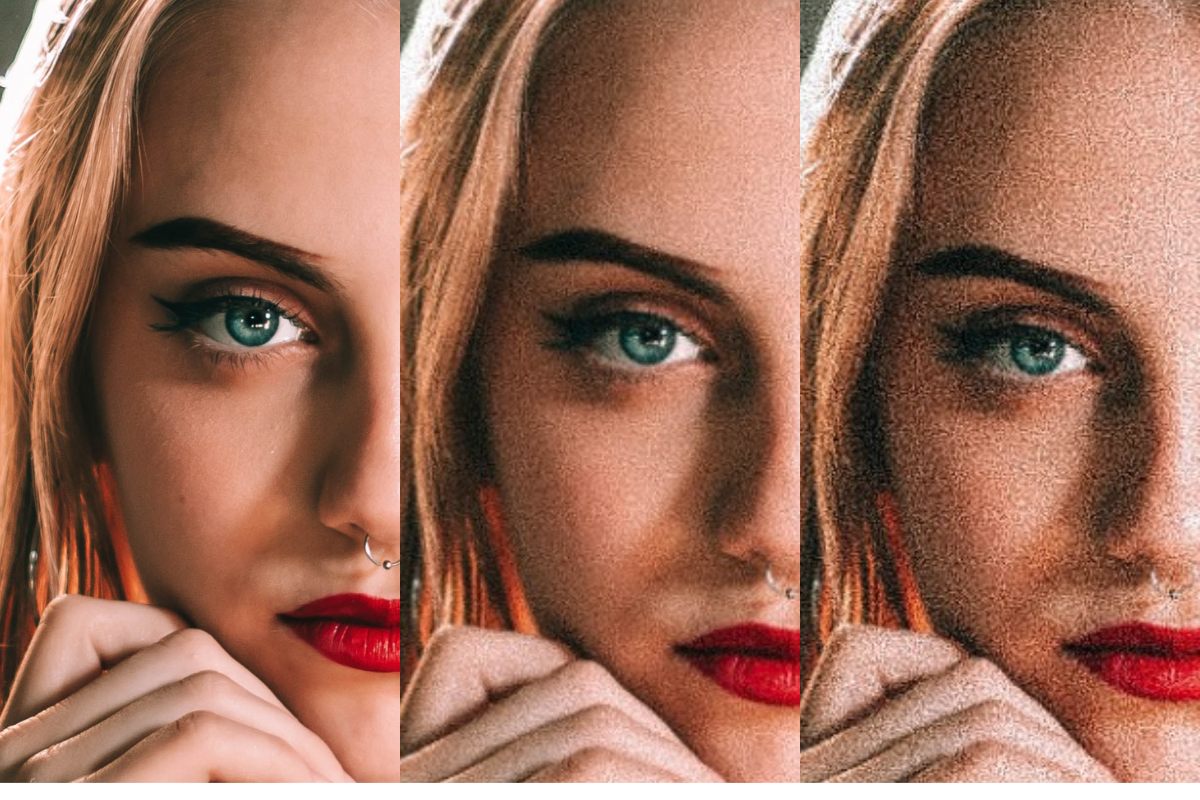
Customize Grain and Noise Textures
Different levels of grain filters can add varied noise textures to your photos. Customize grain and noise textures with intuitive sliders to adjust intensity, roughness, and subtle patterns. Fine-tune every detail to achieve the perfect balance of texture and realism.
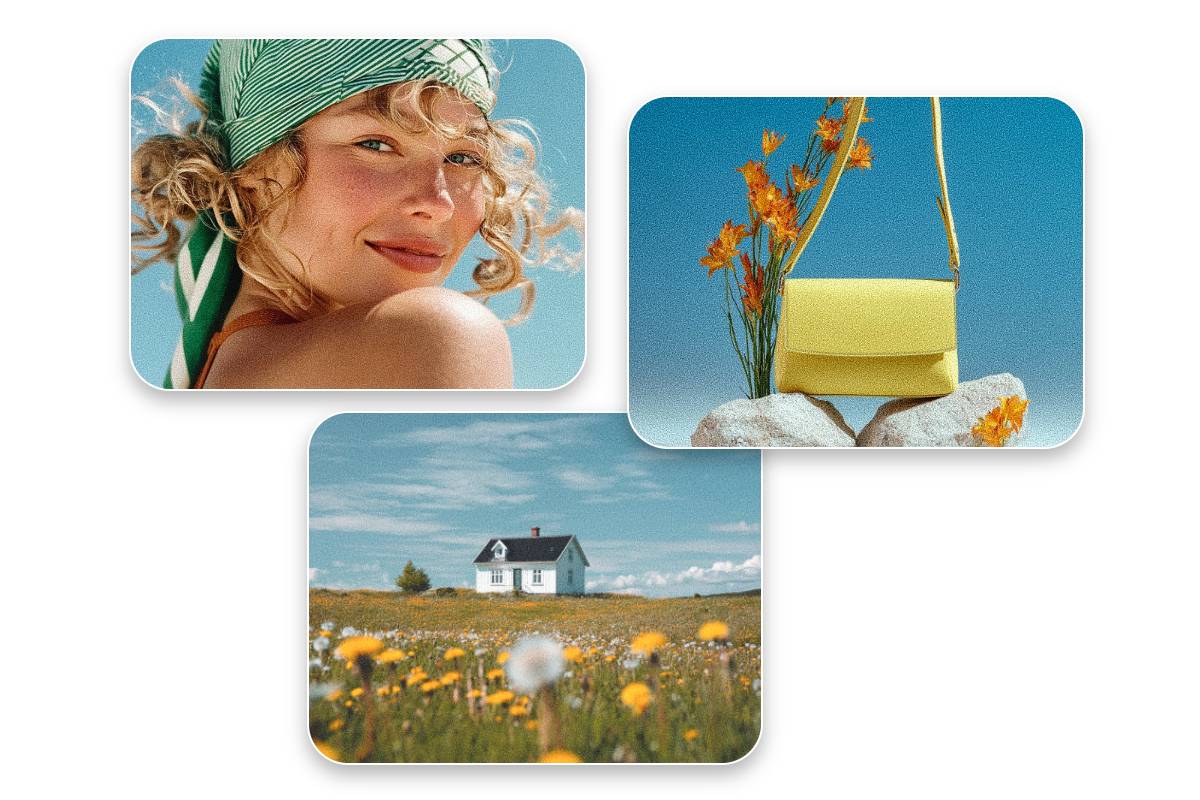
Create Aesthetic Photos with Film Grain
The main purpose of the grain effect is to add texture and depth to your photos. Using Fotor’s film grain, you can bring grainy textures, noise, and atmosphere to your images, transforming ordinary photos into visually striking works full of cinematic and aesthetic appeal.
Why Add Grain to Photos with Fotor
![Easy to use]()
Easy to Use
Upload your photo and apply grain effect with just a few clicks—no professional skills required.
![studio quality icon]()
Preserve Image Quality
While adding grain textures, make sure your photos retain their original quality and details as much as possible.
![Data secure icon]()
Privacy & Security
Your photos are protected—Fotor guarantees that your images and personal data remain private and secure.