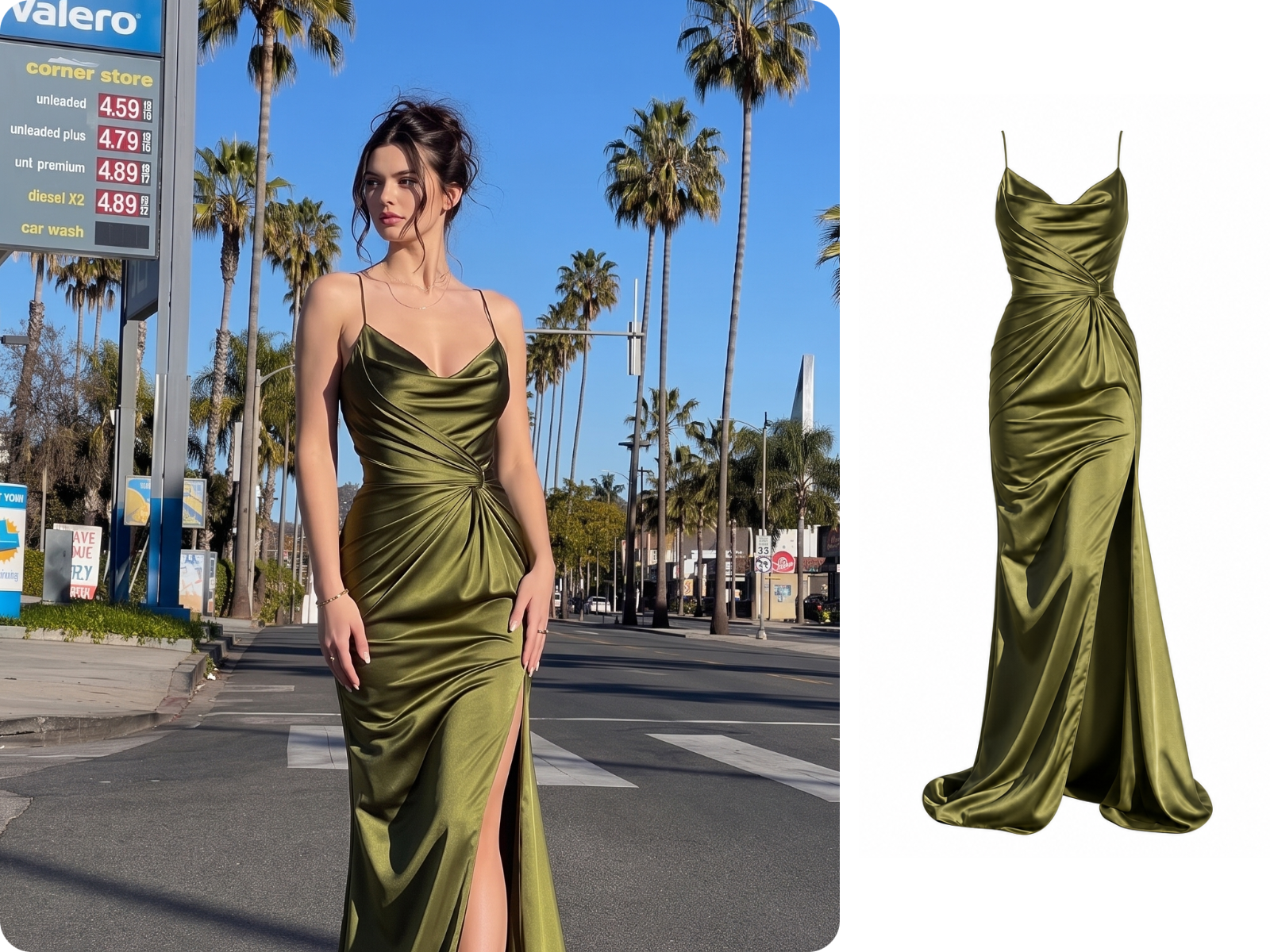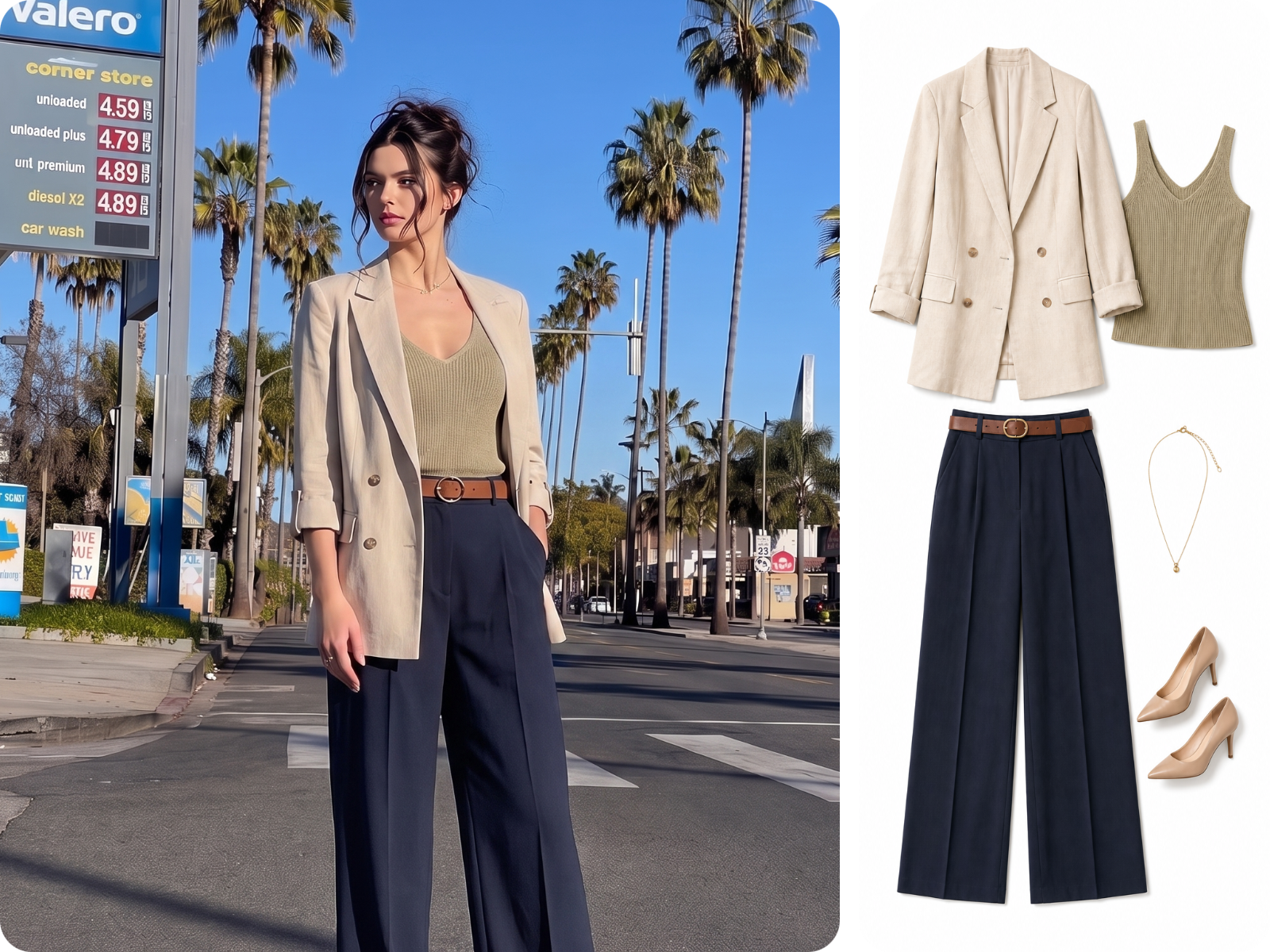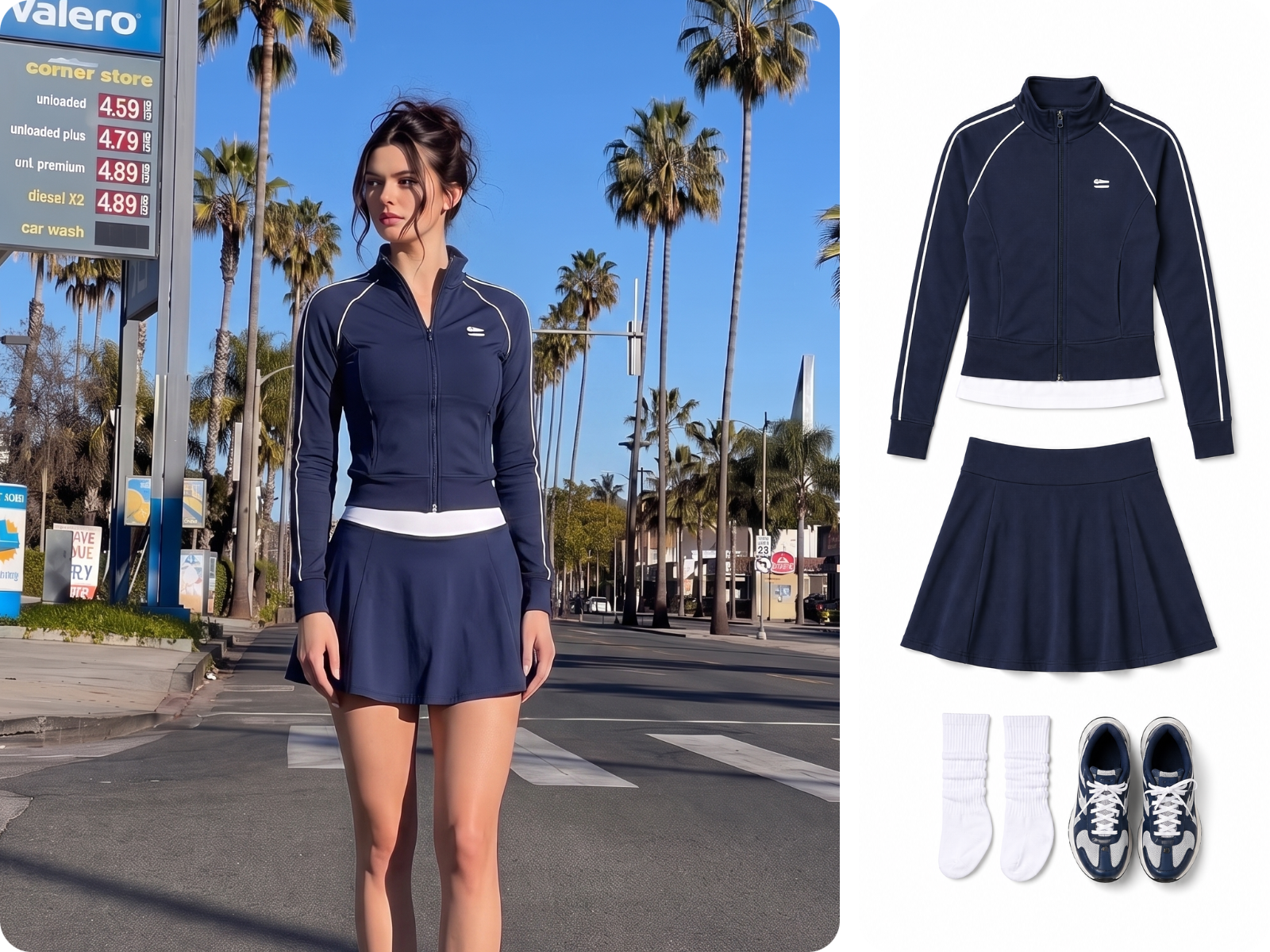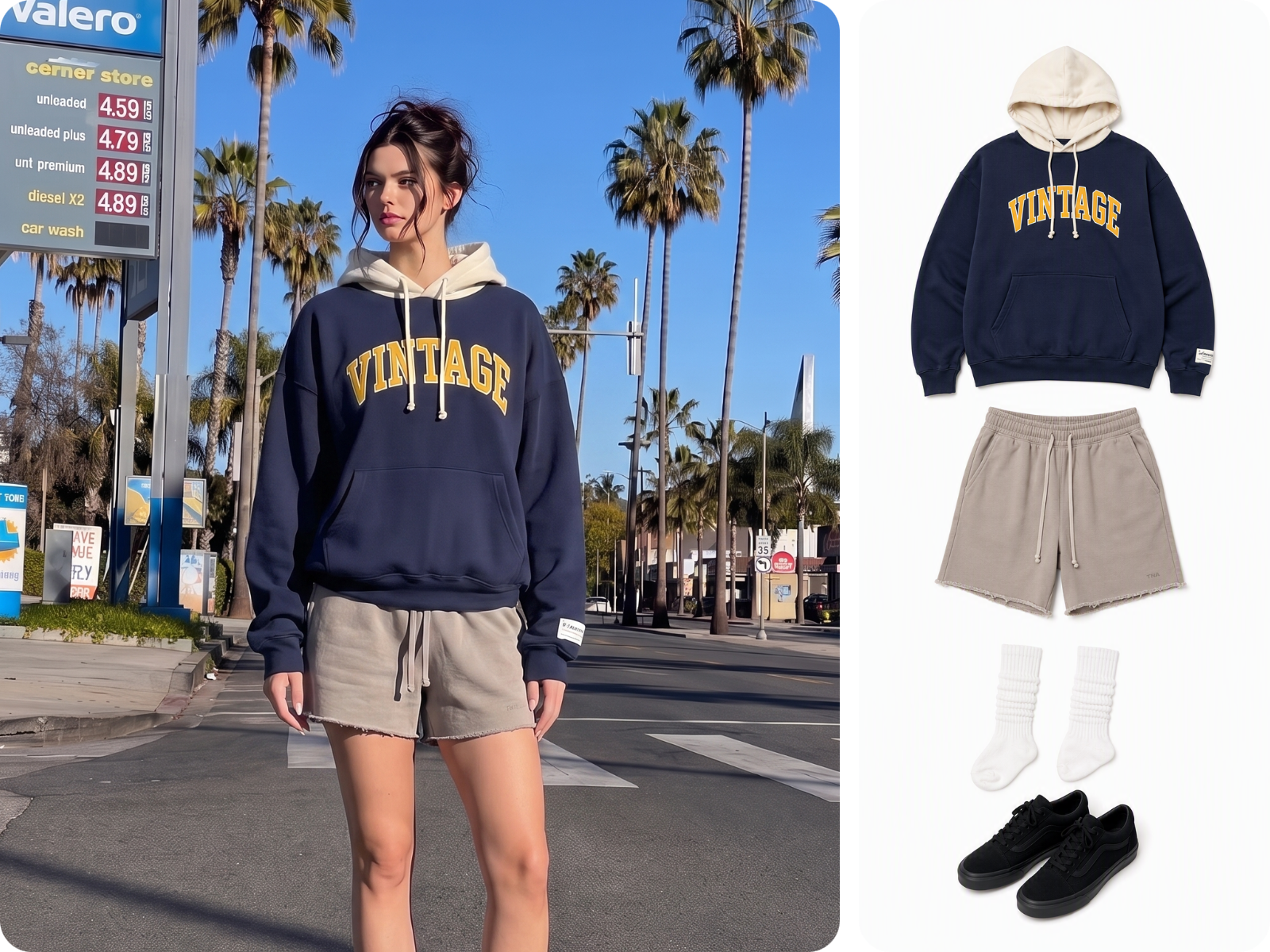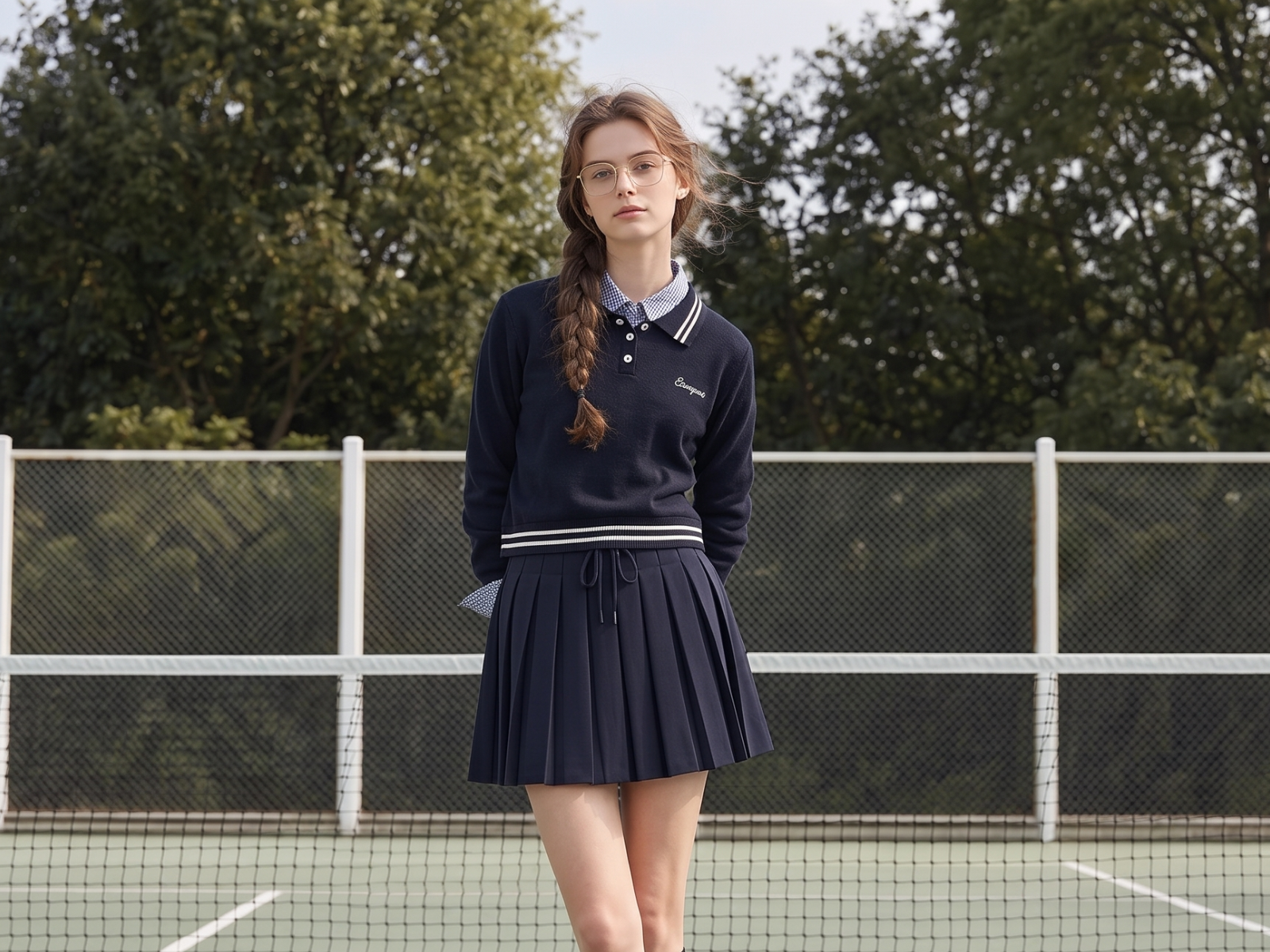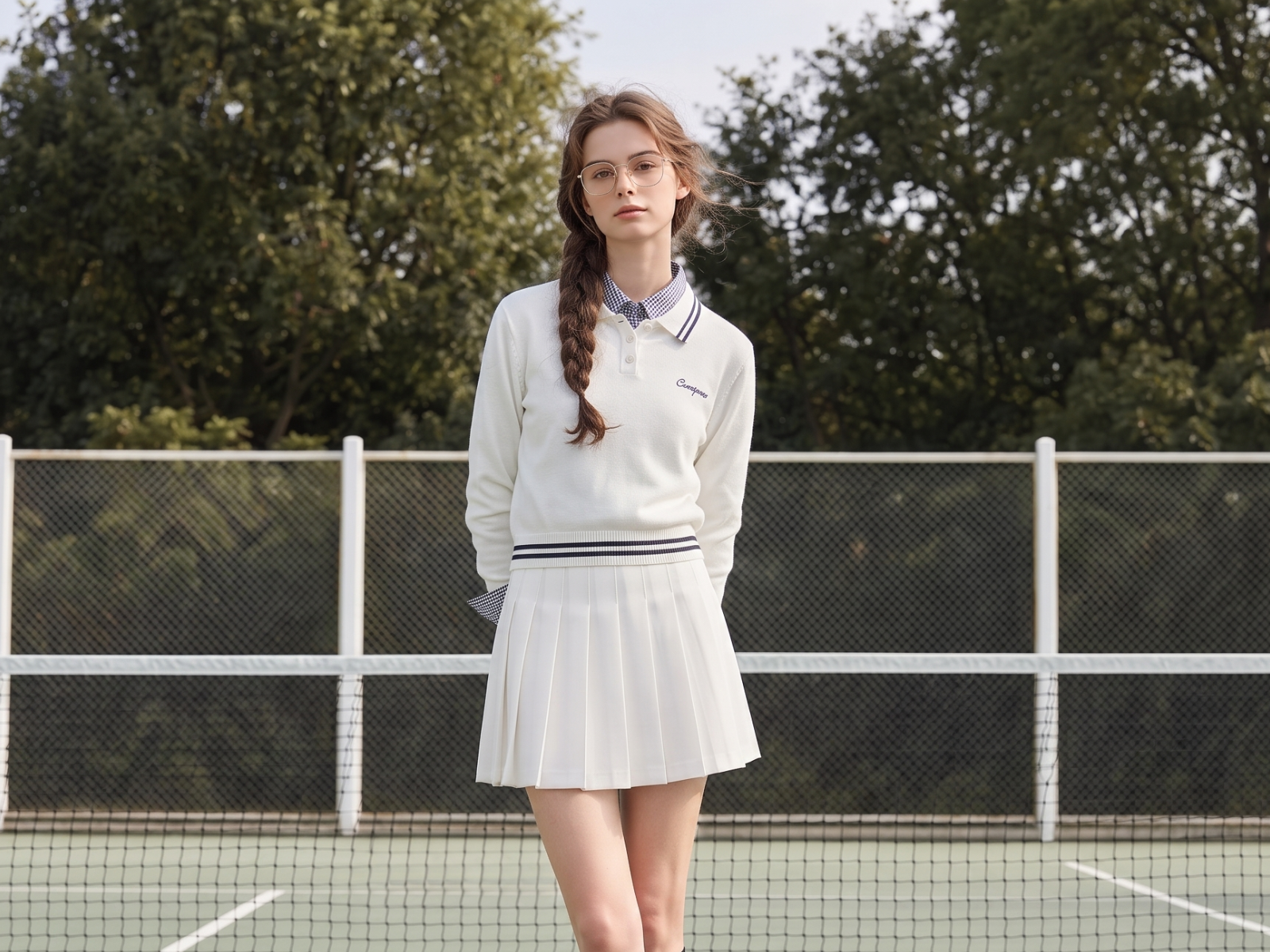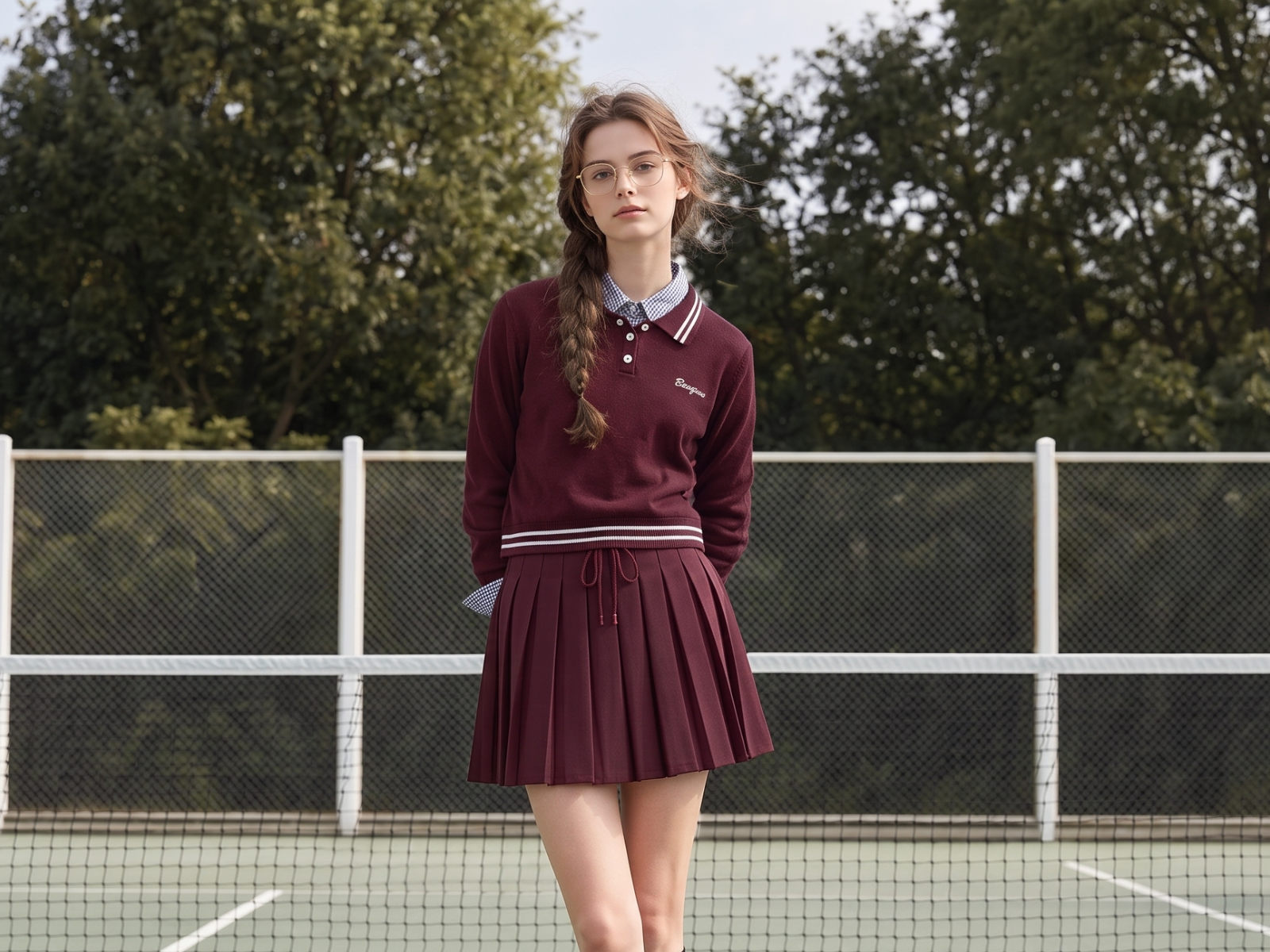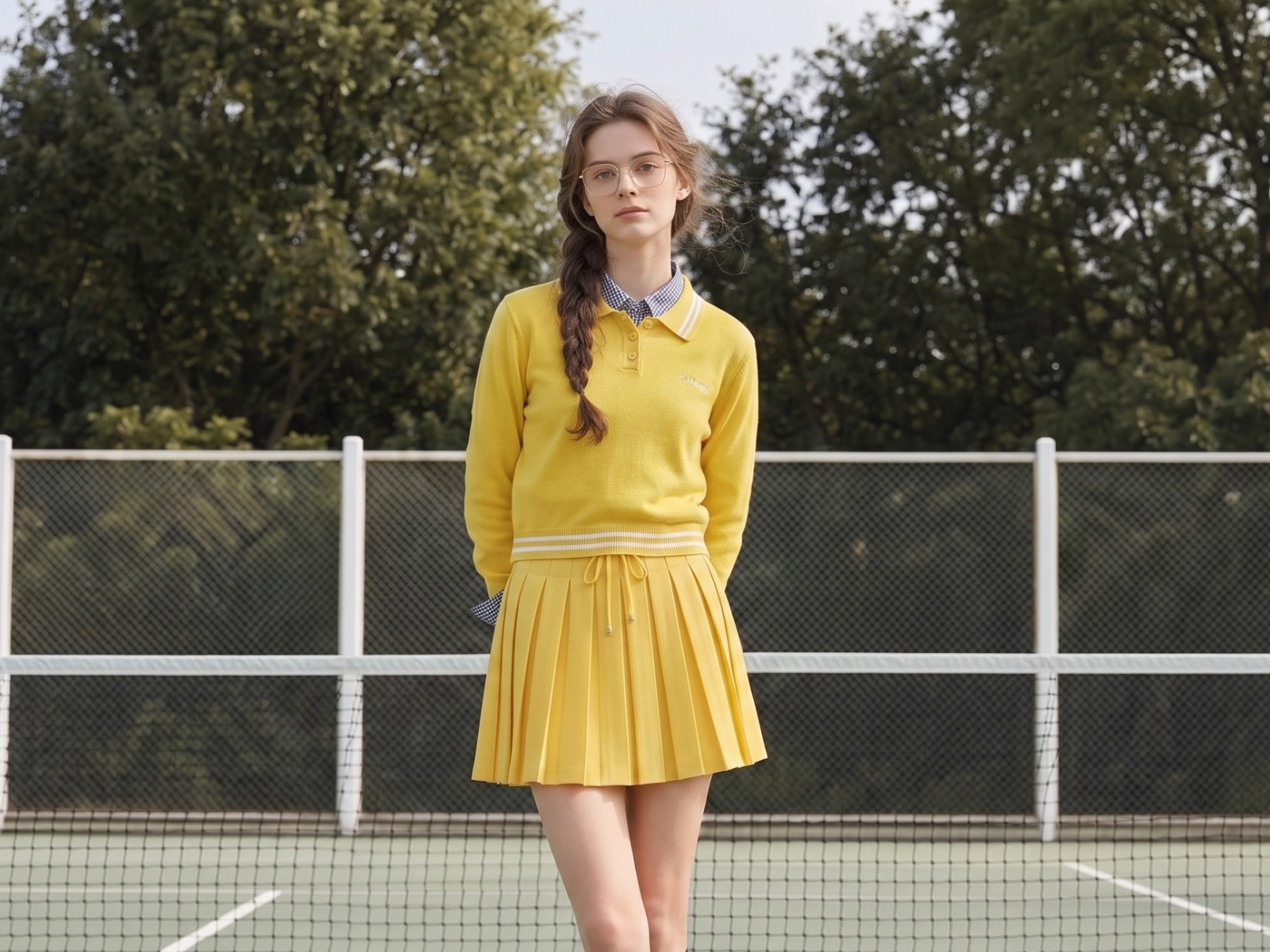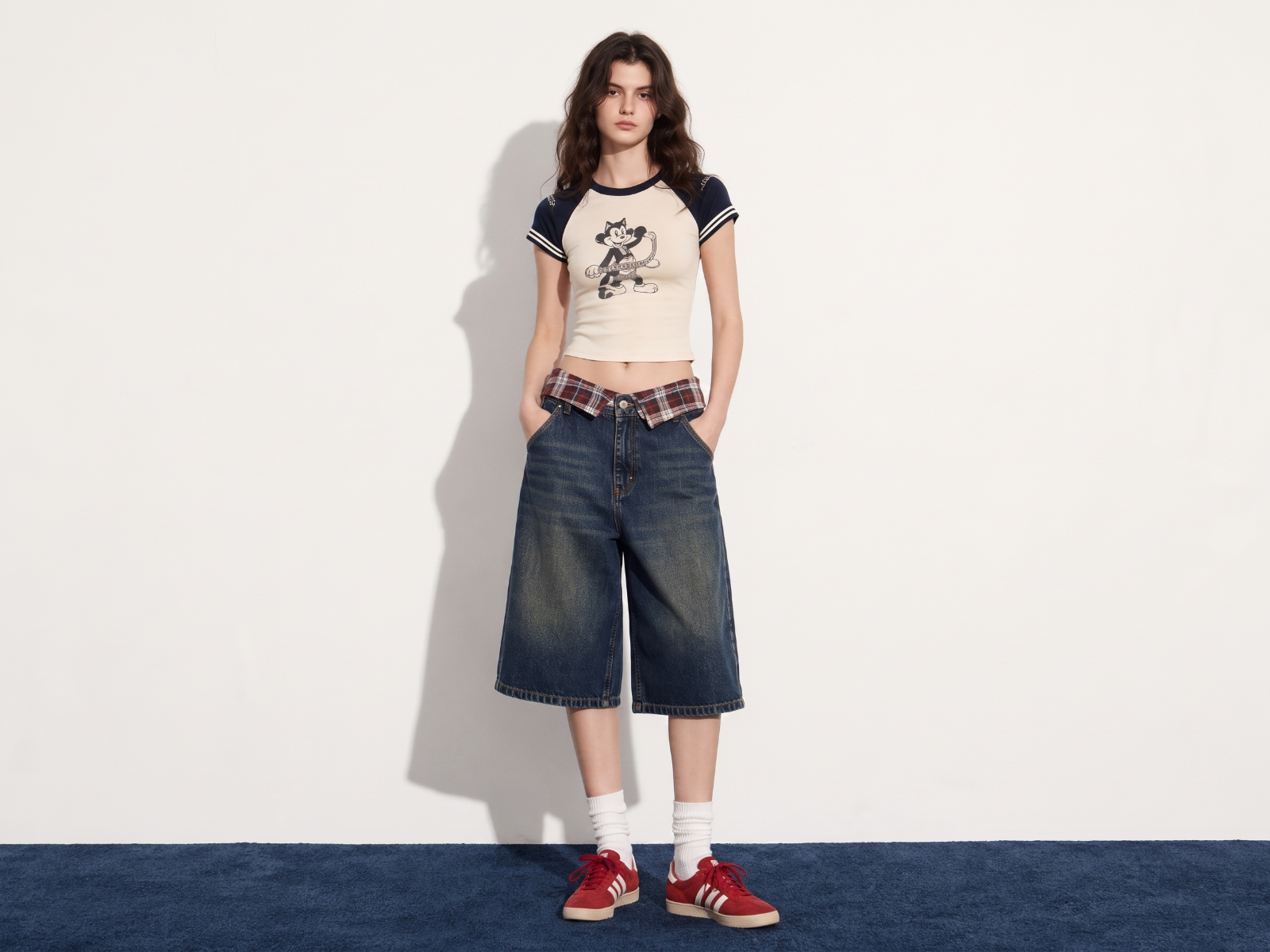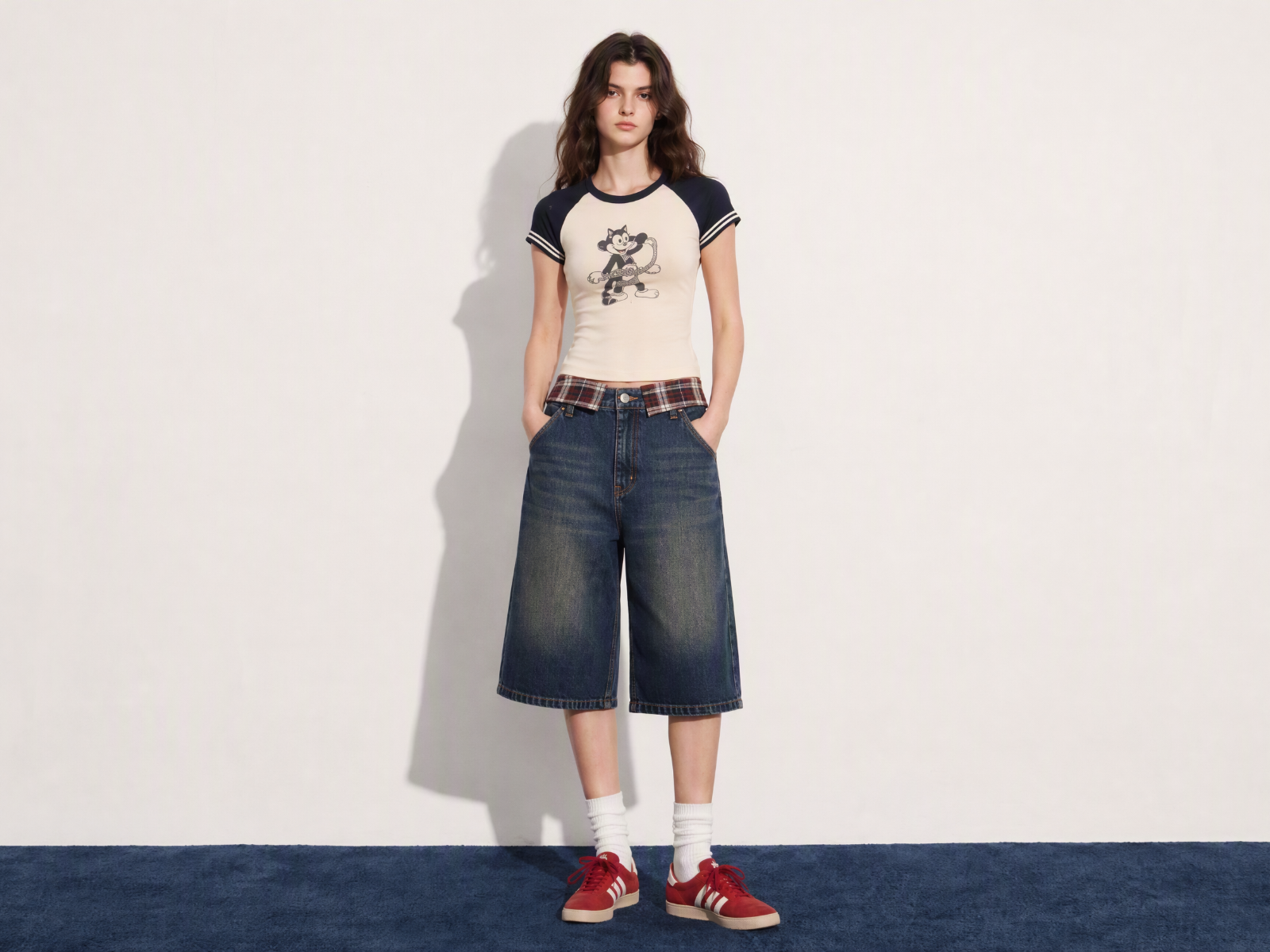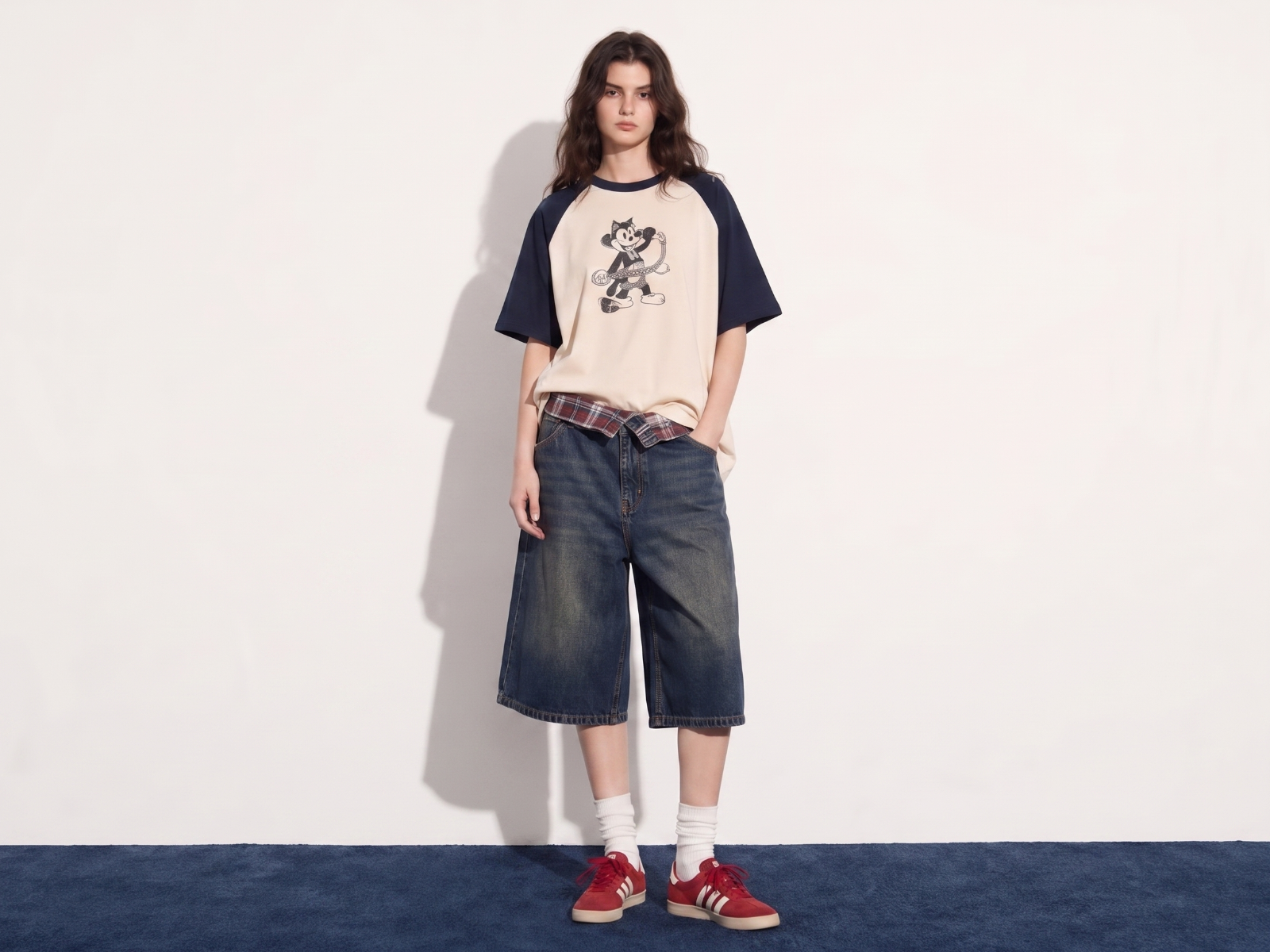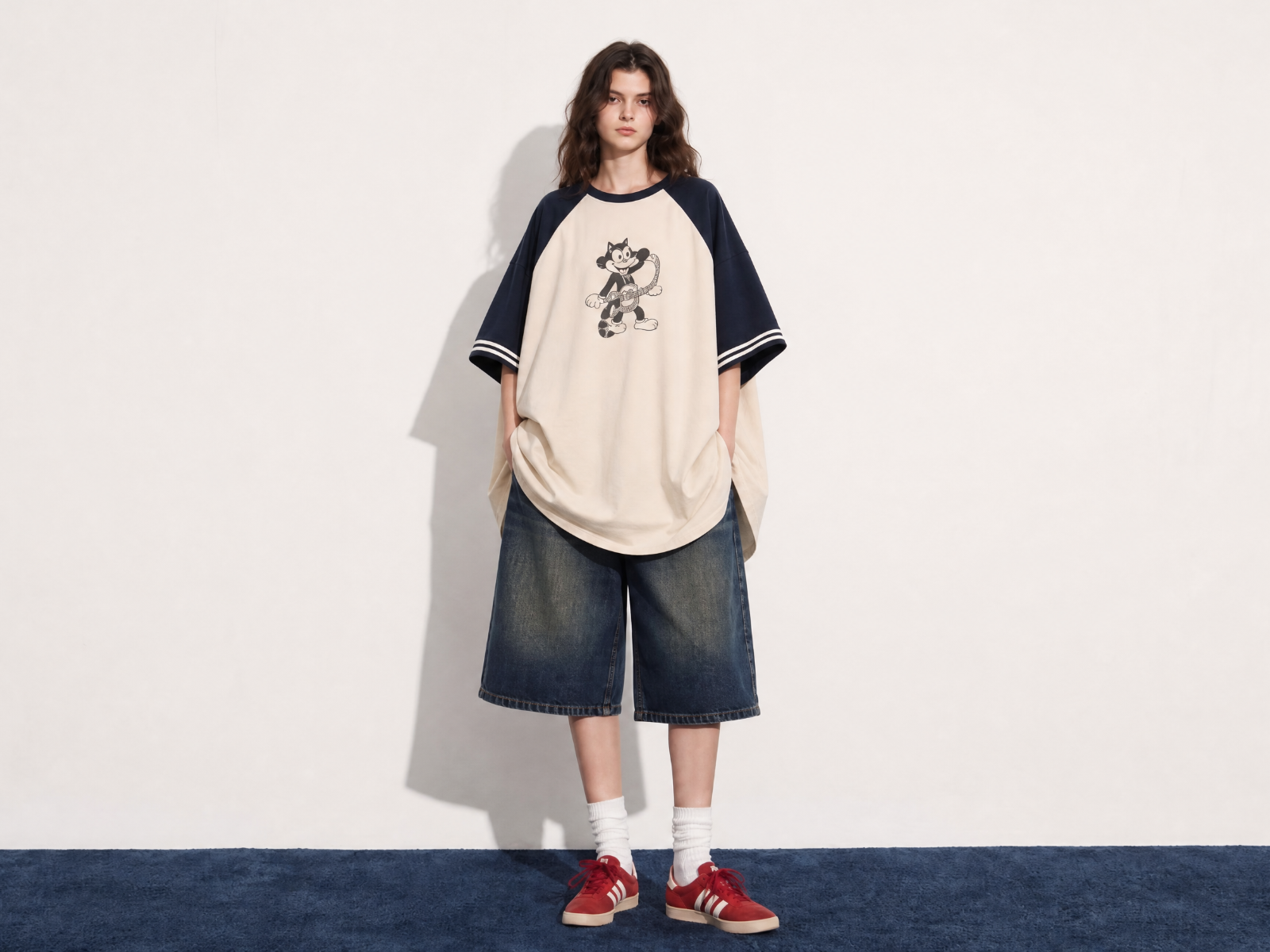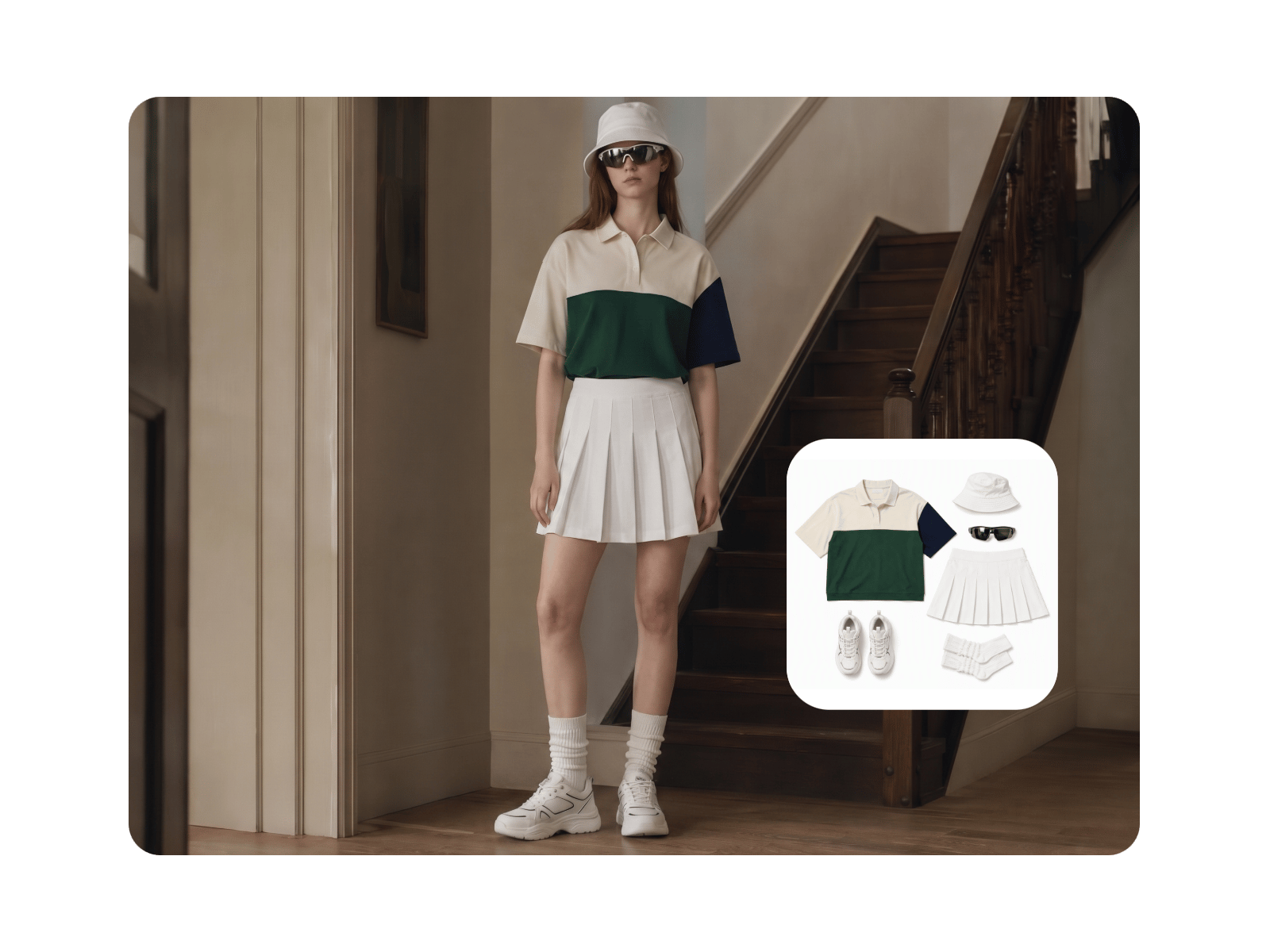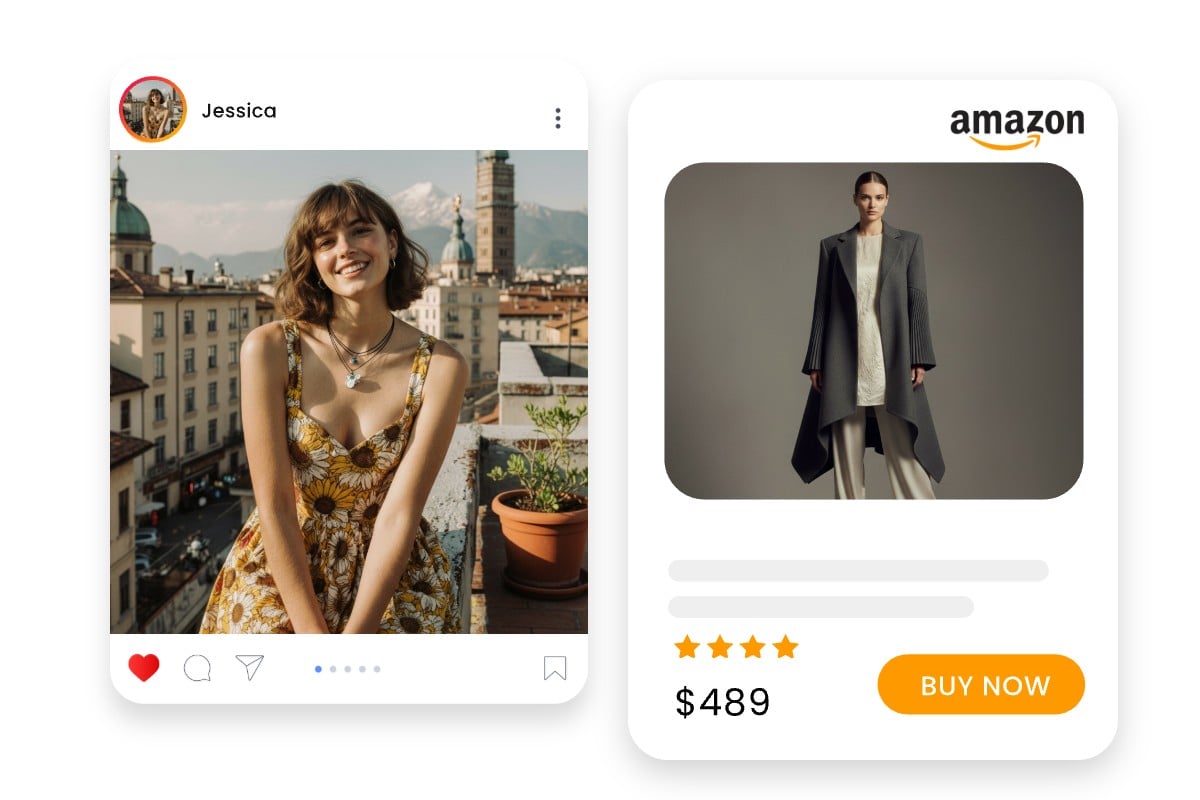
Realistic Results
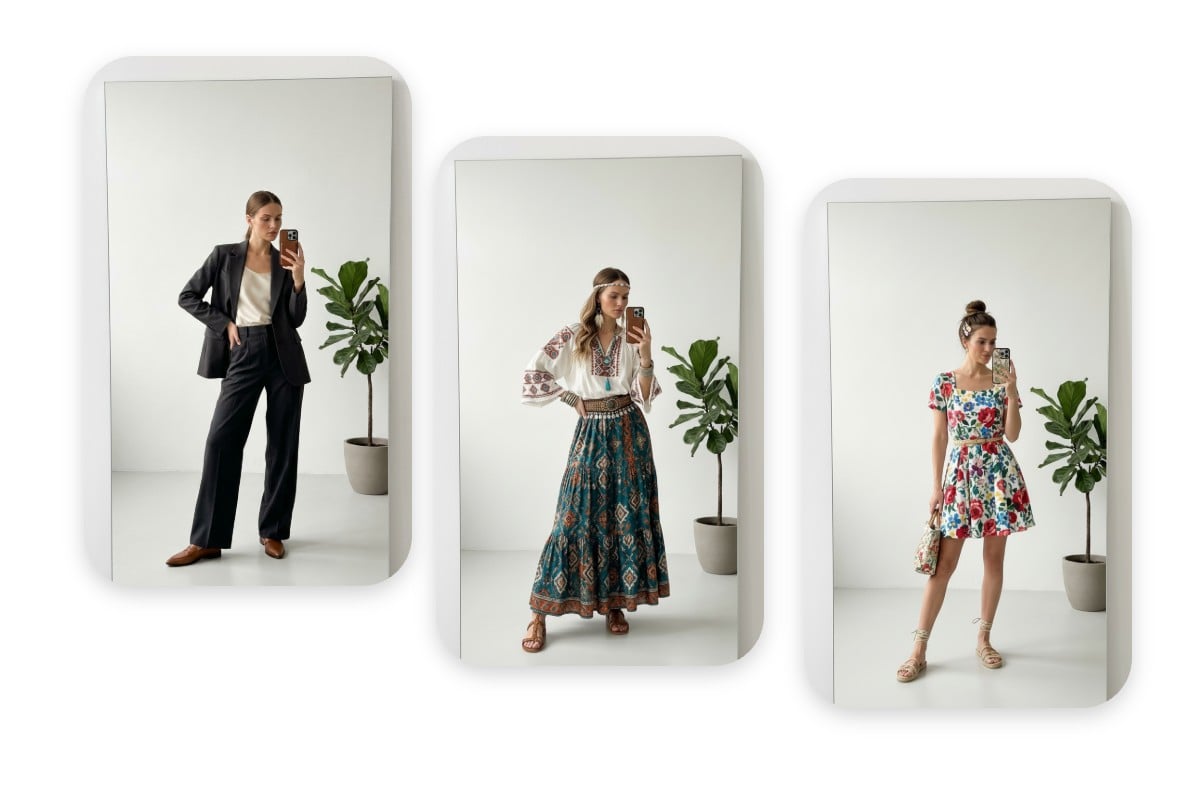
See how clothes look on you with natural body shape, lighting, and fabric details.


Use Fotor's virtual try on clothes tool online for free to see how clothes look on you before buying.
Drag image here or click to upload
Drag image here or click to upload
See how clothes look on you with natural body shape, lighting, and fabric details.
Powered by Nano Banana AI for fast, high-quality virtual try-on results.
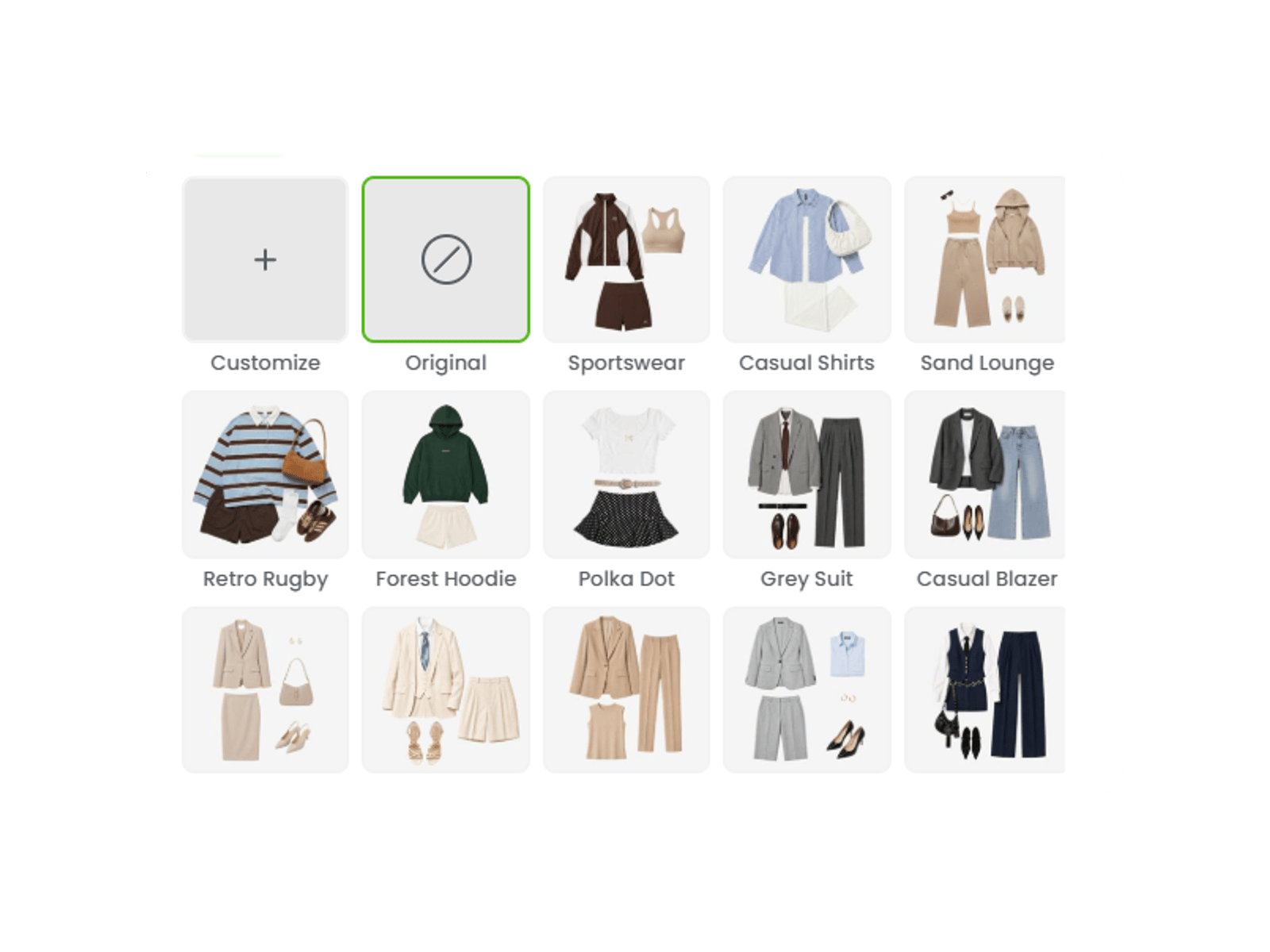
Upload your photo and clothing image, then try on clothes with ready-to-use prompts.
See how different clothes and outfits look on you before buying, from casual tops and dresses to jackets and formal wear.
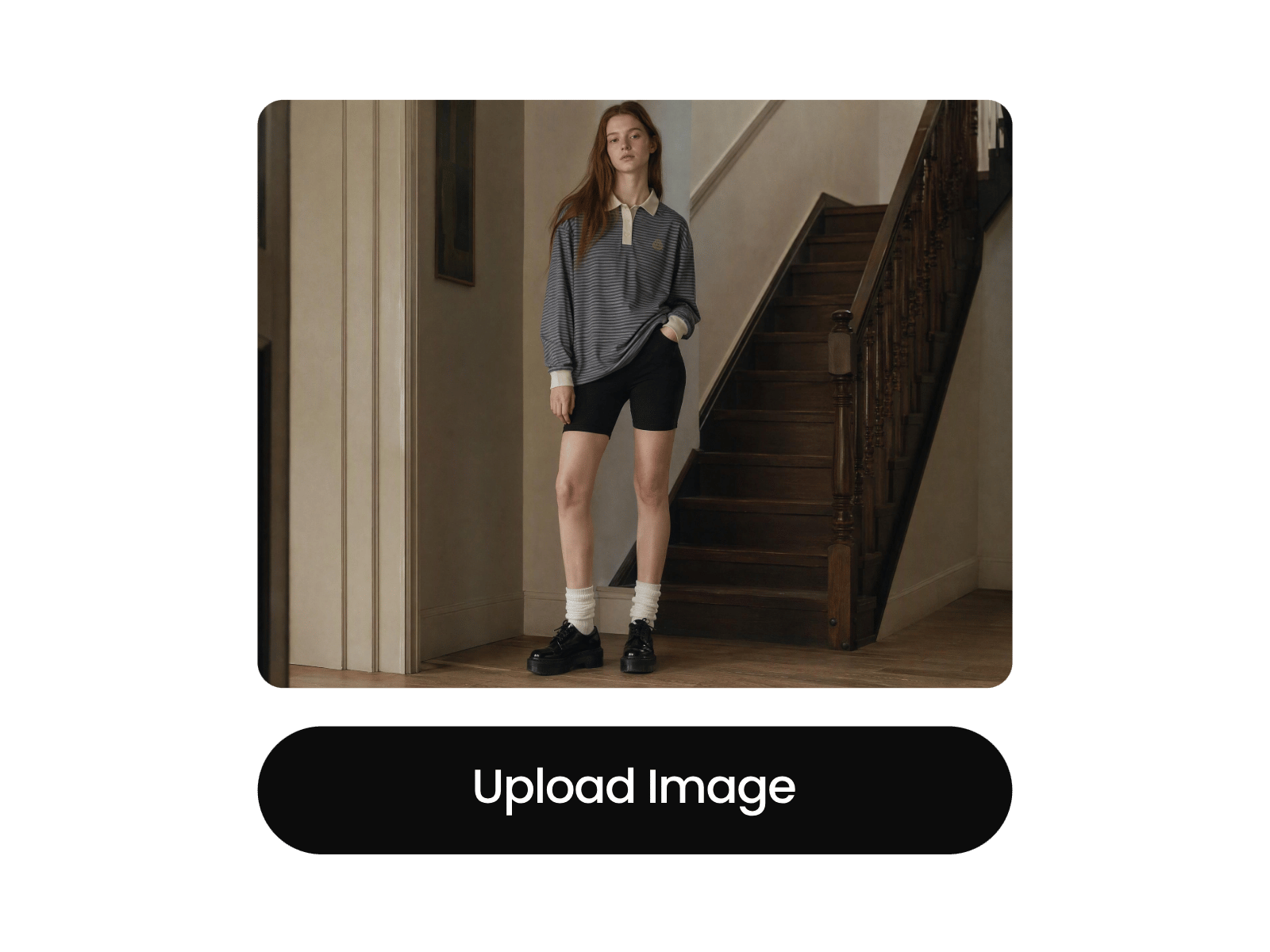
Upload your photo and a clothing image to start your virtual try-on.
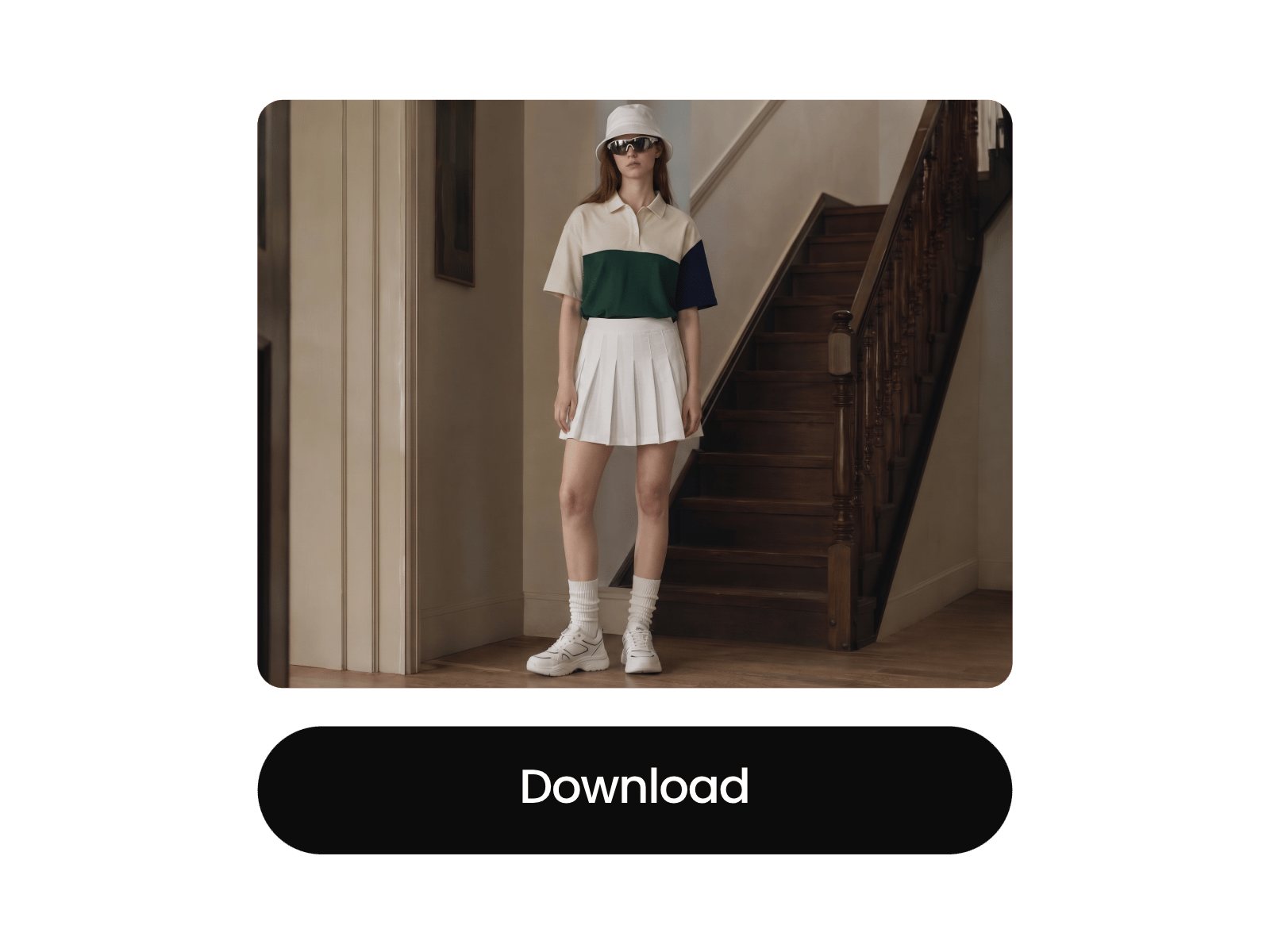
Powered by the advanced Nano Banana AI model, Fotor’s virtual try-on clothes tool lets you see how clothes look on you using photos you upload. Simply add your photo and a clothing image, and the AI will generate a realistic try on result in seconds.
Our virtual try on AI fits the clothing naturally to your body, maintains your original pose, and adapts to the lighting in your photo. At the same time, it preserves original clothing details like fabric texture and patterns. So the result looks as if you’re actually wearing the outfit in real life.
Choose from multiple ready-to-use templates to try on different clothes and outfits without starting from scratch. Pick a style that matches the look you want, then see how the clothes appear on you in seconds. It's an easy way to explore outfit ideas and find styles worth trying before you buy.
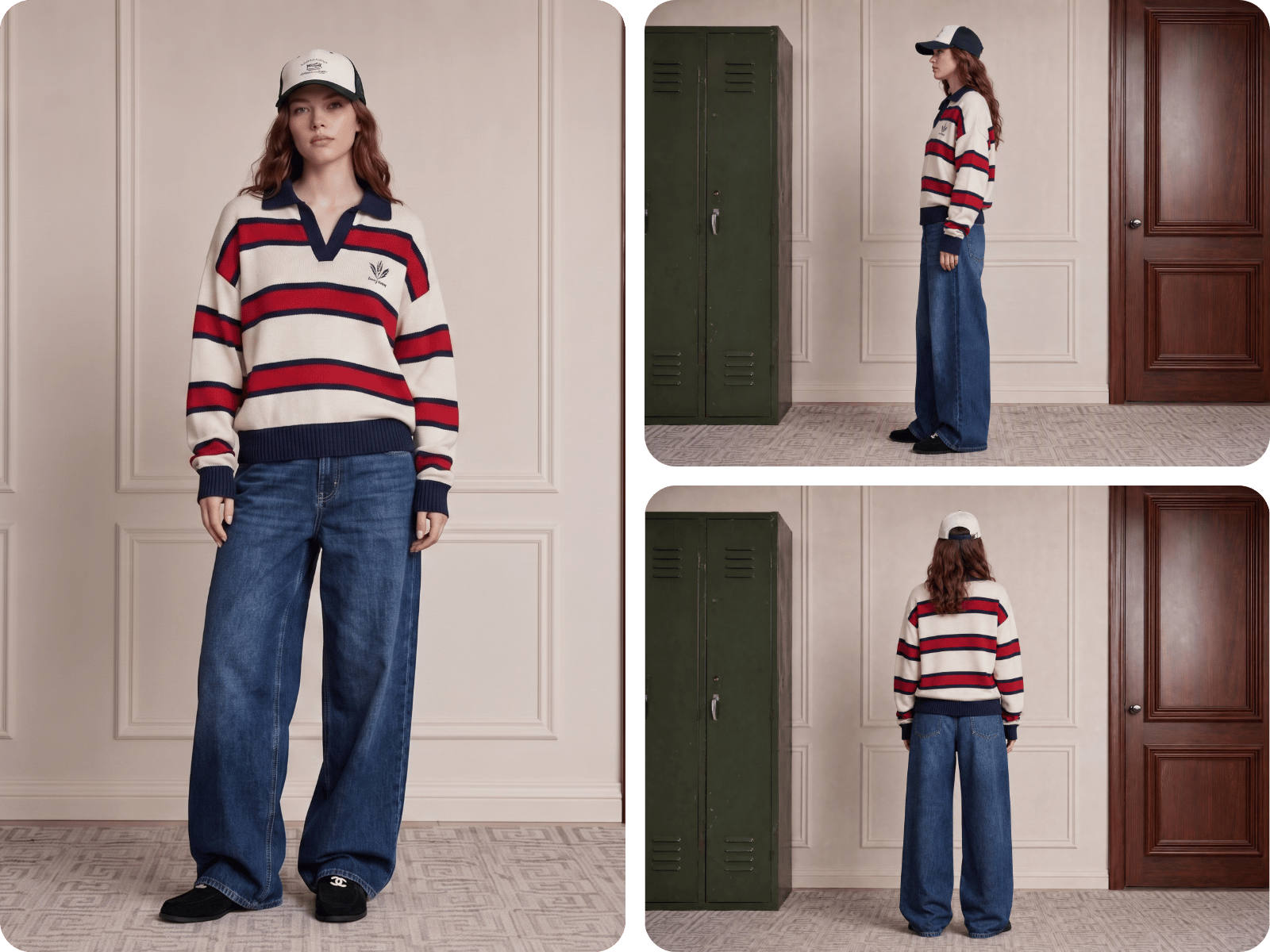
See how clothes look on you from more than one angle. Try your outfit from the front, side, or other available views to get a better idea of how the clothing appears on your body. Comparing and change different angles makes a virtual try-on more useful when you're checking an outfit before making a purchase.
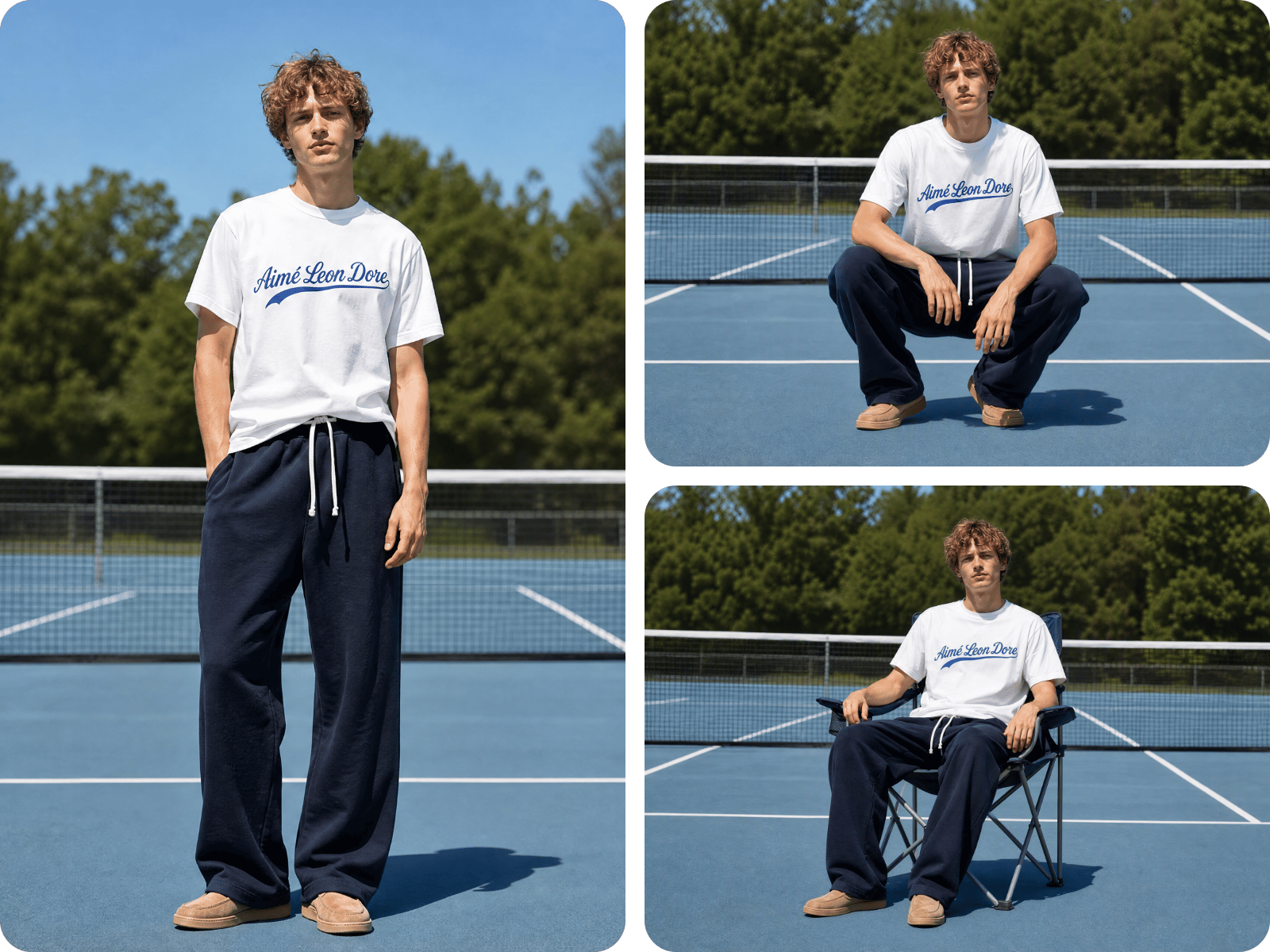
See how the same clothes or outfit look on you in different poses instead of relying on a single photo. Change the pose to create a more natural preview and check how the clothing looks while standing, sitting, or posing. This helps you compare outfits and get a clearer idea of the overall look.
For personal purposes, use Fotor to try on clothes virtually before purchasing and visualize different outfits to find your style. Save time and money by avoiding guesswork, discover your best outfit match, and share your look on social media with confidence.
For commercial purposes, try our AI to generate model display images for product listings and marketing campaigns. Our AI clothes changer helps boost conversions and customer trust while reducing the cost of photoshoots. It’s a cost-effective solution designed for e-commerce and marketing teams.
Fotor offers a virtual try on clothes App that lets you preview your outfit on your phone anytime, anywhere.
All virtual try-on images generated with Fotor are royalty-free. Feel free to use them for commercial purposes such as e-commerce listings, marketing materials, and advertisements with no copyright concerns.
Fotor lets you try on clothes online with confidence. Your uploaded photos are protected and will not be shared with third parties or used for AI model training.