Virtual Jewelry Try on: Jewelry Photo Editor Online Free
Get easy and fast virtual jewelry try on with Fotor’s virtual try-on tool. Generate and accurately place your imaginative jewelry on the wanted body part from text. Also, virtually try on the desired jewelry from the image before buying it. Enjoy the true-to-life jewelry try-on with Fotor now.
Virtual Try-on for Any Desired Jewelry
Rely on our virtual jewelry try-on tool to add jewelry to photo. Conveniently and instantly try on any jewelry online before buying it.
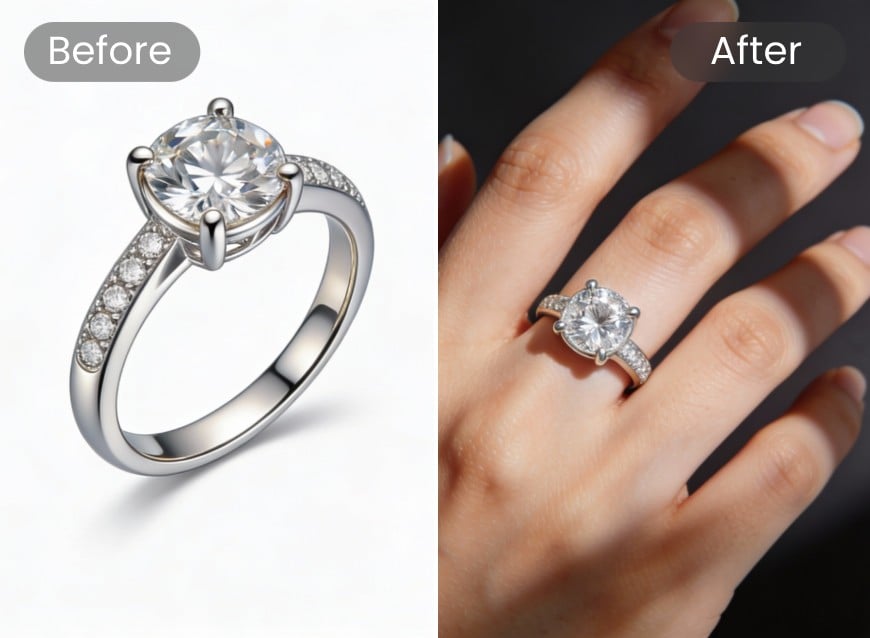
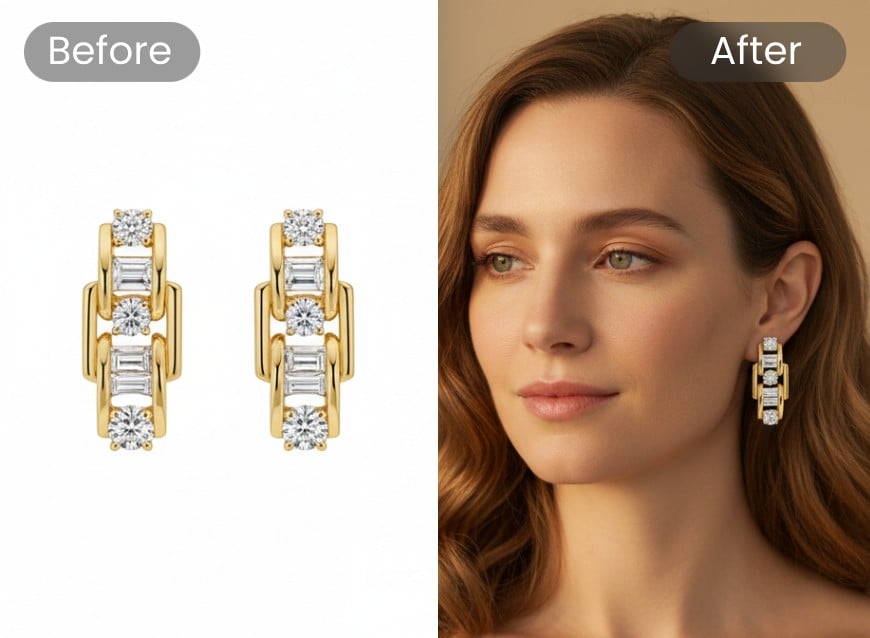
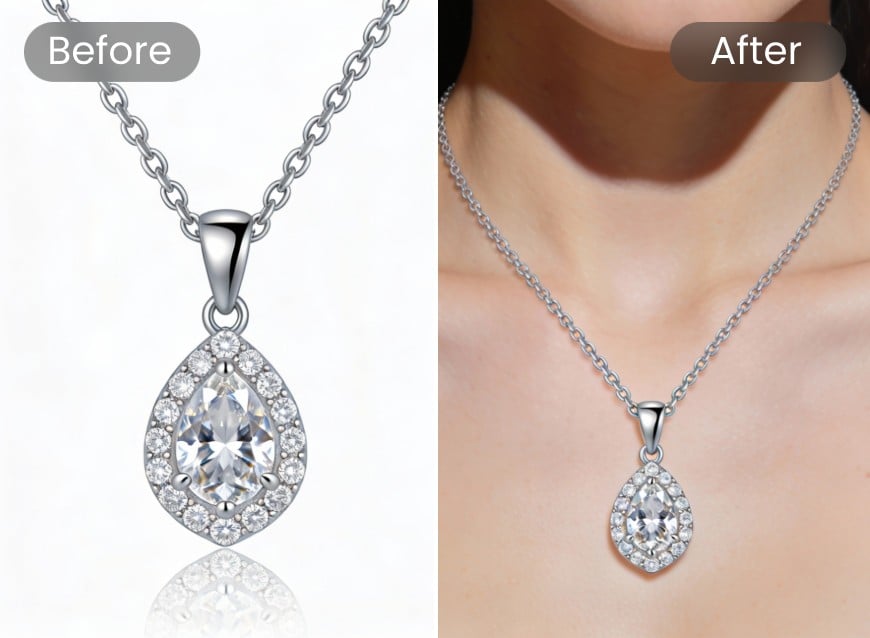
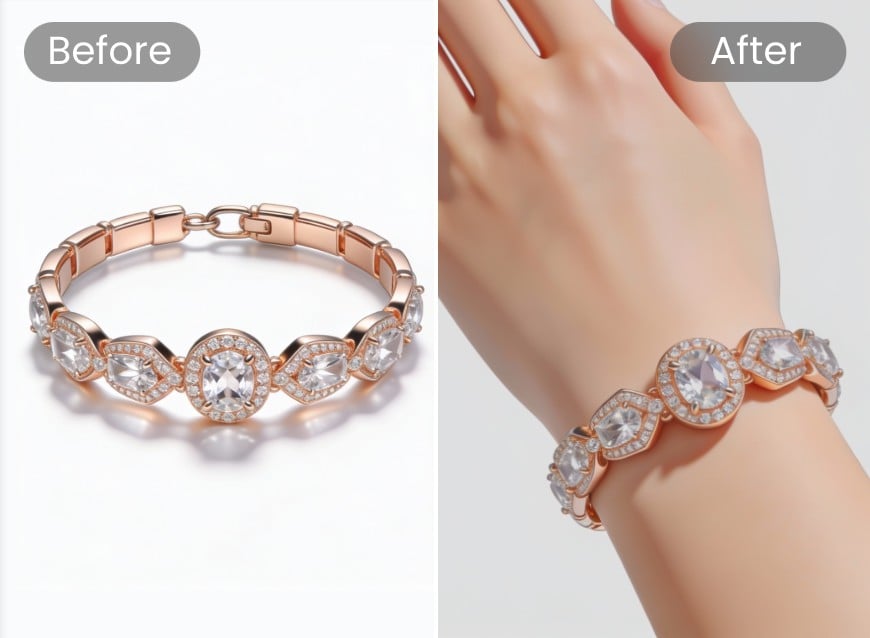
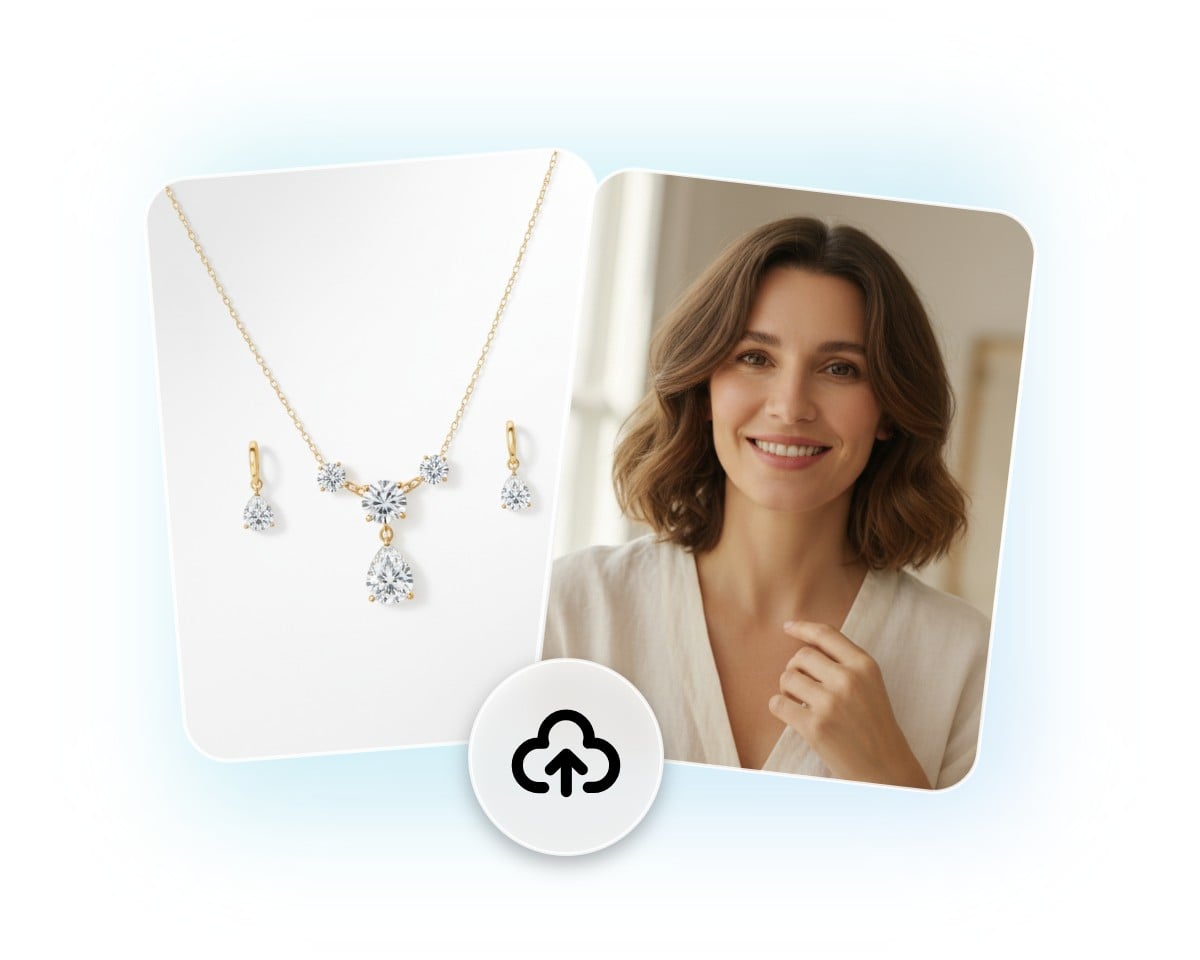
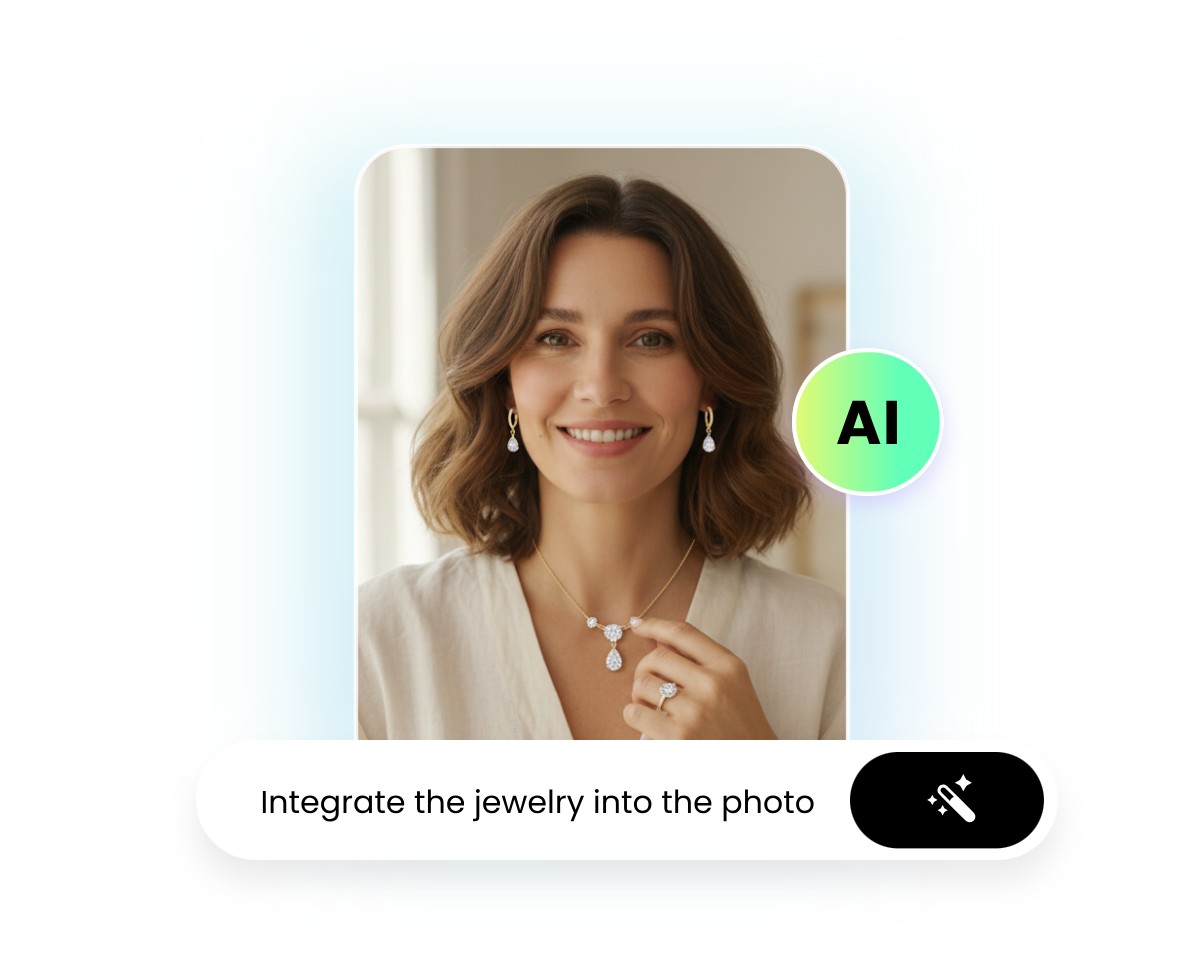
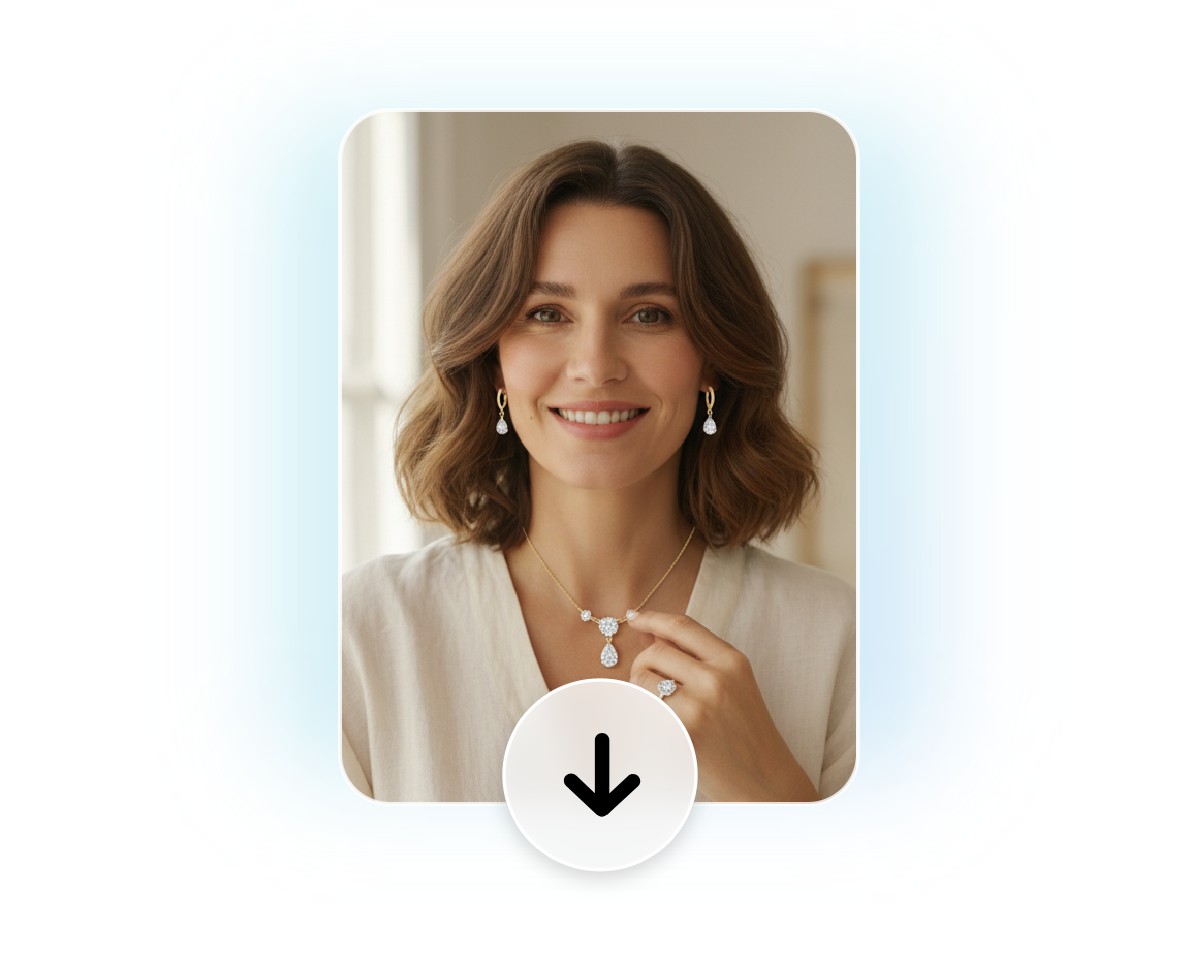
How to Add Jewellery to a Photo with Fotor?
Upload Photos
Access our virtual jewelry try-on tool and then upload your portrait or body part and jewelry photos.
Get Virtual Jewelry Try-on
Preview and Download
Practical AI Virtual Jewelry Try on from Text Instantly
Want to try on your unique jewelry pieces? Fotor’s AI jewelry generator can help you realize this goal. Simply upload your portrait or body part photo and input your prompt to describe your desired jewelry. Then, our tool will present a perfect visual with the preferred jewelry on the wanted body part in a true-to-life way. See how incredible our tool is and embark on an AI jewelry journey like never before.
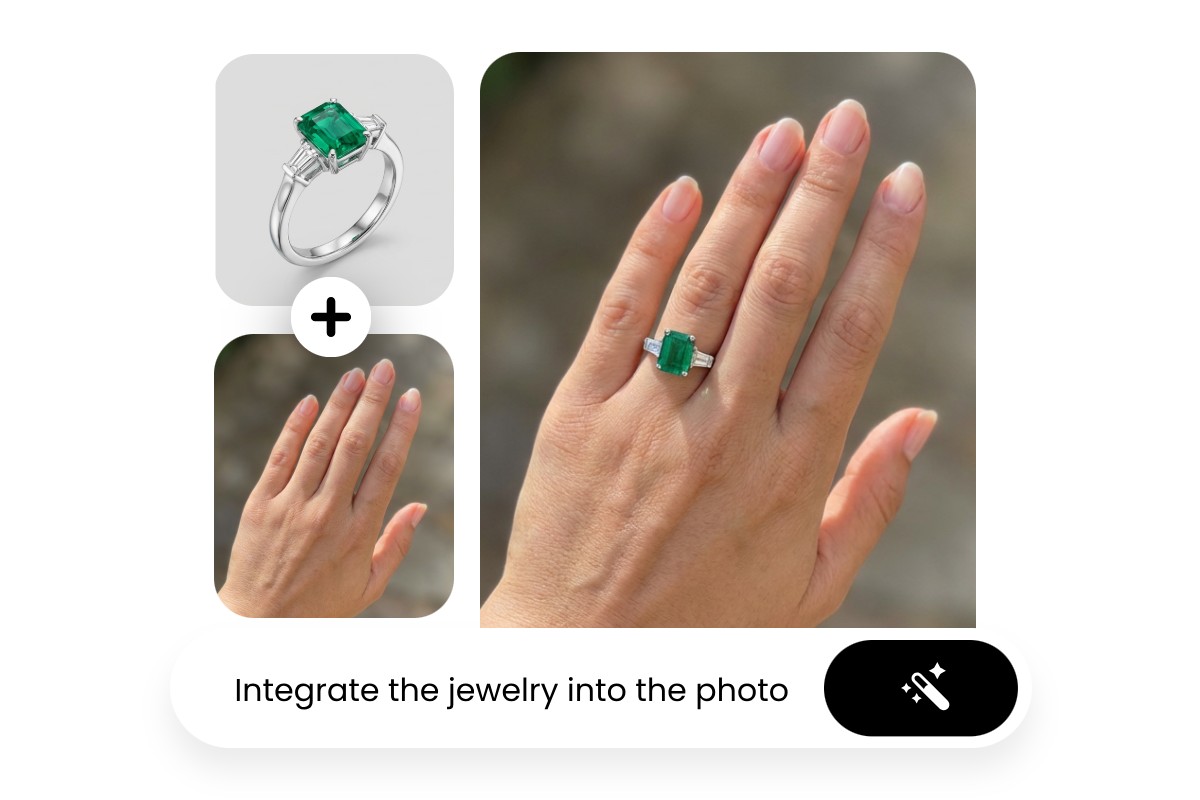
Conveniently Add Jewelry to Photo with Existing Image
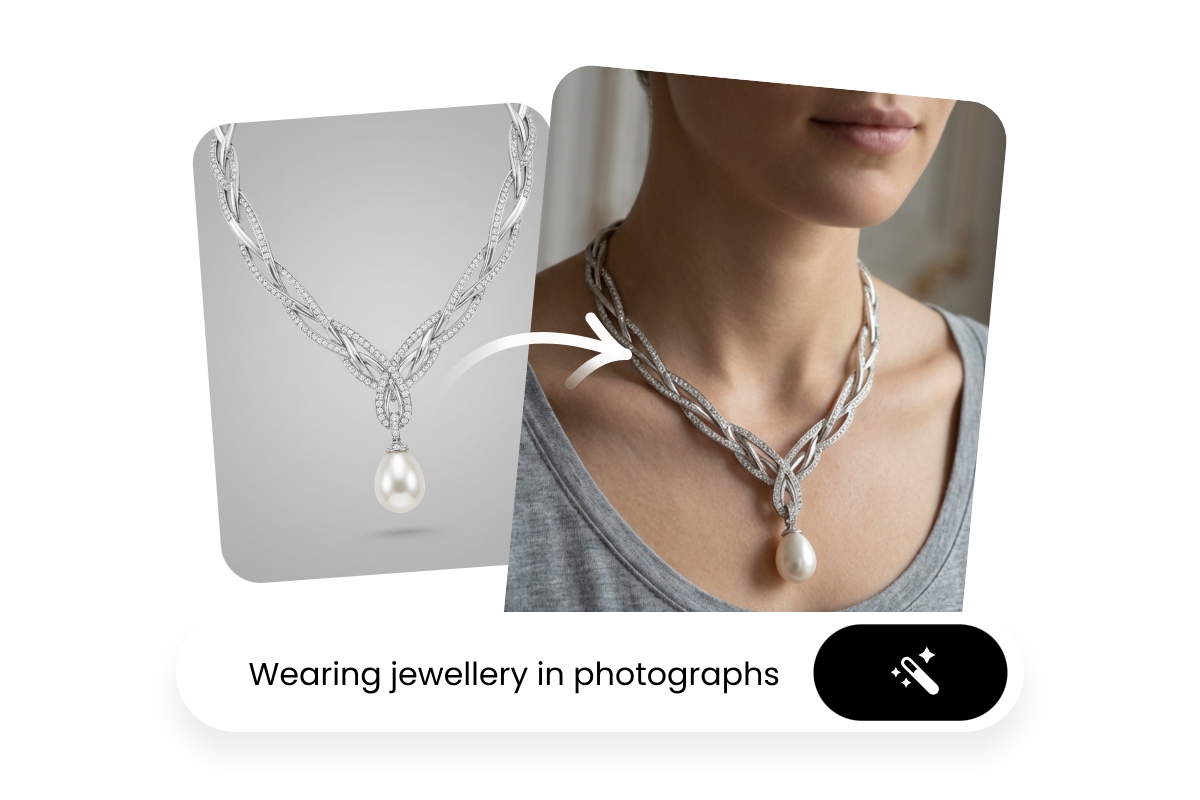
What would I look like with jewelry? Now, you don’t have to visit a jewelry store to know the answer. Our AI image generator, powered by advanced AI models like Nano Banana Pro, allows you to naturally place your prepared jewelry image onto your portrait photo, preserving natural lighting, reflections and proportions while ensuring a seamless fit on skin or clothing.
Try Fotor to enjoy a hyper-realistic experience that enables you to see how different pieces look on you without ever setting foot in a physical store.
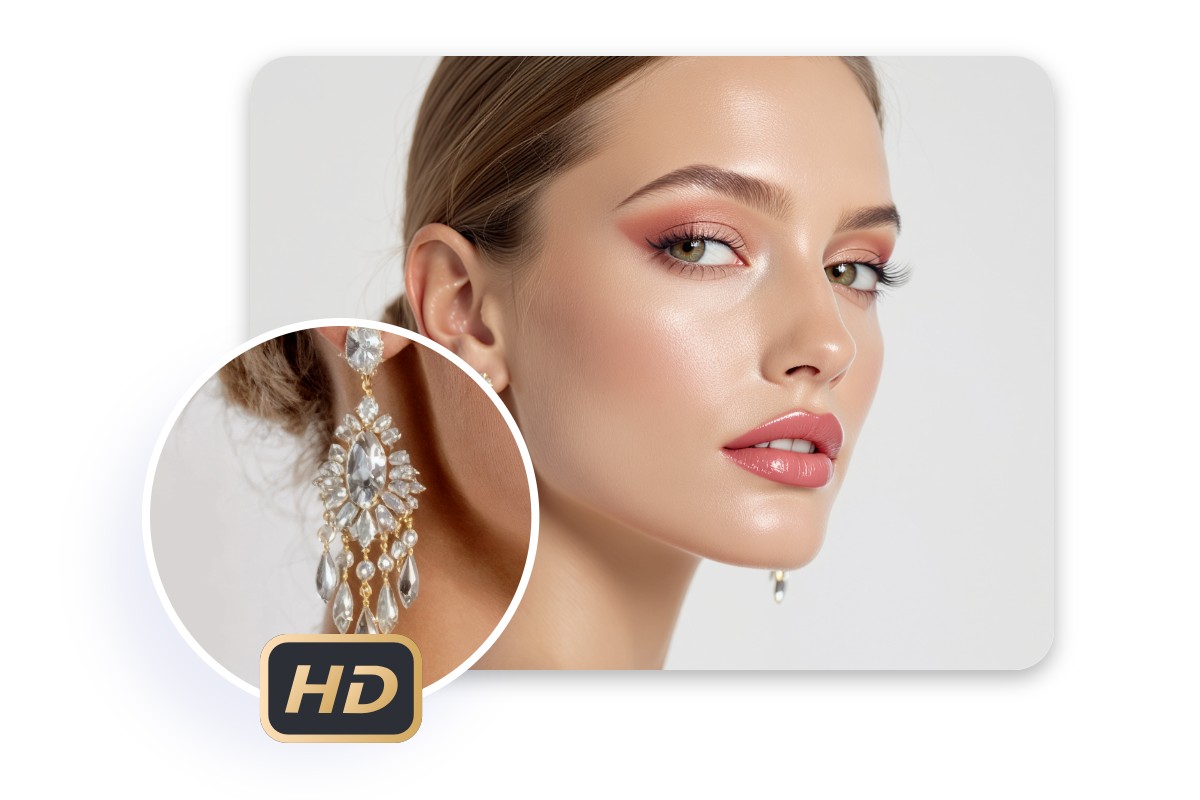
Photo-Realistic Jewelry Rendering and Accurate Placement
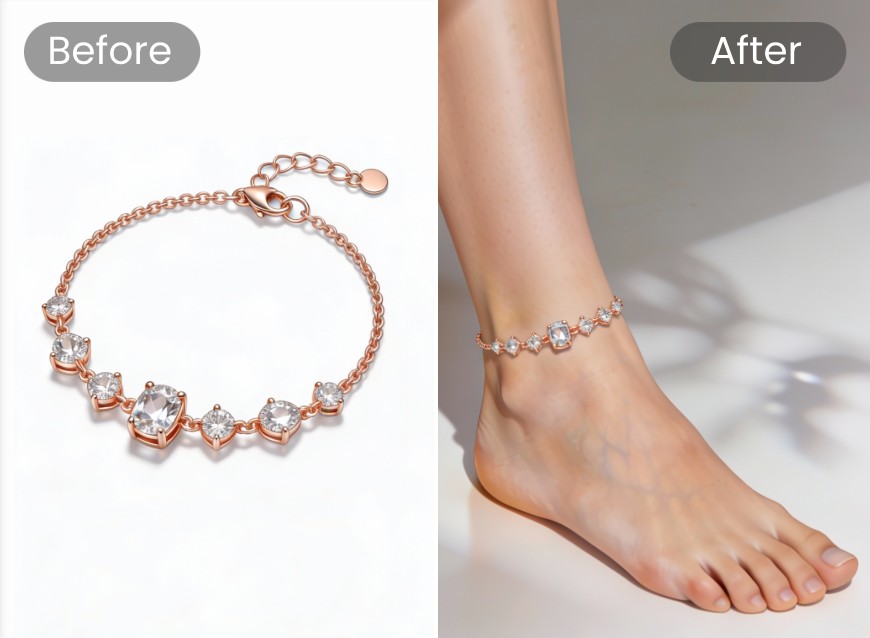
No need to worry about the bad jewelry rendering effect or distorted placement. Our jewelry try-on tool lets you display any jewelry, such as rings, necklaces, earrings, bracelets and more, with stunning realism directly on your photos. Our tool ensures extremely precise alignment, scale, reflections and shadows, making the jewelry appear naturally integrated with the body part. Effortlessly get professional-quality results that highlight every detail and texture without costly photoshoots or manual editing.
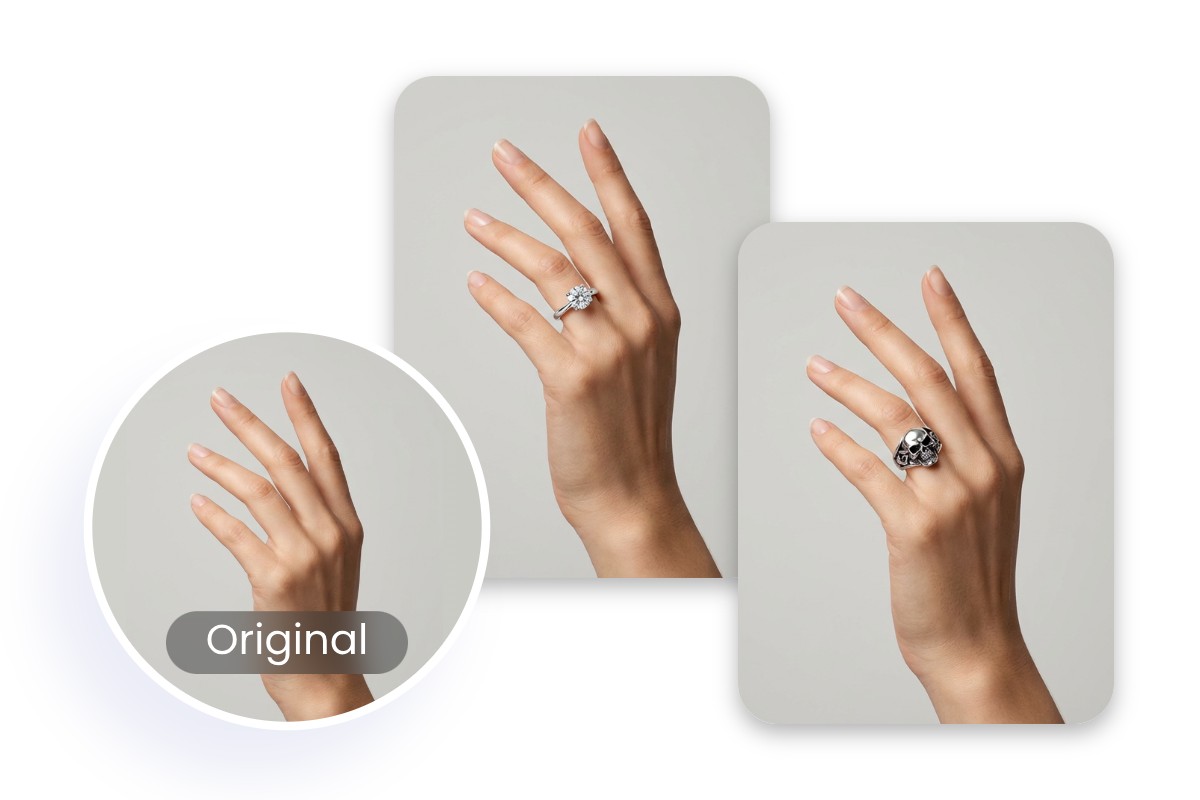
Virtual Try on Engagement Ring With Ease
Long to find the perfect engagement or wedding rings for you and your partner? Fotor has you covered. Use our digital jewelry try-on tool to instantly preview how different engagement rings look on your hands with true-to-life realism. Our tool can accurately match your finger shape, skin tone, lighting and angle to deliver lifelike results, making it easy to compare styles, stones and settings before making a confident decision. Also, depend on our tool to virtually try on other rings with the help of your photos with great ease.
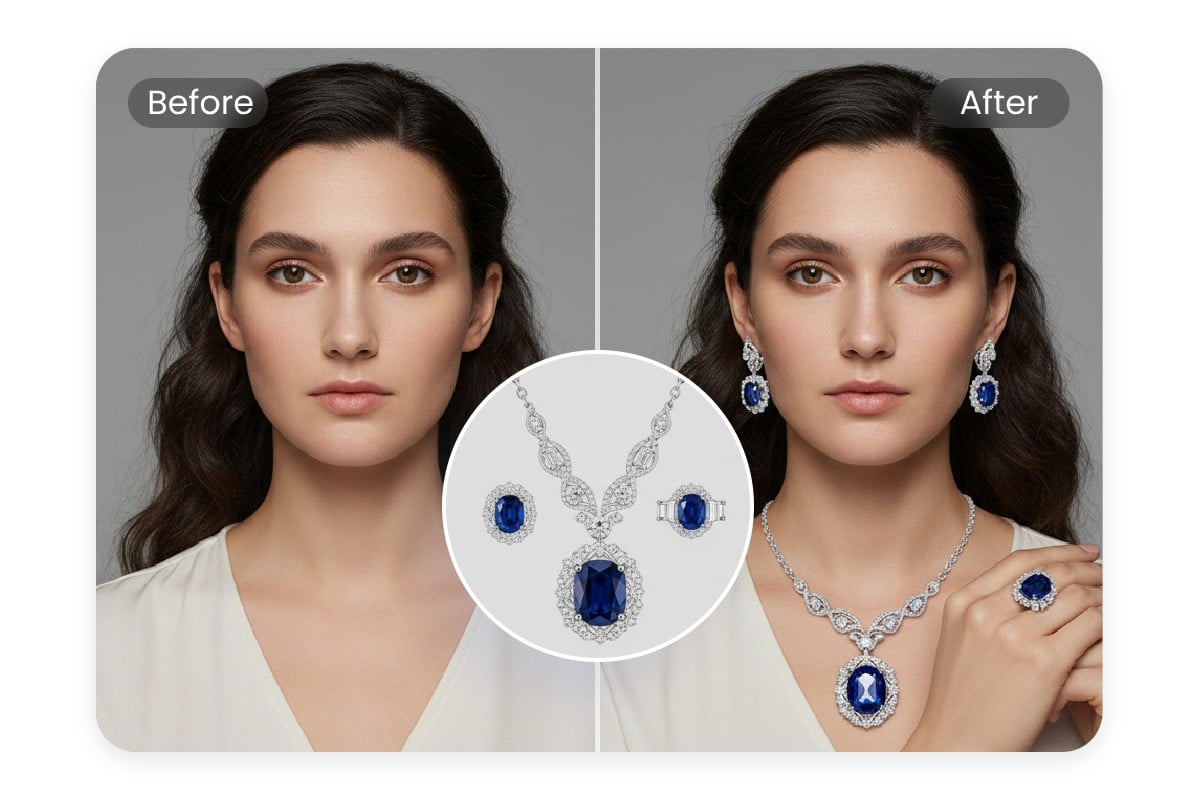
Virtual Necklaces & Earrings Try-on Solution
Powerful than ever, virtual jewelry try-on also extends to necklaces and earrings. With a simple click, you can add earrings or necklace to photo online free to see which one best complements your outfit or neckline. Whether you are into a vintage pearl necklace or elegant diamond earrings, you can effortlessly try them on with our excellent virtual jewelry try-on tool. If you want to have a try, all you have to do is click the button below and enjoy a simple try-on experience.
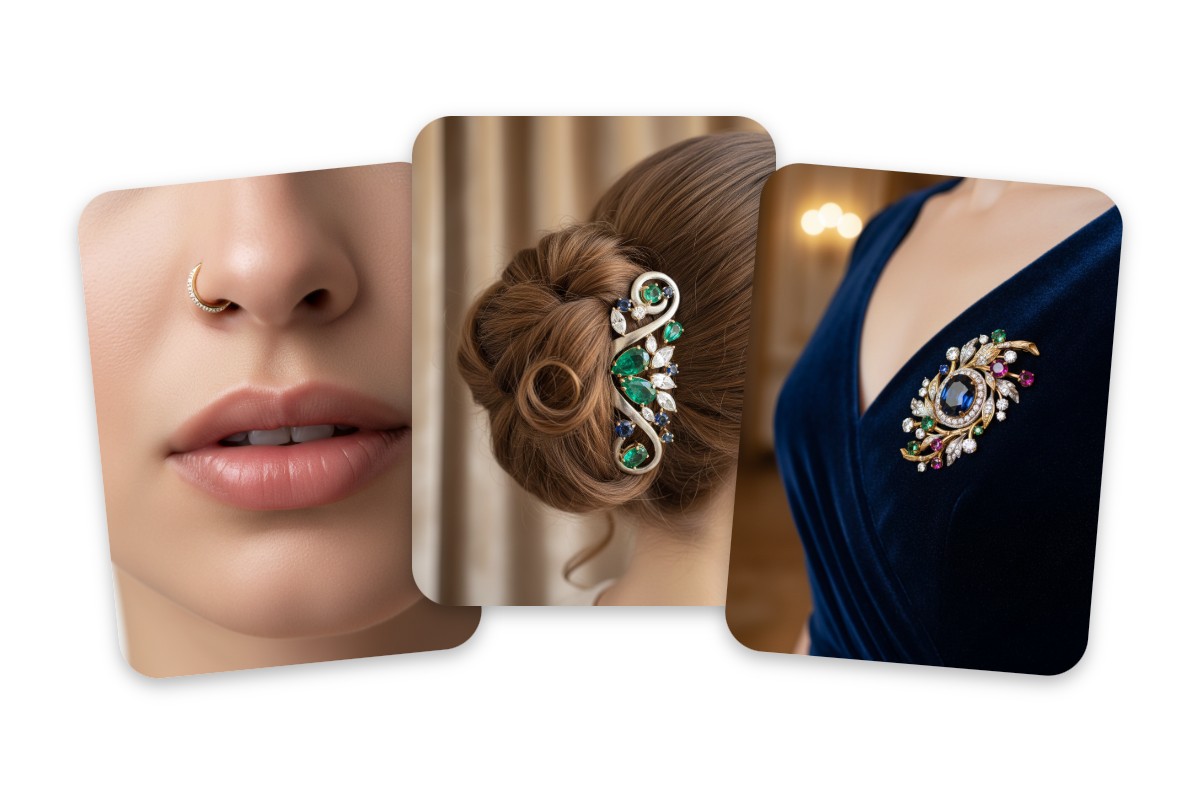
Virtually Try on Multiple Jewelry Categories in a Snap
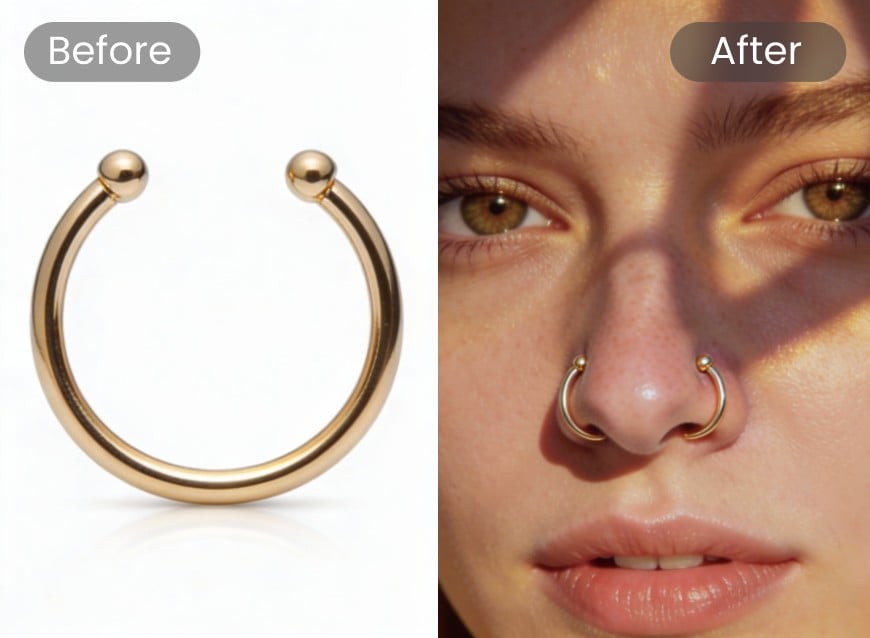
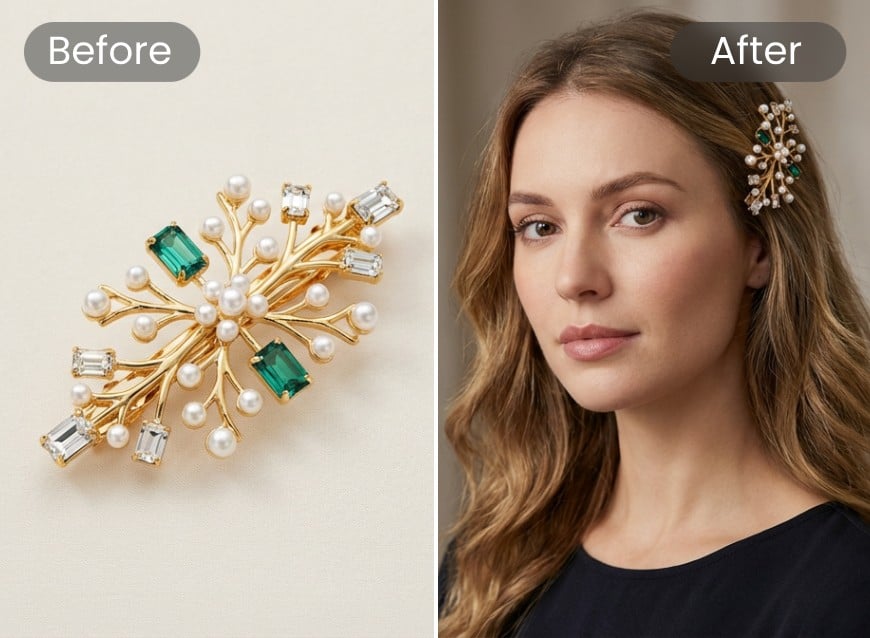
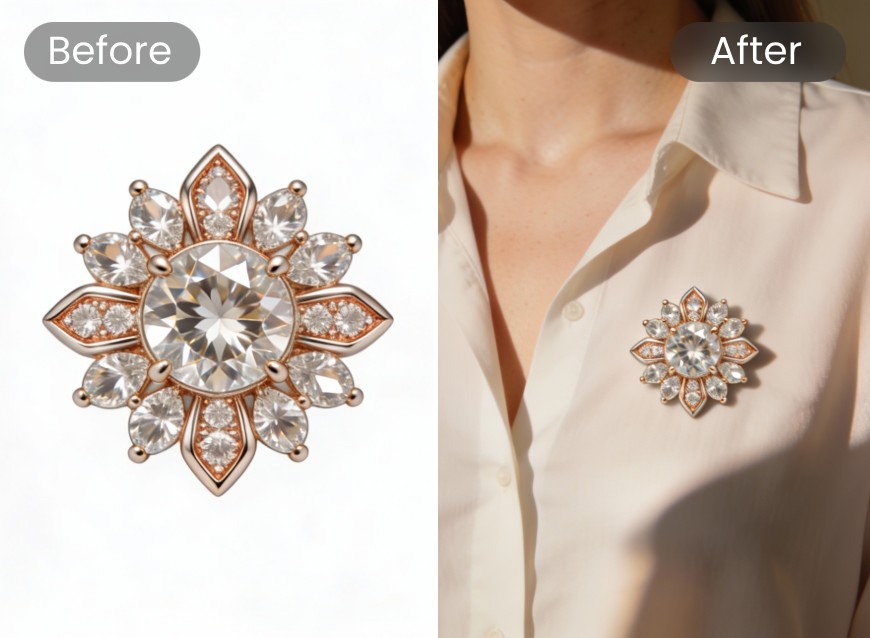
Take your jewelry game to the next level by integrating with our virtual try-on feature. In addition to rings, necklaces and earrings, Fotor’s virtual jewelry try-on tool gives you the opportunity to try on a wide variety of jewelry. Whether you are fond of nose rings, jewelry-ornamented hairpins, brooches or even watches, our AI jewelry try-on generator allows you to explore various designs, materials and styles without any limitations. Enter the digital jewelry descriptions you imagined and instantly see how each one looks on your body.
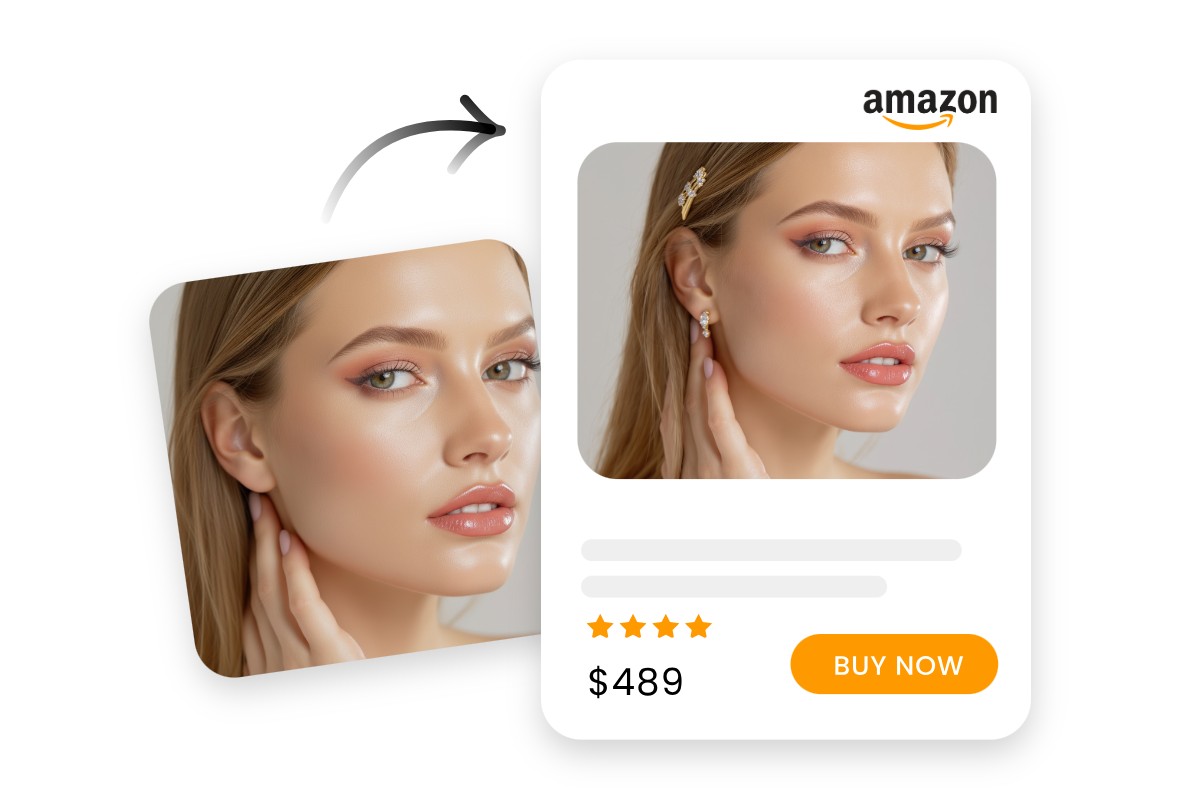
Virtual Jewelry Try on for Better E-Commerce Listings
Conveniently and naturally merge your jewelry products into your model photos with our virtual jewelry try-on tool, allowing your customers to know how it will look in a real scenario. So, try Fotor to build trust, enhance product presentation and deliver a premium, immersive shopping experience that drives sales at scale.
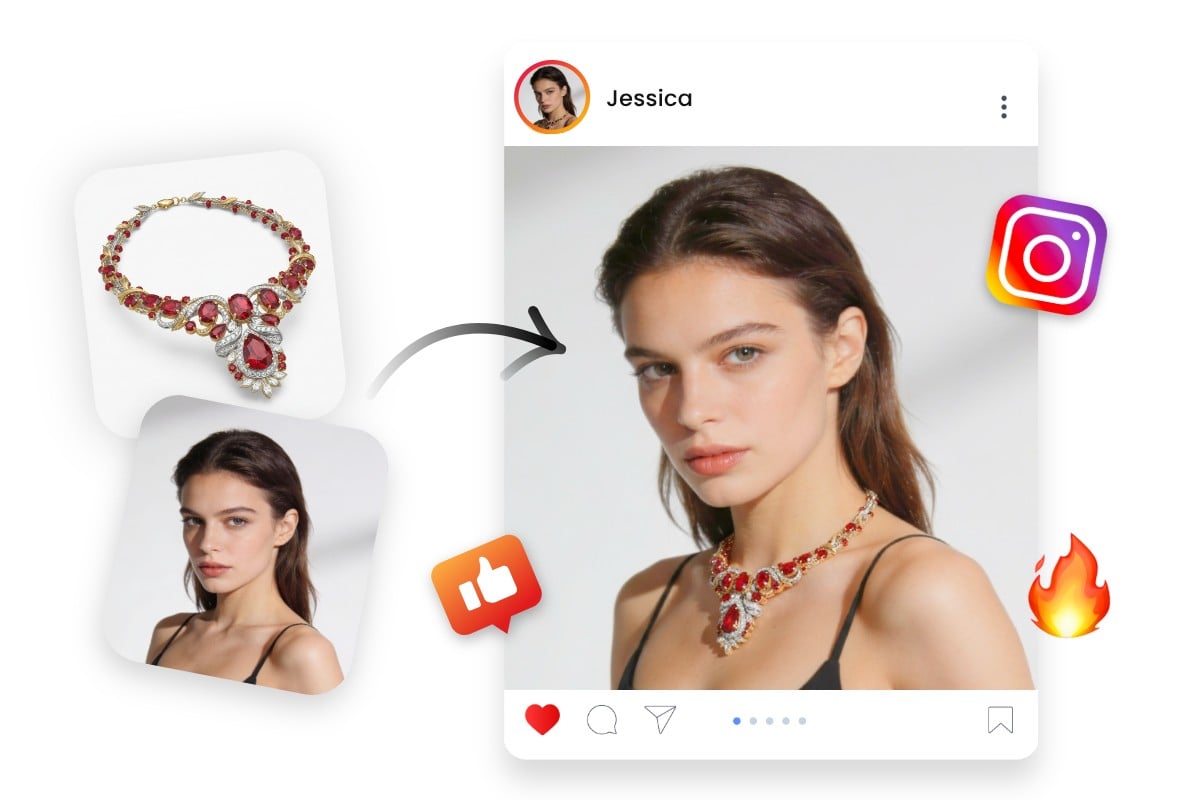
Add Jewelry to Photo with AI to Spice up Social Media
Why stop here without sharing your try-on pictures with your family, friends or social media? Effortlessly share your virtual jewelry try-on photos across various social media platforms like Instagram, X, Facebook and more. Our virtual try-on tool enables you to show off your favorite jewelry combinations to friends and family, making it easy to spread the joy of accessorizing. So, why not give it a try and start your virtual jewelry try-on journey today?
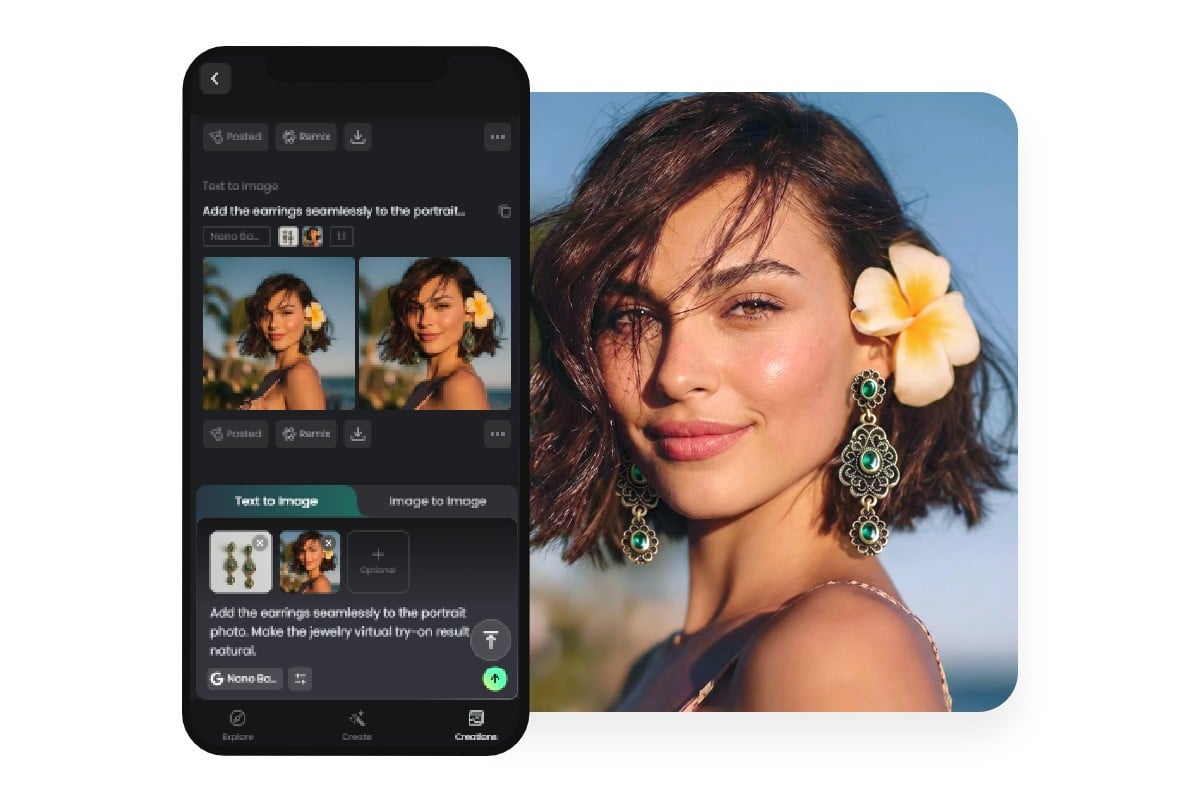
Mobile Virtual Jewelry Try-on App Available
Fotor, a cross-platform tool, is compatible with mainstream operating systems, including Android and iOS. Install our virtual jewelry try-on app and you can enjoy the in-store experience directly on your smartphone, previewing rings, earrings, necklaces and bracelets on the desired body part anytime and anywhere. Try Fotor now to see accurate sizing, realistic sparkle and true-to-life color on your own photos and elevate your digital shopping experiences.
Why Pick Fotor’s Virtual Jewelry Try-on Tool?
![instant results]()
Easy to Use
Our virtual try on jewelry tool boasts an intuitive interface without complex settings. So, no learning curve is needed for users of all levels.
![Realistic icon]()
Realistic Try-on Effects
Our tool can generate hyper-realistic jewelry pieces and seamlessly add them to your photo in a true-to-life way. No distortion or artifacts will be seen in your results.
![AI-driven enhancement icon]()
Multiple Try-on Ways
Powered by progressive AI technology, our tool lets you visualize your dream jewelry from text or add your existing jewelry image to your portrait picture naturally, meeting your diverse needs.
![HD photo editor]()
HD Try-on Results
Expect high-quality jewelry-try-on results and download them in high-res PNGs without watermarks, which can be directly applied to your creative projects.