
Easy to Use
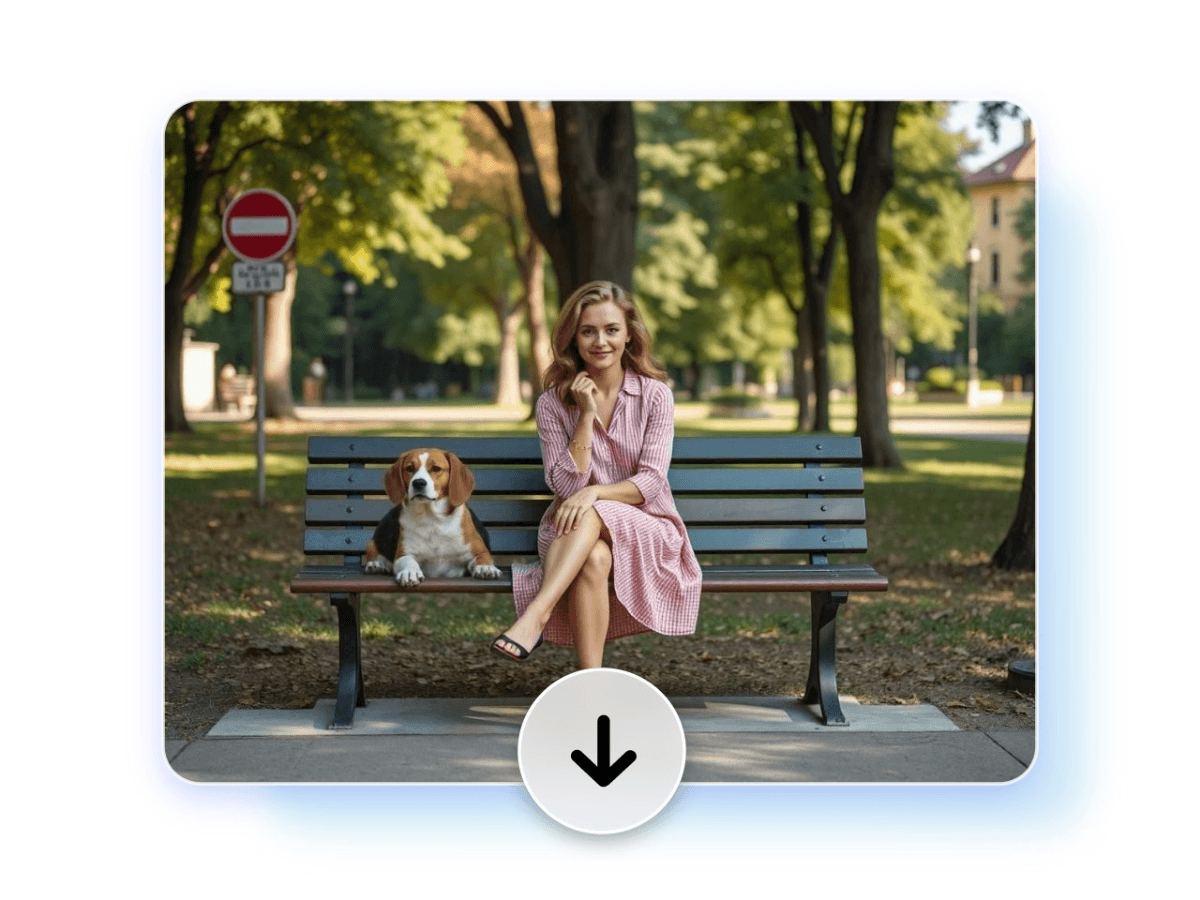
No skills are needed. It provides a user-friendly and intuitive interface available for everyone.


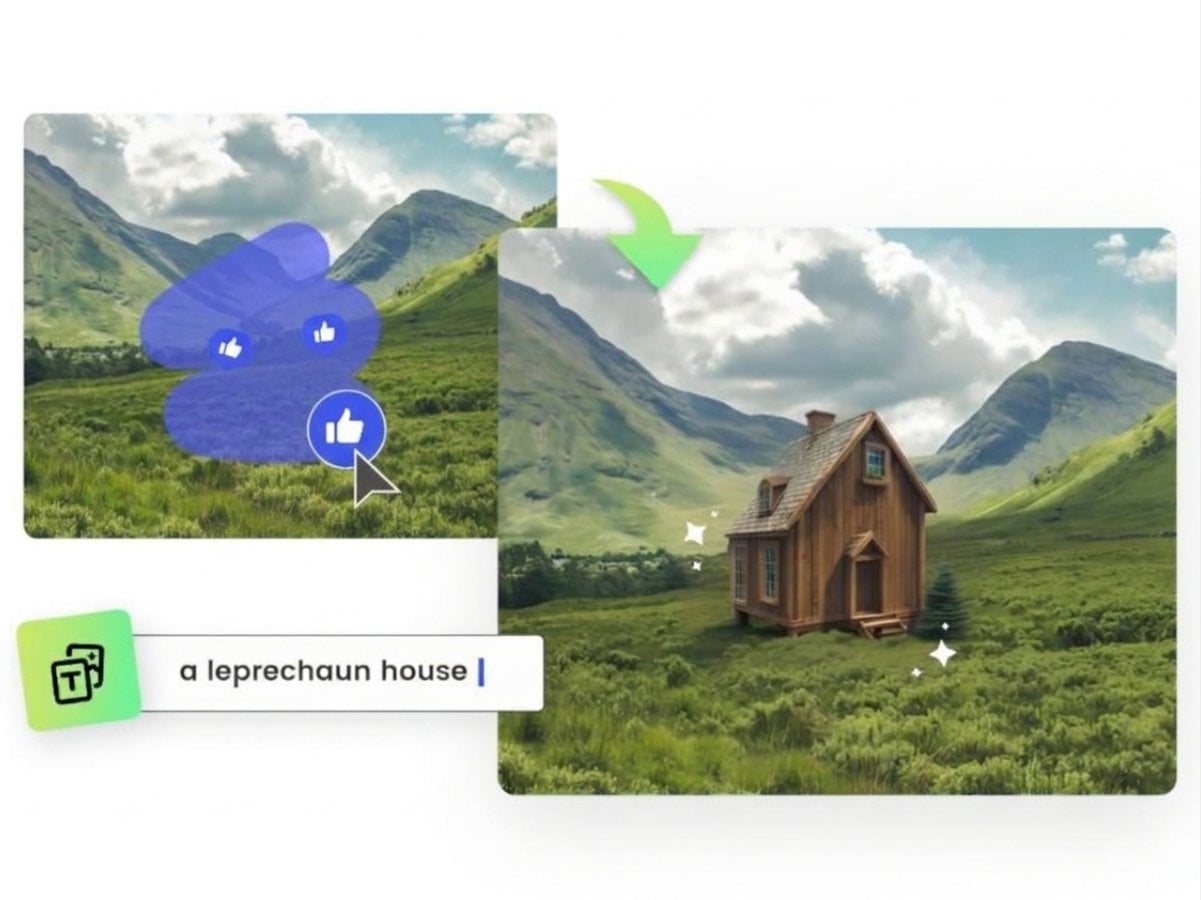
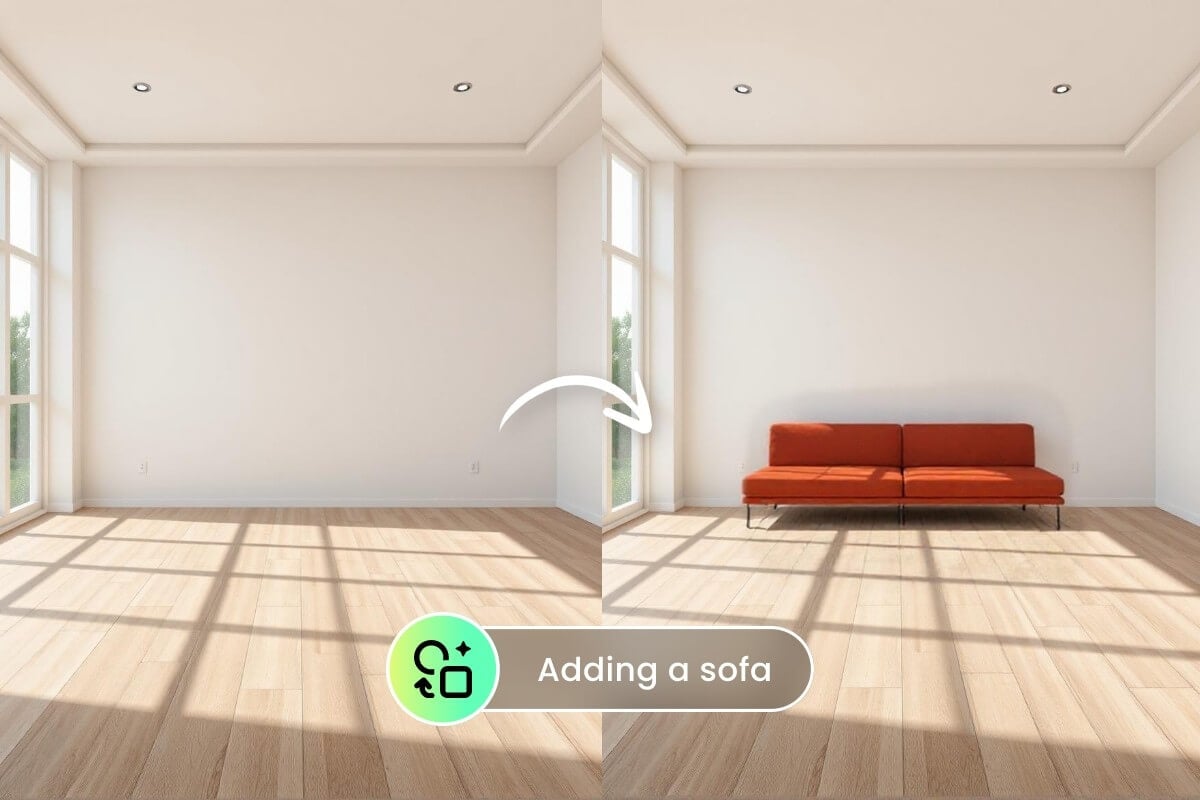
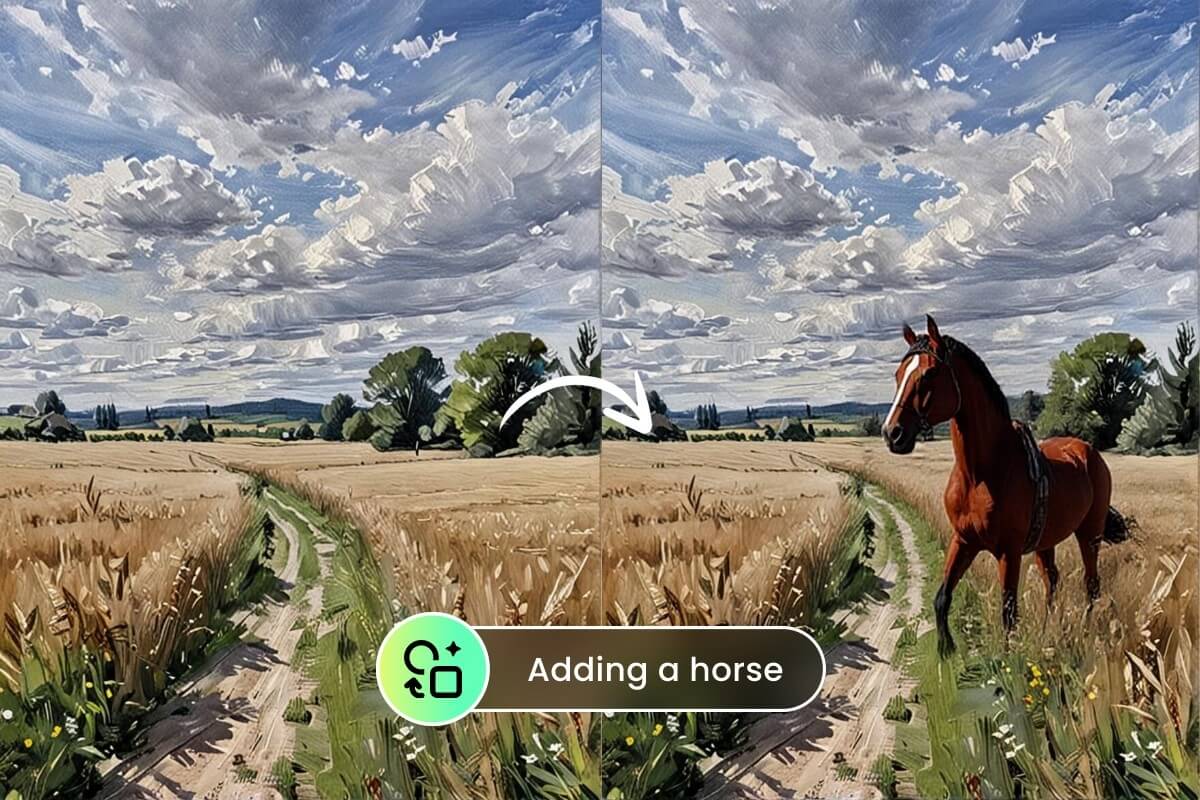
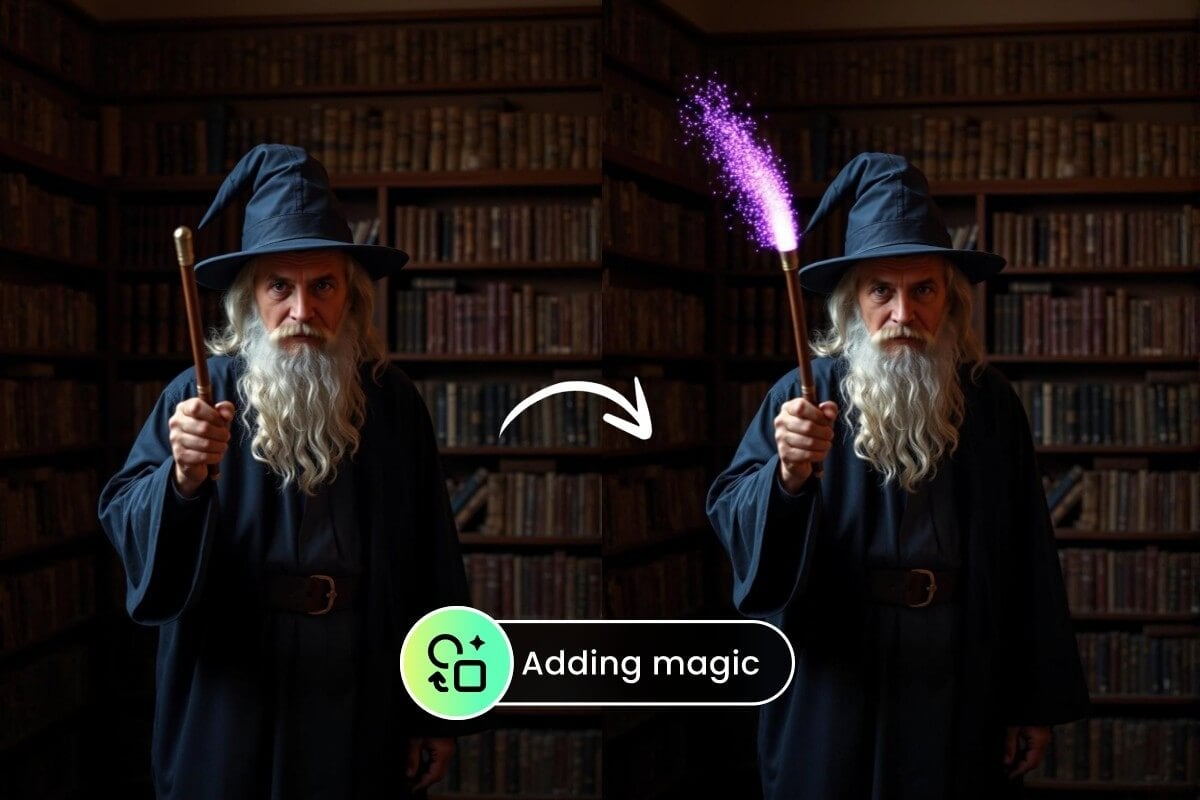
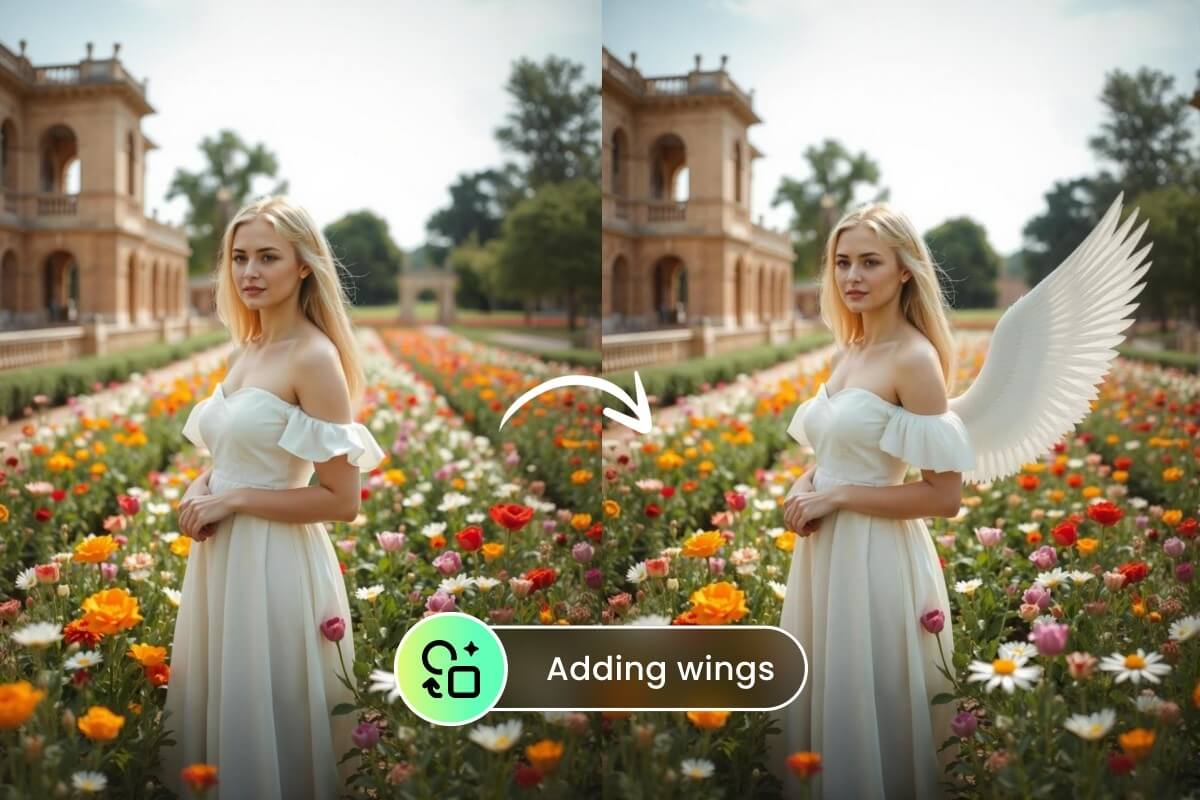
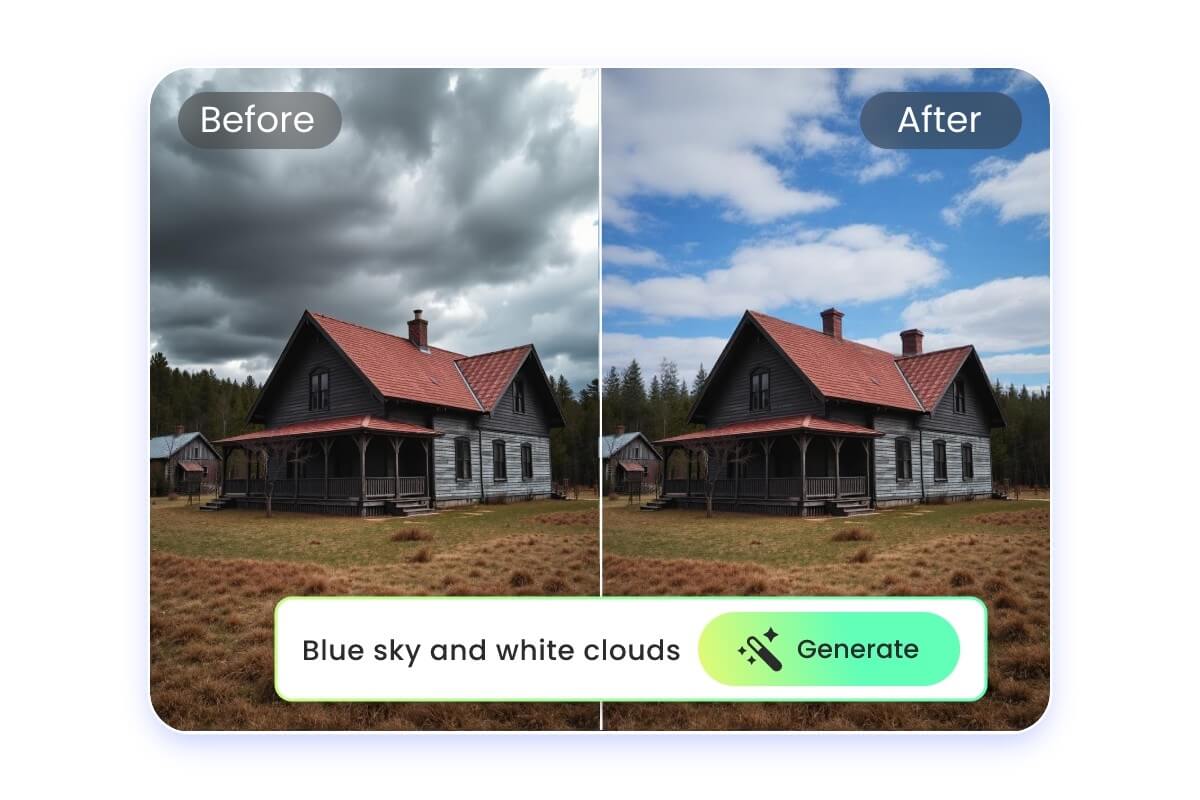
Add anything you want to the image with our AI generative fill tool. Transform your creative ideas and funny attempts into reality with text prompts.
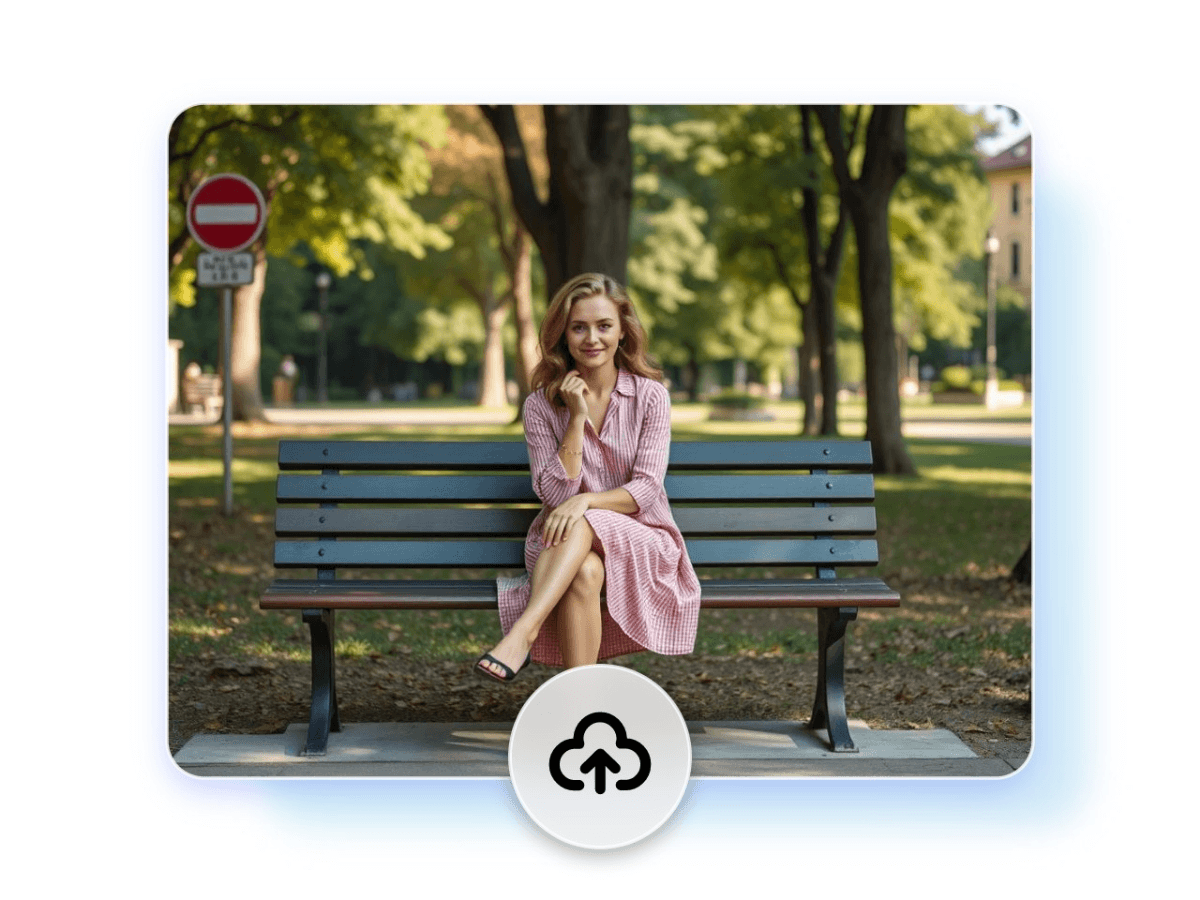
Click or drop an image here to upload.
Upload an image from your device to get started.
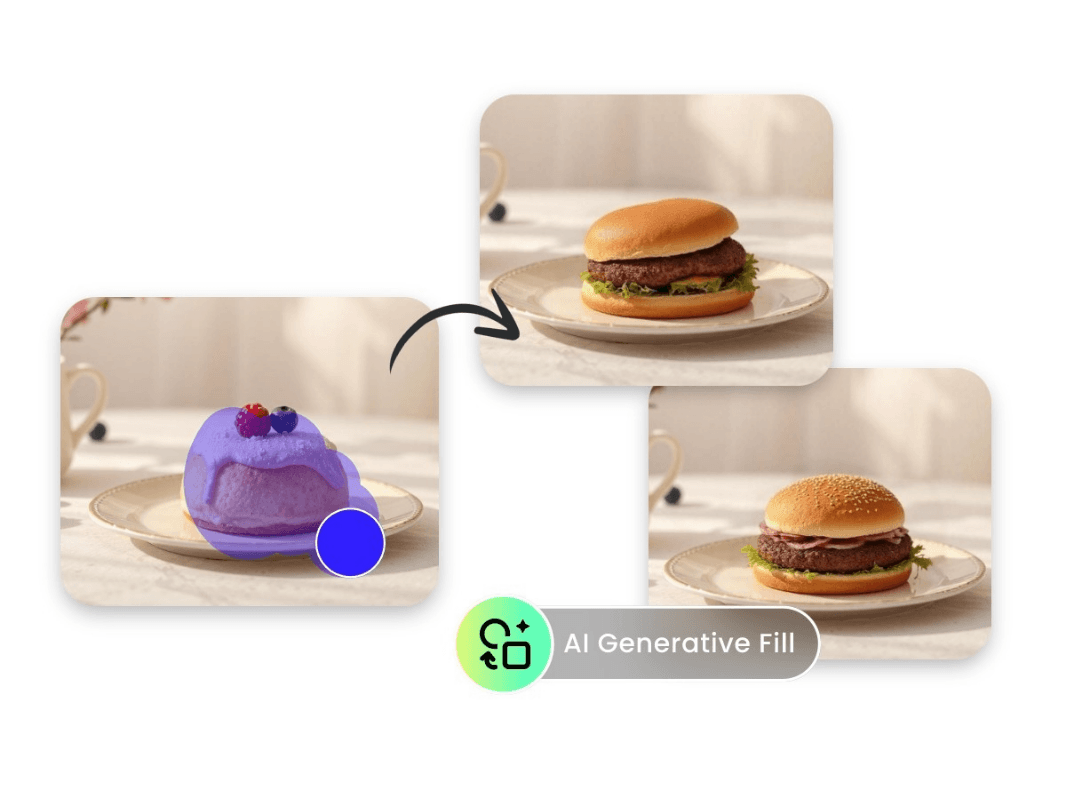
Say goodbye to the past complicated, time-consuming workflow. Our free AI generative fill can help you deal with your image within seconds. Whether you want to add an element, remove unwanted parts, or replace objects in the image, just select the area you want to change, and tell AI your ideas.
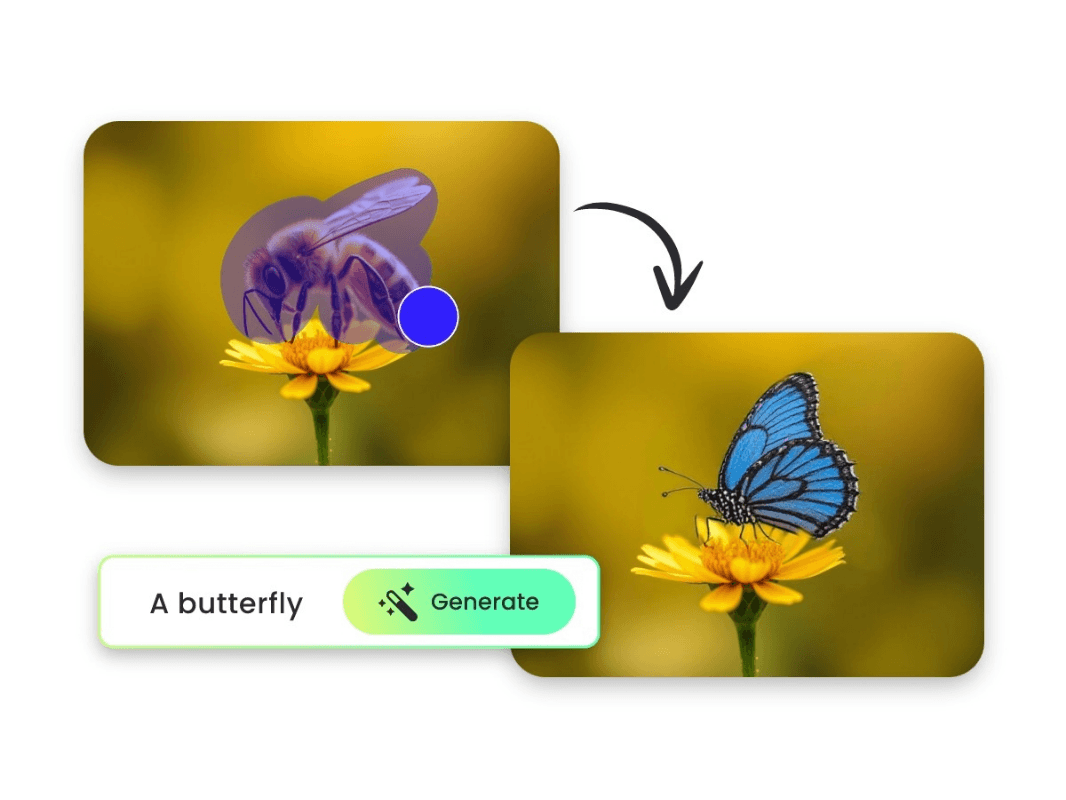
Create a new and creative image based on the existing image. With our online generative fill tool, you can eadd a starry sky, a beautiful butterfly, or just a passer-by to the original image.
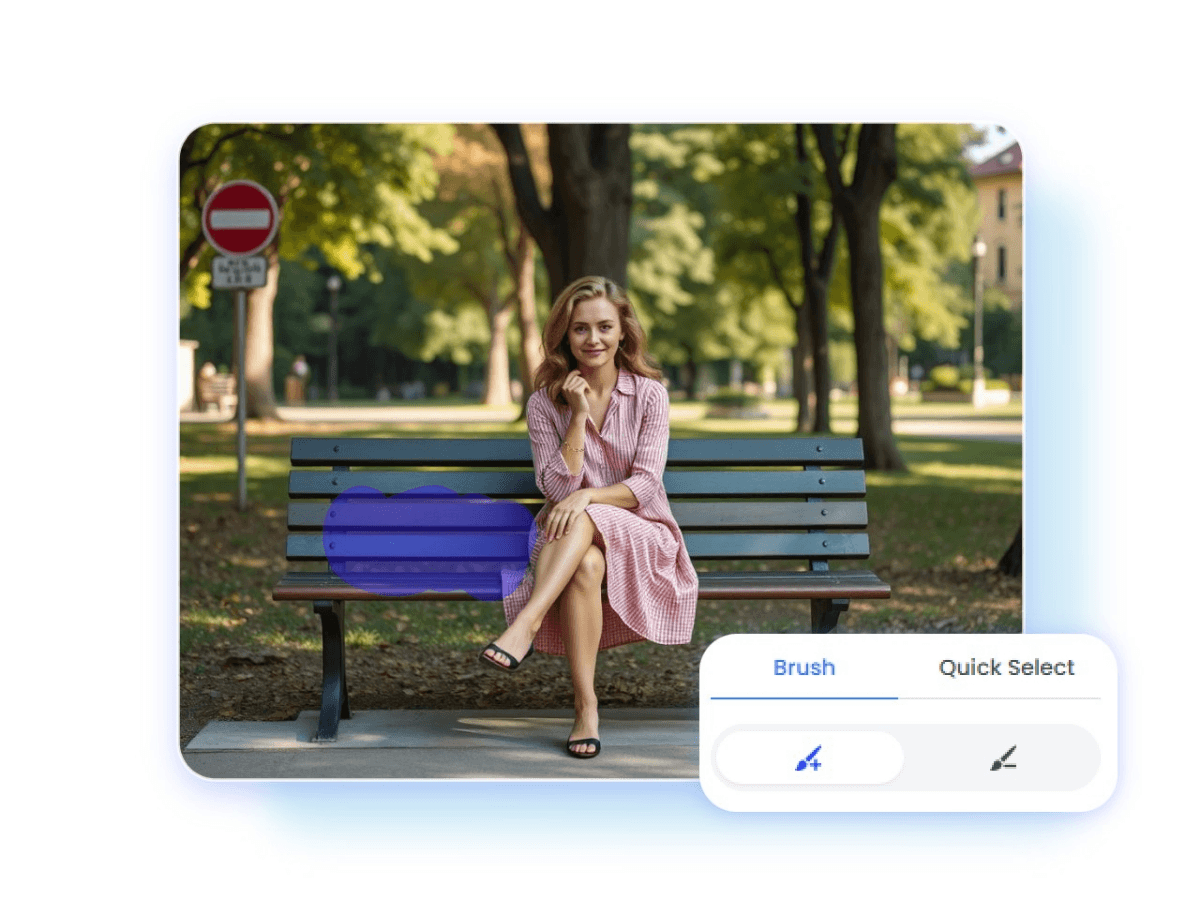
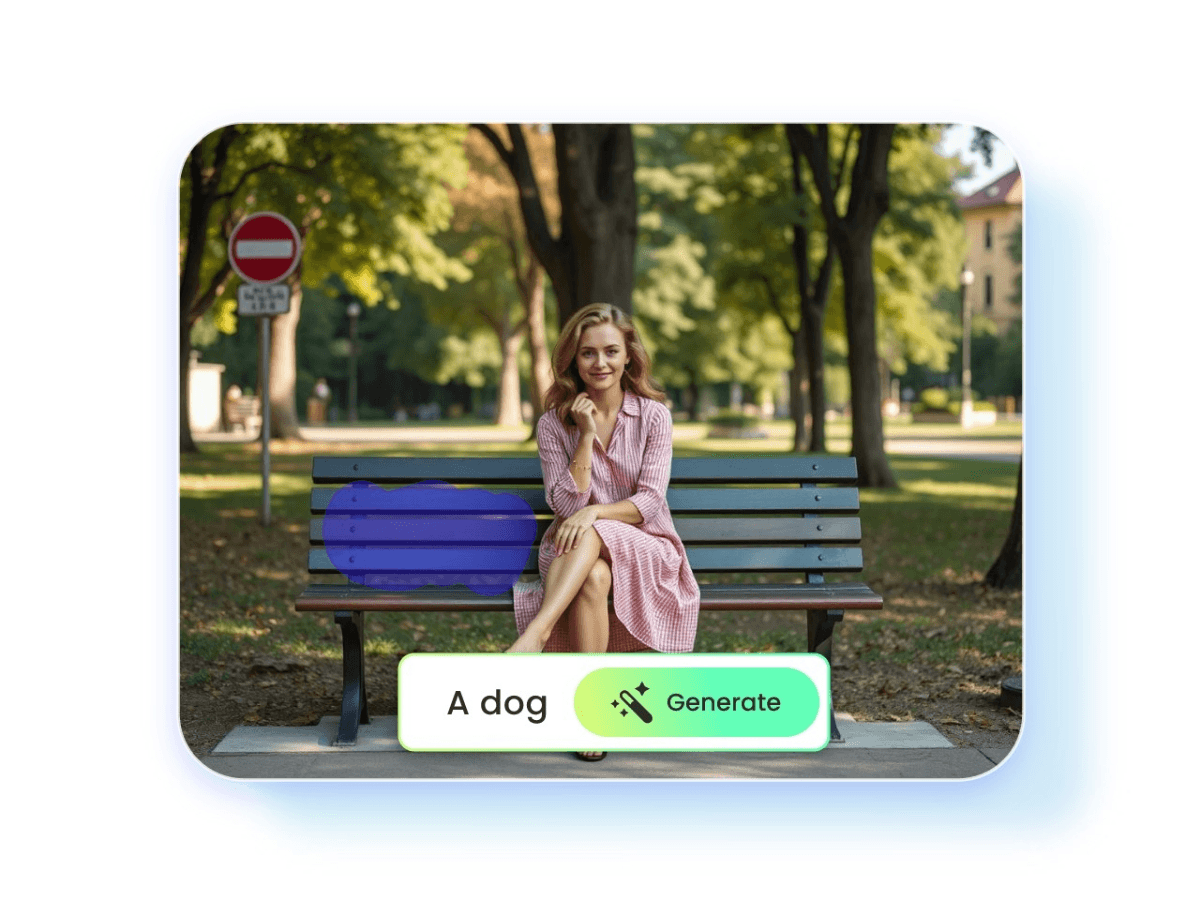
Just upload your image, mark the area you want to fill in, and enter the text prompt. Our advanced algorithm will analyze your input and create an intricate, contextually relevant design within the selected area.
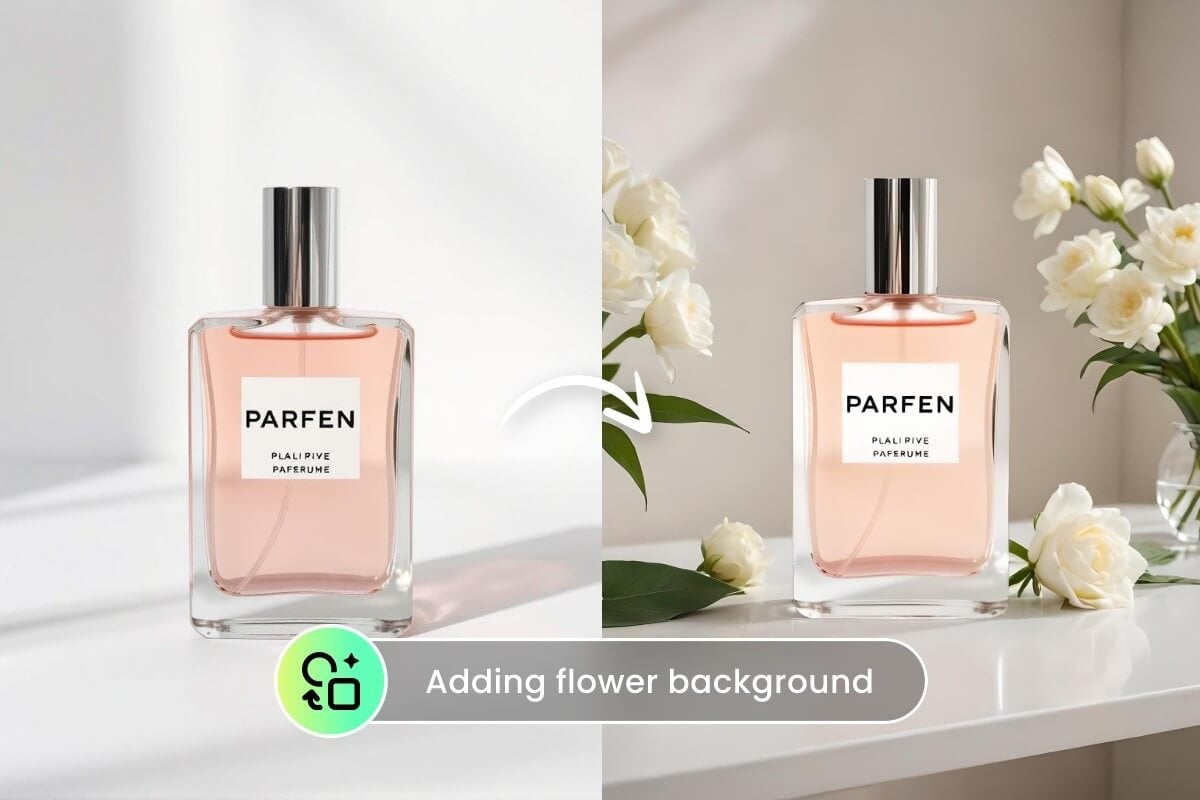
Transform product images into captivating visual narratives by seamlessly integrating additional props, accessories, or contextually relevant environments. Showcase your merchandise in various scenarios, such as placing a watch on a wooden desk, adding a steaming cup of coffee next to a book cover, or placing a smartphone in a high-tech lifestyle setting.
No skills are needed. It provides a user-friendly and intuitive interface available for everyone.
It ensures a high, seamless image quality throughout the generation and downloading procedure.
If you don't like the generated images, you can click on the "<" icon to redo the steps.
You can use our AI generative fill tool online to add wanted elements to the image.
Drag and drop to fill in image content in one click. You don't need to manually edit image content in time-consuming software.
Fotor ensures privacy-protected editing. No one can access, download, or share your image without your permission.
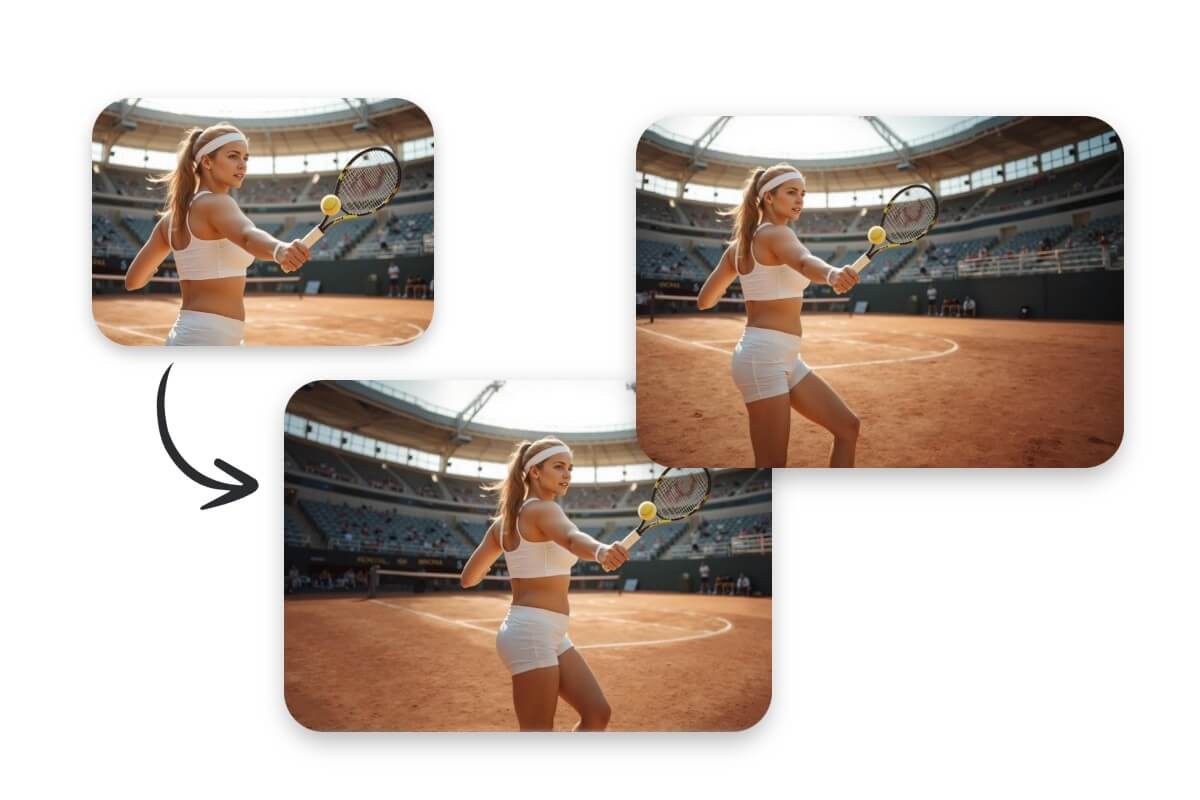
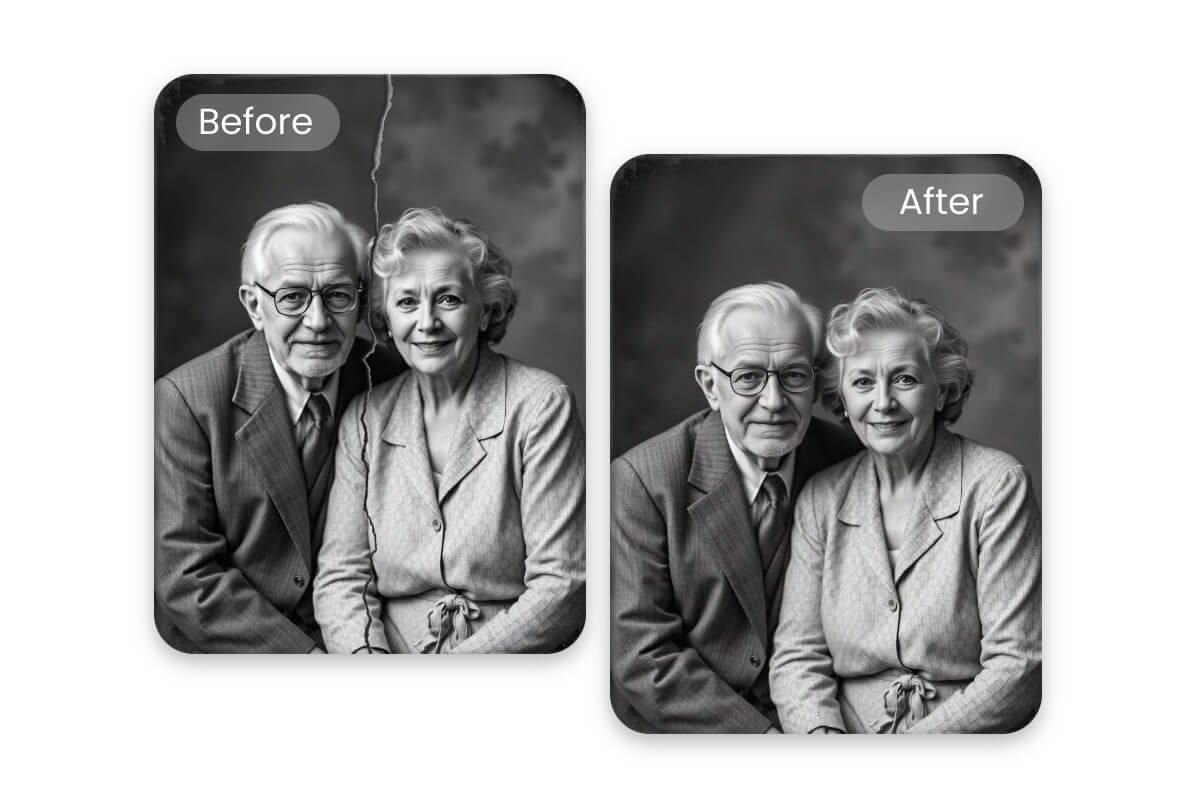
AI generative fill is an AI image editing technique that automatically removes, adds, or replaces parts of an image or extends image edges. By understanding image content and context, this tool can create new pixels that mix naturally with the surrounding areas.
Compared with Photoshop generative fill, Fotor is more suitable for beginners who want fast, easy, and automatic results without software installation. Fotor's online AI image filler is free to preview effects and supports both inpainting and outpainting filling, perfect for casual users.
You can use our generative fill tool to add, remove, replace, or extend anything you want or don't want anywhere in the image.
Yes, you can preview AI generative fill effects for free. To download the AI-filled image in supreme quality, you need to upgrade to Fotor's pro/pro+ membership or join in the free trial plan.
It depends on the original image you use. If the original image is copyright-free, then the generated images can be used for commercial purposes, correspondingly.
Yes, Fotor also offers an app version of AI generative fill. Install and open the Fotor app on your Android or iPhone, and select the feature: AI Replacer. Then use the brush to mark the area you want to fill in, describe what you want to add in the text blank, and click on "Generate". Finally, preview and download your satisfied images.
Generally, you can generate 2 images each time. If you are not satisfied with the two images, you can click on "Generate More" to continue the generative fill.
Fotor's AI generative fill tool is more like a background changer. You need to select parts of an image and replace them with new content. If you want to remove image backgrounds, leaving only the Alpha channels on the original area, our AI background remover may help.