HDR Photo Editor
Create perfect photos with Fotor’s HDR photo editor. Enjoy the world-leading Alignment Technology and Ghost Reduction from our online HDR software for free. Bring out the true color of your HDR photography and capture the real beautiful scene as you saw it with the perfect exposure.
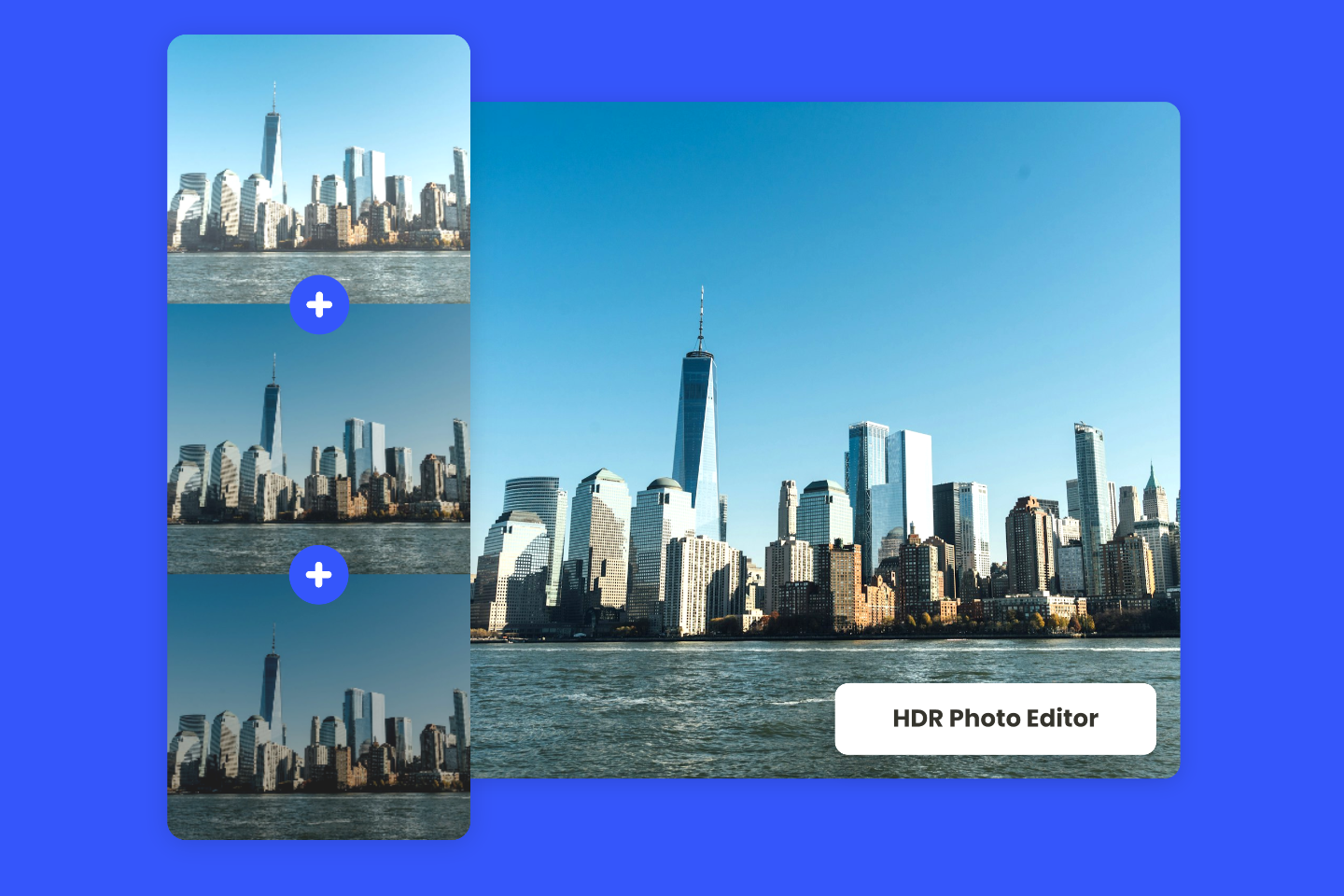
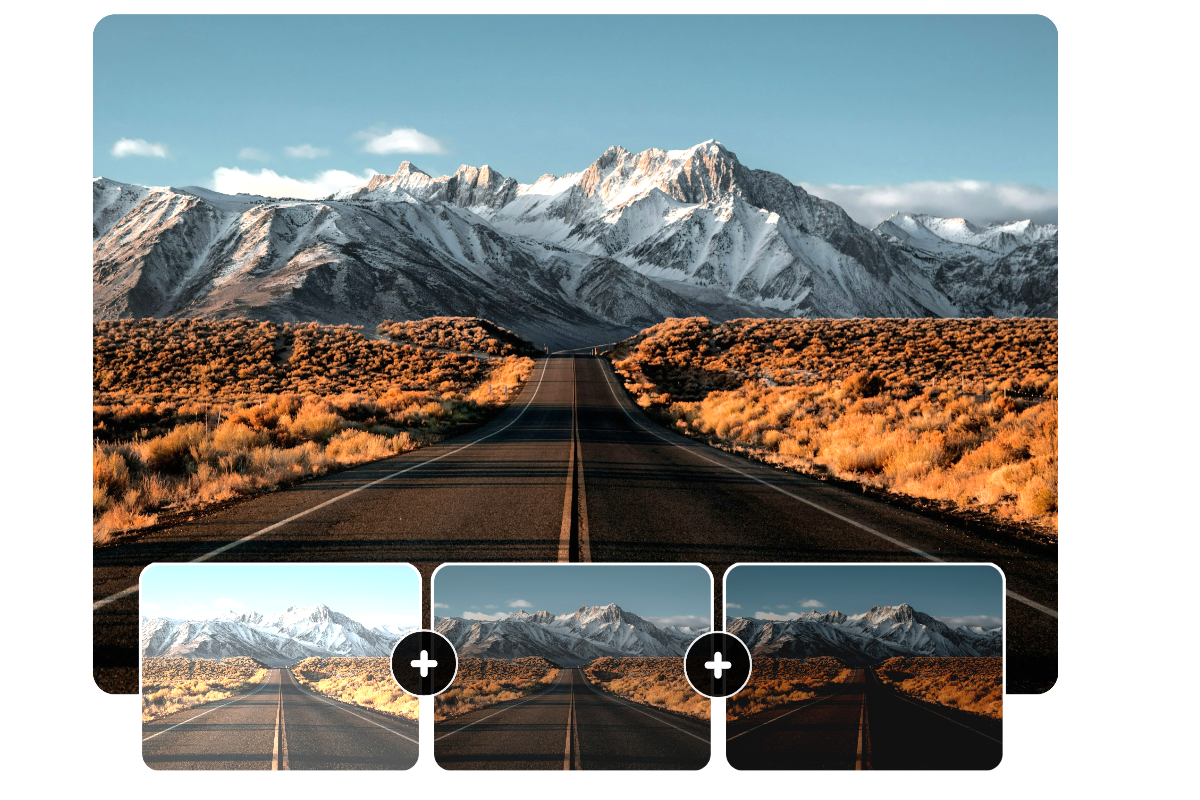
Merge Exposure-Bracketed Photos Using HDR Technology
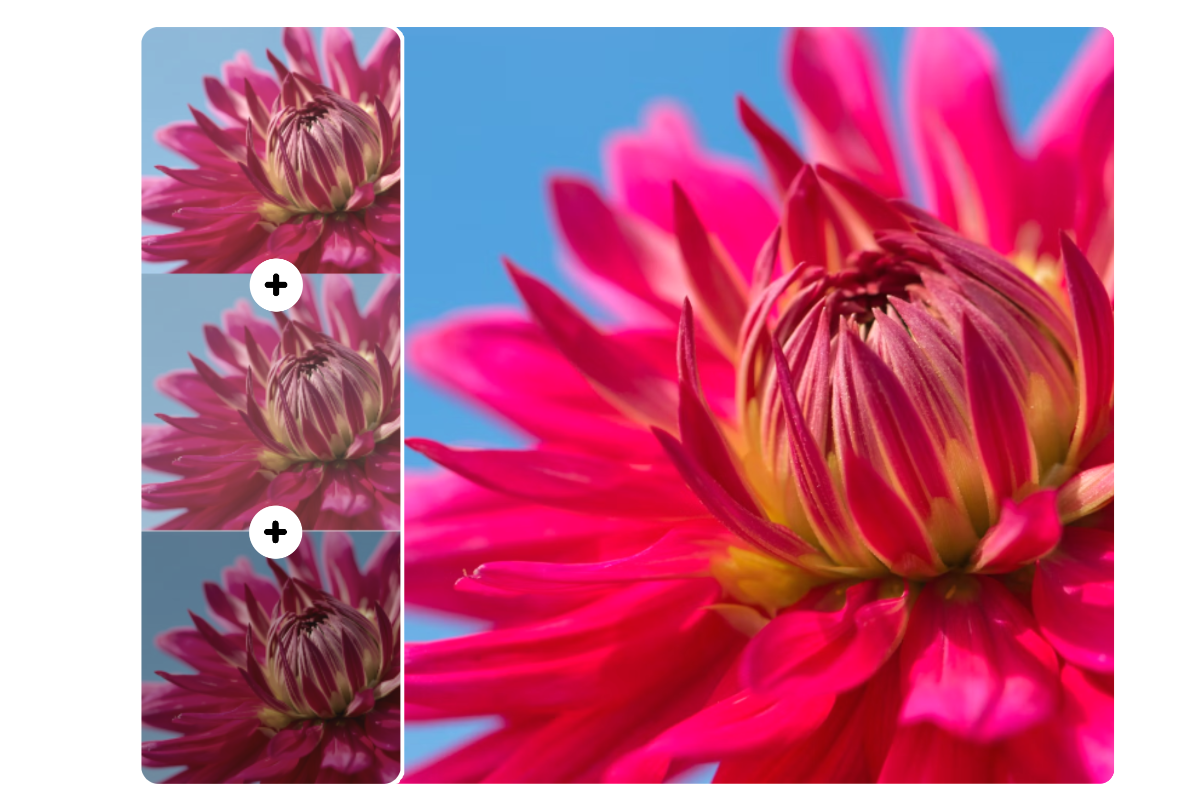
Utilize our advanced AI-powered HDR merge technology to obtain a photo that accurately captures the details and vivid colors of the world as it is seen through your eyes. Upload three or more pictures with different exposures and lighting of the same scene, and witness our HDR photo editor merge them into one. This AI tool can intelligently enhance photos and restore the authentic details.
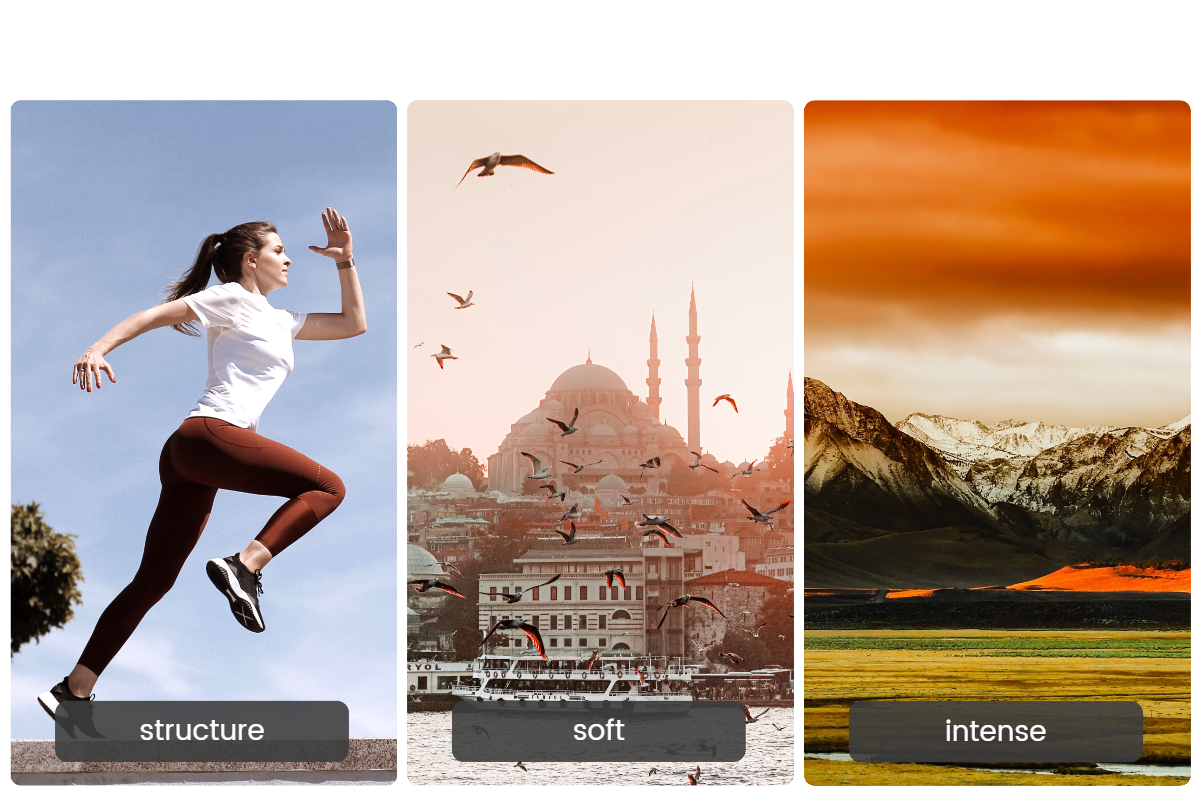
Free HDR Effects Tailored to Your Needs
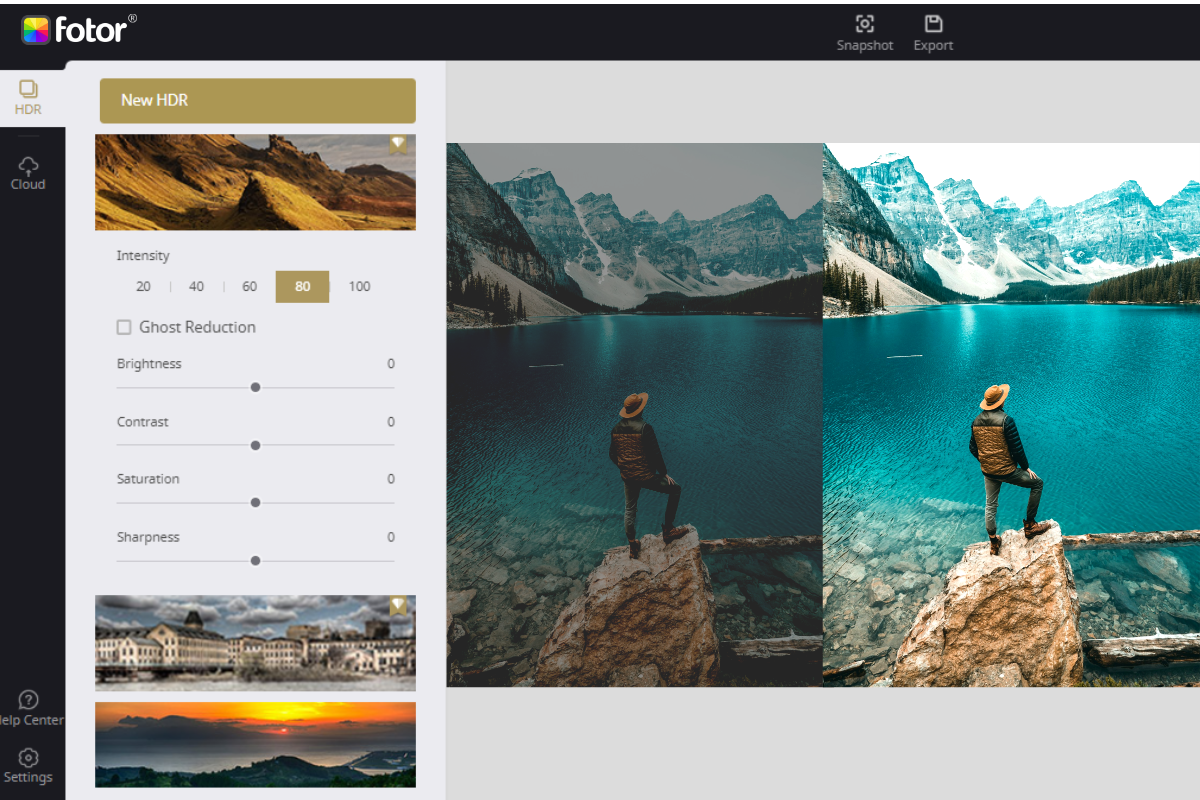
Unleash the potential of pre-set effects to transform your photos. Choose from “Structure”, “Soft”, and “Intense” HDR effects to enhance your image detail. These HDR filters are designed to cater to various lighting, exposure, saturation, and more needs. That offers a one-click solution for everyone to rediscover and reveal the true beauty of landscape, building, or portrait.
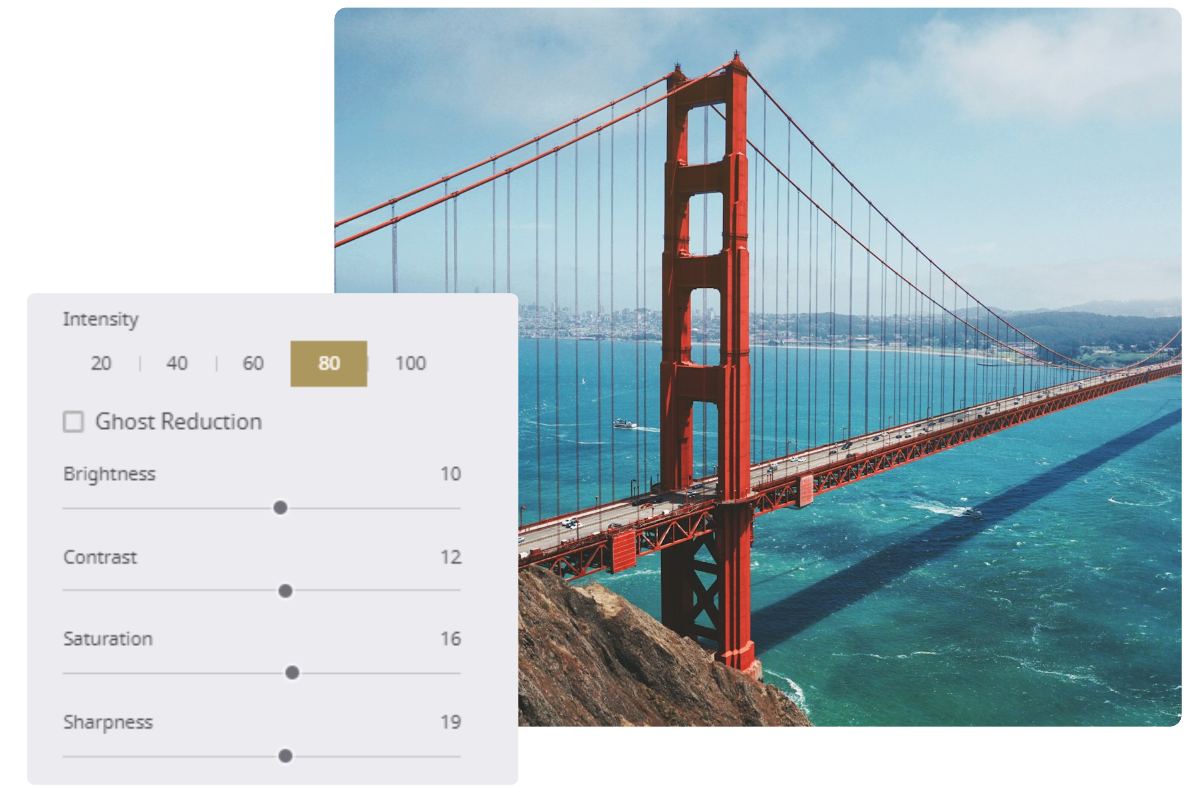
Bring Flexibility to Your HDR Photo Editing
Fotor puts you in control to customize everything to get perfect HDR photography. Leverage our tool to adjust the intensity of the brightness, contrast, saturation, and sharpness to further amplify your photos. Try out Fotor’s HDR photo editor now to take your photo to the next level for free!
World Class HDR Technology
Fotor's online HDR photo editor can help you bring out the true colors and details of your photography! You do not need an HDR camera. With our HDR software that incorporates world-leading technology, your HDR photos have never looked so professional!
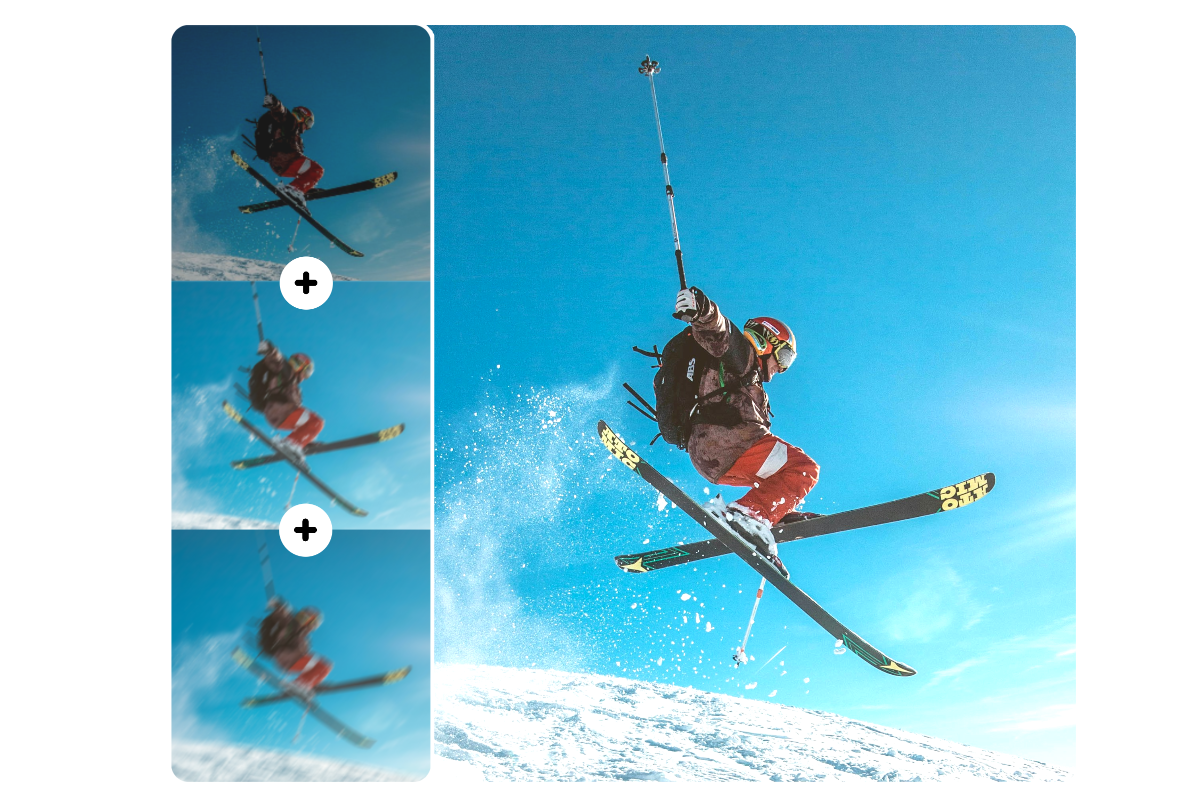
Ghost Reduction Technology
Moving objects is one of the biggest obstacles in creating high-quality HDR photos. When shooting multiple photos of the same scene, a moving object will appear in different positions within the frame. With other HDR applications, these objects may appear ghost-like on the final merged HDR photo. To solve this problem, Fotor developed advanced "ghost-reduction" technology to intelligently unblur images and reduce the ghost-like effect caused by moving objects.
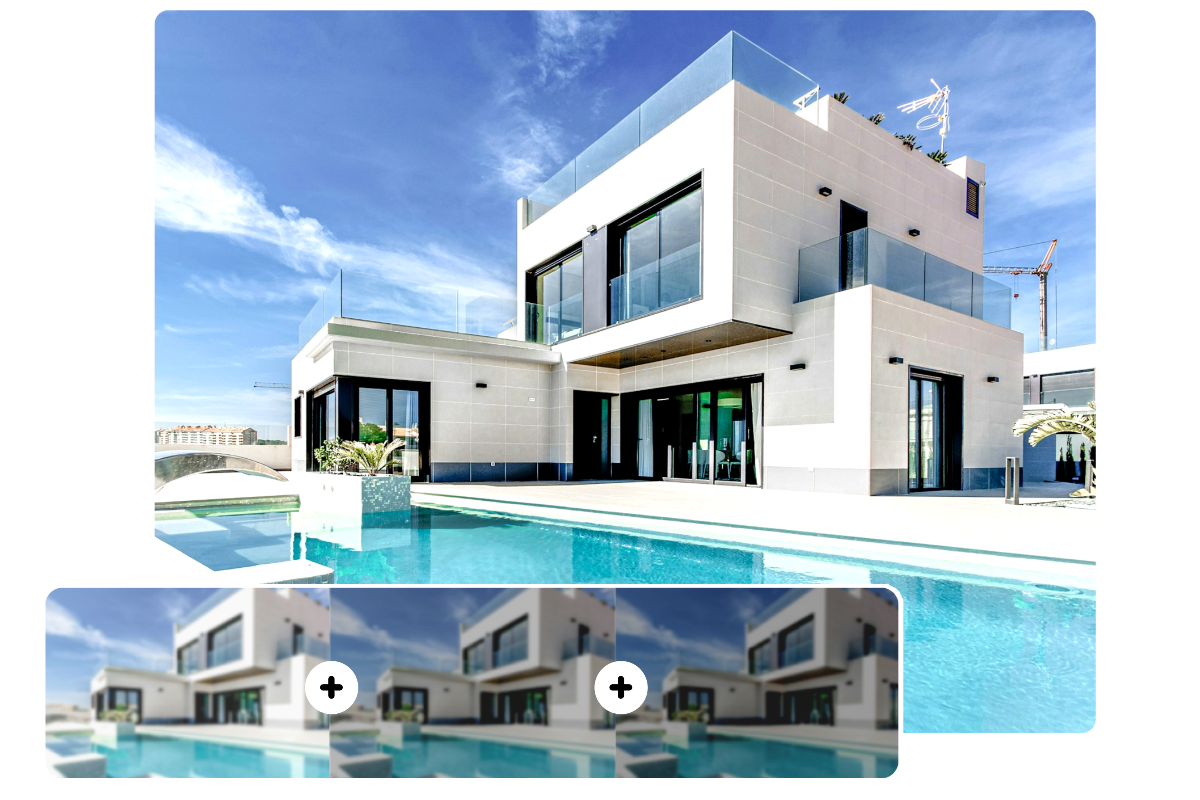
Alignment Technology
It's not always possible to keep the camera completely still when taking a sequence of two or more photos in a row. Any number of factors can cause the camera to shift slightly. When merging photos, it is critical that the coordinates of every pixel are aligned perfectly in order to create a sharp HDR photo. Fotor’s advanced Alignment technology takes care of this, allowing you to get crystal-clear results every time.
Tone Mapping Technology
After the compensation of alignment and ghost reduction, photos with different exposures will be merged into a digital HDR negative, which is also called a 32-bit float-pointing radiance map in the HDR imaging workflow. However, although a 32-bit float-pointing radiance map records extremely accurate values, at this stage they are just meaningless numbers from the user's perspective because the results cannot be seen. "Tone Mapping", powered by our photo color correction AI, is the technology used to convert a 32-bit float pointing format to traditional 8-bit images for display or print.
How to Use HDR Photo Editor?
- Upload two or three photos of the same scene but with different exposures then click start.
- Adjust using different styles of HDR effects and choose the one you prefer.
- Modify the intensity and other editing settings to maximize the result. Or tick “Ghost Reduction” to correct any inconsistencies.
- Choose the format and quality of your image, and save your work.