AI Logo Font Generator Online for Free

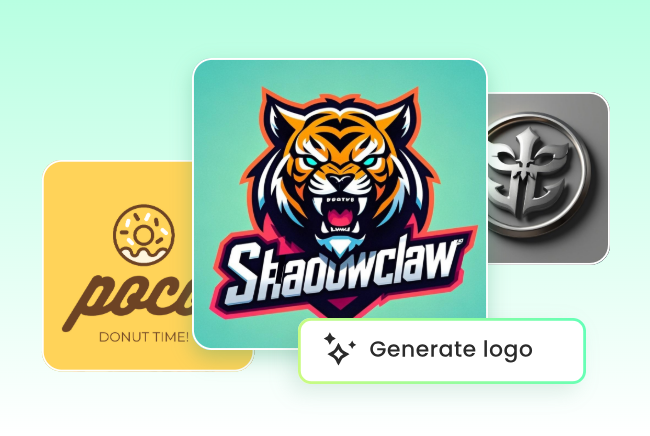
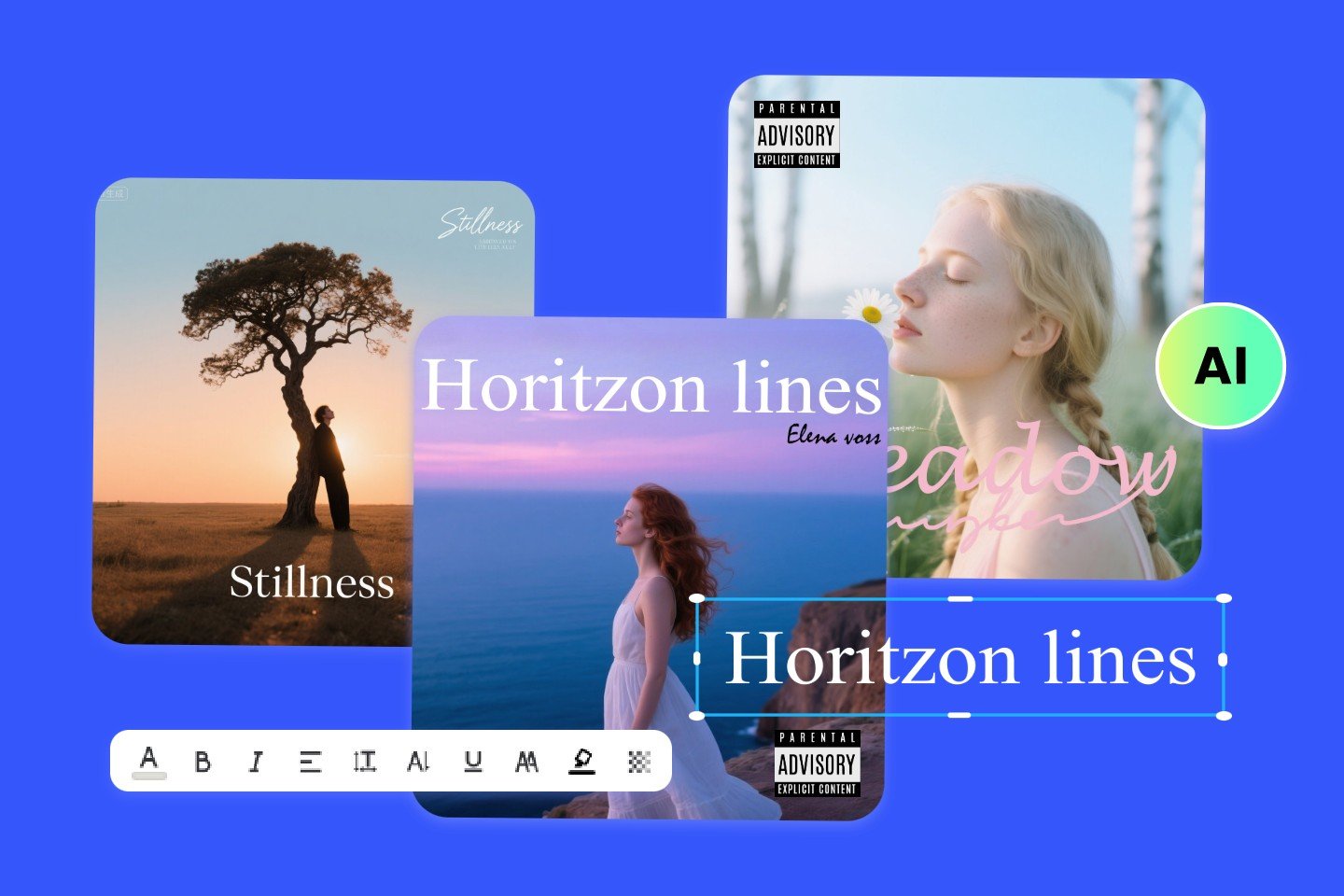
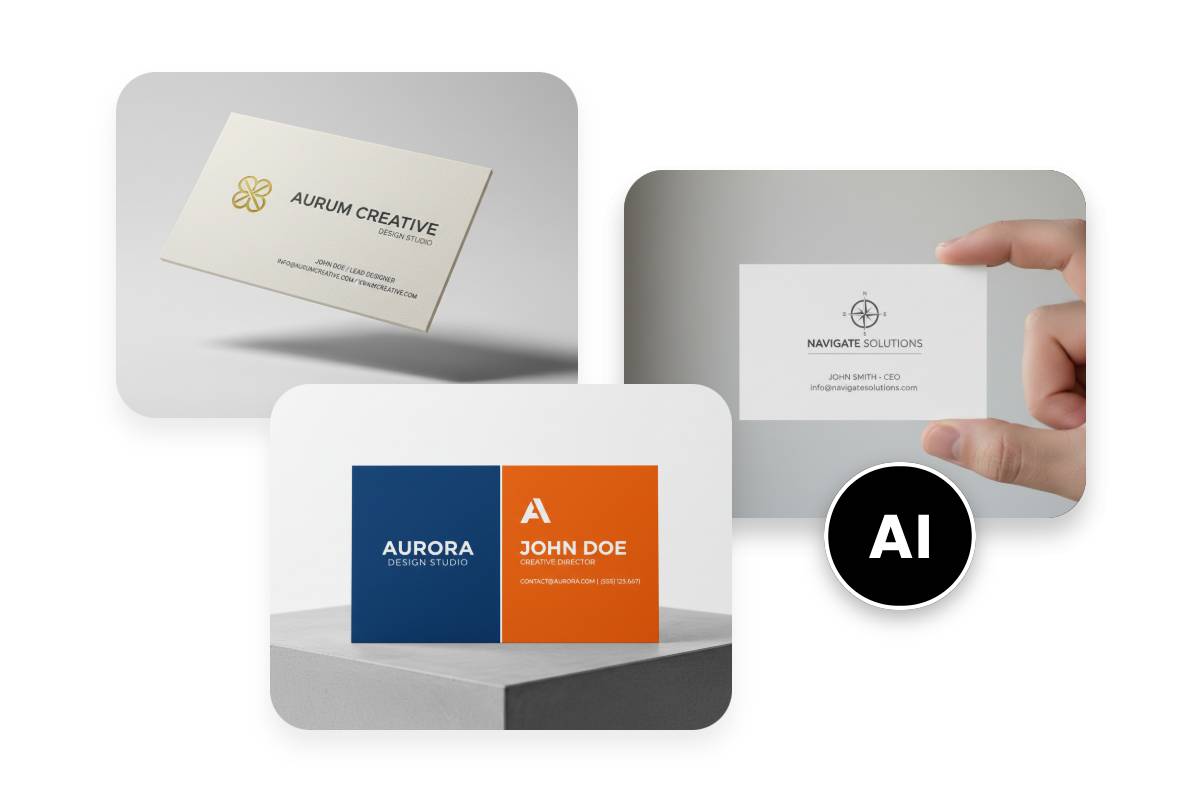
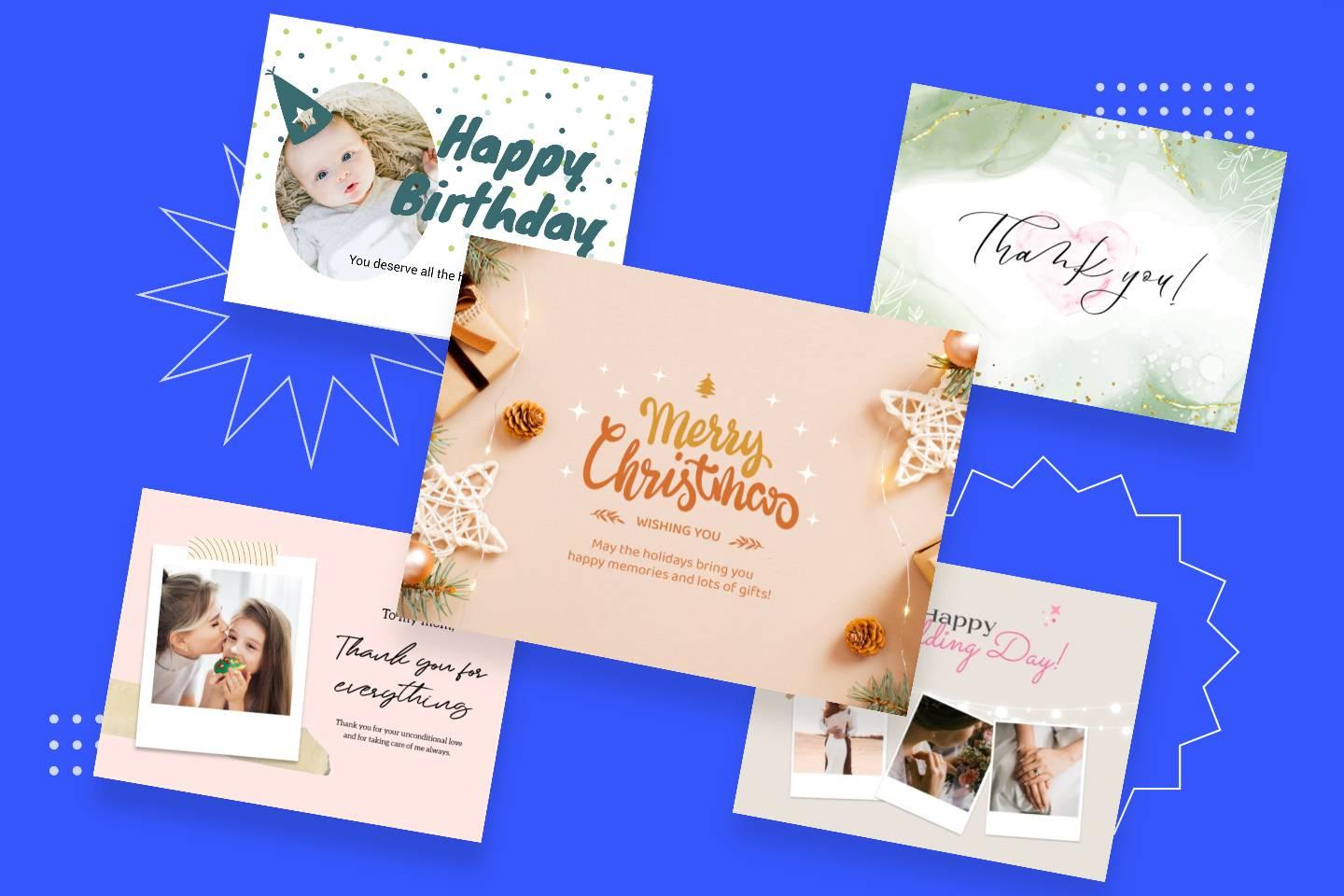
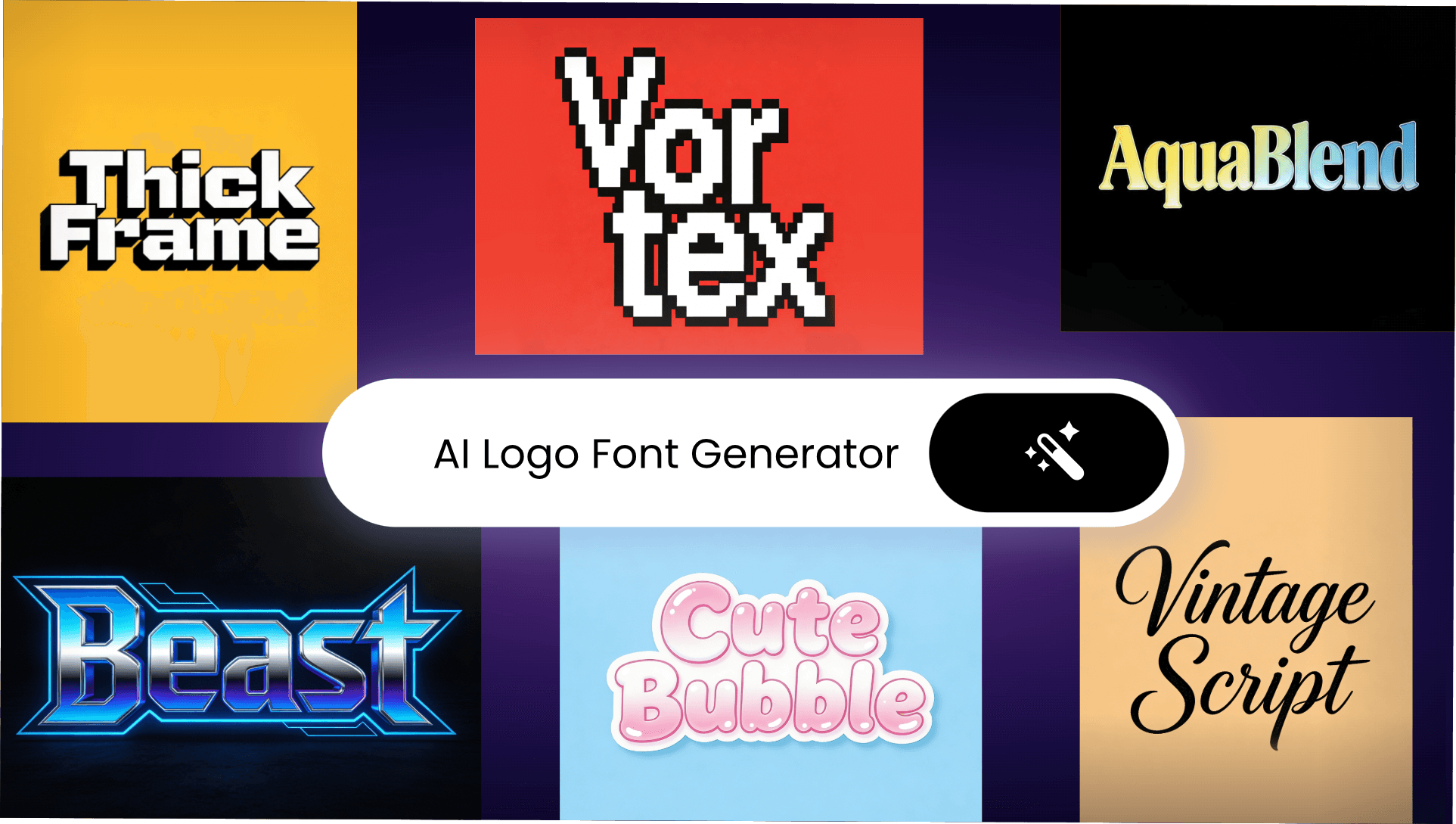
Fotor’s free AI logo font generator lets you easily create font logos from your text. Instantly generate custom logo fonts in various types and styles.
Start now to design your own logo fonts with AI and copy-paste them into any of your projects.

Design Your Logo Font
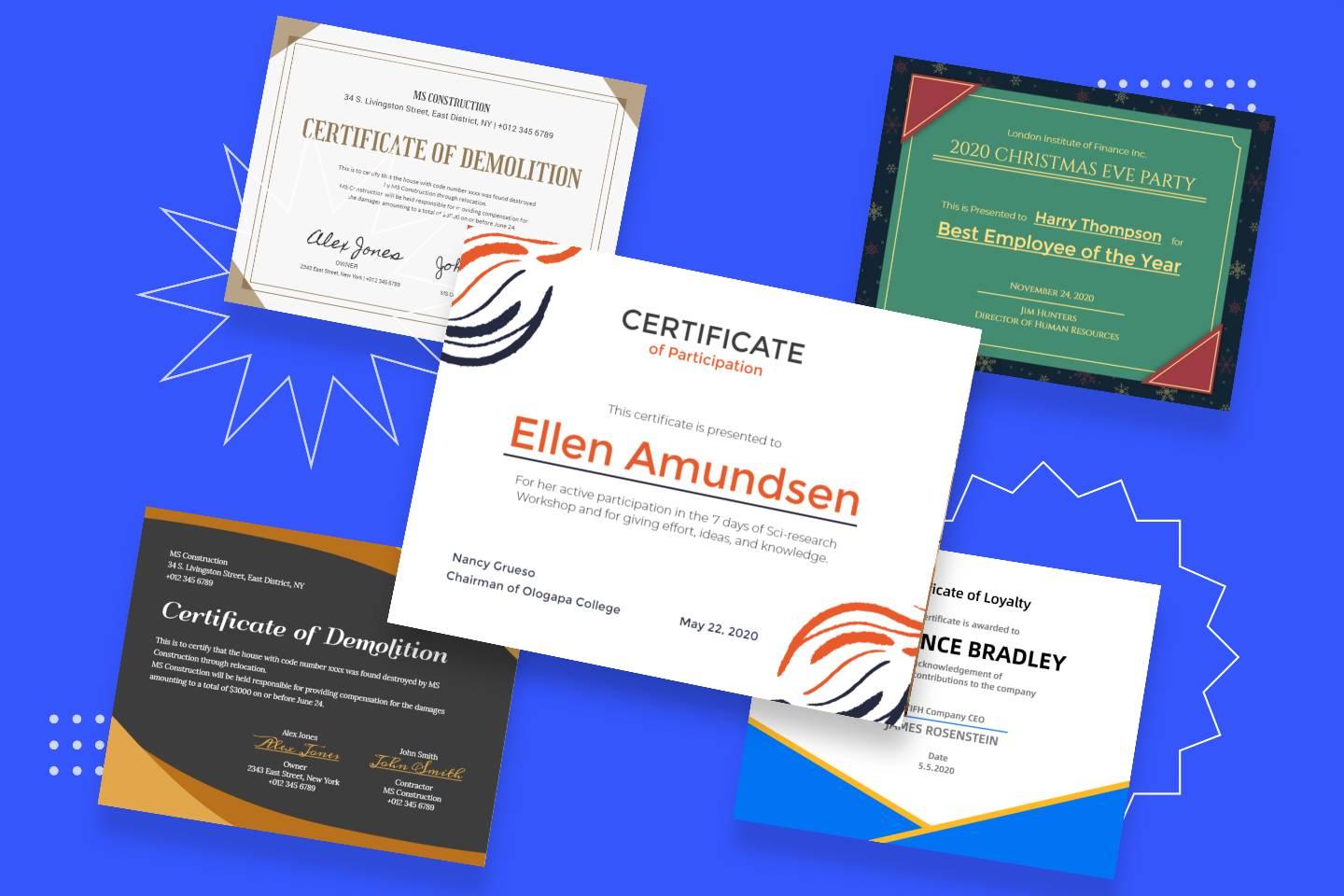
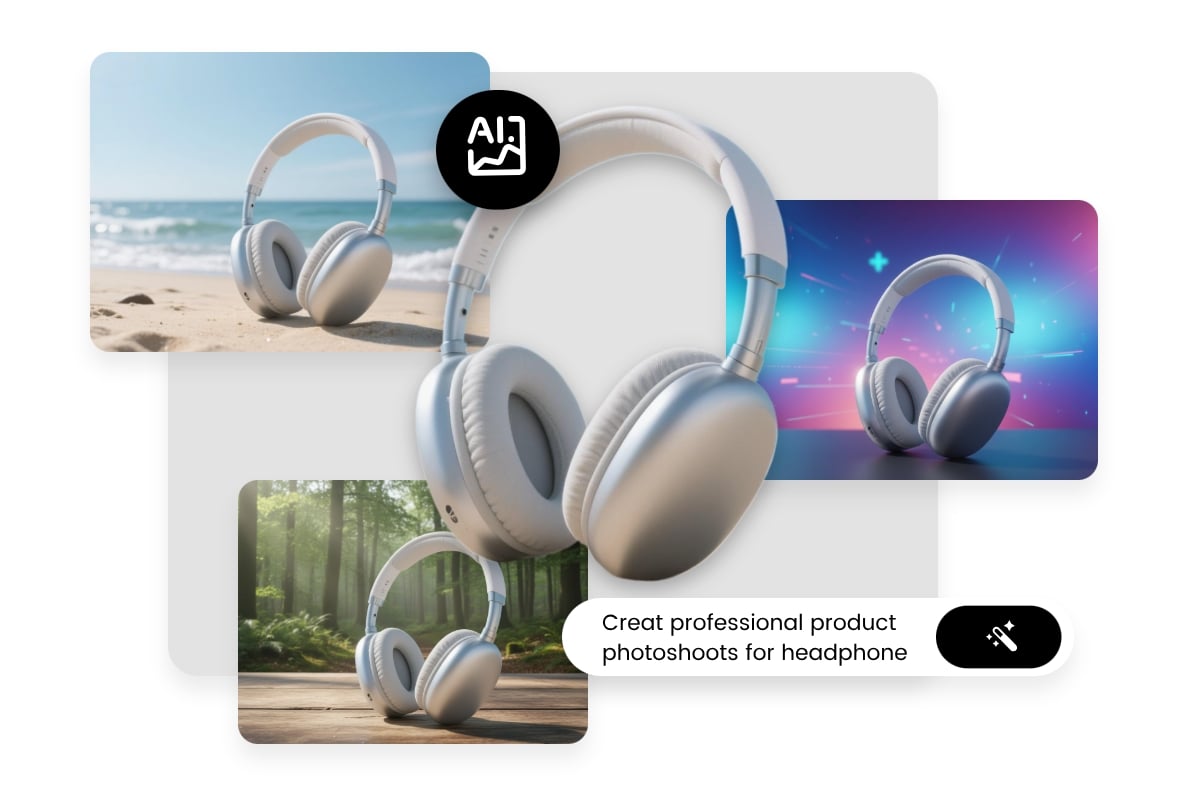
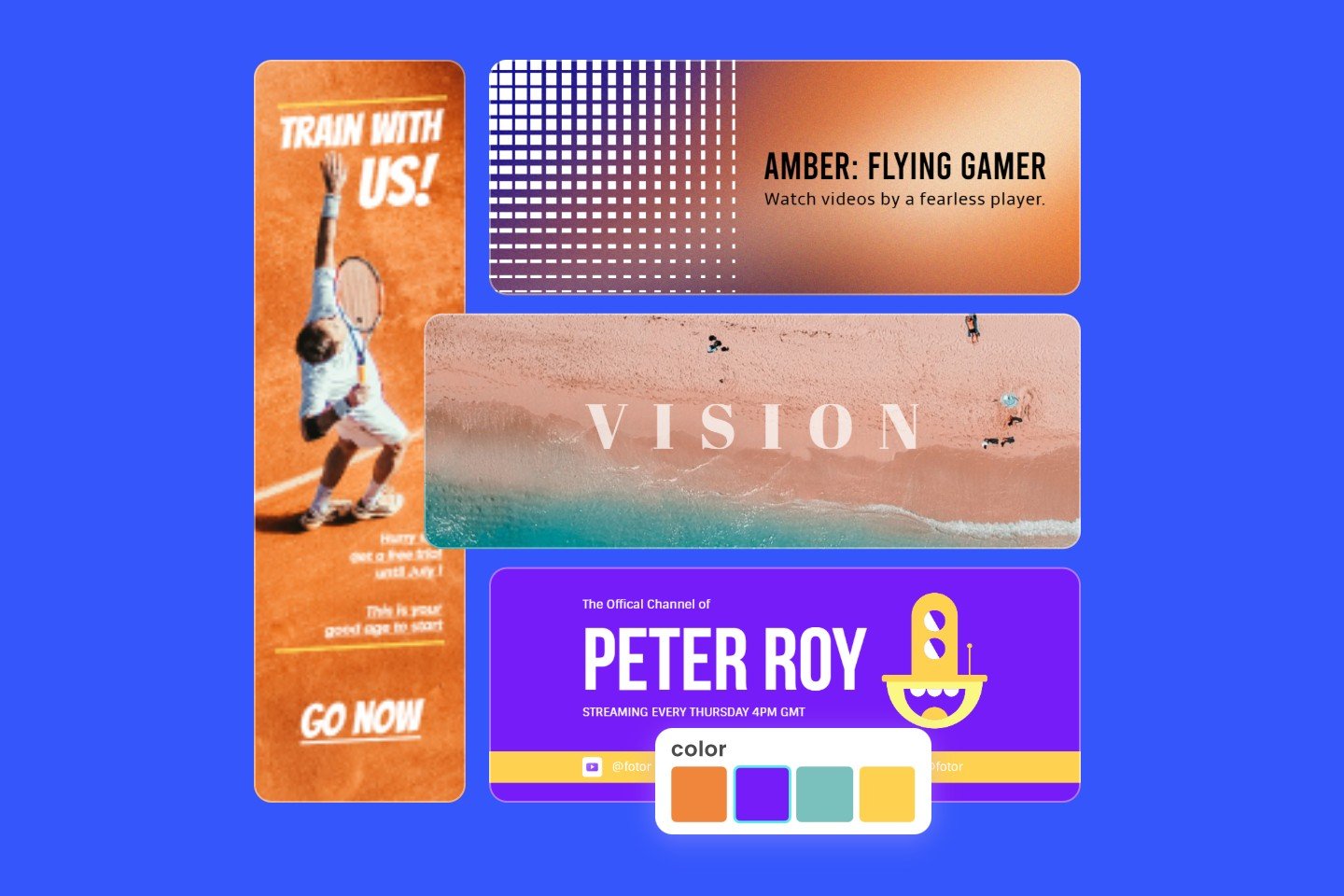
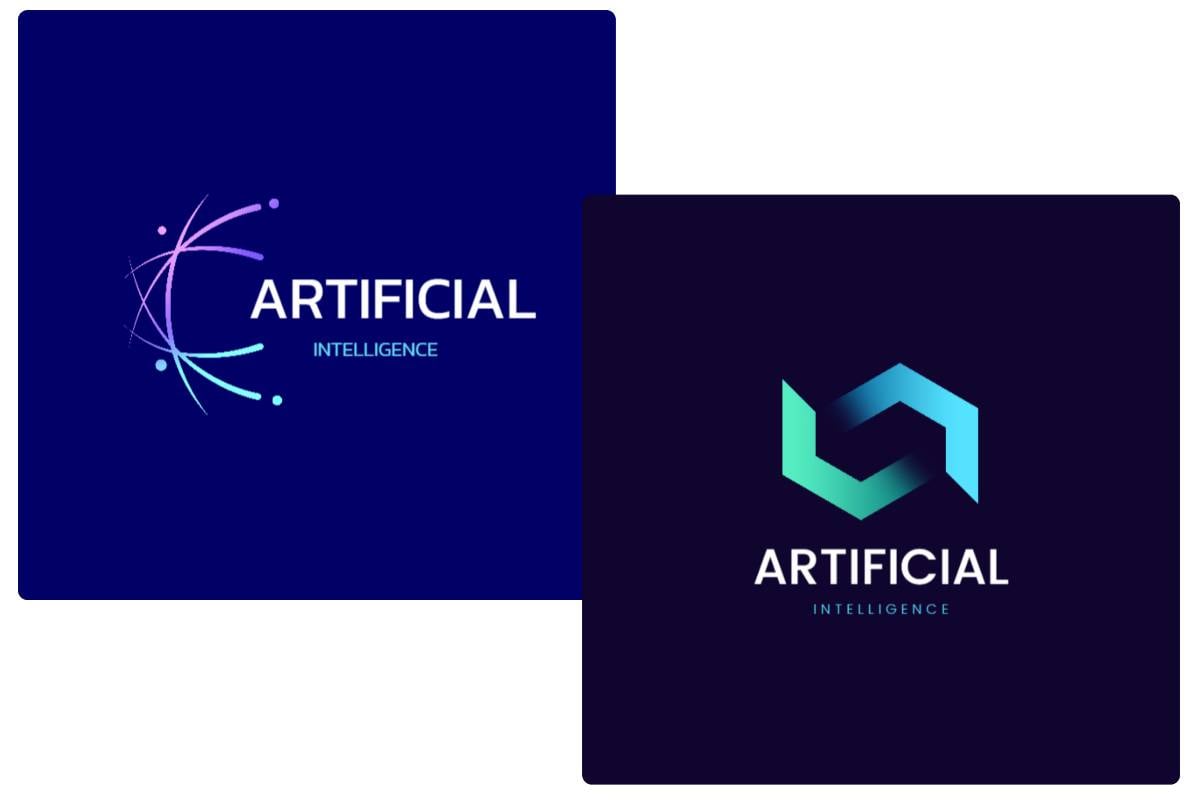
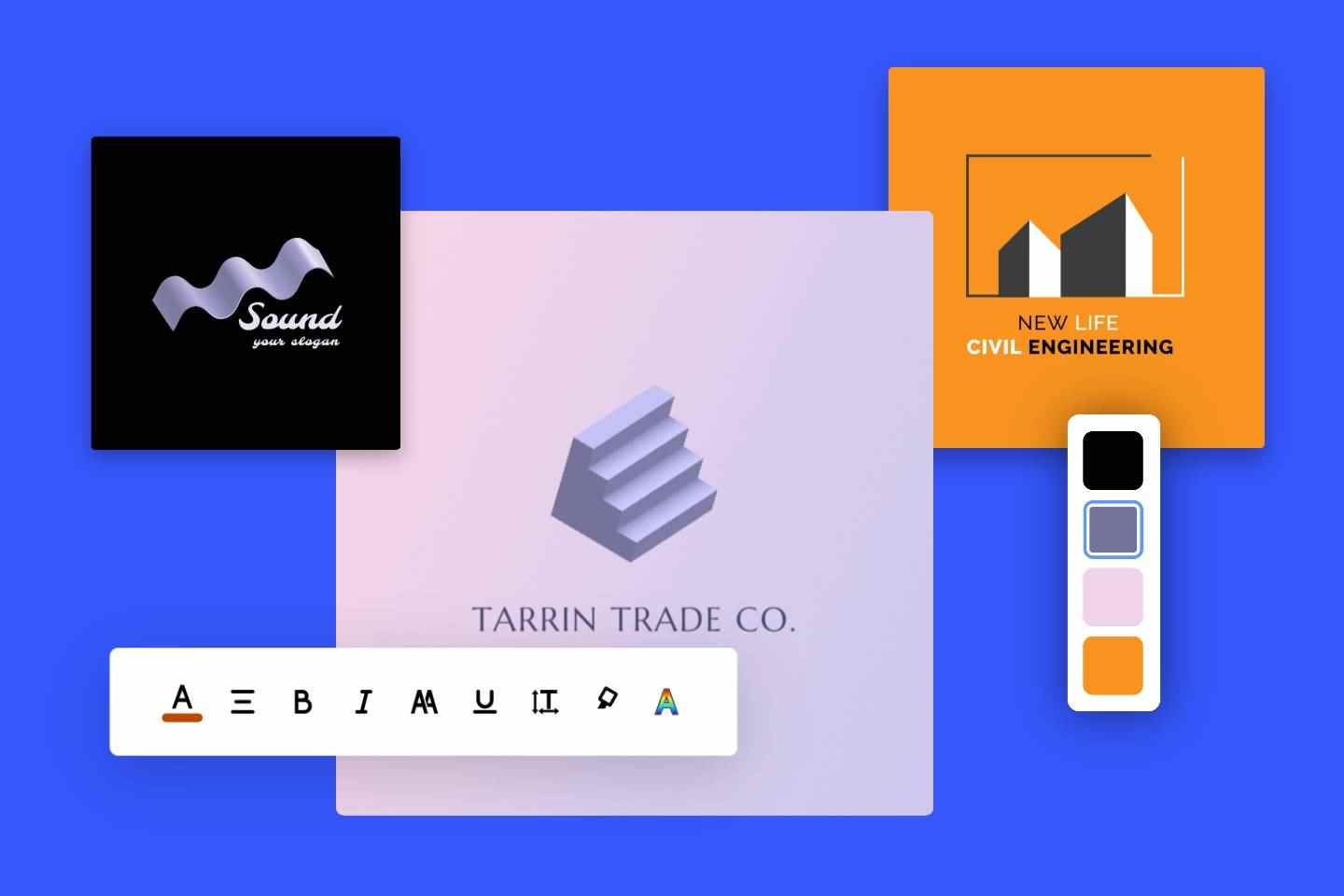
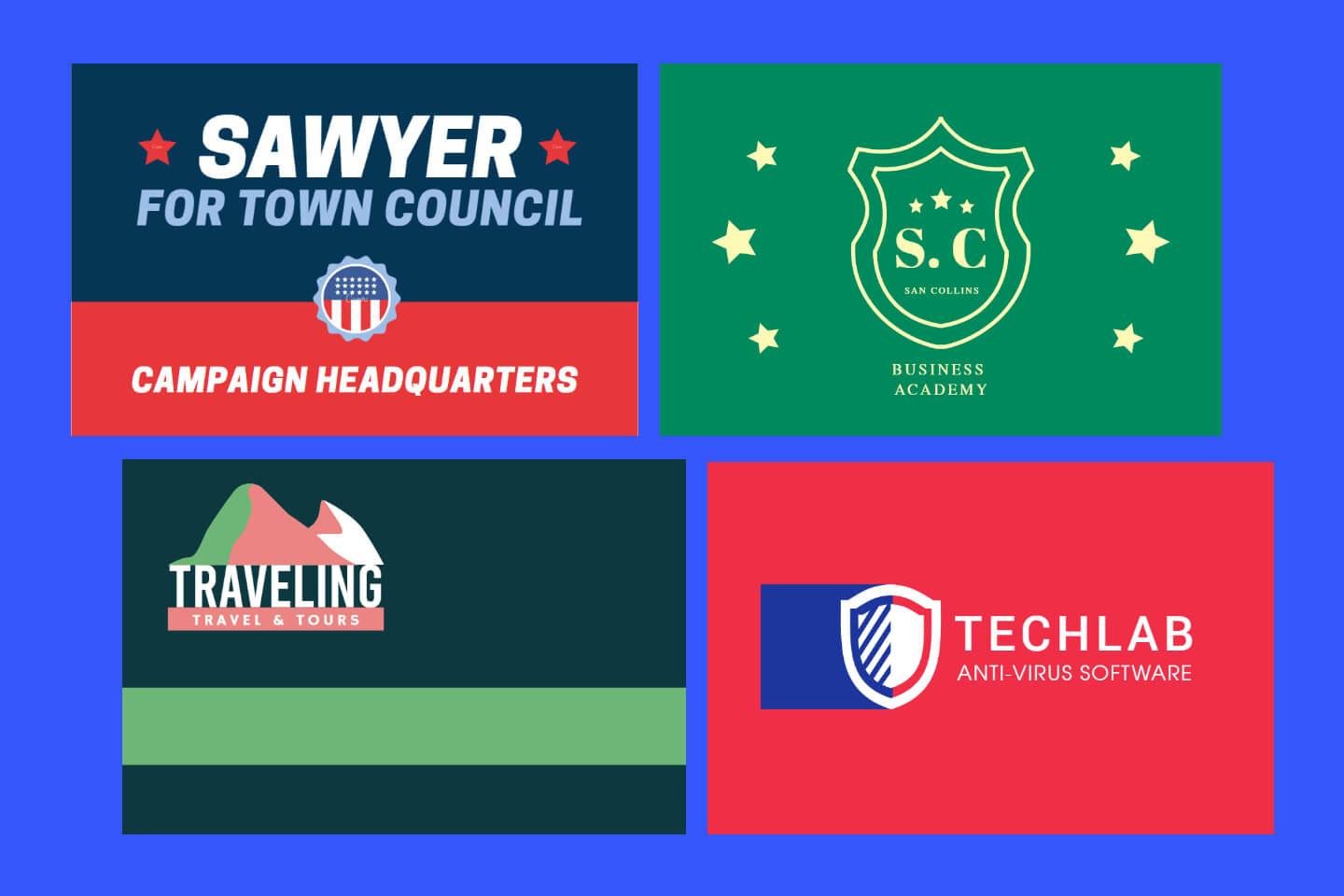
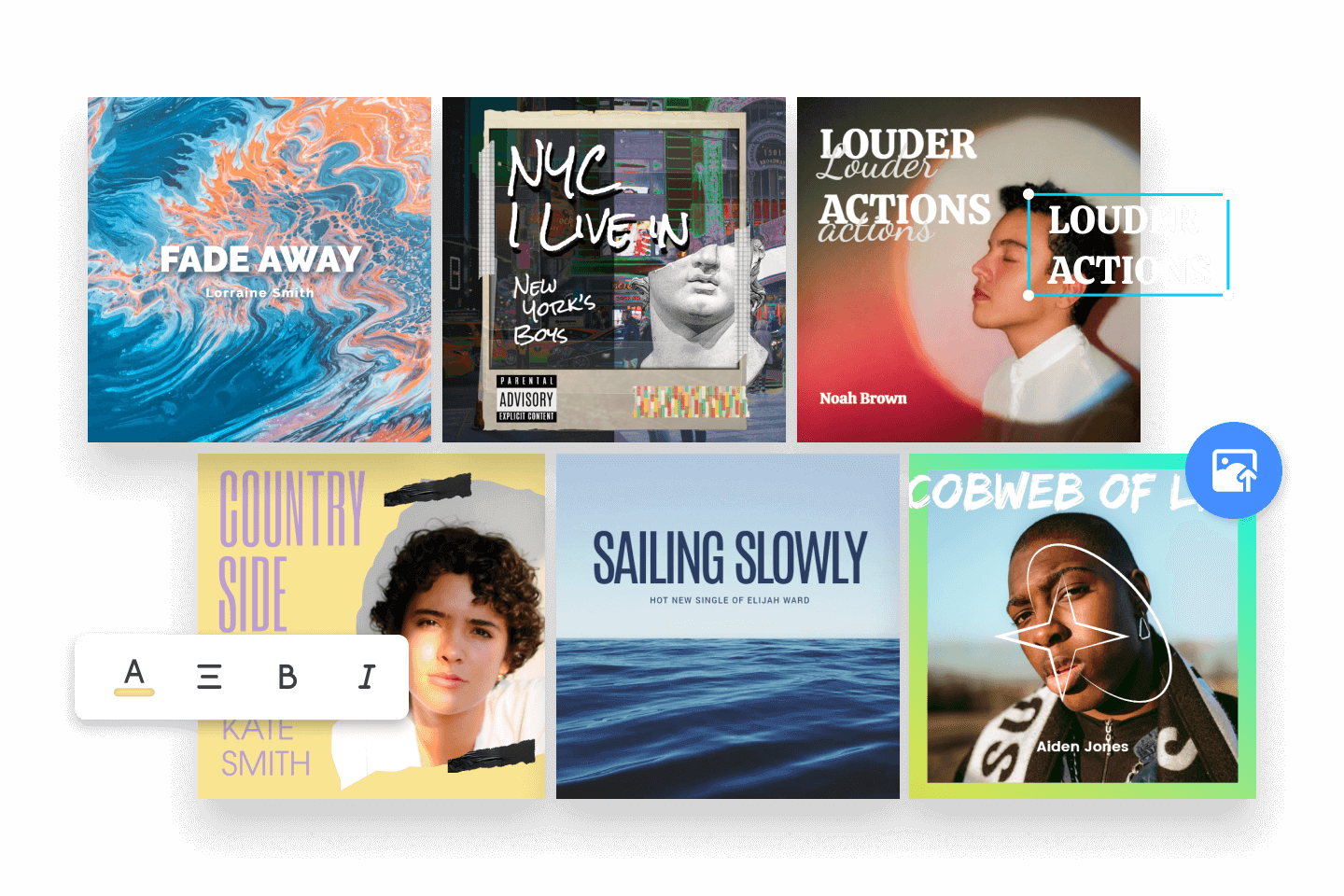
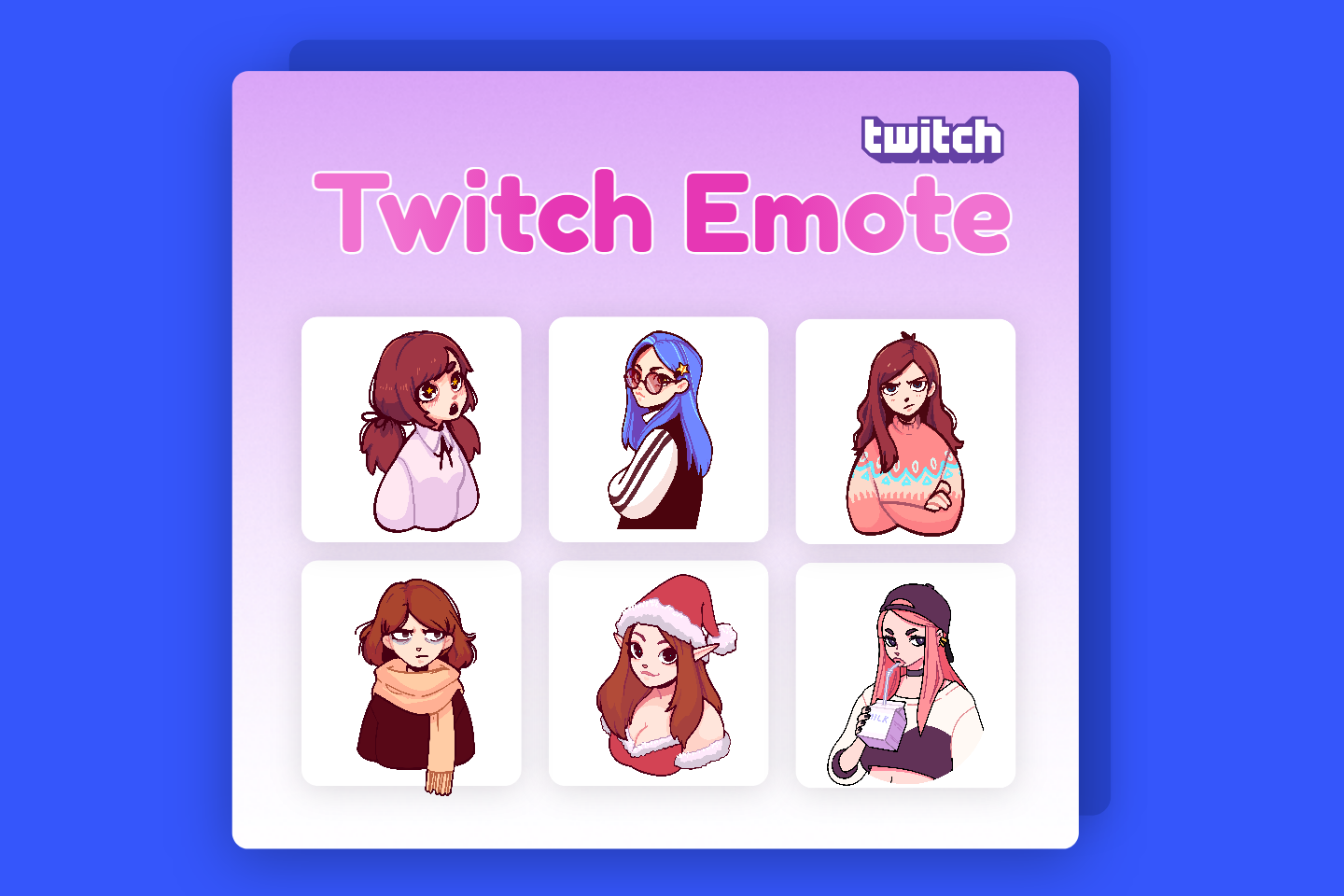
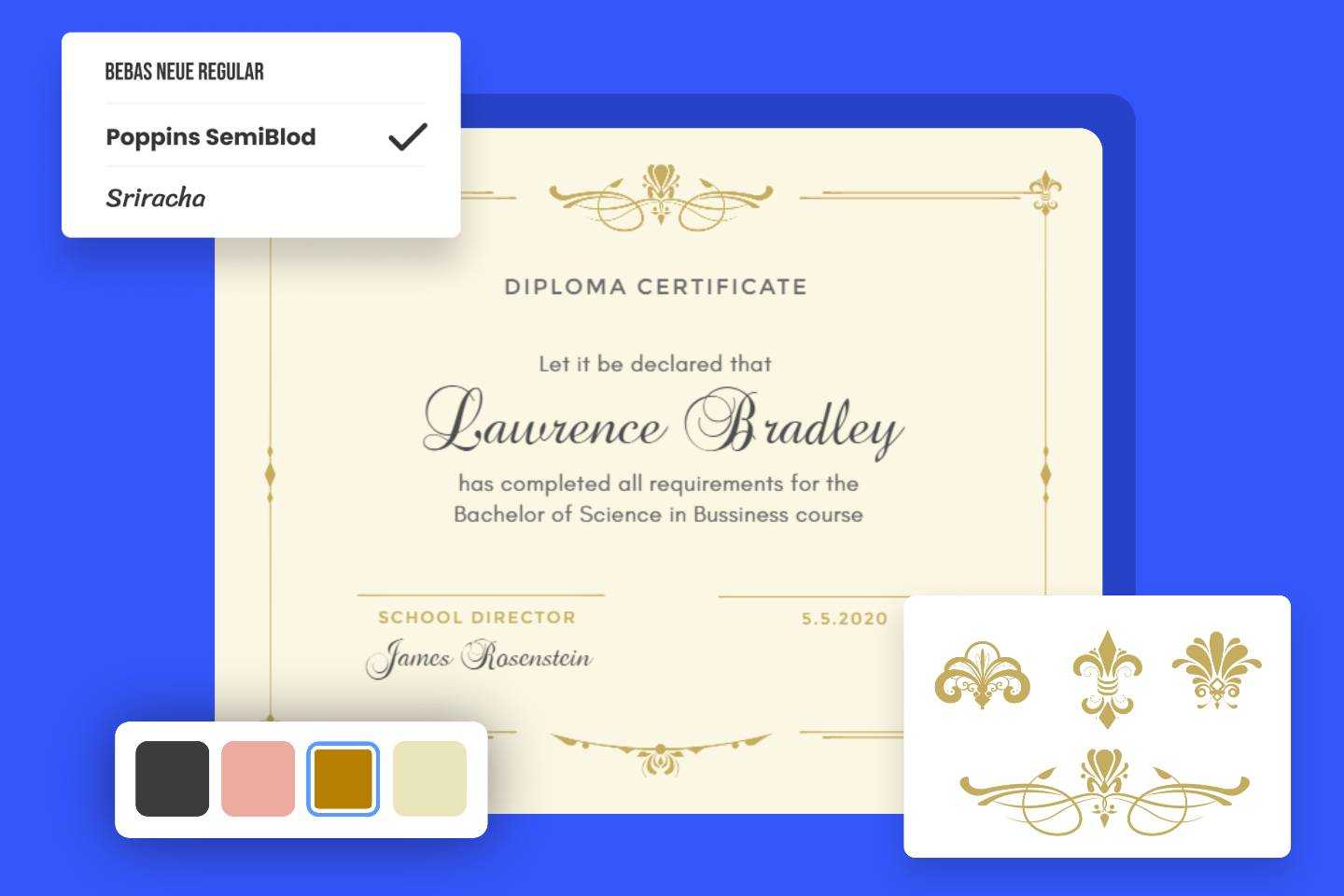
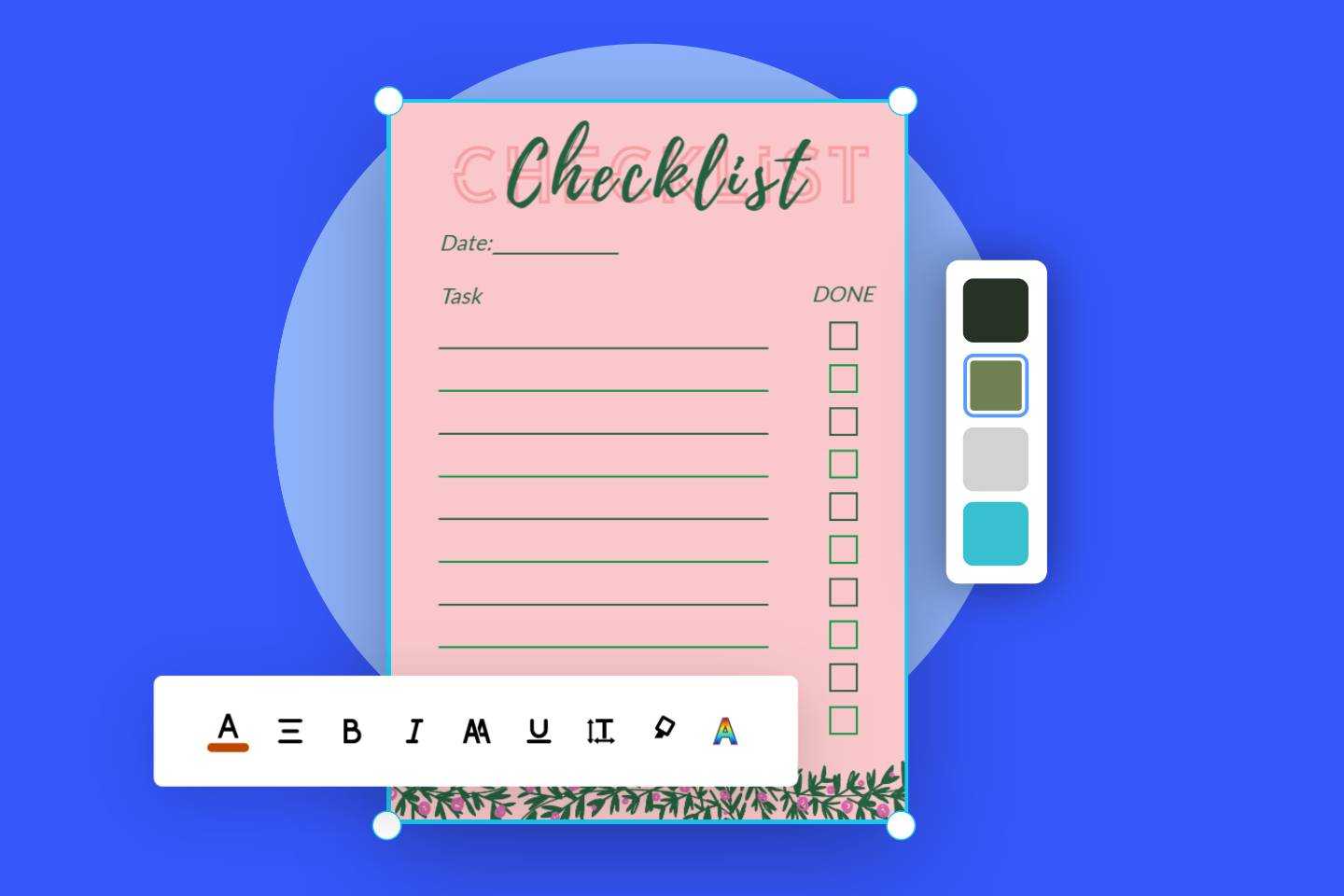
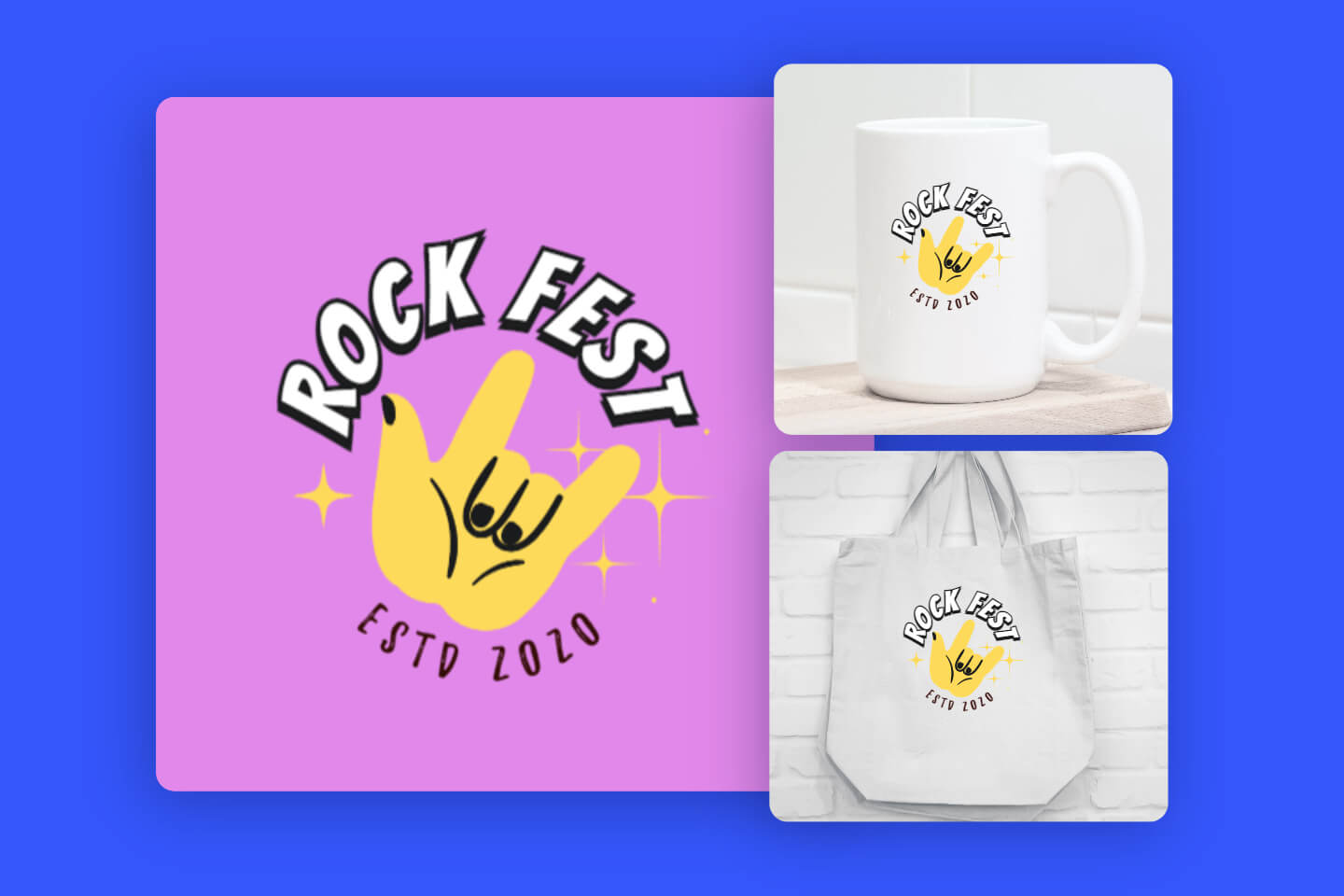
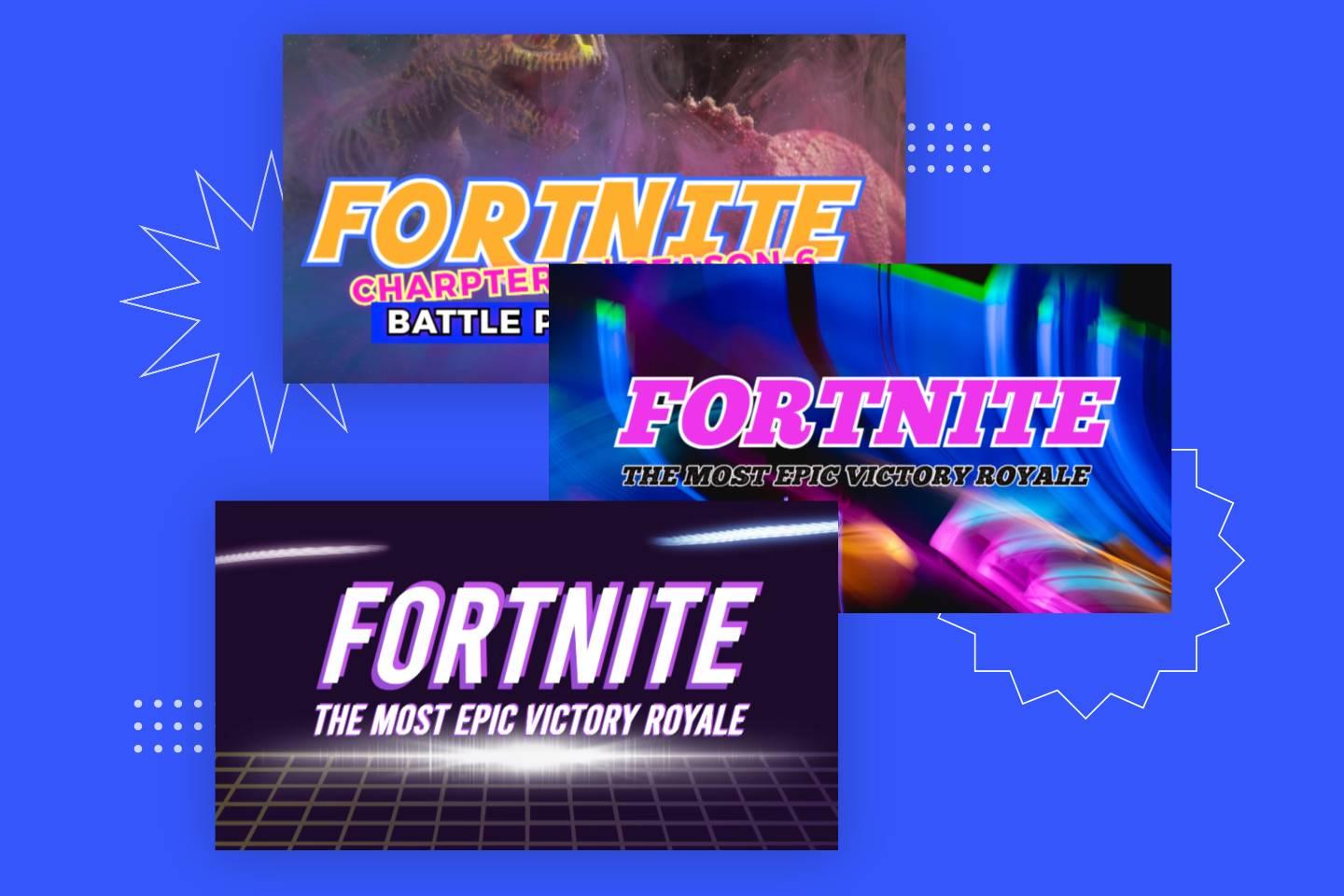
Use fotor ai logo font generator to create different types of font logos
Enter a prompt to generate a logo font image with ai

Easily Generate AI Font Logos from Text

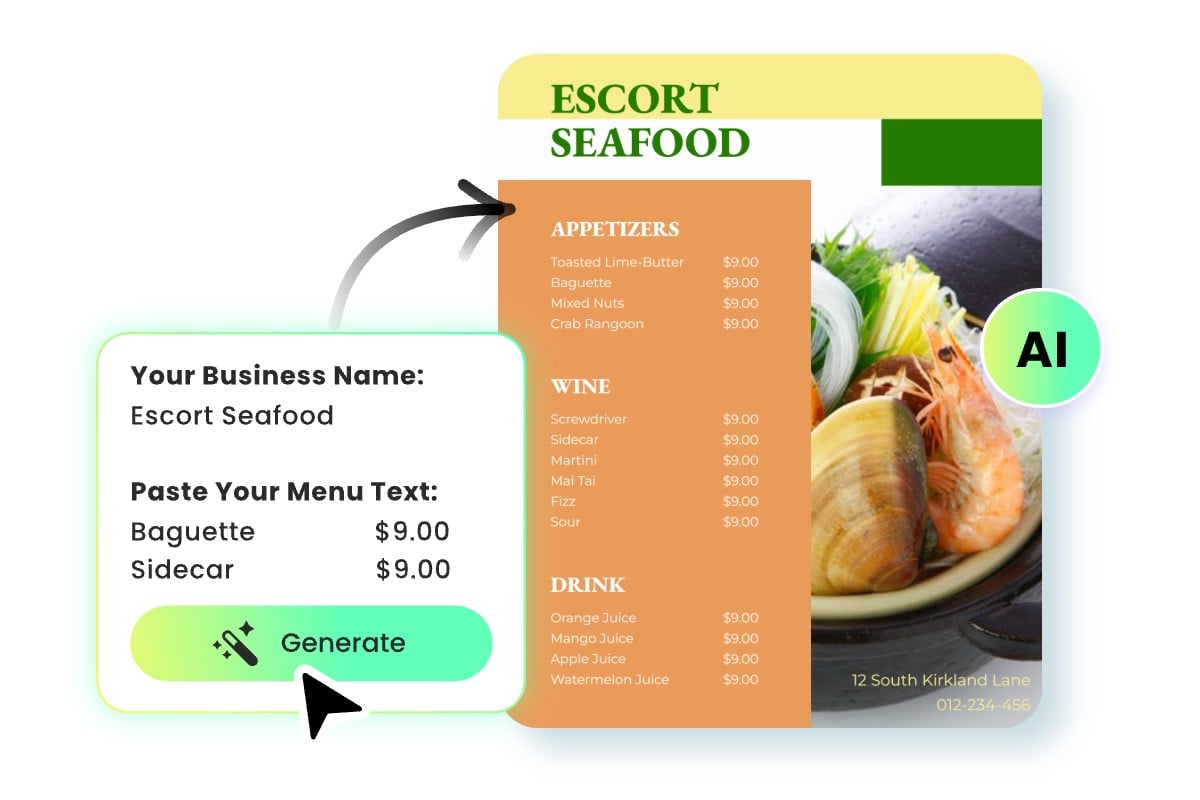
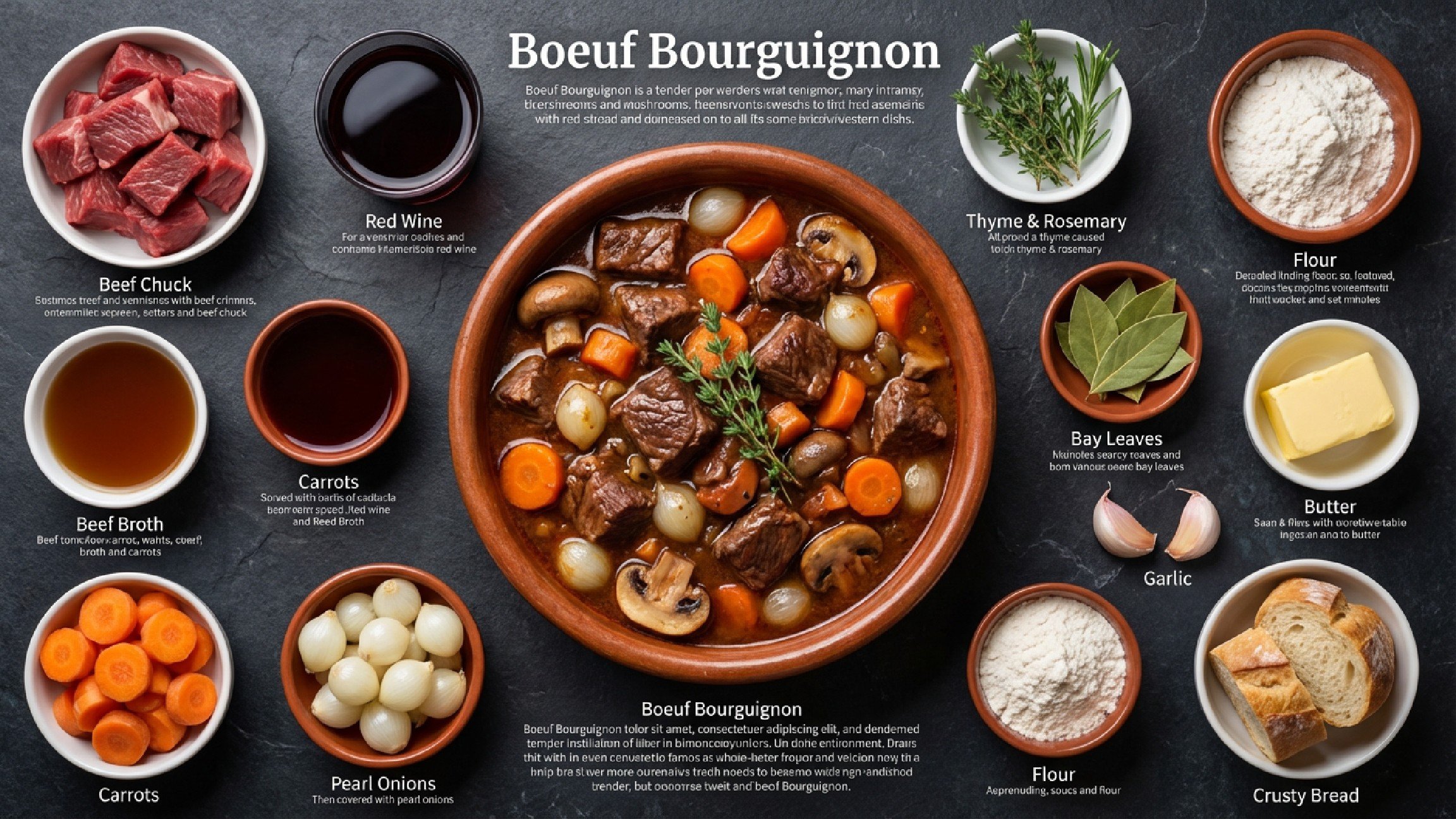
Want to create beautiful font logos but don’t know where to start? Our AI font logo generator lets you easily generate AI font logos using simple text prompts, no professional design skills required. Just head to our AI image generator, share your creative ideas as prompts, and our AI will instantly design logo fonts for you, giving your creative projects a unique visual impact.

Design Your Logo Font
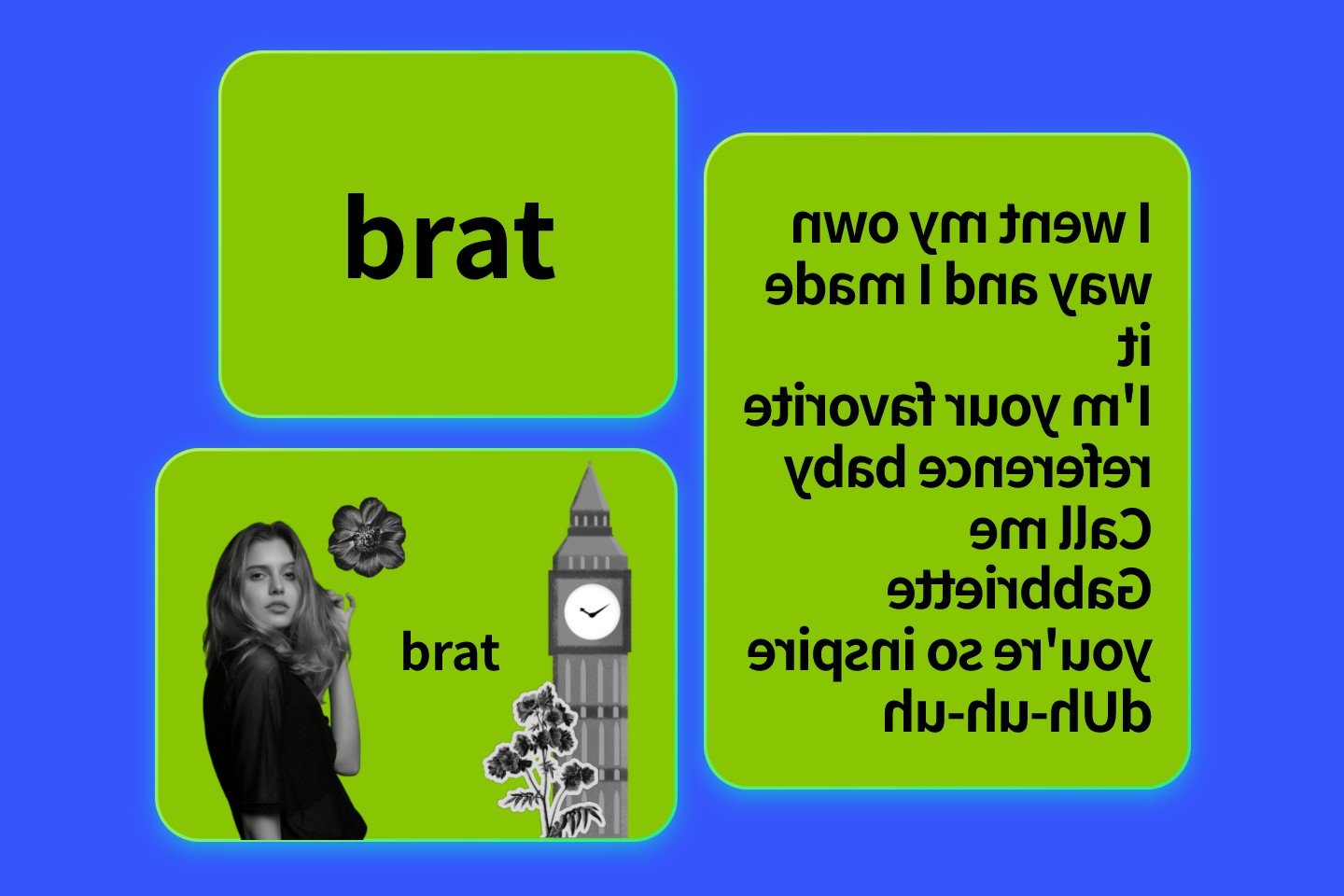
Enter a prompt to change a logos font into a brand new logo font with ai

Change Your Existing Logo Font with AI

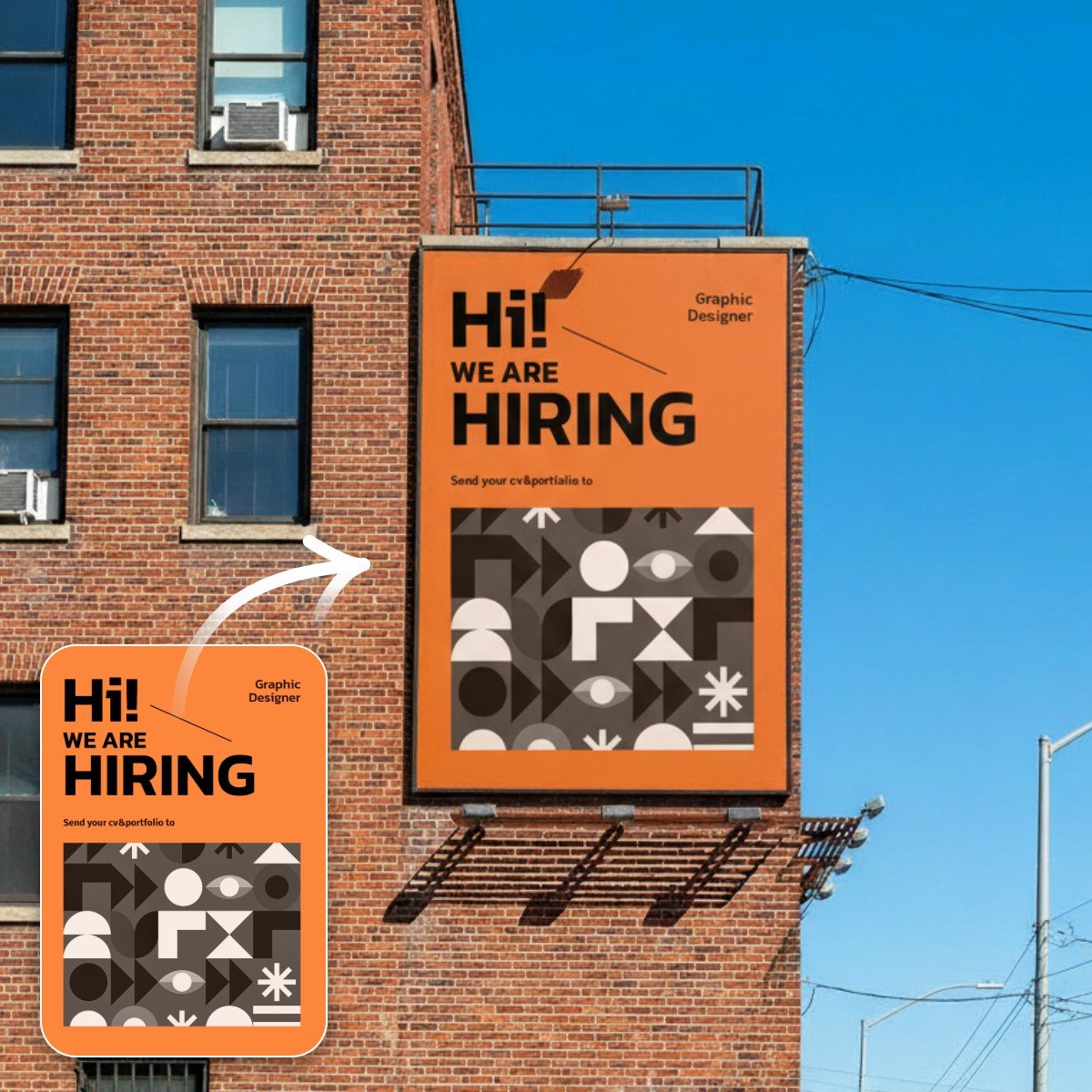
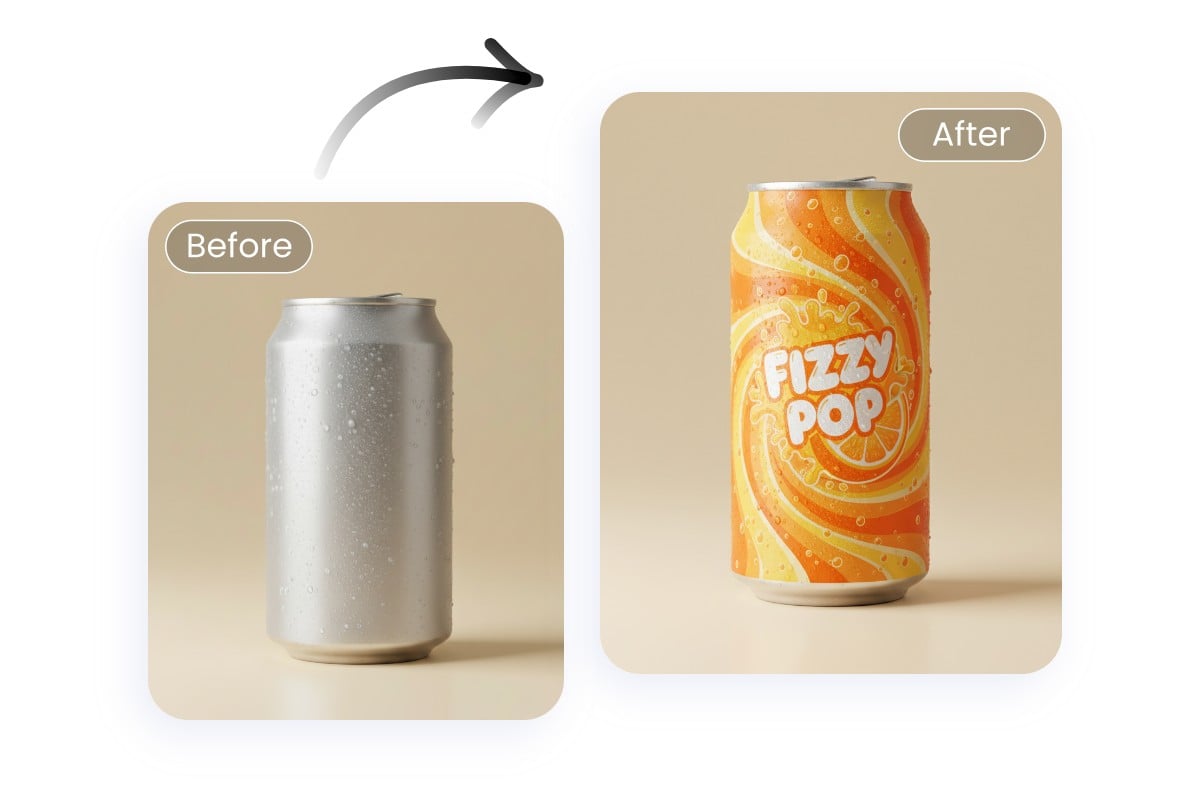
Still struggling with manually editing your logo fonts? Our AI logo font creator frees your hands. Simply upload your existing logo and enter a simple text prompt, and the AI will automatically change the font in your image, giving your logo a fresh new look.

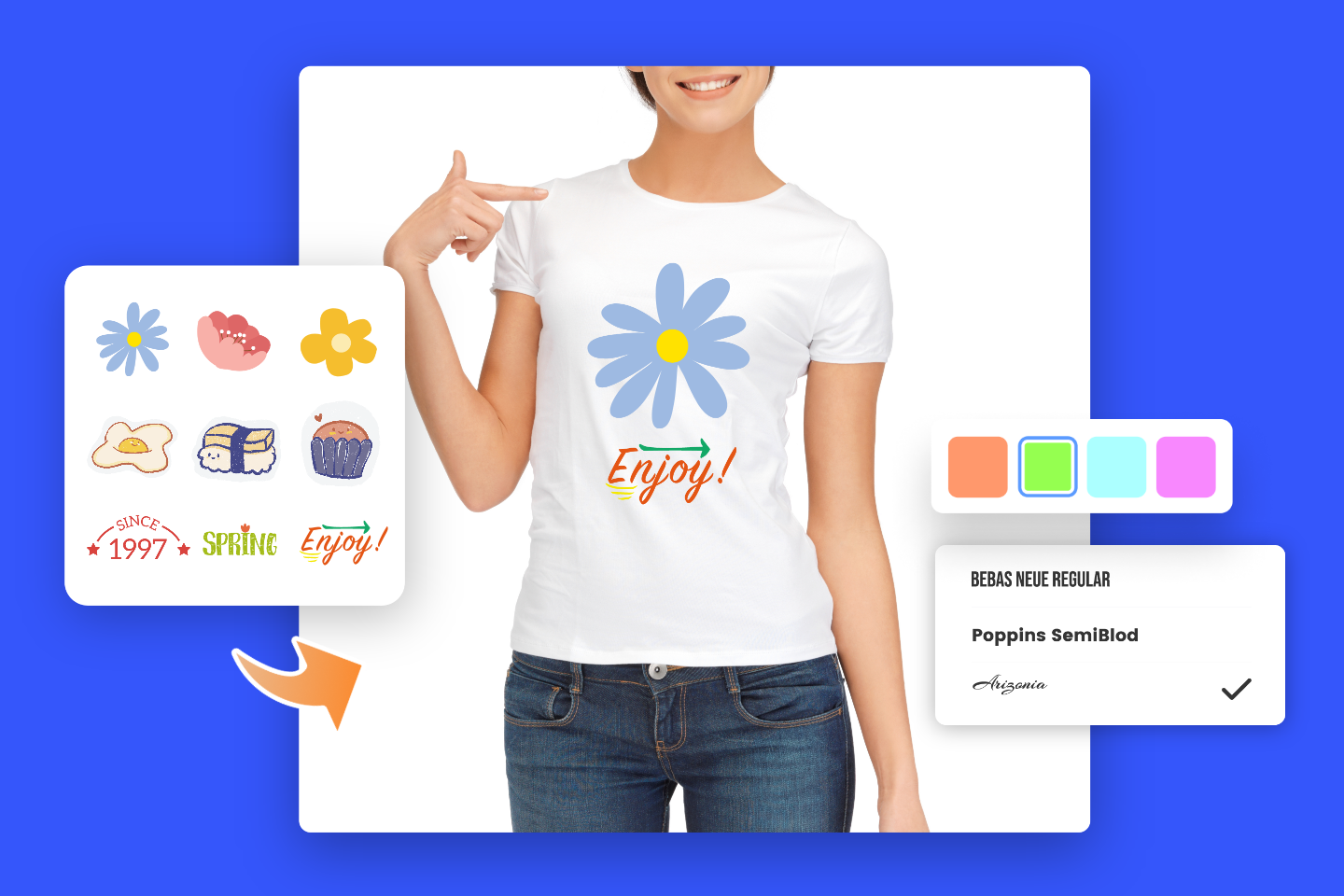
If you have a target font in mind, you can also upload the original Logo font image along with a reference font image, replacing the original font with the reference. Explore multiple options and intelligently optimize your AI font design.

Change Your Logo Font

Tips to Customize AI Logo Font Prompts

Our AI logo font maker supports highly flexible prompt customization, and the key to creating outstanding logo font designs lies in high-quality prompts. Here are some practical AI logo font prompt tips to help you generate logo fonts that better match your needs:

  • Specify Font Style

Clearly indicate in your prompt whether you want a classic, handwritten, serif, sans-serif, or artistic font style.

  • Describe Layout and Arrangement

Describe the visual style and color scheme of the template, for example modern minimal, warm and soft, or creative illustration with bright tones, to make the generated template more distinctive.

  • Choose Colors and Mood

Specify the application scenario or target audience for the template, such as business presentations, social media promotions, or event posters, so the generated content better fits your needs.

  • Incorporate Creative Elements

If the template has a specific layout or content modules, include that in your prompt, such as a cover page, table of contents, and content pages, or a left-image right-text design.

  • Keep It Concise

Prompts should not be too long; focus on keywords to help the AI understand your requirements accurately.

Why Choose Fotor’s AI Logo Font Generator?

Ai assisted icon

Advanced AI Feature

Our AI logo font generator, powered by advanced AI models and algorithms such as Nano Banana, can accurately understand the content of your text and images.

HD output icon

High-Quality Font Logo

Our AI can generate high-quality font logos for you and supports high-resolution downloads.
Multi-device

Work on Any Device

Not only can you use our AI font logo generator online, but you can also download our free app to create AI logo fonts anytime, anywhere.
no watermark icon

No Watermark

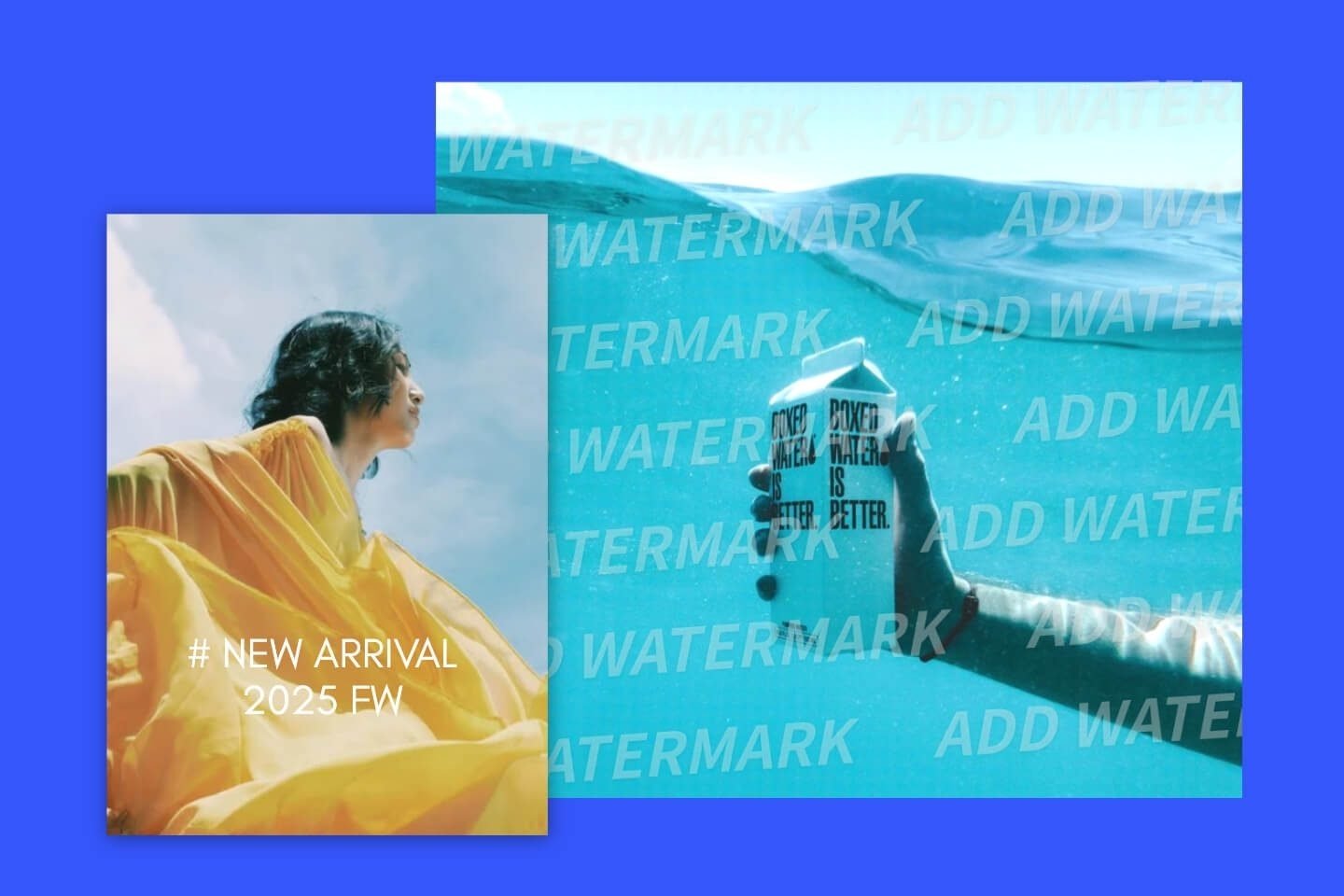
No watermarks will be added to the AI font logo images you create, providing you with a clean and uninterrupted experience.

FAQs

What is Fotor’s AI logo font generator?

Can I generate a logo font online for free?

What kind of AI font logo can I create?

Can I create multiple logo fonts at once?

The Best Free AI Logo Font Maker in Fotor

Design Your Logo Font