














No Login
You don't need to sign up for an account to try our book cover generator, which is convenient and efficiency-boosting.


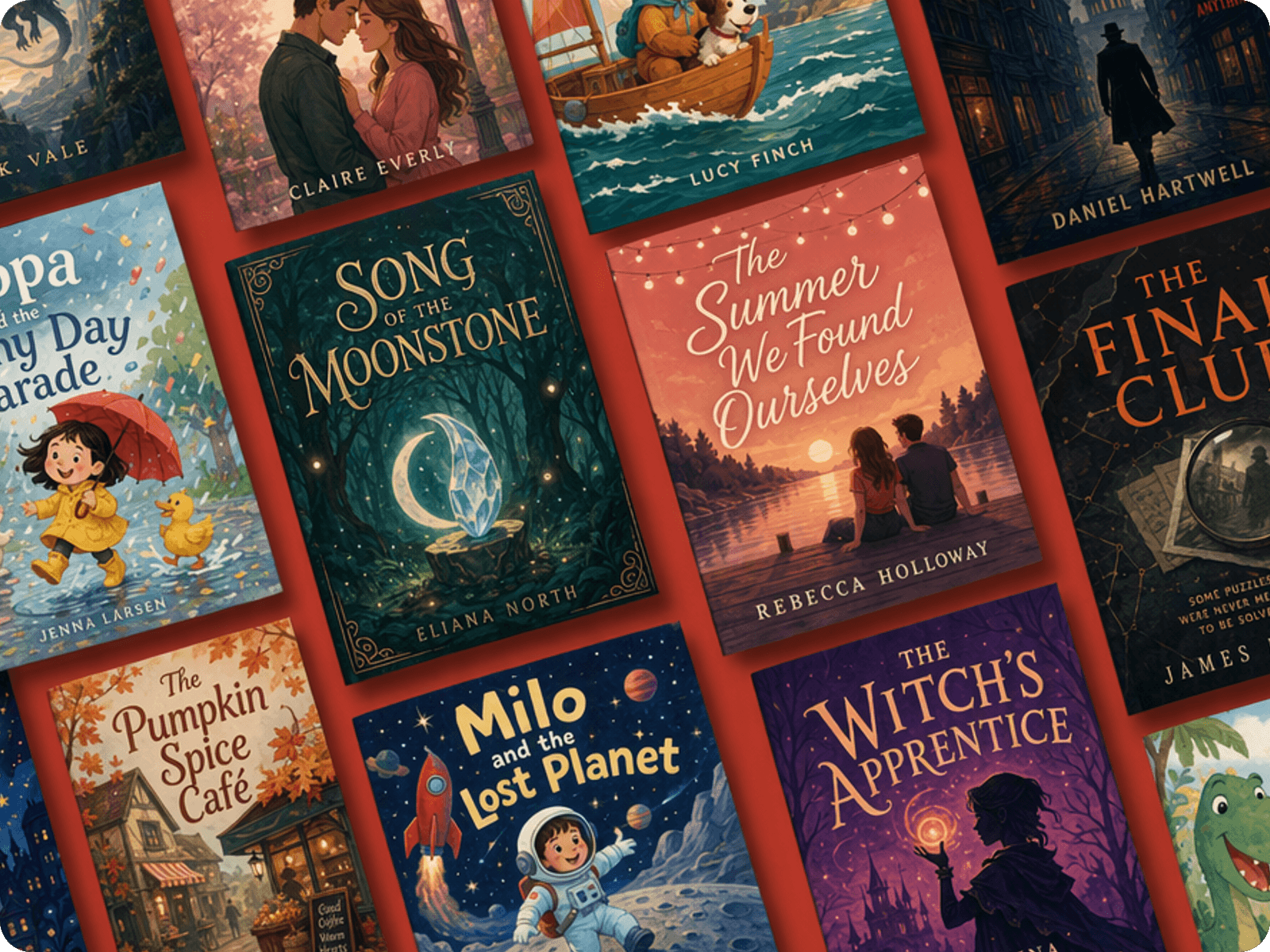
Tap into Fotor's AI book cover generator to turn your text or images into eye-catching book covers that meet all your needs. No matter the genre and topic of your books, type your book cover ideas and our AI can help you explore stunning variations and find the ideal option in seconds. No design skills required.
If you want to use an AI book cover maker to create a perfect cover page, you need to provide a sufficiently detailed prompt, including:
Genre: fantasy, romance, thriller, horror, sci-fi, nonfiction, and more
Story theme: mystery, adventure, love, self-discovery, history, conflict, or transformation
Target reader: young adult, adult fiction, children's books, business readers, and more
Main visual: character, object, landscape, symbolic element, or abstract composition
Mood: mysterious, romantic, dramatic, playful, elegant, nostalgic, or futuristic
Color palette: warm neutrals, deep blues, muted earth tones, vibrant colors, monochrome, and more
Composition: centered subject, close-up portrait, cinematic wide shot, minimalist layout, or negative-space composition
Typography direction: elegant serif, modern sans serif, handwritten, decorative, or bold display type
The more clearly you describe the visual hierarchy, the easier it is to refine the result afterwards.
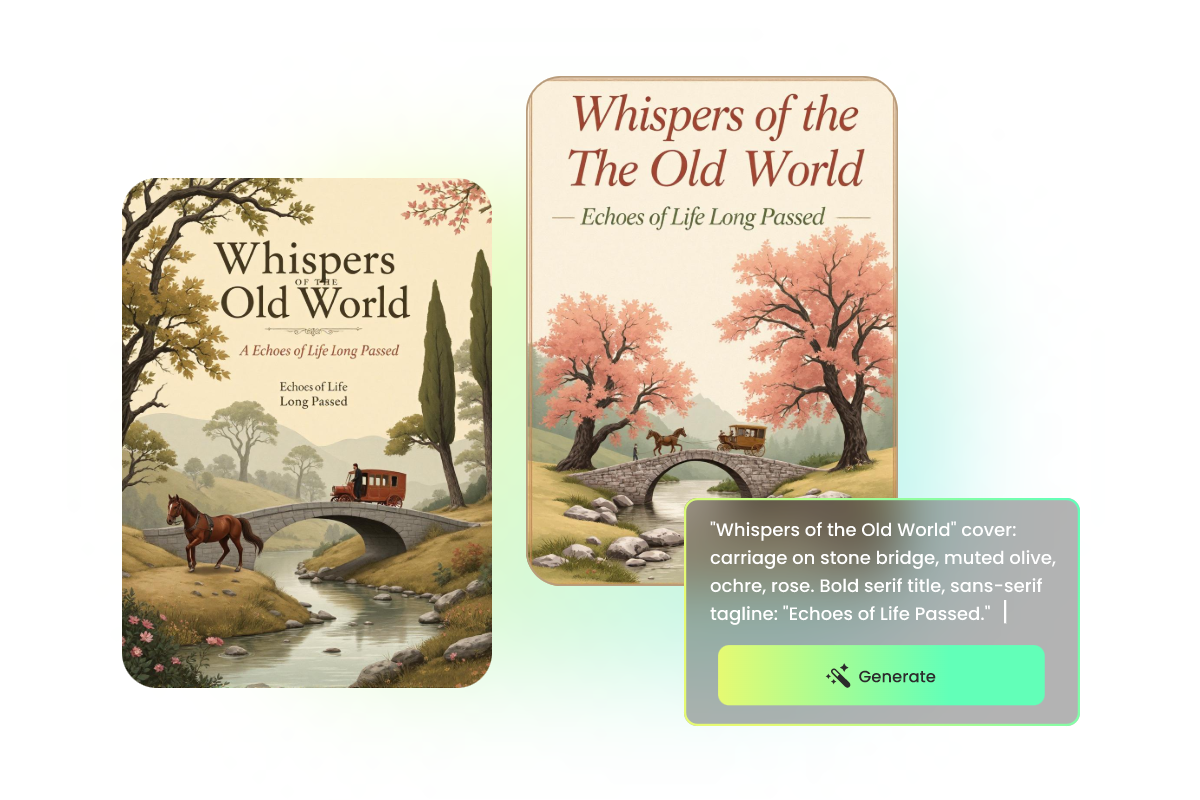
Type a prompt describing your book cover ideas, including the title, subtitle, author name, and more. Or upload the image you want to use as the cover or make an AI cover from.
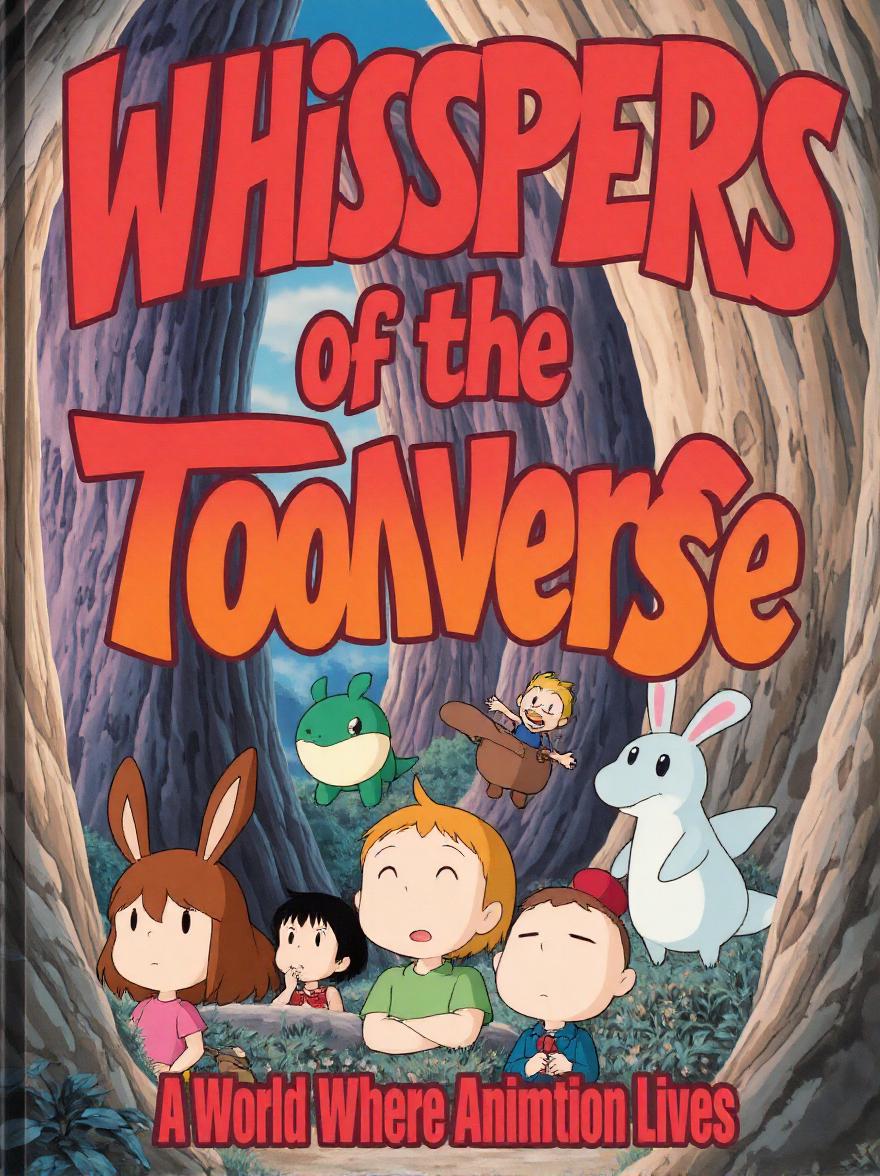
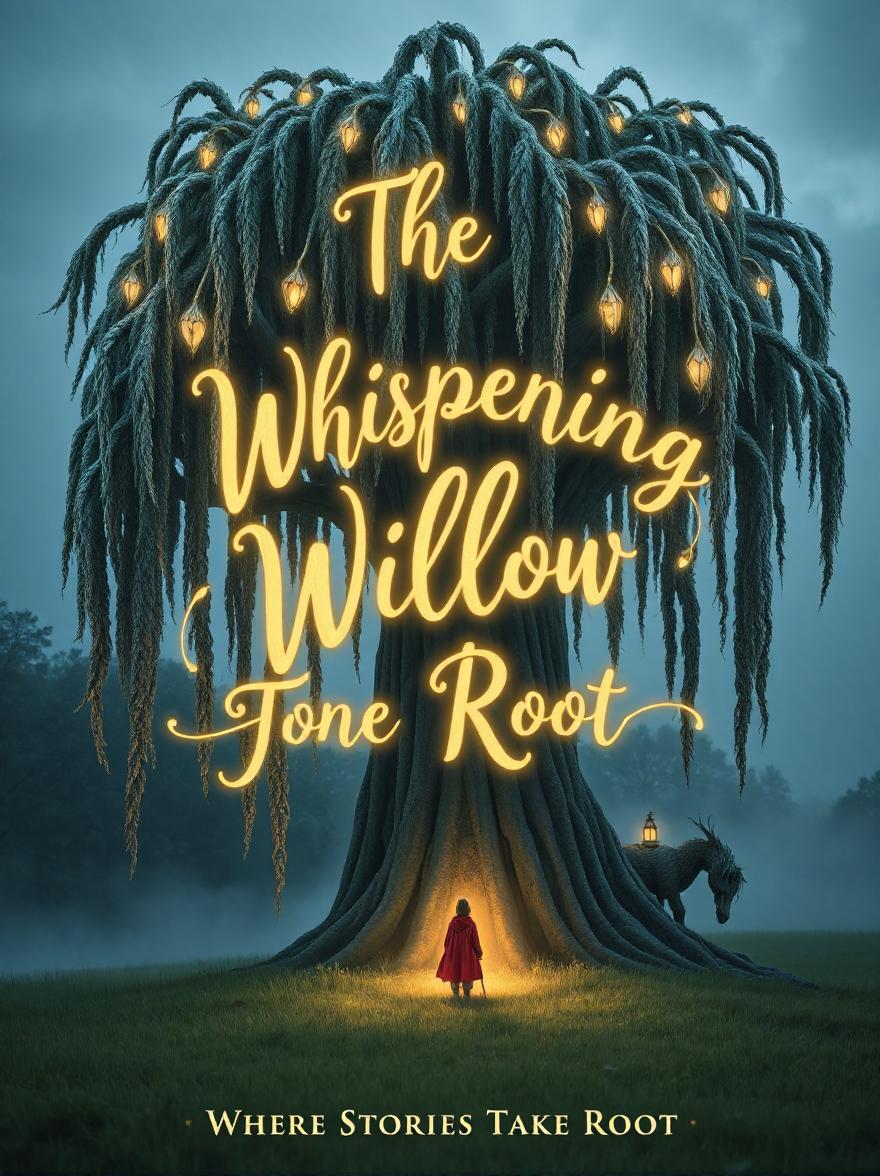
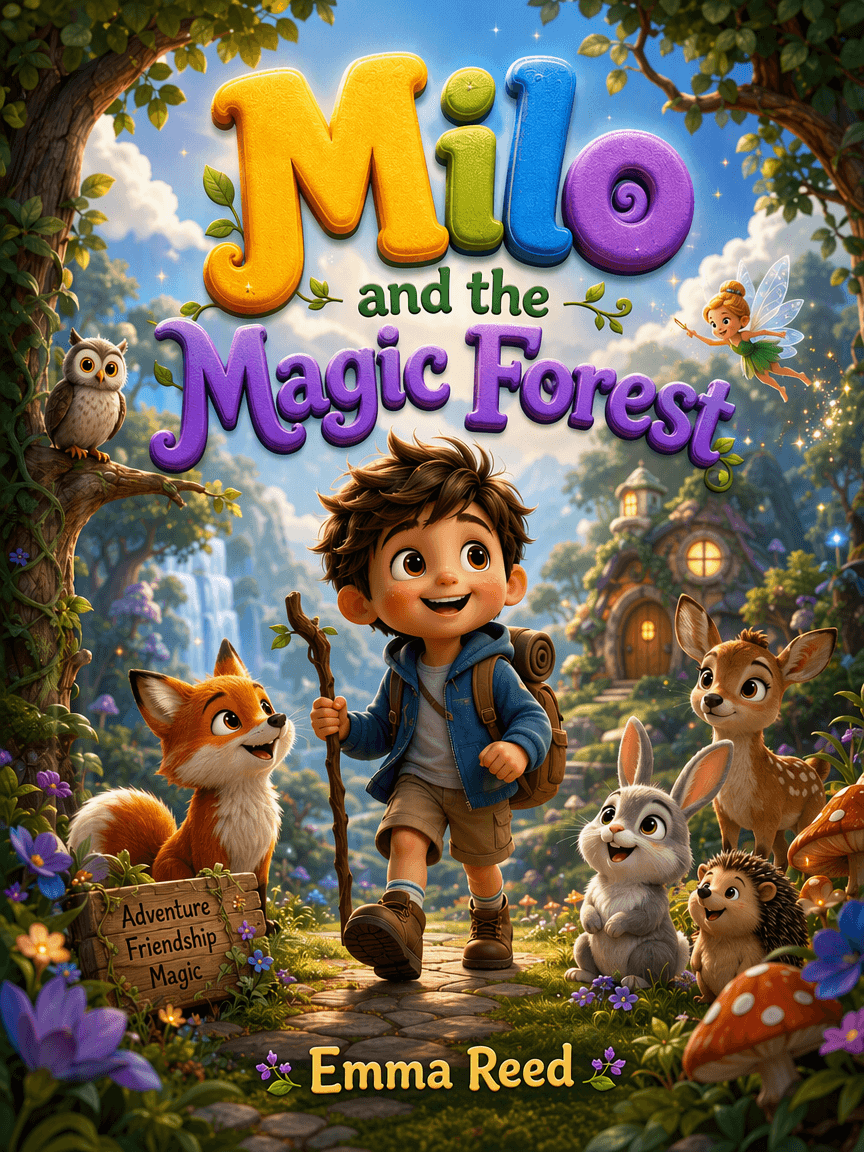
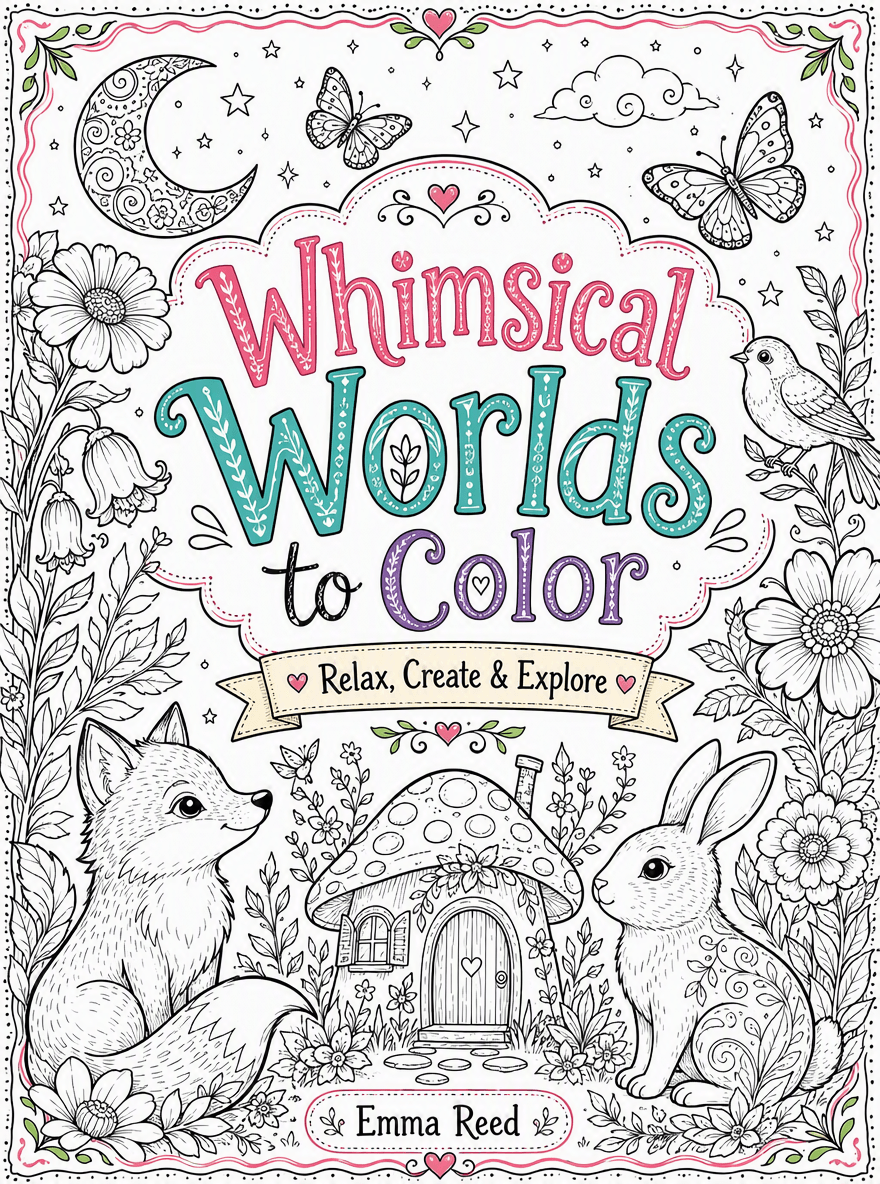
Have you dreamed of generating book covers with AI? Now, Fotor's free AI book cover generator can meet your expectations. No need to design book cover with images and text by yourself anymore. Just write down all your needs to Fotor's AI image generator, choose from our advanced AI models and the AI can do all these complex steps for you. You can receive AI covers with better visual effects and unified font. In a flash, AI will return you four covers at one time. Come to Fotor and enjoy a seamless and effortless creation!
Want to create unique book covers from existing photos? No problem. Just upload your image, enter your descriptions and our AI will convert it to your desired book cover in a preferred topic and style. Armed with powerful image-to-image technology, our AI book cover creator makes it easier for users who want to make exclusive, graphic or 3D covers from their existing visuals for both physical books and ebooks.
Create cohesive, professional book covers for an entire series while giving every volume its own visual identity. Just use the cover of the first volume as the reference image; our AI cover page generator helps you make new covers that maintain consistent characters, typography, layouts, themes and overall art direction. With Fotor, you can quickly explore different concepts and adapt designs for each installment without starting from scratch.
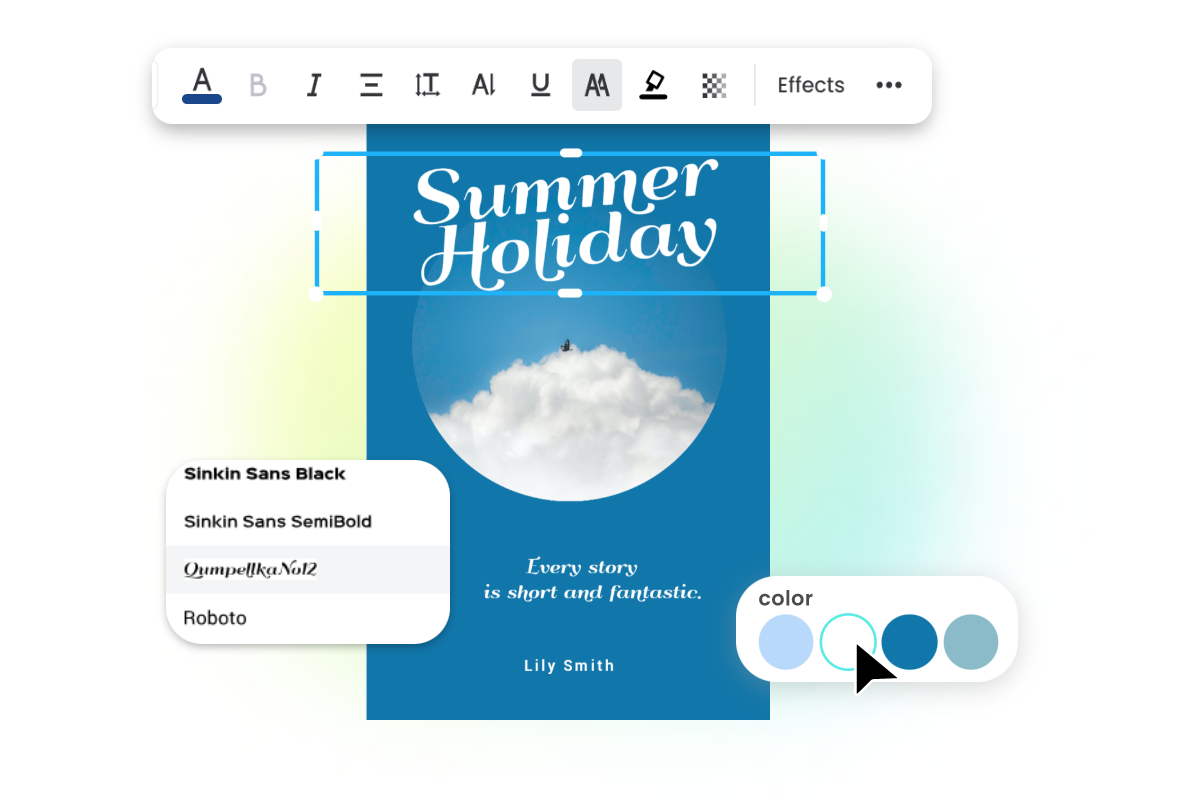
Need additional edits for the covers created by our AI cover generator? That is easy. Fotor offers a useful AI photo editor that allows you to do more to polish them. You will find various AI and editing tools with a rich media library to make your book covers stand out. For example, add stylish text, insert custom stickers, AI replace unwanted elements, remove distracting details, combine your cover art with our book cover templates and more. Even without editing skills, you can expect professionally polished book covers with Fotor.
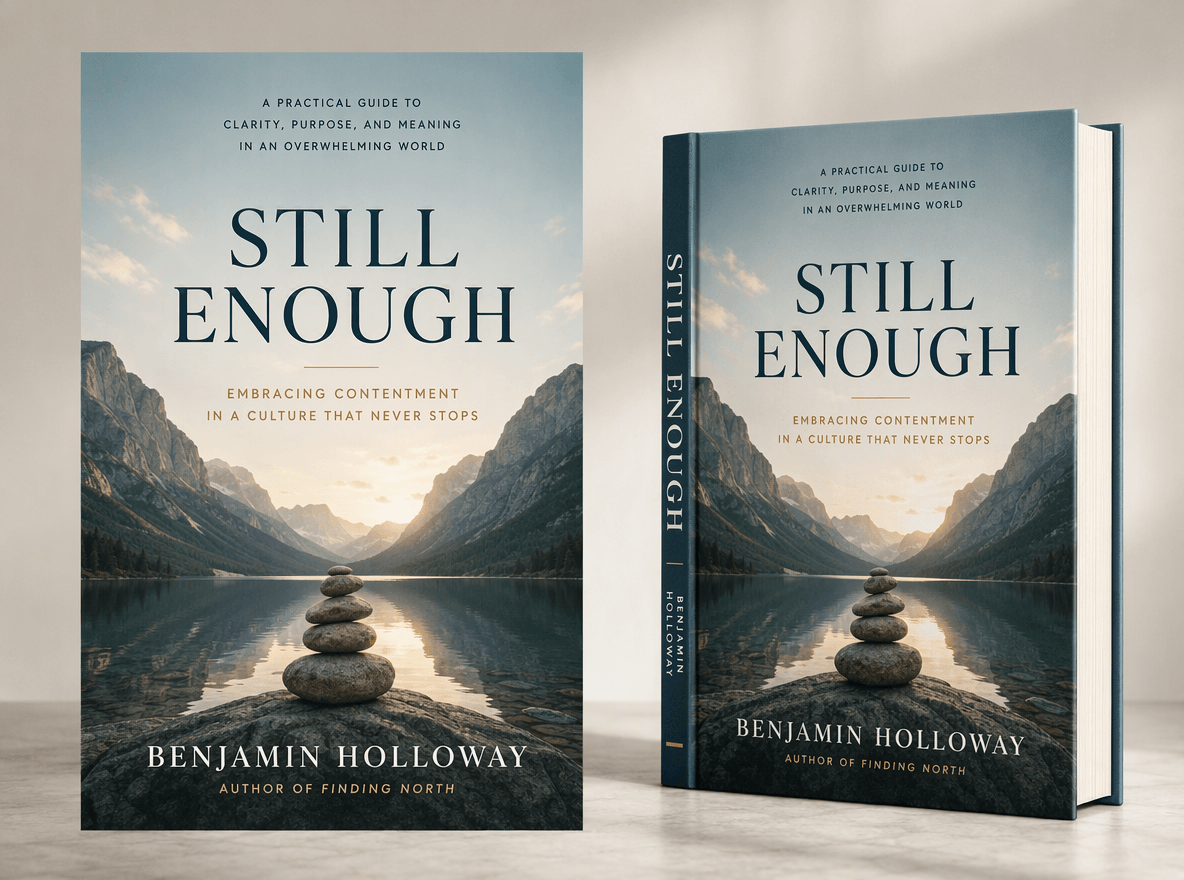
Intend to publish your book independently? Then, you need an eye-catching cover. With Fotor, you can conveniently create polished book covers for eBooks and Amazon KDP with AI. Start with your title, genre, concept or rough idea and quickly generate your stunning book cover design tailored to your audience, including the front cover, book spine and back cover. A few clicks can lead you to covers with compelling layouts, imagery, typography, and visual styles that instantly communicate what your book is about, which helps build interest and encourage more clicks and purchases in crowded online bookstores.
Want to make a book cover for your physical book? Look no further than the Fotor AI book cover generator. After designing your book cover, you can download it for free in various file format choices. You can print your covers in PDF format. Besides, you can generate a spine and back cover for your paperback book. It can be such a good helper for users to bind a book. Design the cover according to your plot can inspire readers' interests to read. Stand out with stunning book covers and increase the chance of being viewed by more readers.
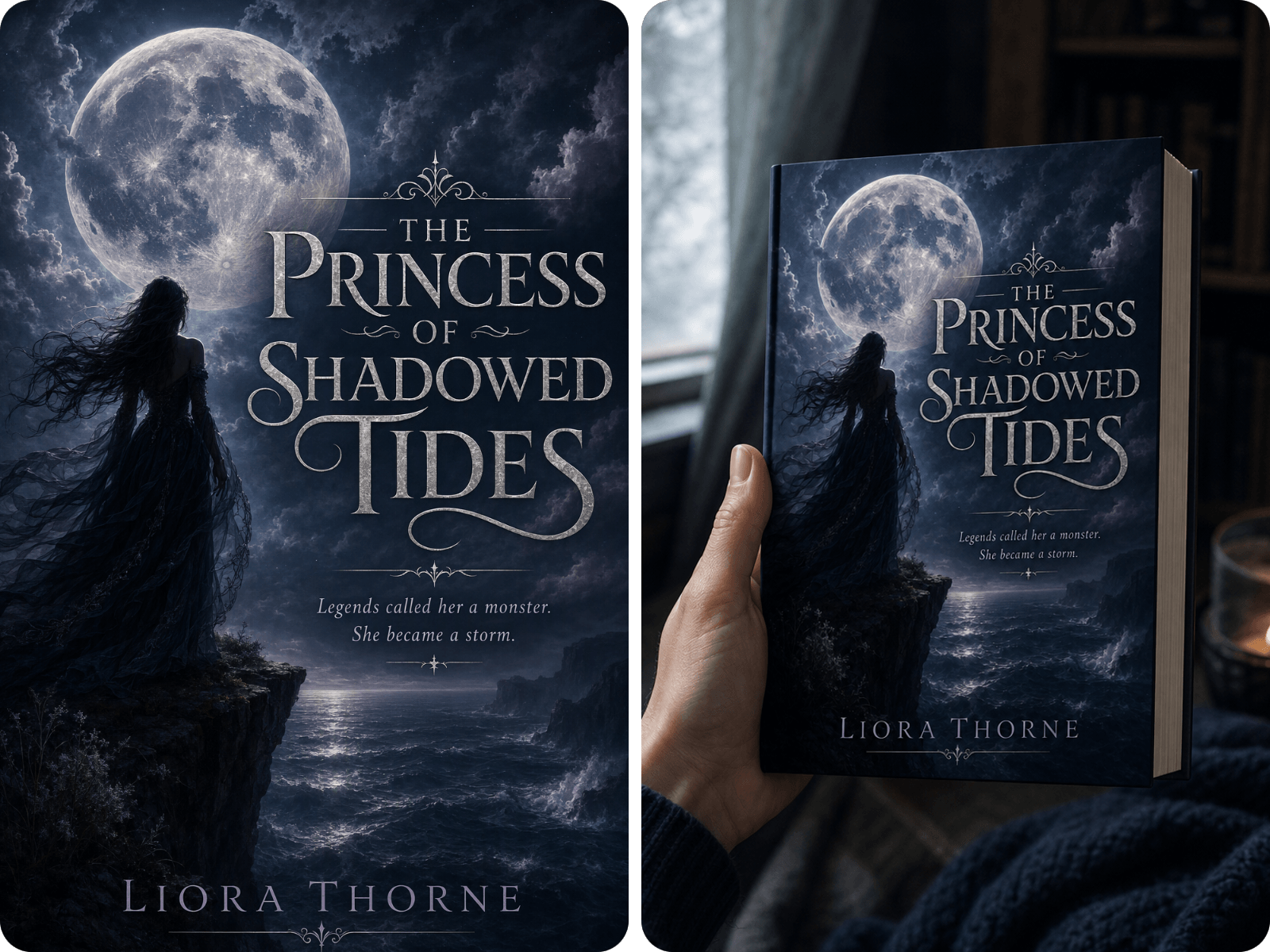
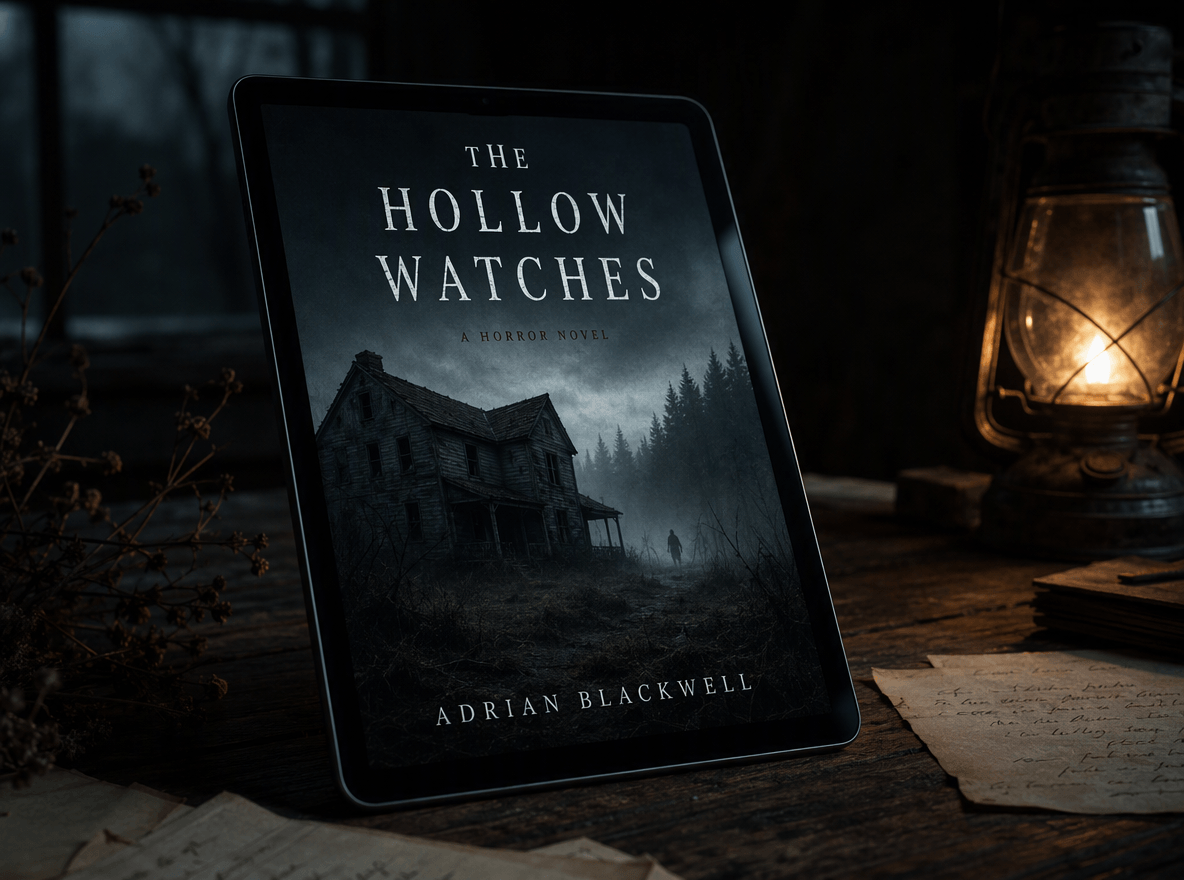
Creating an AI book cover is not the end of your publishing workflow. Once you have a finished design, you can turn it into a complete promotional asset system. For example, Fotor provides an AI mockup generator to help you get professional, 3D book mockups by showing your cover on a physical book, tablet or reading scene. Also, add it to our design templates to create your book marketing visuals, such as social media graphics or website banners. Also, you can rely on Fotor to get a clear, mind-gripping book cover thumbnail for your social media profile to attract more audiences.
Whether you want to publish your books or design book marketing visuals, our book cover maker AI is your ideal choice.
You don't need to sign up for an account to try our book cover generator, which is convenient and efficiency-boosting.
Users can visit our AI cover page generator and enjoy convenient AI book cover generation on every device, including Windows, Mac, Android and iOS.
With a user-friendly interface, it can be easy and quick for new users to get accustomed to the usage of AI book cover generator.
Our versatile cover generator allows users to generate covers from text and image. Fotor provides users with two easy ways to create AI book covers.
With our various AI and editing tools, users can customize their book covers tailored to their needs conveniently and effortlessly.
Apply well-made book cover templates to simplify book cover design and recreate covers as you like.
An AI book cover generator uses generative AI to create book-cover artwork or cover concepts from text prompts and images. It can help authors explore visual ideas quickly and then refine them with traditional design tools.
Generating an attractive image is only the first step. A strong book cover design should work visually and commercially.
1. Signal the Genre
Readers often make quick judgments based on a cover. The visual language should make the genre recognizable without needing a long explanation. For example, a romance cover should not look like a horror cover. A business book should not use the same visual approach as an epic fantasy novel.
2. Create One Clear Focal Point
Avoid filling every part of the cover with competing elements. A character, object, symbol, or setting should usually act as the main visual anchor.
3. Make the Title Easy to Read
Your title is one of the most important elements of the cover. Choose a font and layout that provide enough contrast with the background. Make sure the title still reads clearly when the cover is reduced to a small thumbnail.
4. Match the Target Reader
Think about what your audience expects to see when browsing books in the same category. A technically impressive cover may still be ineffective if it signals the wrong audience.
5. Make the Cover Work at Thumbnail Size
Your book may first appear as a tiny image in a search result, digital storefront, recommendation module, or social media post.
If you want to use AI to create a perfect book cover, you need to provide a sufficiently detailed prompt, preferably with an explanation at the beginning, such as: Here’s a vivid description of a book cover design.
After that, you need to provide the main body of the cover, the text on the cover, the specific style of the text, and the text of the subtitle. With these details, I believe AI can generate a suitable cover for you. If the ideal cover is not achieved, try to generate it several times or check your prompt to see if it can be improved.
Normally, books have different genres. Therefore, three main genres will be mentioned in the following:
All the fonts can be found in our font stock. Moreover, there are many kinds of fonts for you to explore.
Yes, Fotor provides 8 credits for new users in AIGC. Users can use these credits to generate anything they want with Fotor AI. Moreover, users can receive countless credits by doing tasks in our rewards center!
Yes. With Fotor's AI book cover maker, you can easily create a book cover from a prompt. Just enter your prompt to describe your book cover ideas, choose the desired AI model, aspect ratio and image number, and then click "Generate" to see your cover page come to life.
Yes. You can rely on Fotor to turn your image into a book cover. Simply upload your reference image, type your book cover design ideas, configure your settings (AI model, resolutions and image number) and then press "Download" to bring your book cover to life.
Yes. Fotor's AI book cover creator enables you to create a paperback full-wrap design, including the front cover, spine, and back cover. You need to include the relevant descriptions in your prompt and give our tool exact direction to make your result more accurate.
Noramlly, yes, if you try our AI cover page maker. Fotor is equipped with advanced AI models that usually offer clear and precise text rendering. However, the results may sometimes be unsatisfactory if your title is too long.
So, review every word and try our AI image generator to correct the incorrect ones using your natural language prompts.
Fotor can help you make a high-quality AI-created cover with clear and accurate text. You need to clarify the exact words in your prompt.
However, if you want the typography on your book to be clearer, you can use our HD photo converter to realize this goal.
Fotor permits the commercial use of the book cover generated by it. However, it still depends on the content you generate, third-party rights and applicable law.
Hence, always review the relevant intellectual laws and publishing-platform requirements before commercial publication.
Usually, no. In many jurisdictions, AI-generated book covers may not receive full copyright protection if they are created entirely by AI without sufficient human creative input. Protection can depend on how much original human authorship went into the cover, the editing process and the laws of the country involved.
Amazon KDP currently requires disclosure of AI-generated content, including AI-generated cover artwork. AI-assisted content is treated differently under its current policy. So, you need to carefully refer to it before publishing your book with an AI-generated cover.
You need to use specific descriptions and avoid overly generic prompts. Moreover, you can generate multiple variations, refine the composition, correct typography manually, and inspect the result for visual inconsistencies before publishing. However, with Fotor's AI book cover generator, you will face the fewest issues mentioned above.