





















Create Unique Photos with Tilt-Shift Effect
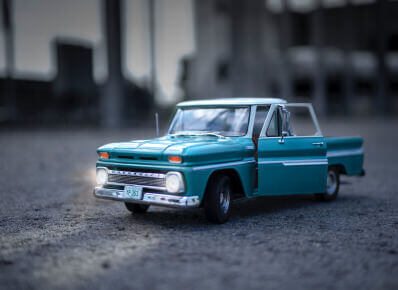
Tilt-Shift remains one of the most popular effects available. Utilizing cutting edge technology to bring you the latest in 'bokeh' simulation, Fotor's Tilt-Shift feature can create a truly amazing finish for all photos. Allowing you to focus on a specific point within the image to highlight and sharpen by adjusting the focus and depth of field in the photo with special Tilt-Shift lenses.
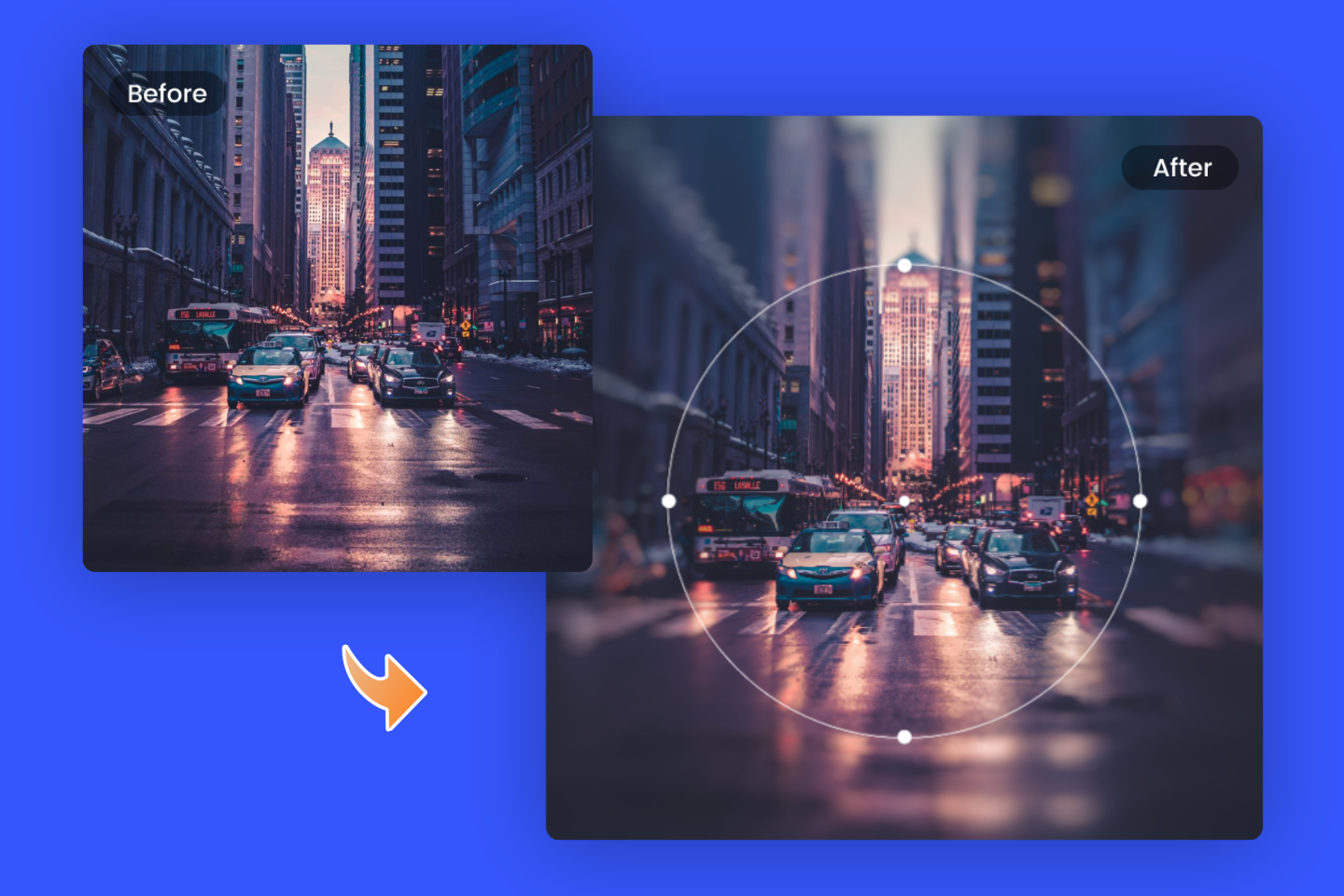
Why Do You Rely on Fotor’s Tilt-Shift Effect?
Blur image background to make an image professional
The Blur background effect is really popular among professional photographers. Now, Fotor’s photo editor offers you its Tilt-Shift function to blur image backgrounds with ease, even you are amateur. Not only can you blur any desired part of your image and highlight the subject, but it also helps you adjust the depth of field to enhance contrast within the image and make the image stand out and professional easily.
Miniaturize the world and have some fun
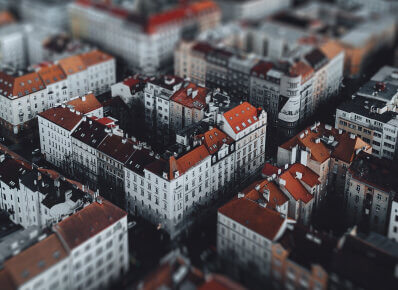
The Tilt-Shift effect also creates a “miniature” effect. With it, you can create photos with a bird’s-eye view looking down on a mini world, especially for high angle shots. When importing a shot you took from a rooftop or from a drone, Fotor’s Tilt-Shift effect allows you to create the illusion of looking down at a miniature model via the Tilt-Shift line and create a custom depth of field. It’s really fun and interesting to make the world look like it’s full of toys.
Free to use Tilt-Shift effect
Try editing your photo and master this professional effect, transforming your ordinary images into something outstanding simply and easily, and you don’t need to worry about breaking the bank. Fotor’s Tilt-Shift is a free tool. These features in the Fotor photo editor are designed with simple operation and convenience in mind for you. Have some fun!
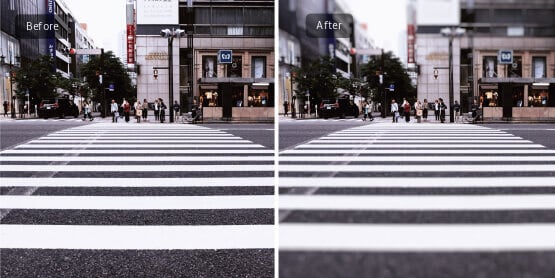
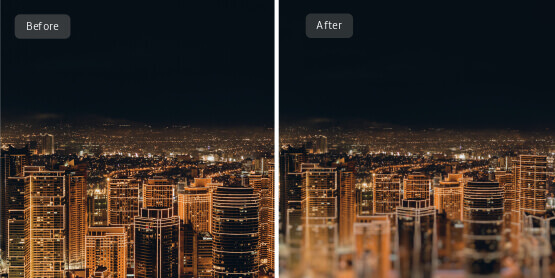
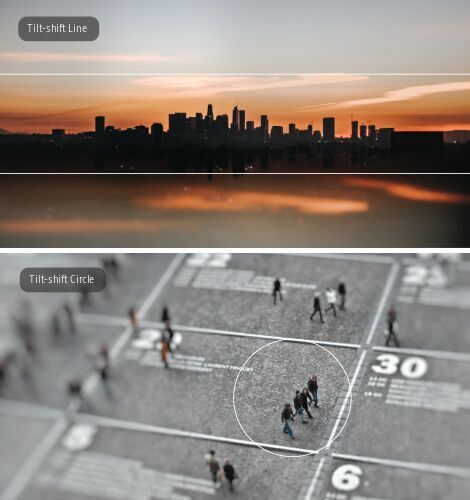
Creating Tilt-shift Photography Online Has Never Been So Easy!
The Tilt-Shift effect is the best one to highlight and add focus to your images by blurring their backgrounds.You can now achieve the Tilt-Shift effect without a Tilt-Shift lens! Fotor’s Tilt-Shift tool can help you achieve this effect with just a few clicks! You can choose the NORMAL mode to apply the effect in either a circular or linear style, or use the BRUSH mode to manually apply the effect to any part.




How to Add Tilt-Shift Effect to Your Photo?
- Open the photo you wish to edit with Fotor.
- Choose Normal or Brush mode before applying the effect.
- Apply the Tilt-Shift effect, distorting and changing your image for maximum effect.
- Save your work, choosing the format and size you wish.
Fotor Is Not Just Providing the Best Tilt-Shift Effect
he Fotor platform also has a wide range of options, including photo editor, photo effects, stickers and text, allowing for photo retouching, collage making and graphic design. Experiment and try them out to achieve image perfection!

Fotor provides you all range of stickers to meet your photo editing needs, including Basic Shapes, Special Icons and...

Fotor.com offers you online Photo Effects & Filters of all kinds - for free, try our Photo Effects editing feature...

HDR Photography utilizes different level of light exposure to enhance an image, bringing out deeper...

Fotor Photo Text offers you to adopt fonts directly from your computer and also from our various online fonts...