Free Online AI Video Generator
Enter a prompt or upload an image, and Fotor generates short AI video clips with dynamic visuals and motion effects. Create scroll-stopping videos for social media, product demos, and short promotional clips in just a few clicks.
⭐Start with a single idea and turn it into a ready-to-share video clip now⭐
Powered by Advanced AI Video Generation Models





Our AI video generator uses advanced video generation models to create short clips from text or images. Simply enter a prompt or upload an image, and generate dynamic video content in seconds.
Your All-in-One AI Video Creator
![Create videos from text and images with Fotor]()
Text & Image to Video
Generate short video clips from text prompts or images. Start with a simple idea and turn it into motion in seconds.
![Diverse ai video styles icon]()
Designed for Short-Form Content
Create videos for social posts, product demos, and quick promo clips. Built for fast, attention-grabbing content.
![Fast generation icon]()
Simple Workflow, Fast Results
No editing experience needed. Generate clips in a few steps and combine them to create longer videos when needed.
![High quality footage output icon]()
HD Video Export
Generate and export AI videos in high resolutions without watermarks and with no restrictions for free. We ensure your creations are of the highest quality across different screen sizes and formats.
![Customization icon]()
Consistent Visual Styles
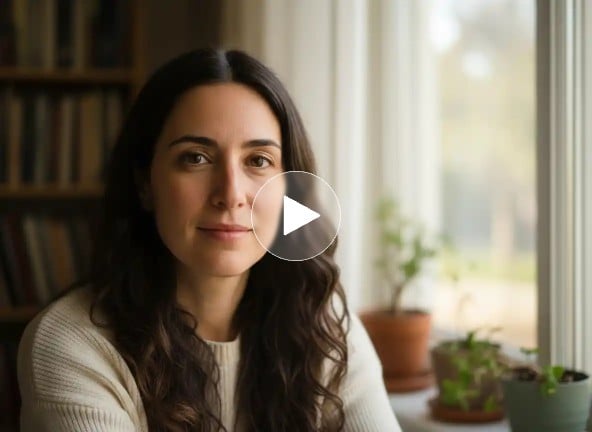
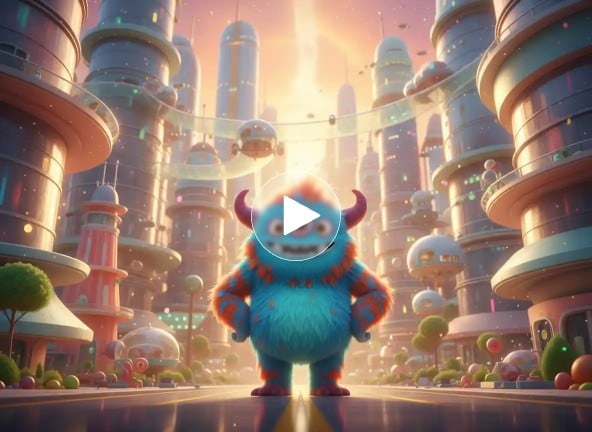
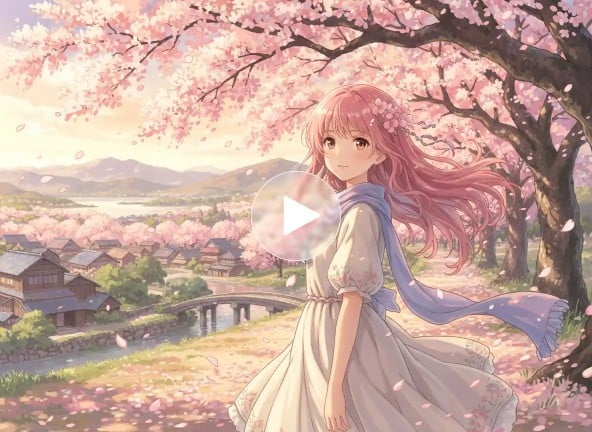
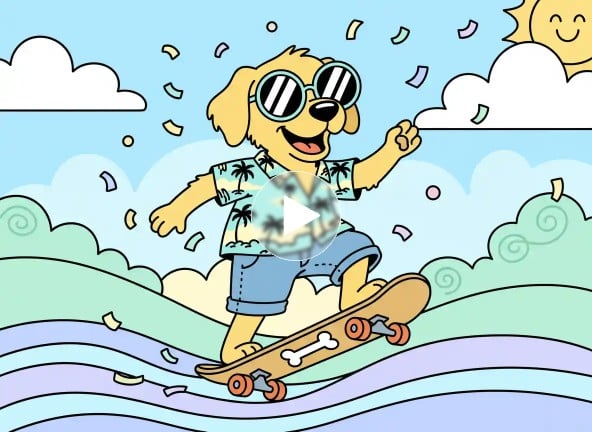
Generate videos in different styles like realistic, 3D, or anime, with smooth motion and consistent visuals across frames.





Create Videos for Social Media, Ads, and Demos
With a text prompt or an uploaded image, Fotor can produce short videos automatically using advanced AI models like Google Veo 3.1 and Kling AI. The system interprets your input, generates consistent motion, characters, and objects across frames, and adds text or subtitles when needed. You can create social media clips, product demos, or internal presentation videos—professional-quality results without manual editing.
Fast & Easy AI Image to Video Generator
Transform still images into dynamic videos with lifelike motion and smooth transitions.
Fotor’s AI detects objects, backgrounds, and textures in each photo, and automatically generates movement patterns and scene sequences. Animate a single photo to highlight details or combine multiple images into a narrative sequence, making it suitable for personal projects, portfolio showcases, or marketing visuals that require visual storytelling.
Convert Video to Video with AI for Style Transfer
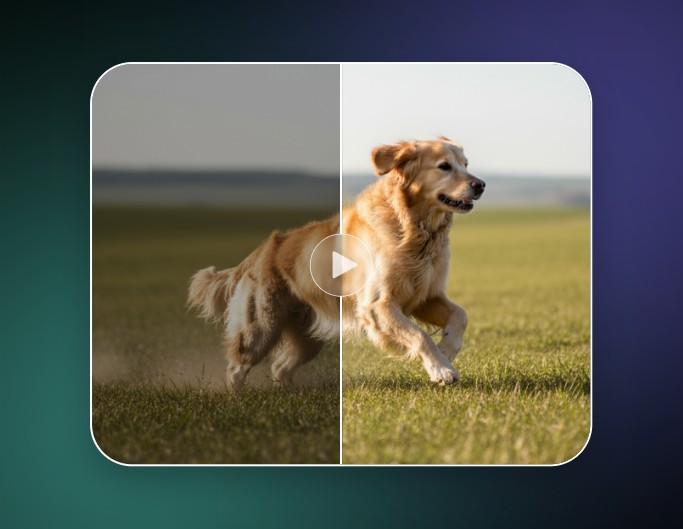
Change the visual style of your videos while keeping motion and character continuity intact.
Fotor’s AI applies style transfer algorithms to convert video into cartoon, anime, cinematic, or realistic looks, maintaining consistent expressions and movement. This is ideal for creative storytelling, brand content, or educational videos where visual clarity, stylistic integrity, and audience engagement are essential.
How to Make AI Videos?
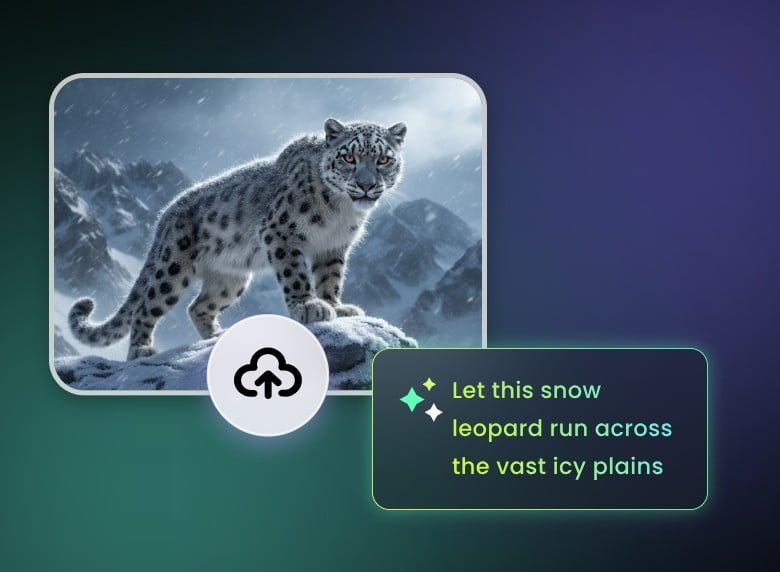
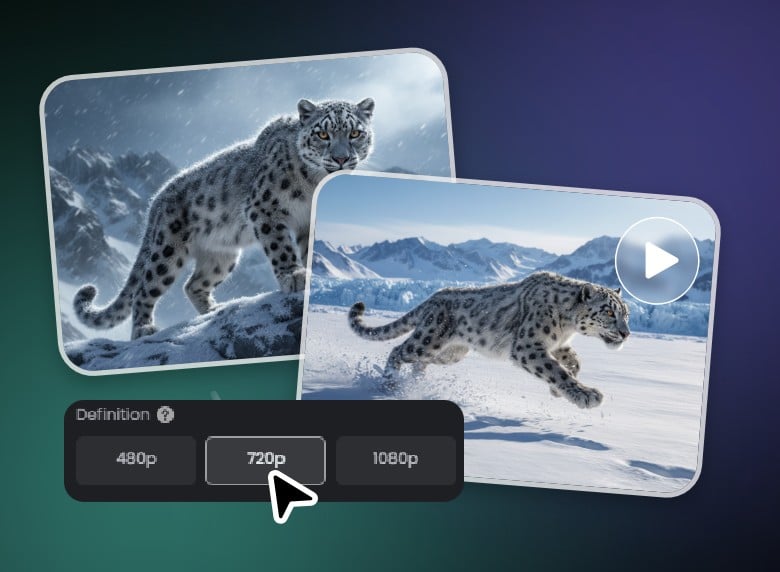
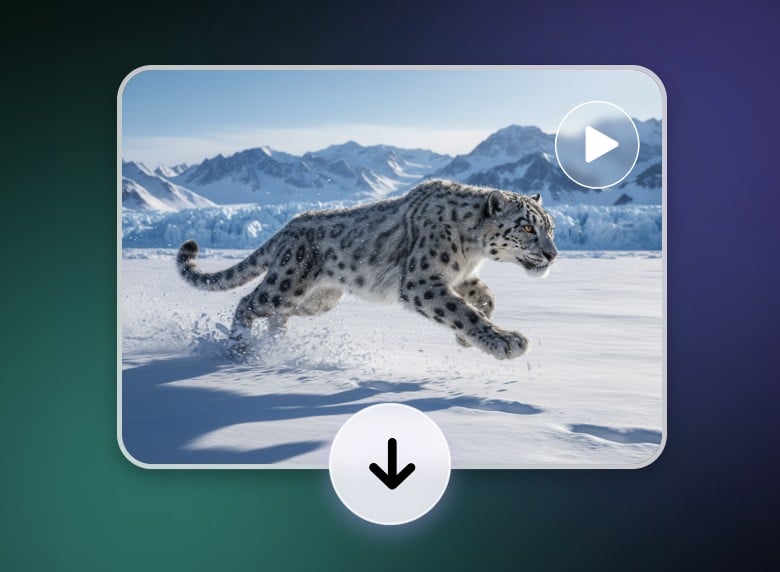
Create Videos with Simple Text Commands
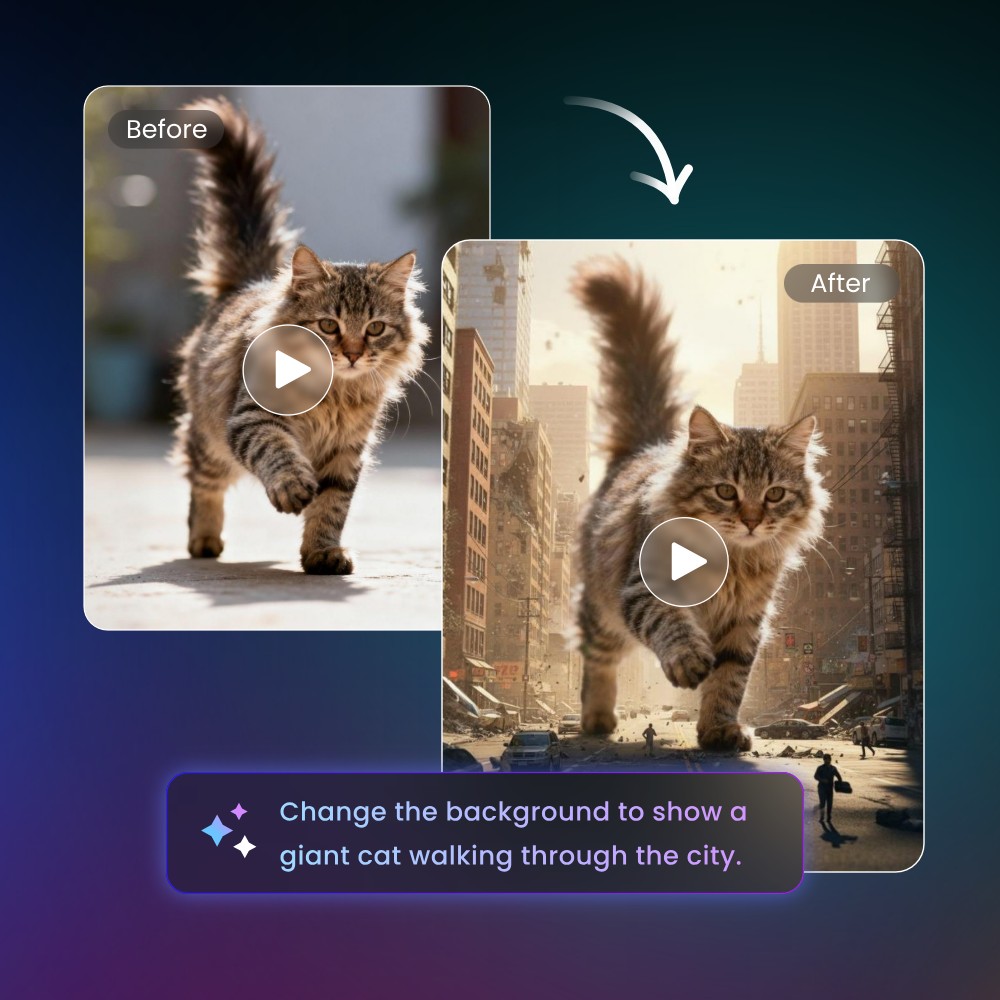
Create your AI videos by simply describing the elements you want. Adjust colors, lighting, pacing, or swap elements, and Fotor applies them automatically across the entire video. The system maintains character consistency and scene coherence, making complex edits as easy as giving instructions to a professional editor. Ideal for refining product demos, tutorial clips, or animated visual stories.
Create Videos with Synchronized Audio
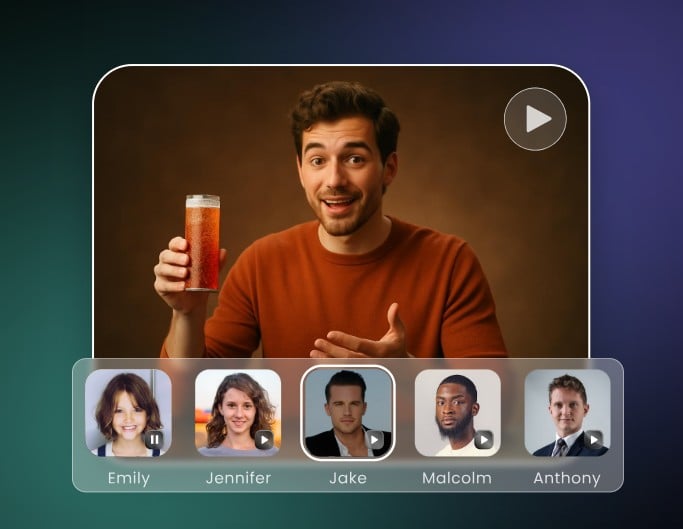
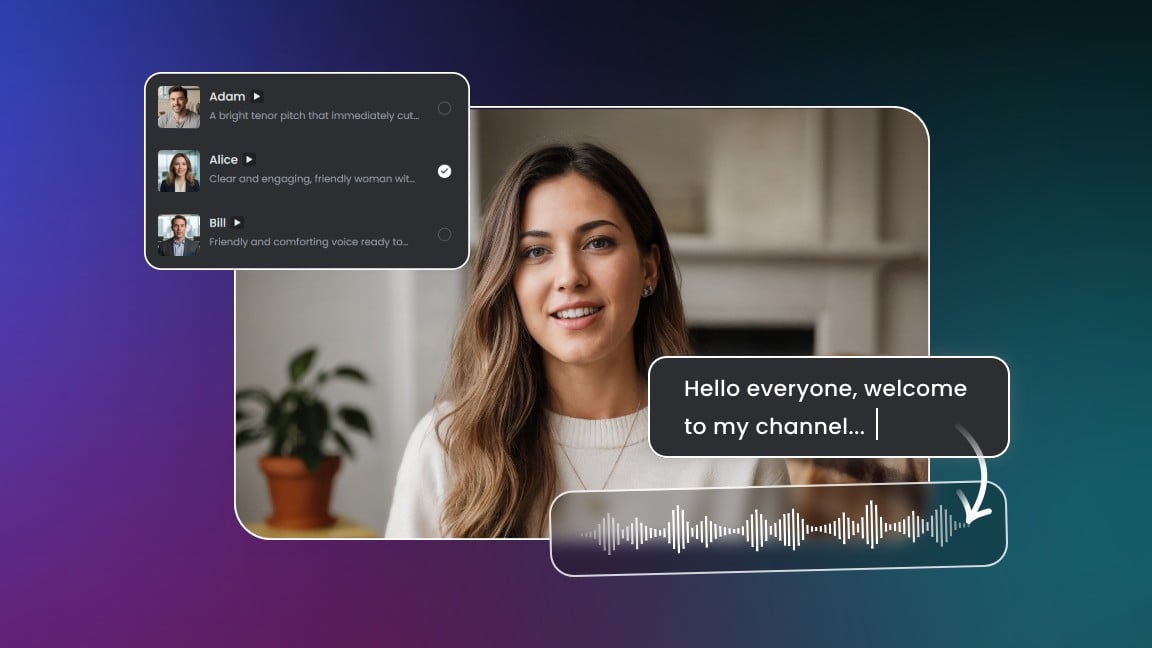
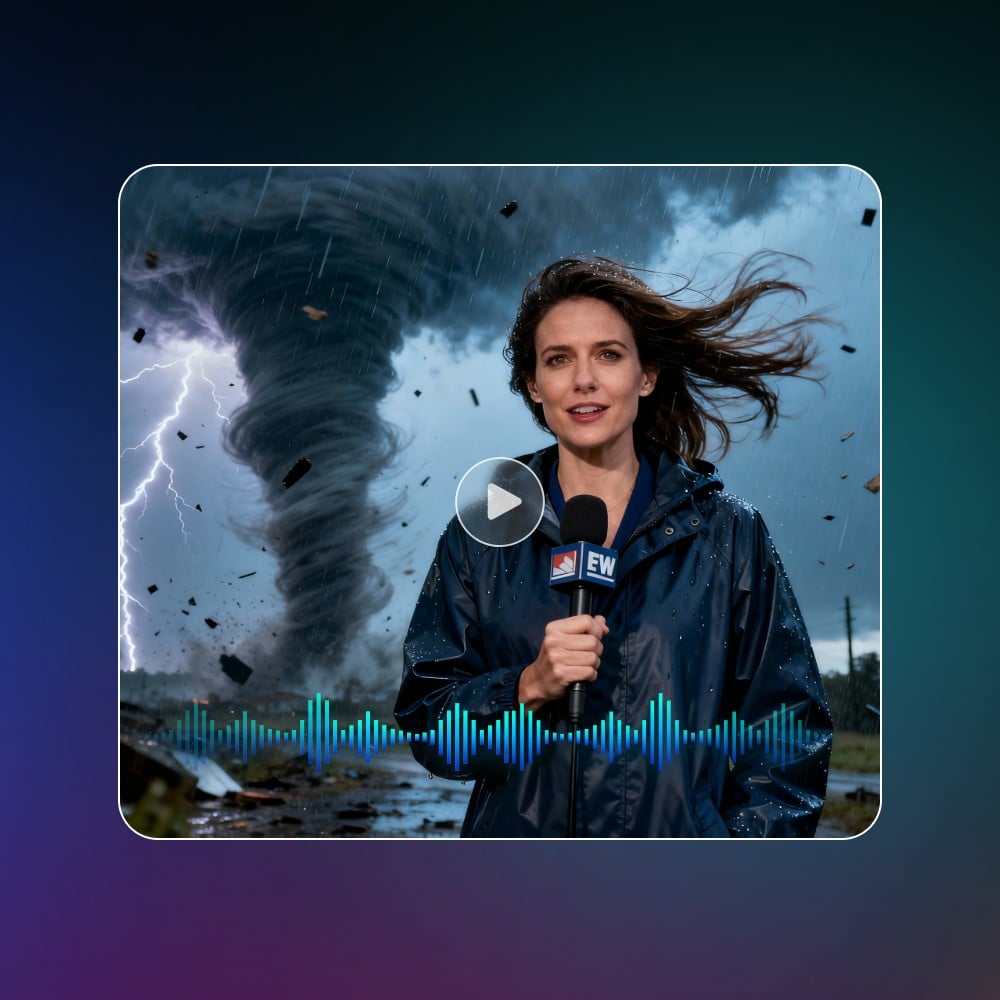
Fotor uses advanced AI models like Google Veo 3.1, OpenAI Sora, and Alibaba Wan 2.5 to generate videos with natural lip-synced voices, realistic sound effects, and immersive background music.
The AI analyzes text or image inputs, aligns footage with lip-synced voices, and produces consistent motion across frames. This makes it ideal for narrated tutorials, product explainer videos, or personal storytelling clips—all without manual audio editing.
Produce Short Videos in Any Format
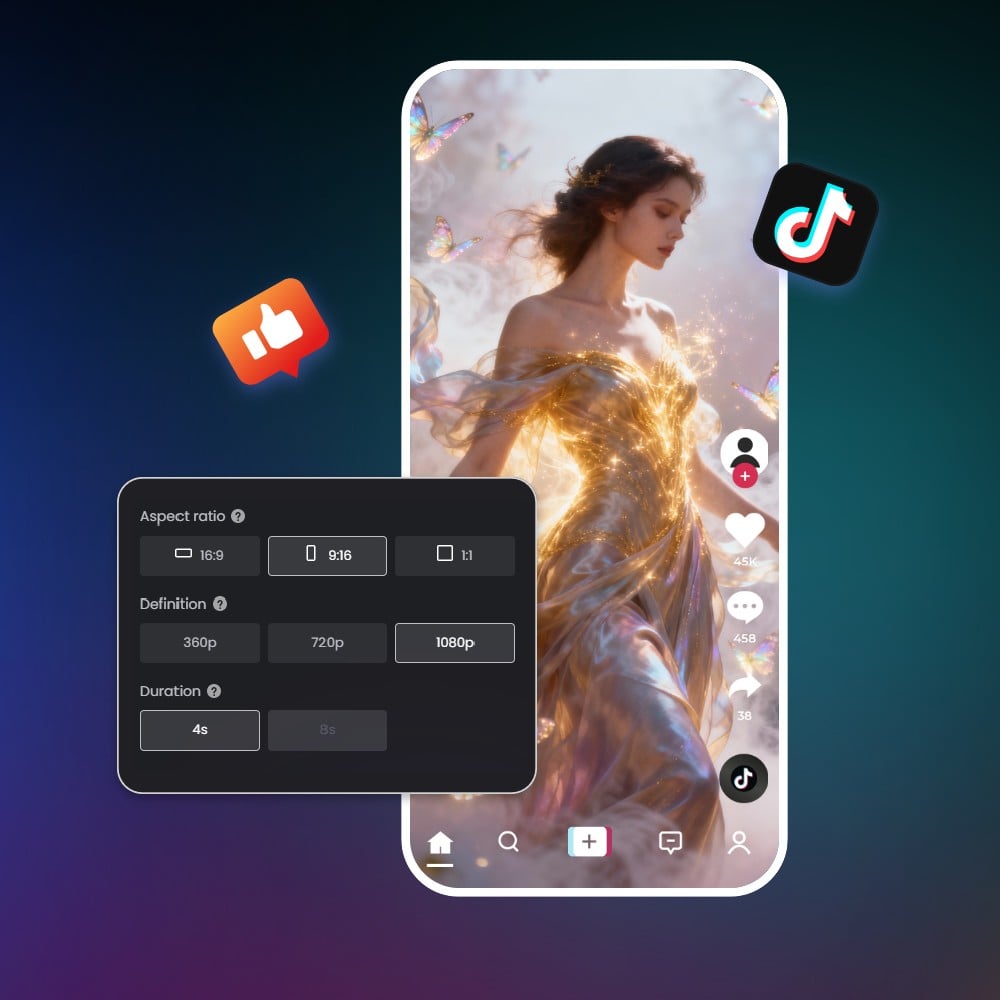
Generate short AI videos from text or images with flexible resolutions—from 720p up to 4K—and customizable aspect ratios suitable for TikTok, YouTube, Instagram, and other platforms. Fotor automatically adapts visual elements to each format, ensuring consistent character motion, scene transitions, and image quality. Videos are exported watermark-free, ready for marketing campaigns, social media clips, or portfolio showcases.
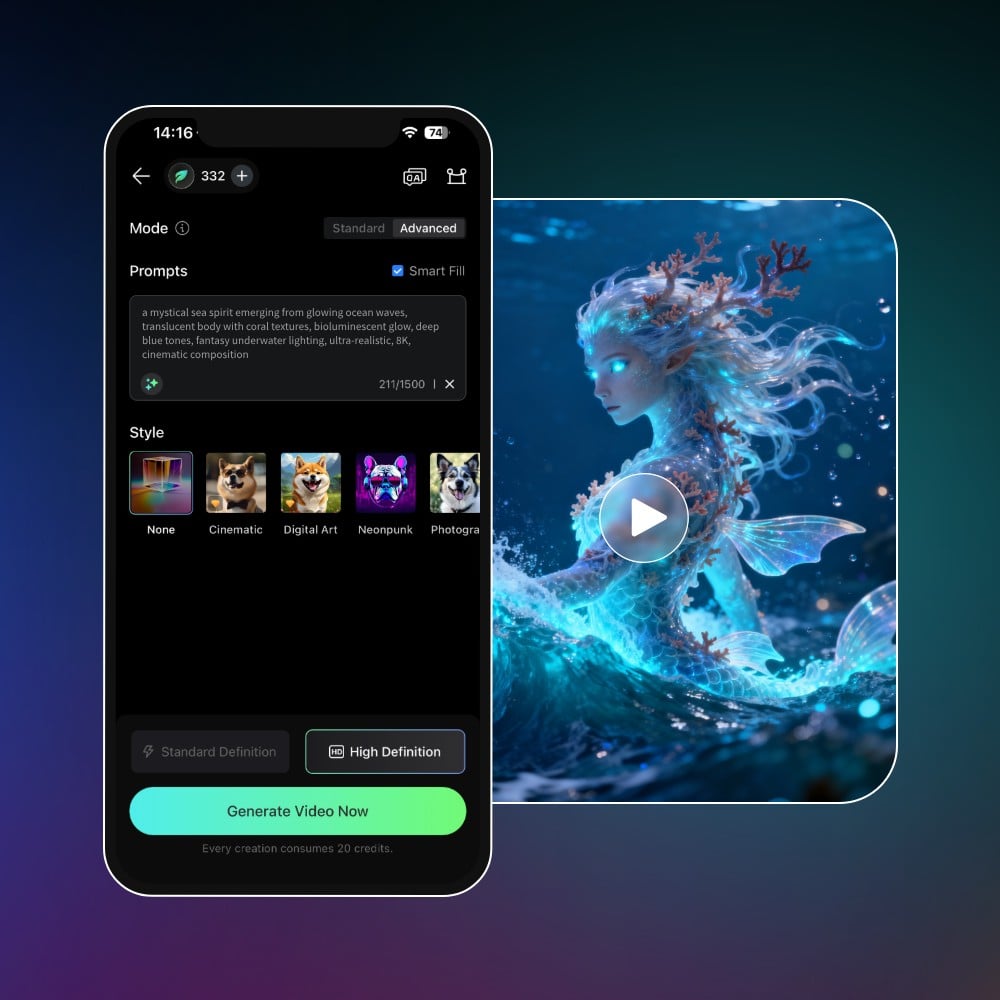
AI Video Generator App: Create AI Videos Right from Your Phone
Tips for Writing Effective AI Video Prompts
For characters and scene, good prompt: “A bustling Tokyo street at sunset, pedestrians crossing, neon signs reflecting on wet pavement.”
Why it works: specific, descriptive, gives AI clear visual references and lighting cues.
Bad prompt: “City street.”
Why it fails: Too vague, AI cannot generate detailed, coherent visuals.
For action and motion, good prompt: “A golden retriever leaping over a wooden fence, tail wagging, in slow motion.”
Why it works: Clearly describes movement and subject, producing smooth, consistent animation.
Bad prompt: “Dog jumping.”
Why it fails: Lacks context, style, or motion details, resulting in stiff or generic animation.
For style and mood, good prompt: “3D cinematic style, dramatic lighting, soft color palette, realistic textures.”
Why it works: Gives AI concrete artistic style and mood, improving visual fidelity.
Bad prompt: “Make it look nice.”
Why it fails: Subjective and ambiguous, AI struggles to interpret “nice.”
For audio and text, good prompt: “Narration: friendly female voice, upbeat background music, lip-sync dialogue.”
Why it works: Provides clear audio guidance; AI generates synced voices and sound effects.
Bad prompt: “Add music.”
Why it fails: Too generic, AI may not align audio properly with visuals.
For reference images, good prompt: Upload one or multiple images of characters, objects, or scenes you want to include.
Why it works: Gives AI concrete visual guidance, improving frame consistency and accuracy.
Bad prompt: No reference images when specific objects or characters are needed.
Why it fails: AI must guess details, which can reduce realism and coherence.
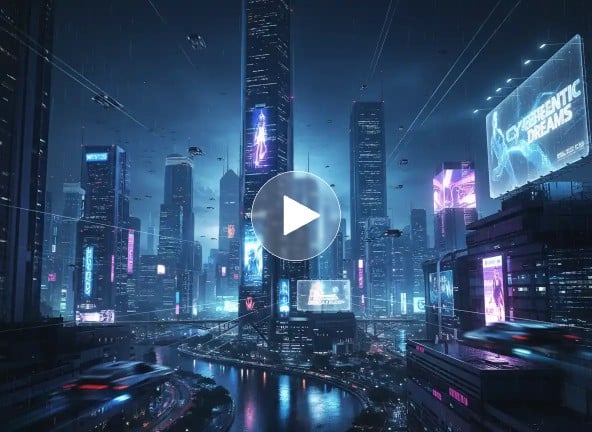
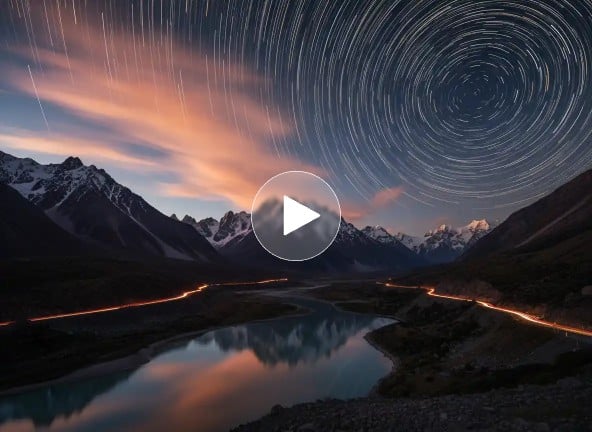
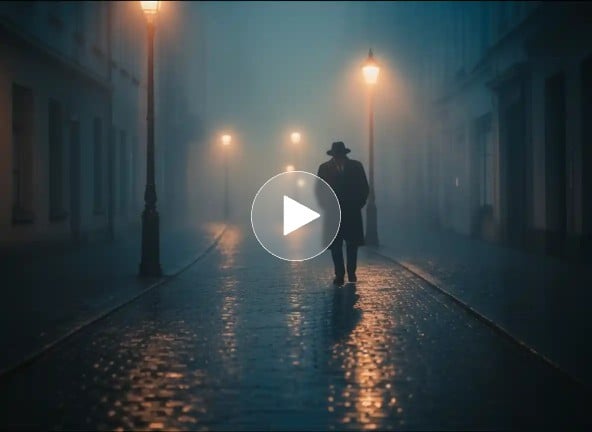
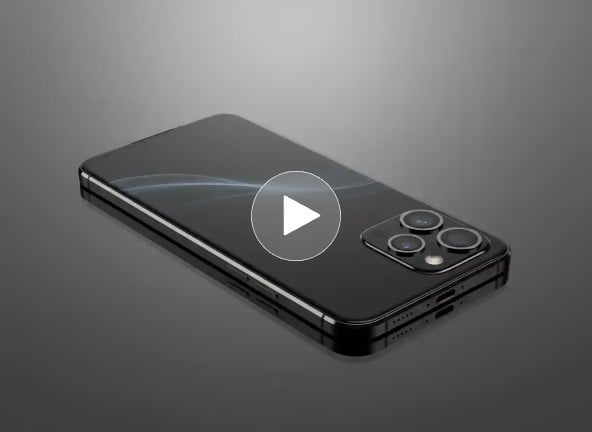
Complete AI Video Maker for All Creators
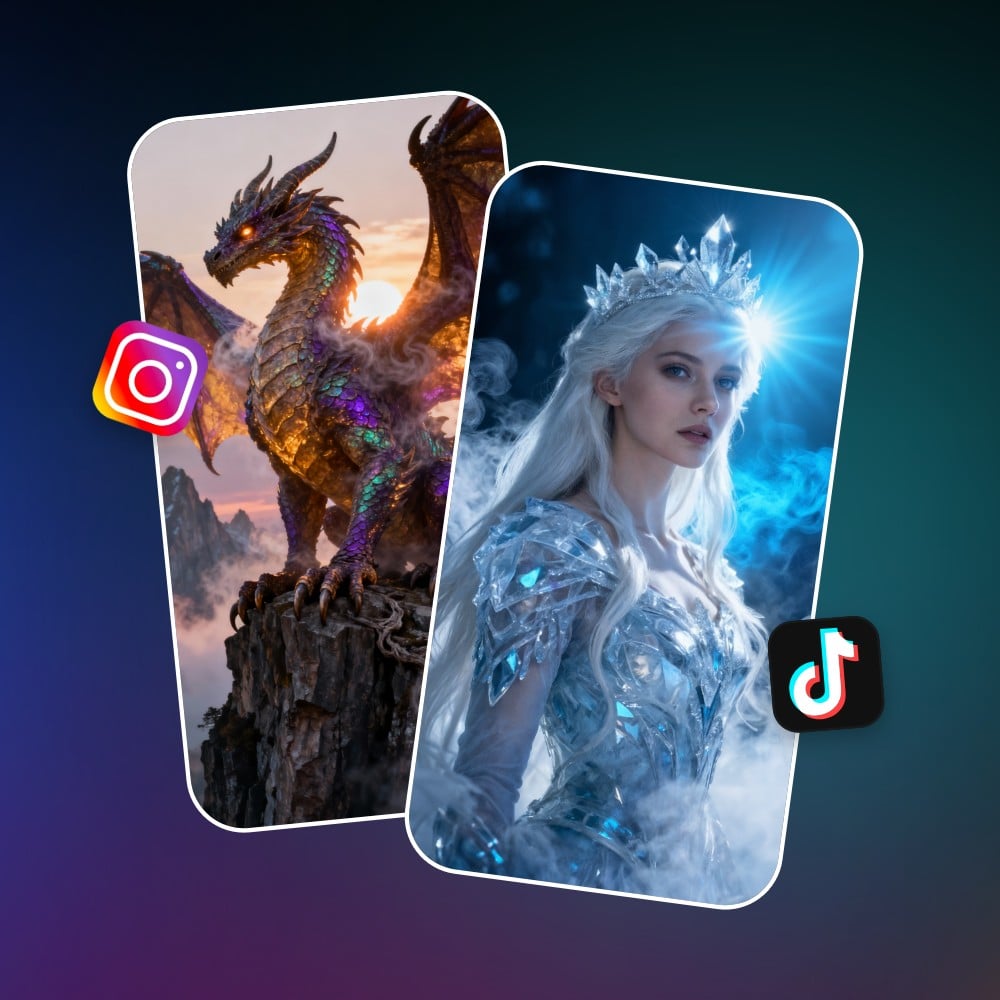
Make Creative, Share-Worthy Videos for Social Media
Stand out on TikTok, Instagram, YouTube, and more with our Al-powered video filters and effects. Generate lifelike AI dance videos, create funny AI muscle growth scenes, or join the latest trend with an action-packed AI Kung Fu fight. With Fotor, making viral-worthy videos has never been easier.
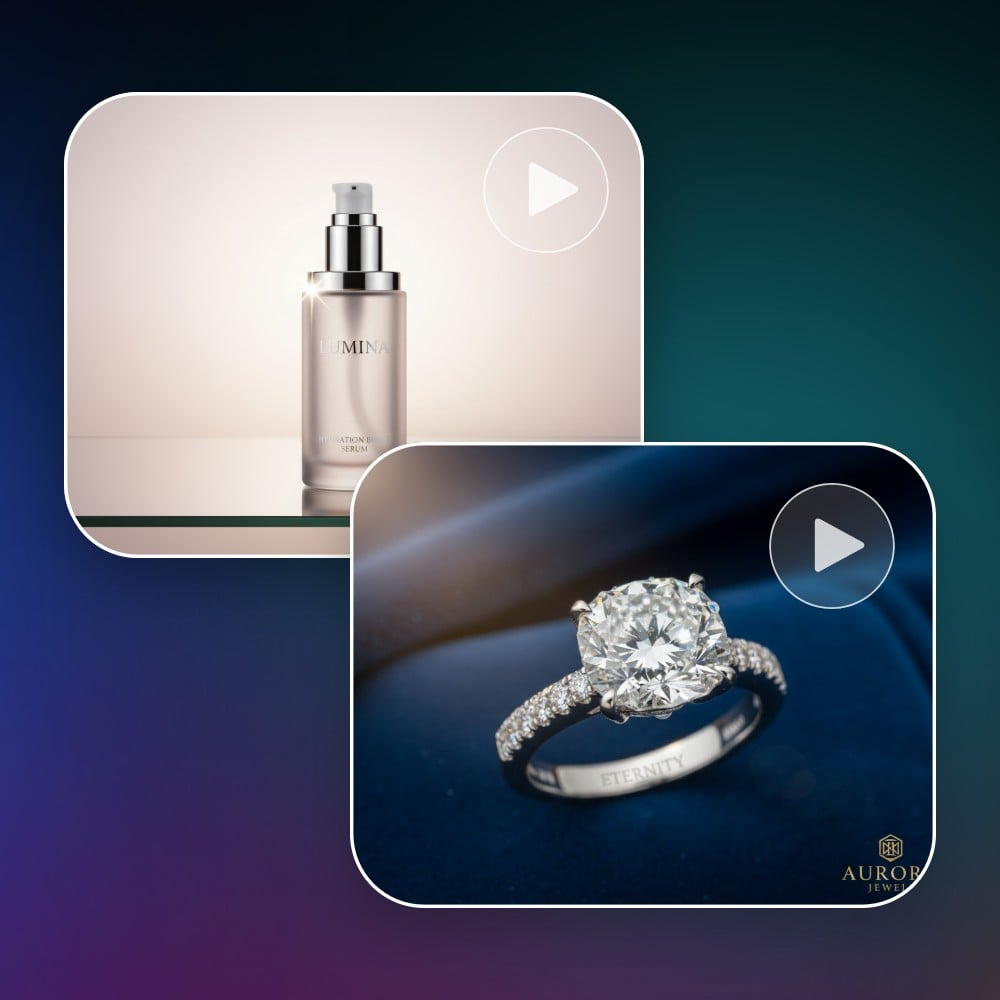
Use The Power of AI Videos to Grow Your Brand
Transform simple product photos into dynamic, engaging product videos. Create sleek, eye-catching logo animations to give your brand a modern edge. AI simplifies the entire marketing video creation workflow. Save time, reduce costs, and maximize your marketing impact.
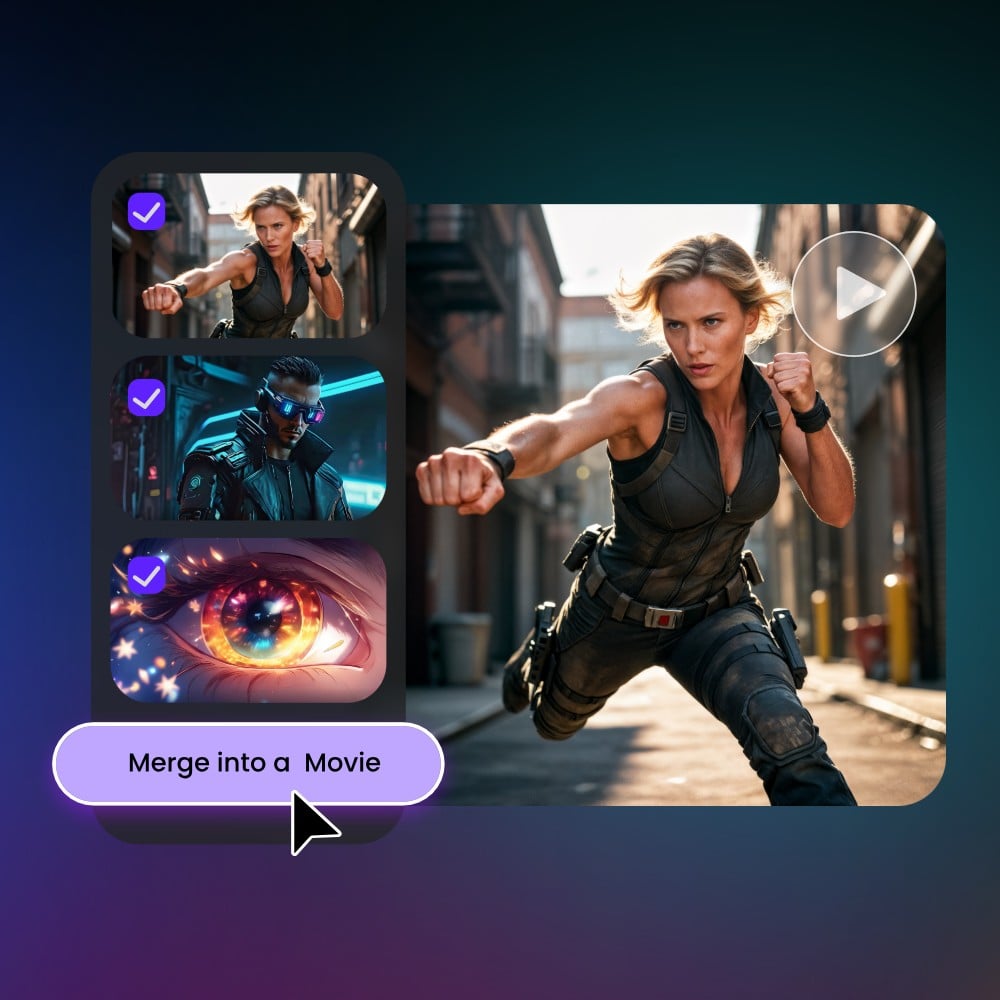
Explore New Storytelling Ways With AI Movies
Want to see your story come to life? Our AI video generator makes it happen. Just describe your movie plot, characters, and scenes, and AI will transform them into a visually stunning movie. From fantasy adventures to realistic footage and more. Everyone can become a film creator with our free AI video maker.
Fotor AI Video Generator Reviewed By


Video creation is often a complex and professional process, but Fotor simplifies the steps. You simply need to describe your creative ideas in written form and select your preferred style. AI will automatically analyze and generate a video you’ll be satisfied with.

Fotor’s AI video generator is a tool designed to transform users’ text descriptions or imported photos into short video clips. This tool gives users an intuitive interface with easy-to-spot settings. With its help, you don’t need to be tech-savvy to create your own short videos. You can effortlessly expect a high-quality video with lifelike movements based on your text prompts.

Fotor AI video generator is a powerful tool to create high-quality videos without any skills. All you have to do is select whether you want to make a video from the command prompt or an image. It will take only a few minutes, and your video will be ready to download. You can redefine the video with Fotor’s built-in video editing feature.
More Than Just an AI Text and Image to Video Generator
You can do more than just AI video creation with Fotor. Leverage a variety of powerful AI video editing features to take your AI generated videos to the next level.