Edit Text in Image Online for Free
Easily change and edit text in images—JPG, PNG, or screenshots—without ruining the background. Correct typos, replace headlines, and update any text in photos and screenshots in seconds with Fotor image text editor.
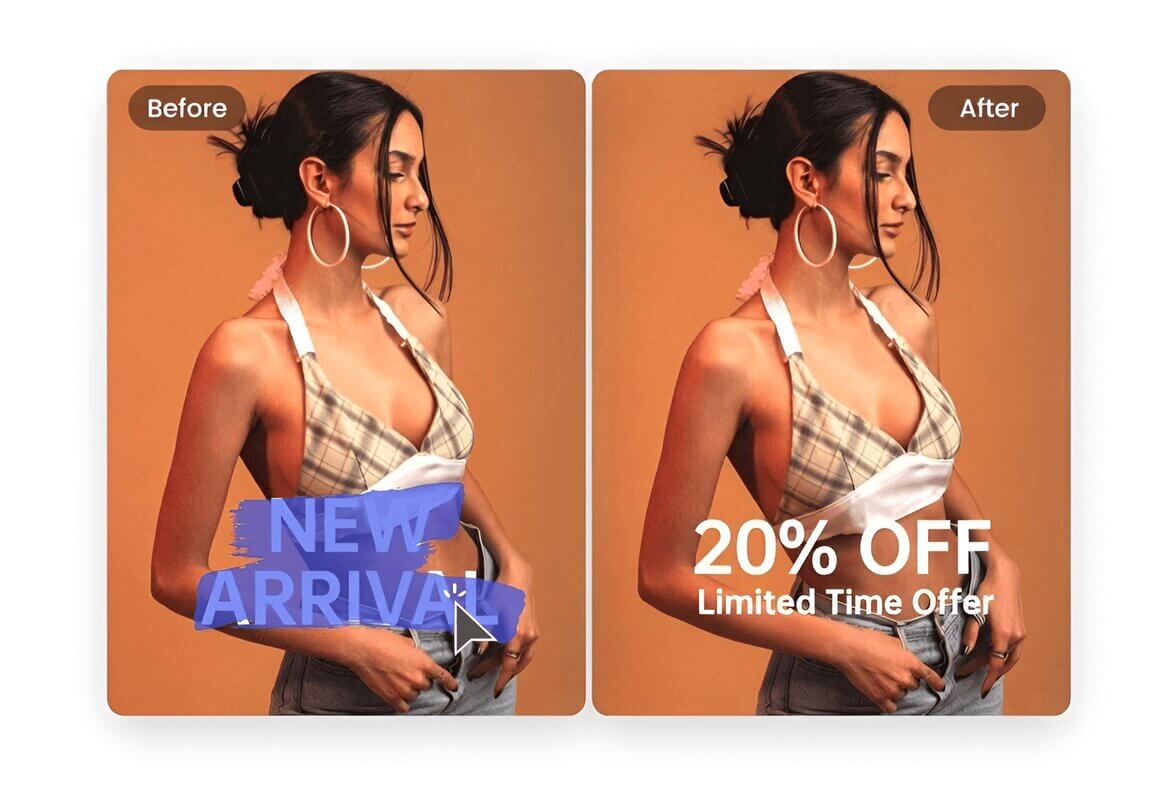
Upload or drop your image here
Upload or drop your image here


![Automatic AI text grab]()
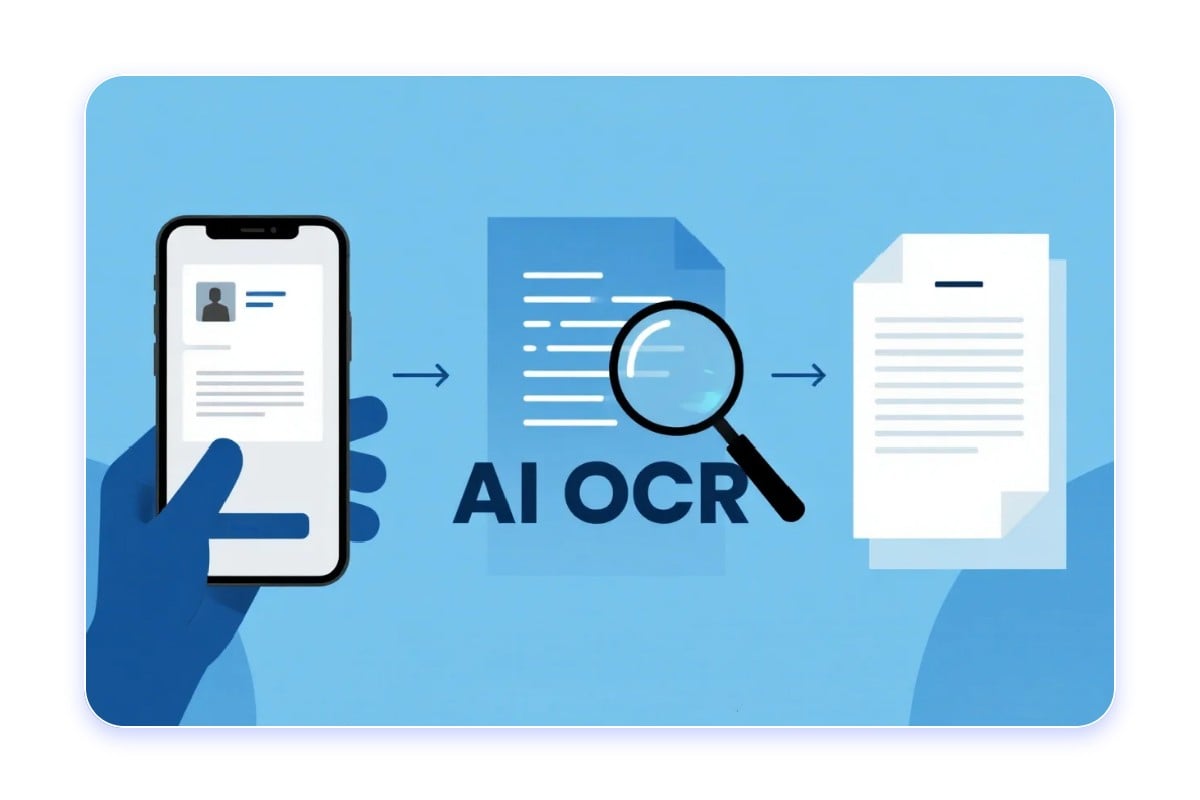
Auto Text Grab
AI automatically scans your image and highlights text areas for instant editing.
![Edit image text with font matching]()
Font Matching
Replace or change text with the same font, color, effect, and size to match the original image.
![AI background reconstruction]()
AI Background Reconstruction
AI inpainting rebuilds the background behind text pixel by pixel for a seamless, natural look.





Fast & Precise AI Image Text Editor
Looking to modify text in an image? With Fotor’s image text editor, you can get it done within seconds. Upload your image, and our advanced OCR technology instantly scans and highlights all the text in it. Click the word you want to change, type your new text, and that’s it. Your images are processed on encrypted servers and are private. Enjoy a quick, safe, and hassle-free image text editing experience with our photo editor.
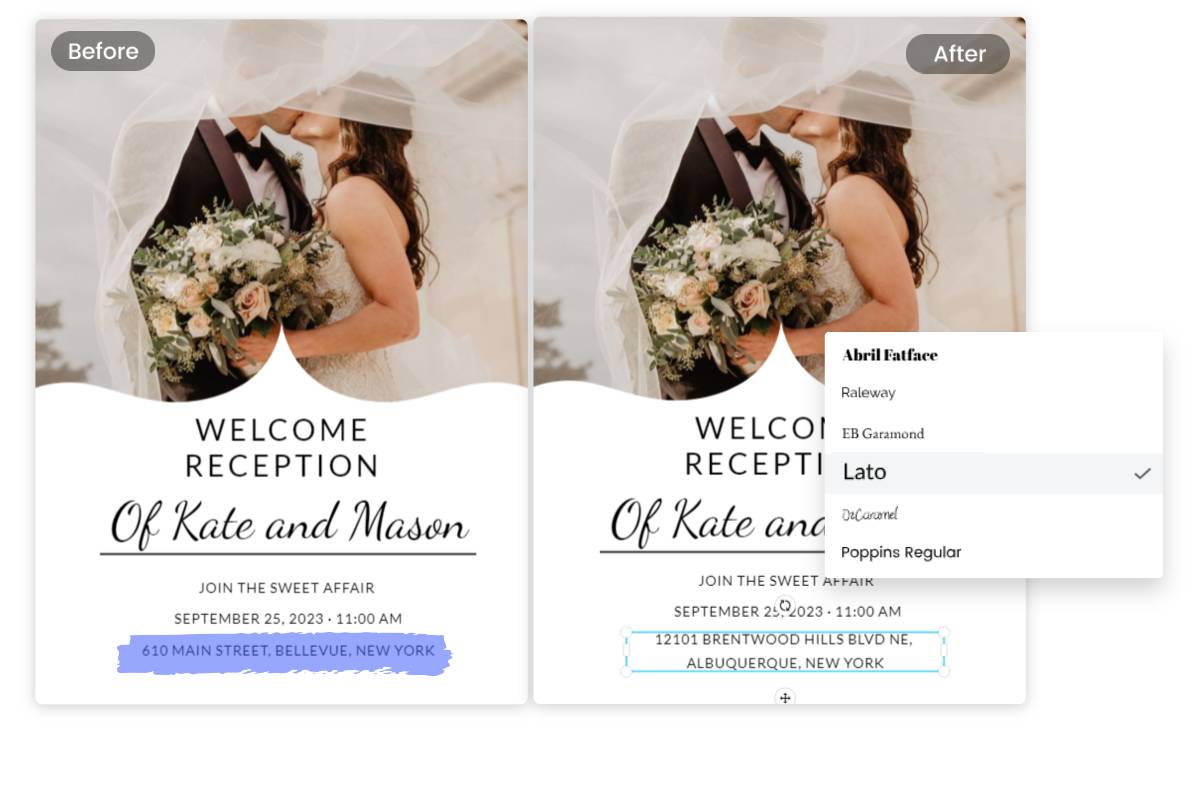
Edit Text in Image With Same Font
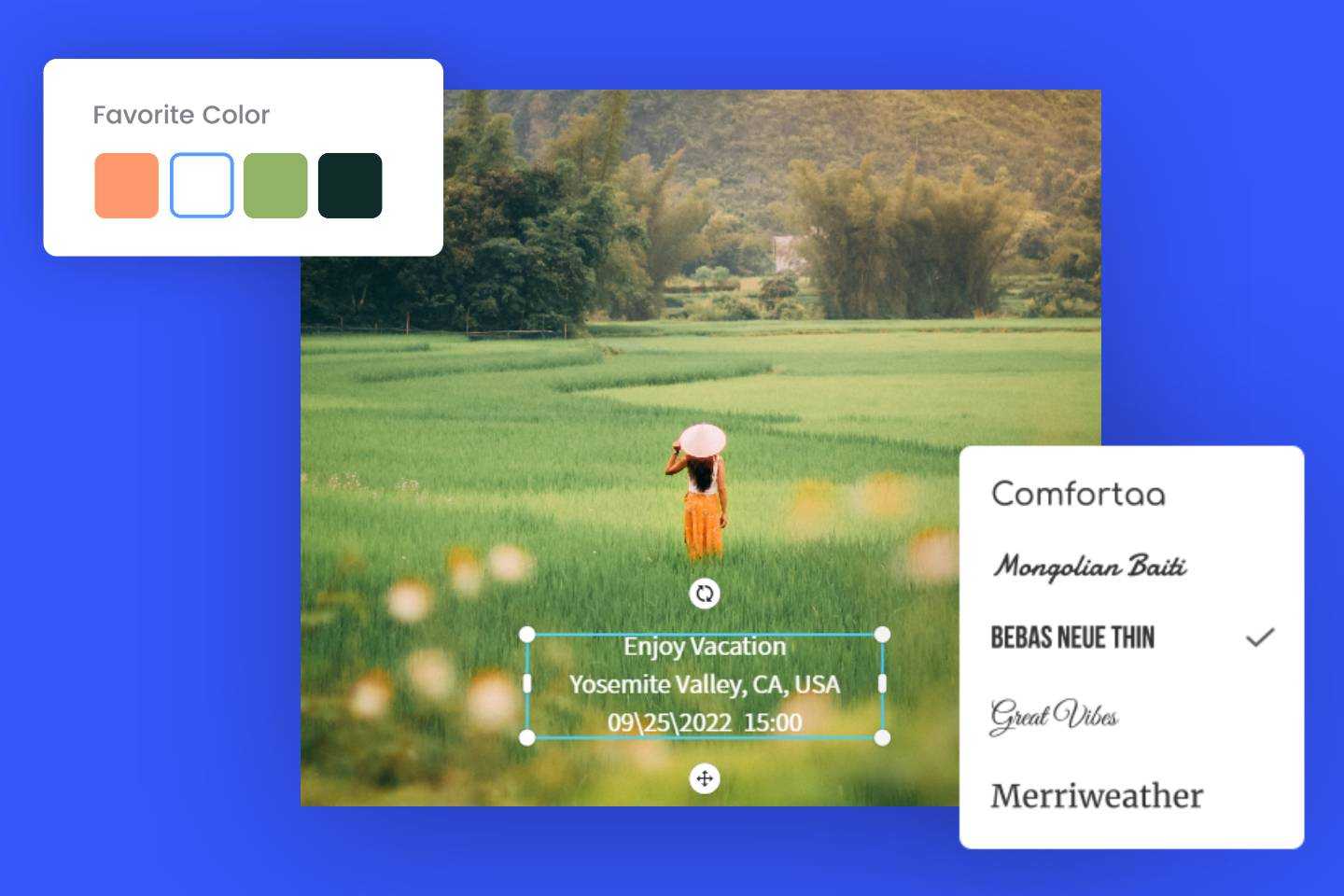
Want to edit text in images while keeping the same font? We’ve got you covered. With over 1,000 fonts in our photo text editor to choose from, you can effortlessly find the perfect match for your original image. You can fine-tune every aspect of your replacement text. Adjust text sizes, colors, and positions to achieve the perfect look. Editing and changing text in images has never been so effortless and efficient. If you want to explore more font choices, try our font generator.
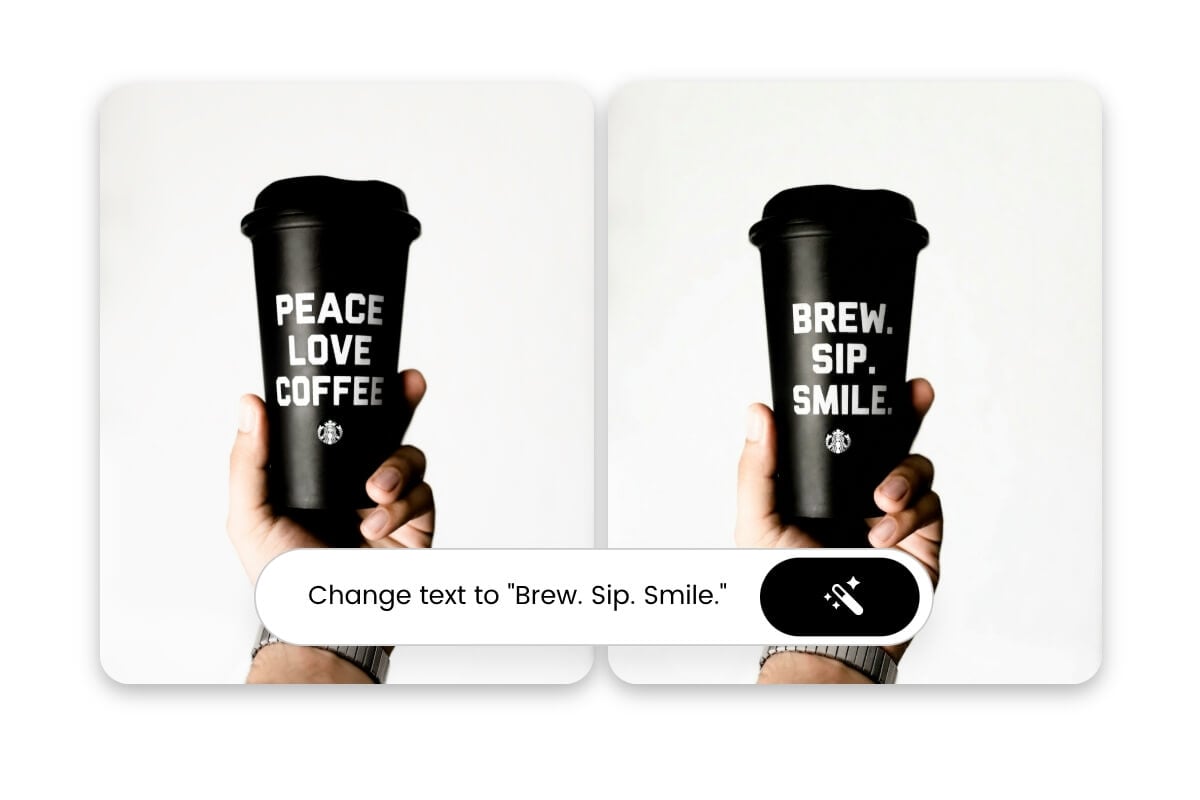
Edit Image Text with Simple Prompts
Our image text editor supports prompt-based editing. Simply tell the AI what to change, like "Change the date to April 2". Using advanced semantic understanding and generative AI, Fotor automatically locates and removes the target text, inserts your replacement, and replicates the typeface and styles of the original text. No skills needed. Type text prompts and let AI do the rest.
Edit Text in Picture for All Purposes
Fotor’s image text editing tool is versatile and caters to various use cases and needs. Whether you want to edit words on a picture, change and replace text, or insert new text to images, Fotor has got you covered.
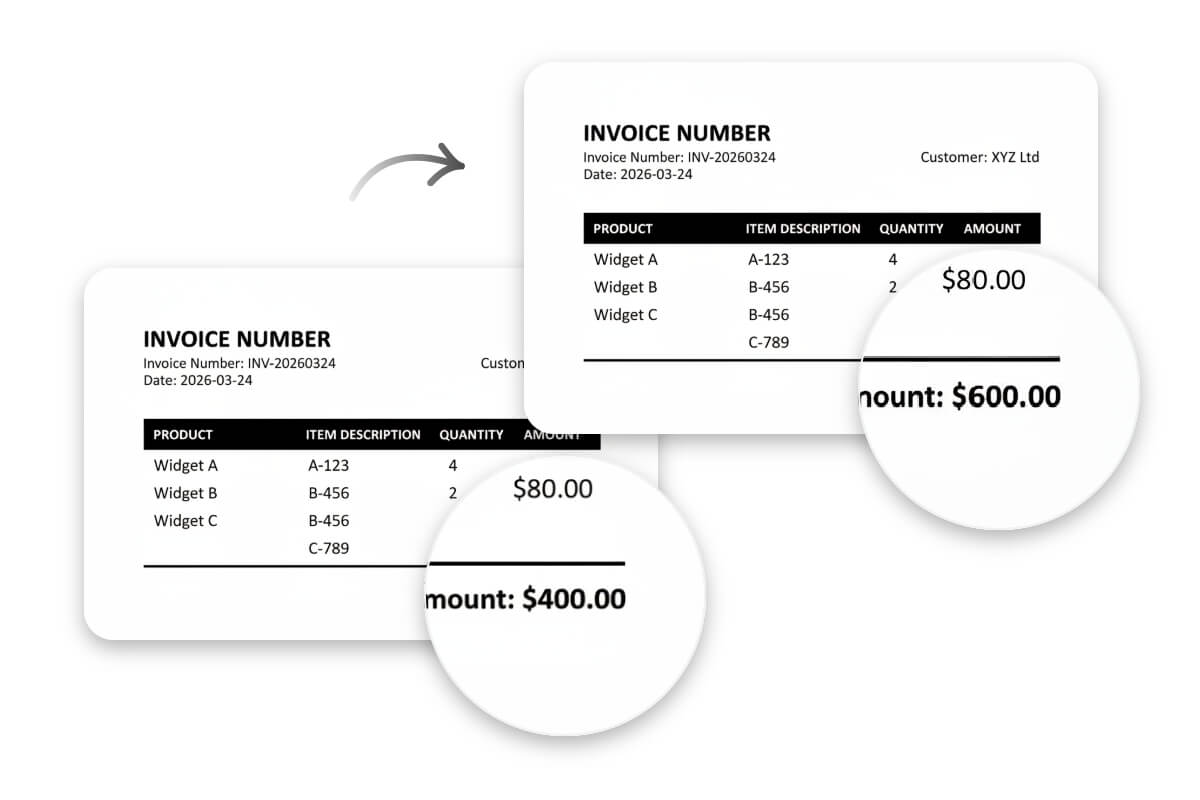
Edit Text in Screenshots, Documents, or Memes in Seconds
Quickly replace or edit text in screenshots, scanned documents or meme images. Upload the image, select the text area, and type the correction. Fotor photo text editor automatically fills in the background and inserts your new text. Whether you want to modify, delete or add text to photo, it's just like editing in a Word document—no effort needed.

Update Marketing Visuals without the Original File
You don’t have to redesign your marketing materials just for a simple text change. Now you can modify the text in your brochures, flyers, and other marketing materials you want quickly and easily with our image text editor. No matter if you want to update a contact or a product price, you can get the job done in seconds. Take advantage of AI photo editor to keep your marketing visuals up-to-date and convey the latest information.

Quickly Correct Typos in Any Image
Don’t let a typo ruin your professional image. With Fotor's powerful image text editing tool, you can easily and quickly fix any spelling errors or text formatting issues in your images within seconds. The user-friendly interface makes it easy for anyone to edit text on pictures. Give it a try today and create flawless visuals that leave a lasting impression on your audience.
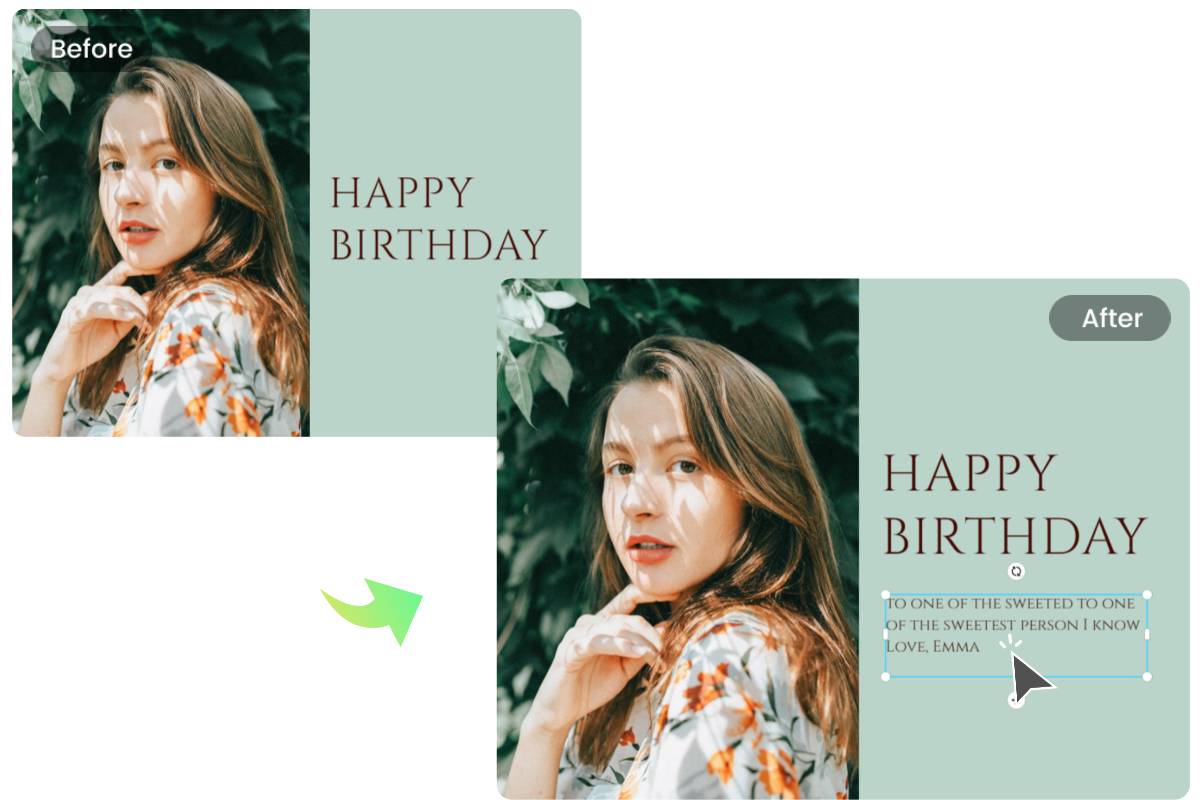
Add Custom Text to Personalize Any Photo
Make birthday wishes extra special. With just a few clicks, you can easily add text with your own heartfelt messages and personal notes, making the birthday greeting truly unique and personalized. Spread joy and make someone's day truly special by customizing your birthday wishes with personalized text.
How to Edit Text in an Image?

Step 1. Upload your image
Upload the image you want to edit. Fotor photo text editor supports major image formats, including JPG, JPEG, PNG, WebP, etc.

Step 2. Edit image text
The AI will automatically scan and highlight all editable text areas. Click the text you want to change and type the replacement.

Step 3. Download
When you're satisfied with the edits, click "Download" to save your image in full resolution with no quality loss.
Why Choose Fotor to Change Text in Image?
![Gradient purple clock icon]()
Easy to Use
Edit, replace, remove, and add new text in images with ease. No technical skills are required.
![Gradient purple free text fonts icon]()
Various Font Styles
A vast library of free fonts and text styles to match your vision and enhance the impact of your text.
![Gradient purple mobile friendly icon]()
Mobile Friendly
Works both on desktop and mobile devices. Enjoy the flexibility of editing image text anytime and anywhere.



Beyond Text Editing: Remove, Extract, and Translate Text in Images
Fotor image text editor does more than just change text in images. Get everything you need to work with image text in one simple editor.
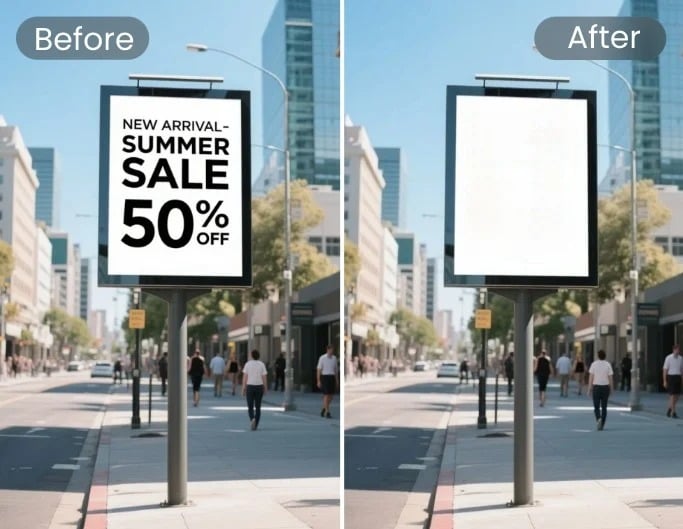
Remove Text from Image
Remove text from images completely. The AI fills the background in a natural and realistic way with advanced generative AI fill technology.
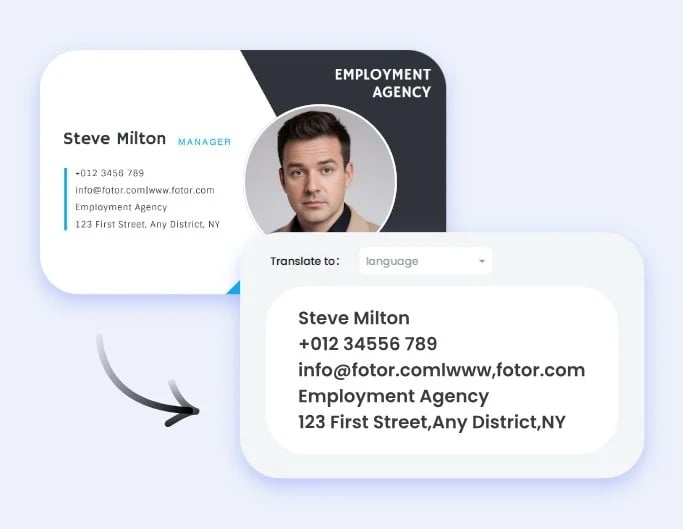
Extract Text From Image
Copy any text from a photo, screenshot, or scanned document in one click.
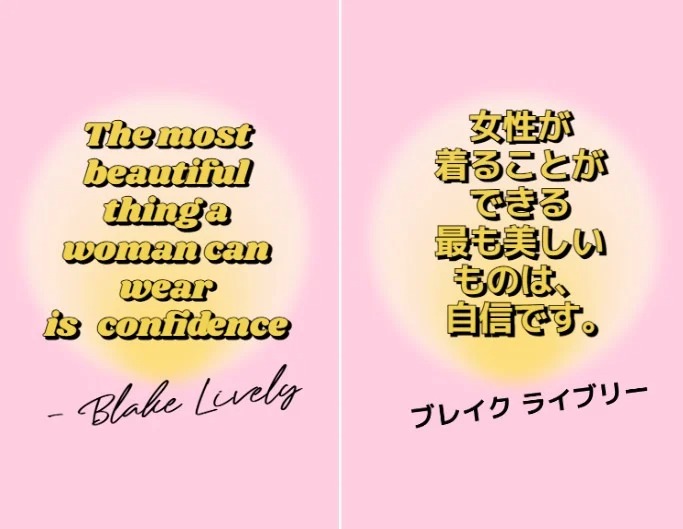
Translate Text in Image
Upload an image, and let AI translate image text into your target language instantly while maintaining the same font and layout.