

Remove Text From Image Online Free
Remove text from images online with Fotor free image text remover. Quickly erase words, captions, or watermarks online to give your photo a stunning, clean look. Enjoy fast, AI-powered editing that deletes unwanted text without affecting image quality or original textures.
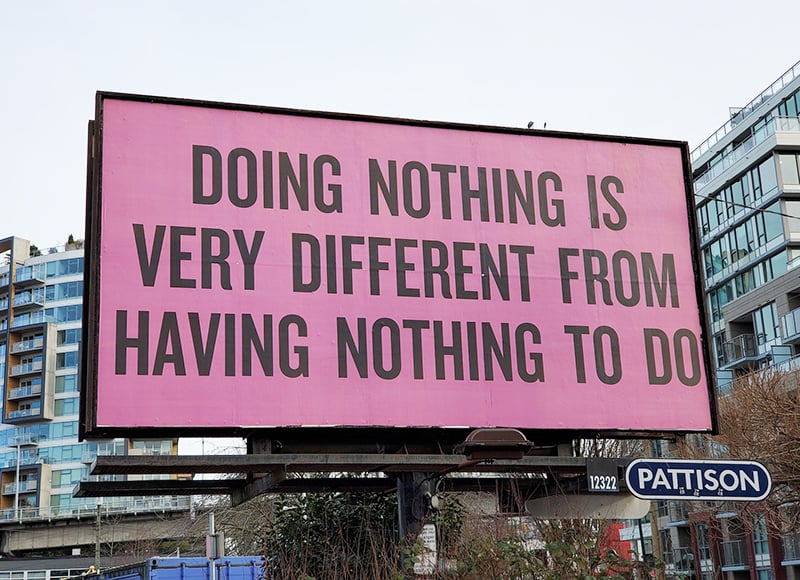
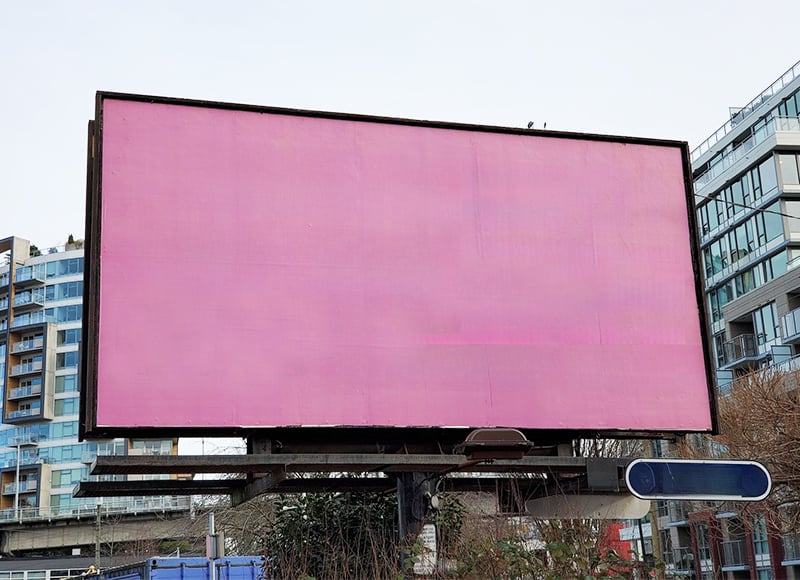
Drag image here or click to upload
Drag image here or click to upload


Fotor Text Eraser in Numbers
AI Text Remover from Image Use-Cases

For Image Editing
Easily use our text eraser from image to clean up text photobombers.
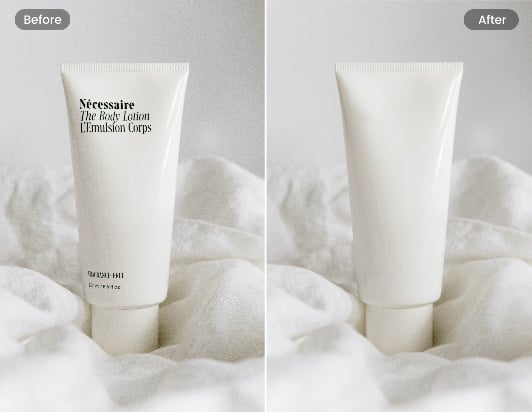
For E-Commerce
Free to use our photo text remover to improve your product photography quality.
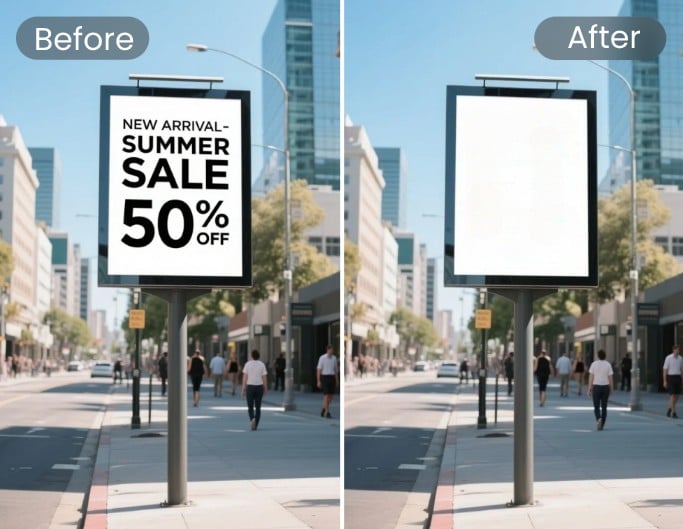
For Mockup
Instantly remove text from image online to create perfect mockups for personal or business use.
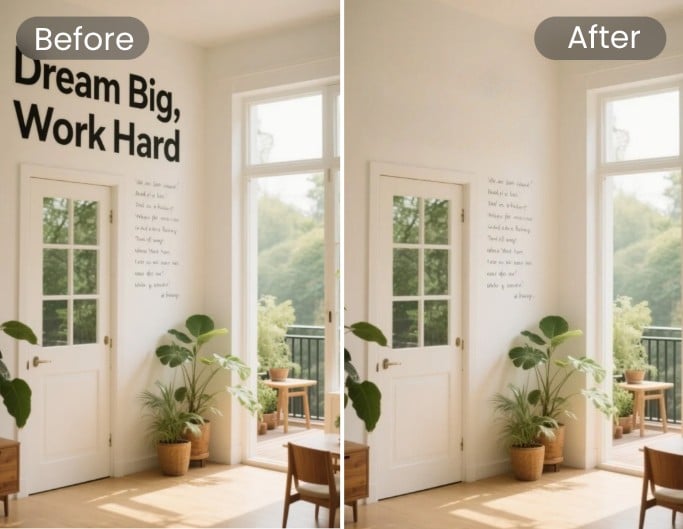
For Real Estate
Simply remove text from property images to keep your visuals clean and professional.
How to Remove Text From Image Online Free
Upload Your Photo
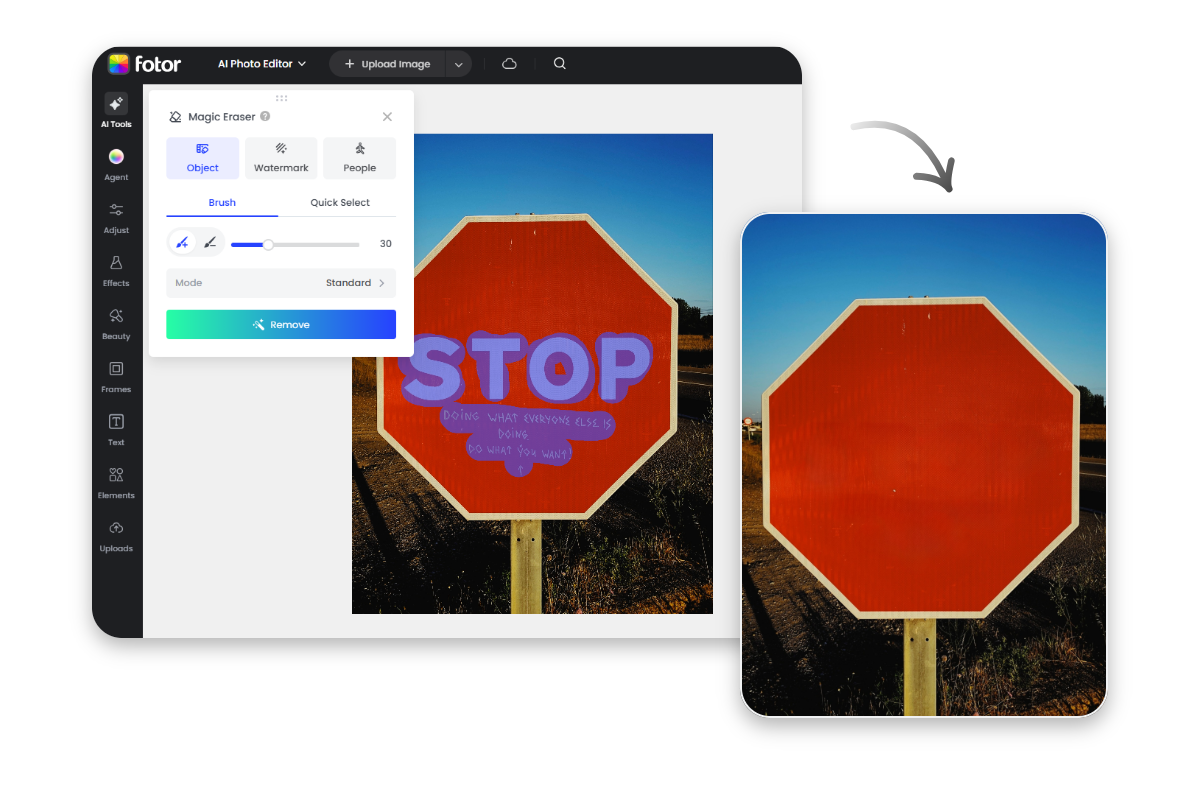
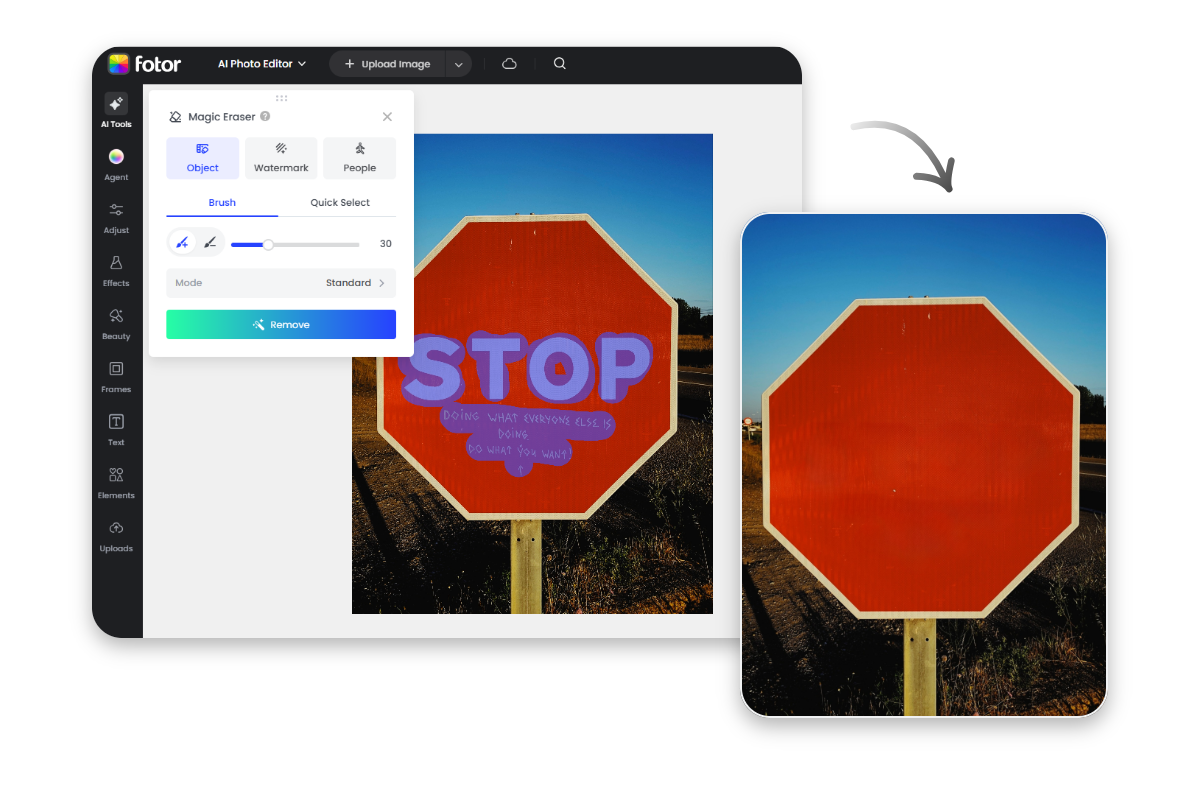
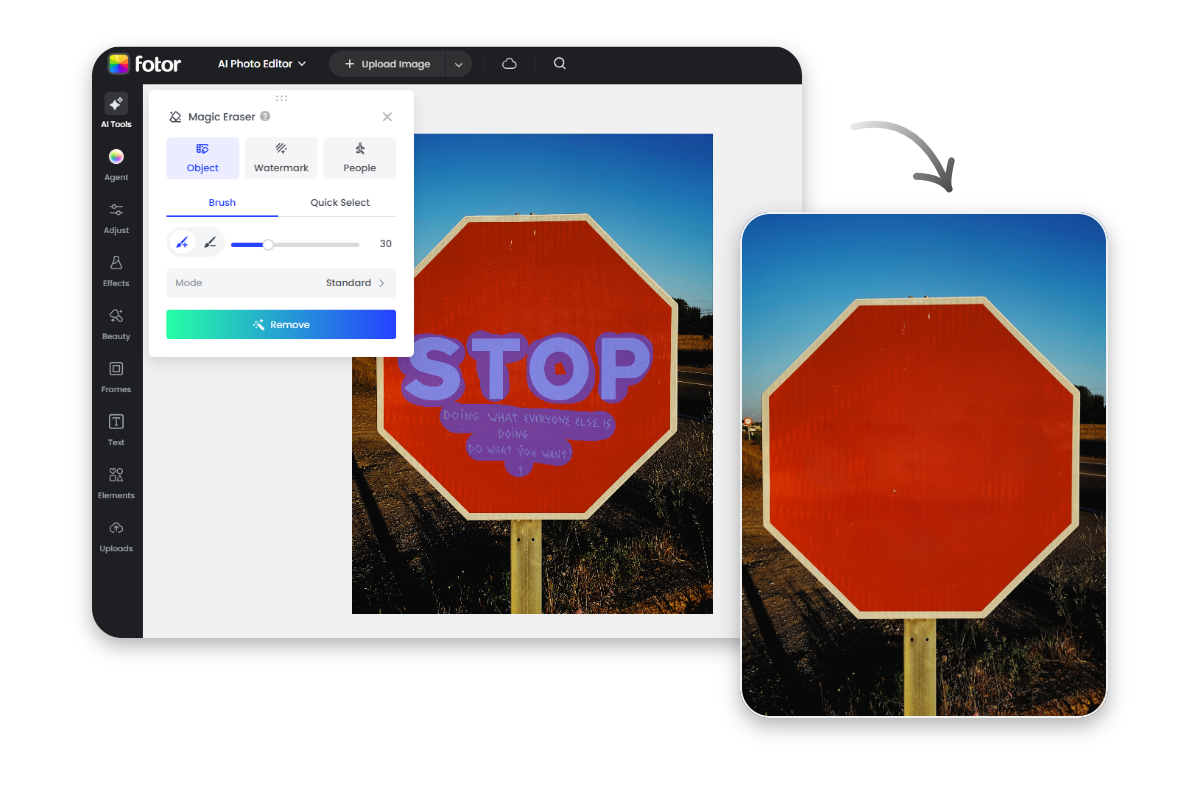
Upload or drag your image into our AI text eraser. Select the Object tab to begin.
Select the Text to Erase
Preview and Download


Remove Text from Image with AI
Our AI text remover allows you to remove text from an image without affecting the background or original visual quality. Simply upload your photos to Fotor’s object remover to take words off a picture. From pricing stickers to distracting captions, it’s never been easier to clean and refresh your images online for a stunning result.
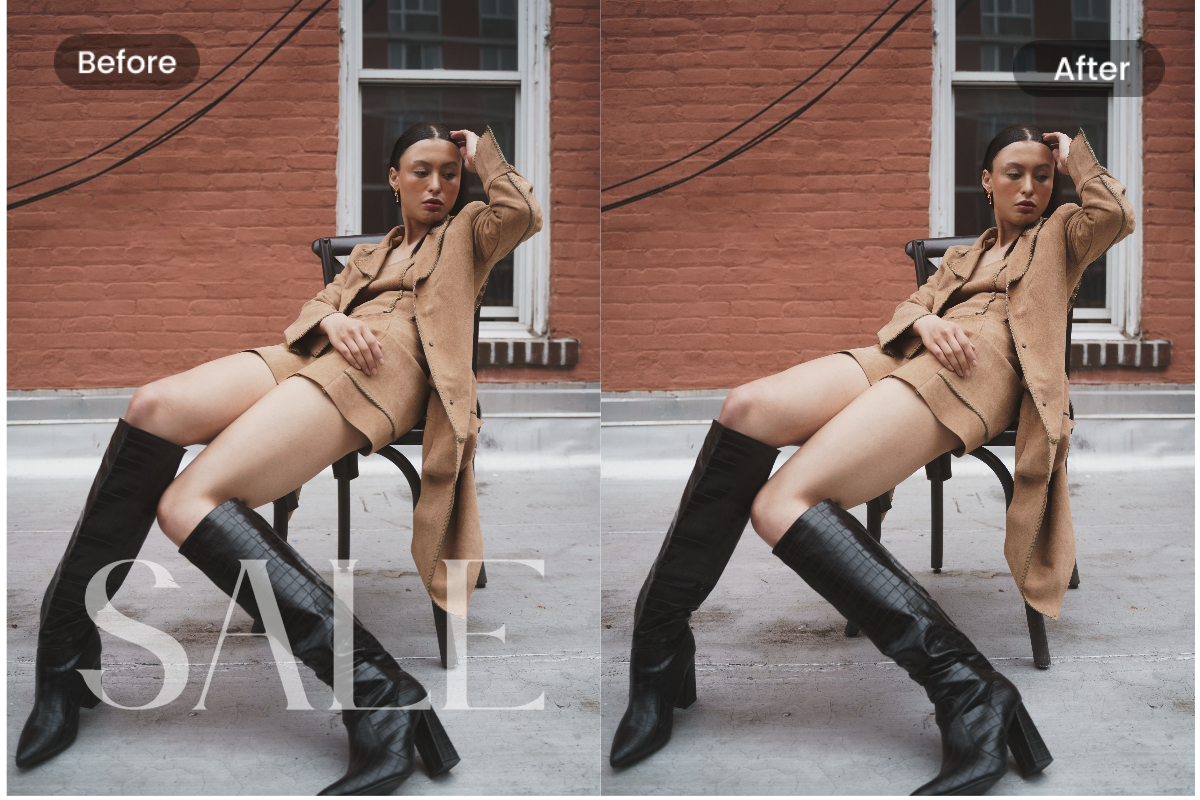
Powerful Online Text Remover from Photo
Don't let annoying watermarks or outdated signs ruin your design materials. Fotor’s word remover lets you remove watermarks from photos online for free, helping you clean marketing collateral or scanned documents efficiently while preserving every detail for professional use.
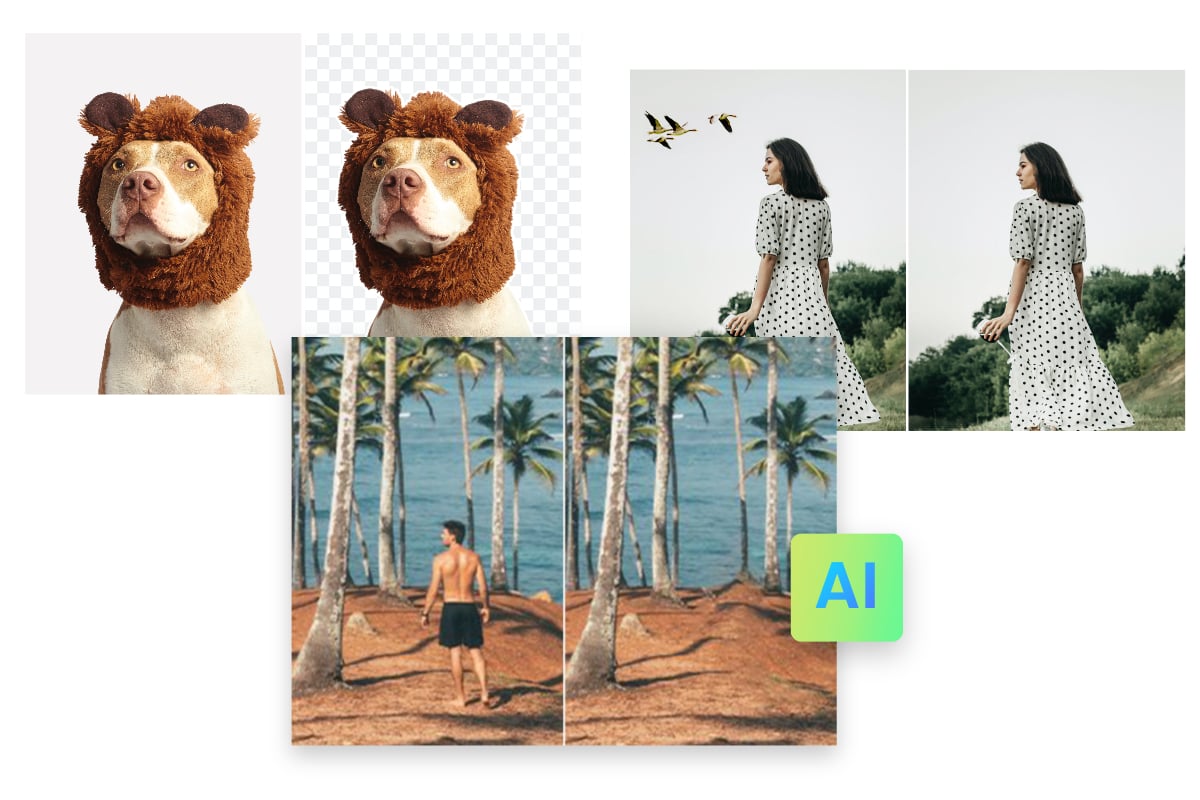
More than Just a Text Remover
Our free image cleaner does more than just remove words from pictures. It’s a versatile tool to clean up all unwanted objects—including removing people from photos, erasing scratches, or removing backgrounds to repurpose your favorite visuals. Any photo bomber can be wiped out within three seconds.
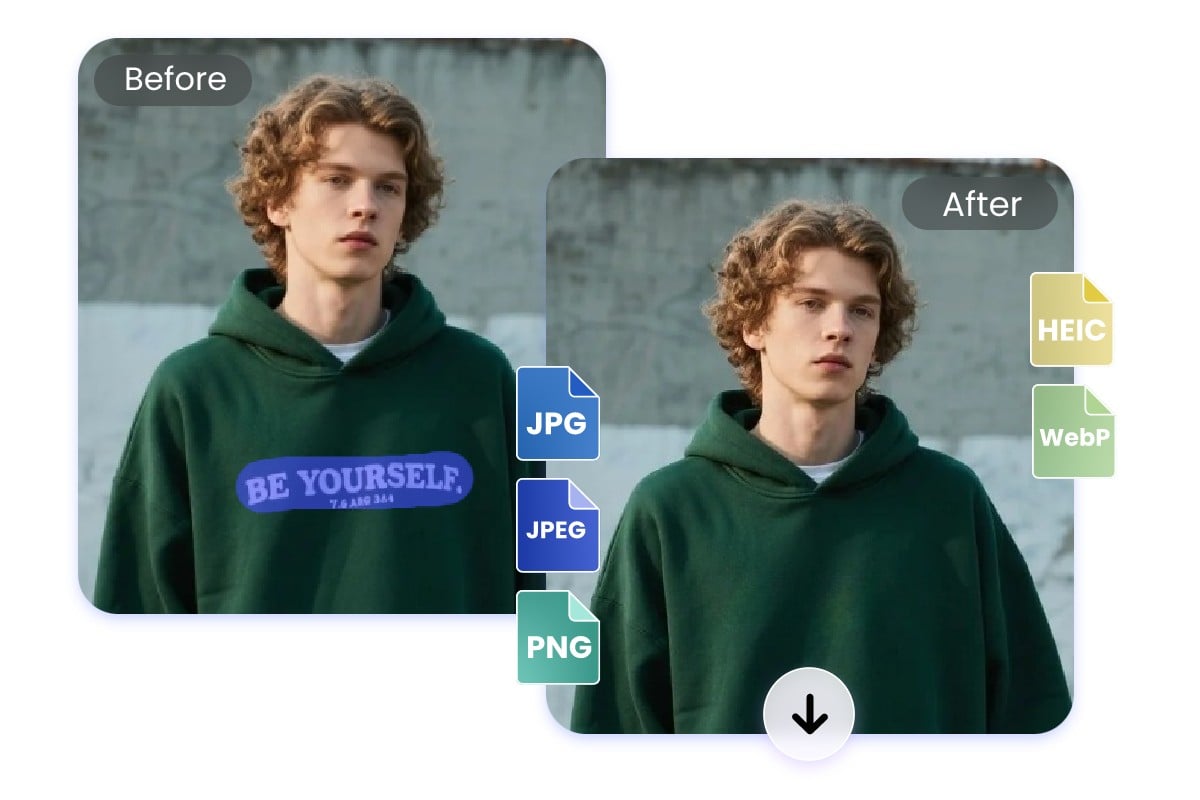
Remove Text from All Image Formats with Ease
Fotor image text remover supports all popular formats including JPG, PNG, BMP, and WebP. Whether you're processing high-res photography or scanned PDF-to-image files, you can remove text from image online without losing quality. No extra steps, file conversions, or technical skills needed.
Why Use Our Online Text Eraser?
![Gradient purple ai icon]()
Advanced AI Technology
Powered by advanced AI to ensure seamless blending even on complex textures and shadows. It reconstructs pixels with professional precision, leaving no trace behind.
![Gradient purple magic wand icon]()
Eaay to Use
Enjoy a fully automated experience. Simply select the area and let our AI detect and remove text and watermarks from images in a single click—no skills required.
![Gradient purple mobile friendly icon]()
Device Friendly Text Remover
Our browser-based text eraser is mobile-friendly. Remove text from photos on the fly anytime, anywhere, without downloading any software.
![Secure ensured icon]()
Privacy Guaranteed
Your data is secure. All uploaded and processed images are encrypted and automatically deleted within 24 hours to ensure your total privacy.




Fotor Trusted By





Learn about Fotor's upload formats and requirements. Review our Privacy Policy to understand how your content is handled.