

Add Free Photo Effects Online
Easily add photo effects to photos with our photo filters online free. Apply cinematic filters and vintage textures, updated for 2026 trends in one click.
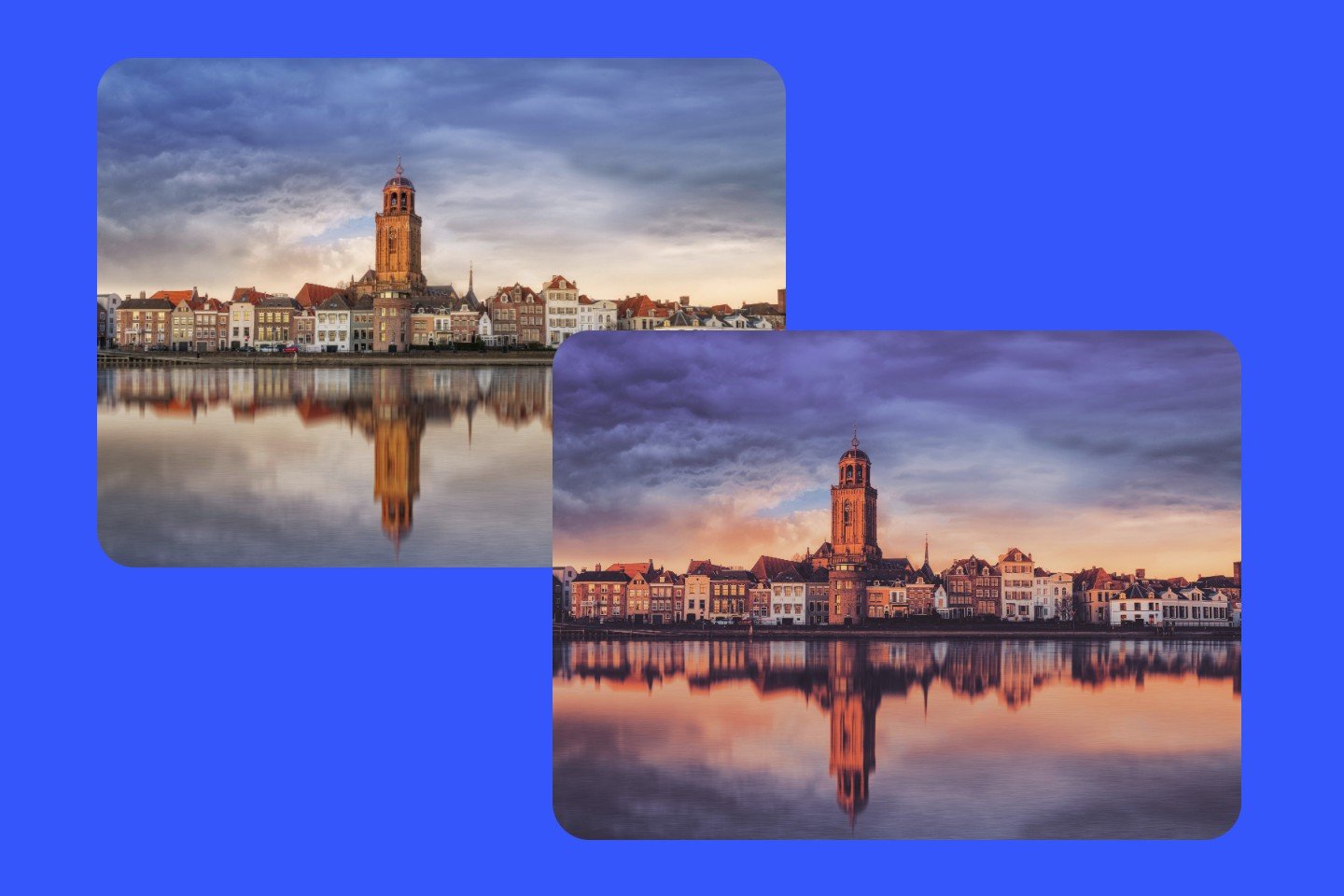
Apply Professional Photo Filters for Instant Results

How to Apply One-Click Photo Effects in Three Steps?
- Add your photo to our secure online photo editor. Pro Tip: Raw or high-resolution images yield the best cinematic color grading results.
- Choose from our vintage or filmatic filters. Use the intensity slider to adjust the effect strength and preserve natural tones.
- Download your non-destructive edit in HD formats (JPG/PNG). Your visuals are instantly ready for social media storytelling or brand portfolios.
Hand-tuned Photo Filters for Every Lighting Condition
Our photo editor library is built on professional color science, offering a diverse range of effects from optical tilt-shift and lomo aesthetics to advanced selective color splash. Each photo filter is tuned to ensure consistent contrast and exposure, providing a studio-quality finish to even the most challenging shots.
Add Flexible Photo Effects with Smart Color Grading
![Creative AI icon]()
Cinematic Precision
Replicate 35mm film textures with sophisticated color grading. Perfect for dramatic, movie-like storytelling.
![all in one platform icon]()
Timeless Aesthetics
Curated filters for modern trends, from clean minimalist looks to authentic Polaroid styles.
![studio quality icon]()
Studio-Grade Control
Maintain 100% skin tone accuracy with our non-destructive intensity slider. High-end results without complexity.



Adjust Effect Intensity for Modern Visual Narratives
Upgrade your creative workflow with our curated library of high-end effects. From cinematic color grading to authentic analog textures, Fotor combines film-style color grading with intuitive controls to help your imagery stand out in a modern aesthetic world.
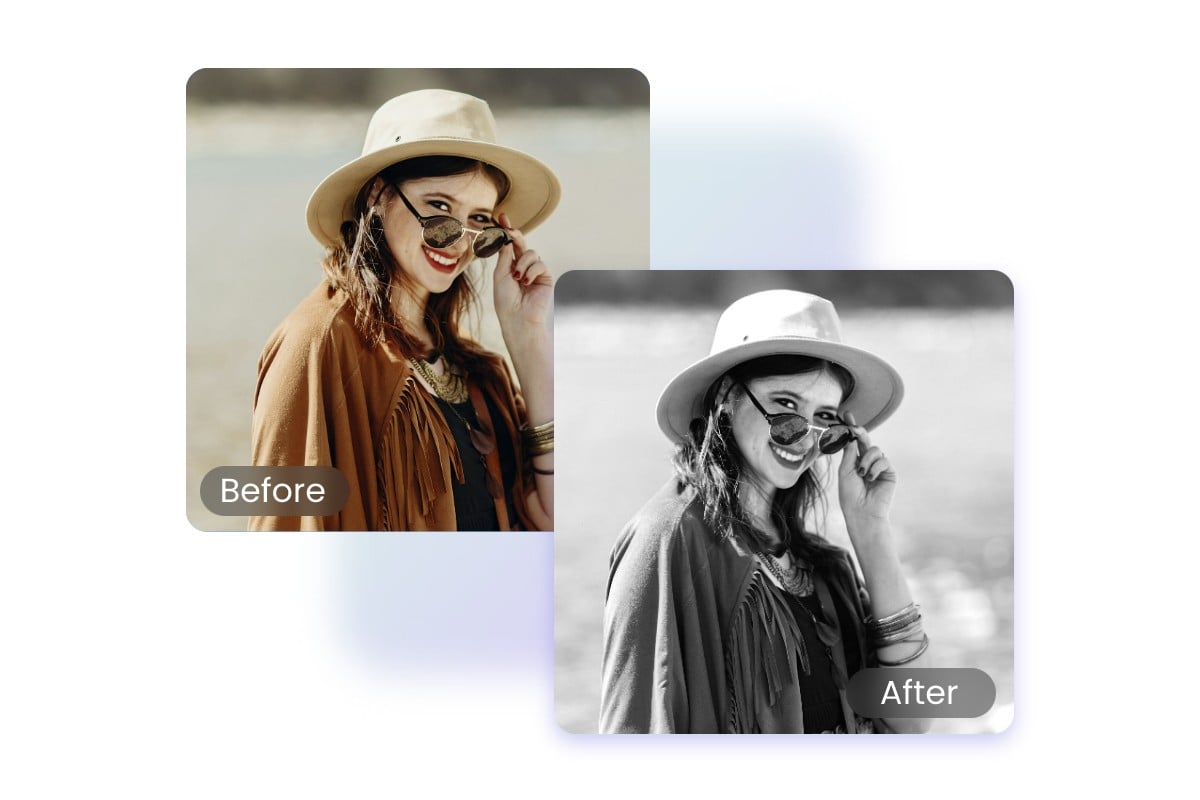
Cinematic & Analog
Cinematic Color Grades: Professional-grade palettes designed for dramatic storytelling. Ideal for YouTube thumbnails and portrait photography.
Analog Film Emulation: Authentic textures that replicate the soul of 35mm classic film, including organic grain and light leaks.
Vintage & Retro: Retro photo filters from the 70s, 80s, and 90s to give your modern shots a nostalgic soul.
Sepia & Monochrome: High-contrast black and white filters that focus on texture, light, and pure emotion.
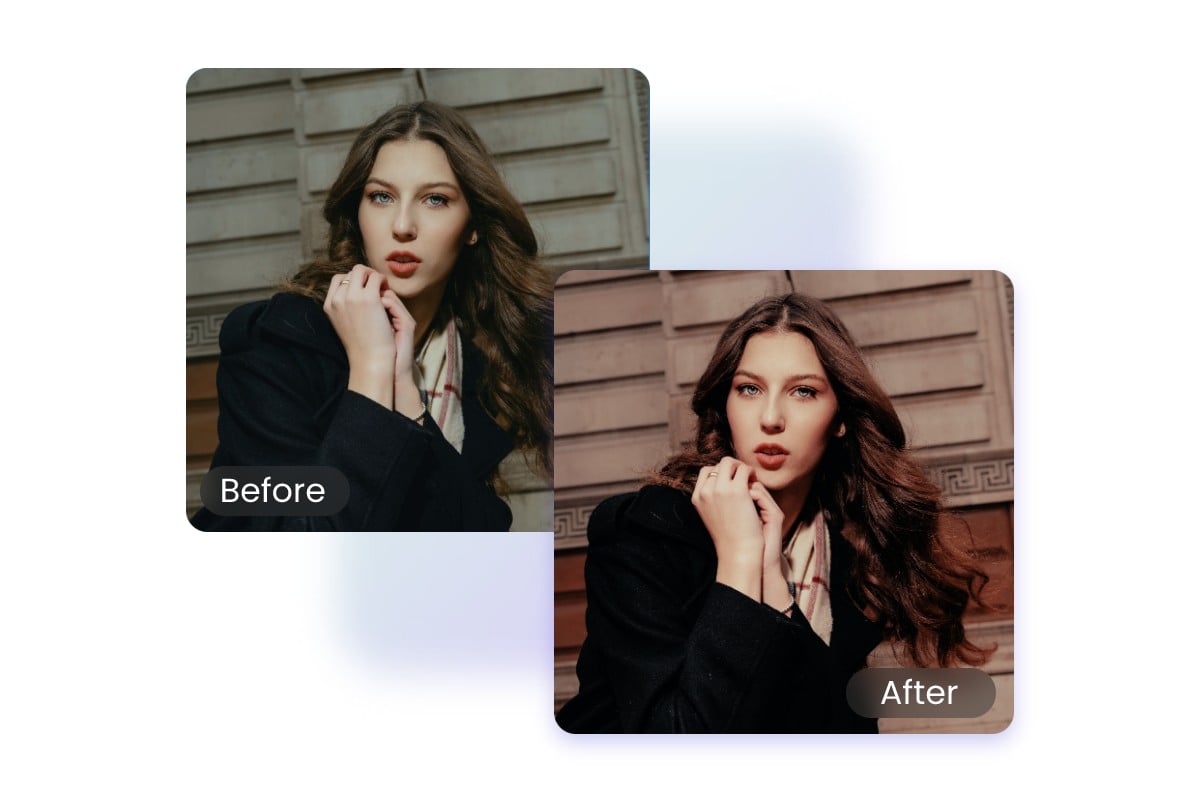
Lighting & Optics
HDR Pro: Expand your dynamic range to recover hidden details in shadows and highlights for a striking, real-world look.
Lens Flare & Glow: Add realistic atmospheric halos and warm sunlight. Perfect for enhancing photos to illuminate subjects.
Tilt-Shift & Depth: Direct the viewer’s eye by simulating high-end lens blur and miniature-scale focus.
Soft Focus: Achieve a dreamy, ethereal glow perfect photo effects for portraits and romantic aesthetics.
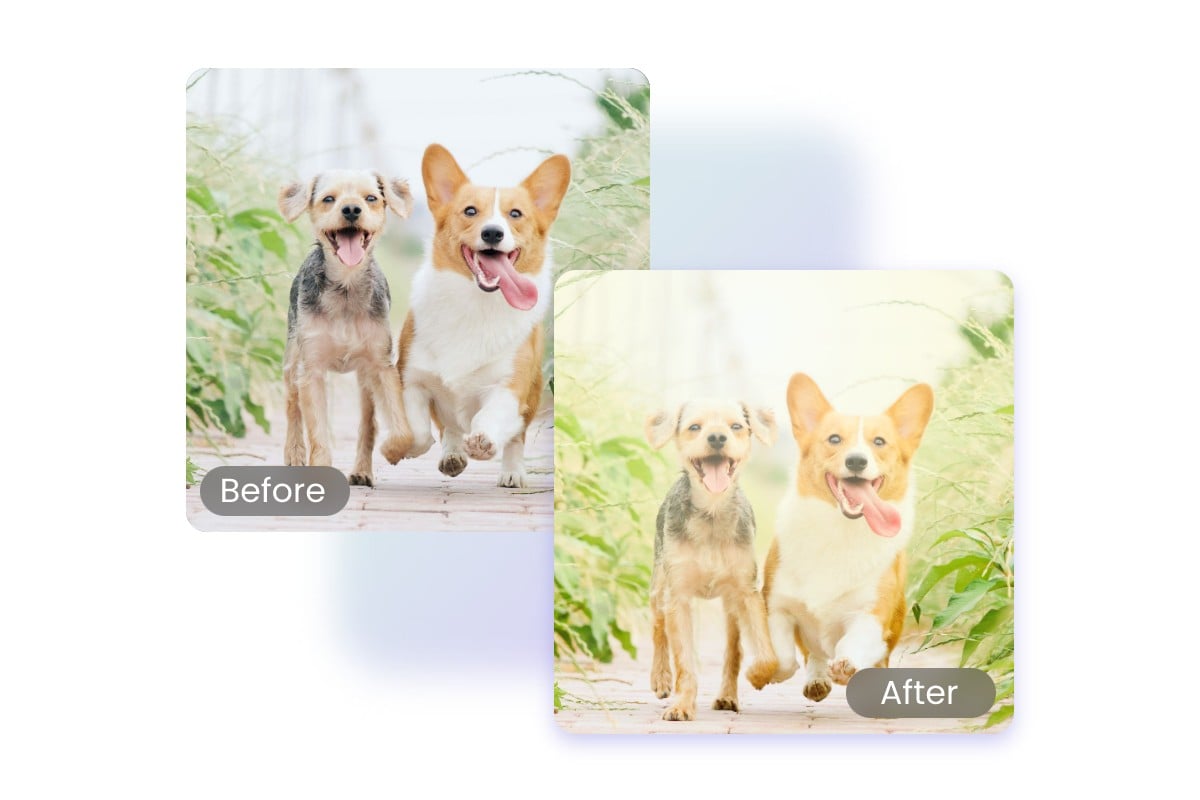
Modern Creative Styles
Glitch & Digital Art: Edgy, contemporary distortion effects like pixelation and color shifting for a futuristic vibe.
Duotone & Pop: Bold, two-tone color schemes designed for high-impact social media branding and graphic design.
Aesthetic Presets: One-tap solutions curated for Instagram and TikTok trends, ensuring a consistent visual feed.
Texture Overlays: Add grit, dust, or paper textures to give digital images a tactile, handcrafted feel.
Total Creative Control Across Every Design Stage
Refine every detail of your workflow with our suite of precision tools. From cinema-standard color grading to online portrait retouching, achieve a cohesive look for all your visual projects.

Add Stickers
Fotor provides you with a range of stickers to meet your photo editing needs, including basic shapes, special Icons, etc.
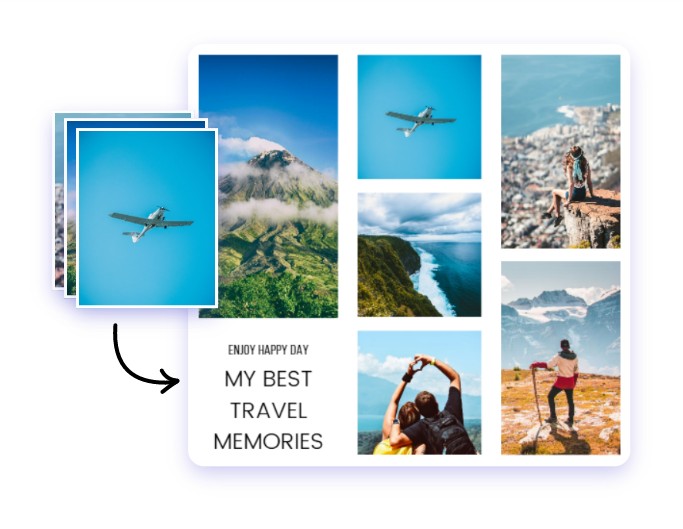
Smart Collages
Make multi-layered graphic stories using adaptive templates and custom image grids.
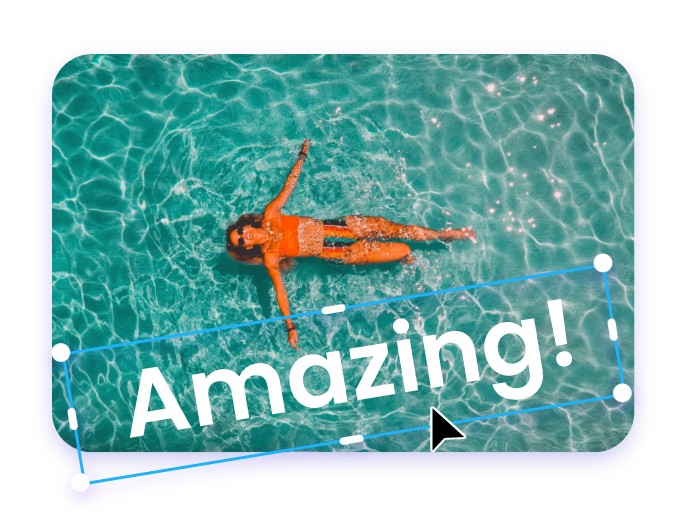
Typography & Layout
Integrate custom fonts and vector stickers to create high-impact brand narratives.
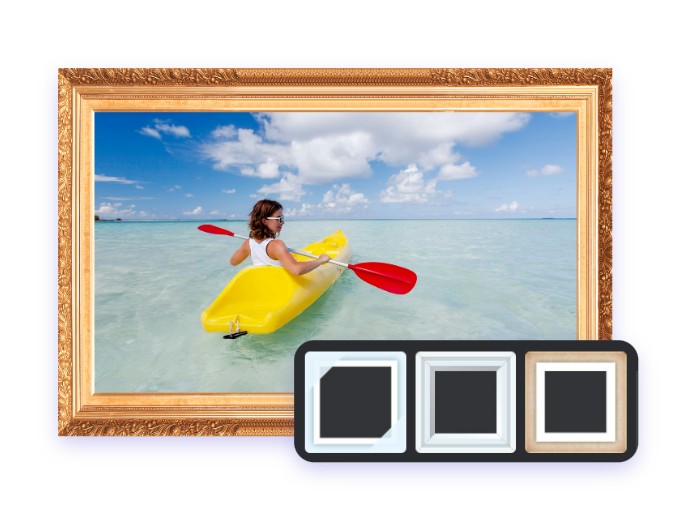
Studio Frames
Apply minimalist borders and edge effects to give your memories a gallery-ready finish.
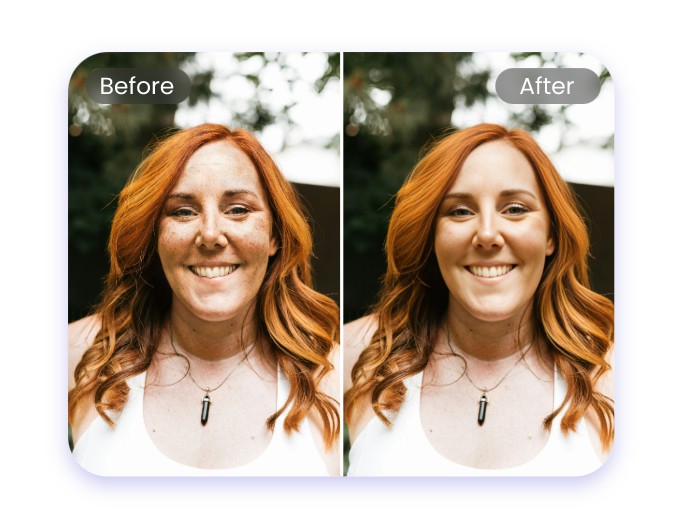
Portrait Refinement
Smooth textures and enhance facial features while preserving natural skin details.
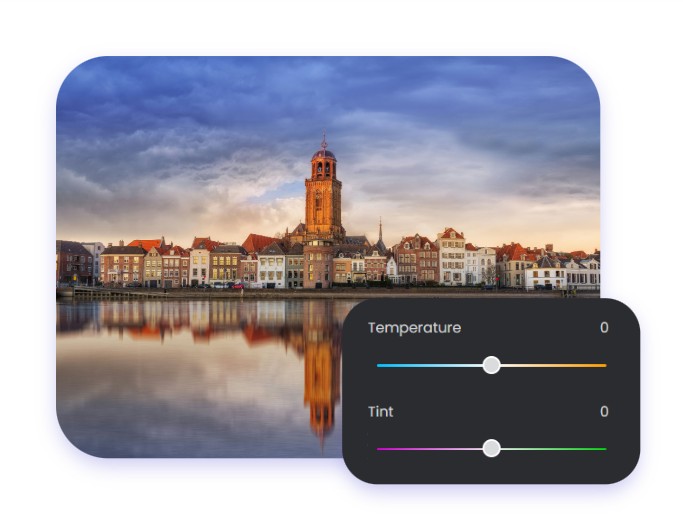
Color Grading
Fine-tune luminance, saturation, and white balance with cinema-standard precision.