Marvin

Remove bg. Alternatives: 5 Best Free Background Removers

If you are looking for a reliable Remove.bg alternative, this guide provides an honest, practical review based on real test results. While Remove.bg is popular, it still has limitations on monthly credits, image dimensions, and supported file formats.

To help you find a better option, I tested the top alternatives using the exact same image to compare their performance side by side.

Try for Free
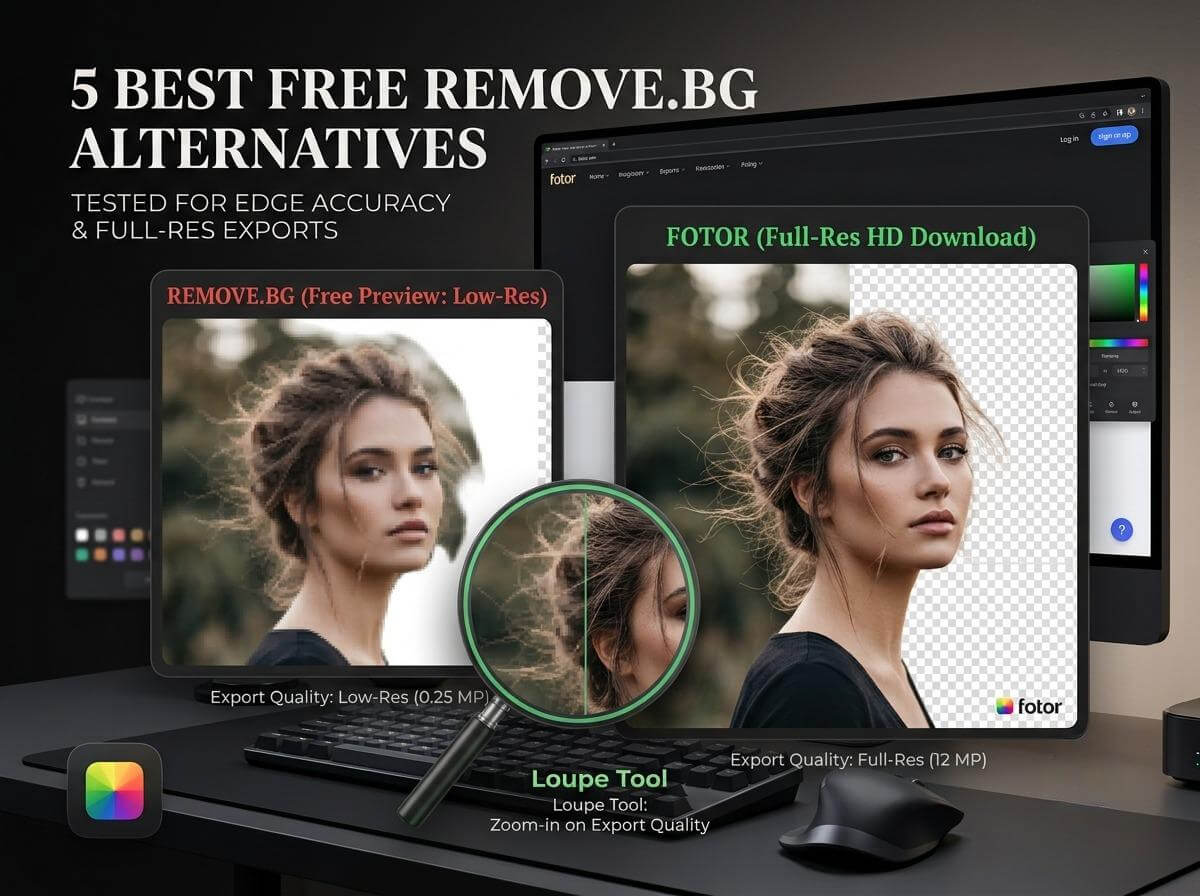
The banner photo of a blog on remove bg alternative

Where Remove.bg Falls Short

Remove.bg works well for quick, everyday tasks, but free users frequently run into several bottlenecks:

  • Low output resolution: The free plan caps downloads at 0.25 megapixels. This low resolution makes it difficult to use the output for product photography or professional design.
  • Limited free downloads: You only get 50 free preview downloads per month, making the tool impractical for anyone needing to process images regularly or in batches.
  • Strict input restrictions: The free version only supports standard formats like JPG, PNG, and WebP, and the maximum supported size is 22 megabytes.

My Test Criteria

I focused on finding free background removers that solve these specific pain points without sacrificing edge accuracy.

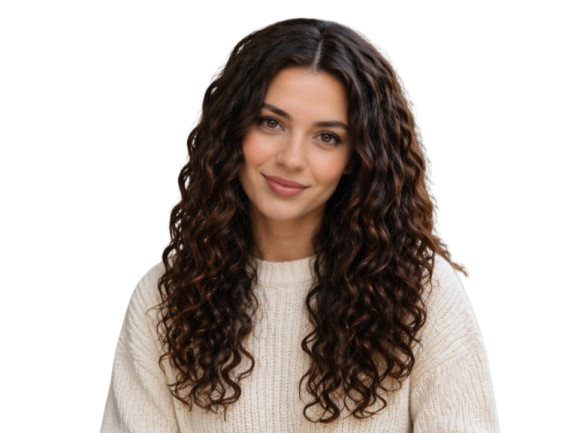
The Test Image:

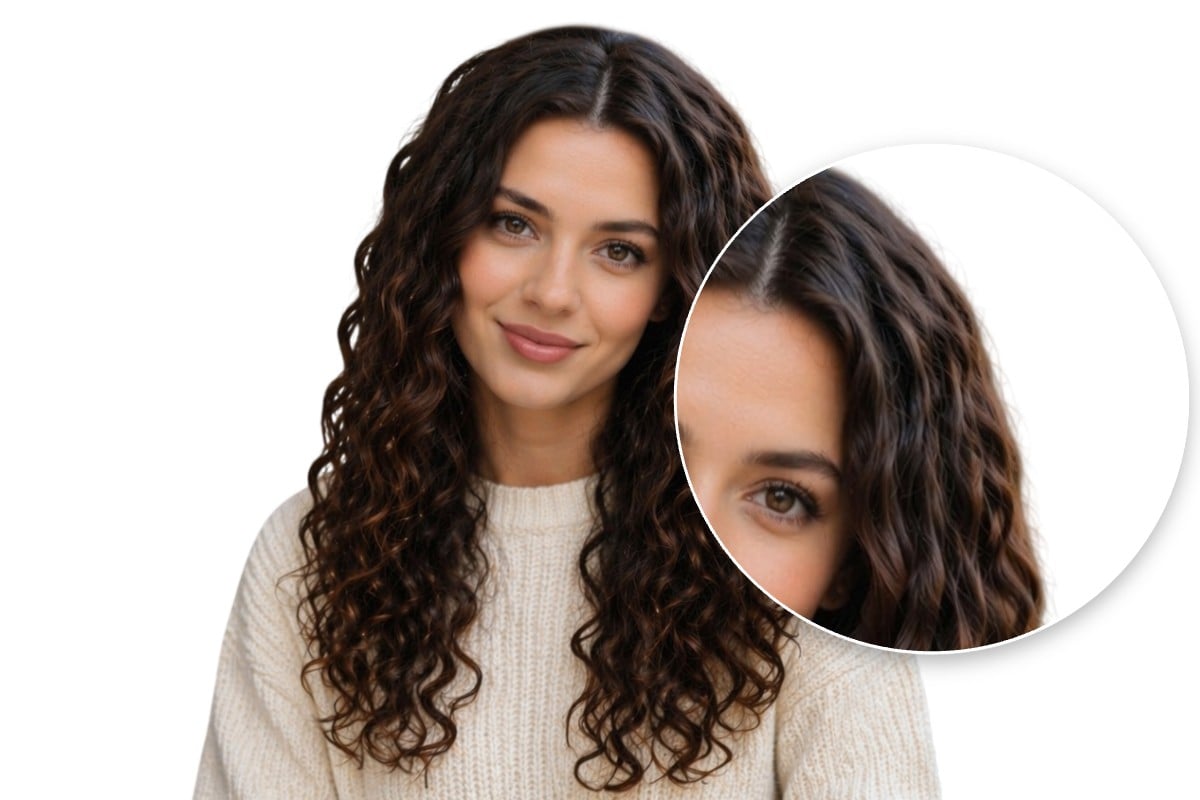
I uploaded a high-resolution portrait of a woman with curly hair to every platform. This allowed us to see how well each tool handles difficult details like fine hair strands and complex edges.

The Baseline: How Remove.bg Performed

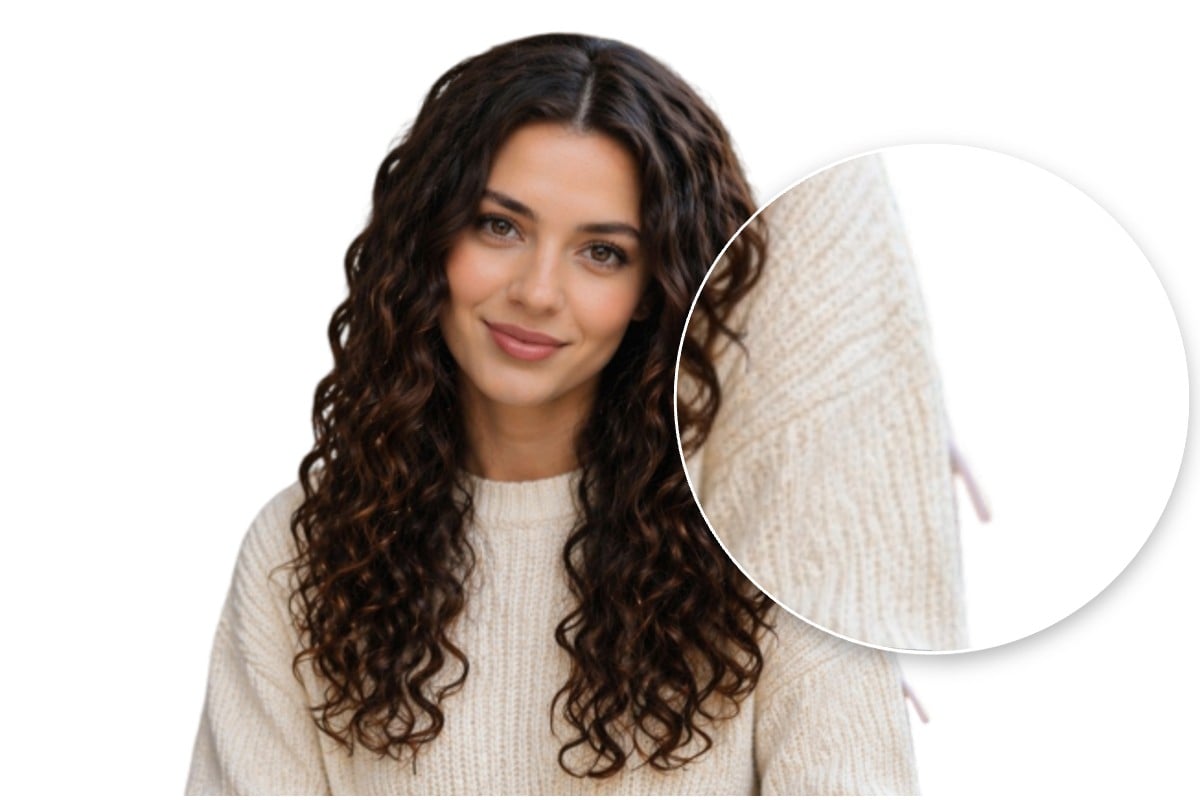
When I uploaded our original image, Remove.bg's free tier downscaled the output. This caused noticeable pixelation and soft, blurry edges around the hair.

1. Fotor: Best Free Remove.bg Alternative

The Test Result

Fotor maintains the original quality, keeping the result sharp and crisp. The hair string is precisely cropped out, with minimal detail loss. And the picture is crystal-clear and natural, with no noticeable blurry edge or white halo.

How It Solves Remove.bg's Pain Points

✅️Full-resolution exports: Retains the original source resolution and dimensions.

✅️Flexible free access: No restrictive daily limits.

✅️Broad format and size support: Supports JPG, JPEG, PNG, WebP, HEIC, and HEIF up to 40 MB and 8192*8192 pixels.

Bonus points

Built-in Subject Adjustments: Fotor allows you to directly drag, rotate, and resize the isolated subject to fit your layout right after the processing.

All-in-One Editing Workflow: I can finish further design adjustments entirely within the same platform. In contrast, Remove.bg has a more fragmented interface that often requires jumping to another app, which usually demands an extra login.

2. Picsart: Best for Adding 3D Depth

The Test Result

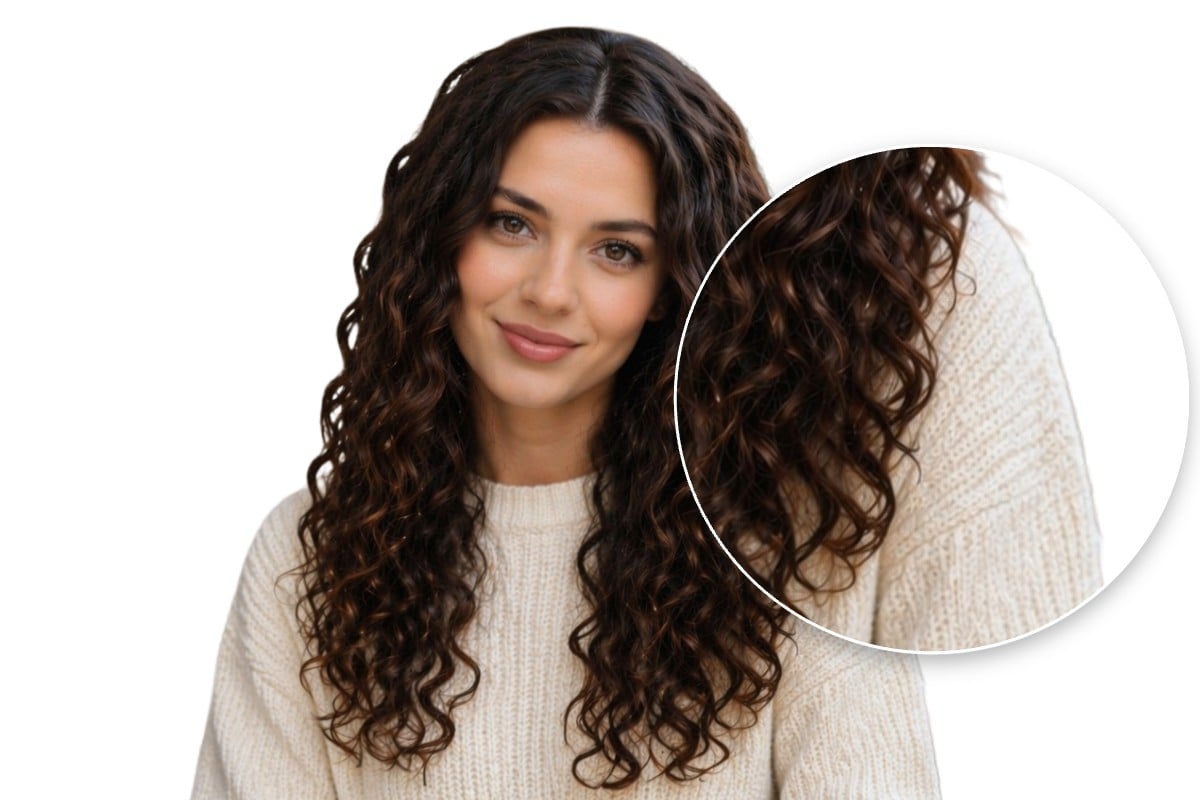
Picsart automatically applies a shadow to the outline, which helps retain the object's dimensional look when changing backgrounds. However, it might not fit flat graphic designs, so its usefulness depends on your project.

How It Solves Remove.bg's Pain Points

High-quality downloads: Keeps the source definition intact.

Limited trial access: Only offers a 7-day trial, making it less practical for bulk tasks.

Standard format support: Works exclusively with JPG, JPEG, PNG, and WebP.

3. Photoroom: Best for Preserving Hair Details

The Test Result

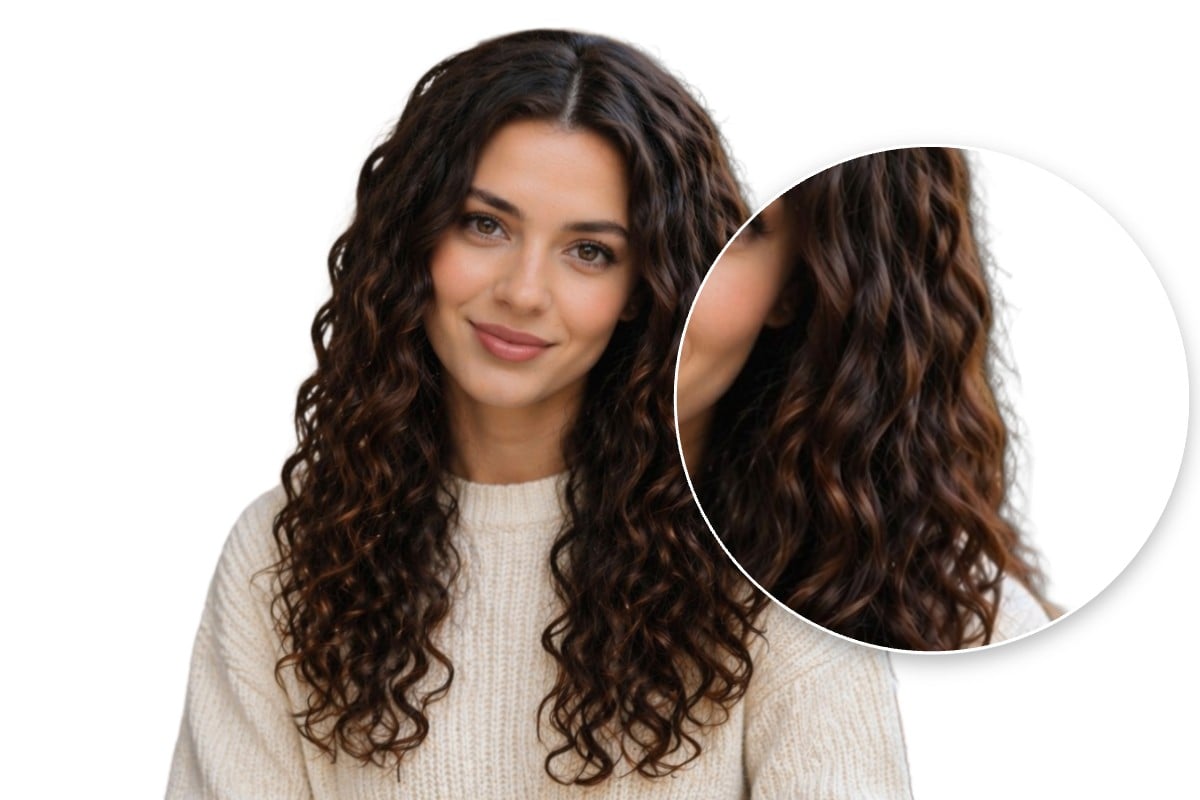
Photoroom saves the most edge details and keeps the fine hairs around the silhouette well. The downside is that the edges have noticeable shadows, which makes the cutout look a bit unnatural.

How It Solves Remove.bg's Pain Points

Full-resolution exports: Retains the original source resolution.

Flexible free access: No usage limits on the free version.

❌️Limited format support: Restricted to JPEG and PNG uploads.

4. Adobe Express: Best for 100% Free Access

The Test Result

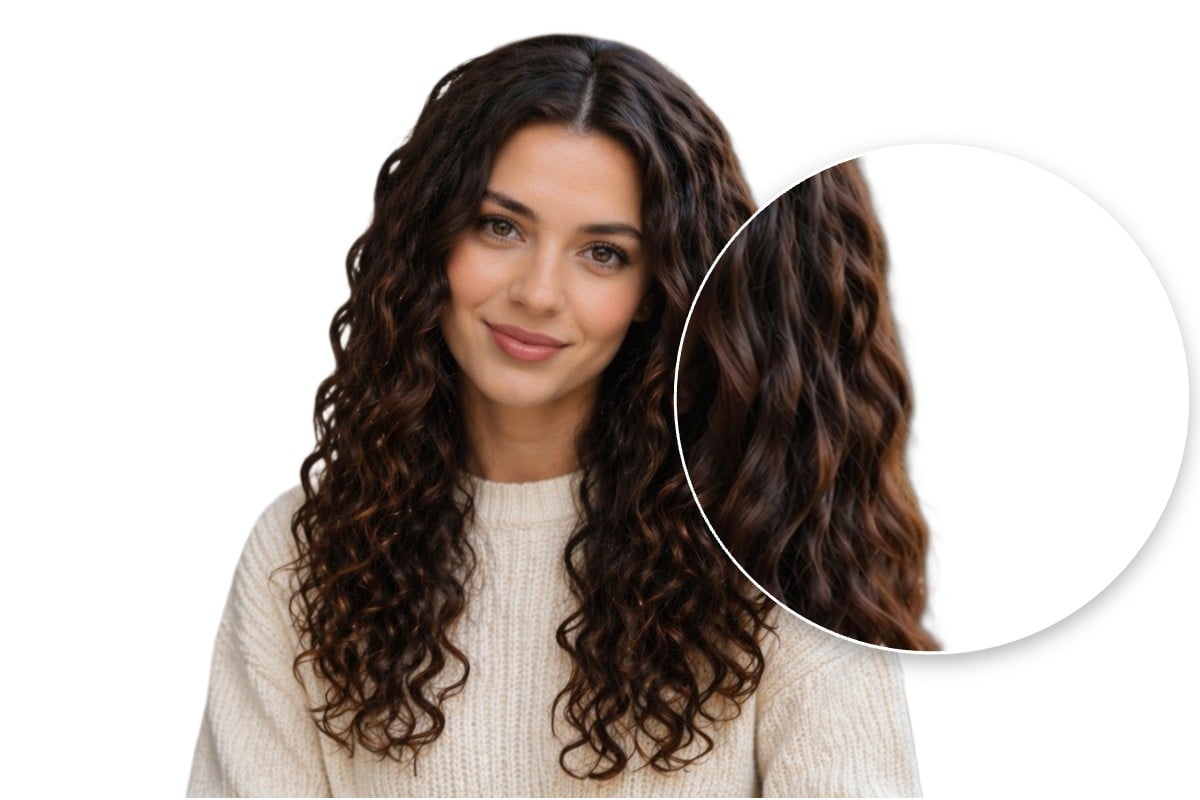
Adobe Express tends to shave off delicate hair strands along the borders. This results in a softer cut that can appear slightly artificial.

How It Solves Remove.bg's Pain Points

Uncompressed output: Retains full resolution during export.

Completely free tier: Free to use without any cost.

❌️Basic file compatibility: Accepts only JPEG, PNG, and WebP.

5. Cutout.pro: Best for Basic Hair Edges

The Test Result

Cutout.pro works decently in hair separation, but the tool failed to isolate the background completely, leaving the back of the chair behind the subject.

How It Solves Remove.bg's Pain Points

Unlimited processing: Allows endless free attempts.

❌️Low output resolution: Restricts free tier downloads to lower-resolution previews.

❌️Strict size restrictions: Caps maximum uploads at 4000 x 4000 pixels.

Conclusion: How to Choose the Right Background Remover

While Remove.bg is highly accessible, its resolution and credit caps often limit professional design and ecommerce workflows. The right alternative should streamline your process by offering full-resolution exports and supporting your preferred file formats without forcing you into an immediate paywall.

Ultimately, your choice depends on whether your project requires preserving exact source dimensions, handling intricate edge textures, or performing further design edits directly within the platform. By matching these specific tool capabilities to your creative needs, you can find a workflow that maintains quality and efficiency without unexpected restrictions.