Kling Motion Control
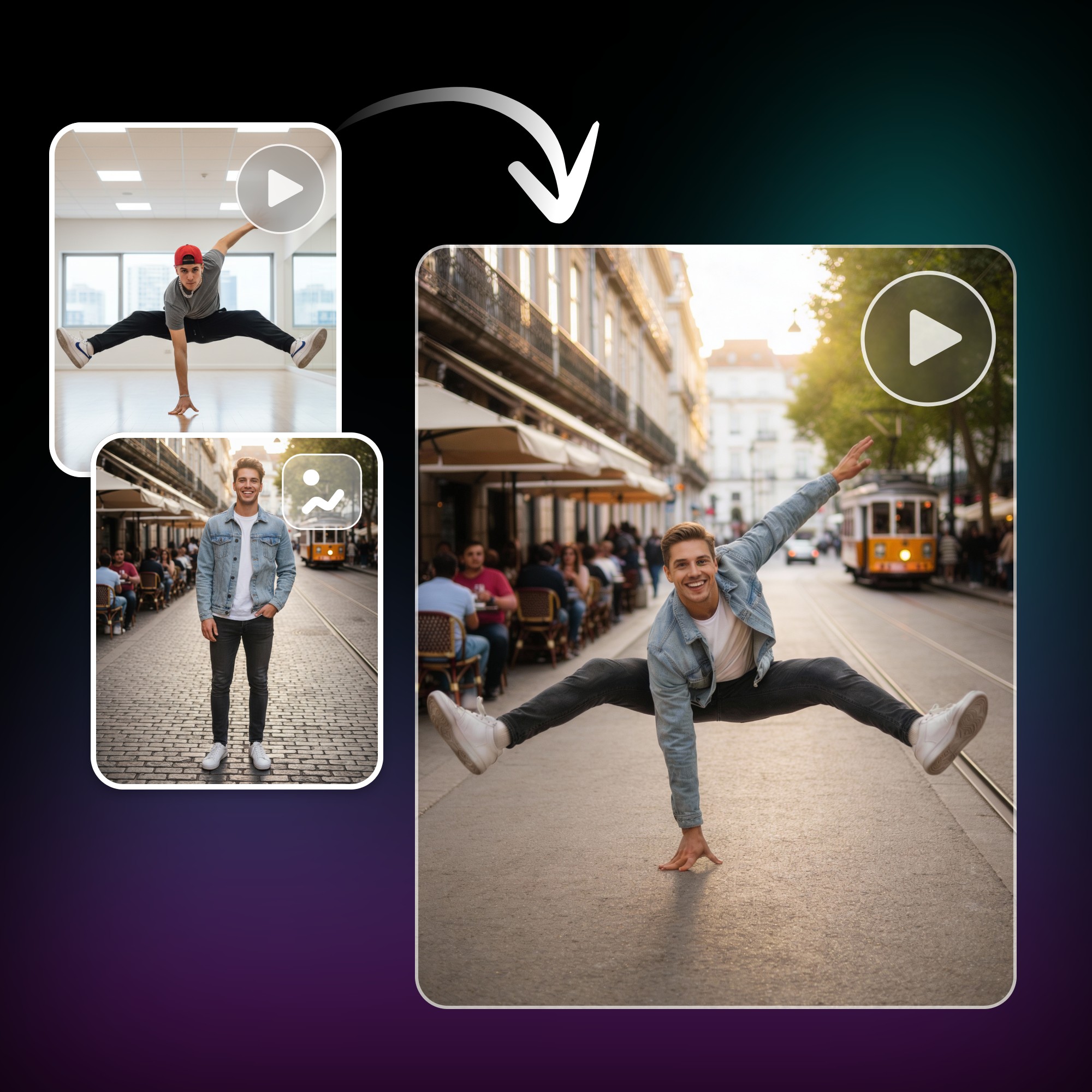
Anime photos with precise video action using Kling motion control AI. Upload a photo and a reference video, then watch Fotor AI motion transfer the movement onto your character. From expressions, dance moves to gestures and full-body action, create lively animated videos ready for social platforms in minutes.
Powered by the Best AI Model for Video Generation





Popular Motion Control Video Types with Kling Motion Control
Kling AI motion control turns photos into dynamic videos by transferring motion from reference clips. Try different styles using AI video generator model from live action, cartoon, pet to virtual characters, show how movement is mapped naturally onto images, with smooth motion and consistent results, ready for sharing across social platforms.
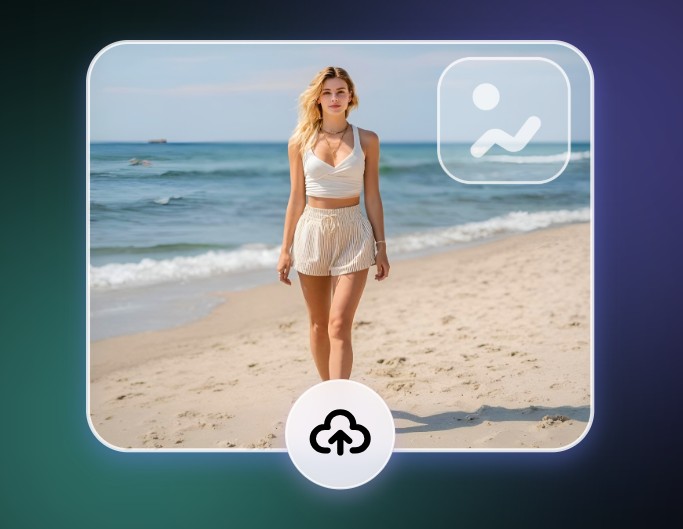
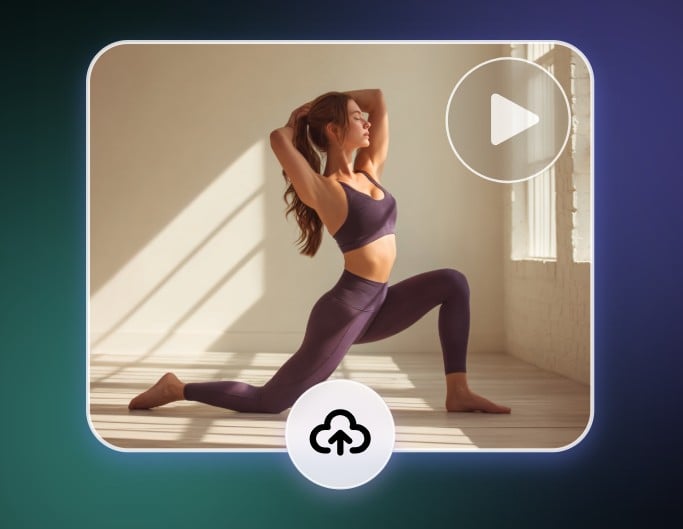
How to Transfer Video Motion to a Photo with Fotor AI?
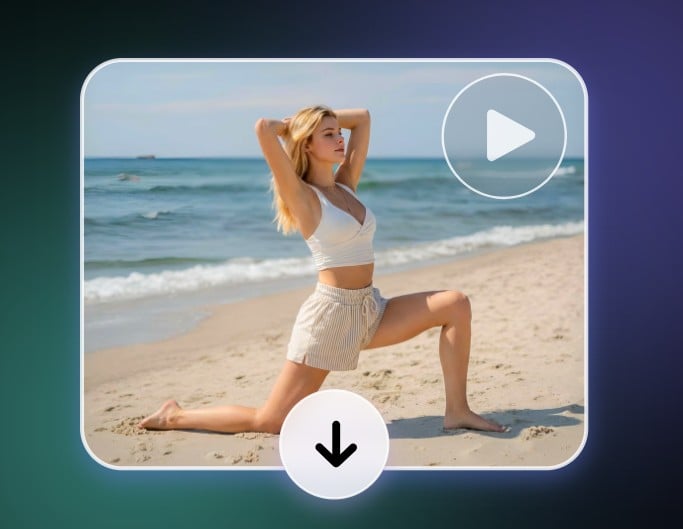
Why Use Kling Motion Control AI Free Online with Fotor?
![Easy and fast generation icon]()
Simple to Use
Upload a photo and a reference video, then generate motion results in just a few clicks without extra setup.
![Free AI video generator icon]()
Free Without Login
Test Kling motion control instantly with no sign-up, so you can see results before committing.
![Create videos from text and images with Fotor]()
Flexible Motion Input Options
Use any video clip to guide movement, from full-body actions to small gestures and timing.
![Wider aspect ratio icon]()
Stable Character Motion Mapping
The system keeps your character’s look consistent while applying motion smoothly across frames.
![Multilingual AI video generator icon]()
Precise Direction and Pose Control
Motion follows the original direction, posture, and body alignment from the reference video.
![Customization icon]()
Detailed Expression and Gesture Control
Facial movement and hand gestures are handled with extra care for natural, readable motion.





What Is Kling AI Motion Control?
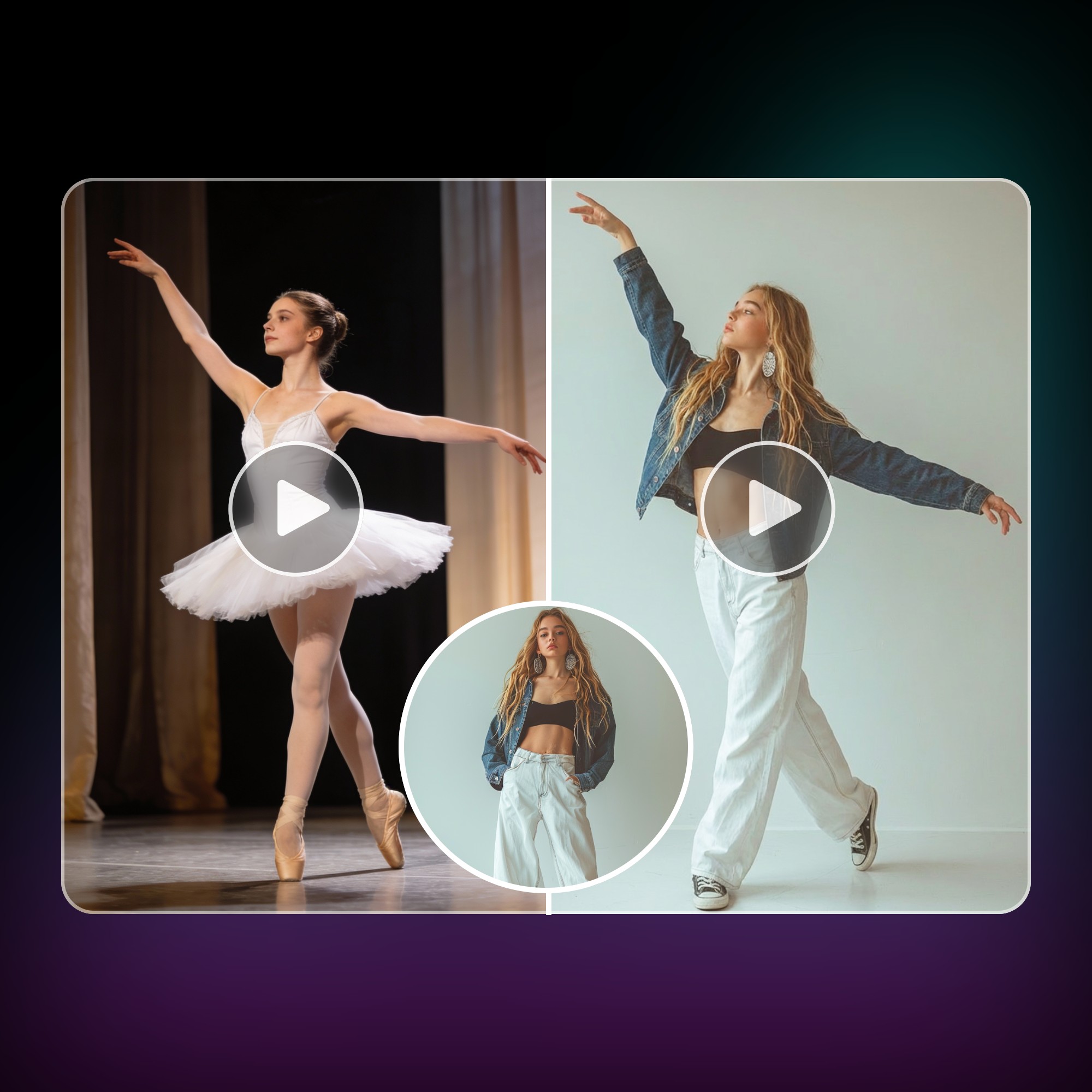
Kling AI motion control is an AI feature that animate a single photo into a moving video by applying motion from a reference video. You upload an image, then choose a video that shows the movement you want. The system transfers body motion, gestures, and timing onto the photo, keeping the original appearance while adding natural movement. It works with people, animals, cartoons, virtual characters, and so on.
Key Use Cases and Benefits for Content, Social, and Branding
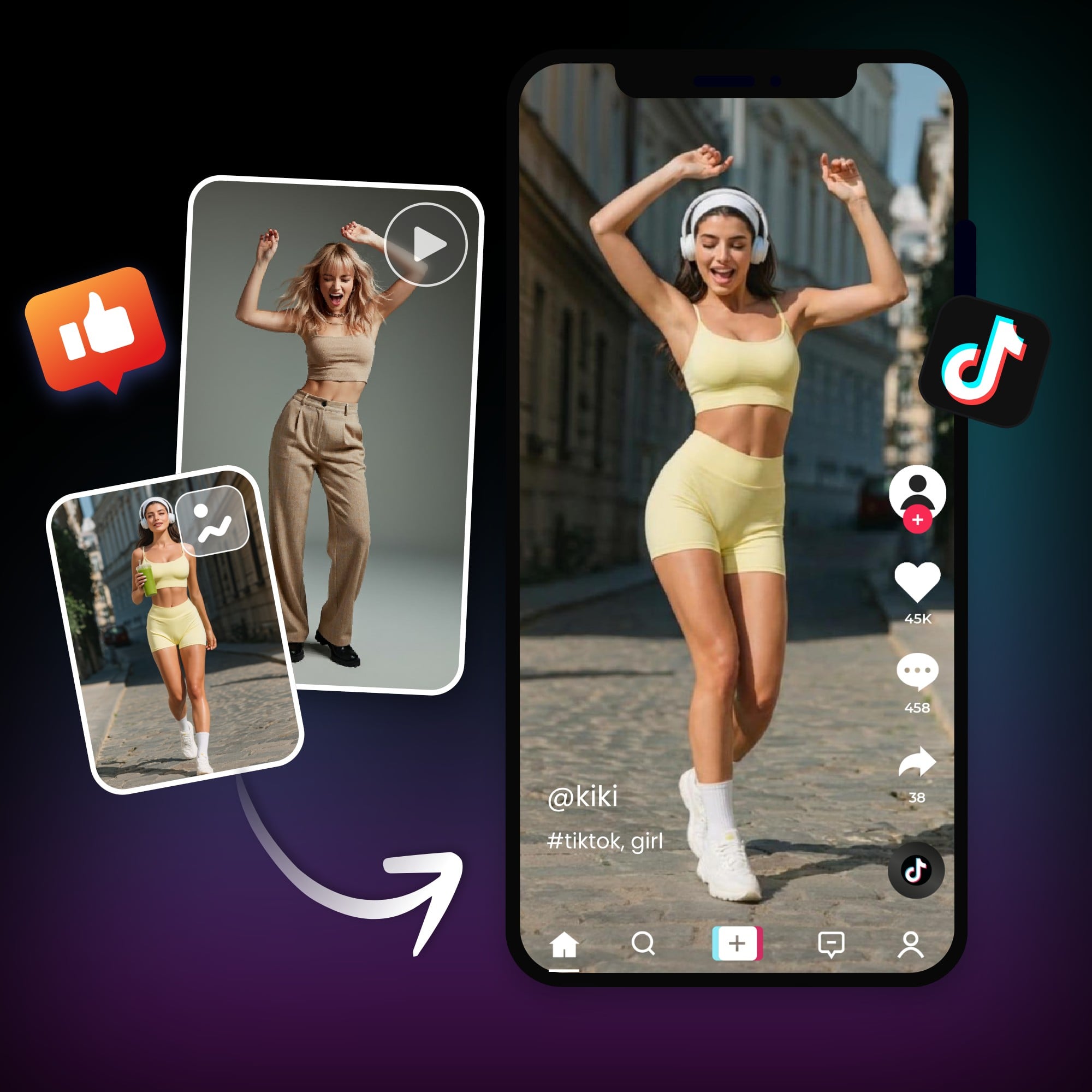
Kling motion control AI online is widely used for short-form videos, social posts, and creative experiments. Creators use it to follow trending dance moves, brands animate mascots or characters, and teams produce eye-catching visuals without filming. The workflow is simple, results are consistent, and videos are ready for platforms like TikTok, Instagram, and YouTube Shorts, helping content stand out with minimal effort.
How Motion Control Works: Motion Extraction and Accurate Animation
Motion control AI starts by analyzing the reference video frame by frame to extract movement data such as body pose, timing, and direction. That motion data is then mapped onto the uploaded photo, adjusting proportions and transitions to match the image structure. This process keeps movements smooth and aligned, even for complex actions like dancing, full-body motion, or fast gestures.